Retour au blog
Génération de leads pour les entreprises technologiques : 10 outils pour 2026

Andrea López
Partager
Points clés à retenir (TL;DR)
La meilleure solution globale de génération de leads pour les entreprises technologiques : Enginy génère des listes d'entreprises technologiques à partir des stacks technologiques, des recrutements et des signaux de levée de fonds, puis exécute les séquences d'e-mails, de réseaux sociaux et d'appels à partir de la même fiche enrichie. L'outil est conçu pour qu'un commercial puisse l'utiliser sans l'aide d'un ingénieur GTM.
Pourquoi vous en avez besoin : Les acheteurs techniques ignorent les prises de contact génériques et se manifestent rarement d'eux-mêmes ; les équipes performantes contactent donc le bon compte la semaine où un changement survient, plutôt que la semaine où une liste a été achetée.
À qui cela s'adresse : Aux éditeurs de logiciels B2B, aux entreprises de services informatiques et fournisseurs de services managés (MSP), aux entreprises de cybersécurité et aux fondateurs de la tech menant des actions outbound au Royaume-Uni et en Europe.
Comment choisir le bon outil : Décidez d'abord si vous achetez un logiciel ou faites appel à une agence, puis évaluez les outils selon qu'ils intègrent nativement des signaux technographiques et de recrutement, et qu'une seule solution couvre la recherche, l'enrichissement et la prise de contact sans nécessiter d'autre achat.
Fourchette de prix : Enginy fonctionne sur devis par compte selon un modèle de crédits réparti sur quatre niveaux, de Basic à Enterprise. Dans le reste de cette liste, les prix d'entrée publics vont de la gratuité pour un niveau limité, de 47 $ à 167 $ par mois pour les outils en libre-service, jusqu'à 3 333 $ par mois pour les outils de signaux vendus sous contrat annuel.
Aperçu des meilleurs outils de génération de leads pour les entreprises technologiques en 2026
Entreprise | Idéal pour | Points forts clés | Tarification |
Enginy | Les équipes commerciales de la tech voulant données, signaux et outreach en un seul endroit | Enrichissement en cascade sur plus de 30 fournisseurs, filtres de stack technologique et de recrutement, campagnes multicanales, synchronisation CRM | Sur devis personnalisé, basé sur des crédits selon quatre formules |
Apollo.io | Les petites équipes logicielles ayant besoin de volume à un prix d'entrée bas | Vaste base de données en libre-service, séquences intégrées, formule gratuite, tarification par utilisateur affichée | Gratuit, puis de 49 $ à 119 $ par utilisateur par mois avec facturation annuelle |
Cognism | Les entreprises technologiques vendant par téléphone au Royaume-Uni et en Europe | Numéros de mobile vérifiés par téléphone, couverture européenne, filtrage des listes d'opposition téléphonique, réserve de crédits partagée | Forfaits Standard, Pro et CRM Enrichment, sur devis par compte |
Clay | Les équipes GTM techniques créant leur propre logique d'enrichissement | Enrichissement en cascade sur de multiples sources, colonnes de recherche IA, tableaux flexibles | Formule gratuite, puis 167 $ et 446 $ par mois avec facturation annuelle |
Common Room | Les éditeurs de logiciels axés sur le produit (PLG) exploitant les signaux du produit et de la communauté | Capture des signaux à travers le produit, la communauté et le Web, crédits de recherche IA, crédits de prospection | À partir de 2 500 $ par mois, formules supérieures sur mesure |
UserGems | Les équipes de logiciels d'entreprise suivant les acheteurs changeant d'emploi | Suivi des changements de poste et des champions, alertes de comptes réchauffés, tarification annuelle affichée | 3 333 $, 6 250 $ ou 12 500 $ par mois, facturés annuellement |
Leadfeeder | Les entreprises de la tech convertissant le trafic Web anonyme en comptes cibles | Identification des visiteurs au niveau de l'entreprise, filtres d'intention, workflows CRM et d'alertes | Formule Lite gratuite, puis 79 €, 369 € et 599 € par mois avec facturation annuelle |
Lemlist | Les équipes exécutant des séquences multicanales avec un budget mensuel fixe | Séquençage multicanal, outils de délivrabilité, crédits de données payés au succès | 55 $ ou 87 $ par mois avec facturation annuelle, Enterprise sur devis |
Instantly | Cold email à volume élevé nécessitant une infrastructure d'envoi robuste | Chauffe des boîtes mail (warm-up), infrastructure de délivrabilité, grande base de leads, enrichissement technologique et de financement | Packs à 94 $, 194 $ et 555 $ par mois |
HubSpot Sales Hub | Les entreprises de la tech standardisant le traitement de l'inbound et le CRM | Formulaires et routage inbound, séquences, reporting, CRM natif | Gratuit jusqu'à 2 utilisateurs, puis 90 $ et 150 $ par utilisateur par mois |
Qu'est-ce que la génération de leads pour les entreprises technologiques ?
La génération de leads pour les entreprises technologiques consiste à trouver des comptes correspondant à votre produit, à identifier les personnes qui influencent une décision d'achat technique et à engager des conversations qui débouchent sur un rendez-vous. La mécanique est la même que pour toute démarche B2B. Ce qui change, ce sont le comité d'achat, les signaux indiquant le moment opportun pour agir et la rapidité avec laquelle un message générique est supprimé.
Le centre d'aide d'Enginy explique comment chacun de ces champs est stocké et filtré dans une liste active, et notre guide détaillant ce qu'est la génération de leads présente les étapes fondamentales.
Trois facteurs distinguent le secteur technologique.
Le comité est technique et autonome : un développeur ou un responsable de la sécurité se fait une opinion bien avant l'intervention du service des achats, et il le fait en lisant la documentation plutôt qu'en interrogeant un fournisseur.
Les signaux sont particulièrement visibles : les logiciels utilisés par une entreprise, les postes à pourvoir et les levées de fonds sont tous observables de l'extérieur, ce qui n'est pas le cas dans la plupart des secteurs.
Le canal est saturé : chaque fournisseur disposant d'une base de données contacte les mêmes directeurs techniques (CTO) ; la pertinence est donc le seul élément qui distingue un message d'un autre.
Les éditeurs de logiciels et les entreprises de services informatiques vendent différemment
Les guides les mieux positionnés sur cette thématique traitent le secteur technologique comme un public unique, et c'est là que les conseils commencent à être trompeurs. Un éditeur de logiciels et une société de services informatiques ne recherchent pas les mêmes comptes, et leurs listes reposent sur des logiques opposées.
Un éditeur de logiciels vend un produit reproductible à un profil client idéal (ICP) mondial : il prospecte donc largement et applique des filtres stricts, généralement basés sur les effectifs, le secteur et les outils déjà utilisés par le compte. Le volume compte, car le produit est le même pour tous.
Une entreprise de services informatiques, un fournisseur de services managés (MSP) ou un cabinet de conseil vend de la capacité opérationnelle et de l'expertise sur un périmètre régional plus restreint, souvent accessible à un ingénieur. La génération de leads pour les entreprises de services informatiques repose donc sur la profondeur d'une liste plus courte, car les 400 mêmes comptes seront travaillés pendant des années.
Les conseils rédigés pour les éditeurs de logiciels s'appliquent rarement ici, c'est pourquoi la génération de leads pour les équipes commerciales des entreprises informatiques s'appuie sur les recrutements et les évolutions technologiques plutôt que sur le volume brut de la liste.
Cette distinction détermine lesquels des outils présentés plus loin dans ce guide vous conviendront. Avant d'en choisir un, il est utile d'évaluer ce que vous coûte déjà votre configuration actuelle.
Pourquoi la génération de leads est-elle indispensable pour les entreprises technologiques ?
Parce que l'alternative est une équipe commerciale qui passe la majeure partie de la semaine à ne pas vendre. L'étude State of Sales de Salesforce évalue cette part à 60 % de temps sans vendre, le reste de la semaine étant consacré aux tâches administratives, à la planification et à la saisie manuelle de données. Chaque heure passée par un commercial à constituer une liste est une heure qui ne se transformera jamais en conversation.
Le deuxième problème est que la stack technologique censée résoudre cela en est souvent la cause. La même enquête Salesforce a révélé que 42 % des commerciaux sont submergés par un nombre excessif d'outils, que seul un tiers environ des équipes utilise un système tout-en-un tandis que les autres utilisent en moyenne huit outils distincts, et que 84 % des équipes dépourvues de système tout-en-un prévoient de regrouper leurs outils.
Les entreprises de la tech y sont particulièrement exposées, car acheter un nouvel outil est le réflexe auquel toute l'équipe est habituée.
Vient ensuite l'obsolescence. L'étude de ZeroBounce sur l'obsolescence des listes a révélé qu'au moins 23 % d'une liste d'e-mails se détériore chaque année, et le secteur technologique connaît un turn-over qui le prouve bien. Les intitulés de poste changent et les équipes se réorganisent, de sorte que le décideur qui a choisi votre produit le trimestre dernier travaille aujourd'hui dans une autre entreprise.
Le timing est l'élément que la plupart des équipes sous-estiment. L'étude de RAIN Group sur la prospection montre qu'il faut en moyenne 8 points de contact pour décrocher un premier rendez-vous ; ainsi, un seul e-mail bien rédigé envoyé au compte idéal échoue encore plus souvent qu'il ne réussit.
Le séquençage basé sur les signaux est ce qui permet à ces prises de contact d'aboutir, c'est pourquoi les signaux d'achat B2B font plus pour le pipeline d'une entreprise tech que 10 000 fiches supplémentaires. La séquence qui les exploite est la même que celle employée pour générer des leads B2B dans n'importe quel secteur, mais appliquée à une liste plus ciblée.
La rapidité est cruciale dès qu'un lead manifeste son intérêt. L'étude sur la réactivité aux leads menée par le MIT et InsideSales a montré que les chances de qualifier un prospect sont divisées par 21 lorsque l'appel a lieu au bout de 30 minutes au lieu de cinq. Pour un éditeur de logiciels proposant un essai gratuit, c'est la différence entre interagir avec un développeur alors que le produit est encore ouvert sur son écran et le contacter après qu'il a fermé l'onglet.
Optimisez ces éléments et les chiffres s'inverseront. Factorial, un éditeur de logiciels RH, a remplacé le sourcing manuel par des listes automatisées dans Enginy : l'entreprise est passée d'une personne produisant une dizaine de leads par jour à 5 000 leads par mois, les taux de réponse grimpant de 10 % à 45 % et le taux de conversion doublant de 4 % à 8 %.
Qui a besoin de la génération de leads pour les entreprises technologiques ?
Toute entreprise technologique a besoin de générer des leads. Les critères appliqués par chacune diffèrent, et les cinq profils ci-dessous sont ceux qui ressentent le problème le plus nettement.
Les directeurs commerciaux des éditeurs de logiciels B2B
Les responsables commerciaux des éditeurs de logiciels ont des objectifs qui supposent une démarche outbound efficace, et ils subissent les conséquences quand ce n'est pas le cas. Un pipeline qui stagne, des taux de réponse en baisse chaque trimestre et des commerciaux qui semblent débordés tout en manquant leurs quotas : tout cela prend racine dans la qualité de la liste.
Ce qu'ils recherchent, c'est un pipeline prévisible sans devoir recruter davantage ; ils évaluent donc la génération de leads B2B pour la tech au coût par réunion obtenue plutôt qu'à la taille de la base de données.
Ce chiffre n'est mesurable que si vous mesurez la performance commerciale de manière cohérente, et c'est l'indicateur qui tranche la plupart des débats sur les outils.
Les entreprises de services informatiques et les fournisseurs de services managés (MSP)
Un prestataire de services informatiques vend de la capacité sur un marché régional défini, ce qui rend chaque compte digne d'une recherche approfondie. Le problème est que ces mêmes comptes sont démarchés par tous les prestataires concurrents, généralement avec le même discours sur la réduction des temps d'arrêt.
Leur critère déterminant est la qualité des déclencheurs. La génération de leads pour les entreprises informatiques fonctionne lorsque la prise de contact intervient la semaine où un compte publie une offre pour un poste d'administrateur système, change d'outil principal ou ouvre un second site, et ne donne rien le reste du temps. La génération de leads B2B pour les services IT est donc bien plus une question de timing que de volume.
Les éditeurs de cybersécurité vendant à l'IT d'entreprise
Les éditeurs de sécurité s'adressent aux directeurs de la sécurité des systèmes d'information (RSSI/CISO) et aux ingénieurs en sécurité, qui forment le public technique le plus difficile à démarcher à froid et le plus enclin à vérifier chaque affirmation avant de répondre. Leurs comités d'achat sont larges, et la moindre information invérifiable fait perdre l'opportunité.
Ils ont besoin d'un ciblage reposant sur les outils déjà déployés par le compte, ainsi que de séquences multi-interlocuteurs touchant conjointement le responsable de la sécurité, le gestionnaire des infrastructures et le sponsor exécutif, plutôt que successivement.
Les fondateurs d'entreprises technologiques en phase de démarrage
Un fondateur qui vend lui-même son produit n'a pas d'ingénieur GTM et manque de temps pour configurer des logiques d'enrichissement complexes. Il lui faut une liste immédiatement exploitable, et il doit savoir rapidement si un nouveau segment réagit favorablement.
Ici, la rapidité prime sur la configurabilité. Les fondateurs qui gèrent la génération de leads pour des éditeurs de logiciels testent souvent trois marchés en même temps, et l'outil qui met en place une séquence opérationnelle dès l'après-midi l'emporte. Ce qu'ils automatisent en priorité importe plus que le volume total d'automatisation, ce qui constitue le point de départ pratique de l'automatisation des ventes au sein d'une petite équipe.
Les équipes Sales Operations et RevOps
Le RevOps gère toute la tuyauterie : constitution des listes, déduplication, enrichissement, hygiène du CRM et routage. Ce sont généralement eux qui paient déjà pour une base de données, un outil de vérification et un séquenceur qui ne partagent pas la même structure de données.
Leur évaluation repose sur les taux de correspondance, la profondeur de l'intégration et la charge de travail hebdomadaire qui disparaît une fois l'outil connecté. La consolidation est souvent leur objectif annuel principal, et dans les équipes techniques, cela s'étend de plus en plus au MCP pour les équipes commerciales afin qu'un assistant IA puisse lire les mêmes fiches que les commerciaux.
Les meilleurs outils de génération de leads pour la tech : revue détaillée et comparatif
Les classements des solutions de génération de leads pour l'IT s'accordent rarement, car la bonne réponse dépend de votre domaine d'activité et des critères d'évaluation de vos acheteurs.
Les dix outils ci-dessous répondent à quatre missions différentes : trouver des comptes, les enrichir, détecter un élément déclencheur et exécuter la prise de contact. Ils ne recoupent que partiellement les outils de génération de leads généralistes abordés dans la plupart des comparatifs.
Commençons par celui conçu pour réunir ces quatre fonctions au sein d'un flux de travail unique.
1. Enginy
Vue d'ensemble
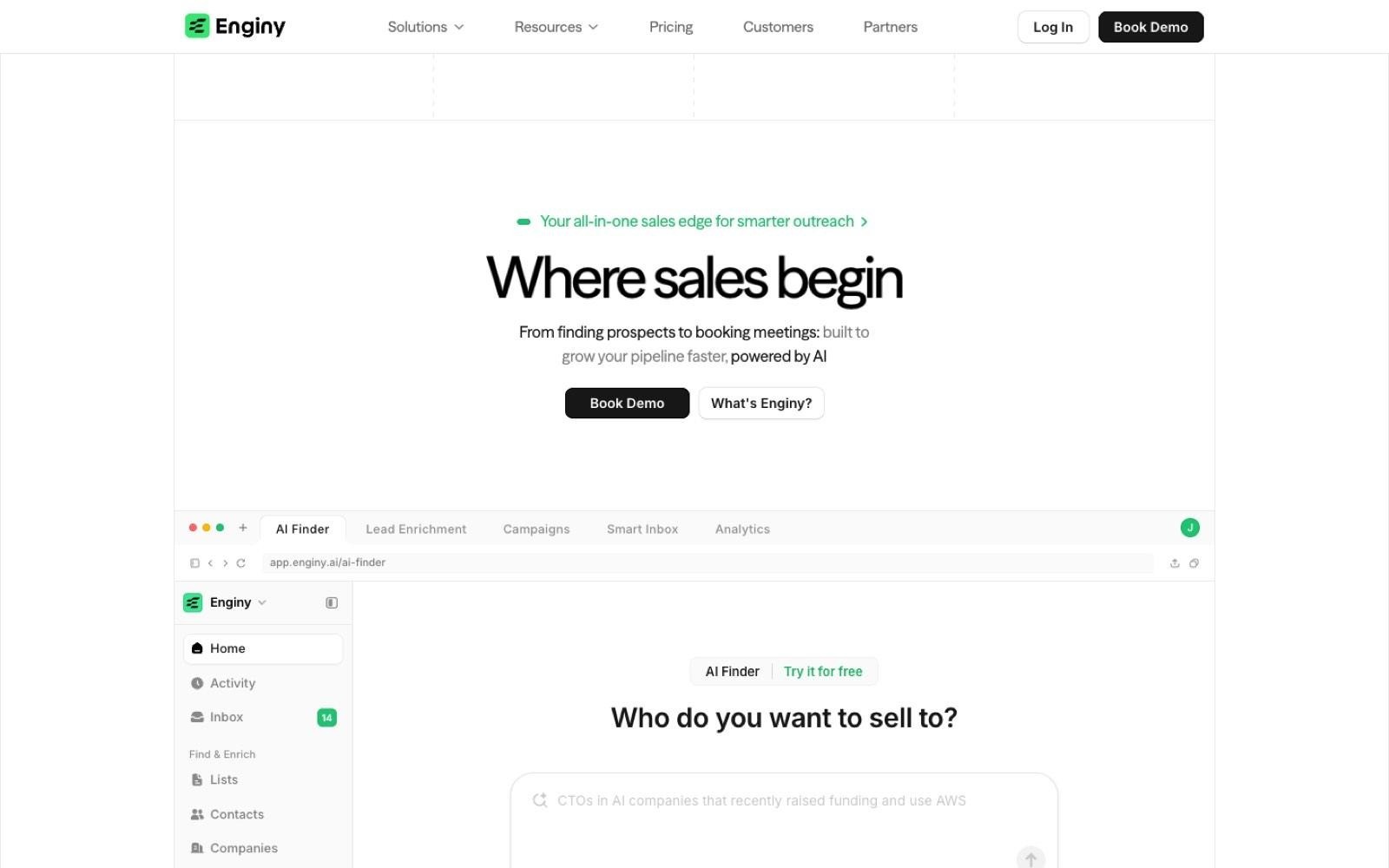
Enginy est un outil de vente B2B natif pour l'IA qui réunit la découverte de prospects, l'enrichissement de données et l'outreach multicanal en un seul endroit.
Plutôt que de vendre l'accès à une base de données statique, il extrait en temps réel les données de contact auprès de plus de 30 fournisseurs d'enrichissement et applique une logique de cascade (waterfall), de sorte que chaque champ est renseigné par la source qui possède réellement la donnée. C'est l'enrichissement de données pensé comme une chaîne continue plutôt qu'une requête unique.
Pour les entreprises technologiques, le point fort réside dans les critères disponibles pour créer les listes. Les filtres couvrent la stack technologique, les recrutements, les levées de fonds, les changements de poste, les anciens employeurs, la participation à des événements et l'engagement envers une publication sur les réseaux sociaux — autant de signaux indiquant qu'un compte est en mouvement, et pas simplement qu'il correspond à vos critères théoriques.
Le problème ciblé est la prolifération excessive d'outils. La plupart des équipes tech achètent une base de données, puis un séquenceur, puis une solution pour nettoyer les fichiers exportés entre les deux, perdant de nombreuses heures commerciales dans ces passerelles manuelles.
Enginy prend en charge l'ensemble de la séquence (scraping, nettoyage, enrichissement, vérification, importation et attribution) au sein d'un seul workflow, puis se synchronise avec HubSpot, Salesforce, Pipedrive, Dynamics 365, Zoho ou Attio.
Idéal pour
Les éditeurs de logiciels B2B disposant d'équipes SDR et AE structurées
Les entreprises de services informatiques et les MSP ciblant un secteur géographique précis
Les entreprises de cybersécurité devant s'adresser à un comité technique complet simultanément
Les fondateurs d'entreprises tech n'ayant pas d'ingénieur GTM pour piloter le flux de données
Les équipes d'opérations commerciales cherchant à consolider base de données, outil de nettoyage et séquenceur
Pourquoi Enginy se démarque
Deux éléments différencient Enginy des outils purement orientés données ou exclusivement dédiés à l'outreach.
Signaux et outreach réunis sur une seule fiche : un filtre sur la stack technologique n'a d'intérêt que si vous pouvez l'exploiter le jour même ; or, la plupart des outils se contentent de vous fournir un fichier CSV à ce stade. Enginy intègre directement la fiche enrichie dans les séquences d'e-mails, de réseaux sociaux et d'appels, évitant toute ressaisie manuelle entre le signal détecté et le premier contact.
Complet sans nécessiter de profil expert : les outils offrant un tel niveau de précision exigent généralement un opérateur dédié. Enginy est pensé pour qu'un SDR puisse concevoir, enrichir et lancer une liste sans rédiger la moindre formule, rendant ainsi ces fonctionnalités réellement exploitables au quotidien.
Les champs de recherche IA apportent le contexte indispensable pour personnaliser l'accroche technique, en intégrant les actualités de l'entreprise et les résumés de poste directement dans le message, évitant aux commerciaux de réaliser leur recherche commerciale par IA à la main.
L'approche multi-interlocuteurs est particulièrement précieuse dans la tech. Les séquences permettent de contacter plusieurs interlocuteurs d'un même compte en parallèle — par exemple via un profil senior pour sensibiliser le CTO avant l'appel d'un SDR —, garantissant ainsi que l'ensemble du comité a déjà entendu parler de vous avant même le premier appel.
Avantages
Les filtres de stack technologique, de recrutement, de financement et de changement de poste sont natifs et sans surcoût
L'enrichissement en cascade sur plus de 30 fournisseurs complète les données qu'une base unique laisse vides
E-mails vérifiés et numéros de téléphone directs sur la même fiche, avec nettoyage avant et après enrichissement
Campagnes multicanales combinant e-mails, réseaux sociaux et appels, avec gestion des réponses par IA
Cinq sessions d'onboarding structurées pour que la configuration ne repose pas uniquement sur le client
Inconvénients
Les tarifs sont transmis après un échange de qualification plutôt que publiés, ce qui ralentit une évaluation 100 % autonome
Les équipes recherchant uniquement un flux de données brutes pour leurs propres systèmes paieront pour des fonctions d'outreach inutilisées
Les équipes d'ingénierie souhaitant une simple API pour concevoir leur propre produit de données trouveront de meilleures options ailleurs
Tarification
Enginy utilise un modèle basé sur des crédits décliné en quatre formules : Basic, Smart, Business et Enterprise. Les crédits servent à l'extraction d'entreprises et de contacts, à l'enrichissement d'e-mails et de téléphones, à la vérification, aux données de stack technologique et d'offres d'emploi, ainsi qu'aux champs de recherche IA.
Les forfaits se différencient par le volume mensuel de crédits, le volume de contacts, les identités d'expéditeur et le niveau d'accompagnement à l'onboarding. Chaque offre fait l'objet d'un devis après un bref échange afin d'ajuster licences, crédits et données téléphoniques à vos besoins réels.
Verdict final
Enginy convient parfaitement aux entreprises technologiques dont le défi principal n'est pas de trouver une base de données, mais de transformer un signal en rendez-vous qualifié sans mobiliser un spécialiste pour faire fonctionner les outils.
La plateforme combine la richesse multi-sources des outils d'orchestration avec la couche de campagne habituellement achetée à part, le tout pensé pour les commerciaux sur le terrain plutôt que pour des équipes data.
2. Apollo.io
Vue d'ensemble
Apollo.io combine une vaste base de données de contacts en libre-service avec des fonctions de séquençage, de numérotation téléphonique et de suivi des opportunités. C'est le point de repère tarifaire de nombreux acheteurs dans la tech. Son offre gratuite et son faible coût par utilisateur en font souvent le premier choix naturel des petites équipes logicielles.
L'outil s'adresse aux équipes commerciales de petite et moyenne taille qui souhaitent rechercher, exporter et envoyer des messages depuis un compte unique sans processus d'achat complexe, le tout principalement en libre-service.
Idéal pour
Les jeunes entreprises logicielles réalisant leur premier recrutement commercial outbound
Les petites équipes voulant l'accès aux données et le séquençage sur une seule facture
Les équipes commerciales testant un nouveau segment avant d'engager un budget important
Les fondateurs souhaitant démarrer la prospection le jour même
Pourquoi Apollo.io se démarque
Apollo publie l'ensemble de ses tarifs en toute transparence, ce qui est rare dans ce secteur et simplifie l'estimation des coûts. Sa page de tarification propose une offre gratuite à 0 $, puis Basic à 49 $, Professional à 79 $ et Organization à 119 $ par utilisateur et par mois avec facturation annuelle (celle-ci offrant 24 % d'économie).
Le système de crédits est détaillé avec le même niveau de précision : accéder à l'e-mail d'un contact coûte un crédit, obtenir un numéro de téléphone en coûte huit, et l'enrichissement de données demande jusqu'à neuf crédits par fiche, ce qui permet de calculer le coût réel d'une campagne téléphonique avant tout engagement.
Avantages
Offre gratuite à 0 $ comprenant 900 crédits par utilisateur et par an, alloués mensuellement
Tarifs par utilisateur transparents sur quatre formules, facilitant la prévision des budgets
Base de données, séquences et numéroteur réunis sur une même interface
Extensions Chrome et Gmail, avec essai de 14 jours sur les offres payantes
Coût en crédits par action documenté publiquement
Inconvénients
Les numéros de téléphone coûtent huit crédits chacun contre un seul pour un e-mail, ce qui épuise vite les forfaits lors de prospections téléphoniques
L'identification des visiteurs Web est limitée à 20 entreprises par mois sur la formule gratuite
Le suivi des signaux d'intention se limite à une seule thématique dans la version gratuite
L'enrichissement CRM est plafonné à 100 fiches par mois sur la formule gratuite
Le modèle en libre-service implique de gérer vous-même la configuration et la délivrabilité
Tarification
Apollo propose quatre niveaux : Free à 0 $, Basic à 49 $, Professional à 79 $ et Organization à 119 $ par utilisateur et par mois avec facturation annuelle. Les crédits sont attribués par utilisateur (900 par an sur Free, 30 000 par an dès l'inscription sur Basic), et des crédits additionnels peuvent être achetés en cours de période. Les formules payantes incluent un essai de 14 jours avec 100 crédits.
Verdict final
Apollo est un excellent point de départ pour une entreprise logicielle lançant sa première stratégie outbound, où la visibilité des prix par utilisateur importe plus que la profondeur de la couverture. Les équipes prospectant par téléphone en Europe devront bien calculer leurs besoins en crédits, un numéro coûtant huit fois plus cher qu'un e-mail.
De plus, les limites imposées sur la détection des visiteurs, les intentions d'achat et l'enrichissement CRM font de l'offre gratuite un outil d'évaluation plutôt qu'une solution opérationnelle pérenne.
3. Cognism
Vue d'ensemble
Cognism est un outil d'intelligence commerciale axé sur l'Europe, dont la promesse phare est de fournir des numéros de mobile vérifiés par téléphone. Il est plébiscité par les équipes outbound dont l'approche repose sur le contact direct des décideurs plutôt que sur l'envoi massif d'e-mails.
Il s'adresse avant tout aux entreprises ciblant le Royaume-Uni, la région DACH et l'EMEA au sens large, où les bases de données orientées USA sont souvent lacunaires et où la fiabilité des coordonnées mobiles conditionne le succès des équipes de prospection téléphonique.
Idéal pour
Les entreprises technologiques prospectant au Royaume-Uni et en Europe
Les équipes d'appels recherchant des lignes directes vérifiées plutôt que des standards téléphoniques
Les équipes commerciales soumises aux contraintes des listes d'opposition téléphonique
Les équipes RevOps souhaitant enrichir une base de données européenne existante
Pourquoi Cognism se démarque
Cognism mise sur la qualité de sa couverture régionale plutôt que sur un nombre record de fiches, un atout précieux pour les entreprises actives hors d'Amérique du Nord. Son site met en avant « les données B2B les plus fiables d'Europe » et détaille trois forfaits (Standard, Pro et CRM Enrichment), comprenant cinq licences pour Standard et Pro, avec un tarif évoluant selon le nombre d'utilisateurs et de crédits partagés.
La gestion des crédits est particulièrement adaptée aux équipes exploitant les données sur plusieurs plateformes : un crédit correspond à un contact débloqué, chaque utilisateur dispose de son quota, et ces mêmes crédits sont utilisables indistinctement sur l'outil de prospection, Enrich ou via l'API sans frais supplémentaires, centralisant ainsi les usages.
Avantages
La couverture de l'Europe et du Royaume-Uni constitue le cœur de la proposition de valeur
Numéros de mobile vérifiés manuellement par téléphone pour les équipes de téléprospection
Un crédit équivaut à un contact révélé, au sein d'une réserve mutualisée
Les crédits s'appliquent de manière transparente à la prospection, à l'enrichissement et à l'API
Échantillon de données gratuit proposé avant tout achat
Inconvénients
Aucun tarif n'est publié en ligne, l'évaluation implique donc obligatoirement un échange commercial
La facturation évolue selon le nombre d'utilisateurs et de crédits, ce qui alourdit le coût d'un déploiement élargi
Les crédits supplémentaires doivent être achetés en sus et ne sont pas illimités
L'outil fournit les données et l'enrichissement, mais nécessite un logiciel tiers pour le séquençage et la délivrabilité
Tarification
Cognism n'affiche pas de grille publique. Sa page tarifaire présente les forfaits Standard, Pro et CRM Enrichment (chacun incluant cinq licences), indique que les prix s'ajustent au volume d'utilisateurs et de crédits partagés, et invite à réserver une démonstration avec un échantillon de données préalable. Chaque contact révélé déduit un crédit de l'allocation globale, et des recharges peuvent être ajoutées à tout moment.
Verdict final
Cognism est idéal pour les entreprises technologiques dont le pipe commercial dépend du contact téléphonique avec des décideurs européens, où l'accès à des numéros mobiles vérifiés justifie l'investissement. La solution est moins adaptée aux équipes exigeant une tarification publique d'emblée ou aux petites structures pour lesquelles le modèle au siège devient rapidement coûteux.
Comme son périmètre s'arrête aux données et à l'enrichissement, il convient de prévoir un budget complémentaire pour l'outil de séquençage en aval.
4. Clay
Vue d'ensemble
Clay est un outil de recherche et d'enrichissement conçu autour d'une interface de tableur, où chaque colonne peut interroger un fournisseur de données différent ou exécuter une consigne de recherche par IA. C'est précisément cette modularité qui en fait une référence auprès des spécialistes des opérations go-to-market.
Il répond aux attentes des équipes RevOps ou des ingénieurs GTM désireux de créer leurs propres règles d'enrichissement en cascade sans dépendre d'un schéma imposé, à condition de disposer des compétences internes pour en assurer la gestion.
Idéal pour
Les équipes RevOps concevant des cascades d'enrichissement personnalisées
Les ingénieurs GTM menant des recherches à grande échelle auprès de nombreuses sources
Les entreprises technologiques ayant des critères de qualification très spécifiques
Les équipes préférant des colonnes de recherche IA sur mesure à des champs prédéfinis
Pourquoi Clay se démarque
Clay base son modèle économique sur le volume de travail plutôt que sur les licences individuelles, un système pratique pour les équipes dont l'activité fluctue. Sa grille tarifaire affiche une formule gratuite à 500 actions par mois, suivie de l'offre Launch à 167 $/mois (dès 15 000 actions) et Growth à 446 $/mois (dès 40 000 actions) avec engagement annuel (ou respectivement 185 $ et 495 $ avec facturation mensuelle).
Les actions et les crédits de données s'ajustent via deux curseurs distincts dotés de leurs propres barèmes, modifiant le coût total en fonction de vos paramètres.
Cette souplesse est réelle : chaque colonne pouvant interroger une source spécifique, il est possible d'enchaîner différents fournisseurs jusqu'à ce qu'un champ soit complété, en ne payant que pour les requêtes fructueuses — ce que ne permettent pas les bases de données aux formats fixes.
Avantages
Formule gratuite offrant 500 actions et 100 crédits de données par mois
Paliers d'actions et de crédits clairement affichés, ajustables selon la montée en charge
Chaque colonne peut solliciter un fournisseur distinct ou une étape d'analyse IA
Gestion fine des accès incluant des plafonds de crédits par classeur
Les actions et les crédits de données progressent via deux curseurs publics indépendants
Inconvénients
La formule gratuite n'intègre pas l'enrichissement des numéros de téléphone
L'exportation vers un séquenceur tiers nécessite une souscription payante
La séparation entre actions et crédits de données complique l'anticipation du coût global
L'outil requiert un collaborateur dédié pour concevoir et maintenir la logique des flux
La facturation mensuelle porte l'offre Launch de 167 $ à 185 $ et Growth de 446 $ à 495 $
Tarification
Clay propose une version gratuite (500 actions et 100 crédits de données mensuels), puis les offres Launch à 167 $/mois (à partir de 15 000 actions) et Growth à 446 $/mois (dès 40 000 actions) en facturation annuelle, ainsi qu'un niveau Enterprise sur mesure. En paiement mensuel, ces tarifs passent à 185 $ et 495 $. Les actions et les crédits de données s'ajustent sur deux échelles distinctes, déterminant le tarif final selon le dimensionnement choisi.
Verdict final
Clay est un choix très pertinent pour les entreprises technologiques qui disposent d'un ingénieur GTM et souhaitent maîtriser totalement leur logique d'enrichissement. Sans cette compétence technique interne, le logiciel risque d'être sous-exploité, car toute sa valeur repose sur les automatisations personnalisées que l'on y conçoit.
Les deux curseurs d'ajustement, l'obligation d'un forfait payant pour alimenter un séquenceur et l'absence de téléphones sur le forfait gratuit rappellent que le tarif initial ne reflète pas toujours le coût réel final.
5. Common Room
Vue d'ensemble
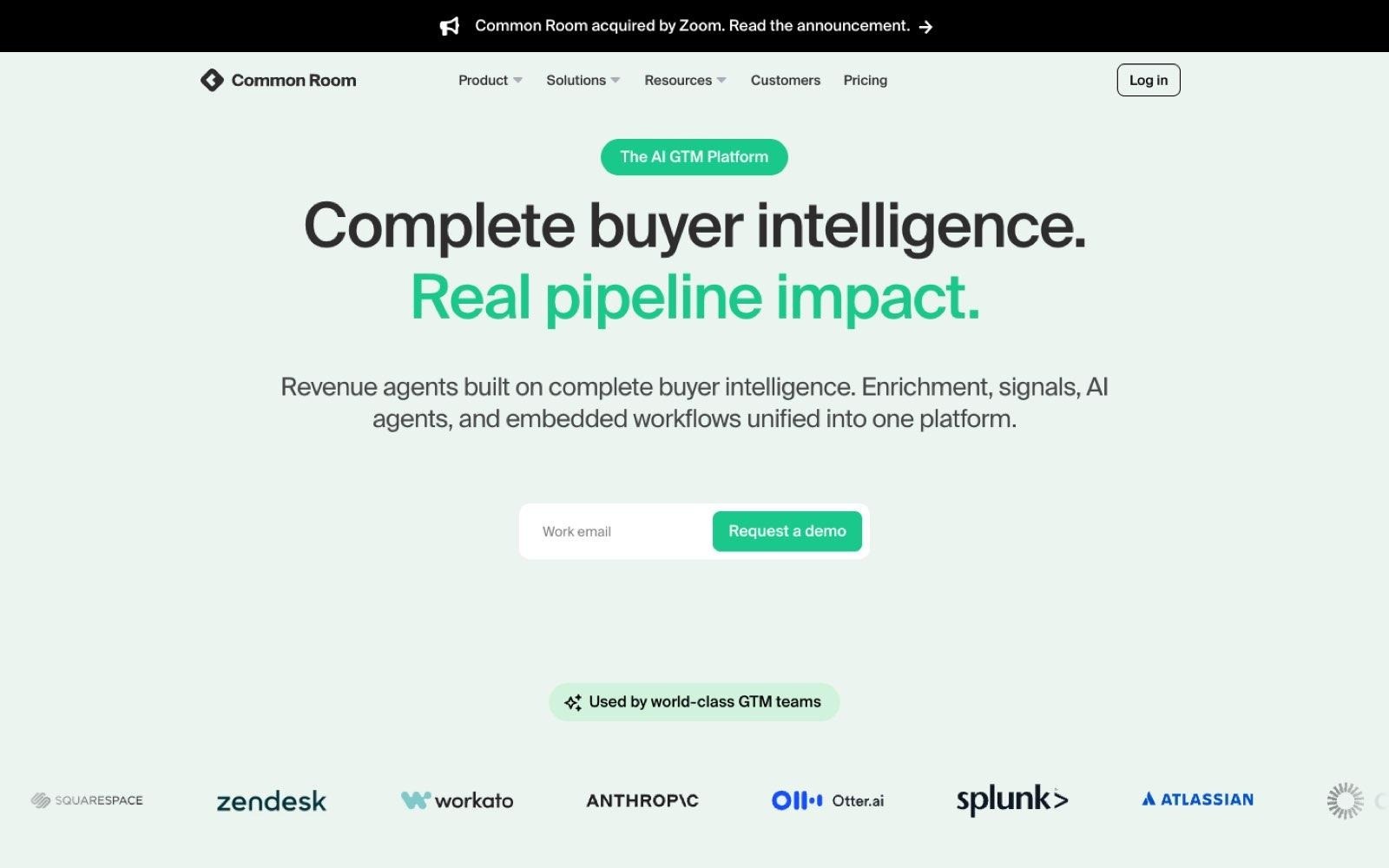
Common Room collecte des signaux là où les outils de vente traditionnels ne regardent pas : utilisation du produit, communautés de développeurs, consultations de la documentation et interactions sociales, pour les convertir en actions de prospection. L'outil est taillé sur mesure pour les modèles d'acquisition des entreprises de logiciels axées sur le produit (Product-Led Growth).
Il vise les éditeurs de logiciels chez qui le premier point de contact est une inscription, une étoile sur un dépôt GitHub ou une question sur un forum communautaire plutôt qu'un formulaire classique, et dont les commerciaux doivent identifier les signaux méritant un appel.
Un élément contextuel important est à noter : Zoom a annoncé le rachat de Common Room le 2 juillet 2026, l'opération ayant été finalisée le mois même afin d'intégrer l'intelligence d'achat de la plateforme dans Zoom Revenue Accelerator. Les annonces ne précisent pas l'avenir de l'outil en version autonome, bien que Common Room poursuive actuellement sa commercialisation directe.
Idéal pour
Les éditeurs de logiciels Product-Led proposant une formule gratuite ou un essai
Les outils destinés aux développeurs suivant l'activité sur la documentation et la communauté
Les équipes commerciales devant prioriser les inscriptions issues du libre-service
Les équipes RevOps regroupant les signaux d'intention de sources variées
Pourquoi Common Room se démarque
Common Room privilégie l'agrégation de signaux au volume pur de fiches, ce qui correspond fidèlement aux parcours d'achat techniques. Sa grille présente une offre initiale démarrant à 2 500 $ par mois avec 5 000 crédits de recherche IA et 2 500 crédits de prospection, les niveaux plus avancés faisant l'objet d'un devis et les crédits supplémentaires étant proposés en option.
Pour un modèle product-led, l'intérêt réside dans la visibilité sur les phases préalables au remplissage d'un formulaire : un acheteur qui consulte votre documentation technique, rejoint votre Discord ou Slack et teste votre application fournit de précieuses indications bien avant qu'un système marketing classique ne le qualifie en lead.
Avantages
Collecte des signaux basée sur l'usage du produit, les échanges communautaires et l'activité web
Tarif d'entrée affiché en toute clarté à 2 500 $ par mois
Crédits de recherche IA et de prospection intégrés à chaque forfait
Définition de signaux et d'entités produits sur mesure sur les niveaux avancés
Automatisation des flux opérationnels et rapports personnalisés pour le RevOps
Inconvénients
Le ticket d'entrée à 2 500 $/mois le rend inaccessible aux entreprises en phase de démarrage
Les formules supérieures sont uniquement sur devis, masquant les coûts de montée en charge
Les crédits de prospection additionnels constituent un supplément payant
L'efficacité repose sur l'existence de signaux communautaires ou d'usage, ce dont toutes les entreprises ne disposent pas
Inadapté aux besoins des cabinets de conseil et des sociétés de services IT
Le rachat par Zoom en juillet 2026 laisse planer des incertitudes sur la feuille de route du produit autonome, rendant les engagements à long terme risqués
Tarification
Common Room affiche une formule d'entrée dès 2 500 $ par mois, comprenant 5 000 crédits d'analyse IA et 2 500 crédits de prospection, complétée par deux forfaits supérieurs sur devis offrant des dotations élargies. Des packs de crédits de prospection complémentaires peuvent être ajoutés.
Verdict final
Common Room est particulièrement adapté aux éditeurs SaaS axés produit pour lesquels les essais gratuits, la documentation et les forums révèlent l'intention d'achat en amont, sans être actuellement exploités. L'outil n'a en revanche guère d'utilité pour les prestataires de services informatiques ou les MSP privés de signaux produits.
Son coût d'entrée de 2 500 $ et ses forfaits supérieurs sur mesure appellent un investissement réfléchi plutôt qu'un test informel, sans compter que le rachat de juillet 2026 invite à clarifier leur feuille de route avant de s'engager sur plusieurs années.
6. UserGems
Vue d'ensemble
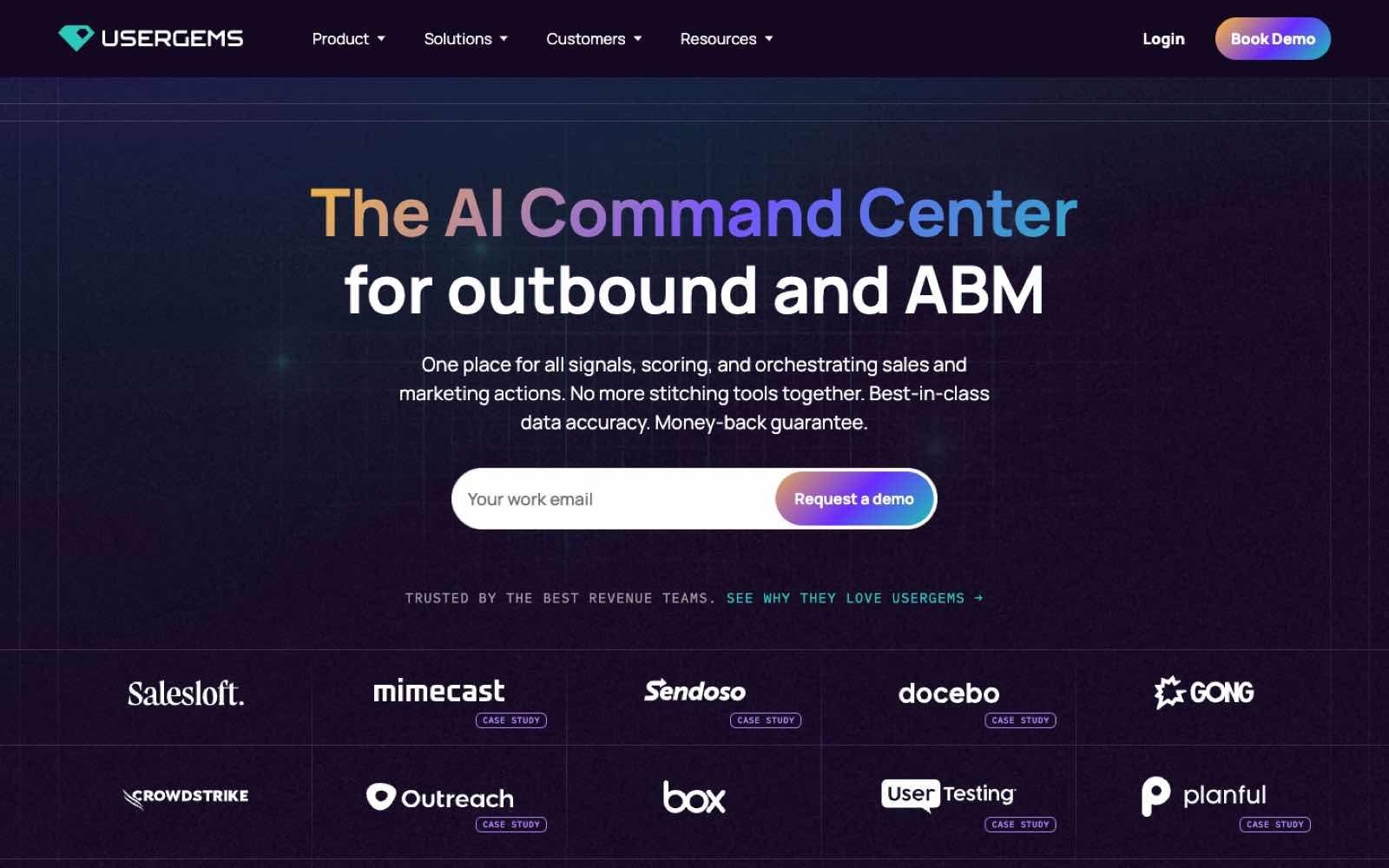
UserGems suit les contacts qui connaissent déjà votre produit et vous avertit lorsqu'ils changent d'entreprise, transformant une prise de poste en opportunité commerciale chaleureuse. Dans le secteur technologique, où la mobilité des professionnels entre employeurs est forte, c'est un levier régulier pour alimenter son pipe.
La solution est principalement calibrée pour les équipes de vente de logiciels d'entreprise dont la base de clients installée est suffisamment large pour que d'anciens utilisateurs ou prescripteurs réapparaissent régulièrement au sein de nouveaux comptes.
Idéal pour
Les éditeurs de logiciels grand compte disposant d'un parc de clients étendu
Les équipes commerciales dont le succès repose sur les liens avec des prescripteurs identifiés
Les équipes Account-Based Marketing (ABM) traquant les mouvements au sein de comptes cibles
Les équipes RevOps acheminant les alertes de contacts affinitaires au bon commercial
Pourquoi UserGems se démarque
UserGems a le mérite de publier ses tarifs annuels de manière transparente, un fait rare pour des solutions de ce calibre. La page tarifaire présente trois formules à 3 333 $, 6 250 $ et 12 500 $ par mois (soit 40 000 $, 75 000 $ et 150 000 $ par an), complétées par des frais d'intégration et de Customer Success facturés séparément à 3 000 $, 5 000 $ et 10 000 $.
La valeur tient au signal lui-même : l'arrivée d'un prescripteur dans une nouvelle structure s'appuie sur une relation préexistante de confiance, ce qui facilite grandement le premier échange.
Avantages
Tarifs annuels intégralement détaillés, y compris les frais de mise en service
Spécialisation poussée sur le suivi des changements de poste et des ambassadeurs
Alertes ciblées sur des comptes bénéficiant déjà d'un contact privilégié
Crédits et intégrations personnalisées inclus dans les forfaits standards
Prestations d'intégration et d'accompagnement clairement cadrées et chiffrées
Inconvénients
Le budget plancher de 40 000 $ par an écarte la majorité des petites et moyennes structures
L'intégration fait l'objet d'une facturation additionnelle débutant à 3 000 $
L'intérêt de la solution dépend d'un volume significatif d'utilisateurs historiques
Peu d'utilité pour les jeunes startups n'ayant pas encore essaimé d'anciens clients
L'outil étant centré sur un unique type d'événement, une solution de prospection généraliste reste indispensable
Tarification
UserGems structure son offre en trois niveaux à 3 333 $, 6 250 $ et 12 500 $ par mois, avec un engagement annuel respectif de 40 000 $, 75 000 $ et 150 000 $. L'implémentation et le suivi client s'ajoutent pour 3 000 $, 5 000 $ ou 10 000 $ selon la formule souscrite.
Verdict final
UserGems s'adresse en priorité aux éditeurs de logiciels d'entreprise bien établis dont l'antériorité permet de capitaliser régulièrement sur la mobilité de leurs utilisateurs. Avec un seuil minimal de 40 000 $/an, auquel s'ajoutent 3 000 $ d'intégration, son acquisition exige un retour sur investissement clairement étayé.
Dans la mesure où la plateforme signale des opportunités sans constituer de listes ex nihilo, elle intervient en complément d'une pile de prospection déjà opérationnelle.
7. Leadfeeder
Vue d'ensemble
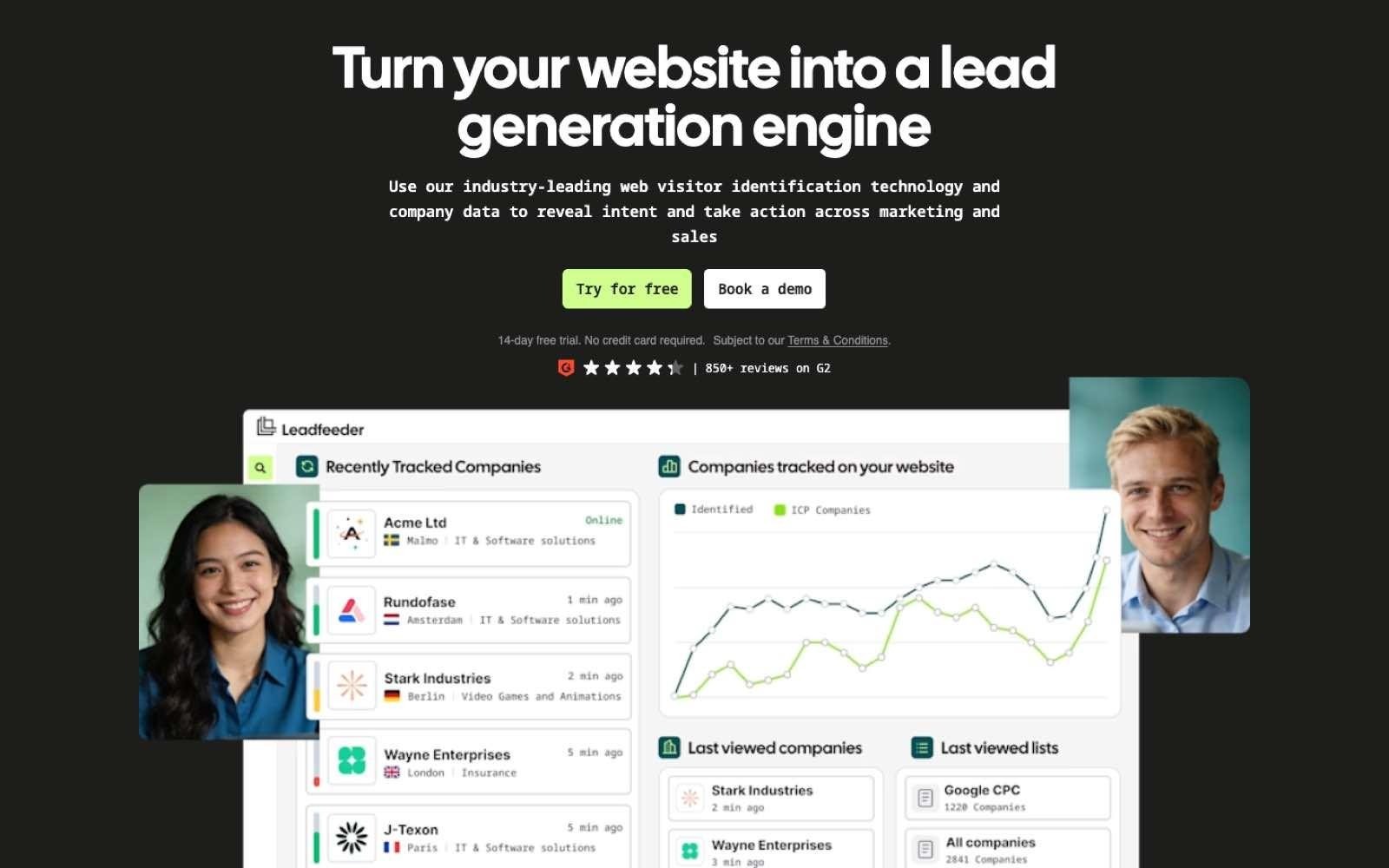
Leadfeeder identifie les organisations consultant votre site web et les note selon les contenus parcourus, levant l'anonymat sur le trafic en amont de toute prise de contact via formulaire. Son blog officiel a d'ailleurs officialisé ce positionnement dans un article intitulé « Dealfront is now Leadfeeder » (dealfront.com redirigeant directement vers son site), contrairement aux comparatifs désuets évoquant encore le nom de Dealfront.
L'outil répond précisément aux enjeux des entreprises technologiques dont les prospects s'informent discrètement en parcourant articles et documentations techniques sans remplir le moindre formulaire.
Idéal pour
Les acteurs de la tech bénéficiant d'un volume régulier de visiteurs inbound
Les commerciaux cherchant à relancer les organisations consultant leur page de tarifs
Les marketeurs mesurant l'audience réelle de leurs contenus auprès des comptes cibles
Les entreprises actives en Europe où l'identification au niveau société est privilégiée
Pourquoi Leadfeeder se démarque
Leadfeeder se distingue par une grille tarifaire claire assortie d'un forfait gratuit véritablement exploitable, un atout rare sur le segment du tracking IP. Sa grille comprend l'offre Lite à 0 € (gratuite à vie pour les 100 dernières entreprises identifiées par mois), Discover à partir de 79 €, Activate à 369 € et Scale à 599 € par mois en paiement annuel (Scale n'étant accessible qu'à l'année, et l'offre grands comptes sur devis).
Chaque formule payante intègre un essai de 14 jours sans carte bancaire, et la répartition des fonctionnalités entre détection d'entreprise et identification de contacts y est transparente : le niveau Activate est celui qui permet d'extraire les coordonnées vérifiées (téléphones et e-mails) des décideurs au sein des sociétés repérées.
Avantages
Offre Lite à 0 € annoncée gratuite à vie, couvrant les 100 dernières entreprises par mois
Barème de prix public progressif de 79 € à 599 € par mois
Essai gratuit de 14 jours sans carte bancaire sur toutes les versions payantes
Le site revendique une identification pouvant atteindre 45 % des organisations visitant votre site
Filtres d'intention, alertes instantanées et synchronisation CRM inclus dès les premiers forfaits payants
Inconvénients
L'analyse identifie d'abord l'entreprise : l'accès aux contacts directs vérifiés requiert le niveau Activate
L'offre Scale à 599 € par mois n'est disponible qu'avec engagement annuel
La version gratuite Lite restreint la visibilité à 100 entreprises mensuelles
La solution exploitant l'audience existante, elle est inutile sans trafic inbound préalable
Discover coûte 113 € par mois sans engagement, contre 79 € en facturation annuelle
Tarification
Leadfeeder propose son forfait Lite à 0 € (limité à 100 entreprises par mois), l'offre Discover dès 79 €, Activate à 369 € et Scale à 599 € par mois sur base annuelle (Scale étant exclusivement annuel), complétés par une offre Enterprise personnalisée. En règlement mensuel, Discover s'élève à 113 €. Un essai de 14 jours sans carte bancaire est accessible sur chaque offre payante.
Verdict final
Leadfeeder s'impose comme une option pertinente pour les entreprises technologiques disposant déjà d'une audience naturelle et désireuses de connaître les organisations qui les consultent en toute discrétion. En revanche, les jeunes structures à faible trafic ne pourront pas en tirer parti, l'outil analysant les flux existants sans générer de contacts entrants par lui-même.
L'identification limitée au niveau de l'entreprise sur les versions de base et l'engagement annuel imposé sur le forfait Scale sont les deux contraintes majeures à anticiper.
8. Lemlist
Vue d'ensemble
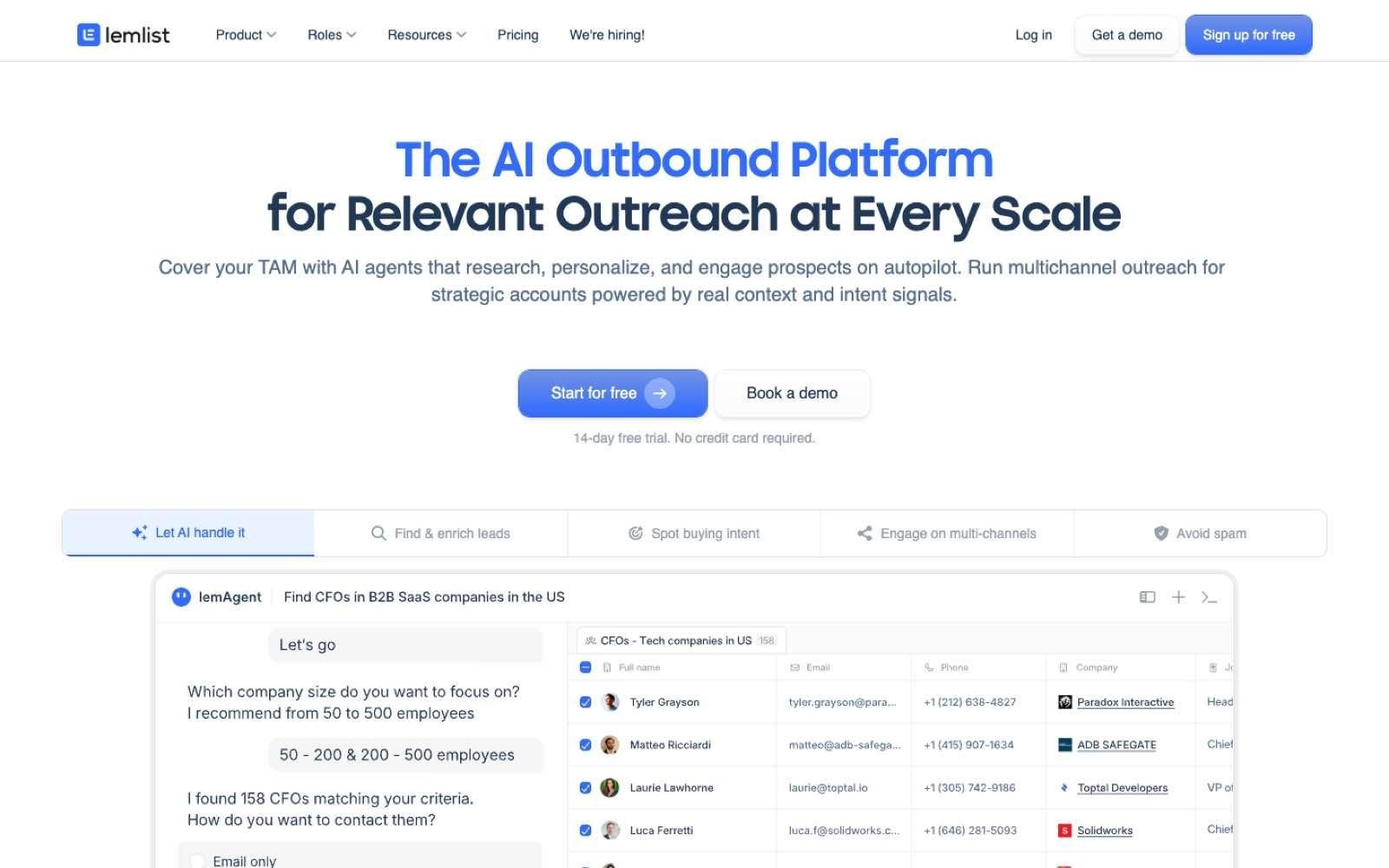
Lemlist est une plateforme d'outreach multicanal (e-mail, réseaux sociaux, téléphone) dotée d'outils de délivrabilité et d'un module de données facturé à l'usage. Elle se focalise sur l'étape d'exécution de la campagne plutôt que sur la constitution initiale de l'annuaire.
Elle répond aux besoins des équipes commerciales de taille modeste à intermédiaire qui possèdent déjà leurs cibles et cherchent un moyen fiable d'exécuter leurs séquences sans souscrire à de lourds engagements annuels.
Idéal pour
Les petites équipes outbound gérant des séquences multicanales
Les structures tech souhaitant maîtriser leur budget de prospection au mois le mois
Les organisations nécessitant une chauffe des boîtes mail et un suivi de la délivrabilité
Les commerciaux privilégiant l'achat de coordonnées au résultat
Pourquoi Lemlist se démarque
Lemlist facture ses enrichissements à l'usage plutôt que via un abonnement fixe, un mode de calcul économique pour les équipes dont la cadence varie. Ses tarifs établissent le crédit à 0,01 $, chaque adresse e-mail vérifiée consommant 5 crédits et chaque numéro de téléphone 20 crédits — soit 200 e-mails ou 50 numéros pour 10 $ (1 000 crédits).
Les forfaits sont simples : une offre e-mail à 55 $/mois en paiement annuel, une offre multicanale à 87 $/mois et une formule Entreprise sur devis, chaque forfait bénéficiant d'un essai de 14 jours et les signaux d'intention étant tarifés à l'unité.
Avantages
Paliers clairs à 55 $ et 87 $ par mois en engagement annuel
Données payées au résultat (5 crédits par e-mail, 20 crédits par numéro de téléphone)
Orchestration multicanale intégrant e-mail, réseaux sociaux, téléphone et messagerie
Outils de délivrabilité et de chauffe des boîtes mail intégrés nativement
Essai de 14 jours sans frais avant tout engagement
Inconvénients
Les données d'intention font l'objet d'un coût unitaire en plus de l'abonnement (à partir de 20 crédits)
L'enrichissement au crédit devient onéreux sur les volumes élevés par rapport à des forfaits mutualisés
Les données de contact s'achètent en suppléments et ne sont pas intégrées d'office aux abonnements
Les fonctionnalités grands comptes (comme le SSO) sont cantonnées à l'offre sur devis
Les actions multicanales requièrent le forfait supérieur, le premier niveau se limitant au canal e-mail
Tarification
Lemlist affiche une formule e-mail à 55 $/mois en engagement annuel (69 $ au mois) et une formule multicanale à 87 $/mois (109 $ au mois), complétées par une offre Entreprise sur mesure pour les équipes à partir de cinq personnes. Les données de contact s'acquièrent par crédits unitaires à 0,01 $ (5 crédits l'e-mail vérifié, 20 crédits le téléphone), les signaux d'intention étant également facturés à la demande.
Verdict final
Lemlist convient bien aux petites équipes de vente de la tech ayant déjà défini leur ciblage et cherchant un outil d'exécution multicanal à un tarif mensuel maîtrisé. Les organisations misant fortement sur le démarchage téléphonique devront toutefois surveiller la facture, les 20 crédits par numéro finissant par peser lourd face à des solutions tout compris.
La tarification à la carte des signaux d'intention et des données de contact rend en outre le budget global fluctuant selon les volumes traités.
9. Instantly
Vue d'ensemble
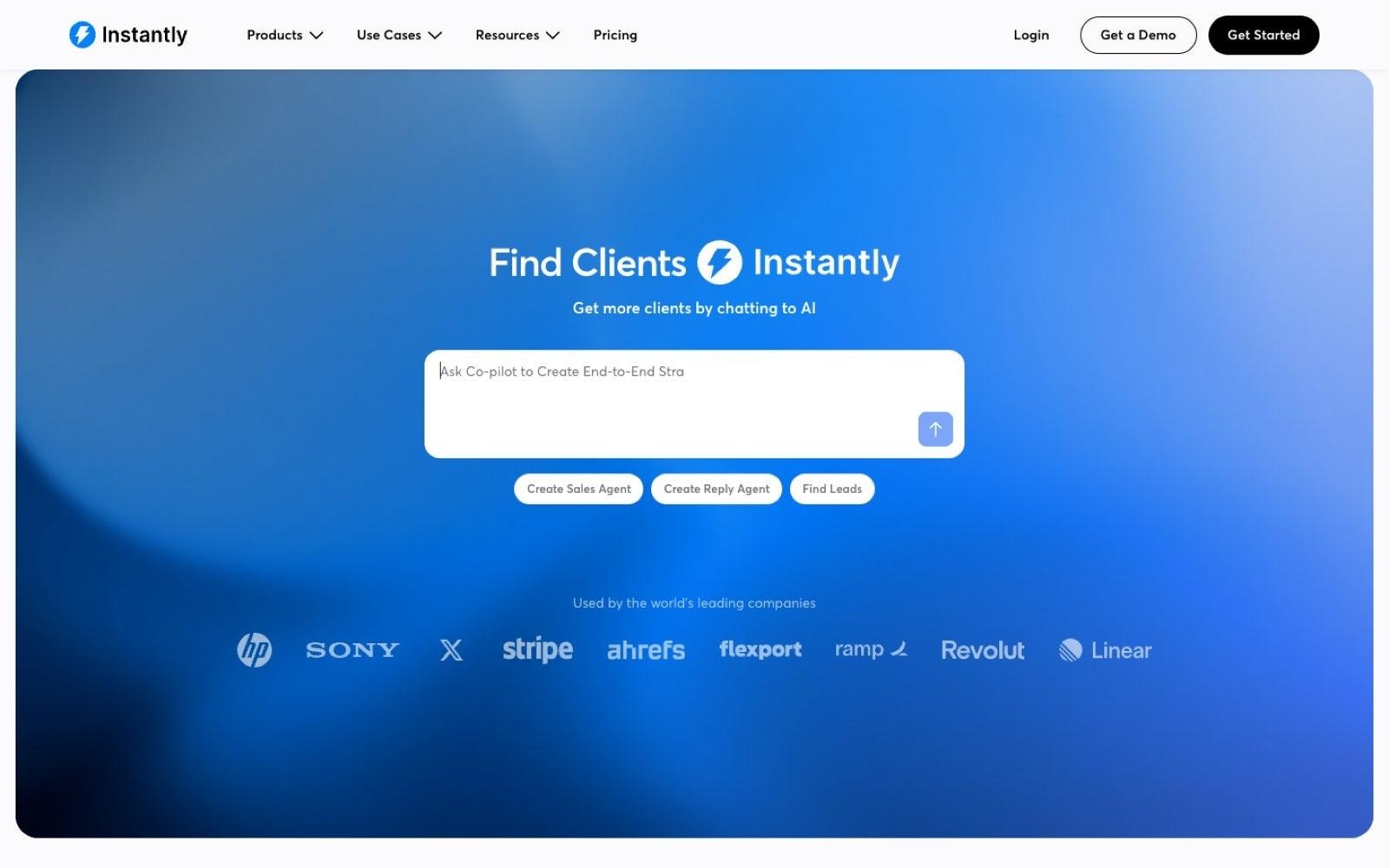
Instantly est entièrement conçu pour les campagnes d'e-mailing à froid à fort volume, avec pour piliers la chauffe des boîtes mail, une architecture d'envoi scalable et le contrôle de l'atterrissage en boîte de réception. Une base de prospects et des services d'enrichissement viennent compléter l'ensemble.
L'outil s'adresse en priorité aux structures dont le facteur limitant est la capacité d'envoi technique plutôt que le ciblage, comme les agences de prospection ou les éditeurs de logiciels menant d'importantes campagnes parallèles sur des dizaines d'adresses.
Idéal pour
Les équipes diffusant de grands volumes d'e-mails froids via de multiples boîtes mail
Les éditeurs ayant déjà détérioré la réputation d'un nom de domaine par le passé
Les agences gérant simultanément les campagnes de plusieurs clients
Les équipes souhaitant centraliser réputation, chauffe et envois sur un même outil
Pourquoi Instantly se démarque
Instantly gère la délivrabilité comme une composante d'infrastructure plutôt que comme un paramètre secondaire. Sa grille affiche des packs tout-en-un à 94 $, 194 $ et 555 $ par mois (pour 5 000, 100 000 et 500 000 e-mails mensuels), et intègre sur son offre la plus élevée un système de rotation d'adresses IP privées permettant d'isoler ou de remplacer les IP signalées.
Le module d'enrichissement s'avère plus utile pour les professionnels de la tech que son positionnement de masse ne le laisse supposer : les offres comprennent l'enrichissement technologique, l'actualité des recrutements et des levées de fonds, adossés à une base revendiquant plus de 450 millions de contacts professionnels.
Avantages
Packs tout-en-un affichés en toute clarté à 94 $, 194 $ et 555 $ par mois
Comptes de messagerie et chauffe de boîtes mail (warm-up) illimités sur les formules de prospection
Enrichissement sur les stacks logicielles, recrutements, actualités et financements inclus
Gestion sur serveurs et IP dédiés sur les formules supérieures pour sécuriser la réputation d'envoi
Formules d'envoi seules à partir de 47 $ par mois pour les utilisateurs disposant déjà de leurs données
Inconvénients
L'éclatement entre packs complets, formules d'envoi et crédits complique l'arbitrage tarifaire
Les plafonds d'envoi sont conditionnés au forfait (ex. 5 000 e-mails mensuels sur l'entrée de gamme)
Les quotas étant calibrés en volume d'e-mails, l'outil s'enferme dans une optique purement volumétrique
Le pack d'entrée de gamme restreint l'importation de contacts à 1 000 fiches par mois
Ce parti-pris axé sur les volumes suppose un ciblage déjà parfaitement validé en amont
Tarification
Instantly commercialise des formules combinées à 94 $, 194 $ et 555 $ par mois pour 5 000, 100 000 et 500 000 e-mails (avec des dotations respectives de 1 500, 5 000 et 10 000 crédits), en plus d'une formule sur mesure. Des abonnements d'envoi pur démarrent à 47 $ par mois, et des packs de crédits peuvent être souscrits à la demande.
Verdict final
Instantly est un choix solide pour les entreprises de la tech dont le goulot d'étranglement relève de la délivrabilité et des volumes techniques d'envoi plutôt que de l'identification des prospects. Les organisations articulant leurs démarches autour d'appels et d'actions sociales trouveront en revanche cette approche exclusivement centrée sur l'e-mail restrictive.
La multiplicité des forfaits d'outreach, des crédits et des offres combinées invite également à simuler ses volumes avec précision avant de s'engager.
10. HubSpot Sales Hub
Vue d'ensemble
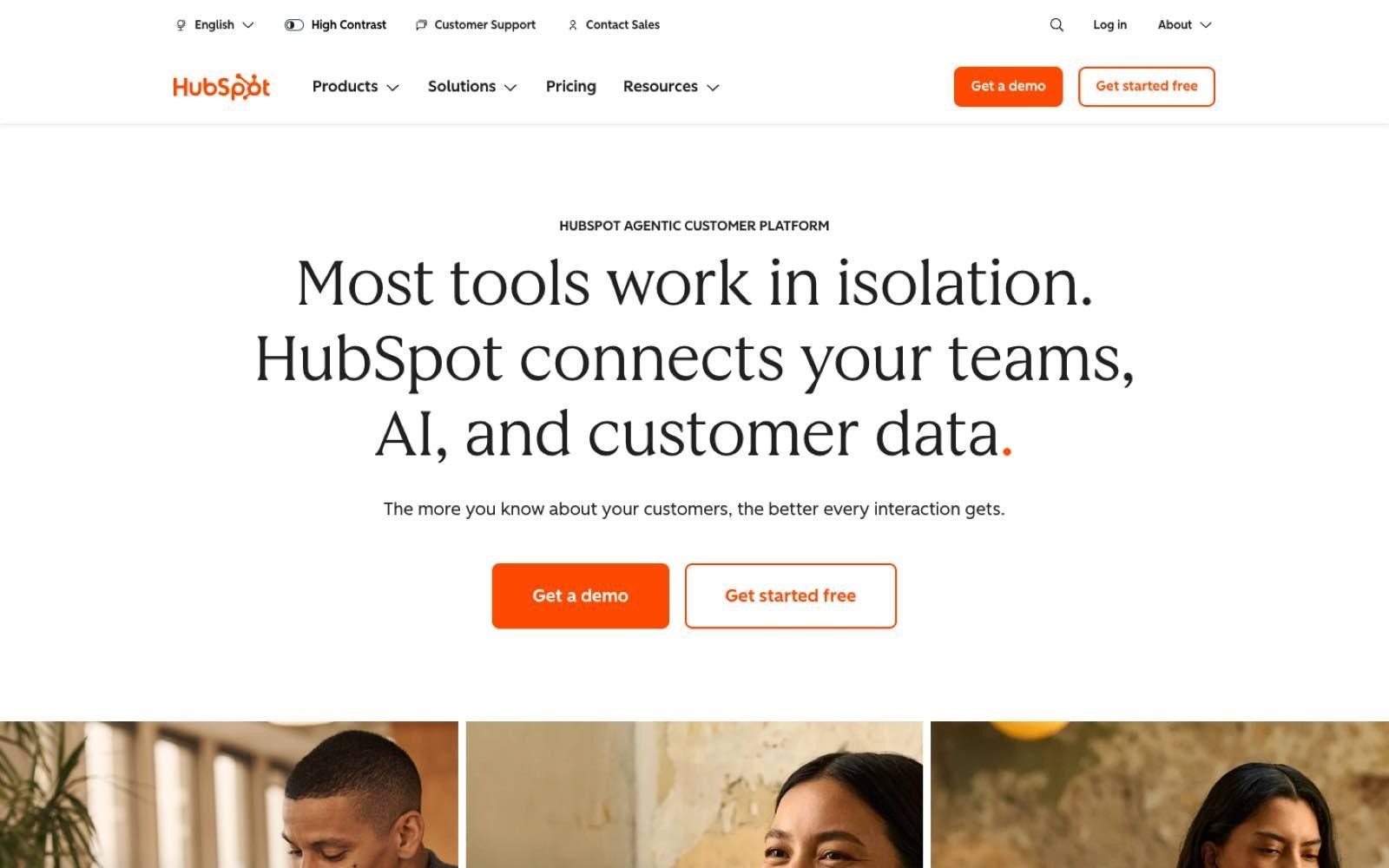
HubSpot Sales Hub représente le volet commercial d'une plateforme client globale : il centralise CRM, formulaires et routage inbound, cadences de relance et reporting. Il est toutefois bien plus souvent retenu comme système de gestion de référence que comme véritable outil de prospection active.
Il s'adresse aux structures cherchant à unifier la prise en charge des leads entrants, le suivi du cycle de vente et les rapports d'activité, en particulier lorsque marketing et ventes s'appuient sur une base d'informations commune.
Idéal pour
Les entreprises technologiques souhaitant regrouper CRM et traitement des flux entrants
Les équipes marketing et commerciales ayant besoin d'une vue unifiée sur chaque contact
Les responsables commerciaux voulant piloter leur pipeline sans projet data lourd
Les organisations devant distribuer instantanément demandes de démos et créations de comptes d'essai aux bons interlocuteurs
Pourquoi HubSpot se démarque
HubSpot affiche l'intégralité de sa grille tarifaire, y compris les frais annexes souvent passés sous silence par d'autres éditeurs. Sa page dédiée aux ventes indique une version gratuite jusqu'à deux postes, une formule Pro débutant à 90 $ par siège et par mois en facturation annuelle, et une formule Enterprise à 150 $, tout en stipulant clairement les frais d'intégration obligatoires : 1 500 $ pour Pro et 3 500 $ pour Enterprise.
Les entreprises technologiques l'adoptent principalement pour son moteur de routage et de reporting plutôt que pour la prospection pure : lorsqu'un lead commence un essai produit, le fait de centraliser formulaire, enregistrement CRM et relance automatisée évite toute latence commerciale.
Avantages
Version gratuite jusqu'à deux utilisateurs, sans carte bancaire requise
Tarifs par utilisateur transparents fixés à 90 $ et 150 $ par mois avec engagement annuel
Frais d'onboarding clairement précisés dès la page des tarifs
Gestion inbound, distribution des leads, séquences et reporting intégrés au CRM
Dotation de crédits intégrée à chaque palier (500 sur Starter, 5 000 sur Enterprise)
Inconvénients
Les versions Pro et Enterprise imposent des frais de mise en service non négociables de 1 500 $ et 3 500 $
Le coût unitaire par poste (dès 90 $) devient vite important pour une équipe importante de SDR
L'enrichissement et l'acquisition de contacts outbound nécessitent des crédits payants supplémentaires
Conçu comme un outil de pilotage et d'inbound, le sourcing outbound reste secondaire dans son architecture
La facturation mensuelle majore significativement le prix par rapport à l'engagement annuel
Tarification
HubSpot propose une version gratuite pour deux utilisateurs, un forfait Starter, une formule Professional dès 90 $ par utilisateur et par mois (facturation annuelle, ou 100 $ au mois) et Enterprise dès 150 $ par siège/mois. Les offres Pro et Enterprise requièrent des frais de mise en route obligatoires de 1 500 $ et 3 500 $, précisés sur la page des prix.
Verdict final
HubSpot Sales Hub est une référence pour les entreprises technologiques cherchant un socle unique pour leurs leads inbound, leur pipeline commercial et leurs reportings, tout particulièrement pour aligner les équipes marketing et vente. La solution est en revanche moins indiquée pour servir de moteur d'acquisition outbound, la recherche de données et l'enrichissement faisant l'objet de facturations en crédits d'appoint.
Enfin, les frais d'onboarding obligatoires de 1 500 $ et 3 500 $ alourdissent sensiblement le budget de la première année.
Comment choisir la meilleure solution de génération de leads pour son entreprise tech ?
Face à ces dix solutions et à leurs modèles économiques respectifs, faire le bon choix implique de se poser sept questions méthodiques.
Ces critères permettent de s'assurer qu'un outil rentabilisera encore son investissement six mois après son déploiement, le premier point conditionnant tous les autres.
1. Choisir entre logiciel et agence de prospection IT
Avant d'analyser les logiciels, déterminez si vous recherchez un moyen d'action autonome ou un renfort de capacité externe. Un outil logiciel confère à vos équipes une mécanique commerciale pérenne et maîtrisée en interne. Une agence spécialisée en lead generation IT met à disposition une équipe externe avec un objectif d'opportunités mensuel, souvent contre un forfait récurrent.
L'agence convient aux organisations pourvues de budget mais sans force commerciale interne, ou abordant un nouveau marché sans aucun réseau. En contrepartie, les apprentissages restent chez le prestataire : vous louez une force de frappe au lieu de la construire. Les agences d'acquisition pour l'IT travaillant souvent au rendez-vous calé, veillez à verrouiller contractuellement la définition d'un « rendez-vous qualifié » avant de signer.
L'option logicielle s'impose si vous prévoyez de développer ou de maintenir un pôle de SDR en interne. Le coût par rendez-vous y est bien inférieur une fois le dispositif rôdé, et la maîtrise fine des segments cibles demeure chez vous, s'affinant au fur et à mesure que vos stratégies de génération de leads B2B se confrontent aux retours du terrain.
Si vous hésitez entre agence et logiciel, posez-vous cette question simple : aurez-vous quelqu'un en interne pour animer les campagnes dans 90 jours ? Si la réponse est non, recrutez d'abord ou partez sur une agence.
2. Vérifier l'intégration native des signaux technologiques et de recrutement
Dans l'écosystème tech, les outils logiciels déjà déployés par une entreprise et ses recrutements ouverts constituent les deux filtres les plus rentables. Ils révèlent si un compte a déjà investi dans votre domaine et s'il rencontre les problématiques qui rendent une acquisition imminente.
Le critère de l'embauche est particulièrement prégnant dans ce secteur : les données d'Eurostat indiquent que 57,5 % des entreprises européennes ayant cherché à recruter des profils TIC en 2023 ont rencontré des difficultés à pourvoir ces postes, cette proportion étant encore plus forte dans les activités liées à l'information et à la communication.
Un poste d'administrateur système non pourvu représente une urgence bien réelle, et cette information est publique — c'est tout ce qui distingue les méthodes de prospection fondées sur des signaux de la simple prospection sur annuaire. Assurez-vous que ces filtres sont bien natifs et ne font pas l'objet d'options payantes, car l'accès aux signaux conditionne le coût réel global de l'outil.
3. S'assurer que les données sont exploitables sans outil intermédiaire
C'est le piège le plus fréquent : un simple fichier exporté ne constitue pas un pipeline de vente. Entre l'extraction d'un tableau et l'obtention d'un rendez-vous s'intercalent le nettoyage des doublons, la synchronisation avec le CRM, la répartition des comptes et le paramétrage des campagnes.
Listez l'ensemble des logiciels qu'il vous faudra acheter en plus de la base de données : séquenceur d'e-mails, solution de vérification et temps humain de gestion. Juger les fournisseurs de bases de données B2B uniquement sur leur volume de fiches occulte souvent ces surcoûts indispensables.
L'enrichissement des données CRM doit également entrer en ligne de compte : des données mal intégrées dans le CRM reproduisent immanquablement les dysfonctionnements de reporting que l'on cherchait à éliminer. Dès lors que la recherche, l'enrichissement et l'outreach partagent une même fiche de données, tous ces intermédiaires disparaissent et les comparaisons de devis prennent un tout autre sens.
4. Évaluer la couverture sur vos propres cibles, pas sur les démonstrations
Les pourcentages d'exactitude généraux masquent souvent de fortes disparités géographiques : un outil très fiable en Amérique du Nord peut s'avérer pauvre en données sur l'Europe du Sud. De même, les fiches d'entreprises d'ingénierie de 30 collaborateurs s'avèrent bien plus incomplètes que celles des grands comptes.
Réalisez vos propres vérifications préalables : extrayez une centaine de fiches correspondant rigoureusement à votre profil de client idéal, soumettez les e-mails à un outil de vérification indépendant et contactez directement une vingtaine de numéros par téléphone, exactement comme vous le feriez pour valider des listes d'e-mails ciblées avant une vraie campagne.
C'est sur les coordonnées directes que les faiblesses apparaissent le plus rapidement, ce qui conduit souvent les équipes prospectant en Europe à combiner plusieurs outils de recherche d'e-mails. Une demi-journée de test concret en dit bien plus que n'importe quelle plaquette tarifaire.
5. Analyser la protection de la délivrabilité des e-mails
Les règles de messagerie se sont durcies pour sanctionner l'envoi massif sans hygiène irréprochable. Les consignes de Google exigent désormais des expéditeurs qu'ils maintiennent un taux de spam inférieur à 0,3 % dans Postmaster Tools, imposent les protocoles d'authentification SPF ou DKIM à tous et renforcent les contraintes au-delà de 5 000 messages quotidiens adressés vers des boîtes Gmail.
La fraîcheur de votre liste est donc un prérequis technique de distribution avant même d'être une affaire de persuasion commerciale. Renseignez-vous précisément sur la vérification préalable des adresses, l'intégration éventuelle d'une chauffe de boîte mail (warm-up) et la répartition des volumes d'envoi entre plusieurs noms de domaine.
Les outils de vérification d'e-mails dédiés restent indispensables lorsque les données proviennent d'une source externe, et les envois marketing requièrent des outils d'automatisation d'e-mails distincts avec leurs propres domaines, les conditions générales interdisant souvent la prospection à froid.
Consultez notre guide sur la délivrabilité des e-mails pour structurer vos envois, ainsi que notre sélection des meilleurs logiciels de cold email pour comparer les solutions intégrant ces fonctions nativement.
6. Sécuriser la conformité réglementaire (RGPD et Royaume-Uni)
Si vous prospectez en Europe ou au Royaume-Uni, vous êtes responsable de traitement des données que vous manipulez ; la responsabilité légale ne s'arrête pas à votre fournisseur. En décembre 2024, la CNIL en France a ainsi sanctionné un courtier en données d'une amende de 240 000 € pour avoir collecté des données que les personnes avaient choisi de masquer, privant ses clients de l'usage des fichiers acquis.
La réglementation britannique sur l'e-mail B2B est plus souple que celle régissant le B2C : les recommandations de l'ICO stipulent que vous pouvez envoyer des e-mails de prospection à des personnes morales sans consentement préalable, alors que les particuliers exigent un accord explicite — sachant que les entrepreneurs individuels et certaines formes de partenariats sont assimilés à des personnes physiques.
Exigez de chaque prestataire des garanties écrites sur l'origine des données, la base légale revendiquée, l'information des personnes et la prise en compte des désinscriptions. Ces éléments constituent des repères pratiques et ne remplacent pas un conseil juridique formel.
7. Identifier clairement qui pilotera l'outil au quotidien
Les solutions les plus avancées du marché nécessitent des compétences opérationnelles dédiées : un logiciel sans pilote n'apporte aucun retour sur investissement. Avant de souscrire, déterminez avec lucidité si vous disposez en interne de la ressource capable de paramétrer les logiques d'enrichissement et d'optimiser les performances chaque semaine.
En l'absence de ce profil, privilégiez des interfaces intuitives qu'un commercial peut maîtriser en toute autonomie, et vérifiez l'accompagnement initial inclus. C'est également là que les assistants commerciaux IA se révèlent précieux, la prise en charge des réponses par un agent réduisant d'autant la charge de gestion humaine.
Si vous disposez au contraire de ces profils techniques, les plateformes modulaires d'orchestration prendront tout leur sens, vous permettant d'en tirer un parti inaccessible à un utilisateur non spécialiste.
Synthèse : tout ce qu'il faut savoir sur la génération de leads tech
Domaine | Points de repère essentiels |
Top 3 des solutions | Enginy pour centraliser signaux et outreach sur une seule fiche, Cognism pour ses coordonnées mobiles vérifiées en Europe, Leadfeeder pour identifier les entreprises visitant anonymement votre site |
Profils concernés | Éditeurs logiciels, entreprises de services informatiques et MSP, acteurs de la cybersécurité, fondateurs tech et équipes RevOps |
Cas d'usage | Constitution de listes basées sur les technologies et recrutements, démarchage coordonné de comités d'achat techniques, conversion d'utilisateurs en essai, enrichissement CRM, pénétration de nouveaux marchés |
Critères de sélection | Trancher d'abord l'arbitrage outil vs agence, vérifier l'intégration native des filtres technologiques et d'emploi, tester la qualité sur son propre segment cible et budgétiser la délivrabilité ainsi que la conformité légale |
Erreurs fréquentes | Choisir une solution au seul volume de contacts, sous-estimer le coût des numéros de téléphone en crédits, envoyer en masse sans chauffe technique, confondre simple export et opportunité réelle, négliger la conformité RGPD |
Grille de départ | Versions gratuites disponibles chez Apollo, Clay, Leadfeeder et HubSpot ; forfaits payants d'entrée entre 47 $ et 167 $/mois en libre-service ; plateformes de signaux d'intention dès 2 500 $/mois ; Enginy sur devis selon vos usages |
Déployez votre stratégie commerciale tech avec Enginy
Dans bien des entreprises de la tech, les signaux se trouvent dans un outil, les coordonnées dans un autre et l'envoi des campagnes dans un troisième. Les commerciaux passent leurs matinées à copier-coller des données, laissant refroidir les opportunités d'affaires.
Enginy unifie l'ensemble du processus : vos listes sont créées à partir de filtres précis (stack technologique, recrutements, levées de fonds et évolutions de carrière), enrichies en cascade via plus de 30 bases spécialisées, puis injectées directement dans vos séquences d'e-mails, de messages sociaux et d'appels, tout en se synchronisant avec votre CRM, sans qu'aucun profil technique ne soit requis pour faire fonctionner l'ensemble.
Factorial a ainsi fait passer ses taux de réponse de 10 % à 45 % tout en doublant son taux de conversion globale (de 4 % à 8 %). Testez notre solution sur vos segments les plus exigeants pour constater la qualité des données avant de vous engager. 100 leads B2B offerts pour toute nouvelle ouverture de compte. Réserver une démonstration
Questions fréquentes sur la génération de leads dans la tech
Quelle est la meilleure solution de génération de leads pour la tech en 2026 ?
La meilleure solution pour la tech en 2026 est Enginy pour les équipes souhaitant réunir détection de signaux, données de contact fiables et prospection active au sein d'une seule interface, les critères de technologies, de recrutements et de financements nourrissant directement vos campagnes multicanales. Cognism s'impose comme une référence pour le démarchage téléphonique en Europe grâce à ses mobiles vérifiés, tandis que Leadfeeder excelle dans l'identification du trafic web anonyme avec une formule gratuite couvrant 100 entreprises mensuelles. Il n'existe pas d'outil universel idéal pour tous les cas de figure : annuaires, capteurs d'intention et séquenceurs répondent à des problématiques différentes. Identifiez d'abord l'étape qui fait défaut à votre organisation.
Quels éléments analyser pour choisir un outil de génération de leads tech ?
Clarifiez d'abord si votre besoin relève d'une solution logicielle ou des services d'une agence spécialisée, puis assurez-vous que les critères technologiques et de recrutement sont gérés de manière native et sans frais cachés. Testez la réalité des données sur votre propre cœur de cible en extrayant une centaine de contacts de votre client idéal pour en tester une vingtaine au téléphone. Pensez à chiffrer l'ensemble de l'écosystème nécessaire (séquenceur, outils de vérification, temps de gestion), les coûts d'accès de base masquant souvent ces dépenses indispensables. Enfin, verrouillez formellement les garanties de conformité légale et RGPD avant tout engagement.
En quoi Enginy se distingue-t-il des autres outils du marché ?
Enginy se démarque de la plupart des solutions du secteur en intégrant la recherche, l'enrichissement et l'exécution des campagnes au sein d'un flux continu, plutôt que de traiter une seule de ces étapes. Là où Apollo et Cognism fournissent des listes de données à exporter, où Clay exige des compétences avancées pour concevoir des règles d'enrichissement, et où Lemlist ou Instantly gèrent l'envoi de messages à partir de données sourcées ailleurs, Enginy applique un enrichissement en cascade via plus de 30 partenaires et relie directement la fiche complétée aux actions d'e-mailing, de relance sociale et d'appels, sans surcoût sur les critères technologiques ou d'emploi. L'outil a été spécifiquement développé pour qu'un commercial puisse l'exploiter en parfaite autonomie sans l'aide d'un profil technique.
Comment se passe la prise en main d'Enginy ?
Le démarrage s'effectue par un rapide échange de qualification, suivi d'une démonstration personnalisée s'appuyant directement sur votre profil de client idéal plutôt que sur des exemples préétablis, chaque nouvel utilisateur bénéficiant de 100 leads B2B offerts. Une proposition tarifaire ajustée vous est soumise à la suite de cette session afin de dimensionner précisément les crédits, accès et données mobiles nécessaires parmi les formules Basic, Smart, Business ou Enterprise. La mise en service s'articule autour de cinq sessions de formation dédiées, abordant l'interconnexion au CRM, le calibrage de l'IA, la construction des requêtes et le lancement des premières campagnes. La plupart des entreprises lancent leurs premières prospections enrichies dès ces ateliers.
Est-il simple d'adopter Enginy en remplacement ou complément d'outils existants ?
Enginy s'intègre facilement à votre environnement en venant se synchroniser avec vos applications sans interrompre vos opérations, les cinq séances d'onboarding incluses guidant cette transition. Vos contacts CRM actuels peuvent être réimportés et réenrichis immédiatement — un moyen rapide de constater des résultats concrets en remettant à niveau d'anciennes fiches incomplètes sans coût de prospection neuf. Des passerelles natives avec HubSpot, Salesforce, Pipedrive, Dynamics 365, Zoho et Attio garantissent que votre CRM reste la source de vérité centrale. La plupart des organisations font cohabiter les deux méthodes sur un premier cycle afin de mesurer directement les écarts de performance et de taux de réponse.
Vaut-il mieux faire appel à une agence de prospection IT ou acquérir un logiciel ?
Recourir à une agence est plus pertinent si vous disposez d'un budget dédié mais d'aucune ressource commerciale en interne, ou lors de l'ouverture d'un marché géographique où vous partez de zéro, l'agence apportant la méthodologie et les compétences humaines. En revanche, le logiciel offre un coût de revient par rendez-vous bien plus avantageux dès lors que le processus est maîtrisé, tout en conservant le savoir-faire de ciblage au sein de votre entreprise au terme de la relation contractuelle. Les agences d'acquisition IT s'engageant généralement sur un volume de rendez-vous mensuels, la rigueur de qualification de ces entretiens détermine la rentabilité de la prestation. Le critère pratique d'arbitrage reste votre capacité à avoir quelqu'un pour piloter l'outil dans les 90 jours.
Quel budget prévoir pour la génération de leads B2B dans les services informatiques ?
Le coût d'une solution de prospection B2B pour les services IT oscille généralement entre 50 $ et 150 $ par mois et par utilisateur sur les outils en libre-service, les plateformes d'analyse de signaux sur contrat annuel démarrant à 2 500 $/mois, tandis que les prestations d'agences sont facturées au rendez-vous qualifié ou au forfait d'accompagnement fixe. Dans ce comparatif, les tarifs démarrent avec les formules gratuites d'Apollo, Clay, Leadfeeder et HubSpot jusqu'à 40 000 $ par an pour des solutions spécialisées dans le suivi de prescripteurs. Les coûts réels se nichent souvent dans les détails : l'extraction d'un numéro de téléphone sur Apollo exige huit fois plus de crédits qu'un e-mail, tandis que HubSpot applique des frais obligatoires d'onboarding de 1 500 $ à 3 500 $. Raisonnez toujours en coût total d'infrastructure plutôt qu'en simple prix de façade.
À propos de l'auteure
Andrea López est rédactrice spécialisée dans les ventes B2B et les stratégies go-to-market chez Enginy. Elle décrypte les méthodes de prospection outbound, l'intelligence de données et l'automatisation commerciale pour les équipes de vente au Royaume-Uni et en Europe. Ses analyses s'inspirent directement des méthodes appliquées chaque jour par les équipes commerciales d'Enginy, de la segmentation fine et de l'enrichissement en cascade jusqu'au pilotage de campagnes multicanales et à la gouvernance des données CRM. Découvrez les actualités d'Enginy sur Instagram.