Retour au blog
Best Personalized Outreach Tools in 2026 (Top-Rated Software Reviewed)

Andrea López
Partager
Key Takeaways (TL:DR)
The Best Overall Personalised Outreach Tool: Enginy is our pick, because we combine prospect discovery, waterfall enrichment and AI-written multichannel sequences in one place. Any sales rep can run it without a GTM engineer.
Why Do You Need It: Generic messages get ignored, and writing relevant ones by hand eats most of a rep's week. The right tool researches each prospect and writes the first draft for you.
Who It's For: B2B sales teams, founders and agencies running outbound, from early-stage startups to mid-market companies with structured SDR teams.
How to Choose the Right One: Check the depth of the data behind the personalisation, the channels each tool covers and how much setup it needs before your reps can use it.
Expected Price: At Enginy, we offer custom, credit-based plans quoted after a short qualification call. Across the market, prices range from free plans to around $2,500 per month, with enterprise suites quoted on request.
Top Personalised Outreach Tools in 2026 at a Glance
Tool | Best For | Key Features | Pricing |
|---|---|---|---|
Enginy | Teams that want data, enrichment and multichannel outreach in one place | Intent-based list building, waterfall enrichment from 30+ providers, AI-personalised sequences | Custom, credit-based plans |
Clay | Technical GTM teams building custom research workflows | 100+ data providers, AI research agent, spreadsheet-style tables | Free plan; paid from $167/month |
Salesloft | Enterprise sales teams with mature processes | Cadences, signal-based prioritisation, deal and forecast tools | Custom quote |
Outreach | Large revenue teams standardising execution | Sequences, AI agents, conversation intelligence | Custom quote |
Instantly | Lean teams sending high-volume cold email | Unlimited sending accounts, warm-up, AI reply help | From $47/month |
Lemlist | Small teams running email and social media sequences | Personalised images and videos, multichannel steps, built-in warm-up | From $39/user/month |
Unify | Teams running signal-based warm outbound | Website visitor and job change signals, automated plays | Free plan; paid from $20/seat/month |
Apollo.io | Startups needing an affordable all-in-one starter | Large contact database, sequences, AI writing assistant | Free plan; paid from $49/seat/month |
AiSDR | Teams handing early-stage prospecting to an AI SDR | AI-researched emails, automated replies, meeting booking | From $250/month |
Regie.ai | Teams combining AI agents with human callers | AI prospecting agents, content generation, parallel dialling | Free plan; paid from $49/month |
What Are Personalised Outreach Tools?
Personalised outreach tools help sales teams send messages that speak to each prospect's situation. They pull in data about the person and their company, then use it to tailor what you say, when you say it and which channel you use.
At a basic level, a personalised outreach tool fills in merge fields like a first name or company name. The better ones go much further. They track buying signals such as new hires, funding rounds and job changes, research recent company news and write opening lines that reference something real.
Most personalised outreach software now sits somewhere on a spectrum. At one end are cold email senders with light personalisation. At the other are complete GTM tools that find prospects, enrich their data and run sequences across email, social media and calls.
AI has changed the category quickly. Large language models can now read a prospect's recent posts or company announcements and draft a relevant message in seconds.
As a result, AI personalised outreach has moved from an experiment to a standard part of many outbound teams' workflows.
Why Do You Need Personalised Outreach Tools?
Sales reps already spend most of their week away from selling. Salesforce's State of Sales report found that reps spend only about 28% of their time actually selling, and the rest goes on admin, research and data entry.
Writing personalised messages by hand makes that problem worse. Researching a single prospect properly can take 10 to 15 minutes, so a rep contacting 50 people a day would spend most of their morning on research alone.
At the same time, buyers expect relevance. According to McKinsey, 71% of customers expect companies to deliver personalised interactions, and 76% get frustrated when that doesn't happen.
The right tool closes that gap. It handles the research and first drafts, so reps can spend their time on conversations.
For example: one of our customers, Factorial, used our multichannel campaigns to lift reply rates from 10% to 45% while saving each SDR 3 to 4 hours a day.
Who Needs Personalised Outreach Tools?
Almost any team that sells through outbound can benefit. However, a few groups feel the pressure most:
1. Early-Stage Startup Founders
Founders often run sales alongside product, hiring and fundraising. They need to test messaging in new markets quickly, but they rarely have time to research every prospect or a budget for a full sales team.
A good tool lets a founder build a focused list, send relevant messages and see what lands within days.
For many startups, relevant outreach at volume is the only realistic way to build early pipeline without hiring several SDRs.
2. Heads of Sales and VPs of Sales
Sales leaders own the revenue target and the team that has to hit it. Their biggest frustrations are inconsistent outbound results and reps who spend more time preparing than selling.
They need a tool that standardises how the team researches and writes messages, so quality doesn't depend on which rep picks up the account.
Clear reporting on reply rates and meetings booked matters as much.
3. SDR and BDR Teams
SDRs feel the research burden every day.
Without the right tools, they switch between a data provider, a spreadsheet, an email tool and a CRM before they send a single message. For them, the ideal setup puts prospect context, AI-drafted messages and the inbox in one place.
That frees up time for calls, which is where most meetings actually get booked.
4. Sales Operations and GTM Engineers
RevOps and GTM engineers own the technical layer: list building, enrichment, CRM hygiene and automation. Many already manage three or four tools that don't talk to each other well.
They look for strong data coverage, reliable CRM sync and workflows they can automate without constant maintenance.
Consolidating tools also reduces duplicate contacts and messy reporting.
5. Agencies and Recruitment Firms
Outbound agencies and recruiters run campaigns across many clients or roles at once. They need to spin up new lists and sequences quickly, often in industries they don't know well.
Strong filters, fast enrichment and reusable sequences let them launch campaigns in hours instead of days.
AI research also helps their messages sound informed, even in unfamiliar markets.
Best Personalised Outreach Tools: In-Depth Review & Comparison
1. Enginy
Overview
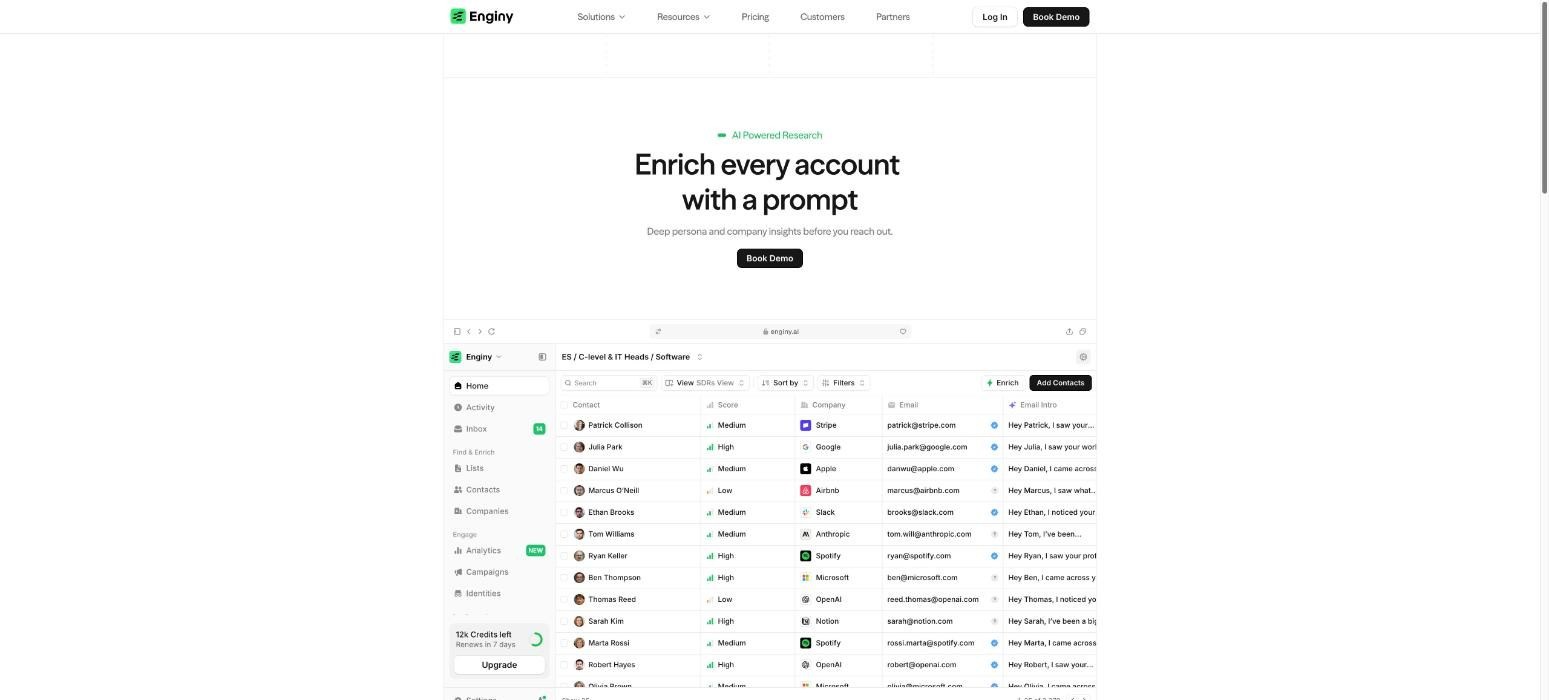
Enginy is an AI-native, end-to-end GTM platform built for B2B sales teams that want relevant outbound without juggling five tools. We bring prospect discovery, enrichment and multichannel engagement into a single workflow.
Our list building goes beyond firmographics. You can filter by intent signals such as recent hires, job changes, funding rounds, technology stack and event attendance. Our AI then researches each account and writes context-aware messages using OpenAI, Gemini, Grok or Claude.
From there, our multichannel outreach sequences run across email, social media and calls. They can even reach several stakeholders at the same company in parallel.
As a result, personalised outreach at scale becomes something any sales rep can run, without a GTM engineer behind the scenes.
Ideal For
B2B sales teams with SDRs and AEs who want one tool instead of a fragmented stack
Founders and early-stage startups testing new markets without a dedicated RevOps hire
Heads of Sales looking for consistent outbound quality across the whole team
Agencies and recruitment firms launching high-volume, well-targeted campaigns
Top Features
Intent-based list building: Build lists from buying signals, including social prospecting lists of people who engaged with specific posts or events, so you reach prospects at the right moment.
Waterfall enrichment: Our contact data enrichment checks 30+ providers in real time for verified emails and phone numbers, which lifts coverage and protects deliverability.
AI Playbook and AI Variables: Feed in your company context once, and our AI adds account news, contact summaries and tailored openers to every message.
Conditional multichannel campaigns: Branch sequences based on what each prospect does, then let our unified inbox and AI drafts handle the replies.
Why We Stand Out?
Most tools either give you data or send messages. At Enginy, we do both in depth.
We also built our tool so any rep can run it without technical help, and five onboarding sessions get your team live quickly.
Our multi-stakeholder campaigns also reach the CEO, the buyer and the users at once, so your name is familiar before the first call.
Pros
Data, enrichment and outreach live in one place, which cuts tool costs and switching time
Intent signals and AI research make personalisation specific rather than generic
Waterfall enrichment across 30+ providers improves contact coverage
Easy enough for SDRs to run without a GTM engineer
Five structured onboarding sessions help teams see results faster
Cons
Solo sellers who only need a basic email sender may not use the full depth of the tool
Teams that prefer to self-serve instantly will need a short qualification call first
Organisations locked into a single enterprise engagement suite may face a longer migration
Pricing
At Enginy, we don't publish fixed prices. Instead, we tailor each plan after a short qualification call, so you only pay for what your team actually needs.
Our pricing is credit-based. Credits cover actions like data extraction, email and phone enrichment, verification and AI-generated fields, and plans can flex as you grow.
Final Verdict
Enginy is the strongest choice for teams that want personalised outbound without stitching together several tools. We cover the whole process, from finding the right accounts to booking the meeting.
Because any rep can run it, you get the depth of a complete GTM tool without needing a specialist operator.
For growing sales teams, that combination is hard to match.
2. Clay
Overview
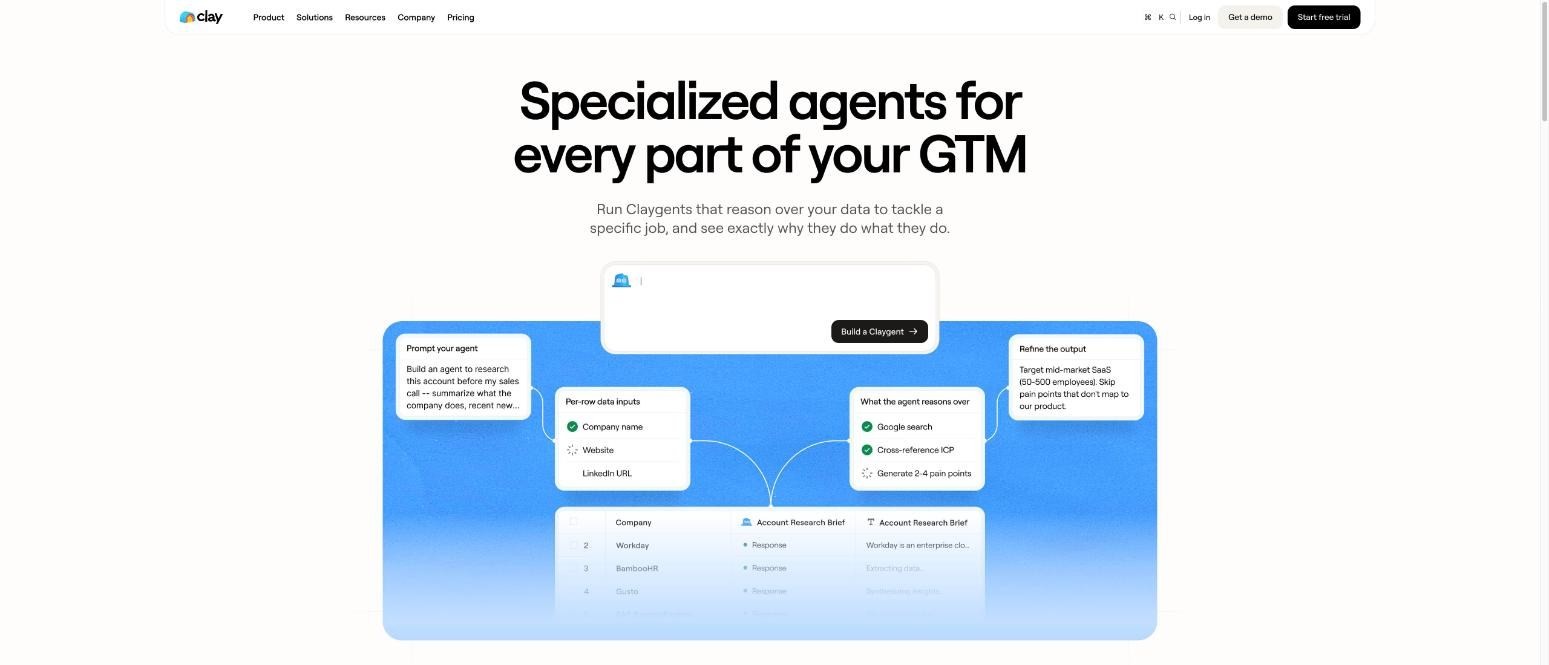
Clay is a data enrichment and research tool built around a flexible, spreadsheet-style workspace. It pulls from more than 100 data providers and runs them in a waterfall, so teams can fill gaps in contact and company data from several sources.
Its AI research agent, Claygent, browses the web to answer custom questions about each account. Teams then use those answers to write tailored opening lines or segment prospects by fit.
Clay doesn't send sequences on its own. Instead, the tool pushes enriched, personalised data into sequencers and CRMs.
That suits technical GTM teams who want full control over how research feeds their AI personalised outreach, provided someone on the team can build and maintain the workflows.
Ideal For
GTM engineers and RevOps teams comfortable building custom workflows
Growth teams that need niche data points beyond standard firmographics
Agencies building bespoke research for several clients
Teams that already have a separate sequencing tool
Top Features
Waterfall enrichment: Queries several providers in order until it finds a match, which improves coverage for hard-to-find contacts.
Claygent AI research: Answers custom questions about accounts, such as recent product launches or hiring plans, at scale.
Flexible tables: Lets you combine data, formulas and AI prompts in a spreadsheet-style view.
Integrations: Sends enriched data to CRMs and outreach tools so personalised fields flow into campaigns.
Why They Stand Out?
Clay is one of the most flexible research tools available. You can design almost any enrichment or AI research workflow you can imagine.
That freedom suits technical teams who want precise control over their data. Its large provider network also helps fill gaps other tools miss.
However, it focuses on research, so you still need separate tools to send and manage outreach.
Pros
Access to a wide range of data providers in one workspace
Highly customisable AI research and enrichment workflows
Strong community, templates and learning resources
Works well alongside existing sequencers and CRMs
Cons
Steep learning curve for reps without technical skills
No built-in multichannel sequencing, so you need another tool to send messages
Credit usage can climb quickly on complex workflows
Usually needs a dedicated operator to get the most out of it
Pricing
Clay offers a free plan for testing, while paid plans start at $167 per month for Launch and $446 per month for Growth.
Enterprise pricing is custom and quoted on request. Plans scale by annual actions and data credits, and higher tiers add CRM sync, automation, integrations and dedicated support.
Final Verdict
Clay works best for technical GTM teams who want to build their own research engine and already use a separate sequencer.
For most sales teams, though, the setup and maintenance take time that reps don't have. Without a dedicated operator, much of its flexibility goes unused.
It's a strong research layer rather than a complete outreach tool on its own.
3. Salesloft
Overview
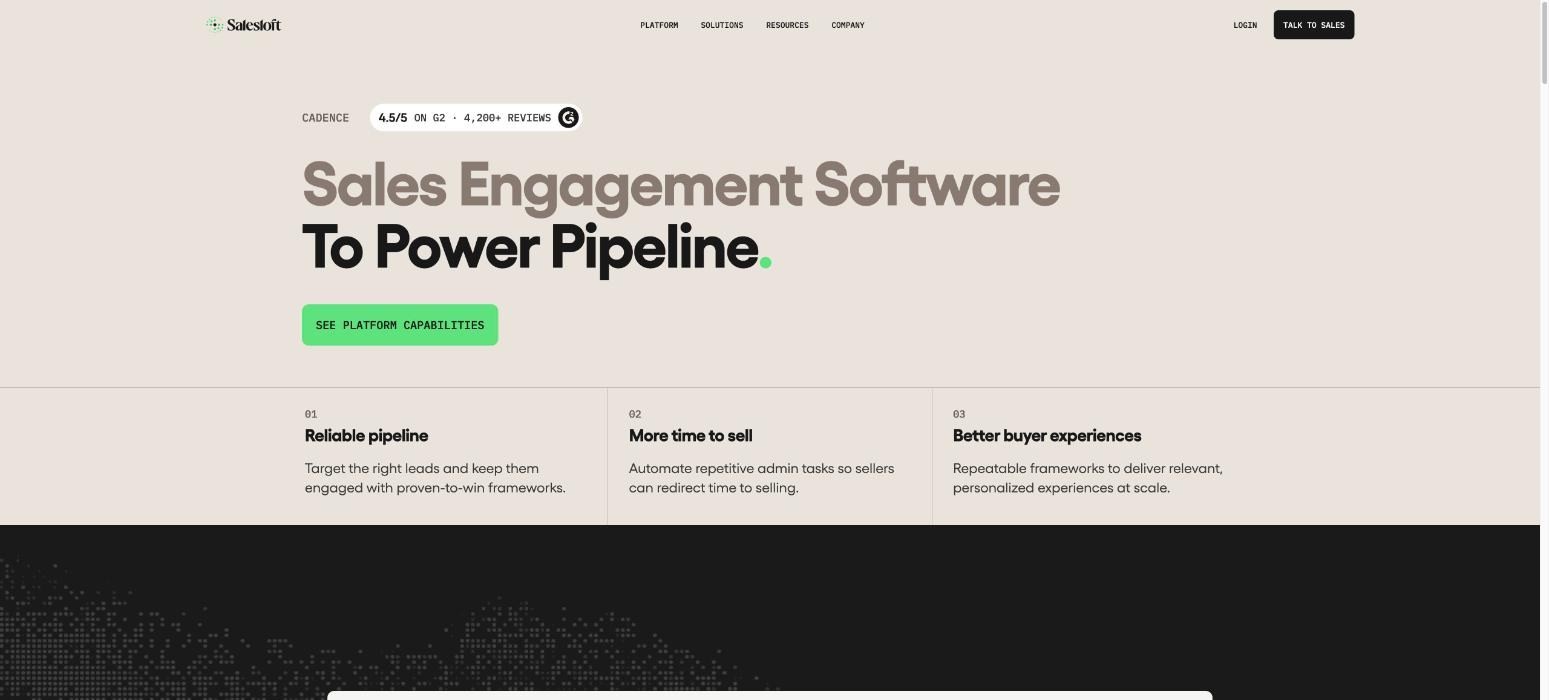
Salesloft is a revenue orchestration tool built for enterprise sales organisations. Its core is the cadence, a structured sequence of emails, calls and social media touches that reps follow for each prospect.
On top of that, Salesloft uses AI to prioritise work each day. The tool surfaces the accounts and actions most likely to move deals forward, based on buyer signals and recent activity.
It also covers conversation intelligence, deal management and forecasting, so leaders can see the full pipeline in one view.
Salesloft personalises messages through templates, snippets and AI-assisted writing within each cadence. That suits large teams wanting consistent, well-governed outreach more than lean teams after deep, research-led messaging.
Ideal For
Enterprise sales teams with large SDR and AE functions
Sales leaders who need forecasting and pipeline visibility alongside outreach
Organisations with established processes and dedicated sales operations staff
Top Features
Cadences: Structured, multi-step sequences across email, phone and social media keep reps on a consistent process.
AI prioritisation: Highlights the next best actions so reps focus on the accounts most likely to convert.
Conversation intelligence: Records and analyses calls to support coaching and spot deal risks.
Deals and forecasting: Gives managers pipeline visibility without leaving the tool.
Why They Stand Out?
Salesloft is one of the strongest choices for large teams that need governance and visibility. It combines engagement, coaching and forecasting in a single suite.
That breadth helps enterprise leaders keep hundreds of reps aligned on one process.
However, it relies on you to bring the prospect data. So you'll usually need a separate data provider for list building and enrichment.
Pros
Mature, reliable cadence management for large teams
Strong coaching and conversation intelligence features
Deep integrations with major enterprise CRMs
Clear reporting for sales leaders
Cons
No built-in prospect database, so data comes from elsewhere
Can feel heavy and complex for small teams and startups
Implementation often needs dedicated admin support
Personalisation depends largely on templates and rep effort
Pricing
Salesloft doesn't publish its prices on its website. Instead, pricing is tailored to your team's size, use cases and specific requirements.
To get an accurate figure, you'll need to contact their sales team for a custom quote. That quote will reflect your setup, seats and any add-ons you need.
Final Verdict
Salesloft suits enterprise teams that already have clean data and want a structured way to run outreach, coaching and forecasting together.
For smaller teams and startups, it can be more tool than they need, and it won't build or enrich lists for you.
If your priority is research-led personalisation, you'll need to pair it with separate data and enrichment tools.
4. Outreach
Overview
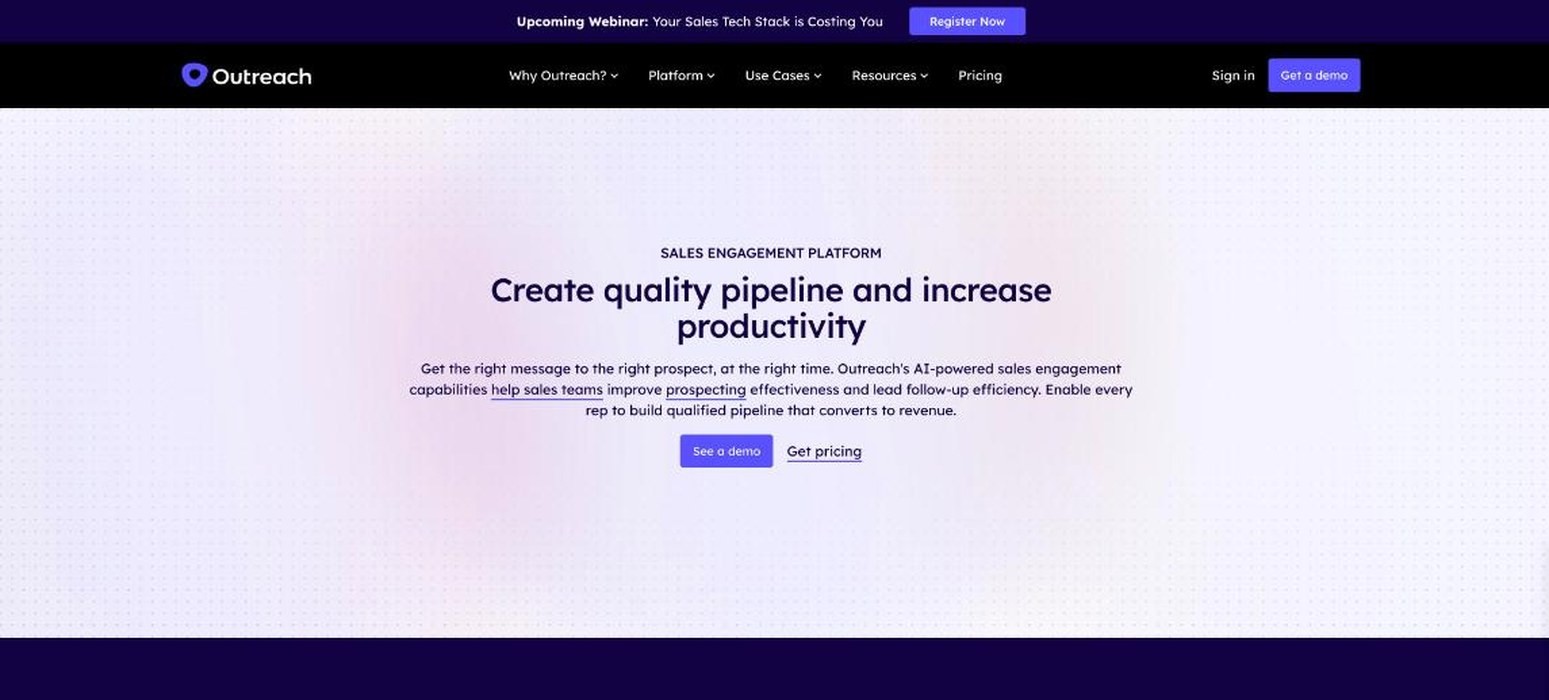
Outreach is a sales execution tool used by large revenue teams to plan, run and measure their sales process. Its sequences combine email, calls and tasks, giving reps a clear daily list of what to do next and when.
In recent years, Outreach has added AI agents that research accounts, draft emails and suggest follow-ups. Its conversation intelligence, Kaia, records and summarises calls, while deal and forecasting tools help leaders track pipeline health.
Personalisation here is mostly AI-assisted drafting within a highly structured process. As a result, the tool fits companies that value consistency and control across large teams.
As a result, it is less suitable for lean teams that need prospect data and enrichment built into the same tool.
Ideal For
Large sales organisations standardising execution across many reps
Revenue leaders who want sequences, coaching and forecasting together
Companies with dedicated sales operations teams
Top Features
Sequences: Multi-step email, call and task sequences keep outreach consistent across the team.
AI agents: Research accounts and draft personalised emails, which cuts prep time for reps.
Kaia conversation intelligence: Summarises calls and surfaces insights for coaching.
Deal management and forecasting: Gives leaders a clear view of pipeline and risk.
Why They Stand Out?
Outreach is one of the most established sales execution tools for enterprise teams. Its strength lies in turning a sales process into a repeatable daily workflow.
The AI agents add helpful research and drafting on top. Meanwhile, the forecasting tools give leaders confidence in their numbers.
Like Salesloft, though, it expects you to supply the prospect data and enrichment from other tools.
Pros
Proven at scale with large sales teams
AI-assisted research and email drafting
Strong analytics, coaching and forecasting
Wide range of CRM and productivity integrations
Cons
No native prospect database or enrichment
Complex setup that usually needs admin resources
Often more than a startup or small team needs
Social media outreach is less central than email and calls
Pricing
Outreach doesn't list its prices publicly. Instead, pricing depends on your team size, use cases and setup requirements.
The fastest way to get an accurate figure is to speak with their sales team. They'll build a quote around your needs, including seats and any additional modules.
Final Verdict
Outreach is a good fit for large organisations that want to run a disciplined, measurable sales process across many reps.
However, its depth comes with setup and admin overhead, and you'll still need separate tools for prospect data and enrichment.
Smaller teams that want research-led personalisation built in will likely find a simpler, all-in-one option more practical and quicker to roll out.
5. Instantly
Overview
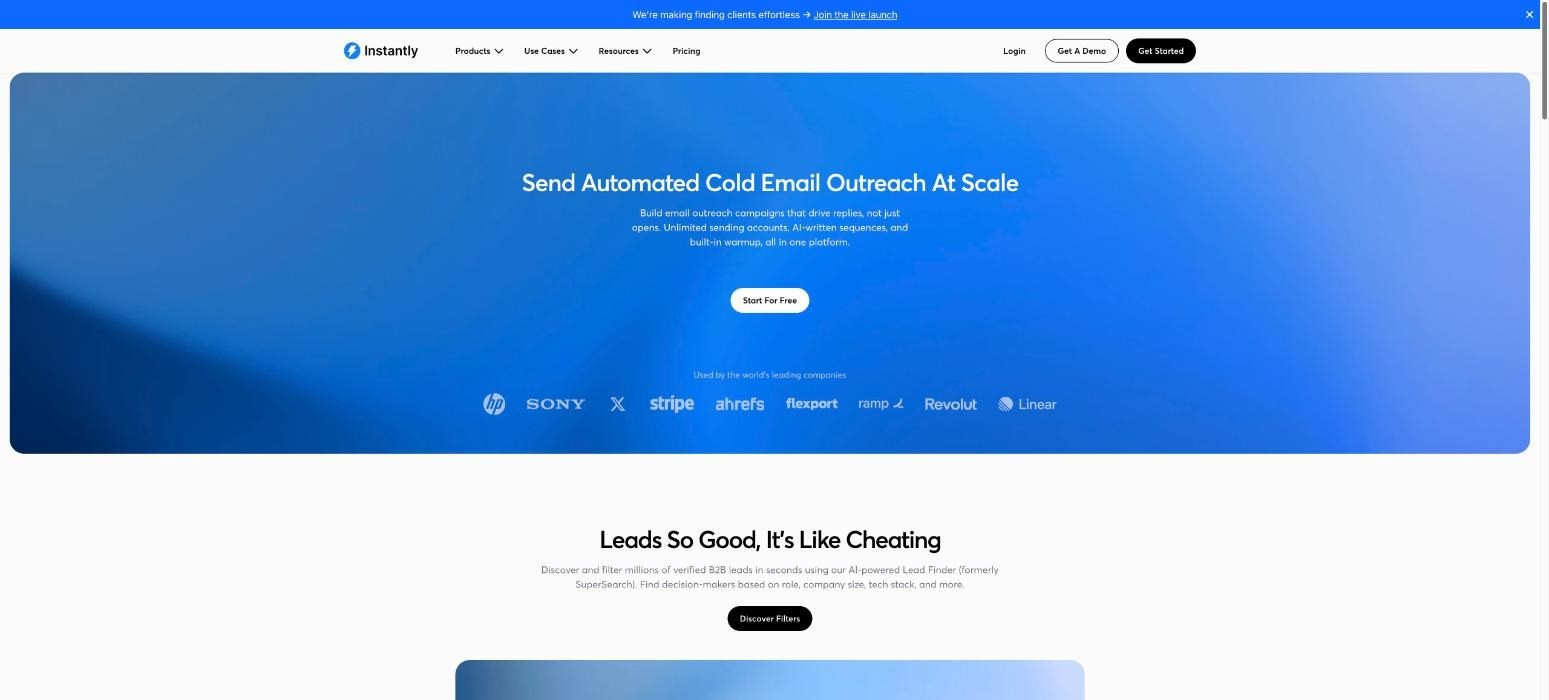
Instantly is a cold email tool built for sending at volume without hurting deliverability. It lets teams connect unlimited sending accounts, warm them up automatically and rotate between them to protect sender reputation.
For personalisation, Instantly offers AI help with writing emails and spintax to vary copy across sends. It also includes a lead database and a unified inbox, where AI can suggest and categorise replies. Campaign analytics then show open, reply and bounce rates for each sequence.
Because the tool focuses so heavily on email, Instantly is one of the smartest choices for lean teams and agencies running high-volume campaigns.
Teams that want calls, social media steps or detailed research behind every message will usually need to pair it with something else.
Ideal For
Agencies running cold email for several clients
Lean startup teams sending high-volume email campaigns
Founders who want an affordable way to test outbound
Top Features
Unlimited sending accounts: Connect many inboxes and rotate between them to spread volume safely.
Automated warm-up: Builds sender reputation before and during campaigns.
AI writing help: Generates and varies email copy to keep messages from looking identical.
Unified inbox: Collects replies in one place, with AI help to sort and answer them.
Why They Stand Out?
Instantly is one of the strongest options for email-first teams that care about volume and deliverability. Its unlimited accounts and built-in warm-up make it easy to scale sending.
The pricing is also accessible for startups and agencies.
On the other hand, it stays mostly within email. So teams needing calls, social media steps or deep account research will need extra tools.
Pros
Affordable entry pricing for small teams
Strong deliverability features and automated warm-up
Easy to set up and start sending quickly
Unified inbox keeps replies organised
Cons
Mainly focused on email rather than full multichannel outreach
Personalisation is lighter than research-led tools
Contact limits vary by plan and can restrict growth
Data quality from the lead database can vary
Pricing
Instantly's Email Outreach plans cost $47 per month for Growth, $97 per month for Hyper Growth and $358 per month for Light Speed.
Each plan includes volume-based email limits and fixed contact limits. An Enterprise tier with custom, enterprise-grade pricing is also available for larger teams.
Final Verdict
Instantly is a good pick for agencies and lean teams that want to send a lot of cold email affordably and safely.
Its limits show when you need more than email. Calls, social media and deep account research all sit outside its core strengths.
For research-led, multichannel personalisation, most growing sales teams will need something broader that covers data and calls too.
6. Lemlist
Overview
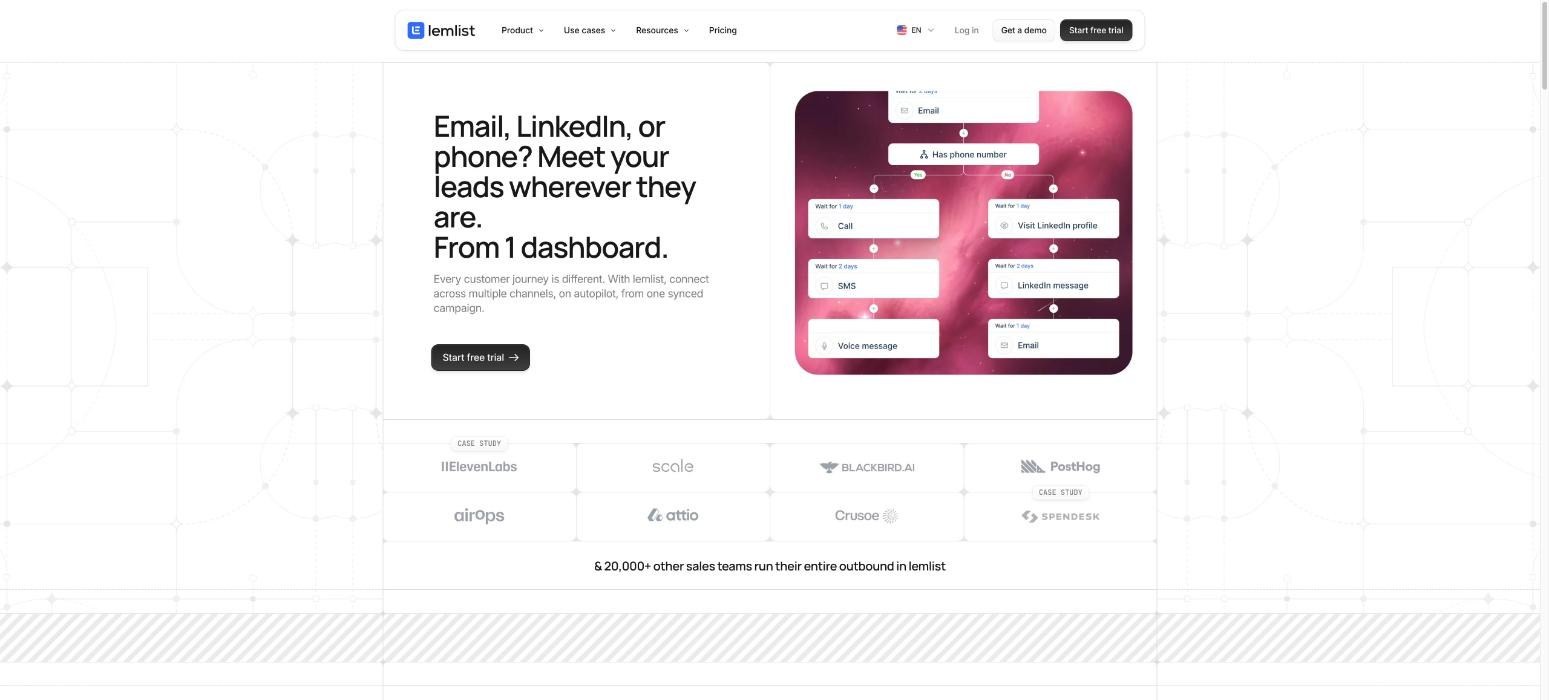
Lemlist is a multichannel outreach tool known for creative personalisation. It lets teams add personalised images, landing pages and videos to their emails, which helps messages stand out in a crowded inbox.
Beyond email, Lemlist sequences can include social media steps, calls and other channels. It also offers a built-in lead database, AI that drafts sequences and messages, and lemwarm, its email warm-up feature.
On top of that, the interface is quick to learn as well, which helps new reps get campaigns live at a quick pace.
This mix of creativity and multichannel reach makes Lemlist a popular choice for small and mid-sized teams. However, its data depth and intent signals are lighter than tools built around research.
Ideal For
Small and mid-sized sales teams running multichannel sequences
Founders who want creative, eye-catching cold outreach
Agencies testing personalised campaigns across channels
Top Features
Personalised images and videos: Add custom visuals to each email to catch attention and lift replies.
Multichannel sequences: Combine email, social media steps and calls in one campaign.
AI sequence writer: Drafts campaigns and messages based on your target audience.
lemwarm: Warms up email accounts to protect deliverability.
Why They Stand Out?
Lemlist is one of the smartest choices for teams that want their outreach to feel creative and human. Its visual personalisation is hard to find elsewhere.
The multichannel sequences and built-in warm-up also cover most needs for small teams.
Still, its intent signals and enrichment are lighter than research-first tools, which limits how deep each message can go for larger, more targeted teams.
Pros
Creative personalisation with images, videos and landing pages
Multichannel sequences in one tool
Built-in lead database and email warm-up
Friendly interface that's quick to learn
Cons
Intent signals and enrichment are less advanced than research-first tools
Reporting can feel basic for larger teams
Add-ons for extra credits and channels raise the overall cost
Pricing
Lemlist charges per user, billed annually. Email Starter costs $39, Email Pro costs $69 and Multichannel Expert costs $99 per month.
Enterprise pricing is custom and quoted on request. Each plan includes credit bundles, while extra credits, phone dialling and other channels are available as paid add-ons.
Final Verdict
Lemlist is a good fit for small and mid-sized teams that want creative, multichannel outreach without a complex setup or a long learning curve.
However, teams that rely heavily on intent signals and deep enrichment will find its data layer limited.
As your outbound grows more targeted, you may need a tool with stronger research and enrichment built in from the start.
7. Unify
Overview
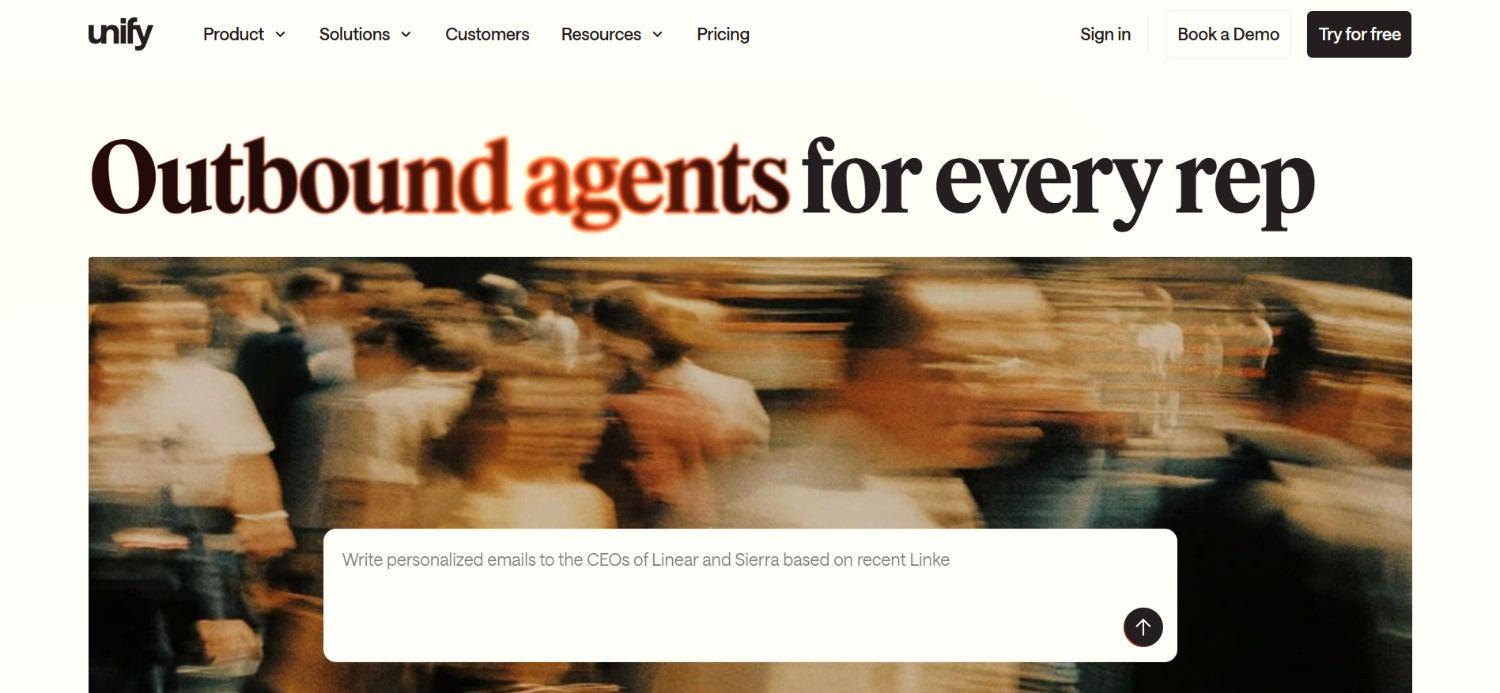
Unify is a warm outbound tool built around buying signals. It tracks signals such as website visits, job changes, past champions moving to new companies and product usage, then turns them into automated plays.
When a signal fires, Unify can enrich the contact, add them to a sequence and use AI to write a message that references the trigger. That makes outreach more timely and relevant than a cold list.
This signal-first approach suits teams that want to focus on warmer prospects. Unify is one of the smartest choices for teams running timely, signal-led outreach, though setting up and tuning plays usually takes some RevOps time.
Teams seeking broad, cold list building might need to pair it up with another tool.
Ideal For
B2B teams focused on warm, signal-based outbound
RevOps teams comfortable building automated plays
Companies with strong website traffic or product-led motions
Top Features
Buying signals: Tracks website visitors, job changes and champion moves to find warmer prospects.
Automated plays: Triggers enrichment, sequences and tasks when a signal fires.
AI messaging: Writes outreach that references the specific signal behind each contact.
CRM integrations: Syncs activity and data with your CRM on higher tiers.
Why They Stand Out?
Unify is one of the strongest options for teams that want to reach prospects at the right moment. Its signal tracking and automated plays turn intent into action quickly.
As a result, outreach feels timely rather than random, and reps spend less time guessing who to contact.
However, getting the most from it means building and tuning plays, which usually needs RevOps support.
Pros
Strong focus on intent and timing
Automated plays reduce manual follow-up work
AI messages reference real buying signals
Free plan to test the tool
Cons
Setting up plays takes time and technical comfort
Less suited to broad, cold list building
Advanced signals and workflows sit on the Business tier
Pricing
Unify offers four plans. Free costs $0 with limited credits, Base costs $20 per seat per month with 800 credits and Pro costs $60 per seat per month with 2,400 credits.
Pro adds CRM integrations, while Business has custom annual pricing with intent signals, automated workflows and advanced integrations.
Final Verdict
Unify works well for teams that want to build outbound around warm signals and have RevOps time to set up plays.
On the other hand, its value depends on how well those plays are configured, and it's less focused on cold list building.
Teams wanting a simpler, all-in-one setup may find it takes more effort than expected to get running and maintain.
8. Apollo.io
Overview
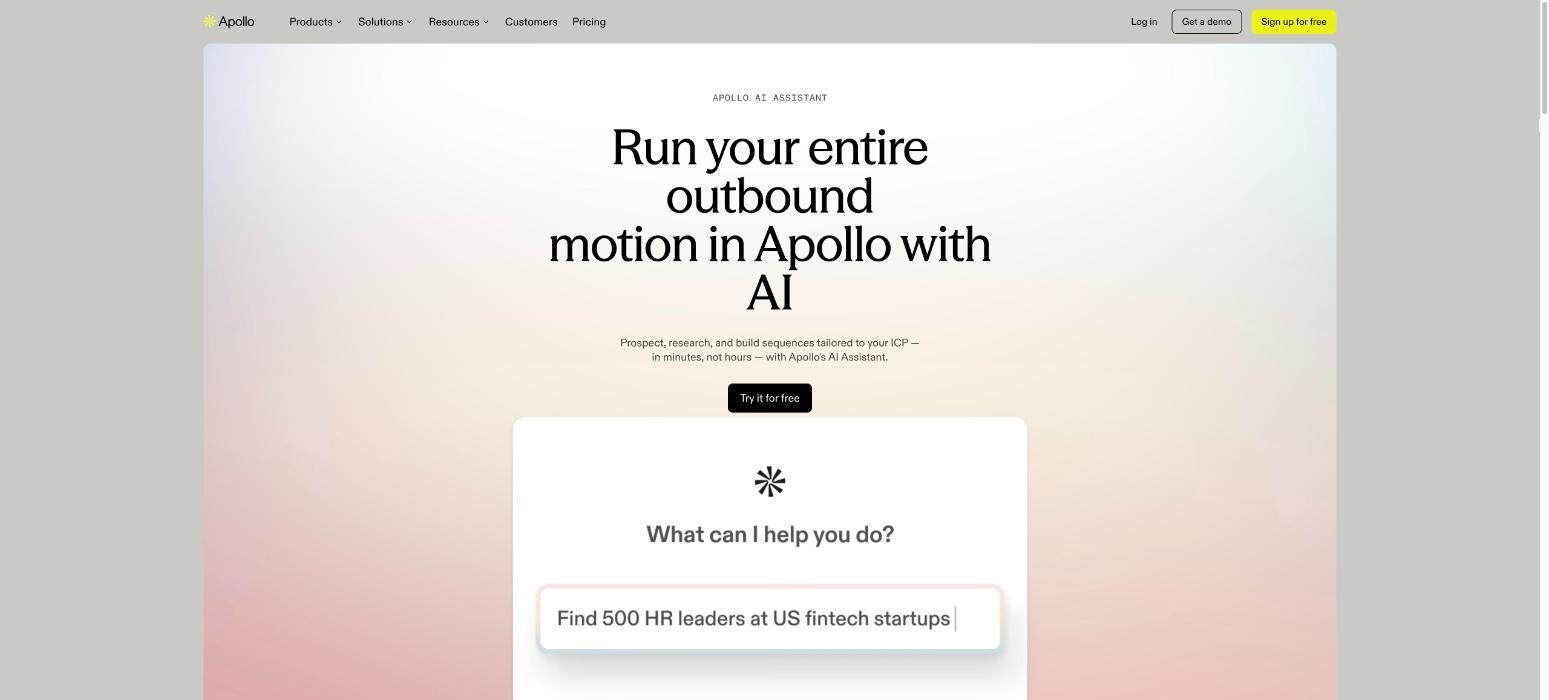
Apollo.io is an all-in-one sales tool that combines a large, searchable B2B contact database with email sequences, a dialler and AI writing help. It's often the first outbound tool startups try, thanks to its free plan, low entry price and simple setup.
For personalisation, Apollo offers AI-written emails that use contact and company data, plus basic intent signals on higher plans. Sequences can include email, calls and manual social media tasks, all tracked in one place.
Apollo covers a lot of ground for its price. However, its filters and personalisation are fairly simple compared with research-led tools. As teams grow, many find they need deeper intent signals, multi-stakeholder campaigns or stronger enrichment than Apollo provides.
Ideal For
Early-stage startups building their first outbound process
Solo founders and small sales teams on tight budgets
Teams that need a contact database and basic sequences in one place
Top Features
Contact database: Search a large database of B2B contacts with standard filters.
Sequences: Run email, call and task sequences from one tool.
AI writing assistant: Drafts emails using contact and company data.
Dialler: Make calls directly from the tool.
Why They Stand Out?
Apollo.io is one of the smartest choices for startups that need an affordable place to start outbound. It packs data, sequences and calling into one low-cost tool.
That breadth helps small teams get their first campaigns running within a day or two.
However, its filtering and personalisation are relatively simple, so teams often outgrow it as their targeting becomes more specific.
Pros
Free plan and low entry pricing
Database, sequences and dialler in one tool
Quick to set up for small teams
AI help with email writing
Cons
Data accuracy can vary, especially outside the US
Filters and intent signals are fairly basic
Personalisation lacks depth compared with research-led tools
Add-ons can raise the real cost as teams grow
Pricing
Apollo.io offers a Free plan alongside paid tiers billed annually. Basic costs $49, Professional costs $79 and Organization costs $119 per seat per month.
Add-ons such as extra credits, advanced email domains and additional integrations are priced separately, so the real monthly cost depends on how much you add.
Final Verdict
Apollo.io is a sensible starting point for startups that need data and sequences on a tight budget. It remains a popular first step for good reason.
As outbound matures, though, its simple filters and lighter personalisation can hold teams back.
Teams that want intent-led targeting, multi-stakeholder campaigns or stronger enrichment usually move to a more complete tool as they scale.
9. AiSDR
Overview
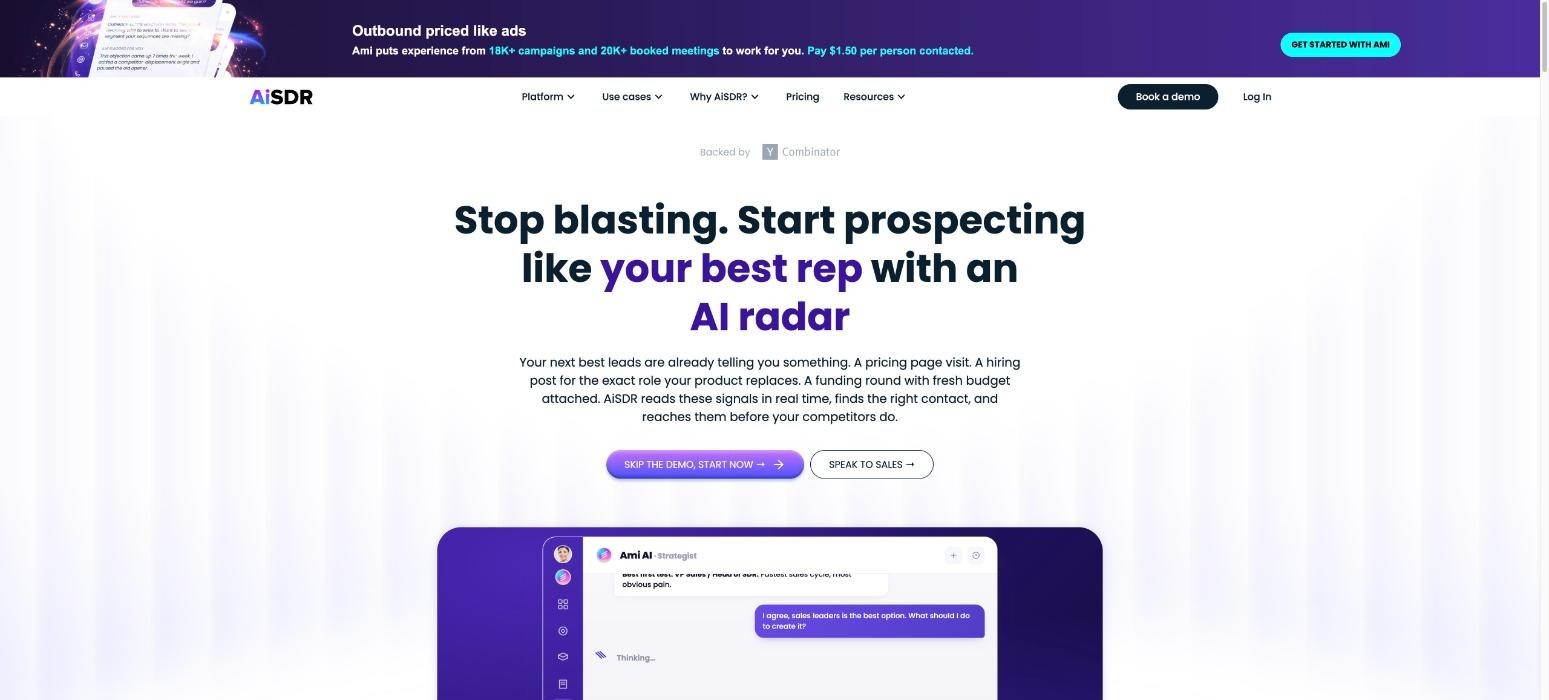
AiSDR is an AI sales development tool that handles much of the early prospecting work on its own. It researches each lead, using sources like company news and social media activity, then writes a personalised email based on what it finds.
Once a campaign is running, AiSDR can also answer replies, handle common objections and book meetings into your calendar. It integrates with major CRMs, so activity stays in sync.
This makes AiSDR one of the strongest choices for teams that want to hand top-of-funnel email to an AI SDR. However, its strength is mainly email.
Teams that want close control over every message, or those that rely on calls and social media may find the tool limiting.
Ideal For
Lean teams that want an AI SDR to handle early prospecting
Startups looking to add outbound capacity without hiring
Sales leaders testing AI-led outreach alongside human reps
Top Features
AI lead research: Researches each prospect before writing, so emails reference real details.
Personalised email generation: Writes tailored emails at volume.
Automated reply handling: Responds to replies and common objections.
Meeting booking: Books qualified meetings directly into calendars.
Why They Stand Out?
AiSDR is one of the strongest options for teams that want AI to run early prospecting on its own. It researches, writes, replies and books meetings with little manual input.
That helps small teams add outbound capacity without hiring another full-time SDR.
However, it focuses mainly on email, and some teams prefer more hands-on control over messaging, tone and timing.
Pros
Handles research, writing and replies automatically
Adds outbound capacity without extra headcount
Integrates with major CRMs
Annual billing discount available
Cons
Mainly focused on email rather than multichannel outreach
Less control over individual messages than manual tools
Higher entry price than self-serve email senders
Pricing
AiSDR has three paid plans: Solo at $250 per month, Explore at $900 per month and Scale at $2,500 per month.
Plans differ by the number of AI-researched contacts, user limits and outbound capacity. Annual billing comes with a 20% discount, which helps teams planning longer campaigns.
Final Verdict
AiSDR suits teams that want to hand top-of-funnel email prospecting to an AI and free reps for later-stage work.
Its email focus and reduced control won't suit everyone, especially teams that rely on calls, social media or a distinctive brand voice.
Companies wanting AI help across several channels, with humans closely involved in every conversation, may prefer a broader tool.
10. Regie.ai
Overview
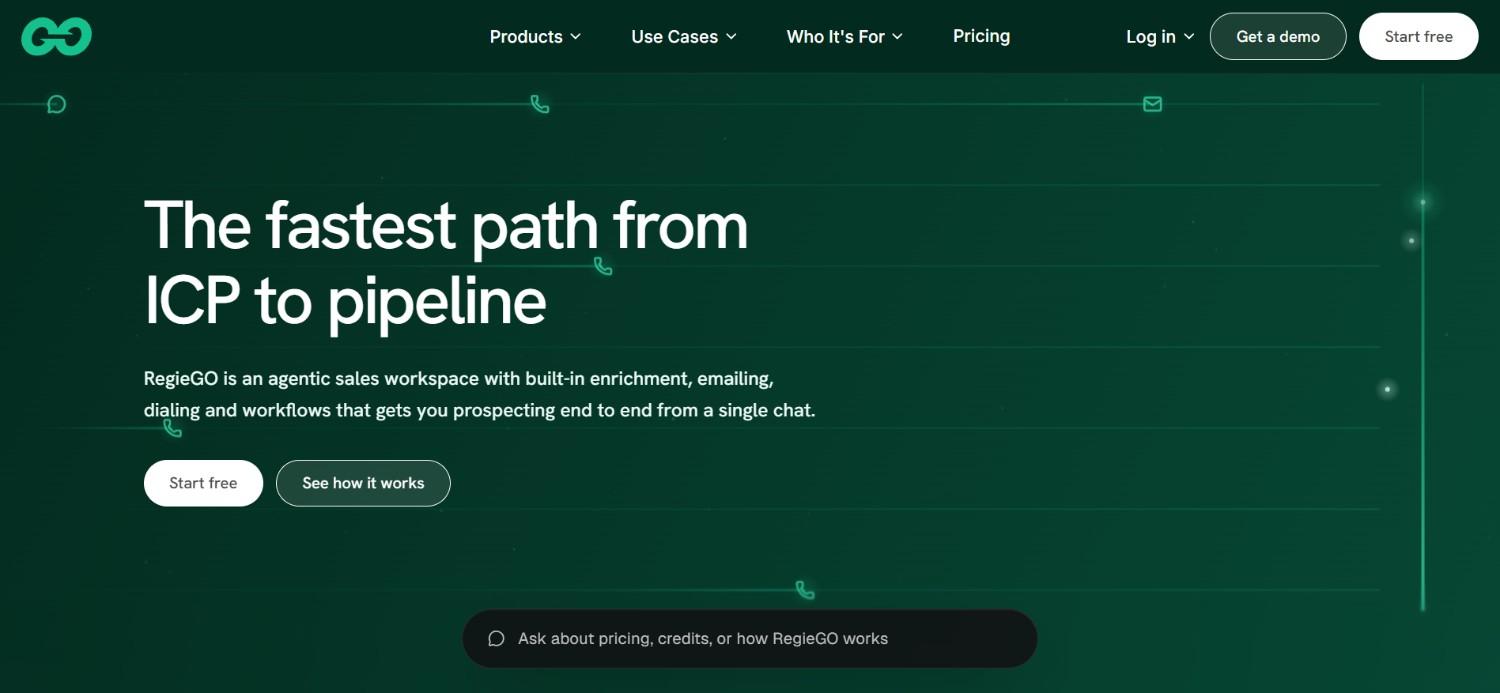
Regie.ai is an AI prospecting tool that combines AI agents with human sellers. Its agents research accounts, build sequences and write personalised content, while reps focus on calls and live conversations.
The tool includes AI content generation for emails and call scripts, sequence automation and a parallel dialler to help reps reach more prospects by phone. It connects with major CRMs and sales engagement tools.
This blend of AI and human work makes Regie.ai one of the smarter choices for phone-heavy SDR teams that still want AI-written messaging. Reps can also review and edit every draft before it goes out.
However, Regie AI's data layer is lighter than tools with built-in enrichment, so many teams pair it with a separate data provider.
Ideal For
SDR teams that combine calling with email outreach
Sales leaders adding AI agents alongside human reps
Teams that want AI-written content and call scripts
Top Features
AI prospecting agents: Research accounts and build sequences automatically.
AI content generation: Writes personalised emails and call scripts.
Parallel dialler: Helps reps reach more prospects by phone in less time.
CRM integrations: The tool shares data with your CRM on the Team plan.
Why They Stand Out?
Regie.ai is one of the strongest options for teams that mix AI-written outreach with live calling. Its agents take on research and writing, while the dialler keeps reps productive on the phone.
The free plan also makes it easy to test before committing your team.
However, it relies on outside data for list building, so enrichment usually sits in another tool.
Pros
Combines AI agents with human-led calling
Strong AI content generation for emails and scripts
Free plan and affordable entry pricing
Parallel dialler boosts calling productivity
Cons
Limited built-in data and enrichment
Team plan requires at least two seats
Less focus on social media outreach
Pricing
Regie.ai offers Free at $0 with 250 one-time credits and Pro at $49 per month, or $41 billed annually, with 5,000 monthly credits.
The ‘Team’ plan costs $150 per seat per month, or $125 billed annually. It requires at least two seats and adds shared CRM access and integrations.
Final Verdict
Regie.ai suits phone-heavy teams that want AI to handle research and writing while their reps focus on live calls and conversations. Its lighter data layer means you'll likely need another tool for list building, enrichment and contact verification.
Teams seeking one place for data, personalisation and multichannel outreach may find a broader, all-in-one option simpler to manage day to day.
How to Choose the Best Personalised Outreach Tools (What To Consider)?
With so many options, the right choice comes down to how your team sells.
These factors will help you narrow the list:
1. Depth of Data and Buying Signals
Personalisation is only as good as the data behind it. Check where each tool gets its contact data, how often it updates and whether it uses waterfall enrichment across several providers.
Then look at buying signals. Job changes, new hires, funding rounds and post engagement give you real reasons to reach out, which makes every message more relevant.
2. Quality of AI Personalisation
Not all AI writing is equal. Some tools only fill in names and company details, while others research recent news and write openers that reference something specific.
Test each tool on a handful of real prospects. If the drafts sound generic, your prospects will notice too.
3. Channel Coverage
Email alone often isn't enough anymore. Look for tools that combine email, social media and calls in one sequence, so you can reach prospects where they're most active.
Multi-stakeholder campaigns help too. Reaching several decision-makers at the same company builds familiarity before your first call.
4. Ease of Use and Setup Time
Some tools need a GTM engineer to build and maintain workflows. Others are designed so any rep can run them.
Be honest about your team's technical resources. For startups and lean teams, a tool that's quick to learn usually delivers results sooner than a more flexible one that sits half-configured.
5. CRM Integration and Data Hygiene
Your outreach tool should keep your CRM clean, not clutter it. Check for native integrations with your CRM, duplicate handling and data cleaning before and after enrichment.
Good integration also means activity and replies sync automatically, so managers can trust their reports.
6. Total Cost of Ownership
Compare more than the headline price. A cheap sender may still need a separate data provider, an enrichment tool and hours of manual research each week.
Add up every tool and the rep time involved. An all-in-one option often costs less overall than a stack of point tools.
Everything You Need to Know About Personalised Outreach Tools
Tool | Pros | Cons | Ease of Use | Integrations | Support | Affordability | Personalisation Depth |
|---|---|---|---|---|---|---|---|
Enginy | All-in-one data and outreach; intent signals and AI research; easy for any rep | Short qualification call before pricing; more depth than solo senders need; longer migration from enterprise suites | ⭐⭐⭐⭐⭐ | ⭐⭐⭐⭐⭐ | ⭐⭐⭐⭐⭐ | ⭐⭐⭐⭐ | ⭐⭐⭐⭐⭐ |
Clay | Wide data coverage; flexible AI research; strong templates | Steep learning curve; no sequencing; credits add up | ⭐⭐ | ⭐⭐⭐⭐⭐ | ⭐⭐⭐⭐ | ⭐⭐⭐ | ⭐⭐⭐⭐⭐ |
Salesloft | Mature cadences; strong coaching; enterprise CRM sync | No prospect data; complex for small teams; admin needed | ⭐⭐⭐ | ⭐⭐⭐⭐⭐ | ⭐⭐⭐⭐ | ⭐⭐ | ⭐⭐⭐ |
Outreach | Proven at scale; AI drafting; strong forecasting | No native data; complex setup; heavy for startups | ⭐⭐⭐ | ⭐⭐⭐⭐⭐ | ⭐⭐⭐⭐ | ⭐⭐ | ⭐⭐⭐ |
Instantly | Affordable; strong deliverability; quick setup | Email-focused; lighter personalisation; contact limits | ⭐⭐⭐⭐⭐ | ⭐⭐⭐ | ⭐⭐⭐ | ⭐⭐⭐⭐⭐ | ⭐⭐ |
Lemlist | Creative visuals; multichannel; built-in warm-up | Lighter intent data; basic reporting; costly add-ons | ⭐⭐⭐⭐ | ⭐⭐⭐⭐ | ⭐⭐⭐⭐ | ⭐⭐⭐⭐ | ⭐⭐⭐⭐ |
Unify | Signal-led timing; automated plays; free plan | Setup effort; weaker cold list building; key features on top tier | ⭐⭐⭐ | ⭐⭐⭐⭐ | ⭐⭐⭐ | ⭐⭐⭐⭐ | ⭐⭐⭐⭐ |
Apollo.io | Low price; data and sequences together; quick start | Variable data accuracy; basic filters; shallow personalisation | ⭐⭐⭐⭐ | ⭐⭐⭐⭐ | ⭐⭐⭐ | ⭐⭐⭐⭐⭐ | ⭐⭐ |
AiSDR | Autonomous research and replies; adds capacity; CRM sync | Email-focused; less control; higher entry price | ⭐⭐⭐⭐ | ⭐⭐⭐ | ⭐⭐⭐ | ⭐⭐⭐ | ⭐⭐⭐⭐ |
Regie.ai | AI plus human calling; strong content; free plan | Limited data; two-seat minimum on Team; less social media focus | ⭐⭐⭐⭐ | ⭐⭐⭐ | ⭐⭐⭐ | ⭐⭐⭐⭐ | ⭐⭐⭐ |
Automate Personalised Outreach at Scale With Enginy
Relevant outbound shouldn't depend on how many hours your reps spend researching. At Enginy, we give your team the data, intent signals and AI-written messages to reach the right people with something worth reading.
Our customers see the difference quickly. Factorial lifted reply rates from 10% to 45% and doubled conversion from 4% to 8% on deals touched by our campaigns. Talent Match now gets around 30% of all new leads from Enginy.
Because any rep can run it, you don't need a GTM engineer to get there. Our five structured onboarding sessions help your team set up the AI Playbook, connect your CRM and launch your first campaigns together.
Book a demo with Enginy and see what personalised outbound looks like when your reps spend their time selling.
FAQs About Personalised Outreach Tools
What is the best personalised outreach tool in 2026?
The best personalised outreach tool in 2026 is Enginy, because it combines intent-based list building, waterfall enrichment from 30+ providers and AI-written multichannel sequences in one place. Any rep can run it without a GTM engineer. Factorial used it to lift reply rates from 10% to 45% across its campaigns. Clay and Lemlist are strong alternatives for custom research and creative campaigns.
What should I consider when choosing the right personalised outreach tool for me?
When choosing the right personalised outreach tool for you, consider data depth, AI personalisation quality, channel coverage, ease of use and CRM integration. Test each option on 5 to 10 real prospects before committing. Also compare total cost of ownership, including separate data and enrichment tools, rather than headline price alone. A tool that needs a GTM engineer may slow a small team down.
How does Enginy differ from similar alternatives?
Enginy differs from similar alternatives by combining prospect data, enrichment and multichannel outreach in one tool that any rep can run. Most competitors focus on either data or sending. We also support multi-stakeholder campaigns across email, social media and calls, plus intent signals like job changes and funding rounds that make personalisation more specific and timely. Any rep can run it without technical help.
How do I get started with Enginy?
You can get started with Enginy by booking a demo on our website. After a short qualification call, we tailor a credit-based plan to your team's needs. Then our five structured onboarding sessions cover CRM setup, the AI Playbook, list building and your first campaigns, so your team launches with a clear process. You can also try our free prospect search tool first.
How easy is it to switch to Enginy?
Switching to Enginy is straightforward, because our team handles setup alongside you across five onboarding sessions. We connect your CRM, including HubSpot, Salesforce, Pipedrive, Zoho and Microsoft Dynamics 365, and help you rebuild lists and sequences. Recurring automated lists then keep your CRM data fresh. Most teams can replace a separate data provider, enrichment tool and sequencer with one workflow.
Is Enginy more expensive than data-only tools?
Enginy can look more expensive than data-only tools at first glance, but the total cost is often lower. A data-only tool still needs a separate sequencer, an enrichment tool and hours of manual research every week. Factorial saved 3 to 4 hours per SDR each day with Enginy, which quickly outweighs a lower subscription price for most growing sales teams.
How do you personalise outreach at scale?
You personalise outreach at scale by combining good data, buying signals and AI writing. Start with a well-targeted list, enrich it with verified emails and phone numbers, then use AI to reference real details like job changes or company news. Run sequences across 2 to 3 channels, such as email, social media and calls, and review replies weekly to improve your prompts.