Back to blog
Best Email Automation Tools in 2026 (Top Platforms Compared)

Andrea López
Share
Most teams buy email automation tools to send more email. The ones that get results use them to send less, to tighter lists, with a reason attached to every message.
The category now covers two different jobs, lifecycle marketing to people who opted in and outbound sales email to people who have never heard of you, and buying the wrong half is the costliest mistake here.
This guide compares 10 tools on what each one is genuinely good at, what it costs, and who should skip it.
Key Takeaways (TL;DR)
The best overall email automation tool: Enginy is the strongest pick for B2B sales teams, because it fixes the list before it automates the sending, combining prospect discovery, waterfall enrichment, and AI-personalised sequences across email and social in one place. It's built so a rep can run it without a technical operator sitting behind them.
Why you need one: manual sending caps out at a few dozen well-researched emails a day per rep, and email lists degrade by at least 23% a year, so anything you send from a static spreadsheet is already stale. Automation keeps the timing, the data, and the follow-ups running while your reps stay in conversations.
Who it's for: B2B sales and SDR teams, founders selling without a sales ops hire, agencies and consultancies prospecting for clients, and marketing teams running lifecycle campaigns to an opted-in list.
How to choose the right one: decide which of the two jobs you're buying for, check where your contact data comes from and how it's verified, and confirm the deliverability layer covers warm-up, multiple sending domains, and authentication. A tool that sends beautifully into a spam folder is worth nothing.
Price range: Enginy is custom-quoted on a credit-based model across four tiers, sized on a qualification call so you pay for the volume you actually use. Elsewhere the market runs from free tiers on Mailchimp, Klaviyo, and Brevo, through roughly $34 to $109 a month for outbound tools like Saleshandy and Lemlist, up to $3,600 a month plus a $7,000 onboarding fee for HubSpot Marketing Hub Enterprise.
Top Email Automation Tools in 2026 at a Glance
Ten tools, split across the two jobs the category covers. The first five automate outbound sales email, the last five automate marketing email to people who already know you.
Company | Best For | Key Strengths | Pricing |
Enginy | B2B sales teams automating outbound email end to end | Prospect discovery, waterfall enrichment across 30+ providers, intent signals, AI-personalised email and social sequences, warm-up, AI reply handling | Credit-based, four tiers, custom quote |
Lemlist | Multichannel outbound sequences run by SDR teams | Built-in lead database, email and phone finders, deliverability hub, AI agents, five senders per user | From $55 per user monthly on annual billing |
Instantly | High-volume cold email across many inboxes | Unlimited inboxes and warm-up on outreach plans, large warm-up network, AI reply agent, B2B lead database | Outreach plans from $47 monthly; bundles from $94 |
Smartlead | Agencies running campaigns for multiple clients | Unlimited mailboxes, sub-sequences, dedicated sending servers, white-label client workspaces | From $39 monthly; white-label $29 per workspace |
Saleshandy | Cost-conscious teams starting cold email | Unlimited email accounts, sequence scoring, lead finder credits, unlimited users on the top tier | From $34 monthly on annual billing |
ActiveCampaign | Deep lifecycle marketing automation | Visual automation builder, conditional branching, segmentation, CRM add-on, wide integration library | Priced by contact count; 14-day trial |
HubSpot Marketing Hub | Teams that want email automation inside their CRM | Native CRM data, lead scoring, reporting, forms and landing pages in one account | Free tier; Starter $7 per seat; Professional $800 monthly plus onboarding |
Klaviyo | Ecommerce lifecycle and abandoned-cart flows | Deep store integrations, behavioural triggers, predictive analytics, email and SMS together | Free to 250 profiles; paid plans scale with profiles |
Brevo | Multichannel sending on a volume-based budget | Priced by emails sent rather than contacts stored, SMS and WhatsApp, transactional email, built-in CRM | Free forever tier; paid tiers by monthly send volume |
Mailchimp | Beginners and small lists sending their first campaigns | Largest template and integration library, simple builder, reporting for non-specialists | Free to 250 contacts; Essentials and Standard from $13 to $20 monthly |
What Are Email Automation Tools?
Email automation tools are software that sends email on a trigger or a schedule instead of a person pressing send, then adjusts what happens next based on how the recipient behaves.
A trigger might be a form submission, a purchase, a funding announcement, or a prospect opening a message twice without replying. The tool watches for it, picks the right message, sends it, and stops the sequence the moment someone replies.
Underneath the marketing language, every tool in this category does four things. It stores contacts and the data attached to them, it decides who should receive what and when, it delivers the message through a mail server, and it reports on what happened.
The difference between tools is how much depth sits behind each of those four jobs, and which of them the tool expects you to solve elsewhere.
The Two Jobs the Category Covers
The label "email automation tools" is used for two products that share almost no design assumptions, which is why buyers end up with software that can't do what they bought it for.
Marketing and lifecycle automation sends to people who gave you their address. Welcome series, onboarding flows, abandoned carts, re-engagement campaigns, and newsletters all live here.
Volume is high, the list is opted in, and the tool sends from your primary domain because your reputation is already established with those recipients. ActiveCampaign, HubSpot, Klaviyo, Brevo, and Mailchimp are built for this.
Outbound sales automation sends to people who have never heard of you. Volume per mailbox is deliberately low, personalisation is per contact rather than per segment, and sending happens from separate domains so a cold campaign can never damage the domain your invoices go out on. Enginy, Lemlist, Instantly, Smartlead, and Saleshandy are built for this.
Mixing them causes real damage. Run cold outbound through a marketing tool and you'll breach its terms of service and put your main sending domain at risk.
Run your newsletter through a cold email tool and you'll lose the segmentation, templates, and reporting that make lifecycle marketing work.
Where Automation Sits in the Wider Stack
An email automation tool is the execution layer, and it sits on top of two things that decide whether it works. Above it is the data layer, meaning where contacts come from and how their addresses are verified. Below it is the sending infrastructure, meaning domains, mailboxes, authentication records, and warm-up.
Some tools cover all three. Most cover one and assume you've bought the others, which is how a team ends up paying for a sending tool, a data provider, email verification tools, a warm-up service, and a cleaning step, then paying an operator to hold them together.
Why Do You Need Email Automation Tools?
You need email automation tools because the maths of manual sending stops working almost immediately. A rep writing genuinely researched emails manages maybe 20 to 30 a day, and it takes an average of 8 touchpoints to secure a first meeting with a new prospect. At that ratio, one rep sustains a live conversation with three or four new accounts a day before follow-ups eat the calendar.
The return justifies fixing it. Litmus puts email ROI at $36 for every dollar spent, ahead of any other channel, but that average is carried by teams whose sending is timed, targeted, and consistent. The teams dragging the average down send the same message to everyone and stop after one attempt.
There's a second cost that never appears on an invoice. Salesforce's State of Sales report puts 60% of a rep's average workweek on work that isn't selling, finds that 42% of sales reps are overwhelmed by too many tools, and counts an average of eight standalone tools per team outside a single system. Every handover between those tools is somewhere data goes stale and hours disappear.
The Problems Automation Actually Solves
Follow-ups that never happen: most replies arrive on the second, third, or fourth message, and manual follow-up is the first thing dropped in a busy week. A sequence sends them whether or not anyone remembers.
Data that goes stale in the background: contact records decay as people change jobs and companies restructure, so a list you built last quarter is already bouncing. Automation paired with enrichment refreshes records instead of letting them rot.
Timing you can't watch for manually: funding rounds, new hires, role changes, and tech-stack shifts are the moments buyers act on, and nobody can monitor them across 300 accounts by hand.
Inconsistent messaging across a team: when every rep writes their own sequence, you can't tell whether a poor reply rate is a targeting problem or a copy problem. Shared sequences make the variable testable.
Time lost to admin instead of selling: list building, copying records between tools, and pressing send by hand eat the hours that should go into conversations.
The outcome teams are buying isn't volume. It's the same number of reps holding more of the right conversations, which is what Factorial saw when centralised prospecting took their reply rate from 10% to 45% and doubled deal conversion from 4% to 8%.
Who Needs Email Automation Tools?
Different teams buy email automation tools for different reasons, and the right pick depends more on which of these you recognise than on any feature comparison.
B2B Sales and SDR Teams
Sales teams with structured SDR and AE functions run the hardest version of this problem. They need a fresh list every month, verified direct contact data, personalisation that survives at volume, and sequences that touch several stakeholders at the same account without duplicating messages.
Their constraint is rarely sending capacity; it's that reps spend the morning building lists and the afternoon apologising for bad data on calls. What they need is the data layer and the sending layer answering to each other, so a bad email address never reaches a sequence.
Founders and Small Teams Selling Without Sales Ops
Founders doing their own outbound have no operator to configure a stack and no time to become one. They need something they can set up in days, run themselves, and change without a support ticket.
The trap here is buying a tool aimed at technical GTM operators, then discovering it needs someone to maintain the workflows before it produces a single meeting.
Sales Operations Teams Consolidating a Fragmented Stack
Sales ops and RevOps teams usually arrive at this category with four subscriptions already running, a data provider, a sending tool, a verification service, and a warm-up product, plus a CRM that half of them sync with badly.
Their problem is duplicate contacts, contradictory reporting, and a total cost that nobody has added up honestly. They're buying consolidation, and they judge tools on integration depth and data quality rather than on the sequence builder.
Agencies, Recruiters, and Professional Services Firms
Recruitment consultancies, IT consultancies, and agencies prospecting on behalf of clients share one requirement that product teams don't have, which is separation. Each client or vertical needs its own sending domains, its own list, and its own reporting, and reputation damage on one account can't be allowed to spread.
Volume matters here too, since these teams often work several markets at once. Talent Match, a recruitment consultancy, now sources around 30% of its leads through Enginy at four to five times return on the spend.
Marketing Teams Running Lifecycle Campaigns
Marketing teams sending to an opted-in list are solving a different problem entirely. They need segmentation, behavioural triggers, templates, A/B testing, and reporting that ties sends to revenue.
If that's your job, the outbound tools in this guide are the wrong shape, and you should be comparing ActiveCampaign, Klaviyo, Brevo, and Mailchimp on automation depth and cost per contact.
Best Email Automation Tools: In-Depth Review and Comparison
Each entry below covers who the tool suits, where it's strong, where it isn't, and what it costs. Pricing was checked in August 2026 and vendors change it often, so treat the figures as directional and confirm before you buy.
1. Enginy
Overview
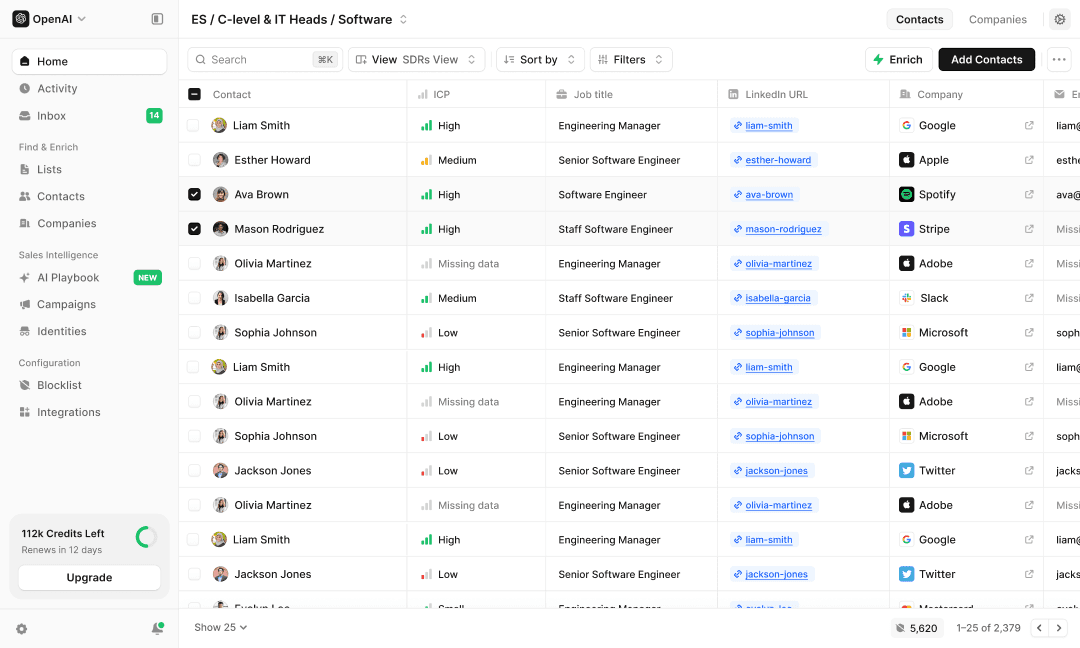
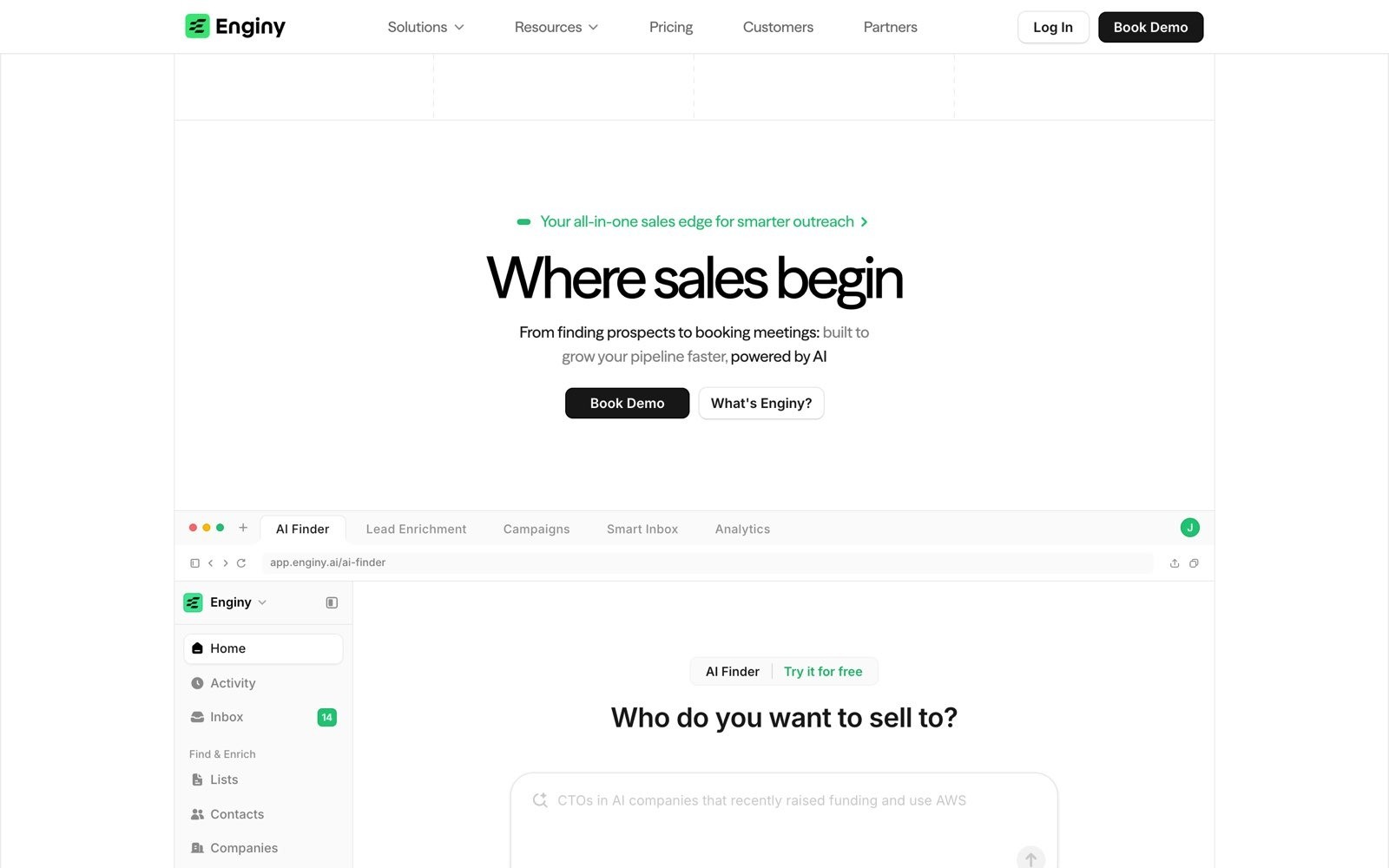
Enginy is an AI-native B2B sales tool that runs the whole outbound motion, from finding prospects through to handling their replies. It combines list building against your ICP, waterfall enrichment across 30+ contact data providers, intent signals, and AI-personalised sequences across email, social, and calls, with warm-up and deliverability handled inside the same account.
The company positions itself against two halves of a broken market, the data providers that hand you a CSV and the sending tools that assume your data is already good.
The problem it targets is the one most email automation tools ignore. Reply rates collapse because the list is wrong and the addresses are stale, not because the sequence builder lacks a feature, so Enginy treats data quality as part of the sending workflow rather than a separate purchase.
Ideal For
B2B sales teams with structured SDR and AE functions running outbound at volume
Founders and small sales teams with no GTM engineer or sales ops hire
Sales operations teams consolidating a data tool, a sending tool, and a cleaner into one subscription
Recruitment consultancies, IT consultancies, and agencies prospecting across several markets
Teams entering a new country or vertical who need a clean list built quickly
Why Do We Stand Out?
Two things separate Enginy from the rest of this list. The first is that the data and the sending answer to each other. Lists are built from firmographic filters layered with intent signals like recent hires, job changes, funding rounds, technology usage, and event attendance, then enriched through a waterfall across 30+ providers so a contact is verified before it ever enters a sequence.
Cleaning runs before and after enrichment, and contacts route by what data survived, so a prospect with a verified phone and email goes into a calling and email sequence while an email-only contact goes to email and social.
The second is that it runs without a technical operator. Complete outbound tools usually demand a GTM engineer to keep them alive, which is why so many teams buy power they never use. Enginy is built for a rep to operate, with five structured onboarding sessions to configure the AI playbook, sequences, and CRM sync during setup rather than leaving it to you. Sequences can also reach multiple stakeholders at the same account in parallel, so a CEO, a champion, and a department head have all heard from you before the first cold call happens, rather than betting the deal on one contact.
Pros
Data and sending in one account: prospect discovery, enrichment, sequencing, and reply handling run in one workflow, so no CSV ever leaves the building.
Waterfall enrichment across 30+ providers: coverage is far higher than any single database, and verification happens before the send rather than after the bounce.
Intent signals built into list building: job changes, hiring, funding, and technology filters let you time outreach to the moment a buyer is likely to act.
Deliverability handled in-house: domain warm-up, sending limits, identity management, and blocklist rules sit alongside the campaigns they protect.
A 24/7 AI-driven pipeline: sequences run and AI agents draft and triage replies around the clock, so pipeline keeps growing without adding headcount, and email, social, and tasks land in one unified inbox.
Cons
Not built for ecommerce or newsletter marketing: if your job is abandoned carts or a weekly newsletter, Klaviyo or Mailchimp fit better.
No self-serve pricing page: plans are quoted after a qualification call, which costs you a step upfront but sizes the credits to the volume you'll actually use instead of a flat rate built for an average team.
More tool than a one-person side motion needs: teams sending a handful of emails a month won't use most of what they're paying for.
Pricing
Pricing is credit-based and custom-quoted rather than published, and credits are consumed by actions such as extracting contact data, email and phone enrichment, verification, technology and job-posting data, and AI research fields.
Four tiers run from Basic through Smart and Business to a fully customised Enterprise plan, varying by monthly credits, contacts, sender identities, warm-up seats, and support level.
Every tier includes five onboarding sessions, and plans are sized on a qualification call so you're not paying for volume you won't use.
Final Verdict
Enginy is the strongest choice on this list for B2B teams whose email automation keeps failing upstream of the send, because it's the only option here that owns list building, enrichment, deliverability, and reply handling in the same workflow, and it does that without demanding a technical operator.
Factorial went from one person producing 10 leads a day to a system producing 5,000 a month, with reply rates moving from 10% to 45%.
2. Lemlist
Overview
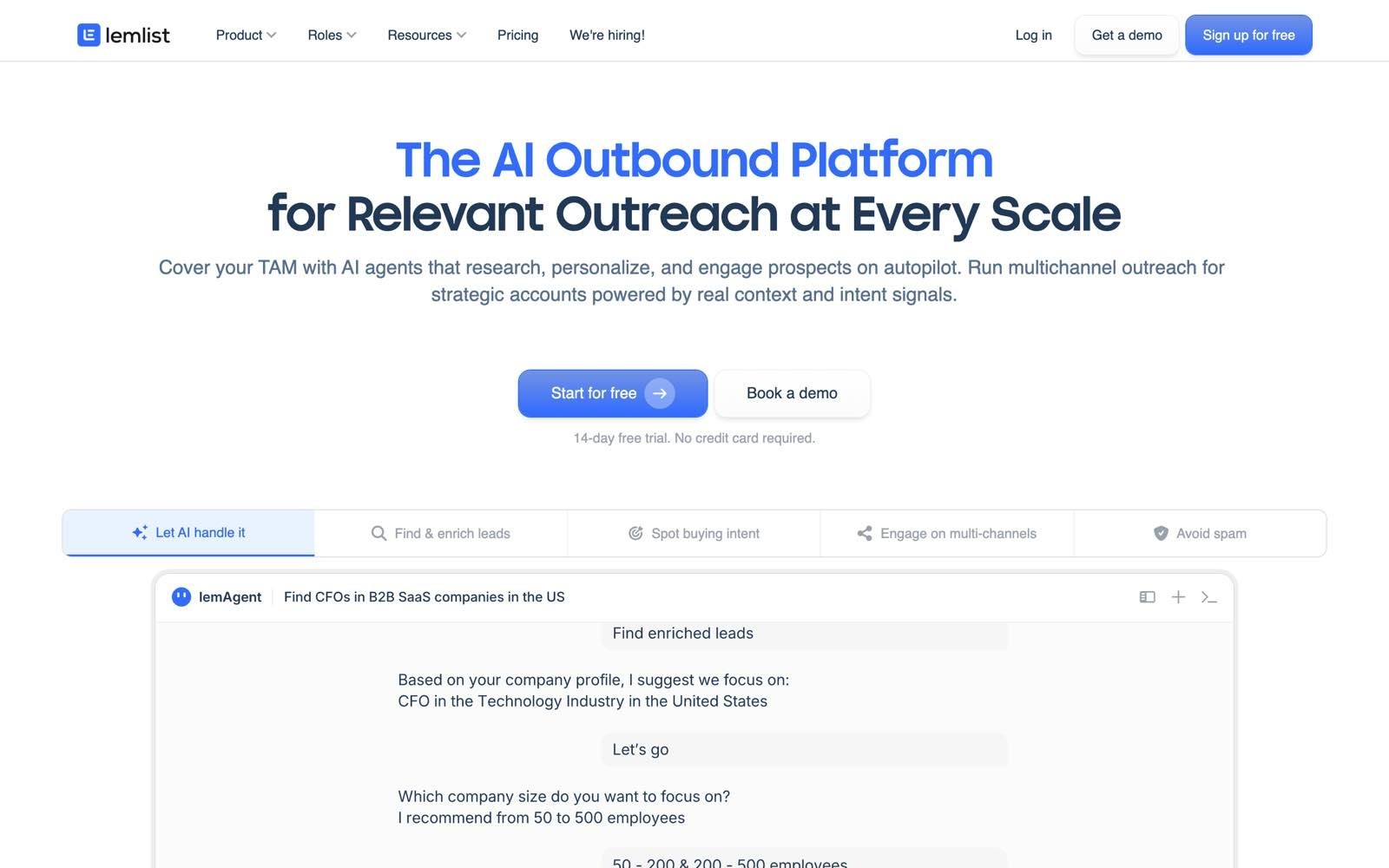
Lemlist is a multichannel outbound tool aimed at SDR teams that want email, social, and calling sequences in one interface. It bundles a lead database, email and phone finders, a deliverability hub, and AI agents that draft copy and handle replies.
Positioning centres on personalisation, with custom images, personalised landing pages, and video thumbnails inside cold emails.
It suits teams whose main problem is running a coordinated sequence across channels rather than sourcing the list in the first place.
Ideal For
SDR teams running multichannel sequences across email, social, and calls
Agencies managing outbound for a handful of clients
Sales teams that want visual personalisation inside cold emails
Companies already comfortable with per-seat sales tooling
Small teams wanting a fast, self-serve setup
Why Do They Stand Out?
Lemlist is one of the stronger options for visual personalisation at scale, with custom images and personalised landing pages that make a cold email look one-to-one. Its deliverability hub covers warm-up and inbox rotation, and the Multichannel plan includes five sender identities per user, which helps teams spread volume without buying separate subscriptions. The AI agents draft sequences and handle first replies, which cuts setup time for teams without a copywriter.
Pros
Genuine multichannel sequencing: email, social, SMS, WhatsApp, and calling steps sit in one sequence builder.
Visual personalisation: custom images and personalised landing pages set cold emails apart in a crowded inbox.
Warm-up and rotation included: the deliverability hub covers the infrastructure most sending tools charge extra for.
Large built-in lead database: email and phone finders reduce the need for a separate data subscription.
Fast self-serve onboarding: a 14-day trial with no card gets a campaign live quickly.
Cons
Per-user pricing scales badly: at $69 a month per user on monthly billing, a team of eight is a serious line item.
Enrichment costs sit outside the plan: verified emails, phone numbers, and intent signals draw on separate credits.
Database quality varies by region: coverage outside core markets is patchier than dedicated data providers.
Not a marketing automation tool: there's no lifecycle segmentation or newsletter capability.
Social automation carries account risk: aggressive settings can put sender accounts in trouble.
Pricing
Lemlist charges per user, with an Email plan at $69 a month and a Multichannel plan at $109 a month, dropping to $55 and $87 respectively on annual billing. Enterprise is custom-quoted and adds roles, SSO, and a dedicated account manager.
Final Verdict
Lemlist is a sensible pick for a small SDR team that wants multichannel sequences and visual personalisation without assembling a stack, and the included deliverability tooling saves a separate subscription.
It's less suitable once the team grows, because per-seat pricing plus credit-based enrichment makes the monthly total hard to forecast, and it still leaves list quality as your problem to solve.
3. Instantly
Overview
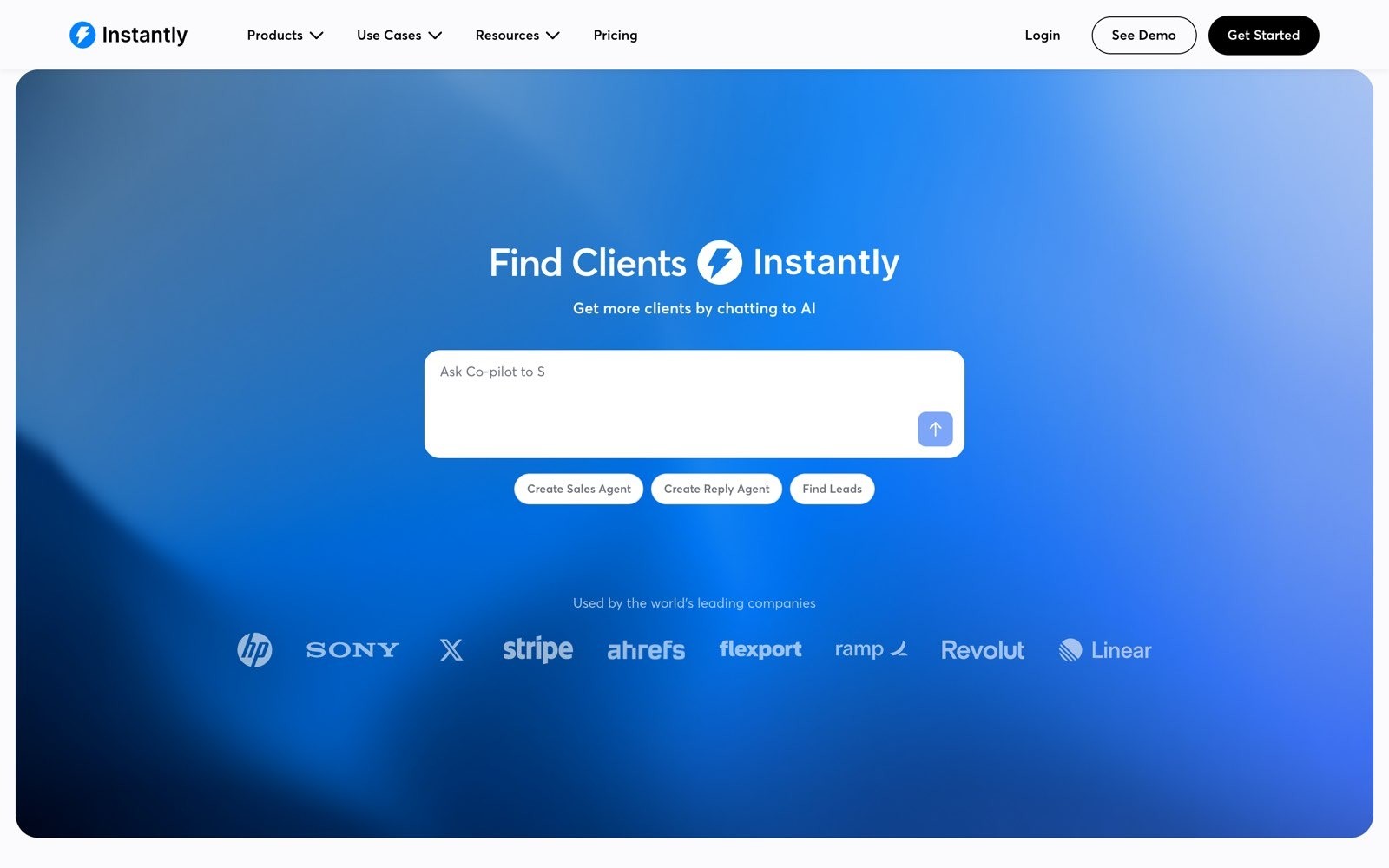
Instantly is built for cold email at volume, with unlimited mailboxes, unlimited warm-up on its outreach plans, and a large warm-up network that new domains join to build reputation. It layers a B2B lead database and AI agents on top, so a team can source, send, and triage replies in one account.
The core promise is scale. Where other tools ration inboxes, Instantly assumes you'll run many domains and mailboxes at once and prices the sending separately from the data.
Ideal For
Outbound teams running high-volume cold email across many mailboxes
Agencies scaling campaigns for several clients at once
Teams that already own their data and only need sending infrastructure
Companies rebuilding domain reputation after deliverability trouble
Operators comfortable managing domains and DNS themselves
Why Do They Stand Out?
Unlimited email accounts and unlimited warm-up on the outreach plans are the standout, since most competitors charge per mailbox and that's the cost that bites at scale. The warm-up network is one of the largest available, which shortens the time a new domain needs before it can carry real volume. Its AI reply agent sorts and drafts responses, which matters when a campaign generates more inbound than a small team can read.
Pros
Unlimited inboxes and warm-up: sending capacity scales without a per-mailbox charge.
Large warm-up network: new domains build reputation faster than they would in isolation.
Split pricing: you can buy sending without the data, or data without the sending.
AI reply agent: inbound replies get categorised and drafted rather than piling up.
Sizeable B2B lead database: the bundle plans include contact data alongside the sending.
Cons
No free tier: every plan is paid, so there's no way to test at zero cost.
Cost is hard to read: sending, credits, and bundles are separate SKUs, and the headline price rarely matches the bill.
Volume-first design encourages spraying: the tool makes it easy to send badly at scale.
You still own the infrastructure: buying domains, configuring DNS, and monitoring reputation stays your job.
Not for marketing email: there's no lifecycle segmentation or newsletter tooling.
Pricing
Outreach-only plans start at $47 a month for 5,000 emails and 1,000 uploaded contacts, rising to $97 and $358 a month as volume grows. Bundle plans that add lead data and AI agents start at $94 a month, with Scale at $194 and an agency tier at $555. Credits for enrichment are sold separately again, and Enterprise is custom-quoted.
Final Verdict
Instantly is a strong choice for agencies and outbound teams whose bottleneck is sending capacity, particularly if you already have a data source and someone who can manage domains properly.
It's a weaker fit for teams who want one number on an invoice, since sending, credits, and data are billed as separate products, and its volume-first design punishes anyone who hasn't fixed their targeting first.
4. Smartlead
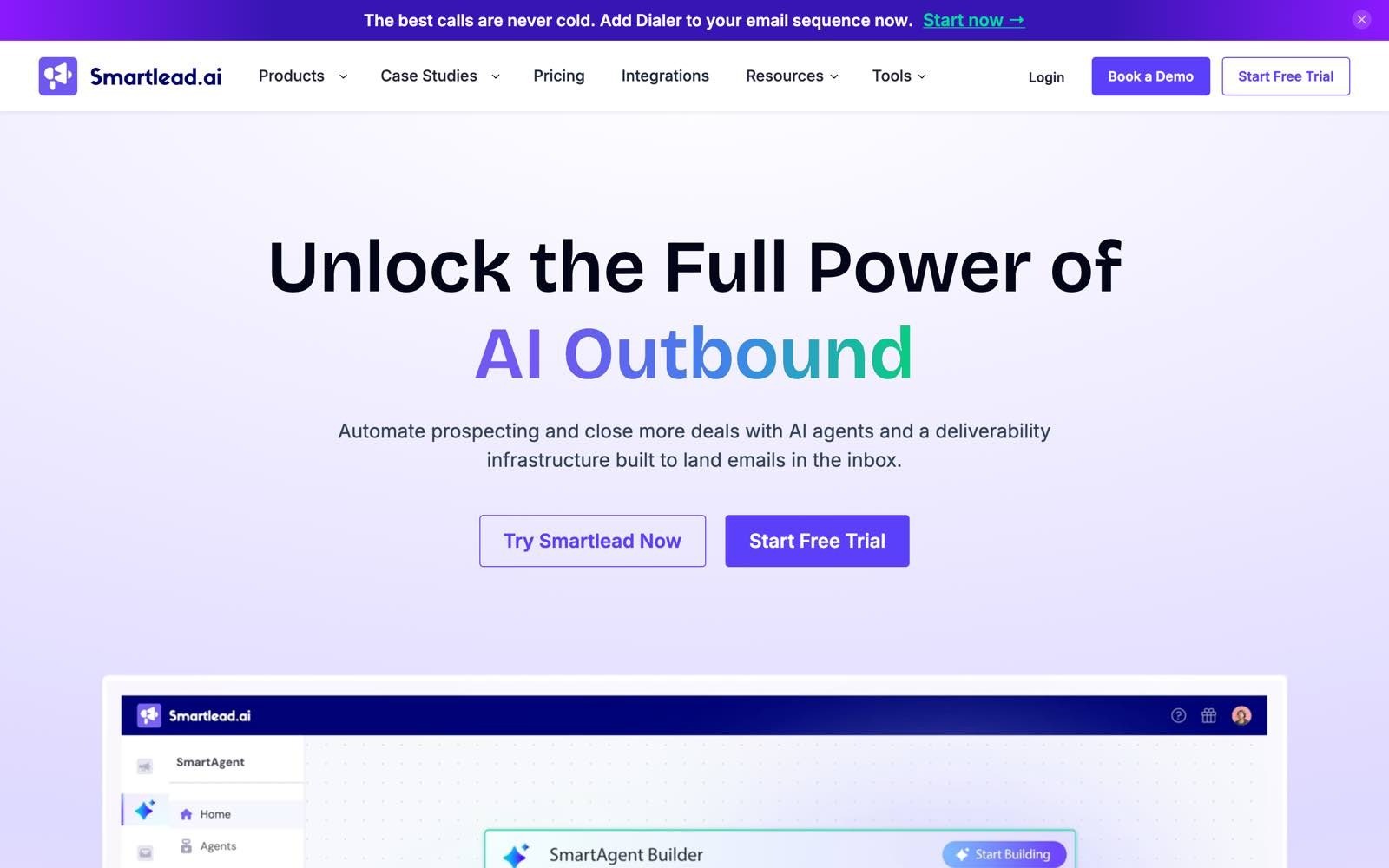
Overview
Smartlead is a cold email tool built around agency workflows, with unlimited mailboxes, sub-sequences, dedicated sending servers on higher tiers, and white-label client workspaces.
It's designed for operators managing many campaigns across many domains, where isolation between clients matters more than a polished builder.
You get fine-grained control over rotation, sending patterns, and reputation management, at the cost of a steeper learning curve.
Ideal For
Lead generation agencies running campaigns for multiple clients
Teams needing white-label reporting under their own brand
Operators managing large numbers of domains and mailboxes
Outbound teams that want conditional sub-sequences based on replies
Companies with an in-house deliverability specialist
Why Do They Stand Out?
Smartlead's white-label workspaces are the differentiator, letting an agency present campaign reporting under its own brand while keeping each client's sending isolated. Unlimited mailboxes across every tier means volume scales without a per-inbox charge, and dedicated sending servers on the top plan give heavier senders their own infrastructure. Sub-sequences branch on how a prospect replies, so a positive answer and an objection can take different paths automatically.
Pros
Unlimited mailboxes on all plans: no per-inbox fee at any volume.
White-label client workspaces: agencies can report under their own brand.
Conditional sub-sequences: replies route prospects down different paths automatically.
Dedicated sending servers on higher tiers: heavy senders aren't sharing infrastructure.
Free trial without a card: you can test the workflow before committing.
Cons
White-labelling costs extra: it's a $29 monthly add-on per client workspace on Pro and above.
Dense interface: the settings depth that makes it capable also makes it slow to learn.
Thin lead data: the built-in database is weaker than dedicated data providers, so most teams buy one anyway.
Cold outbound only: there's no lifecycle or newsletter capability.
Heavy setup for small teams: the payoff comes at multi-client scale, not at one campaign.
Pricing
Plans run from a Base tier at $39 a month for 6,000 sends up to Pro at $94, Unlimited Smart at $174, and Unlimited Prime at $379 for 500,000 sends, with roughly 17% off on annual billing. Contact storage is unlimited from the Smart tier upward. White-label workspaces are a separate $29 a month each, available from Pro.
Final Verdict
Smartlead earns its place for agencies and heavy senders who need client isolation, white-label reporting, and fine control over rotation and reputation, and its unlimited mailbox policy keeps costs predictable as volume grows.
It's the wrong tool for a small in-house team, because the interface assumes an operator who already understands deliverability, and the add-on pricing for white-label workspaces pushes the real cost well above the advertised tier.
5. Saleshandy
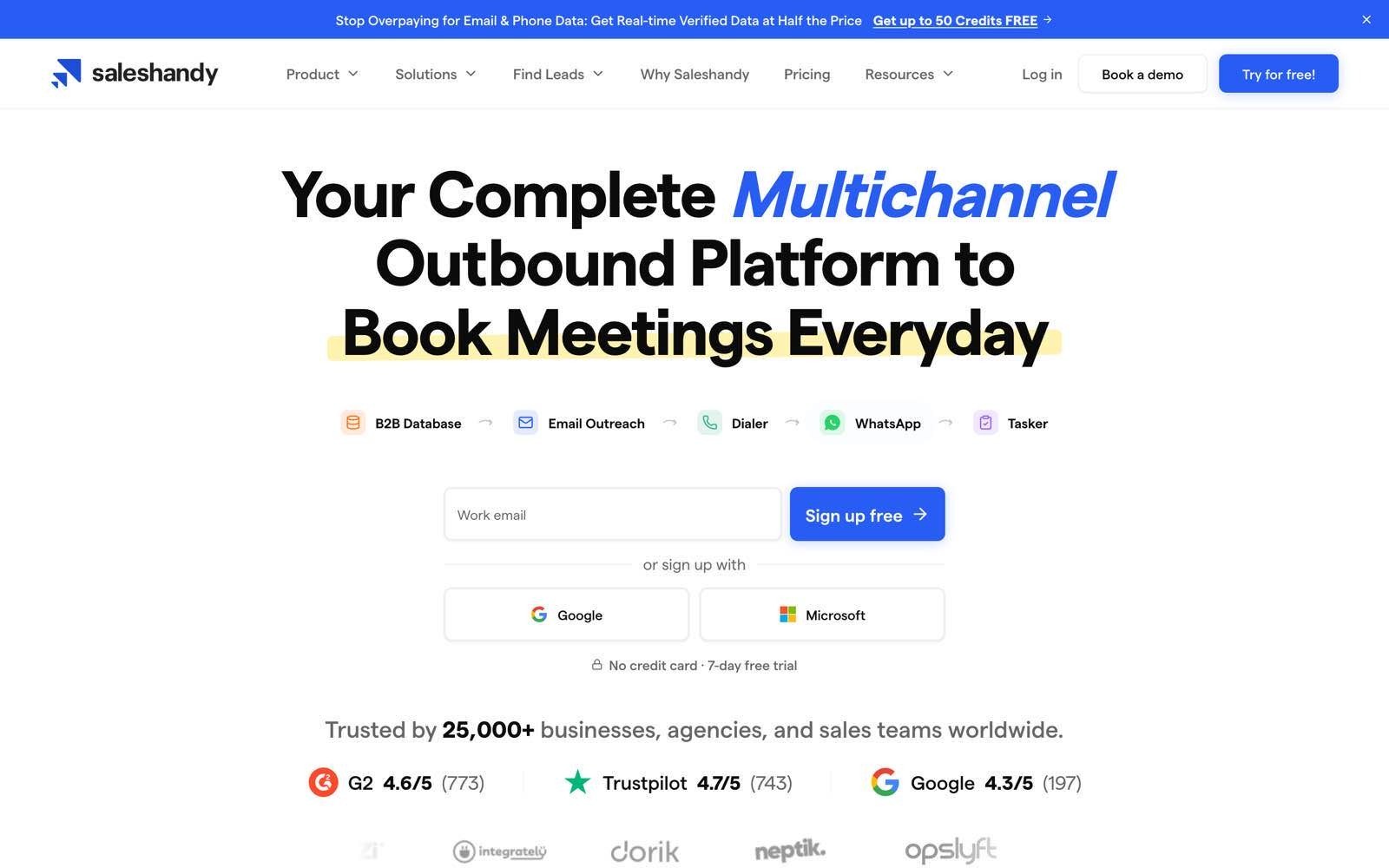
Overview
Saleshandy is a cold email tool positioned on price, offering unlimited email accounts, sequence scoring, and a lead finder on plans that undercut most of the category.
It covers the standard outbound workflow of importing or finding prospects, verifying addresses, running multi-step sequences, and tracking replies.
It's aimed at teams starting outbound properly for the first time, where budget matters more than depth.
Ideal For
Small B2B teams running their first structured cold email campaigns
Budget-conscious startups that need unlimited sending accounts
Teams wanting a lead finder and sending in one subscription
Companies that need many users without per-seat pricing
Operators who want a simple sequence builder over a configurable one
Why Do They Stand Out?
Unlimited email accounts on every plan is the headline, since it removes the per-mailbox charge that inflates costs elsewhere. The Scale tier allows unlimited users, which is unusual in a category that mostly bills per seat, so a growing team doesn't get punished for adding reps. A sequence score flags weak copy and risky settings before a campaign goes out, which helps teams without a deliverability specialist.
Pros
Low entry price: the Starter tier is among the cheapest credible cold email options.
Unlimited email accounts on all tiers: sending capacity isn't rationed by plan.
Unlimited users on the top tier: team growth doesn't change the bill.
Built-in lead finder: contact discovery is included rather than bought separately.
Sequence scoring: campaigns get a health check before they send.
Cons
Headline prices need annual billing: monthly billing is meaningfully more expensive.
Narrower lead database: coverage is thinner than dedicated data providers, especially outside the US.
Lighter AI features: personalisation depth trails the tools built around it.
Basic reporting: analysis beyond opens, clicks, and replies means exporting data.
No lifecycle marketing: it's outbound only.
Pricing
Starter is $34 a month on annual billing for one user, 2,000 active prospects, and 6,000 emails, rising to $76 for Pro with 10 users and 100,000 emails, and $149 for Scale with unlimited users and 200,000 emails.
Monthly billing costs roughly 20% to 30% more at each tier. Lead finder credits are included at every level, from 1,500 to 8,000 a month, and all plans come with a seven-day trial without a card.
Final Verdict
Saleshandy is a reasonable first cold email tool for a small team on a tight budget, and the combination of unlimited accounts and unlimited users on higher tiers keeps costs flat as you grow.
It stops being enough once personalisation depth and data coverage start to matter, since the lead database and AI features trail the tools built specifically around them.
6. ActiveCampaign
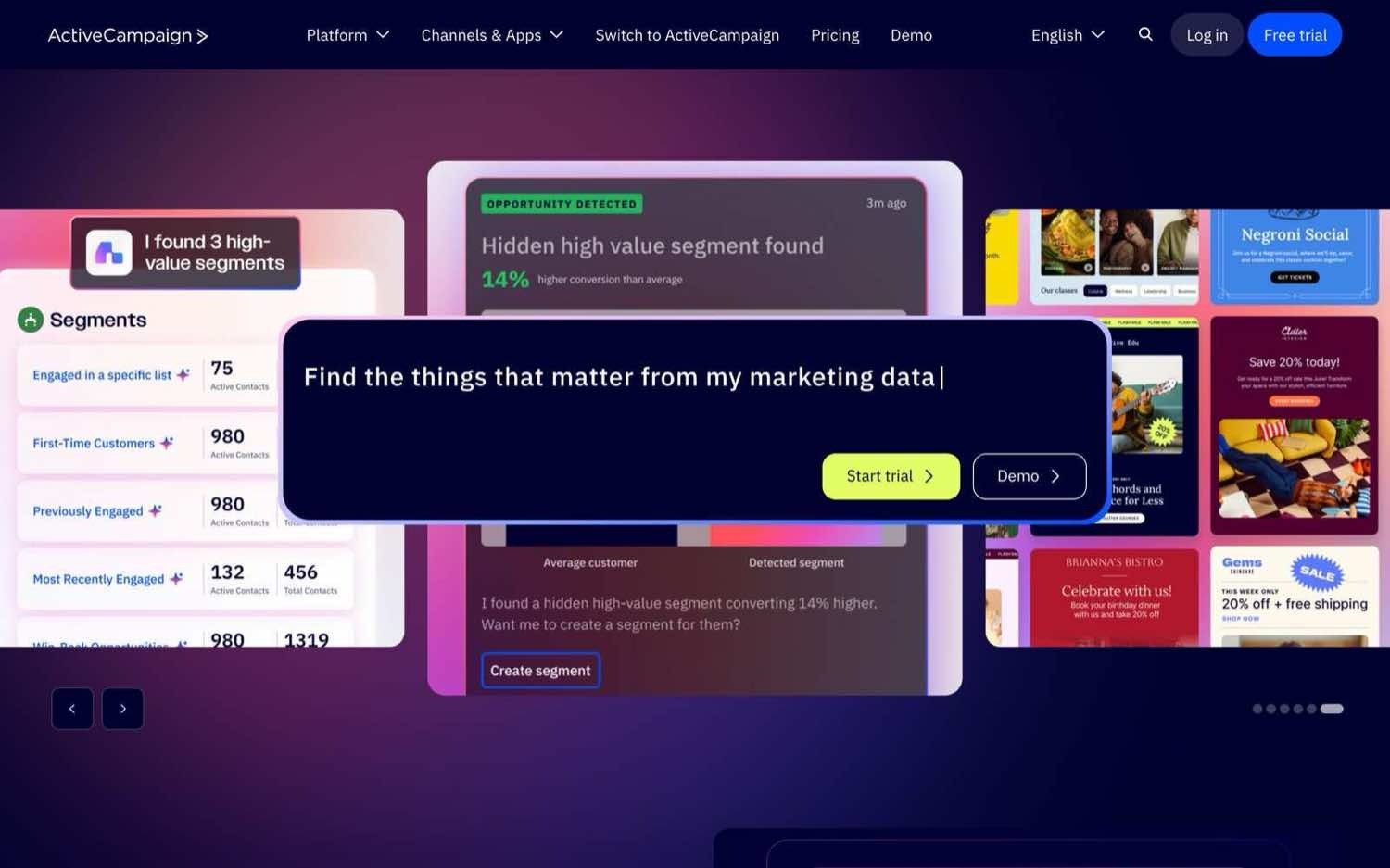
Overview
ActiveCampaign is a marketing automation tool known for the depth of its visual automation builder, where conditional branching, wait steps, scoring, and behavioural triggers can be combined into complex customer journeys.
It serves B2B and B2C marketing teams sending to opted-in lists, with an optional CRM and a wide integration library.
Its core buyer is a marketer who has outgrown a simple newsletter tool and needs logic rather than more templates.
Ideal For
Marketing teams building multi-branch lifecycle journeys
SaaS companies automating onboarding and activation emails
B2B marketers who need lead scoring tied to email behaviour
Teams wanting marketing automation and a light CRM together
Companies with an integration-heavy stack
Why Do They Stand Out?
The automation builder is among the most capable in the category, handling conditional splits, goals, and behavioural triggers that most competitors simplify away. Segmentation is deep, letting you target on site activity, custom fields, and engagement history rather than list membership alone. A large integration library and an optional CRM mean the email logic can react to data from the rest of your stack.
Pros
Deep automation logic: branching, goals, and conditional waits handle genuinely complex journeys.
Strong segmentation: targeting draws on behaviour and custom data rather than list membership alone.
Optional CRM: sales and marketing records can live in the same account.
Wide integration library: most common tools connect without custom work.
Trial and money-back guarantee: a 14-day trial plus a 30-day refund window lowers the risk of committing.
Cons
Cost climbs steeply with list size: pricing is tied to contact count, and larger lists need a quote.
Learning curve on the builder: the depth that makes it capable also makes it slow to configure.
Not for cold outbound: sending to a purchased or scraped list breaches the terms of service.
Paying for contacts you don't email: inactive records still count toward your tier.
Support depends on tier: faster response times sit behind higher plans.
Pricing
ActiveCampaign runs four tiers, Starter, Plus, Pro, and Enterprise, priced on how many contacts you store rather than how many emails you send.
Entry pricing begins in the mid-teens per month at the smallest contact tier and rises sharply as the list grows, with larger volumes quoted individually. WhatsApp and dual-channel bundles are priced separately, and there's a 14-day trial with no card plus a 30-day money-back guarantee.
Final Verdict
ActiveCampaign is the right call for a marketing team that needs real automation logic, particularly SaaS companies wiring onboarding and activation flows to product behaviour.
It's the wrong call for outbound sales, since cold sending breaches its terms, and contact-based pricing means an unengaged list quietly costs you money every month.
7. HubSpot Marketing Hub
Overview
HubSpot Marketing Hub puts email automation inside a CRM, so sequences, scoring, forms, landing pages, and reporting all read from the same contact record. That integration is the product, since campaigns can trigger on deal stage or sales activity rather than email behaviour alone.
It targets growing companies that want marketing and sales working from one database, and it prices accordingly.
Ideal For
Companies already running HubSpot CRM
Marketing and sales teams that need shared contact records
B2B teams tying lead scoring to pipeline stages
Organisations wanting forms, pages, and email in one account
Teams that value reporting across the full funnel
Why Do They Stand Out?
The CRM integration is the strongest in this list, because the email tool and the sales record are the same object rather than two systems syncing. Reporting spans first touch through closed deal without stitching data together, which is what marketing teams struggle to prove elsewhere. A free tier makes it easy to start, and forms, landing pages, and chat come in the same account.
Pros
Native CRM data: email automation reacts to deal stages and sales activity rather than clicks alone.
Full-funnel reporting: attribution runs from first touch to closed revenue in one place.
Free tier to start: basic email and CRM cost nothing to trial.
Everything in one account: forms, landing pages, chat, and email share the same records.
Mature support network: integrations, documentation, and agency partners are extensive.
Cons
A brutal jump from Starter to Professional: the step from $7 per seat to $800 a month is the sharpest cliff in the category.
Mandatory onboarding fees: Professional carries a $3,000 one-off charge and Enterprise $7,000.
Marketing contact billing surprises: costs rise as contacts are marked marketable, often unnoticed.
Not for cold outbound: the terms of service rule out unsolicited sending at volume.
You're buying the suite: the value depends on adopting HubSpot broadly, not the email tool alone.
Pricing
There's a free tier with basic email and CRM, then Starter at $7 a month per seat with 1,000 marketing contacts. Professional is $800 a month including three core seats and 2,000 marketing contacts, with a required $3,000 onboarding fee, and Enterprise is $3,600 a month with five seats, 10,000 contacts, and a $7,000 onboarding fee. Additional marketing contacts are billed in blocks on top.
Final Verdict
HubSpot Marketing Hub makes sense for companies already committed to HubSpot CRM, where shared records and full-funnel reporting justify the cost of the suite.
It's hard to recommend for the email automation alone, because the gap between the Starter and Professional tiers plus mandatory onboarding fees puts real automation out of reach for most small teams.
8. Klaviyo
Overview
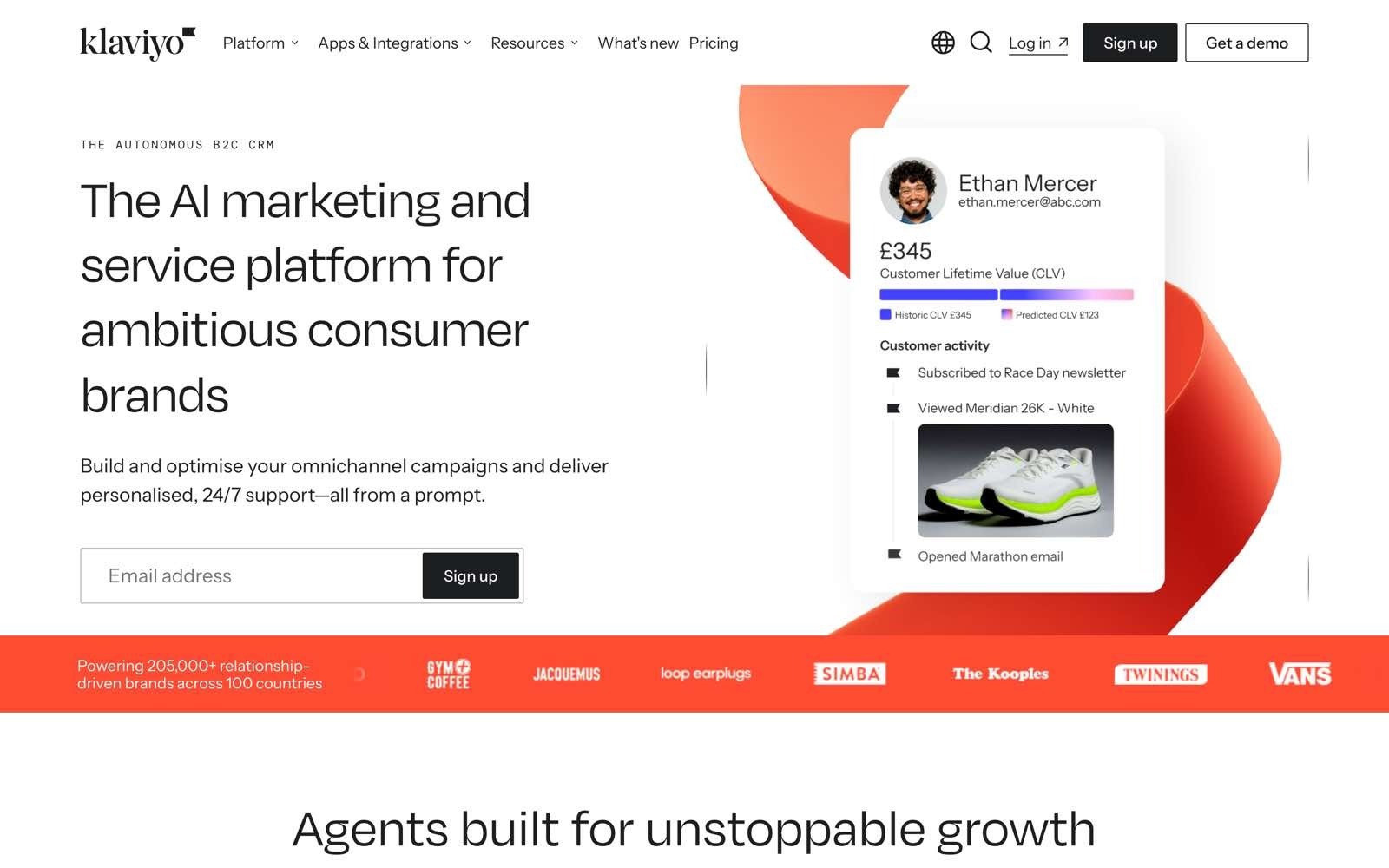
Klaviyo is an ecommerce-focused automation tool built around store data, with deep integrations into Shopify and similar systems that pull purchase history, browsing behaviour, and product catalogues into the segmentation engine. Abandoned cart, browse abandonment, post-purchase, and winback flows are the standard workload.
Its whole design assumes a transactional relationship with a consumer, which is exactly why it wins in retail and struggles anywhere else.
Ideal For
Ecommerce brands on Shopify or similar systems
Retailers running abandoned cart and winback flows
Teams that want email and SMS managed together
Merchants who need revenue attribution per campaign
DTC brands segmenting on purchase behaviour
Why Do They Stand Out?
Store integration is the differentiator, since Klaviyo reads orders, products, and browsing events natively rather than through a generic connector. Predictive features estimate customer lifetime value and expected next order date, which lets flows target on likely behaviour rather than past behaviour alone. Revenue attribution per flow is clearer than in most competitors, so you can see which automation earns its keep.
Pros
Native ecommerce data: orders, products, and browsing events feed segmentation directly.
Predictive analytics: lifetime value and next-order predictions drive smarter timing.
Email and SMS together: both channels sit in the same flow builder.
Clear revenue attribution: each flow reports the revenue it generated.
Free tier for small stores: up to 250 profiles and 500 sends monthly at no cost.
Cons
Wrong shape for B2B: the data model assumes purchases, not pipeline.
Profile-based pricing: you pay for stored profiles even when you don't email them.
SMS billed separately: messaging costs stack on top of the email plan.
Overkill for simple newsletters: most of the value sits in behavioural flows.
Not for cold outreach: sending to non-customers isn't what it's built or permitted for.
Pricing
Klaviyo prices on active profiles and monthly email sends, with a free tier covering up to 250 profiles and 500 sends plus a small monthly SMS allowance. Paid plans scale from there as profiles grow, with SMS sold as a separate add-on and larger accounts quoted individually. The pricing calculator on their site is the only reliable way to estimate the cost at your list size.
Final Verdict
Klaviyo is the obvious pick for an ecommerce brand whose email automation depends on store data, and the abandoned cart and winback flows alone usually pay for it.
It's the wrong tool for any B2B sales team, since the entire data model is built around purchases rather than accounts, and profile-based pricing means a large dormant list costs you money for nothing.
9. Brevo
Overview
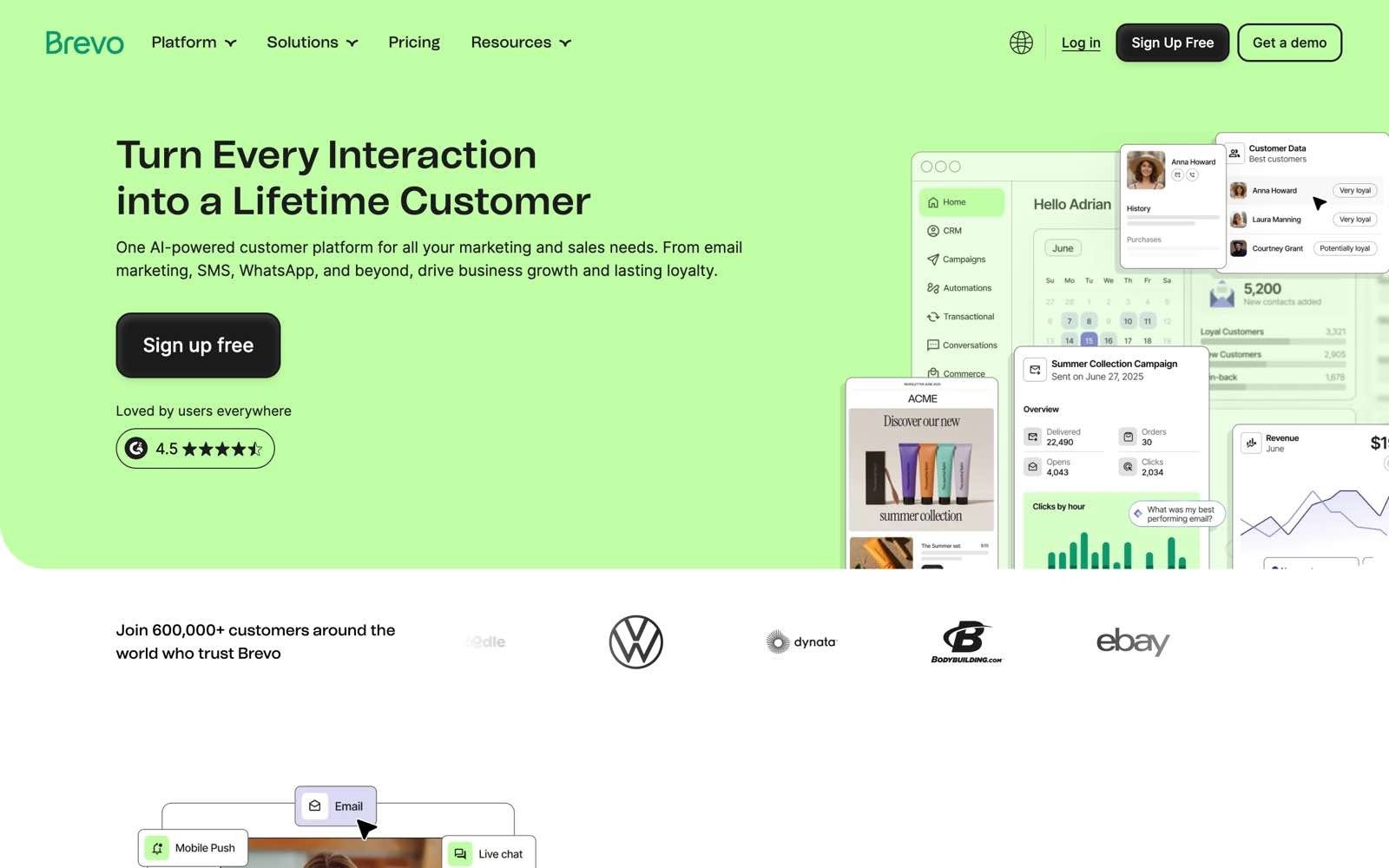
Brevo bundles email, SMS, WhatsApp, push, and transactional sending into one account, with a light CRM attached. Its distinguishing choice is pricing on how many emails you send rather than how many contacts you store, which changes the maths for teams with big lists and low frequency.
It suits smaller businesses that need several channels without paying enterprise prices for each.
Ideal For
Small businesses with large lists and infrequent sends
Teams needing email, SMS, and WhatsApp in one account
Companies sending both marketing and transactional email
Budget-conscious marketers who want automation without a per-contact bill
Businesses wanting a light CRM alongside their email
Why Do They Stand Out?
Volume-based pricing is the real differentiator, because storing 50,000 contacts you email twice a year costs nothing extra. Transactional and marketing email run through the same account, which removes a separate service for order confirmations and password resets. The channel spread covers SMS, WhatsApp, and push alongside email, which is unusual at this price level.
Pros
Priced by emails sent, not contacts stored: large, low-frequency lists cost far less than elsewhere.
Free forever tier: a daily send allowance covers genuinely small operations.
Multichannel in one account: SMS, WhatsApp, and push sit beside email.
Transactional email included: no separate service for receipts and resets.
Built-in CRM: basic deal tracking comes with the account.
Cons
Automation depth trails specialists: the builder handles less complexity than ActiveCampaign.
Deliverability on shared infrastructure: lower tiers share IPs, and a dedicated one costs extra.
Interface spread across products: marketing, sales, and transactional feel like separate tools.
Support quality varies by plan: faster help sits behind higher tiers.
Not for cold outbound: unsolicited sending breaches the terms of service.
Pricing
Brevo scales on monthly email volume rather than contact count, starting with a free forever tier limited by daily sends.
Paid tiers run Starter, which begins at 5,000 emails a month, then Standard, then Professional, which begins at 150,000 emails a month and includes 10 seats plus extra channels. Enterprise is custom-quoted for accounts above a million contacts, and SMS credits are bought separately.
Final Verdict
Brevo is a smart pick for a small business with a large list it emails occasionally, where per-contact pricing elsewhere would be punitive, and the multichannel coverage is generous for the money.
It falls short for teams that need sophisticated branching logic, since the automation builder is noticeably shallower than the specialists it competes with.
10. Mailchimp
Overview
Mailchimp is the tool most people meet first, with the largest template library in the category, a simple builder, and integrations with almost everything. It covers newsletters, basic automation, landing pages, and reporting for teams who need email to work without becoming a specialism.
It's built for accessibility rather than depth, which is both the appeal and the limit.
Ideal For
Small businesses sending their first email campaigns
Non-specialists who need a simple builder and templates
Teams that value integration breadth over automation depth
Newsletter publishers with modest list sizes
Companies already inside the Intuit product family
Why Do They Stand Out?
Accessibility is the strength, since a non-marketer can build and send a decent campaign in an afternoon. The template and integration libraries are the largest available, so connecting a store, a form, or an analytics tool rarely needs custom work.
Reporting is presented for people who don't work in email full time, which lowers the barrier to acting on results.
Pros
Easiest starting point: the builder assumes no prior email experience.
Largest template library: professional-looking campaigns without a designer.
Extensive integrations: most business tools connect out of the box.
Free tier available: up to 250 contacts at no cost.
Clear reporting for non-specialists: results are readable without training.
Cons
Automation gated behind higher tiers: meaningful journeys need the Standard plan or above.
Introductory pricing masks the real cost: headline rates are discounted for the first 12 months.
Expensive per contact at scale: costs rise faster than most competitors as the list grows.
Strict on list sourcing: cold or purchased lists risk account suspension.
Shallow segmentation: targeting depth trails ActiveCampaign and Klaviyo.
Pricing
There's a free tier for up to 250 contacts, then Essentials from around $13 a month and Standard from around $20 a month at the 0 to 500 contact tier, both discounted by 50% for the first 12 months. Premium starts at $350 a month at the same contact tier. Prices scale with contact count, and automation features beyond basic autoresponders require Standard or higher.
Final Verdict
Mailchimp remains a fair first email tool for a small business that needs templates, simplicity, and integrations more than logic, and the free tier makes it painless to start.
Most teams outgrow it within a year or two, because automation depth is limited and the per-contact cost at scale is among the least competitive on this list.
How to Choose the Best Email Automation Tools (What to Consider)?
Feature lists won't separate these tools, because most of them tick the same boxes on paper. These seven questions will, and they're worth answering in order, since the first one rules out half the list before you compare anything else.
1. Which Job Are You Actually Automating?
Decide whether you're sending to people who opted in or to people who have never heard of you, because that single answer determines which five tools you should be looking at. Lifecycle marketing needs segmentation, templates, and behavioural triggers on your primary domain. Outbound sales needs per-contact personalisation, low volume per mailbox, and separate sending domains.
Teams that skip this step buy a marketing tool for outbound, breach its terms, and damage the domain their invoices go out on. If you need both, buy both, and keep the infrastructure separate.
2. Where Does Your Contact Data Come From?
Every email automation tool assumes a list, and the quality of that list sets the ceiling on everything the tool can do. Ask whether contact data is included, how many sources sit behind it, and whether addresses are verified before they enter a sequence rather than after they bounce.
This is where costs hide. A cheap sending tool plus a data provider plus a verification service plus a cleaning step often costs more than one tool that covers all four, and it leaves someone stitching CSVs together every month. Tools like Enginy run enrichment across 30+ providers as part of the sending workflow, which is a different proposition to email enrichment tools bought separately and bolted on.
3. How Deep Does the Deliverability Layer Go?
Sending capacity is worthless if the messages land in spam, so check what the tool does about it before you check what it does about copy. The essentials are domain warm-up, inbox rotation, sending caps per mailbox, and support for multiple sending domains. A sensible ceiling for cold outbound is around 30 emails a day per domain, spread across several domains rather than pushed through one.
Authentication matters as much. Gmail's sender requirements tell senders to keep spam rates reported in Postmaster Tools below 0.30%, and require SPF, DKIM, and DMARC for anyone sending more than 5,000 messages a day. Yahoo's sender guidance sets the same 0.3% complaint threshold and asks for a working one-click unsubscribe on marketing messages. Any tool that can't help you meet those is a liability.
4. How Real Is the Personalisation?
Merge tags aren't personalisation. The question is whether the tool can research a contact and write something specific about them, or whether it can only insert a first name and a company into a template you wrote once.
The useful test is to ask what the tool knows about a contact beyond the fields you imported. Tools that pull recent company news, hiring activity, funding events, and role changes can open on something true and current, which is what separates a 10% reply rate from a 45% one. Tools that can't will produce well-formatted emails that read like every other email in the inbox.
5. What Happens After Someone Replies?
Most buyers evaluate the sending and forget the receiving, then discover their team is drowning in a shared inbox two weeks after launch. Check that sequences stop automatically on a reply, that replies land somewhere organised rather than scattered across mailboxes, and that the tool can categorise or draft responses.
Reply handling is also where CRM integration earns its cost. If a positive reply doesn't create a record, assign an owner, and start a task, someone will forget it, and the meeting you paid for never gets booked.
6. What Does the Whole Stack Cost, Not the Sticker Price?
Add up every line before you compare tools, because the advertised price is rarely the bill, and most teams already run more tools than they realise. Count sending, contact or profile storage, enrichment credits, verification, warm-up seats, white-label add-ons, mandatory onboarding fees, and the hours someone spends holding it together.
A $47 sending tool that needs a $99 data subscription, a verification service, and half a day a week of operator time is not cheaper than one quote that covers all of it. Ask each vendor what a realistic month looks like at your volume, not what the entry tier costs.
7. Does It Comply With the Rules Where You Send?
Rules differ by recipient, not by sender, and UK and EU teams have a specific set to respect. The ICO's PECR guidance states that you must not send marketing emails to individuals without specific consent, with a limited exception for your own previous customers known as the soft opt-in, and that you can send marketing emails to companies.
The detail that catches people out is that sole traders and some partnerships count as individuals, so they need consent even though they look like businesses. The ICO also treats a keep-a-do-not-email-list practice as good business sense for corporate contacts who object.
Practically, that means your tool needs a blocklist, reliable opt-out handling, and enough record-keeping to show your lawful basis. This is general guidance rather than legal advice, so check your own position before you scale a campaign.
Everything You Need to Know About Email Automation Tools
Category | Key Considerations |
Top 3 email automation tools | Enginy for B2B outbound sales, ActiveCampaign for lifecycle marketing automation, Klaviyo for ecommerce flows |
Who is it for | B2B sales and SDR teams, founders selling without sales ops, agencies and recruiters, sales operations teams consolidating a stack, and marketing teams running opted-in campaigns |
What teams use them for | Outbound prospecting sequences, follow-up automation, onboarding and welcome flows, abandoned cart and winback campaigns, re-engagement, and reply routing into a CRM |
How to choose | Confirm which job you're buying for, check where the data comes from and how it's verified, test the deliverability layer, judge personalisation depth, plan for reply handling, cost the whole stack, and check the rules for your recipients |
Mistakes to avoid | Running cold outbound through a marketing tool, sending from a single domain, skipping warm-up, buying sending before fixing the list, ignoring the 0.3% spam-complaint threshold, and forgetting that sole traders count as individuals under UK rules |
Pricing starts | Free tiers on Mailchimp, Klaviyo, and Brevo; around $34 to $47 a month for entry outbound tools; $800 a month plus $3,000 onboarding for HubSpot Professional; custom quotes for Enginy and enterprise plans |
Book a Demo with Enginy
When your list goes stale, the addresses bounce, the personalisation reads like a template, and no sequence builder can fix any of that. Most teams end up paying for a data tool, a sending tool, a verifier, and a warm-up service, then paying someone to keep the four of them talking.
Enginy runs the whole motion in one place, building lists from live intent signals, enriching them across 30+ providers, and sending AI-personalised sequences across email and social with warm-up and reply handling built in.
Factorial moved from 10 leads a day to 5,000 a month on it, with reply rates going from 10% to 45%. See it run on your own market and your own list. Book a Demo and get 100 free B2B leads to start.
FAQs About Email Automation Tools
What is the best email automation tool in 2026?
The best email automation tool in 2026 depends on which job you're automating, and for B2B outbound sales it's Enginy, because it combines prospect discovery, enrichment across 30+ data providers, and AI-personalised sequences without needing a technical operator. For lifecycle marketing to an opted-in list, ActiveCampaign has the deepest automation logic, and for ecommerce flows Klaviyo's store integration is unmatched. Cold outreach and marketing email need different sending infrastructure, so no single tool wins both categories. Teams that pick on this split rather than on feature counts get results faster.
What should I consider when choosing the right email automation tool for me?
When choosing the right email automation tool, start with whether you're emailing opted-in contacts or cold prospects, because that decides half the shortlist immediately. Then check where contact data comes from and whether addresses are verified before sending, since lists degrade by at least 23% a year. Confirm the deliverability layer covers warm-up, multiple domains, and SPF, DKIM, and DMARC, because Gmail requires spam complaint rates below 0.30%. Finally, cost the full stack rather than the entry tier, counting data, verification, warm-up seats, and onboarding fees.
How does Enginy differ from similar alternatives?
Enginy differs from similar alternatives by owning the data layer and the sending layer in the same workflow, where most tools do one and assume you've bought the other. Apollo and ZoomInfo sell contact data, while Lemlist and Instantly send sequences, so teams using them run two subscriptions and a manual step between. Enginy builds lists from intent signals, enriches them across 30+ providers, verifies before sending, then runs AI-personalised email and social sequences with warm-up and reply handling attached. It's also built for a rep to operate rather than a GTM engineer, which is the usual cost of complete outbound tools.
How do I get started with Enginy?
Getting started with Enginy begins with a qualification call, which is where pricing gets sized to your volume, followed by a demo on your own market and list. New accounts then run through five structured onboarding sessions covering CRM connection, blocklist setup, AI playbook configuration, list building, and campaign creation. Booking a demo also unlocks 100 free B2B leads, so you can judge data quality before committing. Most teams have their first campaign configured during onboarding rather than afterwards.
How easy is it to switch to Enginy?
Switching to Enginy is designed around the five onboarding sessions, which handle CRM integration, AI playbook setup, and reply-rate best practice with your team rather than leaving you to configure it alone. Native integrations cover HubSpot, Salesforce, Pipedrive, Microsoft Dynamics 365, Zoho, and Attio, plus custom CRM setups, so existing records sync rather than being re-imported by hand. Poorly enriched contacts already in your CRM can be pulled back in and enriched instead of discarded. The usual switching cost is configuration time, not data loss.
Are email automation tools worth it if my list is small?
Email automation tools are worth it on a small list, and often more so, because the constraint is follow-up consistency rather than volume. It takes an average of 8 touchpoints to secure a first meeting, so 200 well-researched contacts worked properly out-perform 5,000 contacts emailed once. Free tiers on Mailchimp, Klaviyo, and Brevo cover up to 250 contacts at no cost, and outbound tools start around $34 a month. The mistake with a small list is buying volume capacity you'll never use instead of personalisation depth you will.
What is the difference between email marketing automation and cold email automation?
The difference between email marketing automation and cold email automation is consent, and everything else follows from it. Marketing automation sends to people who opted in, at high volume from your primary domain, using segments and templates. Cold email automation sends to prospects who don't know you, at low volume per mailbox from separate domains, with per-contact personalisation and warm-up protecting the reputation. Running cold campaigns through a marketing tool breaches its terms of service and risks your main domain, which is why teams doing both keep the two stacks apart.
About the Author
Andrea López is a content writer at Enginy, where she covers B2B sales, outbound strategy, and go-to-market execution for modern sales teams. She writes about the systems behind prospecting, data quality, and pipeline growth, translating what works on the ground into practical guidance for SDRs and sales leaders. Follow more of her work on Enginy's Instagram.