Back to blog
Best Email Warm-Up Tools in 2026 (Feature & Pricing Comparison)

Andrea López
Share
Key Takeaways (TL:DR)
The Best Overall Email Warm-Up Tool: We built Enginy so warm-up isn't a separate subscription you have to remember to renew. It sits inside the same workspace as your prospecting and outreach, so protecting your sender reputation is part of the daily workflow rather than an extra task.
Why Do You Need It?: A cold or poorly maintained domain gets flagged by spam filters fast, and that damage is hard to undo once your emails start landing in junk. Email warm up tools gradually build sender trust by simulating genuine engagement before you send real campaigns.
Who It's For?: Sales teams, agencies and founders sending outbound email at volume need this, especially anyone adding a new domain or mailbox to their stack. It also matters for teams that have seen reply rates drop and suspect deliverability is the cause.
How to Choose the Right One?: Look at how realistic the warm-up simulation actually is, whether pricing scales sensibly per mailbox, and how well the tool reports on spam placement and inbox health. A tool that ticks two of these but ignores the third usually causes problems later.
Expected Price: Our pricing at Enginy is credit-based and bundled into wider platform plans rather than sold as a standalone add-on. Across the market, dedicated warm up email tools range from around $12 per mailbox monthly on the low end to $200 or more per month for higher-volume plans with added deliverability testing.
Top Email Warm-Up Tools in 2026: at a Glance
Tool | Best For | Key Features | Pricing |
Enginy | Teams that want warm-up bundled with prospecting and outreach | Built-in Email Warm-Up, multi-identity support, deliverability monitoring | Custom, credit-based |
TrulyInbox | Teams wanting unlimited accounts on one plan | Unlimited email accounts, spam test reports, inbox placement tracking | Free to $199/month |
Mailivery | Teams scaling warm-up volume gradually | Human-like warm-up network, unlimited mailboxes, analytics dashboard | $29 to $199/month |
Warmy | B2B and B2C senders with variable volume | Volume-based warm-up, spam word detection, blacklist monitoring | Custom, volume-based |
MailReach | Agencies managing several client domains | Per-mailbox warm-up, spam-test credits, volume discounts | From $20/mailbox/month |
Warmforge | Budget-conscious teams warming several mailboxes | Low-cost warm-up slots, placement testing, quarterly discounts | $12/mailbox/month |
Lemwarm | Teams already using Lemlist for outreach | Per-email warm-up, Smart AI replies, volume-based custom pricing | $29 to $49/email/month |
Instantly | High-volume cold email senders | Unlimited warm-up included, deliverability network, campaign automation | $47 to $358/month |
Snov.io | Teams wanting warm-up inside an all-in-one outbound suite | Warm-up plus email finder, verifier and drip campaigns | Starts at $39/month, with a $99/month plan and a custom pricing plan for enterprise customers |
Smartlead | Agencies running unlimited email accounts | Unlimited warm-up, private infrastructure options, verification credits | $39 to $379/month |
What Are Email Warm-Up Tools?
Email warm up tools are software services that gradually build a sender's reputation with mailbox providers before that address is used for real outreach. They do this by sending and receiving a small volume of emails between real inboxes, then slowly increasing that volume over several weeks.
The goal is to teach mail servers like Gmail and Outlook that a domain or mailbox belongs to a genuine sender, not a spam operation. Providers monitor signals like open rates, reply behaviour and spam complaints, and a warm up email process gives those signals time to build up naturally.
Most email warmup software works in the background, connecting to your inbox through an API and running warm-up activity automatically.
Some tools bundle this with wider deliverability features like spam testing and blacklist monitoring, while others focus purely on the warm-up mechanism itself.
Why Do You Need Email Warm-Up Tools?
New domains and mailboxes start with no sending history, which mail providers treat with suspicion by default. Sending a large volume of cold outreach from a brand-new domain is one of the fastest ways to land in spam.
The damage from a poor start is not always easy to reverse. Once a domain gets a reputation for spam, providers can keep filtering its emails for weeks, even after the sending behaviour improves.
This is the core problem email warm up tools solve. They simulate the kind of gradual, genuine engagement a new mailbox would naturally build up over time, compressing that process into a controlled routine instead of leaving it to chance.
The payoff shows up directly in outreach performance.
Teams that warm up email domains properly before launching campaigns tend to see meaningfully better inbox placement, and better placement is what actually gives your messaging a chance to be read in the first place.
Who Needs Email Warm-Up Tools?
Warm-up isn't just for one type of sender. Here's who typically needs it most:
1. B2B SaaS Sales Teams
SaaS teams running structured outbound need every domain in their sending rotation warmed up before it touches a real prospect list.
Skipping this step risks burning a domain before the sales team even gets meaningful data on what messaging works.
2. Recruitment and Staffing Agencies
Recruiters often send in bursts, reaching out to large candidate pools around specific roles.
A properly warmed domain means those bursts don't immediately trigger spam filters, which matters when a hiring deadline is on the line.
3. Marketing and Demand Gen Agencies
Agencies running outbound for multiple clients need each client domain warmed up separately, since reputation doesn't transfer between domains.
Using best email warm up tools with clear per-client reporting makes it easier to prove deliverability health to each account.
4. IT Consulting and Managed Service Providers
Consultancies pursuing longer enterprise sales cycles depend on their emails actually reaching technical and economic buyers over many touches.
A domain flagged as spam partway through a multi-month sequence can quietly derail months of relationship-building.
5. Founder-Led Startups
Founders sending their own outbound usually have a brand-new domain with zero sending history.
A lightweight email warmup software setup gives that domain a fighting chance before the founder's first real campaign goes out.
Best Email Warm-Up Tools: In-Depth Review & Comparison
1. Enginy
Overview
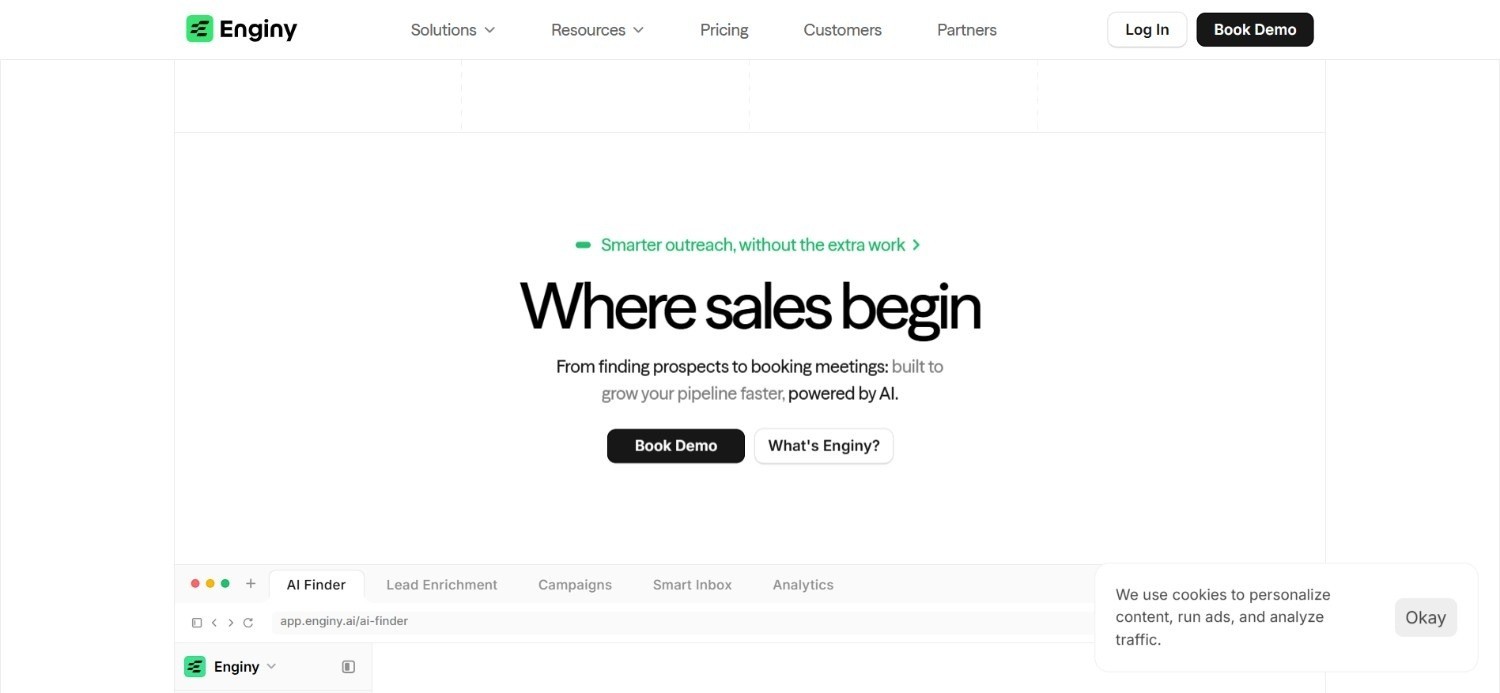
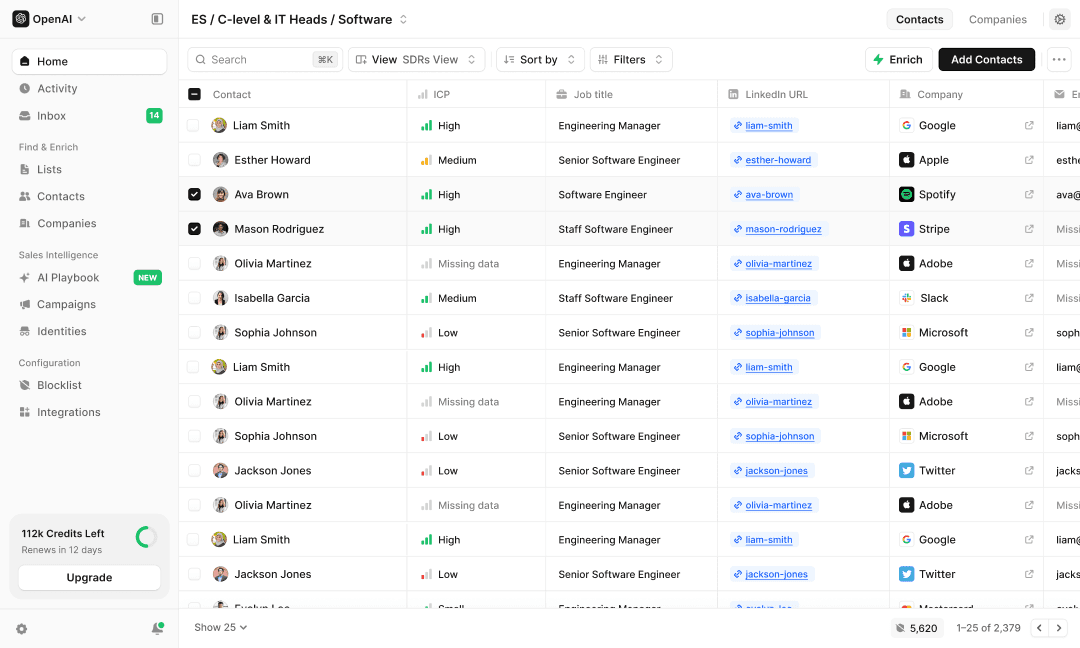
We built Enginy as an end-to-end GTM platform where email warmup sits alongside prospecting and outreach rather than living in a separate tool.
Each identity you configure in Enginy, meaning a linked email address or social profile, can enable our email warm-up feature directly, which progressively builds sender reputation to protect deliverability and avoid spam filters. That matters because warm up email work only pays off if it's actually connected to the campaigns you plan to run.
Since Enginy also handles data enrichment and multichannel outreach, your warmed domain feeds straight into real campaigns without any manual handoff between tools.
Warmup seats scale with your plan, so growing teams add capacity as they add identities.
Ideal For
B2B SaaS teams that want warm-up connected to their actual outreach data
Agencies managing multiple client domains inside one workspace
Founders who want deliverability handled without juggling a separate warm-up subscription
Top Features
Built-in Email Warm-Up tied directly to each sending Identity
Multi-identity management for teams running several mailboxes at once
Deliverability protection that feeds straight into multichannel outreach sequences
Credit-based scaling as your team adds more warmup seats
Why We Stand Out
Most warm-up tools solve one problem in isolation, leaving you to manually connect that warmed domain to your actual outreach elsewhere.
We built Enginy so warm-up, prospecting and outreach share the same data from day one.
That connection means a domain doesn't just get warm, it gets warm for the specific campaigns and identities you're actually planning to use.
Pros
Warm-up is tied directly to the identities you actually send from
No separate subscription or tool switch required to protect deliverability
Scales alongside prospecting and enrichment as your team grows
Onboarding sessions help configure warm-up correctly from the start
Cons
Pricing isn't published, so you need a qualification call for exact numbers
Not a fit for teams who only need standalone warm-up with no other sales tooling
Full platform depth takes a short ramp-up if your team is used to single-purpose tools
Pricing
Enginy does not publish pricing publicly, since costs are credit-based and quoted after a short qualification call.
Warmup seats are included from the Smart plan upward, with Business tier adding a dedicated Success Manager alongside warmup and other platform features.
Final Verdict
If you want warm up email protection built into the same platform running your prospecting and outreach, Enginy removes the need for a separate tool entirely.
It's the strongest overall choice on this list for teams who want deliverability handled as part of a connected workflow, not a bolt-on extra.
2. TrulyInbox
Overview
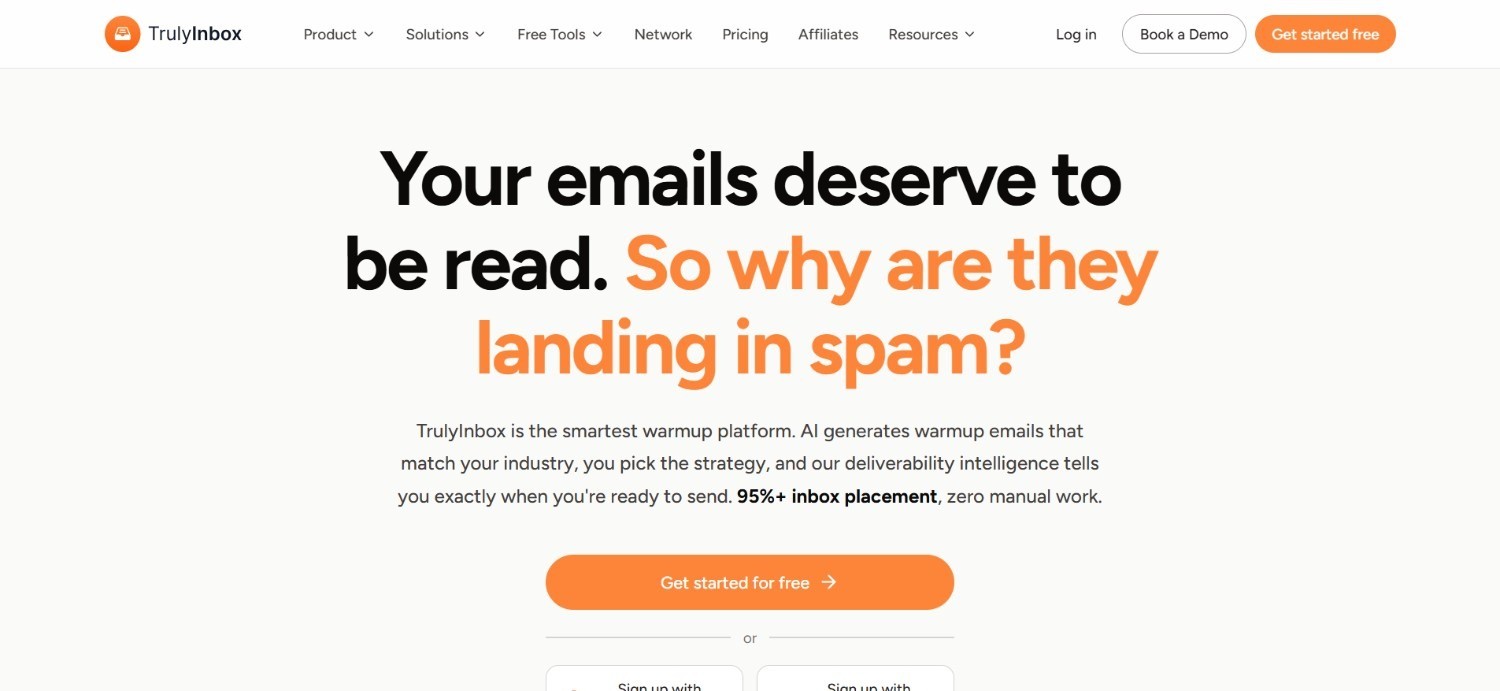
TrulyInbox positions itself as a straightforward warm up email tool built around unlimited email accounts on every paid plan, which makes it appealing for teams juggling several mailboxes without wanting to pay per seat.
The platform runs automated warm-up activity in the background while also generating spam test reports, so users get a sense of whether their domain is actually landing in the inbox rather than just assuming the warm-up is working.
Inbox placement tracking rounds out the offering, giving a rough signal of how emails are being sorted across major providers. TrulyInbox is one of the more accessible entry points into email warmup software for teams that want unlimited accounts without a steep learning curve.
Ideal For
Teams managing several email accounts who don't want per-seat pricing
Smaller sales teams new to structured warm-up processes
Founders wanting a simple, unlimited-account starting plan
Top Features
Unlimited email accounts included on paid plans
Automated spam test reporting
Inbox placement tracking across major providers
Straightforward setup with minimal configuration
Why They Stand Out
TrulyInbox's unlimited-account model is a genuine differentiator among warm up email tools that typically charge per mailbox.
That structure suits teams adding accounts frequently without wanting costs to climb with every new address.
Pros
Unlimited accounts remove per-seat cost anxiety
Free plan available for testing before committing
Useful spam test reporting included as standard
Simple onboarding for teams new to warm-up
Cons
No prospecting or outreach automation beyond warm-up itself
Reporting is less detailed than dedicated deliverability specialists
Higher tiers needed for larger sending volumes
Pricing
TrulyInbox offers a free plan alongside monthly billing of $29 for Starter, $99 for Growth and $199 for Scale. Annual billing brings these down to $22, $84 and $169 monthly, with higher tiers increasing daily warmup volume.
Final Verdict
TrulyInbox works well for teams that want unlimited accounts without complex pricing.
Teams needing broader outbound functionality beyond warm-up will need to pair it with a separate outreach tool.
3. Mailivery
Overview
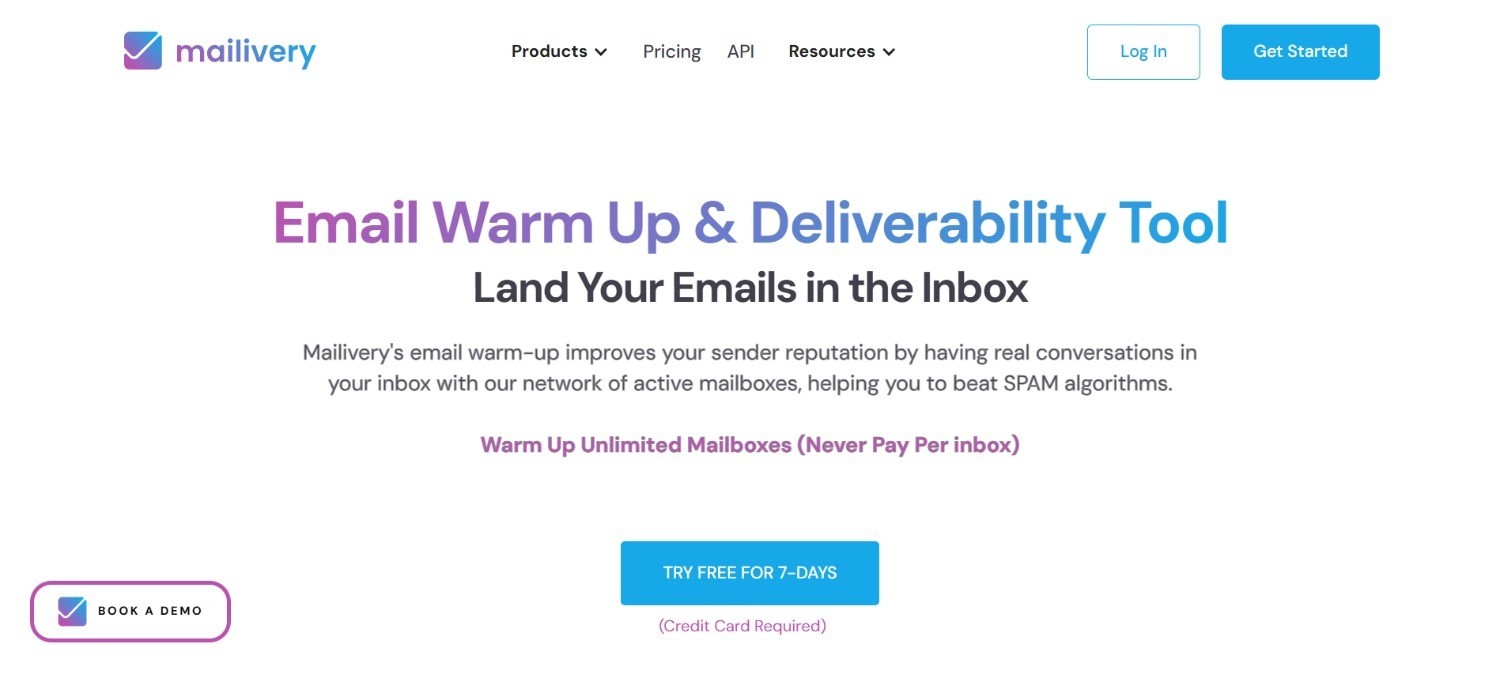
Mailivery runs warm-up through a network designed to mimic genuine human email behaviour, aiming to make the activity look as natural as possible to mail providers monitoring engagement signals.
Every paid plan includes unlimited mailboxes, while daily warm-up capacity scales from 200 up to 2,500 emails depending on the tier chosen. That structure lets a small team warm a handful of domains lightly, or scale volume significantly as sending needs grow, without paying per mailbox along the way.
An analytics dashboard tracks warm-up progress over time, giving visibility into how a domain's reputation is trending rather than leaving users to guess. Mailivery sits comfortably among the more established email warm up tools built specifically around gradual, human-like sending patterns.
Ideal For
Teams wanting unlimited mailboxes without per-seat pricing
Sales teams scaling warm-up volume as campaigns grow
Agencies needing dashboard visibility across several warming domains
Top Features
Human-like warm-up network designed to avoid detection patterns
Unlimited mailboxes included on all paid plans
Scalable daily warm-up volume from 200 to 2,500 emails
Analytics dashboard tracking reputation trends over time
Why They Stand Out
Mailivery's focus on realistic, human-like sending patterns addresses a common weak point in email warmup software, where overly mechanical warm-up activity can itself raise flags with providers.
Pros
Unlimited mailboxes keep costs predictable as accounts grow
Warm-up volume scales cleanly with tier upgrades
Useful analytics for tracking reputation over time
7-day free trial available before committing
Cons
No built-in prospecting or outreach sequencing
Higher tiers required for larger sending volumes
Best suited to teams already comfortable managing warm-up separately from outreach
Pricing
Mailivery's monthly pricing starts at $29 for Starter, $79 for Professional and $199 for Business.
All plans include unlimited mailboxes, and yearly billing offers a 25% discount alongside a 7-day free trial.
Final Verdict
Mailivery is a solid pick for teams wanting realistic, human-like warm-up at a predictable unlimited-mailbox price.
It works best paired with a separate tool for actual outreach and prospecting.
4. Warmy
Overview
Warmy takes a volume-based approach to pricing, covering both B2B and B2C use cases rather than focusing narrowly on one sending style.
Warmy also includes spam word detection, flagging language in outgoing emails that commonly triggers filters, alongside blacklist monitoring to catch reputation problems early.
All features can be tested through a 7-day free trial that doesn't require a credit card, which lowers the barrier for teams comparing several email warm up tools before committing.
Ideal For
Teams with fluctuating warm-up volume needs month to month
B2C senders alongside B2B teams needing flexible plans
Teams wanting to test spam word and blacklist monitoring before buying
Top Features
Volume-based pricing that flexes with actual usage
Spam word detection built into outgoing warm-up emails
Blacklist monitoring to catch reputation issues early
Custom plans available for non-standard requirements
Why They Stand Out
Warmy's flexible, volume-based pricing model suits senders whose needs change month to month, an area where fixed-tier warm up email tools can feel restrictive.
Pros
Pricing flexes with actual monthly usage
No credit card required for the free trial
Useful spam word and blacklist detection features
Suitable for both B2B and B2C sending patterns
Cons
Custom pricing can make budgeting less predictable upfront
No outreach or prospecting features beyond warm-up
Best value depends on accurately estimating monthly volume
Pricing
Warmy uses volume-based pricing for its B2B and B2C email warm-up plans, with costs determined by the number of warm-up emails required each month.
Custom plans are available for tailored needs, and a 7-day free trial with no credit card required lets teams test all features first.
Final Verdict
Warmy suits teams whose warm-up needs shift regularly and who want pricing that reflects actual usage.
Teams wanting fixed, predictable monthly costs may prefer a flat-tier alternative instead.
5. MailReach

Overview
MailReach is a dedicated warm up email service built with agencies and multi-domain senders in mind, running automated warm-up activity across as many mailboxes as an account needs.
Spam-test credits are built into every plan, letting users check inbox placement directly inside the platform rather than relying on a separate testing tool.
That visibility makes it easier to confirm a domain reputation is actually improving, not just assume the warm-up is working in the background.
The platform is designed to scale cleanly as an agency adds more client domains, with reporting structured around individual mailboxes rather than one blended account view.
Volume discounts reward accounts warming several domains at once, and tailored support is available for agencies or high-volume teams with more specific requirements, making MailReach one of the more agency-friendly options among email warm up tools on this list.
Ideal For
Agencies managing a predictable number of client mailboxes
Teams wanting volume discounts as mailbox count grows
Users who want spam-test credits included rather than sold separately
Top Features
Per-mailbox pricing that scales predictably with account count
Volume discounts reducing cost per mailbox at higher tiers
Included spam-test credits for inbox placement checks
Custom pricing available for agencies with larger needs
Why They Stand Out
MailReach's per-mailbox pricing with built-in volume discounts is a natural fit for agencies, a segment that many warm up email tools price less generously as mailbox counts climb.
Pros
Transparent per-mailbox pricing that's easy to forecast
Volume discounts reward larger, multi-domain accounts
Spam-test credits included rather than a paid add-on
Annual billing offers a meaningful discount
Cons
Per-mailbox costs can add up quickly for very large teams
No outreach or prospecting functionality included
Custom pricing for agencies requires a direct conversation
Pricing
MailReach uses scalable per-mailbox pricing, with email warm-up starting around $25 per mailbox monthly or $20 with annual billing.
Volume discounts lower per-mailbox costs further, and agencies or high-volume teams can request custom pricing.
Final Verdict
MailReach is a strong option for agencies managing several client domains who want predictable, scalable per-mailbox pricing.
Solo senders with just one or two mailboxes may find simpler flat-rate tools more cost-effective.
6. Warmforge
Overview
Warmforge runs automated warm-up activity across individual mailbox slots, giving each mailbox its own dedicated warm-up routine rather than blending activity across an entire account.
Alongside the core warm-up service, Warmforge offers placement testing as a separate feature, letting teams check exactly where their emails are landing across different mail providers rather than guessing based on warm-up volume alone.
That distinction between warming a mailbox and testing where it actually lands gives users a clearer picture of real deliverability progress.
The platform is built with teams warming several mailboxes at once in mind, keeping each slot's warm-up activity and reporting separate rather than merging everything into one account-wide view.
Ideal For
Budget-conscious teams warming multiple mailboxes at once
Teams wanting placement testing as an optional add-on rather than bundled in
Longer-term users who benefit from quarterly or annual discounts
Top Features
Low-cost warm-up slots priced per mailbox
Optional placement testing tiers for deeper deliverability insight
Quarterly and annual billing discounts
Straightforward, transparent per-slot pricing structure
Why They Stand Out
Warmforge's low per-mailbox warm-up cost stands out clearly among email warm up tools, making it one of the more accessible options for teams warming multiple domains on a tight budget.
Pros
Among the lowest per-mailbox warm-up pricing on this list
Placement testing available without forcing an expensive bundle
Meaningful discounts for quarterly and annual commitments
Simple, predictable slot-based pricing
Cons
Placement testing is a separate cost rather than included
No prospecting or outreach automation features
Basic warm-up tier alone won't suit teams wanting deep deliverability reporting
Pricing
Warmforge charges $12 per mailbox slot monthly for email warm-up, with quarterly and annual discounts available.
Placement testing costs $39 monthly for Pro or $169 monthly for Growth, dropping to $32.50 and $140.80 monthly respectively with annual billing.
Final Verdict
Warmforge is a sensible choice for budget-conscious teams warming several mailboxes who don't need placement testing bundled in by default.
Teams wanting an all-in-one deliverability package may prefer a pricier alternative instead.
7. Lemwarm
Overview
Lemwarm is Lemlist's dedicated warm up email product, built to slot naturally into a workflow for teams already sending outreach through that platform.
The tool runs automated warm-up conversations between real inboxes, with a Smart tier that adds AI-generated replies designed to make those conversations look more convincingly human rather than mechanical. That extra layer of realism helps address a common weak point in warm-up software, where repetitive, scripted exchanges can themselves raise flags with mail providers.
Because Lemwarm connects directly to identities already configured in Lemlist, warm-up activity and outreach share the same sending profile.
Ideal For
Teams already running outreach campaigns through Lemlist
Users wanting AI-generated replies to make warm-up conversations look natural
Larger teams eligible for custom volume pricing beyond ten users
Top Features
Per-email warm-up pricing with an Essential and Smart tier
Smart AI-generated replies for more convincing warm-up conversations
Custom volume pricing for teams over ten users
Quarterly and annual billing discounts
Why They Stand Out
Lemwarm's tight integration with Lemlist makes it a natural warm up email choice specifically for teams whose outreach already lives in that ecosystem, rather than a general-purpose standalone tool.
Pros
Smooth integration for existing Lemlist users
AI-generated replies add realism to warm-up activity
Solid discounts for quarterly and annual commitments
Custom pricing available for larger teams
Cons
Per-email pricing model may not fit teams outside the Lemlist ecosystem
Best value depends on being embedded in Lemlist already
Less compelling as a standalone warm-up tool used in isolation
Pricing
Lemwarm charges $29 per email monthly for Essential and $49 per email monthly for Smart, while teams with more than ten users receive custom volume pricing.
Quarterly and yearly billing offer 10% and 20% savings respectively, with annual rates dropping to $24 and $40 per email monthly.
Final Verdict
Lemwarm makes the most sense for teams already using Lemlist for outreach who want warm-up in the same ecosystem.
Teams using a different outreach platform will likely find less value in the tight integration.
8. Instantly
Overview
Instantly bundles unlimited warm-up directly into its core Email Outreach plans rather than treating it as a separate purchase, so every account sending through the platform gets warm-up by default.
The platform runs its own deliverability network alongside campaign automation, aiming to keep sender reputation healthy as outreach volume scales. That network works in the background while campaigns run, rather than requiring warm-up to be managed as a separate task before sending begins.
Instantly is built for teams thinking in terms of total outbound capacity rather than individual mailboxes, which suits senders already running cold email at real scale.
Ideal For
High-volume cold email senders wanting warm-up bundled with outreach
Teams that prefer thinking in sending volume rather than per-mailbox pricing
Larger operations needing an Enterprise-grade custom plan
Top Features
Unlimited warm-up included across core plans
Built-in deliverability network supporting sender reputation
Campaign automation alongside warm-up in one platform
Enterprise tier for custom, high-volume requirements
Why They Stand Out
Instantly's decision to bundle unlimited warm-up into its core plans removes a pricing variable that many warm up email tools charge for separately, simplifying costs for high-volume senders.
Pros
Warm-up included rather than billed separately
Deliverability network supports sending at real scale
Volume-based plans suit high-throughput senders
Enterprise option available for larger operations
Cons
Higher tiers get expensive for teams without matching volume
Less useful for teams wanting warm-up as a standalone product
Contact limits on lower tiers may restrict smaller campaigns
Pricing
Instantly's core Email Outreach plans are priced at $47 monthly for Growth, $97 monthly for Hyper Growth and $358 monthly for Light Speed, with volume-based emails and fixed contact limits.
An Enterprise tier is available at custom, enterprise-grade pricing.
Final Verdict
Instantly suits teams already sending cold email at meaningful volume who want warm-up bundled into the same subscription.
Smaller senders may find the plans priced beyond what they actually need.
9. Snov.io
Overview
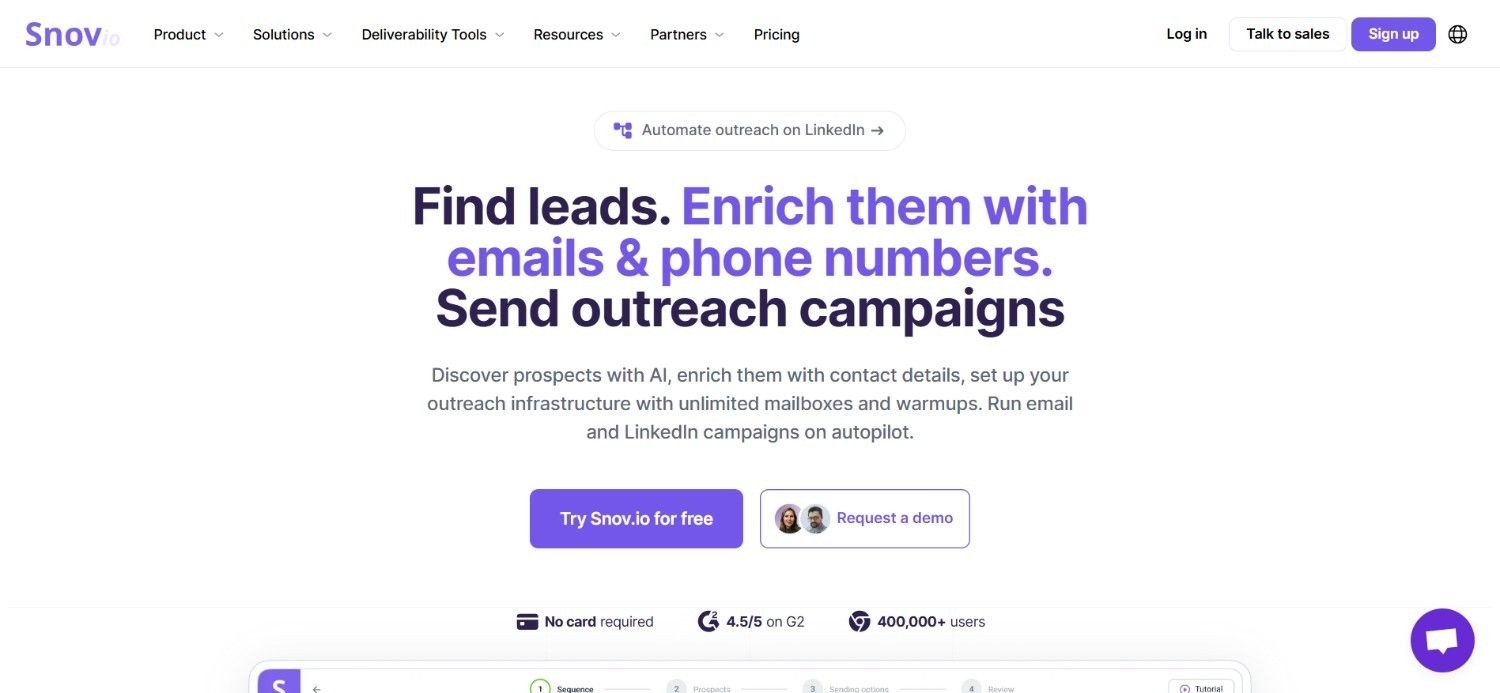
Snov.io positions its warm up email feature as part of a broader outbound suite rather than a standalone product, bundling it alongside an email finder, verifier and drip campaign tools.
That structure suits teams who want warm-up handled without paying for a separate specialist tool, since it comes packaged with the wider prospecting and verification functionality Snov.io is best known for.
Overall, Snov.io sits closer to the all-in-one end of email warmup software. The platform trades some of the deeper warm-up customisation found in specialist tools for the convenience of one subscription covering prospecting, verification and warm-up.
Ideal For
Teams wanting warm-up bundled with prospecting and verification tools
Smaller teams preferring one subscription over several specialist tools
Users already sourcing leads through Snov.io's outbound suite
Top Features
Email warm-up included alongside email finder and verifier tools
Drip campaign functionality bundled into the same suite
Single monthly price covering the full outbound toolkit
Straightforward setup for teams new to outbound tooling
Why They Stand Out
Snov.io's all-in-one structure means warm up email work sits alongside prospecting and verification rather than requiring a separate subscription, which is a genuine convenience for smaller teams.
Pros
Warm-up bundled with prospecting and verification in one price
Simple, single monthly cost for the full suite
Useful for teams sourcing leads and warming domains together
Approachable for teams newer to outbound tooling
Cons
Warm-up customisation is lighter than dedicated specialist tools
Best value depends on wanting the full suite, not warm-up alone
Reporting on deliverability is less detailed than warm-up specialists
Pricing
Snov.io's basic pricing plan costs $39 monthly, covering an all-in-one outbound tool that includes warm-up alongside prospecting and verification features for your sales team.
Final Verdict
Snov.io is a good fit for teams wanting warm-up bundled with prospecting and verification in a single, affordable subscription.
Teams needing deep, specialist warm-up reporting may prefer a dedicated tool instead.
10. Smartlead

Overview
Smartlead includes unlimited warm-up across every plan, positioning it as a natural fit for agencies running large numbers of email accounts across multiple client campaigns.
Verification credits scale alongside sending volume, giving teams a way to keep contact data clean without a separate verification tool. Optional private infrastructure is available for teams with the highest deliverability requirements, isolating sending activity from other accounts on the platform.
Client workspace add-ons round out the offering, letting agencies keep campaigns and reporting separated by account.
Ideal For
Agencies running unlimited email accounts across multiple clients
Teams needing private infrastructure for higher-volume sending
Users wanting verification credits bundled with warm-up and outreach
Top Features
Unlimited warm-up included across all pricing tiers
Tiered sending volume with matching verification credits
Optional private infrastructure for high-volume, high-deliverability needs
Client workspace add-ons suited to agency use
Why They Stand Out
Smartlead's combination of unlimited warm-up and private infrastructure options makes it one of the more scalable email warmup software choices for agencies managing many accounts at once.
Pros
Unlimited warm-up regardless of pricing tier
Verification credits scale alongside sending volume
Private infrastructure available for demanding deliverability needs
Client workspace add-ons suit agency workflows
Cons
Higher tiers represent a significant cost jump for smaller teams
Private infrastructure and workspace add-ons cost extra
Best value depends on needing agency-scale account volume
Pricing
Smartlead bills monthly across four tiers: Base costs $39 for 6,000 sends and 2,000 verifications, Pro costs $94 for 90,000 sends and 30,000 verifications, Unlimited Smart costs $174 for 150,000 sends with unlimited contacts, and Unlimited Prime costs $379 for 50,000-plus sends on private infrastructure. Optional add-ons cover private infrastructure, client workspaces and extra verification credits.
Final Verdict
Smartlead is well suited to agencies managing large volumes of email accounts who want unlimited warm-up baked into every tier.
Smaller teams with modest sending needs will likely find the entry pricing more than they require.
How to Choose the Best Email Warmup Software (What to Consider?)
Once you've narrowed down a few options, weigh these factors carefully before committing to a plan:
1. Realism of the Warm-Up Simulation
Check whether warm-up activity looks genuinely human to mail providers, since overly mechanical sending patterns can themselves become a red flag.
Ask vendors how their network simulates real engagement, not just email volume.
2. Pricing Structure and Scalability
Compare per-mailbox, per-email and volume-based pricing models against how your sending needs are likely to grow.
A tool that's cheap for one domain can become expensive fast once you're warming ten.
3. Deliverability Reporting and Testing
Look for spam test credits, inbox placement tracking and blacklist monitoring, not just a warm-up counter ticking upward.
The best email warm up tools tell you where your emails are actually landing, not just how many were sent.
4. Integration With Your Outreach Stack
Consider whether warm-up needs to plug into your existing outreach tool or platform, since a disconnected warm-up process adds an extra manual step.
A warmed domain only helps if it flows straight into the campaigns you're actually planning to run.
5. Support for Multiple Mailboxes or Domains
If you're managing several mailboxes or client domains, check how pricing and reporting scale across that volume.
Agencies in particular should confirm per-client visibility is available before committing.
6. Trial Availability and Contract Flexibility
Favour email warmup software that offers a free trial or short commitment, since it can take a few weeks to judge whether warm-up is actually improving inbox placement.
Avoid locking into long annual contracts before confirming a tool's simulation quality suits your domains.
Everything You Need to Know About Email Warm-Up Tools
Tool | Pros | Cons | Ease of Use | Integrations | Support | Affordability | Deliverability Reporting |
Enginy | Warm-up tied to real outreach, no separate tool needed | No public pricing, short learning curve | ⭐⭐⭐⭐ | ⭐⭐⭐⭐⭐ | ⭐⭐⭐⭐⭐ | ⭐⭐⭐⭐ | ⭐⭐⭐⭐ |
TrulyInbox | Unlimited accounts, free plan available | Limited outbound features beyond warm-up | ⭐⭐⭐⭐⭐ | ⭐⭐⭐ | ⭐⭐⭐ | ⭐⭐⭐⭐ | ⭐⭐⭐ |
Mailivery | Unlimited mailboxes, human-like warm-up | No outreach or prospecting features | ⭐⭐⭐⭐ | ⭐⭐⭐ | ⭐⭐⭐ | ⭐⭐⭐⭐ | ⭐⭐⭐⭐ |
Warmy | Flexible volume-based pricing | Custom pricing less predictable | ⭐⭐⭐⭐ | ⭐⭐⭐ | ⭐⭐⭐ | ⭐⭐⭐ | ⭐⭐⭐⭐ |
MailReach | Transparent per-mailbox pricing, volume discounts | Costs add up for very large teams | ⭐⭐⭐⭐ | ⭐⭐⭐ | ⭐⭐⭐ | ⭐⭐⭐⭐ | ⭐⭐⭐⭐ |
Warmforge | Very low per-mailbox cost | Placement testing costs extra | ⭐⭐⭐⭐ | ⭐⭐ | ⭐⭐⭐ | ⭐⭐⭐⭐⭐ | ⭐⭐⭐ |
Lemwarm | Smooth Lemlist integration, AI replies | Best value tied to using Lemlist | ⭐⭐⭐⭐ | ⭐⭐⭐ | ⭐⭐⭐ | ⭐⭐⭐ | ⭐⭐⭐ |
Instantly | Unlimited warm-up bundled in | Expensive without matching volume | ⭐⭐⭐⭐ | ⭐⭐⭐⭐ | ⭐⭐⭐ | ⭐⭐⭐ | ⭐⭐⭐⭐ |
Snov.io | Warm-up bundled with prospecting suite | Lighter warm-up customisation | ⭐⭐⭐⭐⭐ | ⭐⭐⭐⭐ | ⭐⭐⭐ | ⭐⭐⭐⭐⭐ | ⭐⭐⭐ |
Smartlead | Unlimited warm-up, private infrastructure option | Steep cost jump at higher tiers | ⭐⭐⭐⭐ | ⭐⭐⭐⭐ | ⭐⭐⭐ | ⭐⭐⭐ | ⭐⭐⭐⭐ |
Protect Your Deliverability With Enginy
Most teams treat warm-up as a separate chore, running it in one tool before switching to another for the actual campaign.
We built Enginy so that handoff doesn't exist: email warmup, prospecting and multichannel outreach all run from the same workspace, using the same identities and the same data.
If a cold domain is quietly capping your reply rates, that's exactly the gap we designed Enginy to close.
Book a demo with our team to see how connected warm-up and outreach could change your deliverability.
FAQs About Email Warm-Up Tools
What is the best email warm up tool in 2026?
The best email warm up tool in 2026 is Enginy, since it ties warm-up directly to the identities and campaigns you actually use for outreach. Instead of running warm-up in one tool and outreach in another, teams get both from a single connected workspace.
What should I consider when choosing the right email warmup software for me?
Choosing the right email warmup software starts with checking how realistic the warm-up simulation actually is, not just the volume of emails sent. Pricing structure matters too, since per-mailbox, per-email and volume-based models scale very differently. Look for deliverability reporting like spam testing and blacklist monitoring. Finally, confirm the tool integrates cleanly with whatever platform runs your actual outreach.
How does Enginy differ from similar alternatives?
Enginy differs from most alternatives by tying warm-up directly to the identities and campaigns running through the same platform, instead of treating it as a standalone product. Many competitors focus purely on warm-up volume and reporting. Our approach means a warmed domain flows straight into real outreach without a manual handoff between tools.
How do I get started with Enginy?
Getting started with Enginy begins with a qualification call, where we scope your team's warm-up and outreach needs before recommending a plan. From there, our team runs structured onboarding sessions covering identity setup, warm-up configuration and campaign building. Most teams see warm-up running within the first onboarding sessions.
How easy is it to switch to Enginy?
Switching to Enginy is straightforward, since our onboarding process is built to move existing identities and outreach workflows into the platform without starting from scratch. Our team handles the initial setup, mapping your current sending identities so warm-up can begin quickly. The included onboarding sessions reduce switching friction for teams coming from a standalone warm-up email tool.
How long does it take to warm up email domains before sending real campaigns?
Warming up email domains properly typically takes two to four weeks before a domain is ready for meaningful outreach volume. Shorter warm-up periods work for lower daily sending volumes, while higher planned volumes usually need the fuller four-week window. Rushing this process risks triggering the same spam flags warm-up is meant to prevent.
Can I warm up an email domain without using a dedicated tool?
Technically yes, but manually warming up a domain without a dedicated tool is slow and difficult to do consistently at scale. It would require manually sending and replying to emails across several real inboxes over several weeks, tracking engagement by hand. Most teams find that even entry-level email warm up tools save enough time and reduce enough risk to justify the cost.