Best Email Verification Tools in 2026 (Top Platforms Compared)

Andrea López
Share
Key Takeaways (TL;DR)
The Best Overall Email Verification Tool: Enginy checks every email address before and after enrichment as part of its normal workflow, rather than treating verification as a separate purchase bolted onto a list afterwards. That keeps bad addresses out of a sequence before they ever get a chance to bounce.
Why Do You Need It?: A handful of bounces can quietly damage a sending domain's reputation, and once that happens even your genuinely good contacts start landing in spam.
Who It's For?: Any team sending cold email at volume, from a founder running their own outbound to an established SDR function verifying thousands of addresses a month.
How to Choose the Right One?: Check how the tool actually detects risky addresses, whether pricing suits your sending volume, and whether verification sits inside a broader workflow or as one more standalone step.
Expected Price: Enginy folds verification into its credit-based pricing rather than charging for it separately, confirmed on a call before a demo. Dedicated email verification software elsewhere ranges from around $10 for a few thousand one-off credits up to $150 or more a month for ongoing subscription plans.
Top Email Verification Tools in 2026 at a Glance
Tool | Best For | Key Features | Pricing |
Enginy | Teams wanting verification built into a wider enrichment and outreach workflow | Pre and post-enrichment cleaning, waterfall data sourcing, routing by contact quality | Custom, credit-based |
Clay | Technical teams building custom verification into a data pipeline | Waterfall verification across providers, workflow automation | Free plan; paid from $167/month |
Hunter.io | Teams wanting verification alongside email finding | Bulk verification, deliverability scoring, domain search | Free plan; paid from $49/month |
Salesforge Email Verifier | Teams already using Salesforge for outreach | Verification bundled into the core outreach subscription | Included with Pro/Growth plans |
ZeroBounce | Teams wanting deep deliverability tooling alongside verification | Bulk and API verification, spam trap detection, scoring | Free plan; paid from $39 for 2,000 credits |
Clearout | Budget-conscious teams wanting flexible credit options | Bulk verification, real-time API, free starter credits | Free plan; paid from $23/month |
DeBounce | Teams wanting simple, non-expiring pay-as-you-go credits | Standard and enhanced verification tiers, no subscription | From $10 for 5,000 verifications |
NeverBounce | High-volume senders wanting enterprise-grade throughput | Real-time and bulk verification, high-volume enterprise plans | From $8 per 1,000 credits |
MillionVerifier | Occasional senders wanting non-expiring credits | Bulk verification with credits that never expire | From $89 for 50,000 verifications |
Emailable | Teams wanting a straightforward monthly subscription option | Bulk and API verification, free credits included monthly | From $32.30/month for 5,000 credits |
What Is an Email Verification Tool?
An email verification tool checks whether an email address is real, active and safe to send to before it ever reaches an inbox provider's servers. Rather than finding out an address is dead when it bounces, the best email verification tool catches that problem in advance, so it never becomes your problem to clean up afterwards.
Under the hood, most email verification software runs a similar set of checks. It confirms the domain exists and accepts mail, and checks the mailbox itself where possible.
Some of these platforms also flag anything that looks like a spam trap, a role-based inbox, or a disposable address that will never actually get opened.
Some email verification tools operate as a standalone product you feed a list into.
Others sit inside a broader platform, running automatically as part of enrichment rather than as a separate step someone has to remember to run.
Why Do You Need Email Verification Tools?
Sending to a list nobody has checked feels faster in the moment, but the cost shows up later in ways that are harder to undo. A bounce rate creeping above roughly 2 to 3% is often enough to get a sending domain flagged by major inbox providers.
Once that happens, even your genuinely good contacts start landing in spam alongside the bad ones. Contact data also decays faster than most teams expect. People change jobs, companies get acquired, and old addresses quietly stop working without ever bouncing back an obvious error.
The best email verification tool solves both problems at once. It filters out addresses that were never going to work in the first place, and it catches the ones that used to be valid but have since gone stale.
That combination protects the sending reputation that every other outbound effort depends on.
Who Needs Email Verification Tools?
Verification matters differently depending on how a team actually sends, so the right fit changes based on volume and where the list comes from in the first place.
There’s no single “best email verification tool” for every situation, which is why matching the tool to the team matters more than chasing the longest feature list:
1. Founders Sending Their First Real Campaigns
A founder with a brand new domain has the least room for error. One bad sending burst can damage a domain's reputation before it has built up any track record to fall back on.
2. RevOps Teams Managing List Hygiene at Scale
This group is usually the one who inherits the fallout when bounce rates spike. Verification built into the workflow, rather than a separate manual step, saves them from chasing the problem after the fact.
3. Agencies Sending on Behalf of Multiple Clients
An agency running campaigns across several client domains cannot afford one client's bad list to damage a shared sending reputation. Verification needs to happen consistently, not just when someone remembers.
4. SDR Teams Working Enriched Lists Daily
Reps working through a fresh list every day need confidence that the addresses in front of them are worth calling on, not just worth attempting.
5. Marketing Teams Cleaning an Ageing Database
A database built up over several years usually has a meaningful chunk of addresses that quietly stopped working long ago.
Bulk verification is the practical way to find out how much of it is still usable.
Best Email Verification Tools: In-Depth Review & Comparison
1. Enginy
Overview
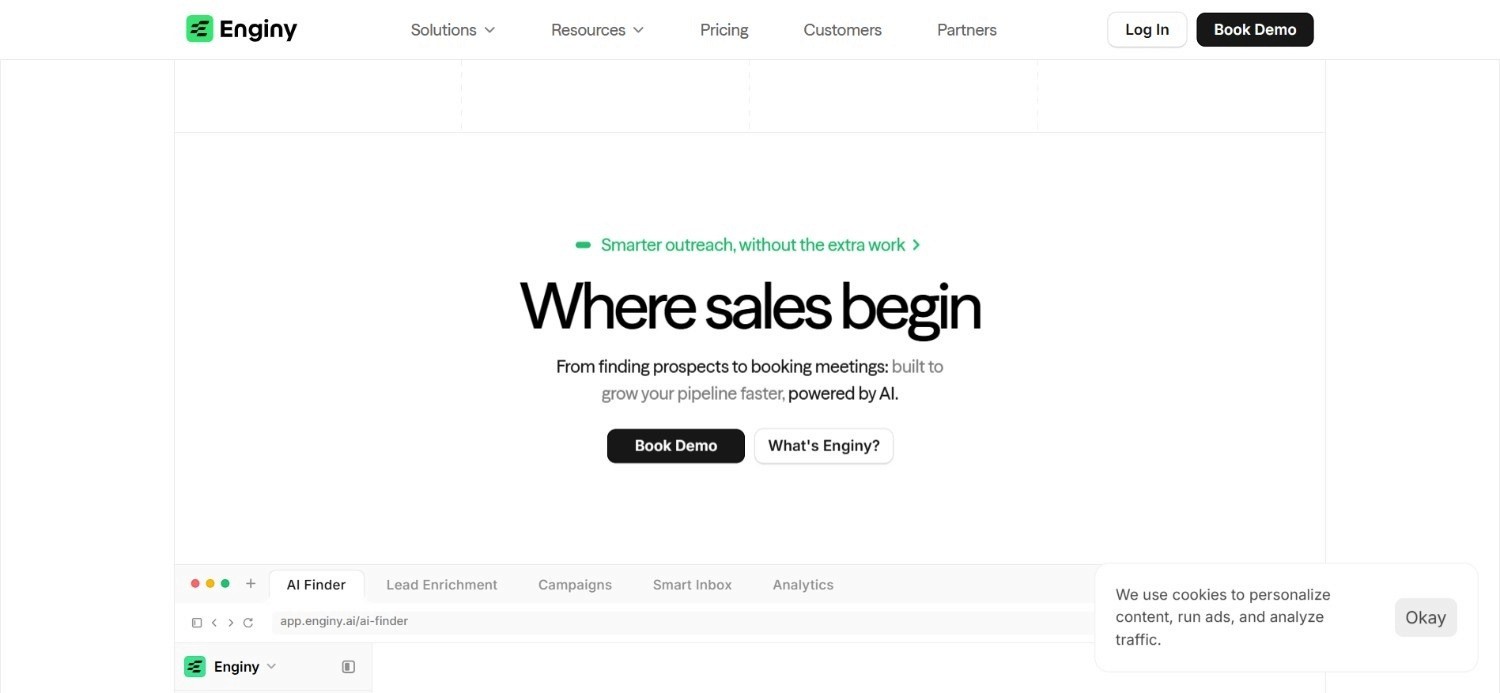
Enginy treats verification as a built-in part of contact data enrichment rather than a separate product you buy on top. Every contact pulled into a list runs through a cleaning pass before enrichment and another one after. Invalid emails get filtered out at both ends of the process, rather than slipping through because nobody ran a check.
That cleaning step feeds directly into how multichannel outreach gets routed. Contacts with a verified email get moved into email and social sequences.
Contacts with a verified phone and email get routed into calling as well, while contacts with no usable data get handled separately, rather than clogging up a sequence meant for people who can actually be reached.
Because this sits inside the same workspace as list building and outreach, there is no separate email verification tool to configure, export to, or remember to run before a campaign goes out.
Ideal For
Teams wanting verification handled automatically as part of enrichment, not as an extra step
RevOps leads tired of manually cleaning lists before every campaign
Founders and small teams who cannot afford a damaged sending domain this early on
SDR teams working freshly enriched lists that need to be reliable from the first send
Top Features
Pre and post-enrichment cleaning that filters invalid emails before they reach a sequence
Waterfall sourcing across 30+ providers to maximise the chance of a valid, current address
Automatic routing based on contact quality, sending verified contacts into the right channel
Full visibility into which contacts were filtered out and why, inside the same workspace
Why We Stand Out?
Most email verification software asks you to export a list, run it through a separate tool, then import the results back into whatever you actually send from.
Enginy skips that entire round trip by running verification as a native step inside the same platform that builds and sends the list. That matters most for sending reputation specifically.
Factorial's reply rates climbed from 10% to 45% after consolidating its outreach through our platform, a shift that depends as much on addresses actually being reachable as it does on the messaging itself.
Pros
Verification runs automatically, with no separate export and re-import step required
Contact routing based on data quality happens without manual sorting
Waterfall sourcing improves the odds of finding a genuinely valid address in the first place
Sits inside the same workspace as list building and outreach, reducing tool sprawl
Cons
Built as part of a complete platform rather than sold as a single-purpose product. The trade-off only matters if a standalone tool is genuinely all a team ever needs
Pricing is confirmed on a short qualification call rather than published upfront, in line with Enginy's custom, credit-based model sized to each team's actual sending volume
Full benefit comes from running list building and outreach through Enginy too which is also what removes the need for separate tools in the first place
Pricing
Verification is included as part of Enginy's broader credit-based pricing, rather than billed as its own line item.
Credits get consumed across data extraction, enrichment and verification together, with the specifics confirmed on a call before a demo.
Four base tiers exist, from an entry-level plan built around a modest monthly credit allowance through two mid-tier options, with a fully custom Enterprise tier for larger sending volumes.
Final Verdict
For a team that wants verification handled without adding another subscription to the stack, Enginy solves the problem before it starts, by never letting a bad address into the workflow in the first place.
It is the best email verification tool for anyone who would rather not think about verification as a separate task at all.
2. Clay

Overview
Clay approaches verification the same way it approaches enrichment: as something a technical user configures rather than a fixed feature they switch on. Verification sits as one step inside a broader waterfall, where a user can define which provider checks an address first and which ones get tried if that check comes back inconclusive.
That flexibility makes Clay one of the more powerful email verification tools for teams that want granular control over exactly how verification logic works, rather than accepting a single vendor's default approach. It is rarely anyone's first pick as the best email verification tool for a non-technical team, though.
The platform suits teams already comfortable building custom workflows for enrichment more broadly.
The trade-off is the same one Clay carries across its whole product: this level of control assumes a genuine technical operator configuring things, not a rep expecting a one-click verification button.
Ideal For
Technical GTM operators wanting granular control over verification logic specifically
Teams already running broader enrichment workflows through Clay
Organisations with unusual verification requirements a fixed tool would not cover
Top Features
Verification built into a customisable, multi-provider waterfall
Automation options extending beyond verification into the wider enrichment process
CRM sync available on higher-tier plans
Free plan available for early testing of verification logic
Why They Stand Out?
Clay's configurability sets it apart from fixed-feature email verification software. Few competitors let a user define their own verification sequence to this degree.
Pros
Highly configurable verification logic for technical teams
Usable free plan for testing before committing further
Strong reputation among technical GTM operators specifically
Extends naturally into broader enrichment and automation work
Cons
Requires real technical skill to configure verification workflows properly
Not designed for a non-technical user wanting a simple verification interface
Enterprise pricing requires a sales conversation to confirm
Pricing
Clay offers a free plan, with paid tiers starting at $167 a month for Launch and $446 for Growth, while Enterprise pricing is custom.
Costs scale with annual actions and data credits, with higher tiers adding CRM sync and dedicated support.
Final Verdict
Clay suits a technical team that wants to build verification logic themselves rather than accept a fixed workflow.
Teams wanting a simple, dedicated verification tool will find it more setup than necessary.
3. Hunter.io
Overview
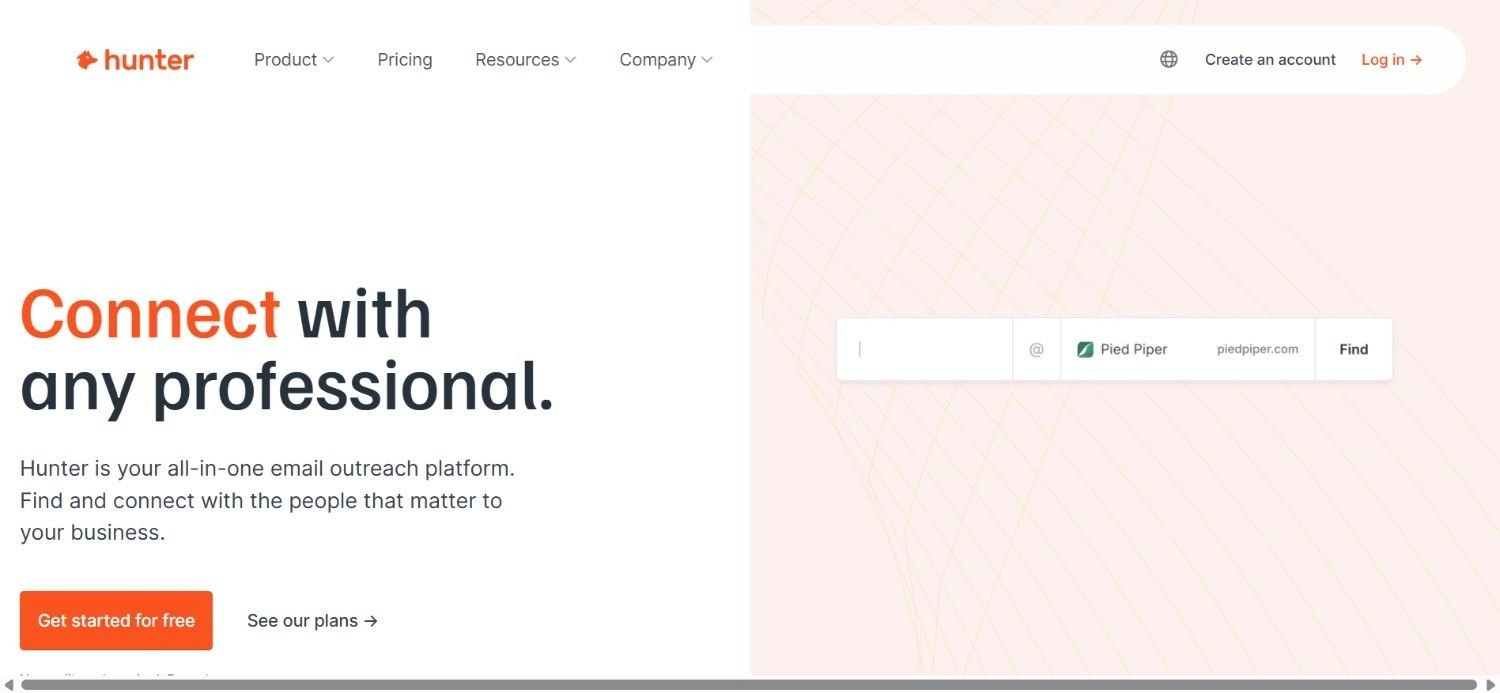
Hunter.io built its reputation on finding email addresses, and its verification feature sits naturally alongside that core function. Once an address is found, or uploaded in bulk, Hunter checks it for deliverability and assigns a confidence score, giving a user a clear read on whether it is worth including in a campaign.
That pairing of finding and verifying in one product makes Hunter.io a practical email verification tool for teams whose main challenge is sourcing addresses in the first place, not just checking ones they already have.
Domain search functionality adds another layer, letting a user see every address associated with a company before deciding who to target.
Ideal For
Teams needing email finding and verification in the same product
Sales reps wanting a confidence score before adding an address to a sequence
Small teams wanting domain-level visibility into who to target at a company
Top Features
Bulk and single-address verification with a clear deliverability score
Domain search to surface every known address at a target company
Credit-based pricing that scales with actual usage
Free plan available for testing at low volume
Why They Stand Out?
Combining address finding with verification in one workflow is Hunter.io's clearest advantage.
That pairing is why it is often considered the best email verification tool for teams still sourcing addresses, rather than just checking ones they already hold, and it removes a step most competitors leave as two separate actions.
Pros
Finding and verification handled together in one workflow
Clear confidence scoring makes decisions straightforward
Credit-based pricing scales fairly with usage
Free plan available for smaller-scale testing
Cons
Less depth in outreach or CRM functionality beyond finding and verifying
Higher-volume plans get expensive relative to some pay-as-you-go competitors
Best suited to teams already comfortable managing credits manually
Pricing
Hunter.io offers a Free plan alongside Starter at $49 a month, Growth at $149, Scale at $299, and a custom Enterprise tier. Plans scale by monthly credits, email accounts and enrichment features, with 30% savings available on annual billing.
Final Verdict
Hunter.io is a strong pick for teams that want finding and verifying handled in the same place. Teams needing a full outreach platform around it will need to pair it with something else.
4. Salesforge Email Verifier
Overview
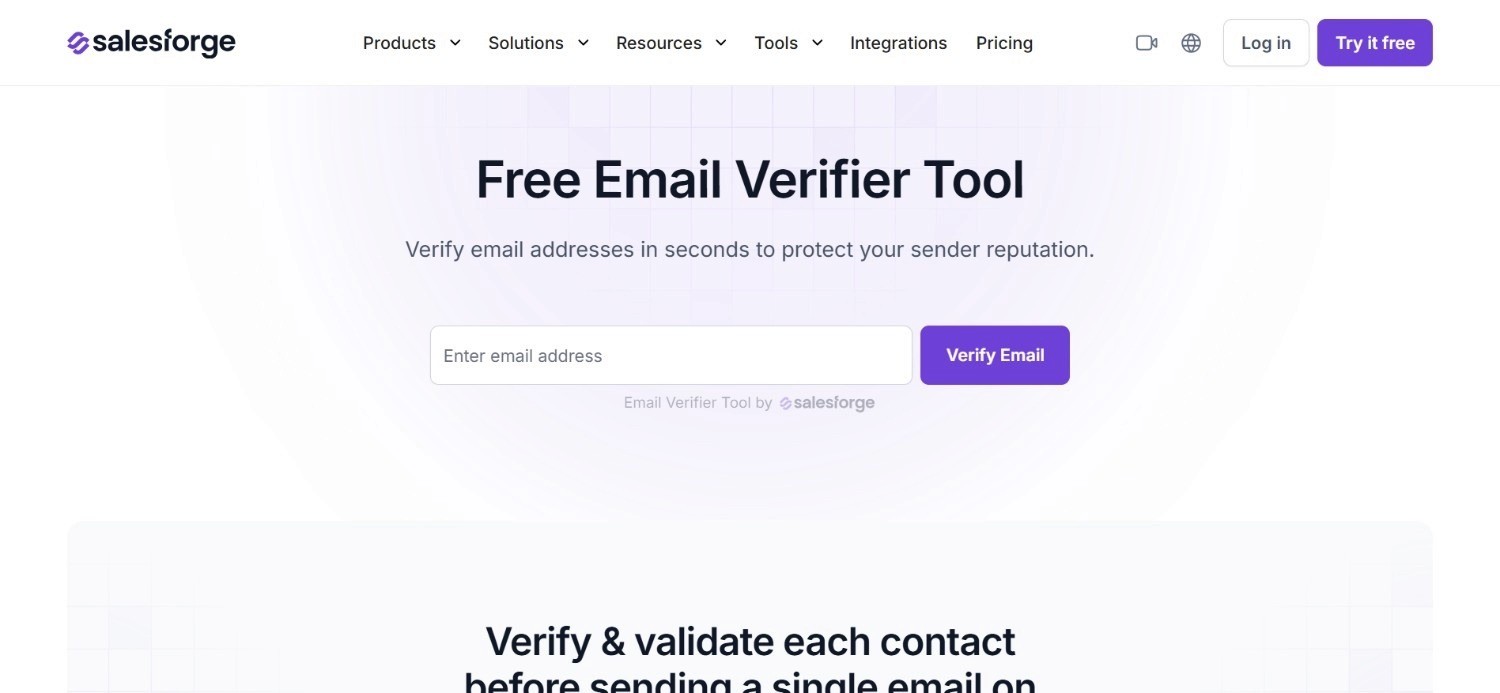
Salesforge bundles email verification into its core outreach product rather than selling it as a separate line item. Once a team is on a Pro or Growth subscription, verification runs as part of the normal sending workflow without an additional charge on top.
That bundling makes sense given Salesforge's broader focus on AI-personalised email at scale. A team sending large volumes of cold email needs verification running constantly in the background, and folding it into the subscription removes the temptation to skip it to save cost on a given campaign.
Because verification is not sold as a standalone product here, teams evaluating Salesforge purely for its email verification tool capability should know it comes as part of a broader outreach subscription.
It is not something they can buy in isolation, and it is rarely marketed as the best email verification tool on its own, since that was never the primary product to ‘sell’.
Ideal For
Teams already using Salesforge for AI-personalised email outreach
Organisations wanting verification bundled in rather than billed separately
Teams sending consistent cold email volume who want built-in list hygiene
Top Features
Verification included at no extra cost within Pro and Growth subscriptions
Runs automatically as part of the standard sending workflow
AI-personalised email generation sits alongside the verification layer
Optional Agent Frank AI add-on extends automation further
Why They Stand Out?
Bundling verification into the core subscription, rather than charging separately, sets Salesforge apart from most dedicated email verification software on this list.
Pros
No separate charge for verification within existing subscription tiers
Runs automatically without an extra manual step
Paired directly with AI-personalised outreach in the same product
14-day free trial available on the Growth plan
Cons
Not available as a standalone verification tool outside the outreach subscription
Less configurable than dedicated verification platforms built for that purpose alone
Best value depends on already wanting Salesforge for outreach specifically
Pricing
Salesforge offers a Pro plan at $48 a month and a Growth plan at $96 a month, with monthly or discounted annual billing. An optional Agent Frank AI add-on costs $599 a month, billed quarterly, and the email verification feature is included at no extra cost once subscribed.
Final Verdict
Salesforge suits a team that wants verification bundled into an outreach subscription they already need.
It is a poor fit for anyone wanting verification as a standalone purchase.
5. ZeroBounce
Overview
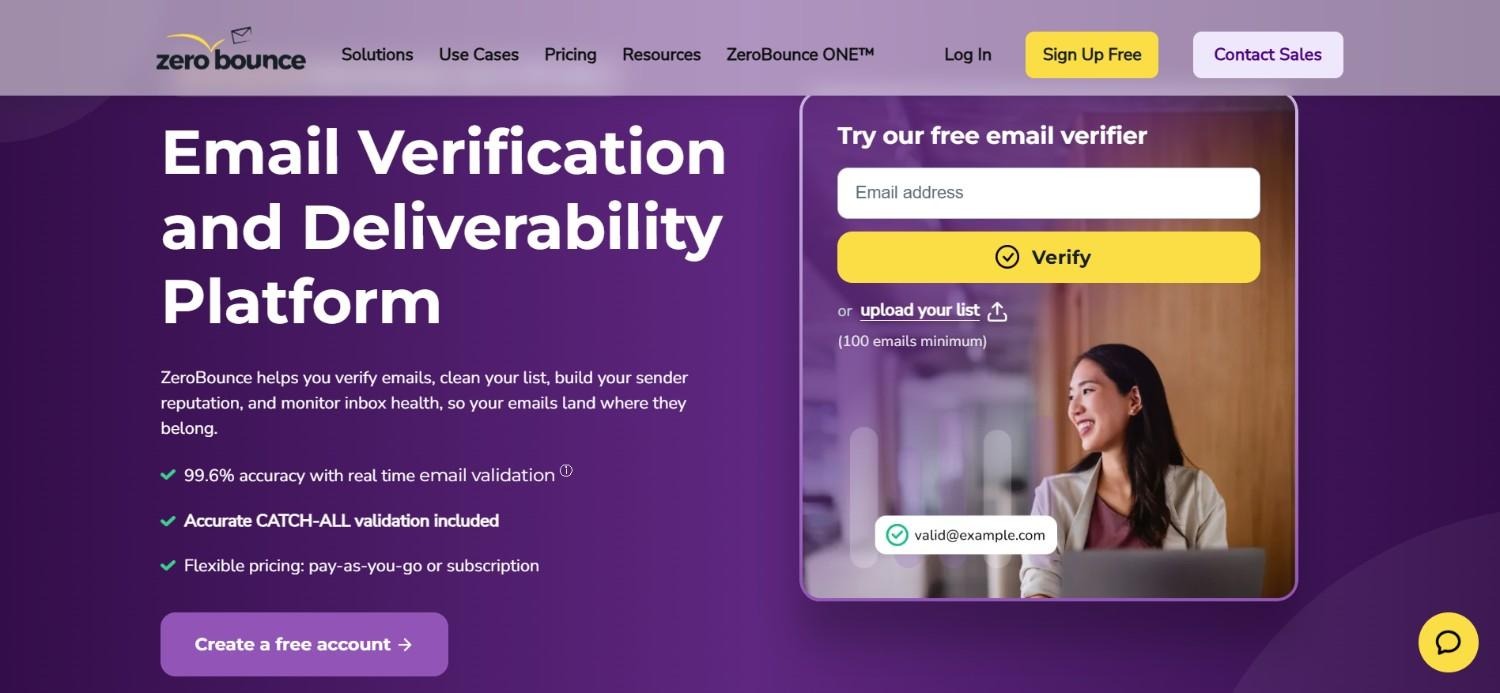
ZeroBounce positions itself around deliverability depth, going beyond a simple valid or invalid check into spam trap detection, activity scoring and abuse reporting. That extra layer of analysis appeals to teams that have been burned before by addresses that technically existed but still hurt sender reputation once contacted.
Its ZeroBounce ONE product bundles verification with broader deliverability tooling, which suits a team wanting more than a basic checklist for their sending programme.
Flexible pay-as-you-go credits sit alongside that subscription option, giving smaller or occasional senders a lower-commitment way to access the same detection quality without a monthly recurring cost attached.
This combination of depth and flexible purchasing makes ZeroBounce one of the more thorough email verification tools available, particularly for teams that have specifically had spam traps or reputation problems before.
Ideal For
Teams that have previously been hit by spam trap or reputation issues
Organisations wanting deliverability tooling bundled with core verification
Senders wanting flexible, pay-as-you-go access alongside a subscription option
Top Features
Spam trap detection alongside standard deliverability checks
Activity and abuse scoring for deeper risk assessment
ZeroBounce ONE bundle combining verification with wider deliverability tools
Flexible pay-as-you-go credits alongside subscription plans
Why They Stand Out?
The depth of ZeroBounce's detection, spam traps and abuse scoring specifically, goes beyond what most competitors check for.
It is built for teams that have already learned the hard way why basic verification is not always enough.
Pros
Deeper detection than a simple valid or invalid check
Flexible pay-as-you-go option alongside subscription pricing
Free plan available for initial testing
Annual subscriptions save 20% compared to monthly billing
Cons
More expensive at the subscription tier than several pay-as-you-go competitors
Depth of features may be more than a very small sender actually needs
Custom Enterprise pricing requires a direct conversation
Pricing
ZeroBounce offers a Free plan, ZeroBounce ONE from $99 a month, flexible pay-as-you-go pricing starting at $39 for 2,000 credits, and custom Enterprise plans.
Annual subscriptions save 20%, with pricing scaling by verification volume and included deliverability tools.
Final Verdict
ZeroBounce is a strong pick for teams wanting deeper deliverability protection alongside standard verification.
Smaller senders with simpler needs may find the extra depth unnecessary for now.
6. Clearout

Overview
Clearout positions itself as an accessible entry point into email verification software, leading with a freemium plan that gives new users 100 credits to test the product before spending anything. That low-commitment start makes it a common first stop for teams comparing options.
Beyond the free tier, Clearout offers a mix of subscription and pay-as-you-go pricing, letting a team pick whichever structure suits how consistently they send.
A real-time API sits alongside bulk verification, covering both one-off list cleaning and ongoing verification triggered automatically as new addresses come in.
That flexibility across pricing models, rather than any single standout feature, is what makes Clearout a sensible comparison point against pricier competitors on this list.
Ideal For
Teams wanting to test email verification tools before committing to a paid plan
Organisations wanting a choice between subscription and pay-as-you-go pricing
Developers wanting real-time API verification alongside bulk uploads
Top Features
Freemium plan with 100 credits for initial testing
Real-time API verification alongside standard bulk uploads
Flexible pricing structure spanning subscriptions and one-time credit purchases
Annual billing discounts on subscription tiers
Why They Stand Out?
Clearout's freemium entry point and flexible pricing structure set it apart from competitors that require a subscription commitment before a user can properly test the product.
Pros
Genuinely usable free credits before any payment is required
Choice between subscription and pay-as-you-go pricing
Real-time API suited to developers automating verification
Affordable entry-level paid tier
Cons
Less brand recognition than some larger competitors on this list
Deeper deliverability features are lighter than specialists like ZeroBounce
Best value depends on picking the right pricing structure for your sending pattern
Pricing
Clearout offers a Freemium plan with 100 free credits, alongside paid plans starting at $23 a month for Starter and $58 a month for Pro with 10,000 credits.
It also supports annual discounts, monthly subscriptions and flexible pay-as-you-go one-time credit purchases.
Final Verdict
Clearout is a sensible, low-risk starting point for teams comparing email verification tools for the first time.
That said, it is not always the best email verification tool for a team with deeper deliverability concerns further down the line, and pairing it with a more specialised tool may become necessary eventually.
7. DeBounce
Overview
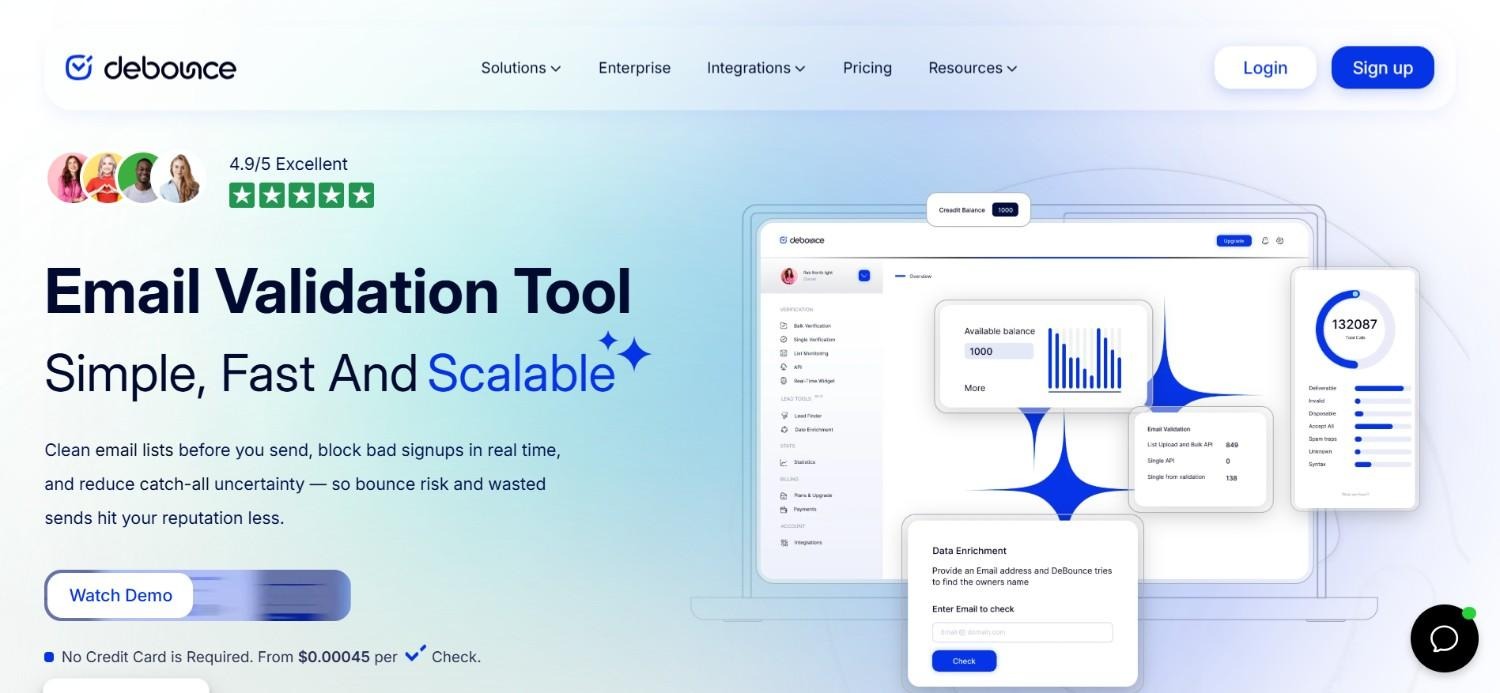
DeBounce keeps its model deliberately simple: pay-as-you-go credits that never expire, with no subscription commitment required at any point. New users get 100 free credits to test the product, and beyond that, pricing gets cheaper per email as sending volume increases.
Different verification depths cost different amounts of credit. A standard check uses a single credit, a more thorough Clean+ check uses ten, and full enrichment uses twenty.
This tier-based pricing lets a team choose how much scrutiny a given list actually needs, rather than paying the same rate for every address regardless of risk.
That non-expiring, pay-as-you-go structure makes DeBounce a practical email verification tool for teams with inconsistent sending volume, who would otherwise be paying for a subscription during quiet months when verification needs to drop off.
Ideal For
Teams with inconsistent or seasonal sending volume
Organisations wanting credits that never expire between uses
Senders wanting to choose verification depth based on list risk
Top Features
Non-expiring, pay-as-you-go credits with no subscription required
Tiered verification depth, from standard checks through to full enrichment
Volume-based pricing that gets cheaper at higher usage
100 free credits for new users to test the product
Why They Stand Out?
The combination of non-expiring credits and no subscription requirement sets DeBounce apart from competitors that assume ongoing, predictable sending volume.
Pros
Credits never expire, which suits irregular sending patterns
No subscription commitment required at any point
Tiered verification depth avoids overpaying for simple checks
Genuinely free credits available to test before paying
Cons
Lacks the broader deliverability tooling some subscription competitors include
Less suited to teams wanting predictable monthly billing
Higher-tier verification depths cost meaningfully more credits per address
Pricing
DeBounce offers pay-as-you-go pricing with no subscriptions or expiring credits, starting at $10 for 5,000 verifications and getting cheaper per email at higher volumes.
Standard checks use 1 credit, Clean+ uses 10, and Enrichment uses 20, with 100 free credits given to new users.
Final Verdict
DeBounce suits a team with unpredictable sending volume that does not want to commit to a recurring subscription, which makes it a strong candidate for the best email verification tool among pay-as-you-go options specifically.
Teams wanting bundled deliverability features will need to look elsewhere.
8. NeverBounce

Overview
NeverBounce is built around throughput, positioning itself for teams sending genuinely high volumes rather than the occasional small list. Pay-as-you-go pricing starts low, but the real draw for larger teams is the Enterprise tier, which is explicitly built to support 250,000 or more emails a month.
A Growth subscription sits between the pay-as-you-go entry point and full Enterprise, aimed at teams with steady, ongoing verification needs rather than sporadic bursts. Both real-time and bulk verification are available, so a team can check addresses as they come in or clean an existing list in one pass.
This scaling structure makes NeverBounce a sensible email verification tool for a team that expects its sending volume to keep growing.
For high-volume senders specifically, it is often cited as the best email verification tool once a list moves well beyond a few thousand contacts a month, since the pricing model has clear steps built in for that growth rather than forcing a jump straight to a custom quote.
Ideal For
High-volume senders needing verification at genuine enterprise scale
Teams with steady, ongoing verification needs suited to a subscription
Organisations wanting both real-time and bulk verification in one product
Top Features
Pay-as-you-go pricing starting at a low per-thousand rate
Growth subscription for teams with steady, ongoing verification needs
Enterprise tier built to support 250,000 or more emails monthly
Both real-time and bulk verification available in the same product
Why They Stand Out?
NeverBounce's tiered structure, from pay-as-you-go through Growth to genuine enterprise scale, sets it apart from competitors that jump straight from a small starter plan to an opaque custom quote.
Pros
Clear pricing steps as sending volume grows
Enterprise tier genuinely built for very high monthly volumes
Both real-time and bulk verification available
Low entry cost for occasional, smaller-scale use
Cons
Growth subscription may be more than an occasional sender actually needs
Enterprise-scale features are wasted on a small team just starting out
Less bundled functionality than platforms combining verification with outreach
Pricing
NeverBounce offers pay-as-you-go pricing starting at $8 per 1,000 credits, a Growth plan from $49 a month for ongoing verification, and a custom Enterprise tier for high-volume users. Enterprise plans support 250,000 or more emails a month.
Final Verdict
NeverBounce is a strong pick for a team expecting its sending volume to grow steadily over time. Smaller, occasional senders may find the Growth tier more commitment than they currently need.
9. MillionVerifier
Overview
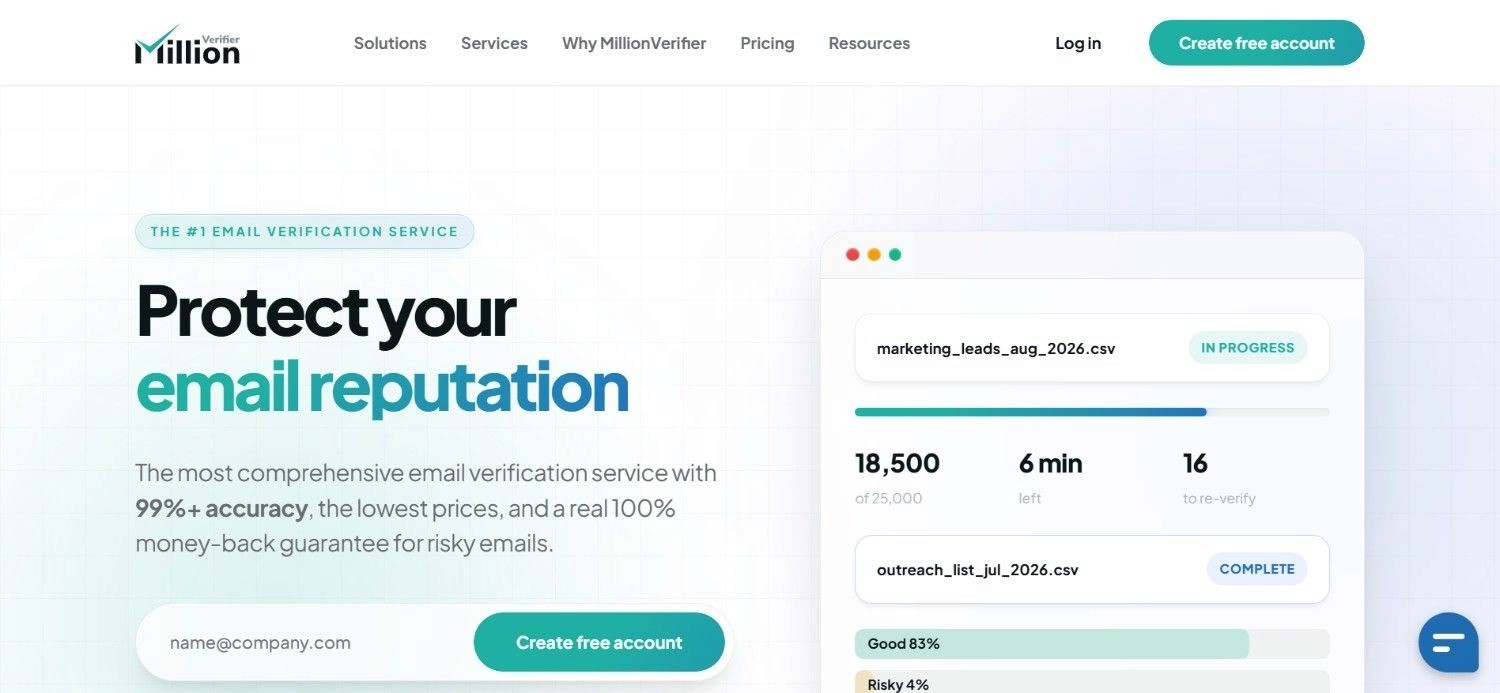
MillionVerifier keeps things straightforward with a pure pay-as-you-go model and credits that never expire, regardless of how long it takes a team to use them. Pricing scales by volume, so verifying 50,000 addresses costs a set, published rate rather than requiring a sales conversation to find out.
That simplicity suits two fairly different audiences well. An occasional sender who verifies a list once every few months benefits, as does a high-volume sender who wants predictable per-email costs without a recurring subscription attached either way.
Because there is no subscription tier at all, MillionVerifier skips the usual choice between pay-as-you-go and monthly billing that most competitors offer.
That simplifies the decision, but it does mean there is no bundled discount for consistently high monthly volume beyond the standard volume-based pricing curve.
Ideal For
Occasional senders who verify lists infrequently rather than continuously
High-volume senders wanting predictable, published per-email pricing
Teams wanting to avoid a recurring subscription entirely
Top Features
Pure pay-as-you-go pricing with no subscription option
Credits that never expire, regardless of usage gaps
Published, volume-based pricing without a sales conversation required
Bulk verification suited to cleaning an existing list in one pass
Why They Stand Out?
The combination of published, no-conversation pricing and permanently non-expiring credits makes MillionVerifier one of the more transparent email verification tools for comparison shopping.
Pros
Fully transparent, published pricing without a sales call
Credits genuinely never expire
Simple to understand, with no tier structure to navigate
Suits both occasional and high-volume senders equally well
Cons
No subscription option for teams that prefer predictable monthly billing
Lacks the broader deliverability extras some competitors bundle in
Less suited to teams wanting verification tied into a wider platform
Pricing
MillionVerifier uses a pay-as-you-go pricing model where verification credits never expire.
Pricing scales by email volume, for example 50,000 verifications cost $89 – which makes it suitable for occasional or high-volume users without requiring recurring subscriptions.
Final Verdict
MillionVerifier is a sensible pick for teams that want simple, transparent pay-as-you-go pricing without a subscription.
It holds up well against most rivals as the best email verification tool for occasional, infrequent senders specifically.
Teams wanting bundled deliverability tooling will need a different platform.
10. Emailable
Overview
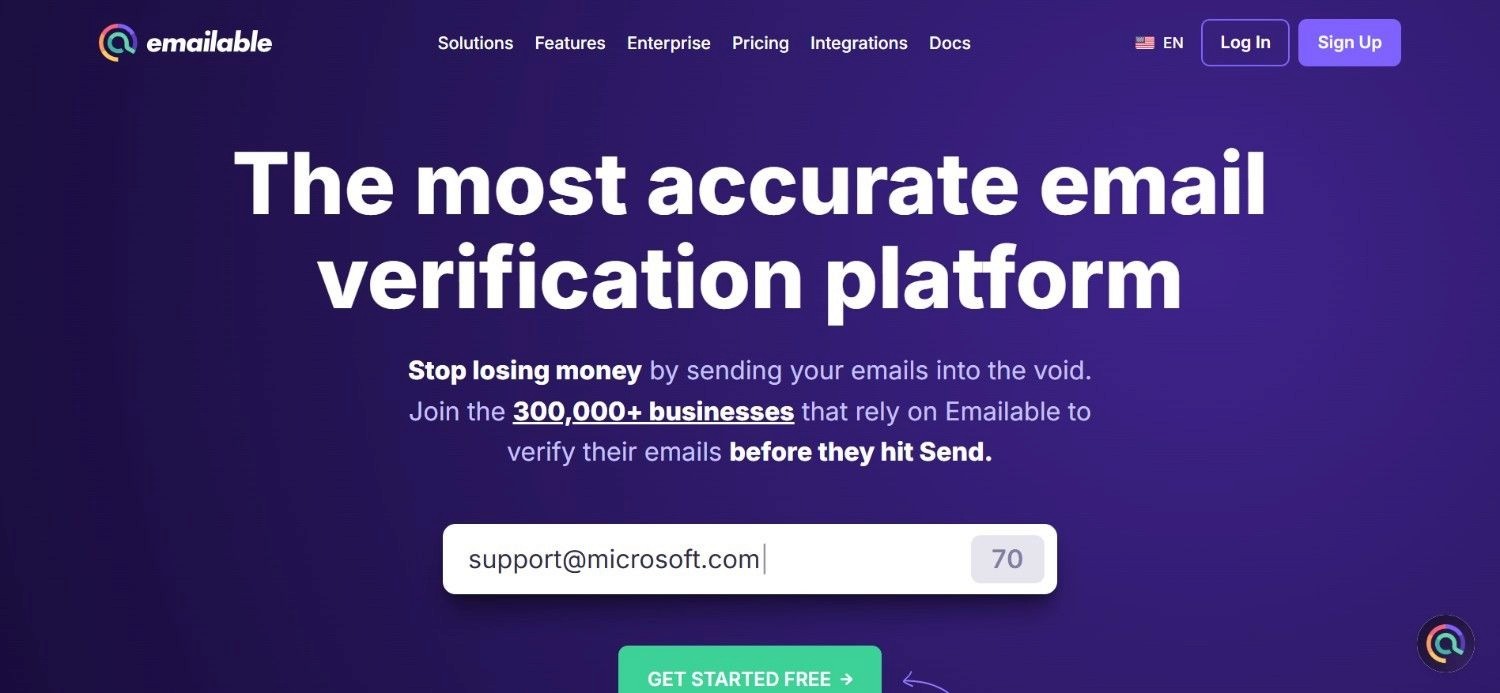
Emailable offers a middle ground between pay-as-you-go and full subscription pricing, letting a team pick either structure depending on how they prefer to budget. A monthly subscription includes a batch of free credits on top of the paid allocation, which lowers the effective cost per verification for teams sending consistently.
Both bulk uploads and a real-time API are supported, covering the two most common ways teams actually need verification to run.
A team can clean an existing list in one go, or check addresses continuously as they get added to a growing database.
Pricing scales down per credit at higher volume tiers, rewarding teams that verify more consistently over time rather than in occasional bursts.
Ideal For
Teams wanting the option to choose between subscription and pay-as-you-go pricing
Organisations wanting a batch of free monthly credits included with a subscription
Developers needing both bulk and real-time API verification
Top Features
Choice between monthly subscription and pay-as-you-go pricing
Free credits included as part of the subscription tier
Both bulk verification and real-time API access
Lower per-credit cost at higher usage tiers
Why They Stand Out?
Emailable's dual pricing structure, letting a team choose subscription or pay-as-you-go rather than forcing one model, sets it apart from competitors committed to a single approach.
Pros
Flexibility to choose the pricing model that fits your sending pattern
Free credits included with subscription tiers
Real-time API available alongside standard bulk verification
Lower cost per credit as usage scales up
Cons
Less specialised deliverability depth than dedicated tools like ZeroBounce
Mid-range pricing may not stand out clearly against cheaper pay-as-you-go options
Best value depends on picking the right structure for your volume
Pricing
Emailable offers pay-as-you-go and monthly subscription pricing. For example, 5,000 credits cost $32.30 a month, discounted from $38, including 250 free credits, with pricing scaling by credit volume and lower per-credit costs at higher usage tiers.
Final Verdict
Emailable is a solid middle-ground choice for teams wanting flexibility between subscription and pay-as-you-go pricing.
Teams with very specific deliverability concerns may still want a more specialised tool.
How to Choose the Best Email Verification Tool (What to Consider)?
The right choice depends less on which tool has the longest feature list and more on how your sending volume and existing workflow actually work day to day.
There is rarely a single best email verification tool for every team; it depends on volume, budget and how much control you want over the process.
Here are the factors worth weighing before you commit:
1. Check How Deep the Detection Actually Goes
A basic valid or invalid check catches obvious problems, but spam trap and abuse detection catches the ones that quietly damage sender reputation over time.
Decide how much risk protection your sending volume actually justifies.
2. Match Pricing Structure to How Consistently You Send
Pay-as-you-go credits suit irregular senders, while a subscription rewards teams verifying consistently every month.
Picking the wrong structure means paying for capacity you either waste or run out of.
3. Decide Whether You Want Verification Bundled or Standalone
Some tools fold verification into a broader platform, while others are built purely to verify and nothing else.
A bundled option removes a manual step; a standalone tool gives more control over exactly when verification runs.
4. Look at How the Tool Handles Bulk Versus Real-Time Checks
A one-off list clean-up needs solid bulk verification, while an ongoing pipeline benefits more from real-time API checks as addresses come in.
Match the tool to which of those two patterns actually describes your workflow.
5. Weigh Credit Expiry Against Your Actual Sending Rhythm
Expiring credits punish inconsistent senders, while non-expiring credits suit teams whose volume varies month to month.
This detail matters more than the headline price once you look at it over a full year.
Everything You Need to Know About Email Verification Tools
Tool | Pros | Cons | Ease of Use | Integrations | Support | Affordability |
Enginy | Verification built into enrichment; no separate step | No standalone product; no public pricing | ⭐⭐⭐⭐⭐ | ⭐⭐⭐⭐⭐ | ⭐⭐⭐⭐⭐ | ⭐⭐⭐⭐ |
Clay | Highly configurable; strong technical reputation | Needs real technical skill; not for casual use | ⭐⭐ | ⭐⭐⭐⭐⭐ | ⭐⭐⭐ | ⭐⭐⭐ |
Hunter.io | Finding and verifying together; clear scoring | Limited depth beyond finding and verifying | ⭐⭐⭐⭐⭐ | ⭐⭐⭐⭐ | ⭐⭐⭐⭐ | ⭐⭐⭐⭐ |
Salesforge Email Verifier | Bundled at no extra cost; runs automatically | Not available standalone; tied to outreach subscription | ⭐⭐⭐⭐ | ⭐⭐⭐ | ⭐⭐⭐ | ⭐⭐⭐⭐ |
ZeroBounce | Deep spam trap and abuse detection | Pricier at subscription tier; more depth than some need | ⭐⭐⭐⭐ | ⭐⭐⭐⭐ | ⭐⭐⭐⭐ | ⭐⭐⭐ |
Clearout | Genuine free credits; flexible pricing | Less brand recognition; lighter deliverability depth | ⭐⭐⭐⭐⭐ | ⭐⭐⭐⭐ | ⭐⭐⭐ | ⭐⭐⭐⭐⭐ |
DeBounce | Non-expiring credits; no subscription needed | Fewer bundled deliverability extras | ⭐⭐⭐⭐ | ⭐⭐⭐ | ⭐⭐⭐ | ⭐⭐⭐⭐⭐ |
NeverBounce | Clear scaling from small to enterprise | Growth tier may be more than occasional senders need | ⭐⭐⭐⭐ | ⭐⭐⭐⭐ | ⭐⭐⭐⭐ | ⭐⭐⭐⭐ |
MillionVerifier | Transparent pricing; credits never expire | No subscription option; fewer extras | ⭐⭐⭐⭐⭐ | ⭐⭐⭐ | ⭐⭐⭐ | ⭐⭐⭐⭐⭐ |
Emailable | Flexible pricing structure; free monthly credits | Less specialised depth; mid-range positioning | ⭐⭐⭐⭐ | ⭐⭐⭐⭐ | ⭐⭐⭐ | ⭐⭐⭐⭐ |
Verify & Launch Your Outbound Efforts From One Platform with Enginy
Most teams end up buying email verification software as a bolt-on, exporting a list, running it through a separate tool, then importing the results back into wherever they actually send from. That extra round trip is exactly the kind of manual step Enginy was built to remove.
Because verification runs inside the same workflow as list building and enrichment, a contact either clears the check and moves into outreach, or it does not, without anyone having to manage that handoff by hand.
One of our customers, SeQura's team, has been reporting meaningfully better first conversations since consolidating onto Enginy, a result that starts with contacts actually being reachable in the first place.
If your current process still involves a separate export for verification, that extra step is worth questioning before adding yet another standalone tool to the stack.
Book a demo and see how Enginy’s end-to-end GTM platform handles verification, enrichment and outreach together – so you can start launching your outbound campaigns, even without any technical know-how or specialised RevOps expertise.
FAQs About Email Verification Tools
What is the best email verification tool in 2026?
Enginy is the best email verification tool for teams that want verification handled automatically, without exporting a list to a separate product first. It checks every contact before and after enrichment, so invalid addresses get filtered out before they ever reach a sequence. That built-in approach protects your sending reputation while keeping verification, enrichment and outreach inside one connected workflow.
How is Enginy different from a dedicated email verification tool?
Enginy differs by running verification automatically inside enrichment, rather than as a separate product you export a list into. Most dedicated email verification software requires uploading a list, waiting for results, then importing clean data back into an outreach tool. Enginy skips that round trip entirely, since verification happens as contacts get enriched in the first place.
Do I still need email verification software if I already use contact enrichment?
Often not, if the enrichment tool includes verification as standard, which not all of them do. Some enrichment platforms only fill in contact details without checking whether the result is actually deliverable. Confirm whether cleaning happens both before and after enrichment, since that combination catches more bad addresses than a single check at either end alone.
How much does email verification typically cost per address?
Costs vary significantly by provider and volume, from roughly $0.002 to $0.02 per address depending on the tool and tier. Pay-as-you-go options like DeBounce or MillionVerifier tend to get cheaper per address at higher volumes. Subscription-based email verification tools often work out cheaper for consistent, high-volume senders, while pay-as-you-go suits irregular or occasional use better.
Can email verification tools guarantee zero bounces?
No, and any tool claiming that should be treated with caution. Even the best email verification tool can only assess an address at the moment of checking, and some addresses that pass verification will still bounce later due to full inboxes or server issues. What verification realistically does is dramatically reduce bounce rates, not eliminate them entirely.
Is it worth verifying an old, purchased email list before using it?
Yes, and doing so is genuinely important given how quickly contact data decays. A purchased or aging list often has a meaningful share of addresses that no longer work, and sending to all of them at once risks a sudden bounce spike that damages your sending domain. Running the full list through email verification software first protects your reputation before that first campaign goes out.