Voltar ao blog
Best Multichannel Outreach Tools in 2026 (Top-Rated Software in 2026)

Andrea López
Partilhar
Key Takeaways (TL;DR)
The Best Overall Multichannel Outreach Tool: Enginy is the best multichannel outreach tool in 2026, since it pairs signal-based list building and data enrichment with true multi-channel outreach across email, social, and calling in one workspace.
Why Do You Need It?: Running email, social, and calling as separate efforts means each touch has to work alone. A proper multichannel outreach tool coordinates all three so replies come in faster.
Who It's For?: Sales teams running structured outbound, from lean startup founders to mid-market SDR teams that need multichannel sales outreach without hiring a dedicated GTM engineer.
How to Choose the Right One?: Check whether channels are genuinely built in or bolted on as add-ons, whether data enrichment is native, and how much setup a tool needs before your first sequence goes live.
Expected Price: Enginy's pricing is credit-based and quoted after a short qualification call. Across the market, multichannel outreach tools range from around $25 a month for entry plans up to several hundred dollars monthly for full-stack platforms.
Top Multichannel Outreach Tools in 2026: at a Glance
Tool | Best For | Key Features | Pricing |
Enginy | Teams wanting list building, enrichment, and outreach in one workspace | Signal-based lists, conditional sequencing, AI SDR agents | Credit-based, custom quote |
Klenty | Sales teams standardising cadences across channels | Multichannel cadences, sales engagement dashboard | From $50/user/month, annual only |
Apollo.io | Teams wanting a data-first starting point | Contact database, sequences, dialler | Free plan, from $49/seat/month |
Reply.io | Small teams wanting AI-assisted multichannel sequences | Email, calls, social touches, Jason AI SDR | From $99/user/month |
Lemlist | Startups and SMBs running cold email first | Email personalisation, warm-up, multichannel add-ons | From $39/user/month |
Outreach.io | Large enterprise sales engagement | Sequence automation, forecasting, coaching | Custom quote |
Amplemarket | Teams wanting an all-in-one AI sales platform | AI lead scoring, multichannel sequencing, dialler | From $600/month, 2 users |
Saleshandy | Agencies and teams scaling cold outreach | Unified inbox, email warm-up, AI personalisation | From $25/month, annual billing |
La Growth Machine | Social-first multichannel sequences | Per-identity pricing, lead enrichment, CRM sync | Starts at $69/month per identity for Basic, $139 for Pro, and $208 for Ultimate plan. |
SuperSend | Teams needing custom-scoped sending infrastructure | Dedicated infrastructure, deliverability monitoring | Custom, volume-based |
What Is Multichannel Outreach?
Multichannel outreach is the practice of contacting a prospect across more than one channel, typically email, social, and phone, as part of one coordinated sequence rather than three separate efforts.
The idea behind multichannel outreach is simple. A prospect who ignores an email might notice a social touch a few days later, and a call that references both earlier attempts lands better than a cold one.
Most multichannel outreach tools promise this coordination, but the depth varies significantly. Some genuinely run all three channels natively from one sequence, while others charge extra for calling or social touches as bolt-on features.
We built Enginy to treat multichannel outreach as a core capability rather than an upsell, since a sequence that skips a channel because of pricing tiers defeats the purpose of running multichannel sales outreach in the first place.
Why Do You Need a Multichannel Outreach Tool?
Sales teams typically need around 8 to 10 touches across channels before booking a meeting. Relying on a single channel to deliver all of them makes that number far harder to hit, since inbox fatigue and spam filters work against repeated emails alone.
Running channels in isolation creates a specific problem. A rep might send a clean email cadence but call from an unverified number, or run social outreach that has no idea an email already went out that morning.
A genuine multichannel outreach tool solves this by tracking every touch in one place, so the next step in a sequence always accounts for what already happened.
The payoff shows up in reply rates. Layering channels through coordinated prospecting tools for multi-channel outreach consistently produces higher engagement than any single channel used alone, since each touch reinforces the ones before it.
This is why we think about multichannel cold outreach as a sequencing problem first, not a channel-count problem. Adding more channels only helps if they're coordinated.
Who Needs Multichannel Sales Outreach?
The right tool depends largely on team size, technical resources, and how outbound is currently being run, so here's how the main audiences tend to break down:
1. Startup Founders Running Their Own Outbound
Early-stage founders often handle sales themselves before hiring a dedicated SDR. A multichannel outreach tool that doesn't need a technical operator matters most here, since there's no GTM engineer on staff to configure a complex setup.
2. Heads of Sales Scaling Past the First Few Reps
VPs and Heads of Sales need predictable outbound without proportionally growing headcount. This group evaluates multichannel outreach tools on whether reply rates actually improve, not just on how many channels are technically supported.
3. RevOps Teams Consolidating a Fragmented Stack
RevOps often inherits a data provider, a separate outreach tool, and a data cleaner bought at different times. This persona is actively looking to consolidate into one platform that handles multichannel outreach and enrichment together.
4. Agencies Running Outbound on Behalf of Clients
Agencies need to stand up fresh, high-volume lists quickly for each new client. Speed and coordination across channels matter as much as raw sending volume for this group.
5. Sales Managers Standardising Rep Behaviour
Managers overseeing several reps want every rep following the same proven sequence rather than improvising their own approach. A shared multichannel outreach tool makes that consistency possible without micromanaging each rep individually.
Best Multichannel Outreach Tools: In-Depth Review and Comparison
1. Enginy
Overview
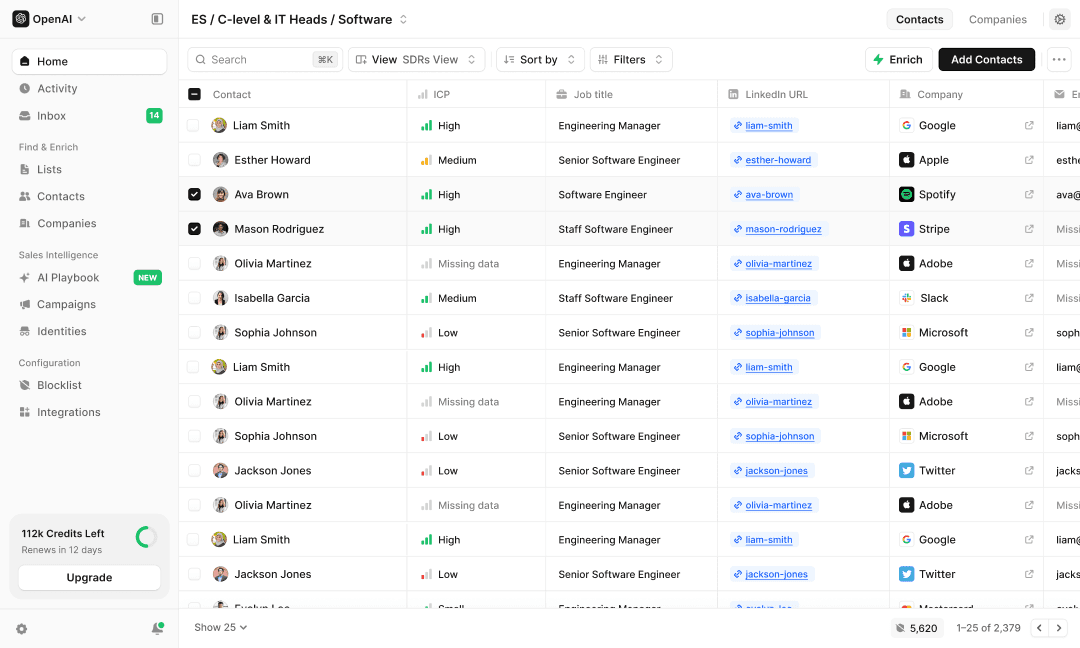
We built Enginy as an AI-native, end-to-end GTM platform for modern B2B sales teams, combining prospect discovery, multi-source data enrichment, and multichannel outreach in a single workspace.
Reps can set up outreach sequences to contact several stakeholders at the same account in parallel, a CEO, a department head, and a technical evaluator, so the whole organisation has context before the first call ever happens. Behind that, waterfall enrichment pulls verified emails and phone numbers from more than 30 providers, so a multichannel sequence never runs on stale or incomplete contact data.
Outreach sequences also branch automatically based on behaviour. If a prospect opens an email but doesn't reply, the next touch shifts channel on its own, rather than a rep manually deciding what comes next.
For teams comparing multichannel outreach tools that want coordination across a whole buying committee, not just one contact, this is the setup we built.
Ideal For
Founders and small sales teams without a dedicated GTM engineer
RevOps teams consolidating a fragmented data and outreach stack
SDR teams running multi-stakeholder multichannel sales outreach at scale
Top Features
Social prospecting that turns event attendance and post engagement into warm lead lists
Contact data enrichment from over 30 providers using waterfall logic
Conditional sequencing that branches automatically based on prospect behaviour
Why We Stand Out?
Most multichannel outreach tools either provide strong data or strong sequencing, but not both with real depth.
We built Enginy specifically to combine the two, so a signal-based list moves straight into a coordinated sequence without a rep manually exporting and re-importing data between separate tools.
Pros
List building, enrichment, and multichannel outreach live in one workspace
Advanced intent signals go well beyond static firmographic filters
Any sales rep can operate the platform without a technical background
Conditional sequencing adapts automatically to prospect behaviour
Cons
Pricing isn't published publicly, so buyers need a qualification call for a quote
Newer brand recognition compared to long-established point solutions
Full value depends on configuring the AI Playbook properly during onboarding
Pricing
We don't publish pricing publicly.
It's custom-quoted based on needs uncovered during a qualification call before the demo, since this avoids unfavourable comparisons with cheaper data-only tools.
Pricing is credit-based, with credits consumed by actions like data extraction, enrichment, verification, and AI-generated fields.
Final Verdict
If you're comparing multichannel outreach tools and want list building, enrichment, and genuine channel coordination without stitching together three separate subscriptions, we'd suggest starting with a demo here.
2. Klenty
Overview
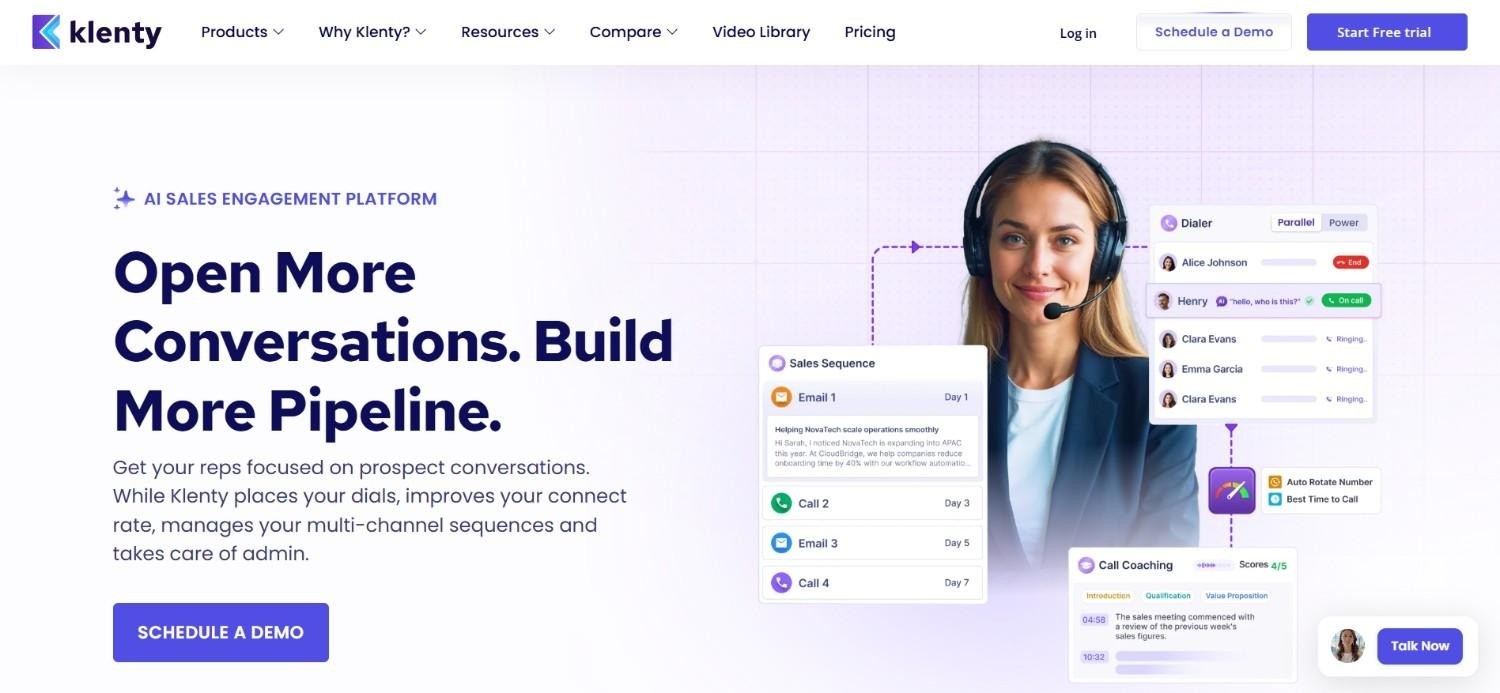
Klenty tackles a specific problem: reps building their own version of a sequence instead of following one shared, proven cadence. The platform centralises cadence design so every rep works from the same structure across email, calls, and social touches.
A sales engagement dashboard sits on top, giving managers visibility into which rep is following the cadence and which one has drifted into improvising.
Pricing runs annually only, in tiers from Starter through to Enterprise, with an Add-On plan sold separately for extra capability. That structure suits teams that already know they're committing to Klenty for the year, rather than testing it casually.
A 14-day trial without a credit card gives newer teams room to try the cadence builder before locking into annual billing.
Ideal For
Sales teams standardising cadences across multiple reps
Growing SDR teams wanting a straightforward multichannel outreach tool
Organisations comfortable with annual billing commitments
Top Features
Multichannel cadences spanning email, calls, and social touches
Sales engagement dashboard for tracking rep-level activity
Tiered plans that scale features with team growth
Why They Stand Out?
Where some platforms bury cadence building under feature complexity, Klenty keeps it visible and simple, which shortens the time it takes a new SDR to run their first sequence correctly.
Pros
Clear tiered pricing structure across plan levels
14-day free trial without requiring a credit card
Straightforward cadence building across channels
Cons
Annual billing only, with no monthly payment option
Add-on plan pricing sits separately from core tiers
Less data enrichment depth than full-stack platforms
Pricing
Klenty's pricing is billed annually only: Starter at $50 per user per month, Growth at $70, Plus at $99, and Enterprise at custom pricing.
An Add-On plan is available at $45 per user per month, with a 14-day free trial and no credit card required.
Final Verdict
Pick Klenty if your priority is getting every rep onto the same cadence quickly. The annual-only commitment is worth weighing against how confident you are before signing.
3. Apollo.io
Overview
Most people find Apollo through its database before they ever think about sequencing. That's by design. The free plan and low seat prices exist to get a contact list in front of a rep as fast as possible, with outreach tooling layered on afterwards.
This ordering shapes how the multichannel side feels in practice. Email and calling work, but they sit on top of a product built first for data, not first for coordinated sequences.
For a team just getting outbound off the ground, that trade-off rarely matters. The database alone can justify the price. It starts to matter once a team wants branching logic, richer intent signals, or sequences that adapt mid-cadence, none of which are Apollo's strong suit.
Ideal For
Smaller teams wanting an accessible entry point with a free plan
Organisations prioritising contact database size over sequencing depth
Teams comfortable managing multichannel outreach on a data-first platform
Top Features
Large, searchable contact and company database
Built-in dialler for calling directly from the platform
Sequencing across email and other channels
Why They Stand Out?
Very few competitors let a team start for free and see real contact data before paying anything, which is what keeps Apollo as the default comparison point for buyers evaluating this category.
Pros
Free plan available before any payment commitment
Large contact database included across paid tiers
Competitive entry pricing relative to full-stack competitors
Cons
Multichannel sequencing feels secondary to its core data product
Add-ons like extra credits and advanced domains cost extra
Less advanced intent signal depth than dedicated outreach platforms
Pricing
Apollo.io offers a free plan plus paid tiers billed annually: Basic at $49 per seat per month, Professional at $79 per seat per month, and Organization at $119 per seat per month.
Add-ons like extra credits, advanced email domains, and additional integrations are priced separately.
Final Verdict
Start here if budget matters more than sequencing sophistication right now. Plan to revisit the decision once your outbound motion needs more than basic multichannel coordination.
4. Reply.io
Overview
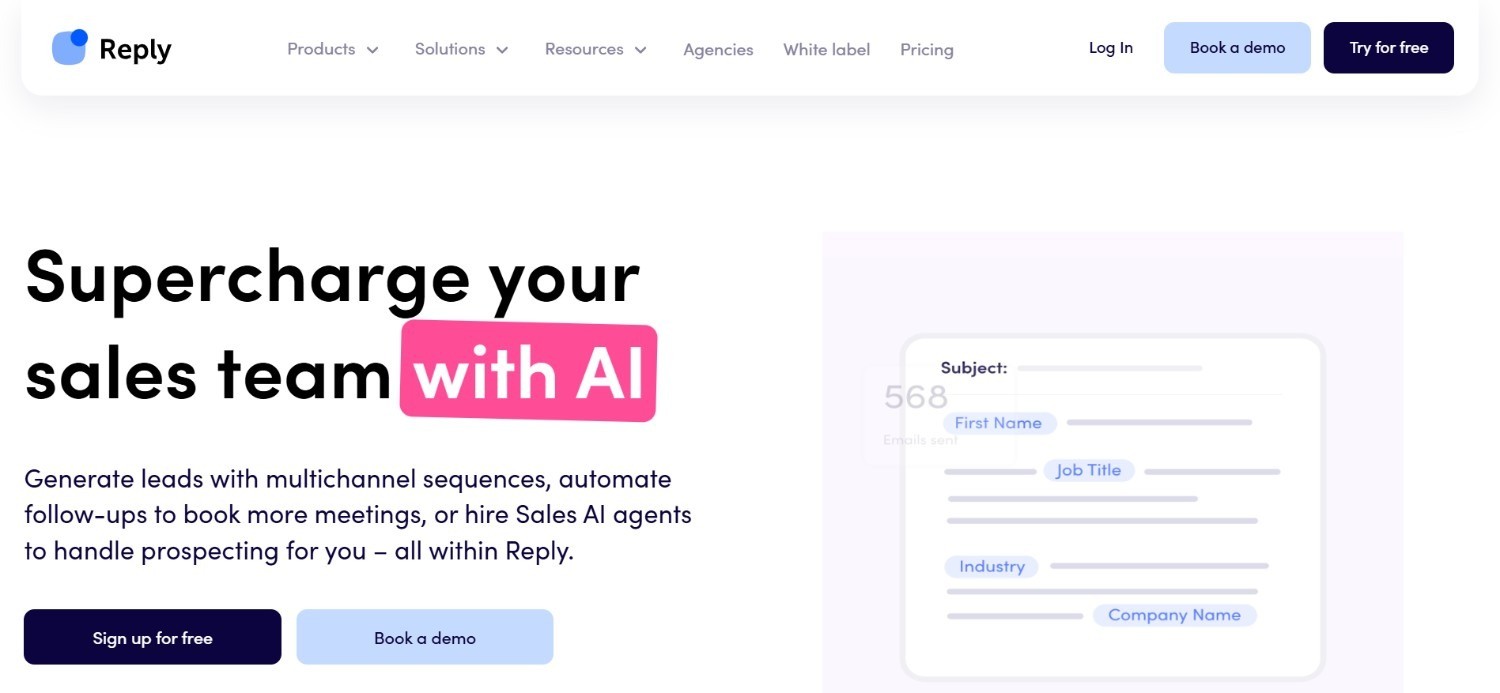
Two things separate Reply.io from most competitors at this price point: an email plan with no per-user cap, and an AI SDR agent named Jason that handles first-touch outreach on its own.
The uncapped email tier matters more than it sounds. Most tools charge per seat, so adding reps means adding cost immediately. Reply.io lets a team grow its email volume without that penalty, at least on the email-only plan.
Jason works differently. Rather than a rep writing and sending the first message in a sequence, the AI agent handles it, which suits teams that don't have spare hands to run every new sequence manually yet.
That convenience isn't free. Jason is billed on top of the core multichannel plan, so a team using both the unlimited email tier and the AI agent should add the two costs together before comparing against competitors.
Ideal For
Solo founders and small sales teams on a limited budget
Teams wanting an AI SDR agent to handle first-touch outreach
Businesses prioritising unlimited-user email plans over per-seat pricing
Top Features
Multichannel sequences across email, calls, and social touches
Jason, an AI SDR agent for automated first-touch outreach
Unlimited-user email plan alongside per-user multichannel pricing
Why They Stand Out?
Not many multichannel tools decouple pricing from headcount the way Reply.io does with its email plan, which makes scaling a small team's email volume noticeably cheaper than the per-seat norm.
Pros
Unlimited-user email plan suits growing teams well
AI SDR agent adds automation without additional headcount
Accessible pricing relative to enterprise platforms
Cons
AI SDR agent pricing adds up separately from core plans
Less data enrichment depth than full-stack platforms
Smaller enterprise install base than category leaders
Pricing
Reply.io's monthly pricing starts at $179 per month for Email Volume with unlimited users, $99 per user per month for Multichannel, and $500 per month for their Jason AI SDR.
Annual billing can save customers up to 17%, making it more economical for longer-term use.
Final Verdict
A good fit for small teams that want AI-assisted first touches without paying enterprise prices. Larger teams should check whether the enrichment depth matches what they actually need first.
5. Lemlist
Overview
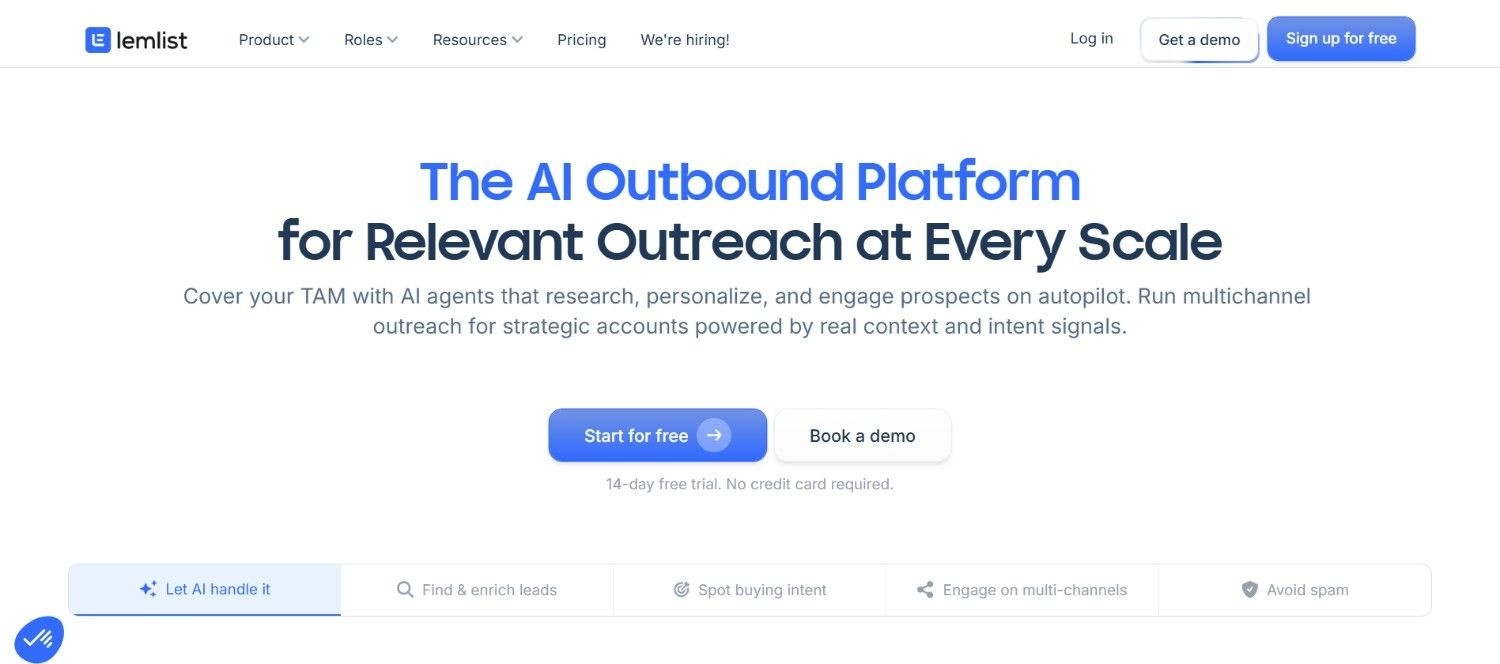
Lemlist built its reputation on email, and it shows. Personalisation with dynamic images, sender warm-up to protect domain reputation, deliverability tooling that most email-first platforms treat as an afterthought, Lemlist treats as the whole point.
Calling and social touches exist, but only as paid add-ons layered on top of the email core rather than something built in from the start.
That structure suits a specific kind of team well: one running cold email as the primary channel and testing outbound for the first time, where the annual cost of a full multichannel suite isn't justified yet.
Teams that outgrow email-only prospecting eventually need those add-ons, at which point the total cost starts to look closer to platforms that included multiple channels from day one.
Ideal For
Startups and SMBs running cold email as a primary channel
Teams wanting an accessible, self-serve pricing structure
Solo founders testing outbound before hiring a dedicated SDR
Top Features
Email personalisation with dynamic variables and images
Built-in email warm-up to protect sender reputation
Optional multichannel add-ons for calling and social touches
Why They Stand Out?
Few platforms in this price range match Lemlist's attention to email deliverability specifically, which matters most for teams whose entire outbound motion still runs through the inbox.
Pros
Accessible entry pricing compared to enterprise platforms
Strong email personalisation and deliverability tooling
Self-serve setup without needing a sales call to start
Cons
Multichannel capability requires paid add-ons rather than being native
Less suited to complex, multi-stakeholder enterprise outreach
Data enrichment depth is limited compared to full-stack platforms
Pricing
Lemlist's pricing is tiered per user and billed annually: Email Starter at $39, Email Pro at $69, Multichannel Expert at $99, and Enterprise at custom pricing.
Credit bundles are included, with additional credits, phone dialling, and other channels available as add-ons.
Final Verdict
Good for testing email-led outbound cheaply. Budget for the add-on costs early if calling and social will eventually join the sequence.
6. Outreach.io
Overview
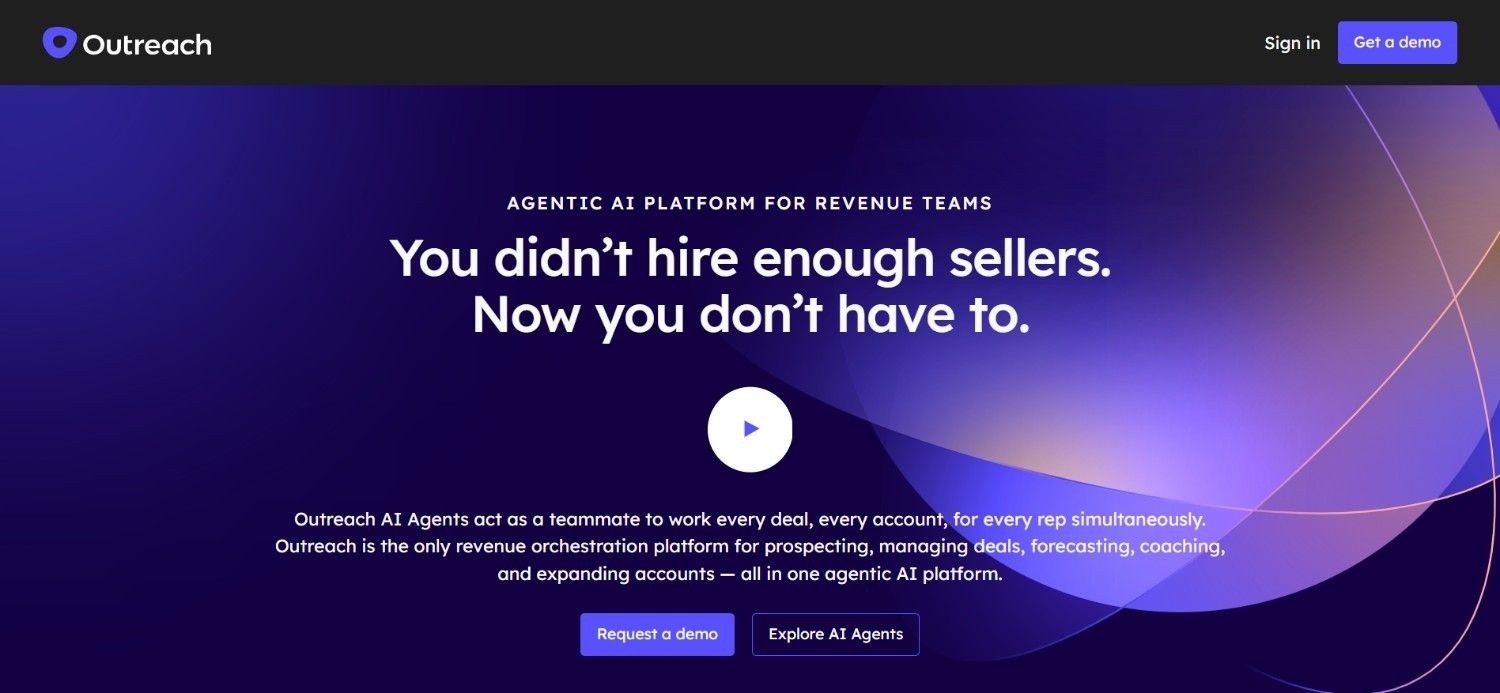
Outreach.io has been running enterprise sequences longer than most competitors in this list have existed, and the feature set reflects that history: forecasting, coaching analytics, and cadence branching all live inside the same product.
That depth is the appeal for larger organisations. A sales operations team can build sequences, forecast pipeline, and coach reps on call quality without leaving the platform or stitching together separate tools.
It's also the catch for smaller teams. Configuring Outreach properly usually assumes someone in a dedicated ops role is doing the setup, not a founder squeezing outbound between other responsibilities.
Ideal For
Large enterprise sales organisations with complex reporting needs
Teams that already have a dedicated sales operations function
Organisations prioritising deep CRM integration over simplicity
Top Features
Sequence automation across email and calling
Forecasting tools built into the same platform
Coaching analytics for manager visibility into rep performance
Why They Stand Out?
Outreach bundles forecasting and rep coaching into the same tool running the sequences, so managers aren't cross-referencing three separate systems to understand pipeline health.
Pros
Deep CRM integrations suited to complex sales stacks
Mature coaching and forecasting analytics
Large, established enterprise customer base
Cons
Requires more setup and administration than lighter tools
Pricing isn't published, requiring a sales conversation
Can be more complex than smaller teams actually need
Pricing
Outreach.io pricing is tailored to your needs, covering team size, use cases, and setup.
The fastest way to get accurate pricing is to connect directly with their sales team.
Final Verdict
Makes sense once you have a sales operations function to run it properly. Without one, the setup overhead may cost more time than it saves early on.
7. Amplemarket
Overview
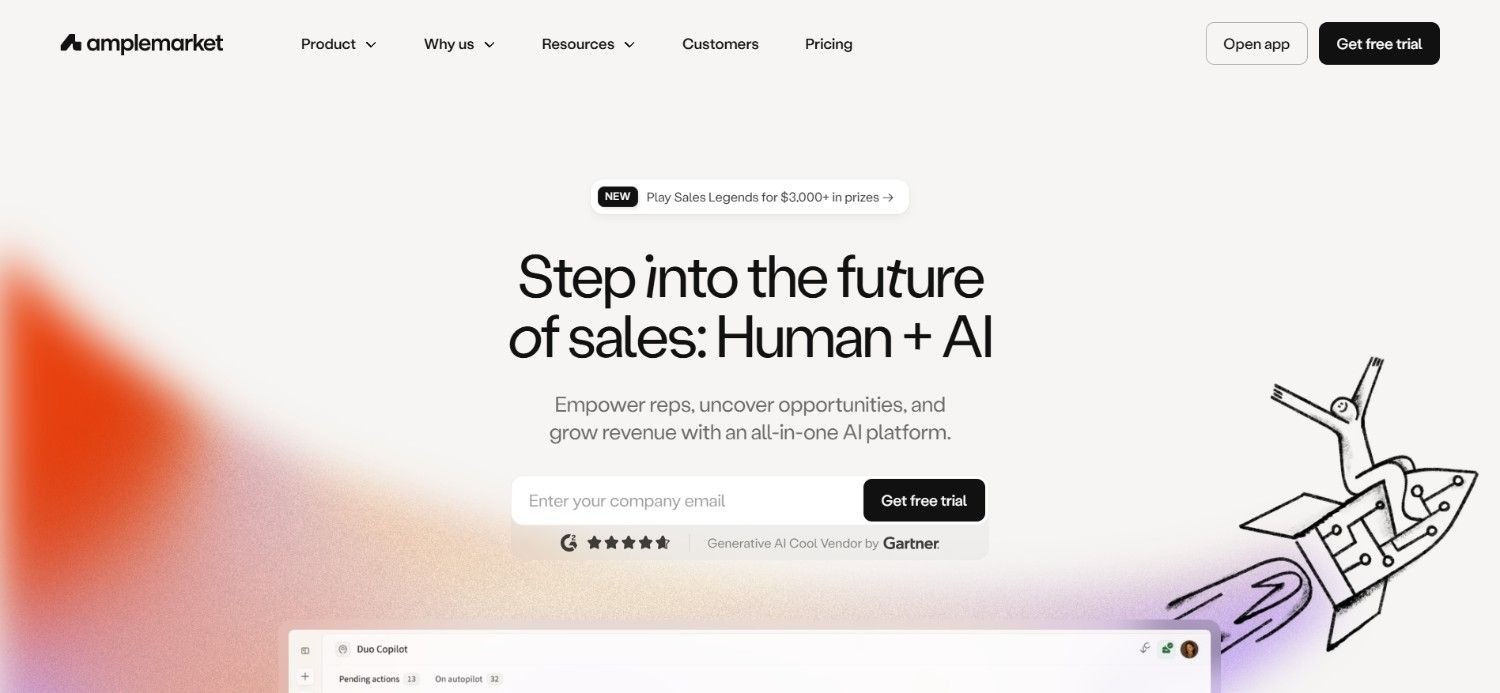
Amplemarket bets on breadth. Lead scoring, sequencing across email, social, and calls, and a built-in dialler all live under one roof, aimed at teams who'd rather buy one platform than assemble several.
The lead scoring piece does real work here. Instead of a rep working straight down a list in whatever order it was exported, the AI ranks accounts, so the highest-probability conversations happen first.
That breadth comes at a price, literally. The Startup tier starts well above several lighter tools on this list, and Growth and Elite plans require a custom conversation before you see real numbers.
Teams that only need sequencing, without the scoring layer or the dialler, may end up paying for capability they never fully use.
Ideal For
Growing teams wanting AI-assisted lead prioritisation
Organisations wanting calling, email, and social in one platform
Scaling teams that value dedicated customer success support
Top Features
AI-powered lead scoring for prioritising outreach
Multichannel sequencing across email, social, and calls
Built-in dialler for calling without a separate tool
Why They Stand Out?
Not many multichannel tools pair sequencing with genuine lead scoring, which shifts the question from "who's next on the list" to "who's actually worth calling first."
Pros
AI lead scoring helps prioritise outreach effort
Built-in dialler removes the need for a separate calling tool
Dedicated customer success support at higher tiers
Cons
Startup plan pricing sits above several lighter competitors
Growth and Elite tiers require a custom pricing conversation
Feature breadth can mean a steeper learning curve, and more advanced configurations typically need a dedicated technical resource to run well
Pricing
Amplemarket's Startup plan starts at $600 per month on an annual contract and includes two users.
Growth and Elite plans use custom pricing, adding more users, larger contact allowances, advanced AI features, personalised onboarding, and dedicated customer success for scaling teams.
Final Verdict
Worth the price if lead scoring genuinely changes how your reps prioritise their day.
If sequencing alone would do the job, a lighter tool likely covers it for less.
8. Saleshandy
Overview
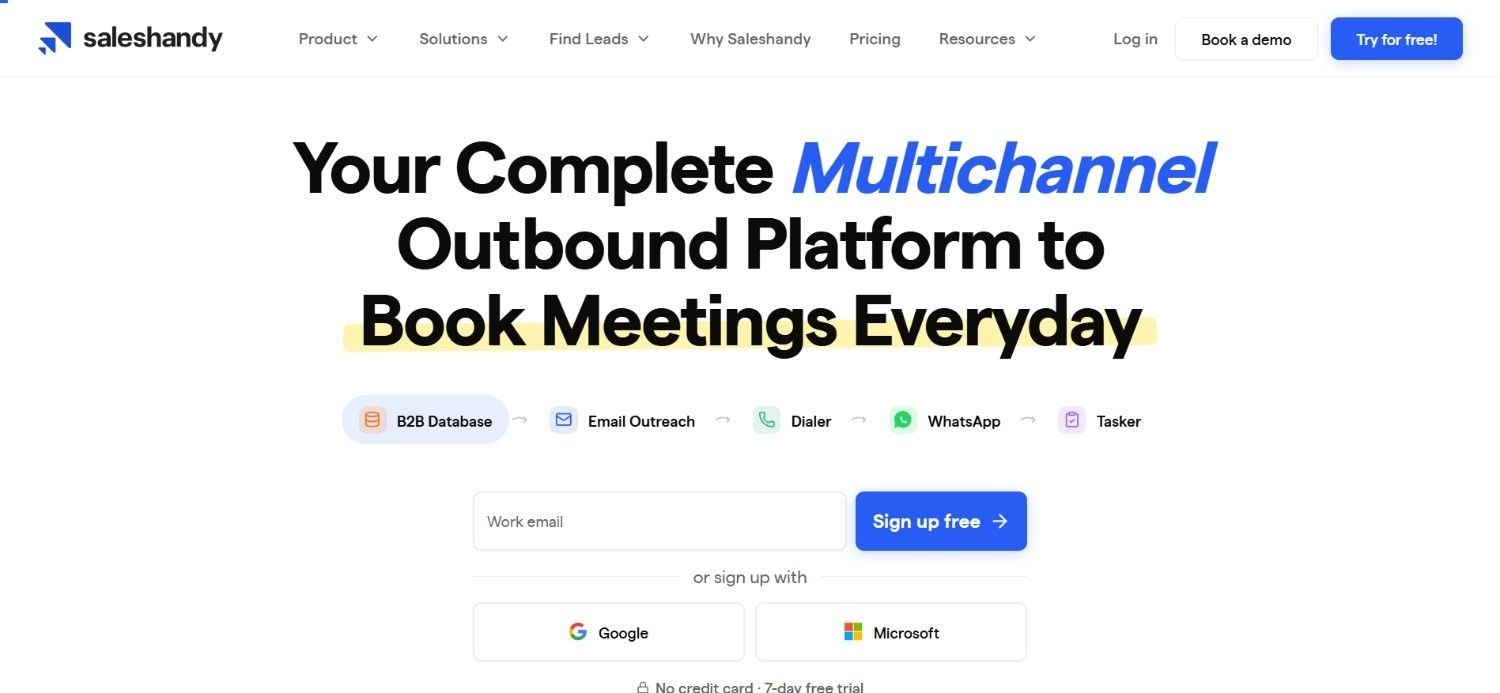
Agencies juggling several client accounts have a specific problem most outreach tools don't solve well: keeping campaigns, replies, and permissions separate across clients without opening five different logins. Saleshandy builds around exactly that.
A unified inbox pulls replies from every channel into one place, and SSO at the higher tiers gives agencies centralised control over who can access which client's data.
Four paid tiers cover the range from a lean starting point up to Scale Plus, adding sending volume, AI personalisation, and agency-specific permissions as the price climbs.
The jump between lower and higher tiers is meaningful enough that teams should map expected prospect volume and email sends before choosing, rather than guessing and upgrading later.
Ideal For
Agencies running outbound on behalf of multiple clients
Teams wanting a unified inbox across outreach channels
Organisations needing SSO for centralised account access
Top Features
Unified inbox consolidating replies across channels
AI personalisation for outreach messaging at scale
Agency-specific capabilities for managing multiple client accounts
Why They Stand Out?
Few tools in this price range are built specifically for multi-client agency use, which shows in details like SSO and permission structures most single-company platforms never bother adding.
Pros
Accessible entry pricing for smaller sending volumes
Unified inbox simplifies reply management
Agency capabilities support managing multiple client accounts
Cons
Pricing scales significantly at higher sending volumes
Less native data enrichment than full-stack platforms
SSO and agency features are limited to higher tiers
Pricing
Saleshandy offers four paid outreach plans starting at $25 per month with annual billing, scaling to $209 per month for Scale Plus.
Higher plans increase active prospects, email limits, AI features, unified inbox capacity, SSO, and agency capabilities, with discounts available for annual billing.
Final Verdict
A natural fit if you're running outreach for multiple clients specifically. Map your volume against the tier pricing first, since the gap between plans is real.
9. La Growth Machine
Overview
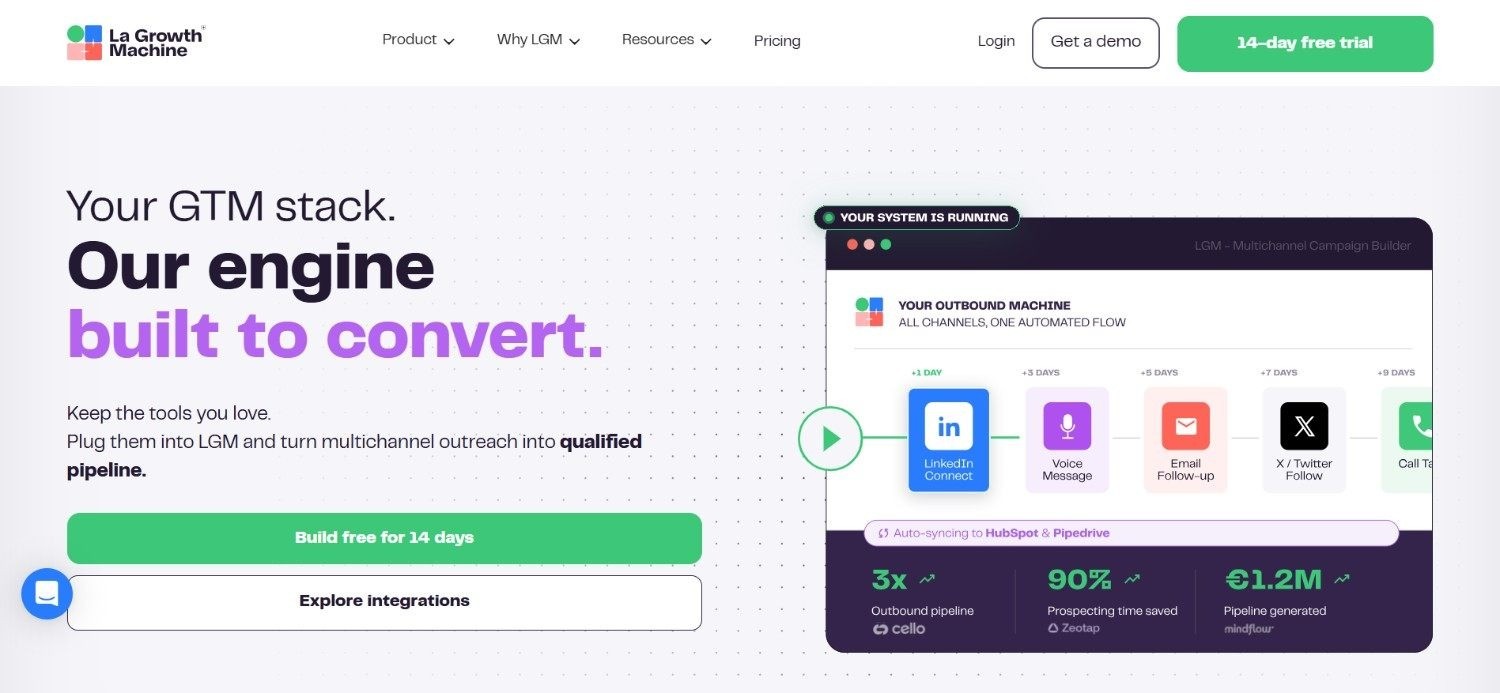
La Growth Machine leads with social touches first, with email and enrichment stacked on top rather than the reverse ordering most competitors use.
The pricing model itself is unusual: cost scales per identity, meaning per sender profile, rather than per seat. A rep running two identities costs more than a rep running one, regardless of headcount.
Three tiers, priced in euros, add enrichment depth, sending capacity, and CRM sync as you move from Basic to Ultimate, with a 14-day trial available on every tier to test before paying.
That per-identity structure rewards lean setups. A team running one identity per rep pays predictably, while one running several identities per rep should multiply the base price accordingly before comparing against competitors.
Ideal For
Teams running social-first multichannel sales outreach
European teams preferring euro-denominated pricing
Organisations comfortable with per-identity rather than per-seat costs
Top Features
Per-identity pricing structure across sequencing plans
Lead enrichment bundled into higher tiers
CRM sync capabilities at the Ultimate tier
Why They Stand Out?
Pricing by identity rather than seat is genuinely uncommon in this space, and it suits teams running lean, focused sender setups better than a flat per-user rate would.
Pros
14-day free trial available across all plans
Enrichment and CRM sync bundled into higher tiers
Clear, transparent per-identity pricing structure
Cons
Per-identity pricing can add up for teams running multiple identities per rep
Less established enterprise install base than category leaders
Euro-denominated pricing may complicate budgeting for non-European teams
Pricing
La Growth Machine pricing starts at approximately $69/month per identity for Basic, $139 for Pro, and $208 for Ultimate.
Each tier adds more lead enrichment, sending capacity, channels, campaigns, and CRM capabilities; all plans include a 14-day free trial.
Final Verdict
Best suited to social-first teams running one identity per rep. Calculate the per-identity cost carefully if your setup needs more than that.
10. SuperSend
Overview
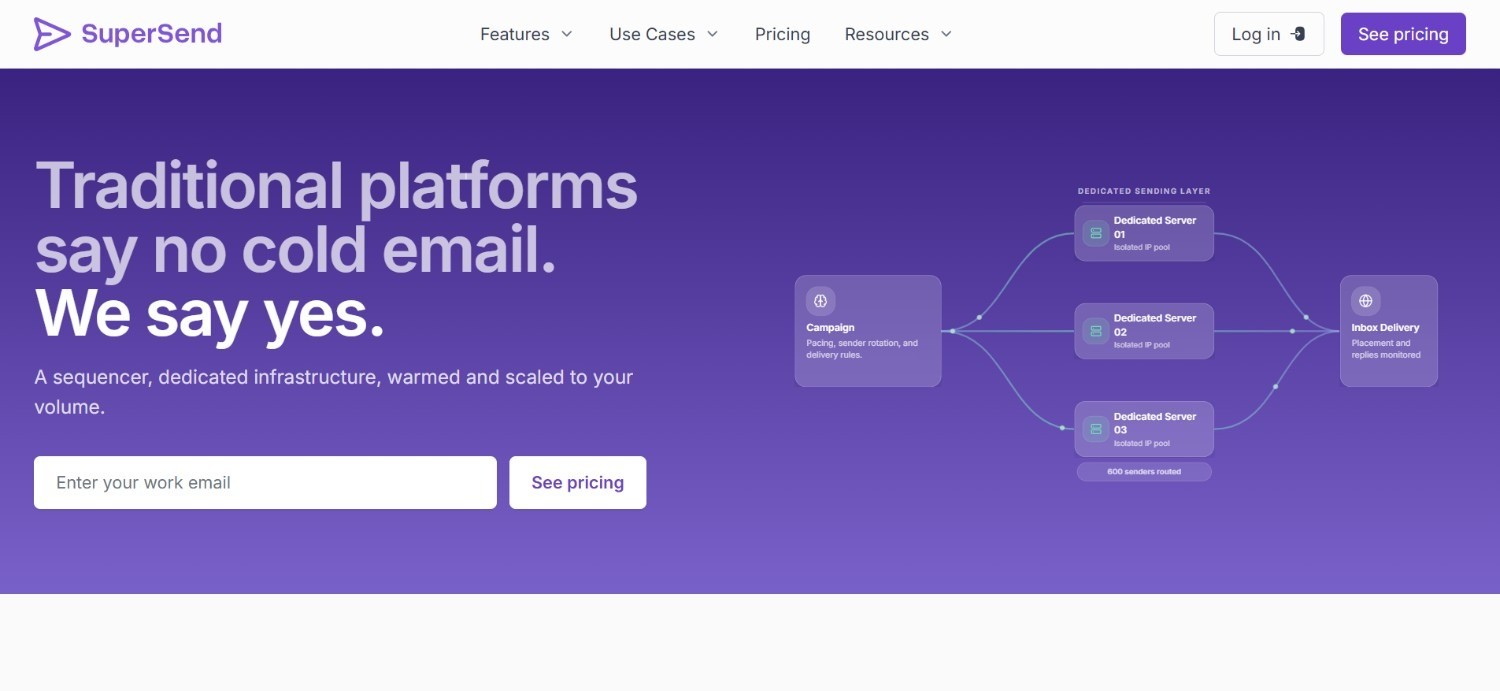
Deliverability problems on other platforms are usually what bring a team to SuperSend. Rather than sharing sending infrastructure across many customers, each account gets infrastructure scoped to its own volume, with warm-up and monitoring built in from the start.
There's no published pricing tier to browse. Instead, a flat platform fee combines with a per-send rate, and both numbers get worked out during an initial scoping call based on actual sending needs.
This custom approach means SuperSend is harder to compare directly against a fixed-price competitor at a glance. You need the scoping conversation first before any real comparison is possible.
For teams that have watched a domain's reputation collapse on a shared-infrastructure platform before, the dedicated setup and included monitoring are often worth that extra step.
Ideal For
Teams with specific, high-volume sending requirements
Organisations that have experienced deliverability issues elsewhere
Businesses wanting dedicated infrastructure rather than shared sending pools
Top Features
Dedicated sending infrastructure scoped to actual volume needs
Deliverability monitoring included as standard
Unified reply inbox alongside CRM sync capabilities
Why They Stand Out?
SuperSend treats deliverability as infrastructure to be engineered around a customer's specific volume, rather than a shared resource everyone competes for on the same servers.
Pros
Dedicated infrastructure reduces shared deliverability risk
Deliverability monitoring included without extra cost
Pricing scoped to actual sending requirements rather than fixed tiers
Cons
No published pricing, requiring an initial scoping call
Less suited to smaller teams with modest sending volumes
Custom scoping means budgeting takes longer upfront
Pricing
SuperSend uses custom volume-based pricing, combining a flat platform fee with a per-send rate based on sending requirements.
Pricing is scoped during the initial call and includes dedicated infrastructure, warm-up, deliverability monitoring, campaign tools, CRM sync, and a unified reply inbox.
Final Verdict
Consider SuperSend if deliverability has burned you before and dedicated infrastructure justifies the extra scoping step.
Smaller senders may not need this level of setup yet.
How to Choose the Best Multichannel Outreach Tool (What to Consider?)
With so many options covering different parts of the workflow, a few practical checks make it much easier to compare them fairly:
1. Check Whether Channels Are Native or Bolted On
Some tools market themselves as multichannel but charge extra for calling or social touches as add-ons. Confirming what's included natively versus what's an upsell avoids surprises later.
2. Confirm Whether Data Enrichment Is Built In
Many multichannel outreach tools handle sequencing well but rely on you bringing your own contact data. Native enrichment changes the total cost of ownership considerably.
3. Evaluate the Setup and Technical Requirements
Certain platforms need a dedicated GTM engineer or RevOps specialist to configure properly. If your team doesn't have that role, prioritise tools designed for direct SDR use instead.
4. Look at How Sequences Adapt to Behaviour
Static, linear sequences perform worse than ones that branch based on what a prospect actually does. Conditional logic tends to separate the stronger multichannel outreach tools from the basic ones.
5. Weigh Pricing Transparency Against Fit
Some vendors publish clear tiers, while others quote custom pricing after a consultation. Custom pricing isn't inherently worse, but it does mean budgeting a proper qualification call before comparing total cost.
6. Test Multi-Stakeholder Sequencing Capability
For larger deals, contacting only one person at an account is a common reason deals stall. Check whether a tool supports coordinated multichannel sales outreach to several stakeholders at once.
7. Consider Onboarding and Support Structure
Implementation quality varies significantly between vendors. Tools offering structured onboarding sessions tend to get teams to their first results faster than those leaving the setup entirely self-serve.
Everything You Need to Know About Multichannel Outreach Tools
Tool | Pros | Cons | Ease of Use | Integrations | Support | Affordability |
Enginy | List, enrichment, and outreach in one place; conditional sequencing; no technical operator needed | Custom pricing only; newer brand; onboarding setup required | ⭐⭐⭐⭐⭐ | ⭐⭐⭐⭐ | ⭐⭐⭐⭐⭐ | ⭐⭐⭐⭐ |
Klenty | Clear tiers; free trial; straightforward cadences | Annual billing only; limited enrichment | ⭐⭐⭐⭐ | ⭐⭐⭐ | ⭐⭐⭐ | ⭐⭐⭐⭐ |
Apollo.io | Free plan; large database; low entry price | Sequencing feels secondary; add-on costs | ⭐⭐⭐⭐ | ⭐⭐⭐⭐ | ⭐⭐⭐ | ⭐⭐⭐⭐⭐ |
Reply.io | Unlimited email plan; AI SDR agent; accessible pricing | AI agent priced separately; limited enrichment | ⭐⭐⭐⭐ | ⭐⭐⭐ | ⭐⭐⭐ | ⭐⭐⭐⭐ |
Lemlist | Accessible pricing; strong email tooling; self-serve setup | Multichannel needs add-ons; limited enrichment | ⭐⭐⭐⭐ | ⭐⭐⭐ | ⭐⭐⭐ | ⭐⭐⭐⭐⭐ |
Outreach.io | Mature CRM integrations; strong forecasting; enterprise proven | Complex setup; custom pricing; steep for small teams | ⭐⭐⭐ | ⭐⭐⭐⭐⭐ | ⭐⭐⭐⭐ | ⭐⭐ |
Amplemarket | AI lead scoring; built-in dialler; dedicated success support | Higher entry price; custom pricing at scale | ⭐⭐⭐ | ⭐⭐⭐⭐ | ⭐⭐⭐⭐ | ⭐⭐ |
Saleshandy | Accessible entry price; unified inbox; agency features | Pricing scales fast; limited enrichment | ⭐⭐⭐⭐ | ⭐⭐⭐ | ⭐⭐⭐ | ⭐⭐⭐⭐ |
La Growth Machine | Transparent per-identity pricing; free trial; social-first design | Costs scale with identities; smaller install base | ⭐⭐⭐⭐ | ⭐⭐⭐ | ⭐⭐⭐ | ⭐⭐⭐ |
SuperSend | Dedicated infrastructure; deliverability monitoring included | No published pricing; longer scoping process | ⭐⭐⭐ | ⭐⭐⭐ | ⭐⭐⭐⭐ | ⭐⭐ |
Run Multichannel Outreach from One Platform with Enginy
Most multichannel outreach tools make you choose between good data and genuine channel coordination. We built Enginy so you don't have to.
Signal-based list building, verified data enrichment, and conditional multichannel sequencing all run from the same workspace, so a rep can move from a fresh signal to a live sequence the same day rather than weeks later.
If your current setup is really three disconnected tools wearing one label, book a demo with our team and see how genuine multichannel outreach runs from a single platform.
FAQs About Multichannel Outreach Tools
What is the best multichannel outreach tool in 2026?
The best multichannel outreach tool in 2026 is Enginy, since it combines list building, data enrichment, and conditional multichannel sequencing in a single workspace rather than three separate subscriptions. This lets a rep move from a signal-based list straight into a coordinated sequence without switching tools.
What should I consider when choosing a multichannel outreach tool for me?
Choosing the right multichannel outreach tool comes down to whether channels are native or bolted on as add-ons, whether data enrichment is built in, and how much technical setup is required. Teams without a dedicated GTM engineer should prioritise tools designed for direct SDR use. Pricing transparency also varies, so budget time for a qualification call before comparing total cost.
How does Enginy differ from similar alternatives?
Enginy differs by combining list building, data enrichment, and multichannel outreach in one workspace, rather than requiring a separate data provider and outreach tool. Most competitors specialise in one half of that equation, creating the tool sprawl Enginy was built to remove. Conditional sequencing also adapts automatically to prospect behaviour, rather than running a fixed, linear cadence.
How do I get started with Enginy?
Getting started with Enginy begins with a qualification call, where we uncover your specific needs before quoting credit-based pricing tailored to your team. From there, five structured onboarding sessions cover AI Playbook setup, reply rate best practices, and CRM integration. This structured approach helps most teams see results faster than a fully self-serve setup.
How easy is it to switch to Enginy from another multichannel outreach tool?
Switching to Enginy is more straightforward than most tool migrations, since the five onboarding sessions cover CRM integration and playbook configuration together. Existing CRM data can be imported directly rather than rebuilt from scratch. Teams moving from a fragmented data-provider-plus-outreach-tool stack often find the consolidation alone reduces ongoing admin work.
Is Enginy too expensive compared to cheaper data-only tools like Apollo?
Enginy is not directly comparable to Apollo, since Apollo is a data provider while Enginy is a complete platform covering data, enrichment, and multichannel outreach on a single platform. Apollo users also pay for a separate outreach tool and spend SDR hours on manual work that Enginy automates. Once wasted rep time is factored in, the fragmented stack is usually the more expensive option.
What's the difference between multichannel outreach and omnichannel outreach?
Multichannel outreach and omnichannel outreach both use several channels, but the coordination differs. Multichannel outreach runs email, social, and calling as one sequence, with each touch building on the last. Omnichannel outreach goes further, syncing messaging and timing across channels in real time based on live prospect behaviour, which fewer platforms currently support at genuine depth.