Torna al blog
Best Sales Sequence Software in 2026 (Top-Rated Message Automation Tools)
Andrea López
Condividi
Key Takeaways (TL:DR)
The Best Overall Sales Sequence Software: Enginy earns the top spot because every email sequence you build runs off contact data your team already sourced and verified inside the same workspace, rather than an imported spreadsheet.
Why Do You Need It?: Manually sending and tracking follow-ups doesn't scale past a handful of prospects. Message automation lets a rep run hundreds of structured conversations at once without losing the personal touch.
Who Is It For?: Sales reps, agencies and founders who need a repeatable way to follow up on leads across email and other channels, particularly once volume outgrows what one person can track by hand.
How to Choose the Right One?: Check whether a tool lets sequences branch based on prospect behaviour, how well it fits your existing channels, and whether pricing punishes you for scaling up.
Expected Price: Our pricing at Enginy is credit-based and bundled into full platform plans rather than sold as a stripped-down sequencing tool. Elsewhere in the market, sequencing tools start around $25 a month and climb past $600 a month for AI-assisted, enterprise-grade plans.
Top Sales Sequence Software in 2026: at a Glance
Tool | Best For | Key Features | Pricing |
Enginy | Teams wanting sequences built on live, enriched contact data | Conditional branching, auto-stop on reply, AI Copilot replies | Custom, credit-based |
Saleshandy | Teams wanting an affordable, unified sales inbox | Sequence automation, unified inbox, SSO for agencies | $25 to $209/month |
Artisan | Teams wanting an AI SDR to run sequences autonomously | AI-driven outreach, autonomous follow-ups, credit-based sending | Free to $660/month |
Lemlist | Teams wanting strong personalisation across channels | Multichannel sequences, dynamic personalisation, warm-up | $39 to $99/user/month |
Reply.io | Teams wanting an AI SDR alongside manual sequencing | Multichannel sequences, Jason AI SDR, unlimited users on some plans | $99 to $500/month |
Smartlead | Agencies running high email sequence volume | Unlimited warm-up, tiered sending volume, client workspaces | $39 to $379/month |
Apollo.io | Teams wanting sequencing bundled with a contact database | Sequences, large contact database, browser extension | Free to $119/seat/month |
Nooks AI | Teams wanting AI-powered calling built into sequences | AI dialler, parallel dialling, sequence and call coordination | Custom, quote-based |
Outreach.io | Enterprise teams needing deep sales engagement analytics | Sequence automation, coaching analytics, CRM integrations | Custom, sales-led |
Salesforge | Teams wanting affordable AI-assisted sequencing | AI email generation, Agent Frank add-on, tiered plans | $48 to $96/month |
What Is an Email Sequence?
An email sequence is a pre-built series of follow-up messages sent to a prospect automatically over a set schedule, rather than one email typed out and forgotten about.
Instead of a rep remembering to check back in three days, message automation handles the timing, sends the next step, and often stops the sequence the moment a prospect replies.
Modern sales sequence software has moved well past plain email chains, though. Most platforms now let a sequence branch across channels, mixing email, calls and other touches depending on how a prospect behaves.
The best email sequence software also reacts to context. If a prospect opens three emails but never replies, a good sequence can trigger a different message than it would for someone who hasn't opened anything at all.
Why Do You Need Email Sequence Automation?
A single rep juggling fifty active prospects by memory will forget things, and forgotten follow-ups are deals that quietly go cold.
Email sequence automation removes that risk by handling the scheduling itself, so a follow-up goes out on day three whether or not the rep remembers to send it.
The bigger issue is inconsistency. Without automation, every rep writes follow-ups slightly differently, and quality drifts depending on how busy someone's week has been.
A shared sales sequence software setup keeps that quality level, since the same well-tested sequence runs for every rep on the team rather than depending on individual memory or mood.
There's a measurable upside too. Teams running structured, multi-step sequences typically see meaningfully higher reply rates than teams sending one-off emails, simply because most replies come from the third or fourth touch, not the first.
Who Needs Sales Sequence Software?
Sequencing isn't just for large sales floors. Here's where it tends to matter most:
1. B2B SaaS Sales Teams
SaaS reps juggling dozens of active prospects need a dependable email sequence running in the background while they focus on live conversations.
Without that structure, prospects who don't reply immediately tend to fall through the cracks entirely.
2. Recruitment and Staffing Agencies
Recruiters often manage two audiences at once: candidates and hiring managers, each needing a different follow-up cadence.
Sales sequence software lets a recruiter run both tracks in parallel without manually remembering which contact needs which message next.
3. Marketing and Demand Gen Agencies
Agencies running outbound for several clients need message automation that keeps each client's sequences, tone and timing separate.
A dependable email sequence automation setup means one client's aggressive follow-up cadence never bleeds into another's more measured approach.
4. IT Consulting and Managed Service Providers
Consultancies chasing long enterprise deals need sequences that can run for weeks across several stakeholders without losing momentum.
Best email sequence software for this use case supports branching paths, so a technical buyer and a budget holder get different messages entirely.
5. Founder-Led Startups
Founders doing their own outbound rarely have time to manually track who's three days overdue for a follow-up.
A simple, well-built outreach cadence gives a founder's follow-ups the same consistency a dedicated SDR team would provide.
Best Sales Sequence Software: In-Depth Review & Comparison
1. Enginy
Overview
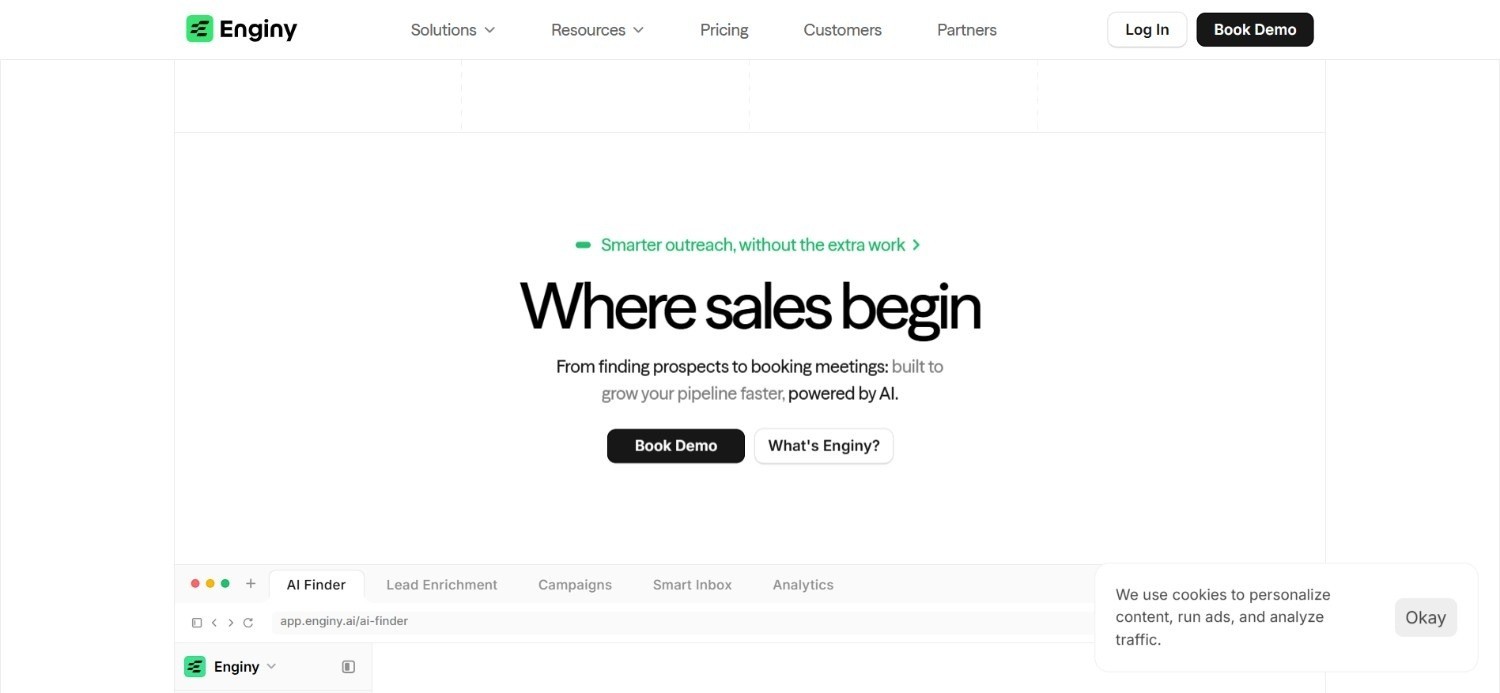
Enginy is an AI-native sales platform built for B2B teams who want prospecting, enrichment and outreach working from the same place.
Our Campaigns module treats every sequence as a living workflow rather than a fixed script, combining email, social prospecting and manual tasks inside one end-to-end GTM platform. Sequences branch on real behaviour: if a prospect does one thing, the next step changes automatically, and the whole sequence stops the moment someone replies.
A C-level layer further lets a senior identity open the door before an SDR follows up, so a single email sequence can involve several stakeholders at the same account without extra manual coordination.
Because sequencing sits on top of our multichannel outreach engine, an AI copilot can also draft reply suggestions inside live conversations, keeping response times fast without scripting every message by hand.
Ideal For
B2B SaaS teams wanting message automation built on verified, enriched contacts
Agencies running several client sequences from a single workspace
Sales teams wanting multi-stakeholder sequences that reach several contacts at once
Top Features
Conditional branching sequences that adapt to prospect behaviour
Automatic stop on reply, freeing reps for manual takeover
AI Copilot for drafting replies inside live conversations
C-level campaign layer for multi-stakeholder outreach
Sequences triggered by buying-intent signals like job changes, hiring alerts and funding rounds
Built-in email warm-up protecting sender reputation as volume scales
Why We Stand Out
Plenty of sales sequence software treats the sequence as separate from the data feeding it, which means reps often build sequences around lists that are already stale.
Our sequences pull directly from the same enriched, verified contact data our platform builds, so the email sequence a rep launches is only ever as good as the freshest data behind it. One customer, Factorial, saw reply rates climb from 10% to 45% once outbound ran on this connected data instead of an imported list."
Pros
Sequences branch automatically based on real prospect behaviour
Enriched contact data feeds directly into every sequence
Multi-stakeholder sequencing reaches several contacts at one account
Onboarding sessions help configure sequences correctly from day one
Cons
Pricing isn't published, so you need a qualification call for exact numbers
Not built for teams wanting a bare-bones, standalone sequencing tool
Full platform depth means sequencing works best alongside Enginy's list-building and enrichment tools, not in isolation
Pricing
Enginy does not publish pricing publicly, since costs are credit-based and quoted after a short qualification call.
Sequencing is included across every plan tier, with contact limits, identities and onboarding sessions scaling to match your team's needs.
Final Verdict
Enginy makes the most sense for teams who want an email sequence that's genuinely connected to the data behind it, not just a scheduling layer bolted onto a static list.
That connection is what earns it the top spot on this list for teams serious about scaling structured outbound.
2. Saleshandy
Overview
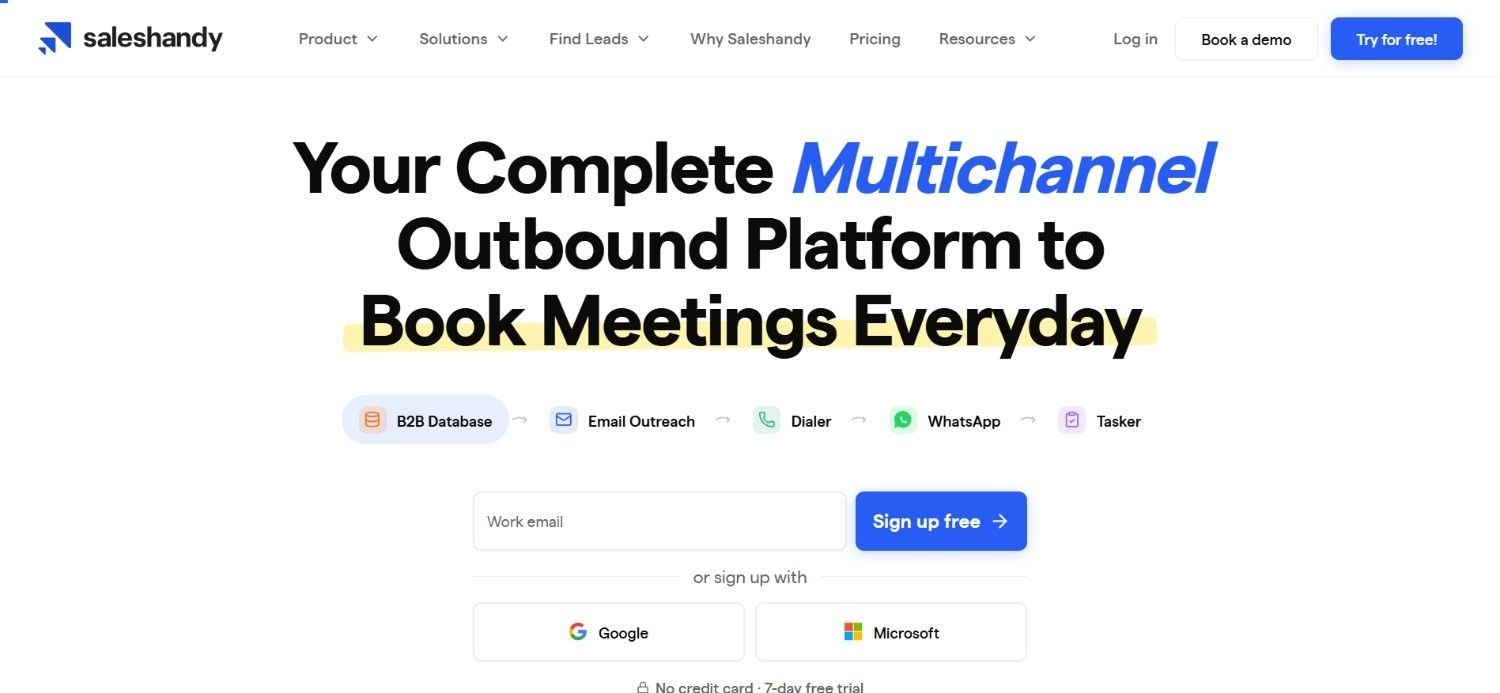
Saleshandy is built around making sales sequence software accessible without a steep price jump as a team grows.
Its unified inbox pulls every reply, across every active sequence, into one place, so reps aren't hopping between tabs to see who answered what.
SSO support and agency-specific capabilities round out the platform, aimed squarely at teams managing sequences for multiple clients or larger internal teams needing centralised login control.
AI features assist with drafting sequence steps, though the platform's core strength remains straightforward execution rather than heavy automation logic.
Ideal For
Smaller teams wanting affordable, straightforward email sequence automation
Agencies needing SSO and centralised account management
Reps who want a single unified inbox across active sequences
Top Features
Unified inbox consolidating replies across sequences
SSO support for agency and team account management
AI assistance for drafting sequence steps
Tiered plans that scale active prospect limits gradually
Why They Stand Out
Saleshandy's pricing structure is one of the more approachable entry points among sales sequence software, without stripping out features agencies actually need like SSO.
Pros
Affordable entry pricing compared to many competitors
Unified inbox simplifies tracking replies across sequences
SSO available for agency and larger team setups
Annual billing discounts reduce long-term cost
Cons
Fewer advanced branching options than more sequencing-focused platforms
AI features are lighter than dedicated AI SDR tools
Higher tiers needed for larger active prospect volumes
Pricing
Saleshandy offers four paid outreach plans starting at $25 monthly on annual billing, scaling to $209 monthly for Scale Plus.
Higher tiers increase active prospects, email limits, AI features, unified inbox capacity and agency capabilities.
Final Verdict
Saleshandy works well for smaller teams wanting reliable email sequence automation without paying for features they won't use.
Teams wanting advanced behavioural branching may find it a little light.
3. Artisan
Overview
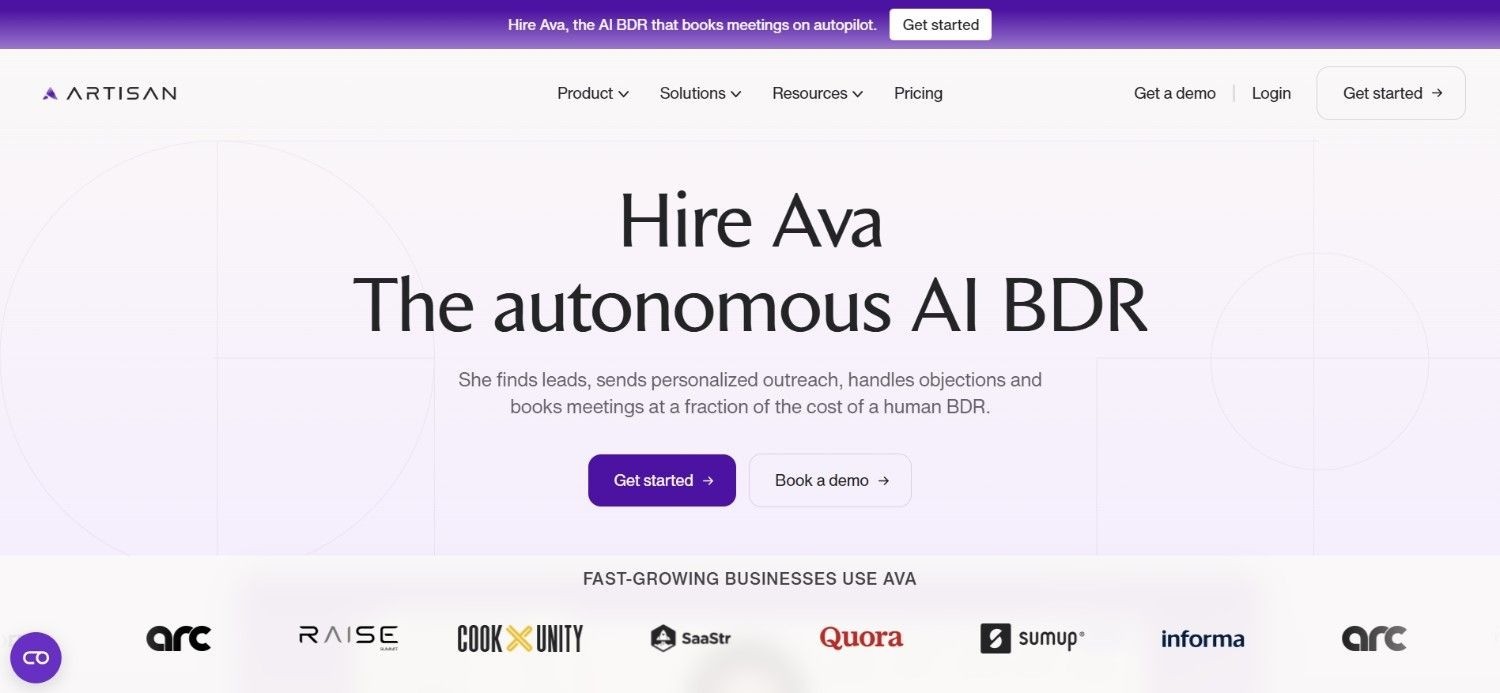
Artisan takes a different approach entirely, building its platform around an AI SDR that runs outreach sequences with minimal manual input.
Rather than a rep configuring every step of an email sequence by hand, Artisan's AI handles research, drafting and sending, adjusting its approach as a sequence progresses based on prospect engagement. Credit-based sending underpins the platform, with usage tied to the volume of AI-driven actions a sequence requires rather than a flat seat price.
This positions Artisan less as a traditional sequencing tool and more as an autonomous layer that manages message automation on a team's behalf, checking in only where human judgement genuinely adds value.
Ideal For
Teams wanting an AI SDR to run sequences with minimal manual setup
Founders wanting outbound handled without building a dedicated SDR team
Teams comfortable with credit-based pricing tied to AI-driven actions
Top Features
AI SDR that researches, drafts and sends sequence steps autonomously
Adaptive sequencing that adjusts based on prospect engagement
Credit-based usage tied to AI-driven sending volume
Minimal manual configuration required to launch a sequence
Why They Stand Out
Artisan's autonomous approach sets it apart from best sales sequence software that still requires a rep to manually build and monitor every step.
Pros
Genuinely reduces manual sequence-building effort
Adapts messaging based on how prospects engage
Free plan available for testing before committing
Suited to founders without a dedicated SDR team
Cons
Less direct control over exact sequence wording and timing
Higher tiers get expensive as credit usage scales
Enterprise pricing requires a custom conversation
Pricing
Artisan offers a free plan, with paid plans starting at $280 monthly for Intern and $660 monthly for Employee, while Enterprise pricing is custom.
Plans scale by monthly credits, outreach volume, automation capabilities, integrations and dedicated enterprise support.
Final Verdict
Artisan suits teams wanting outbound handled largely by AI rather than manually managed sequences.
Teams wanting granular control over every message will likely find it too hands-off.
4. Lemlist
Overview
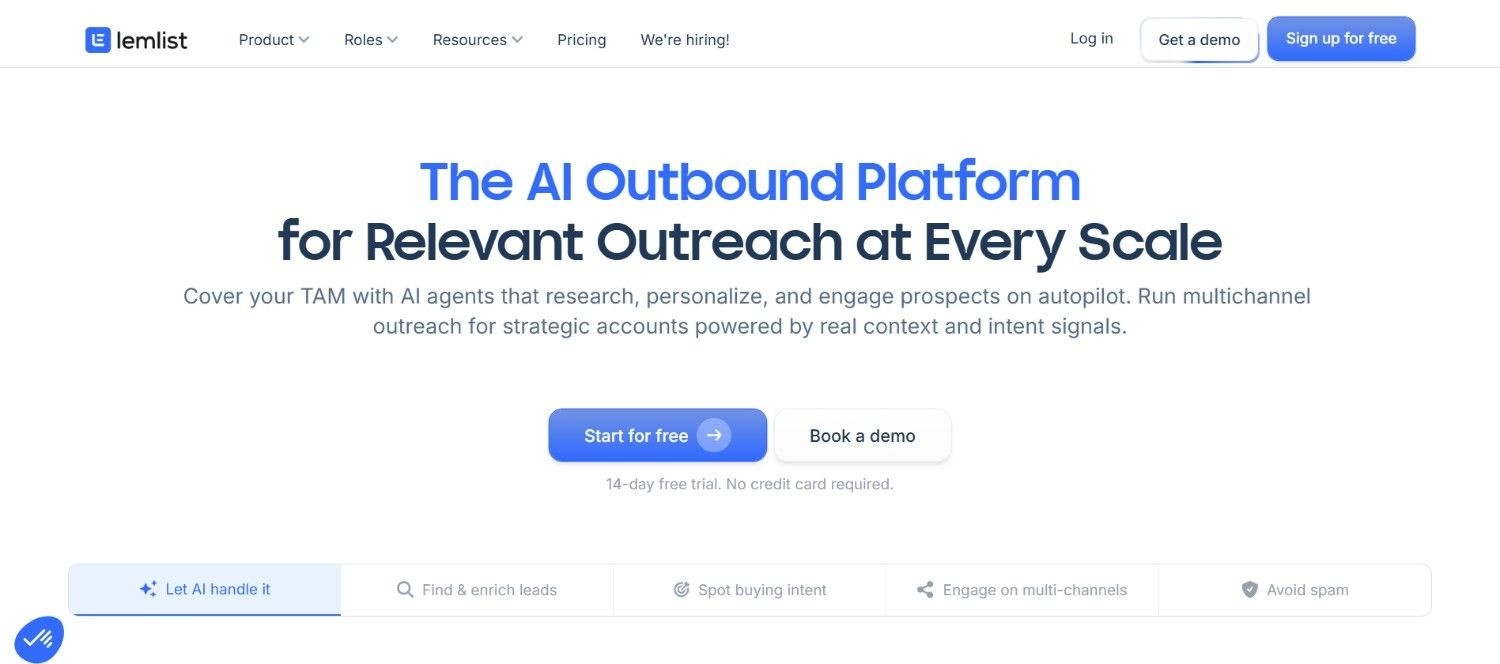
Lemlist has built a strong reputation around personalisation, letting an email sequence include dynamic images, video and text variables that adjust per recipient automatically.
Sequences run across email alongside social and calling touches, giving a rep more than one channel to reach a prospect who isn't responding to email alone.
Built-in warm-up runs in the background too, protecting the sending domain's reputation so sequences don't quietly start landing in spam as volume increases.
AI-generated icebreakers pull context from a prospect's profile automatically, saving a rep from researching each contact manually before the first message goes out.
Ideal For
Teams wanting strong personalisation across every step of a sequence
Reps who want built-in warm-up protecting deliverability automatically
Teams running multichannel sequences beyond email alone
Top Features
Dynamic personalisation including images and video per recipient
Multichannel sequencing across email, social and calling
Built-in warm-up protecting sender reputation
AI-generated icebreakers pulling context automatically
Why They Stand Out
Lemlist's personalisation depth is genuinely differentiated among email sequence automation tools, particularly for teams whose replies depend on standing out in a crowded inbox.
Pros
Strong, genuinely differentiated personalisation options
Built-in warm-up reduces deliverability risk
Multichannel sequencing beyond just email
Reasonable entry pricing for smaller teams
Cons
Full multichannel capability requires higher-tier plans
Additional channels and phone dialling cost extra
Some setup time needed to configure sequences well
Pricing
Lemlist's pricing is tiered per user and billed annually: Email Starter at $39, Email Pro at $69, and Multichannel Expert at $99, with Enterprise at custom pricing.
Credit bundles are included, and additional credits, phone dialling and other channels are available as add-ons.
Final Verdict
Lemlist is a strong pick for teams who want a highly personalised email sequence without sacrificing multichannel reach.
Teams on a tighter budget may find full functionality sits behind higher tiers.
5. Reply.io
Overview
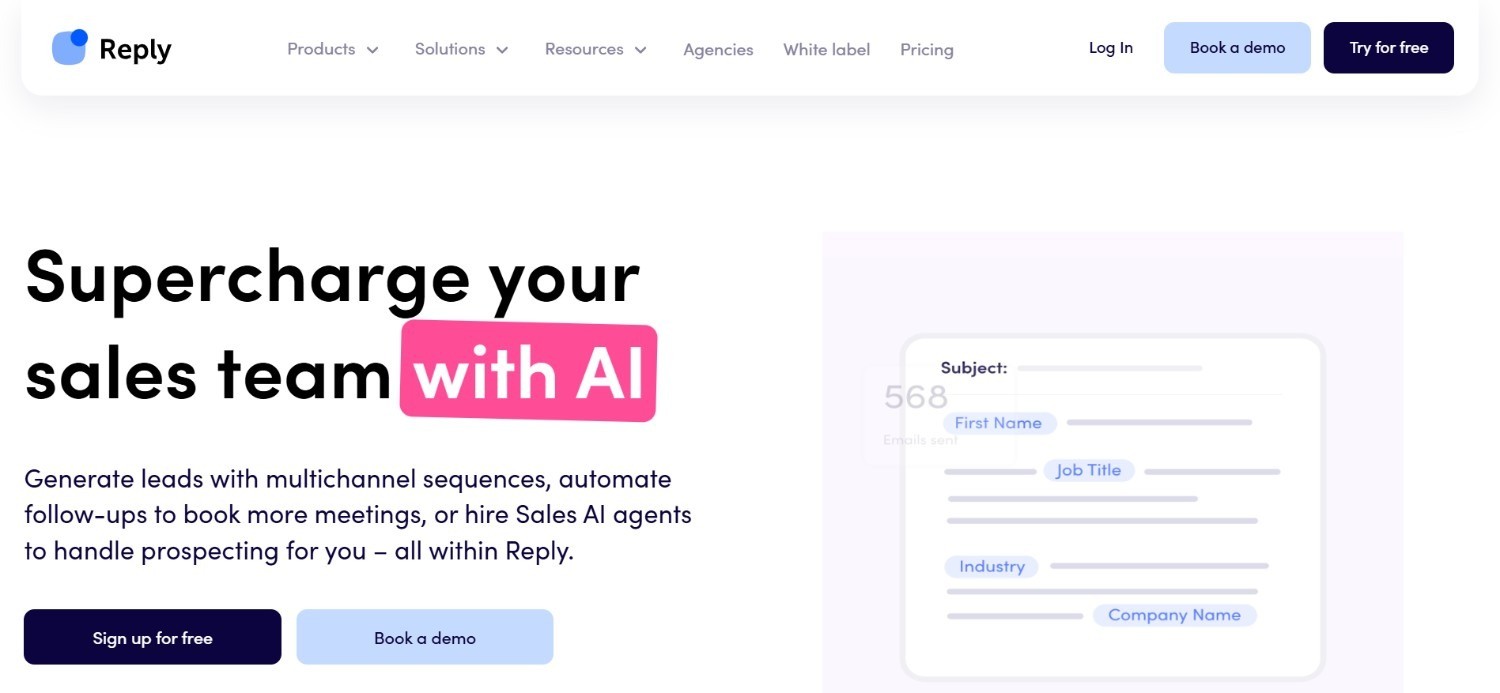
Reply.io splits its offering between manual multichannel sequencing and Jason, its dedicated AI SDR product, giving teams a choice in how hands-on they want to be.
The manual side supports sequences spanning email, calls and other channels, with reps retaining full control over timing and content at every step.
Jason – by contrast, runs more autonomously, handling parts of the sequencing and follow-up process without a rep manually triggering each message.
Unlimited users on certain plans make Reply.io a reasonable option for teams wanting to scale seat count without every added rep increasing the bill.
Ideal For
Teams wanting the choice between manual and AI-driven sequencing
Larger teams wanting unlimited users without per-seat cost increases
Sales teams running multichannel sequences across several touchpoints
Top Features
Manual multichannel sequencing across email and other channels
Jason AI SDR for more autonomous outreach management
Unlimited users available on certain pricing tiers
Flexible structure supporting both manual and AI-driven approaches
Why They Stand Out
Reply.io's split between manual sequencing and an AI SDR option gives it more flexibility than best email sequence software that commits to only one approach.
Pros
Flexibility to choose manual or AI-driven sequencing
Unlimited users possible without escalating per-seat costs
Multichannel sequencing beyond email alone
Annual billing brings a meaningful discount
Cons
Jason AI SDR pricing sits well above manual plans
Choosing between two approaches adds a decision teams must make upfront
Full multichannel depth requires the higher-tier plan
Pricing
Reply.io's monthly pricing starts at $179 for Email Volume with unlimited users, $99 per user monthly for Multichannel, and $500 monthly for Jason.
Annual billing can save customers up to 17%, making it more economical for longer-term use.
Final Verdict
Reply.io suits teams wanting flexibility between manual control and AI-driven sequencing in one platform.
Teams wanting a single, simpler approach may find the choice unnecessary.
6. Smartlead
Overview
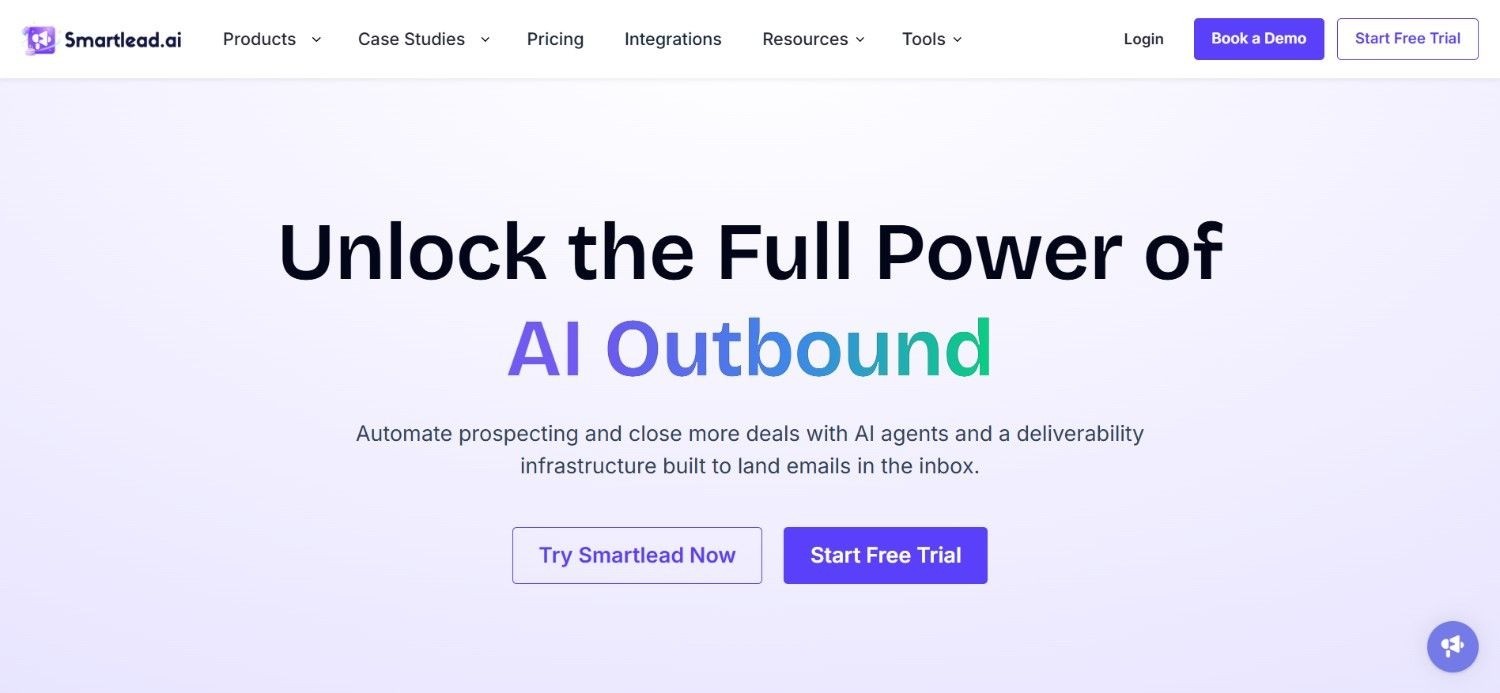
Smartlead is built for teams running email sequence volume at real scale, particularly agencies managing many client accounts at once.
Unlimited warm-up runs across every tier, protecting deliverability regardless of how much sequence volume a team sends each month.
Sending volume, contact limits and verification credits scale together through the platform's tiers, giving teams a clear path from smaller sequences up to genuinely high-volume outbound.
Client workspace functionality and optional private infrastructure round out the offering, aimed at agencies needing separation between different client sequences running simultaneously.
Ideal For
Agencies running high-volume outreach campaigns across clients
Teams wanting unlimited warm-up regardless of pricing tier
Teams needing private infrastructure for demanding deliverability requirements
Top Features
Unlimited warm-up included across all pricing tiers
Tiered sending volume with matching verification credits
Client workspace functionality for agency use
Optional private infrastructure for high-volume senders
Why They Stand Out
Smartlead's combination of unlimited warm-up and agency-focused client workspaces sets it apart from message automation tools built primarily for single-team use.
Pros
Unlimited warm-up regardless of pricing tier
Verification credits scale alongside sending volume
Client workspace add-ons suit agency workflows
Private infrastructure available for demanding needs
Cons
Significant cost jump between mid and top tiers
Private infrastructure and workspace add-ons cost extra
Best value depends on needing agency-scale volume
Pricing
Smartlead bills monthly across four tiers, from $39 for 6,000 sends up to $379 for 50,000-plus sends on private infrastructure.
Optional add-ons cover private infrastructure, client workspaces and extra verification credits.
Final Verdict
Smartlead is well suited to agencies managing large volumes of sequencing activity across multiple clients.
Smaller teams with modest sending needs will likely find the entry pricing more than they require.
7. Apollo.io
Overview
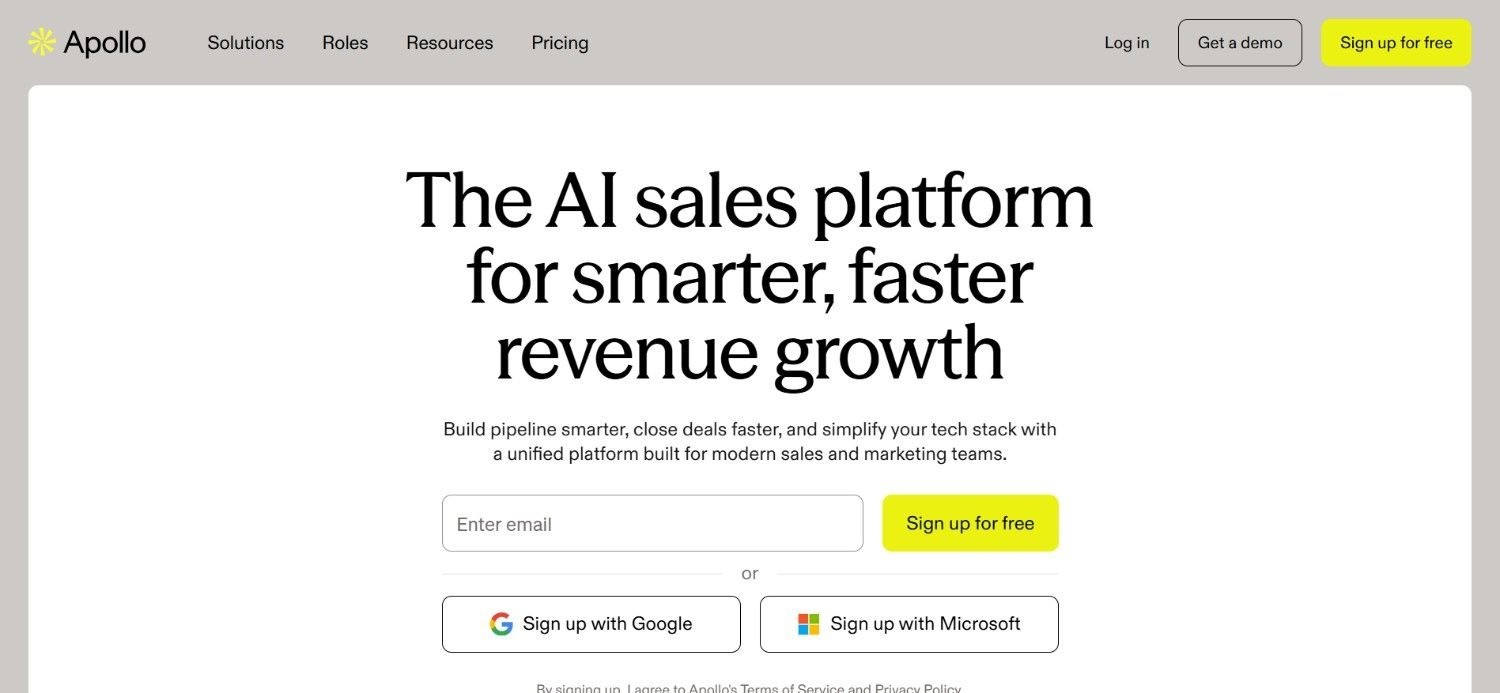
Apollo.io bundles sequencing into a much broader sales platform, one that also covers a large contact database and prospecting tools.
A browser extension lets reps enrich a contact and add them to an active email sequence directly from a social media-style profile page, without switching to a separate app first.
Sequencing sits on top of that contact data, so building a new sequence usually starts from a filtered list pulled straight from Apollo.io's own database rather than an external import.
The platform's scale is one of its biggest draws, giving smaller teams access to a contact database and sequencing depth usually associated with larger, pricier providers.
Ideal For
Teams wanting sequencing bundled with a large contact database
Reps who want a browser extension for quick contact-to-sequence workflows
Smaller teams wanting enterprise-scale data access at accessible pricing
Top Features
Sequencing built directly on top of a large contact database
Browser extension for adding contacts to sequences on the fly
Filters for building targeted lists before launching a sequence
Free plan available for testing core sequencing features
Why They Stand Out
Apollo.io's combination of scale and accessible pricing makes it one of the more popular entry points into best sales sequence software for teams that also need contact data.
Pros
Massive contact database feeding directly into sequences
Browser extension speeds up manual prospect additions
Sequencing bundled at accessible price points
Free plan available for smaller teams to test
Cons
Sequencing logic is less advanced than dedicated engagement platforms
Add-ons like extra credits and advanced domains cost extra
Can feel feature-heavy for teams only wanting sequencing
Pricing
Apollo.io offers a free plan plus paid tiers billed annually: Basic at $49 per seat monthly, Professional at $79 per seat monthly, and Organization at $119 per seat monthly.
Add-ons like extra credits, advanced email domains and additional integrations are priced separately.
Final Verdict
Apollo.io works well for teams wanting sequencing built directly on a large, built-in contact database.
Teams prioritising advanced sequencing logic may prefer a specialist platform instead.
8. Nooks AI
Overview
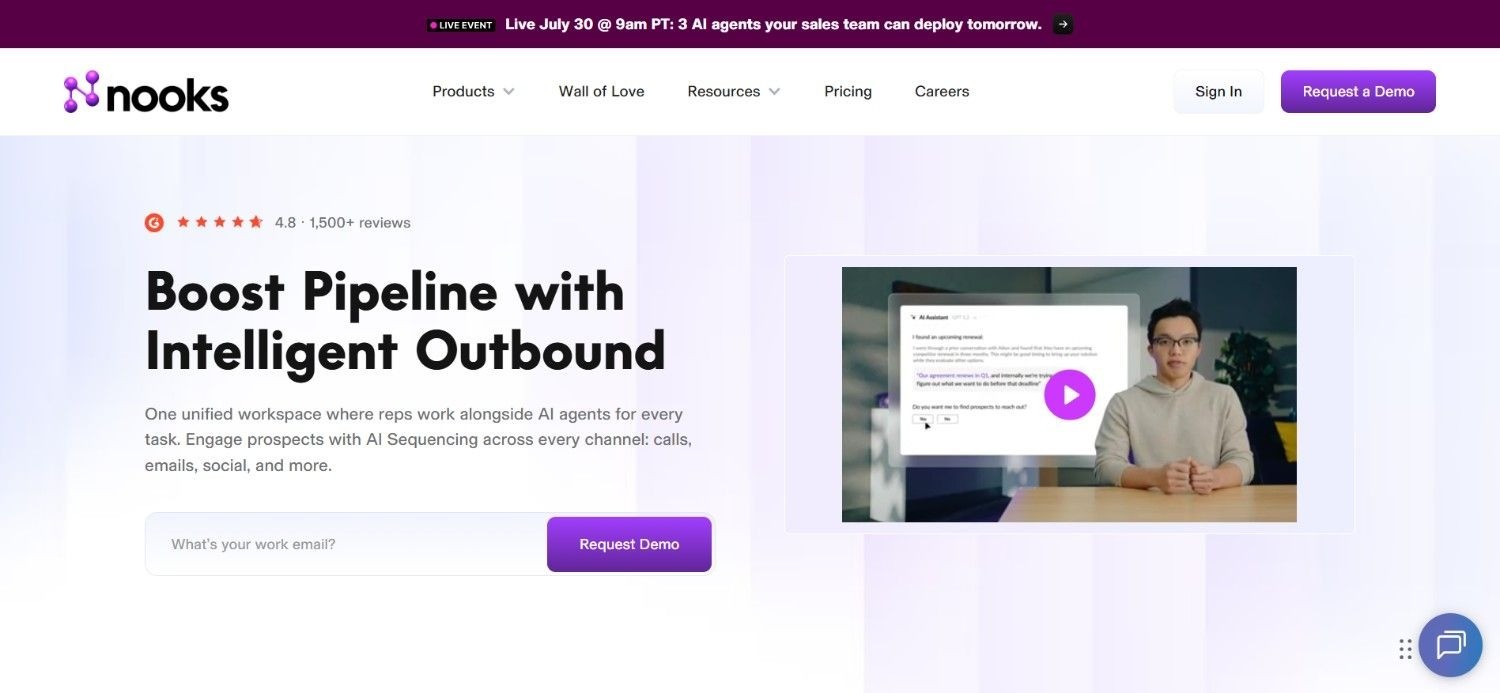
Nooks AI takes sequencing in a calling-first direction, building its platform around an AI dialler that coordinates with sequence steps rather than treating calls as a manual add-on.
Parallel dialling lets a rep work through a call list far faster than manual dialling allows, with the AI handling voicemail detection and connecting reps only to live conversations.
Sequence coordination ties calling activity to the rest of an outbound cadence, so a call attempt logs back into the sequence and influences what happens next automatically.
This calling-first design makes Nooks AI a distinct choice among sales sequence software built primarily around email, aimed at teams whose outbound motion leans heavily on the phone.
Ideal For
Teams whose outbound motion depends heavily on cold calling
Sales teams wanting AI-assisted parallel dialling within sequences
Larger teams needing sequence and call activity coordinated automatically
Top Features
AI dialler supporting parallel calling across multiple lines
Automatic voicemail detection connecting reps only to live calls
Sequence coordination linking call outcomes to next steps
Built for high-volume, calling-first outbound motions
Why They Stand Out
Nooks AI's calling-first design sets it apart from message automation platforms built primarily around email, giving call-heavy teams a genuinely purpose-built option.
Pros
Parallel dialling significantly speeds up call volume
Voicemail detection saves reps from manual screening
Call outcomes feed directly back into sequence logic
Purpose-built for calling-heavy outbound teams
Cons
Less useful for teams whose outbound is primarily email-led
Custom, quote-based pricing makes budgeting less predictable upfront
Overkill for smaller teams without dedicated calling volume
Pricing
Nooks AI does not publish fixed pricing. Costs are custom and quote-based, tailored to team size, product modules and contract requirements.
Pricing is determined through a sales consultation rather than self-serve plans.
Final Verdict
Nooks AI is a strong fit for calling-heavy sales teams wanting AI support baked into their sequences.
Email-first teams will likely find better value in a platform built around that channel instead.
9. Outreach.io
Overview
Outreach.io is an established name in sales engagement, built for larger sales organisations that need deep visibility into how their sequences are actually performing.
Beyond running an email sequence, the platform layers in coaching analytics, giving managers insight into rep activity and pipeline health across the entire team.
CRM integrations run deep, syncing sequence activity and outcomes back into a company's existing systems rather than treating sequencing as an isolated silo.
Outreach.io's strength lies less in being the fastest tool to set up and more in giving sales leadership the reporting rigour a large, process-driven organisation actually needs.
Ideal For
Enterprise sales organisations needing deep reporting on sequence performance
Sales leaders wanting coaching analytics alongside sequencing
Teams with established processes wanting software to enforce them consistently
Top Features
Sequence automation with deep performance reporting
Coaching analytics for managers tracking rep activity
Deep CRM integrations syncing sequence outcomes automatically
Enterprise-grade reliability for large sales organisations
Why They Stand Out
Outreach.io's depth in coaching analytics and CRM integration sets it apart from lighter message automation tools built for smaller, less process-driven teams.
Pros
Strong reporting and coaching analytics for sales leaders
Deep CRM integrations keep data centralised automatically
Proven reliability at large enterprise scale
Established reputation among sales engagement platforms
Cons
Pricing requires a sales-led conversation rather than self-serve plans
Steeper learning curve than lighter sequencing tools
Overkill for smaller teams or founder-led startups
Pricing
Outreach.io pricing is tailored to your needs, including team size, use cases and setup, so the fastest way to get accurate pricing is to connect directly with their sales team.
Final Verdict
Outreach.io is a strong choice for large, process-driven sales organisations needing deep sequence reporting.
Smaller teams wanting a lighter, faster-to-launch tool will likely find it more than they need.
10. Salesforge
Overview
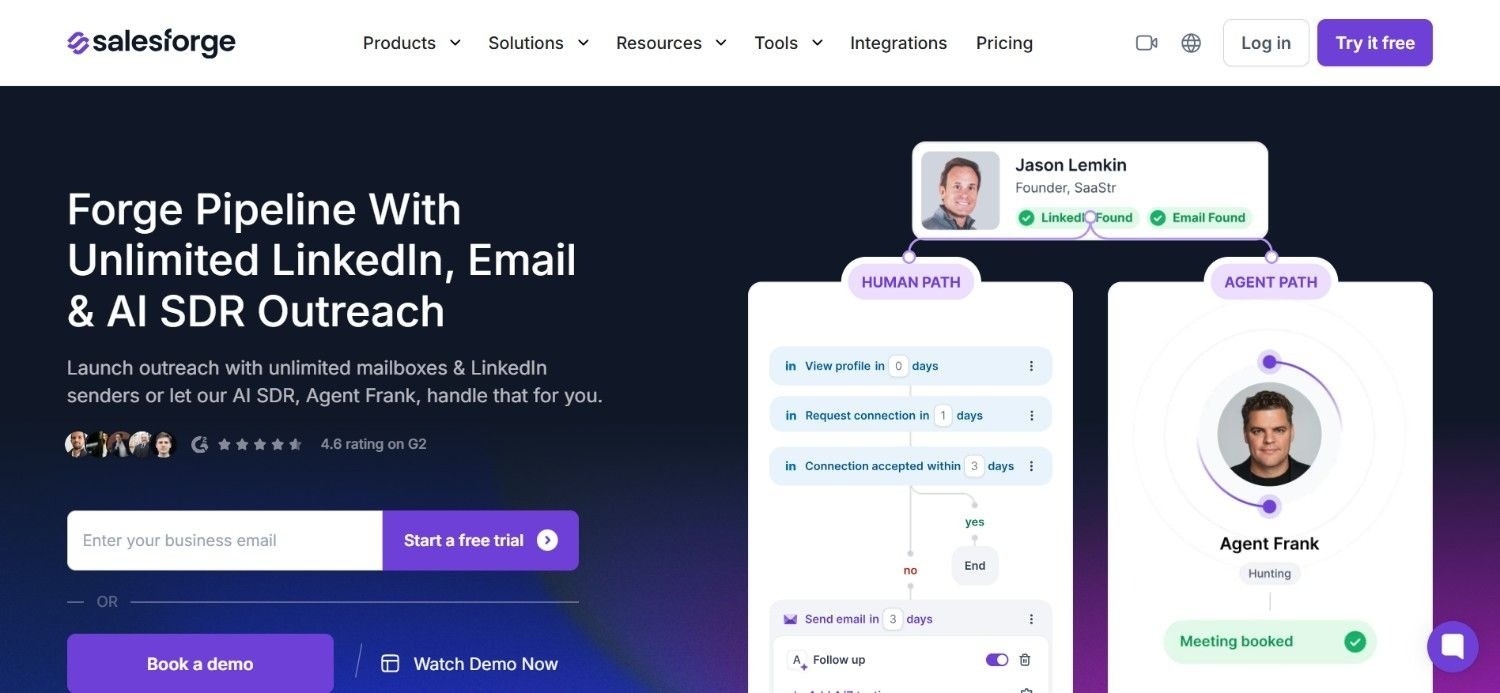
Salesforge positions itself as an affordable way to bring AI assistance into email sequence automation without enterprise-level pricing.
AI email generation handles drafting sequence steps automatically, adjusting tone and structure based on the context a rep provides about the prospect and offer.
An optional Agent Frank add-on extends that AI further, taking on more autonomous outreach responsibilities for teams wanting to hand off more of the sequencing process.
Tiered plans keep the core platform accessible, with the AI add-on available separately for teams that want to scale up gradually rather than committing to full automation from day one.
Ideal For
Smaller teams wanting affordable AI assistance in sequence writing
Teams wanting to test AI-generated sequences before scaling up
Founders wanting message automation without enterprise pricing
Top Features
AI-generated sequence steps based on prospect and offer context
Optional Agent Frank add-on for more autonomous outreach
Tiered plans allowing gradual scaling of AI usage
Straightforward setup suited to smaller teams
Why They Stand Out
Salesforge's accessible pricing for AI-assisted sequencing makes it one of the more approachable best email sequence software options for teams not ready for enterprise-level commitments.
Pros
Affordable entry point for AI-assisted sequencing
Agent Frank add-on offers a path to more automation
Free trial available for the Growth plan
Straightforward setup for smaller teams
Cons
Less established track record than larger, older competitors
Full autonomous capability requires the paid Agent Frank add-on
Fewer enterprise-grade reporting features than larger platforms
Pricing
Salesforge offers a Pro plan at $48 monthly and a Growth plan at $96 monthly, with monthly or discounted annual billing.
An optional Agent Frank AI add-on costs $599 monthly, billed quarterly, and a 14-day free trial is available for the Growth plan.
Final Verdict
Salesforge suits smaller teams wanting affordable AI assistance in their sequencing without a big upfront commitment.
Teams needing enterprise-grade reporting will likely need a larger platform instead.
How to Choose the Best Email Sequence Software (What to Consider?)
Once you've shortlisted a few options, weigh these factors before committing to a plan:
1. Behavioural Branching
Check whether a sequence can actually change course based on what a prospect does, not just run the same fixed steps regardless of engagement.
Static sequences treat an interested prospect the same as an uninterested one, which wastes the interest you've already earned.
2. Channel Coverage
Confirm whether the platform supports the channels your team actually uses, not just email.
A tool built purely around email sequence automation won't help if your outbound motion depends heavily on calling or social touches too.
3. Deliverability Protection
Look for built-in warm-up or deliverability monitoring, since a technically perfect sequence is worthless if it lands in spam.
Message automation that ignores sender reputation tends to produce worse results over time, not better ones.
4. Pricing Structure and Scalability
Compare seat-based, credit-based and volume-based pricing against how your sending needs are likely to grow.
A platform that looks affordable for one rep can get expensive fast once your whole team is running sequences.
5. Integration With Your Contact Data
Confirm the tool connects cleanly to wherever your contact data actually lives, whether that's a CRM or a dedicated enrichment platform.
A disconnected sequencing tool means manually exporting and importing lists every time you want to launch something new.
6. AI Assistance Level
Decide how much of the sequencing process you actually want automated, from AI-drafted replies through to fully autonomous AI SDR tools.
More automation isn't automatically better if your team values fine control over exact messaging.
Everything You Need to Know About Sales Sequence Software
Tool | Pros | Cons | Ease of Use | Integrations | Support | Affordability | AI Capability |
Enginy | Sequences built on live enriched data, multi-stakeholder outreach | No public pricing, short learning curve | ⭐⭐⭐⭐⭐ | ⭐⭐⭐⭐⭐ | ⭐⭐⭐⭐⭐ | ⭐⭐⭐⭐ | ⭐⭐⭐⭐⭐ |
Saleshandy | Affordable, unified inbox | Fewer advanced branching options | ⭐⭐⭐⭐⭐ | ⭐⭐⭐ | ⭐⭐⭐ | ⭐⭐⭐⭐⭐ | ⭐⭐⭐ |
Artisan | Autonomous AI SDR reduces manual work | Less direct control over messaging | ⭐⭐⭐⭐ | ⭐⭐⭐ | ⭐⭐⭐ | ⭐⭐⭐ | ⭐⭐⭐⭐⭐ |
Lemlist | Strong personalisation, built-in warm-up | Full multichannel needs higher tiers | ⭐⭐⭐⭐ | ⭐⭐⭐⭐ | ⭐⭐⭐ | ⭐⭐⭐⭐ | ⭐⭐⭐⭐ |
Reply.io | Manual and AI options in one platform | Jason pricing sits well above manual plans | ⭐⭐⭐⭐ | ⭐⭐⭐⭐ | ⭐⭐⭐ | ⭐⭐⭐ | ⭐⭐⭐⭐ |
Smartlead | Unlimited warm-up, agency workspaces | Steep cost jump at higher tiers | ⭐⭐⭐⭐ | ⭐⭐⭐⭐ | ⭐⭐⭐ | ⭐⭐⭐ | ⭐⭐⭐ |
Apollo.io | Sequencing bundled with a huge database | Less advanced sequencing logic | ⭐⭐⭐⭐ | ⭐⭐⭐⭐ | ⭐⭐⭐ | ⭐⭐⭐⭐ | ⭐⭐⭐ |
Nooks AI | Purpose-built AI dialler for calling teams | Not suited to email-first outbound | ⭐⭐⭐ | ⭐⭐⭐⭐ | ⭐⭐⭐⭐ | ⭐⭐ | ⭐⭐⭐⭐⭐ |
Outreach.io | Deep reporting and coaching analytics | Sales-led pricing, steeper learning curve | ⭐⭐⭐ | ⭐⭐⭐⭐⭐ | ⭐⭐⭐⭐ | ⭐⭐ | ⭐⭐⭐ |
Salesforge | Affordable AI-assisted sequencing | Less established track record | ⭐⭐⭐⭐ | ⭐⭐⭐ | ⭐⭐⭐ | ⭐⭐⭐⭐⭐ | ⭐⭐⭐⭐ |
Run Smarter Sequences With Enginy
Most teams build a sequence around a list that's already a few weeks stale by the time the first message goes out.
Our Campaigns module closes that gap, running sequences directly off the same enriched contact data our platform sources, so branching logic reacts to information that's actually current.
If your sequences are underperforming because the list behind them is the real problem, that's exactly what we built Enginy to fix.
Book a demo with our team to see how a connected email sequence could change your reply rates.
FAQs About Email Sequence Software
What is the best sales sequence software in 2026?
The best sales sequence software in 2026 is Enginy, since it builds every email sequence directly on top of live, enriched contact data rather than a static imported list. That connection means branching logic and follow-up timing react to information that's genuinely current.
What should I consider when choosing the right email sequence software for me?
Choosing the right email sequence software starts with checking whether sequences can branch based on prospect behaviour, not just run on a fixed schedule. Channel coverage matters too, since email-only tools won't help teams relying on calls or social touches. Compare pricing models carefully, as seat, credit and volume systems scale very differently. Finally, confirm the tool connects cleanly to your existing contact data.
How does Enginy differ from similar alternatives?
Enginy differs from most alternatives by running sequences directly off contact data sourced and enriched inside the same platform, instead of treating sequencing as a standalone product fed by imported lists. Many competitors focus purely on the scheduling and sending logic. Our approach means an email sequence is only ever as accurate as the freshest data behind it.
How do I get started with Enginy?
Getting started with Enginy begins with a qualification call, where we scope your team's sequencing and outreach needs before recommending a plan. From there, our team runs structured onboarding sessions covering CRM setup, sequence configuration and campaign building. Most teams have their first sequences live within the initial onboarding sessions.
How easy is it to switch to Enginy?
Switching to Enginy is straightforward, since our onboarding process is built to move existing contact lists and sequence logic into the platform without starting from scratch. Our team handles the initial CRM setup, mapping your data so sequences can launch quickly. The included onboarding sessions reduce switching friction for teams coming from a standalone sequencing tool.
How many follow-ups should a good email sequence include?
A good email sequence typically includes between four and seven touches spread across two to three weeks, rather than stopping after one or two attempts. Most replies come from later touches, not the first message, so stopping too early leaves genuine interest on the table.
Can message automation feel too impersonal for prospects?
Message automation can feel impersonal, but that usually comes down to poor personalisation rather than automation itself. A sequence built with genuine context, like a recent job change or company news, reads as relevant even though it was scheduled automatically.