What Is a Sales Chrome Extension? Definition and What a Prospecting Panel Should Do in 2026

Andrea López
Share
Key Takeaways (TL;DR)
What is a sales Chrome extension?: a browser add-on that reads the page a rep is viewing and surfaces contact details, company data or outreach tools without a separate tab.
The two real jobs it does: finding a verified contact and giving a rep enough context to know whether that contact is worth approaching today.
Why does it still matter in 2026?: most prospecting still starts on a social profile or a company website, and a browser extension removes the export step between finding someone and reaching out.
The privacy question: not every prospecting extension handles data the same way, so checking what it collects and stores matters before it goes anywhere near a live pipeline.
Enginy's Chrome extension: pairs contact discovery with a fit score and a Reasons to Engage panel, so a rep gets context on timing, not just a name and email.
How to choose one?: weigh data coverage, what the extension does once a contact is saved, and how transparent the vendor is about where the data comes from.
What Is a Sales Chrome Extension?: At a Glance
Category | Key Point |
What is a sales Chrome extension? | A browser add-on that reads the current page and surfaces contact or company data on top of it |
The two core jobs | Finding a verified contact and judging whether that contact is worth approaching right now |
Where does it run? | Social profiles, company websites and search result pages, without switching tabs |
Main benefit | Cuts the gap between spotting a prospect and actually reaching out |
Main limitation | Data quality and permissions vary a lot between vendors |
Privacy check | Read what permissions and data it collects before connecting it to a live pipeline |
Enginy's approach | Pairs contact discovery with a fit score and a reason to engage, not just a name and email |
Why Is Browser-Based Prospecting Still Useful in 2026?

Most prospecting still starts the same way it did years ago: a rep opens a profile, a website or a search page.
What has changed is how much data sits behind that page. Job changes, hiring activity and funding news are available now, but usually scattered across several separate tools instead of one place.
A sales Chrome extension closes that gap by reading the page a rep is already on. A browser extension for sales that removes even one manual step adds up fast across dozens of profiles a day.
Waterfall enrichment has also made browser-based prospecting far more reliable in 2026, replacing the single static database most early extensions relied on for years.
What Is a Sales Chrome Extension?

A sales Chrome extension is a small program that installs into Chrome and adds functionality to the pages a rep visits, usually appearing as a toolbar icon that reads the open page.
For sales teams, that means the extension activates on a social profile, a company website or a search results page, surfacing contact data directly through a small panel.
Most tools split into two camps:
A lighter prospecting extension finds a verified email or phone number.
A fuller browser extension for sales adds a fit score, intent signals or a direct route into outreach.
Either way, the extension is only the visible layer. At Enginy, our own end-to-end GTM platform runs enrichment and outreach behind it.
What Are the Two Jobs a Sales Chrome Extension Actually Does?

Strip away the marketing language, and almost every sales Chrome extension is doing one of two jobs, sometimes both at once. Knowing what a sales Chrome extension is supposed to achieve makes it much easier to judge whether a given tool is worth installing.
Here is what those two jobs actually look like:
1. Job One: Finding a Verified Contact
The first job is straightforward: return an accurate email address, phone number or both for the person on the page. This is the job most people associate with a prospecting extension, and it is where data coverage and accuracy matter most.
A tool that returns a stale or unverified address is not actually doing this job well, even if the interface looks polished.
Verification at the point of request, rather than a cached record, tends to produce far fewer bounces.
2. Job Two: Helping a Rep Judge Whether to Reach Out
The second job gets less attention but matters just as much: telling a rep something about timing. A found contact is only useful once a rep knows whether now is a sensible moment to approach them.
This is where the gap between a basic and an advanced sales Chrome extension shows up most clearly.
A basic tool hands over a name and an email, while more advanced ones add context, such as:
A recent job change
A hiring signal
A funding round
A note on whether the account is already known to the team
Our extension leans hard into this second job specifically, since a contact without context still leaves a rep guessing at the right approach.
What Does a Good Sales Chrome Extension Prospecting Workflow Look Like?

A workflow built around a decent sales Chrome extension usually has a recognisable shape:
Open a profile
Check the data the extension surfaces
Decide whether to act
Move the contact somewhere useful
What separates a smooth workflow from a clunky one is how many of those steps still need a separate tool or a manual copy-paste.
A well-designed prospecting extension collapses most of that into the same tab - while a weaker one still leaves a rep exporting a CSV, opening a CRM in a second window, and pasting details across by hand.
We cover the fuller, step-by-step version of this workflow further in this guide - once the key questions around sales Chrome extensions are out of the way.
Benefits of Using Sales Chrome Extensions

The appeal of a sales Chrome extension comes down to a handful of practical gains, most of which compound the more sales rep prospects.
A well-built browser extension for sales earns its place in a rep's toolkit through these gains, not through a flashy interface alone.
Here is where the real value shows up:
1. Fewer Tabs, Less Context Switching
Contact and company data appear on the page a rep is already viewing, rather than in a separate tool that needs opening and searching each time.
That alone removes one of the more tedious parts of prospecting: hunting for the same details across several browser tabs before writing a single message.
2. Faster First-Touch Decisions
A good browser extension for sales surfaces enough context, such as a recent job change or hiring signal, to help a rep decide whether a contact is worth approaching today.
Without that context, a rep is left guessing at timing, which usually means either skipping a genuinely warm lead or reaching out too early.
3. Lower Manual Error Rate
Typing a name or email by hand introduces mistakes. Pulling it directly from a verified source cuts that risk considerably.
A single mistyped character is enough to bounce a message, so removing manual entry protects deliverability as much as it saves time.
4. Bulk Options for Larger Lists
Many prospecting extension tools support bulk search across a page of results, not just one profile at a time, which matters for reps building lists rather than working single contacts.
That distinction matters most for teams filling a pipeline from scratch, where working through search results one by one simply is not practical.
5. A Shorter Path Into Outreach
The stronger tools push a saved contact straight into a CRM or a sequence, removing the export step that used to sit between finding someone and reaching out.
Fewer handoffs between tools also means fewer chances for a promising contact to sit untouched until momentum is lost.
Limitations of Using Sales Chrome Extensions

None of this comes without trade-offs, and it is worth being honest about where sales Chrome extensions tend to fall short.
No browser extension for sales, however capable, solves every one of these problems at once:
1. Coverage Varies by Region
A tool with strong North American data can leave real gaps once prospecting moves into Europe, APAC or Latin America.
Checking a vendor's actual coverage for your target markets matters more than a headline database size, since a huge global count says little about accuracy in any one region.
2. Permissions Can Be Broad
Some extensions request access to browsing activity well beyond the pages needed for prospecting, which is worth questioning before granting it.
A tool that only needs to read the current page is asking for far less than one wanting access to full browsing history, so the gap between the two is worth noticing.
3. Free Tiers Are Often Thin
A handful of monthly credits sounds generous until a rep works through dozens of profiles a week.
Free tiers work well for occasional use, but a team prospecting daily will usually hit that limit within the first few days of a month.
4. Not Every Tool Adds Context
Plenty of prospecting extension options still stop at a name and an email, leaving the judgement about timing entirely to the rep.
That gap forces a rep to piece together context from other tabs and tools anyway, which defeats much of the point of using an extension in the first place.
5. Data Can Go Stale
A cached record from months ago is not the same as a result verified at the point of request, and the difference shows up as bounced emails.
Extensions that verify live, rather than serving a stored address, tend to produce noticeably fewer bounces on lists built from older or less active profiles.
What Should You Check Before You Install a Prospecting Extension?
Before adding any prospecting extension to a browser used for real pipeline work, a short checklist saves a lot of trouble later.
Here is what's worth running through:
1. Check the Permissions It Actually Requests
Chrome shows the permissions an extension asks for before installation.
A tool that only needs to read the current page is asking for far less than one requesting access to browsing history across every site visited.
2. Read How It Handles the Data It Collects
This is where Chrome extension data privacy sales teams should pay closer attention than most people do. A 2026 report from Incogni found that 52% of AI-branded Chrome extensions collect some form of user data.
Separate research from LayerX Security went a step further, identifying 82 extensions that explicitly reserve the right to sell that data to third parties, affecting more than 6.5 million users.
None of that is illegal, since each practice is disclosed in the extension's privacy policy. It rarely gets read before installation, though.
3. Confirm Where the Contact Data Comes From
A tool that is vague about its data sources is harder to trust than one that states clearly whether it owns a database, runs a waterfall across providers, or scrapes public pages directly.
4. Test It on Real Profiles Before Rolling It Out
A short trial against ten to twenty genuine profiles from an actual pipeline tells a team far more than a vendor's stated accuracy figure ever will.
It is often the fastest way to see what a sales Chrome extension is actually capable of.
5. Ask Whether It Meets Your Compliance Requirements
GDPR, CCPA and similar regional rules affect how contact data can be collected and stored.
It is worth confirming a vendor addresses this directly rather than in vague terms.
How to Select the Best Sales Chrome Extensions?
Once the basic checks are done, choosing between several capable tools usually comes down to five practical factors.
The goal is finding a browser extension for sales that fits how your team actually prospects, not the one with the longest feature list:
Regional coverage: Match the extension's strongest markets against where the team actually prospects, since accuracy claims rarely hold evenly across every region.
What happens after a contact is saved: A tool that hands off directly into a CRM or a sequence saves a manual step that a rep will otherwise repeat every single day.
Pricing tied to results: Favour a model that charges for a verified match rather than every attempted lookup, since the latter punishes exactly the behaviour worth encouraging.
Whether it adds context or just contact details: A sales Chrome extension that flags a job change or a hiring signal does more of the thinking for a rep than one that returns a bare name and email.
Transparency about data handling: A vendor willing to explain where its data comes from and how it is stored is generally the safer long-term bet, especially given the current state of Chrome extension data privacy across the wider extension ecosystem.
None of these factors works well in isolation.
A tool that scores well on coverage but hides its data sources, or one priced fairly but useless once a contact is saved, still leaves a rep doing manual work somewhere in the process.
Weighing all five together is what actually narrows the field down to a shortlist worth trialling.
Best Sales Chrome Extensions to Use in 2026
A handful of tools currently lead this category, each with a slightly different focus.
Here are the top ones you need to know:
1. Enginy

Enginy pairs contact discovery with a fit score and a 'Reasons to Engage' panel, aimed at teams that want more than a name and an email from their browser extension for sales.
Opening a social profile, a Sales Navigator page or a HubSpot record surfaces contact and company context in one panel, rather than sending a rep off to a separate tool to check the same details.
Saved contacts route straight into a sequence, and enrichment happens automatically behind the scenes rather than through a separate lookup step.
That combination is what sets our platform apart from a simple prospecting extension: we treat finding a contact and judging whether to reach out as one connected task, not two.
Features
Fit score and Reasons to Engage on social profiles, Sales Navigator and HubSpot
Automatic enrichment of email and phone once a contact is saved
Direct handoff into a multichannel outreach sequence
Best For
Sales teams wanting contact discovery and outreach in one panel
RevOps teams consolidating several point tools into one workflow
Reps who want context on timing, not just a bare contact card
2. Apollo
Apollo is widely used for its large, low-cost database and bulk search across social profiles and Sales Navigator.
The extension surfaces an email or phone number directly on a profile, and its scale means most reps find at least some coverage even in less common industries or smaller companies.
Bulk search across a page of results is one of Apollo's stronger features, letting a rep pull a list rather than working one profile at a time.
Sequencing and CRM tools sit inside the same platform, so a found contact moves into outreach without leaving the product. The browser extension itself stays focused on contact-finding.
Features
Large database with bulk search across social profiles and Sales Navigator
One-click email and phone reveal on individual profiles
Sequencing and CRM tools inside the same wider platform
Best For
Teams wanting broad, low-cost coverage across most industries
Reps building large lists through bulk search
Small teams wanting data and light outreach in one place
3. Lusha
Lusha is known for speed, returning a one-click reveal on a single profile faster than most comparable tools in this category.
Opening a social profile and clicking the extension icon typically surfaces an email and often a phone number within seconds, with no separate search step involved. That immediacy makes the platform a popular choice for reps working through a short, named list rather than building one from scratch.
The extension also covers Sales Navigator and company websites, though phone reveals cost more credits than email ones.
Features
One-click email and phone reveal on a single profile
Coverage across Sales Navigator and a growing set of company websites
Fast reveal with no separate search step
Best For
Reps doing targeted, one-by-one prospecting
Recruiters sourcing candidates directly from individual profiles
Small teams wanting a quick lookup tool with minimal setup
4. Cognism
Cognism focuses on phone-verified mobile numbers, particularly across EMEA, through its Sales Companion extension. Opening a profile or a company website surfaces a business email and a phone-verified mobile number, alongside proactive prompts on which contacts might be worth approaching based on funding, hiring or search activity.
That phone verification is Cognism's clearest strength, since many rivals struggle to match its accuracy on mobile numbers outside North America.
The trade-off is price: Cognism sits at the premium end, with its fuller feature set typically needing an active subscription.
Features
Phone-verified mobile numbers through Diamond Data verification
Proactive prompts based on funding, hiring and search activity
Strong coverage across EMEA and North America
Best For
Teams doing phone-heavy outreach that need call-ready numbers
Sales teams selling into EMEA markets
Teams wanting proactive prompts alongside contact data
5. Hunter
Hunter built its name on domain search, returning every indexed email address tied to a company website.
Typing in a domain returns a list of addresses the tool has already indexed for that company, each carrying a confidence score that signals how reliable the match is likely to be.
Hunter's extension no longer reads social profiles directly, having dropped that capability some years back, so it suits a rep who already has a target company in mind rather than one browsing profiles individually.
Bulk domain runs, a built-in verifier and a well-documented API round out the rest of the tool.
Features
Domain search with a confidence score on every address
Bulk domain runner for processing several companies at once
Well-documented API for custom workflows
Best For
Reps who already know a target company domain
Marketers doing outreach to authors or contributors
Technical teams wanting an API to build on
6. ZoomInfo
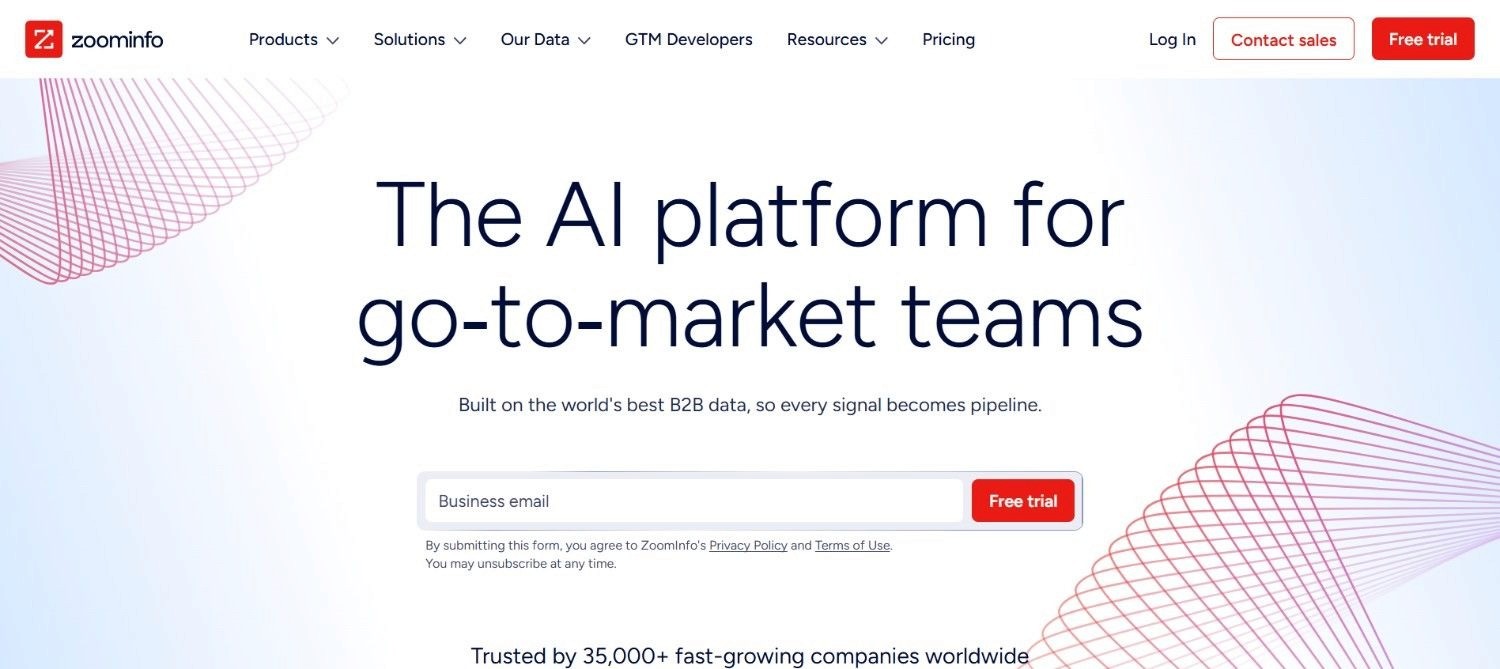
ZoomInfo leans into depth, adding org charts, technographics and intent signals alongside contact details. Opening a profile or company website surfaces an email and phone number, plus company structure, technology stack and buying-research signals.
That intent layer is what separates ZoomInfo from a simpler contact finder, giving a rep a genuine reason to reach out rather than a cold, generic list.
The trade-off is cost: enterprise-level pricing tends to put ZoomInfo out of reach for smaller, budget-conscious teams.
Features
Org charts and technographics alongside contact details
Intent signals flagging active buying research
70-plus integrations across CRMs and sales tools
Best For
Enterprise sales teams wanting intent data alongside contacts
Recruiters sourcing at scale across profiles and job boards
RevOps teams standardising on one data provider
7. Wiza
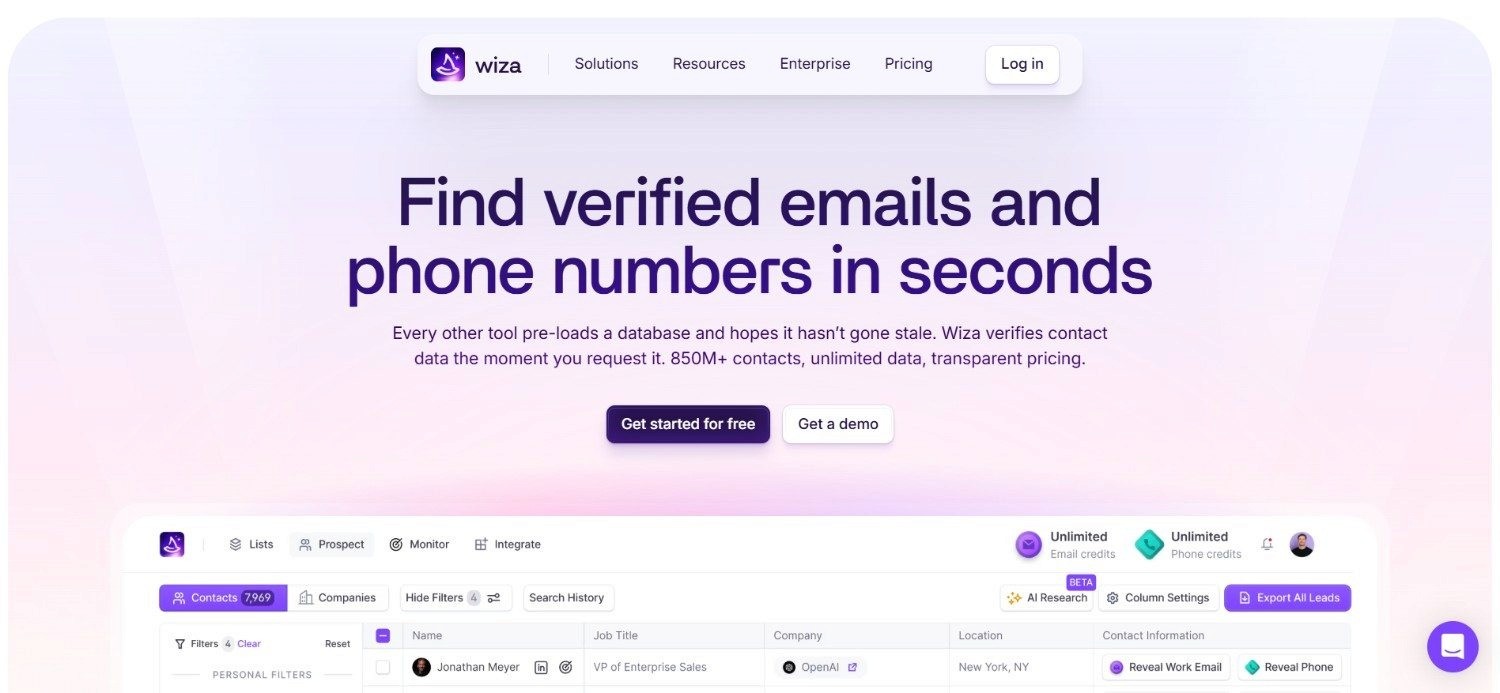
Wiza specialises in bulk exports from Sales Navigator searches, verifying each address live rather than serving a cached record.
Rather than working one profile at a time, the extension can pull an entire page of search results and check every email through live SMTP verification before handing back a spreadsheet ready for outreach.
That live check tends to produce noticeably fewer bounces than tools relying on a static, stored database, particularly on lists pulled from less active profiles.
Wiza also works on individual profiles, though its real strength shows once a list is too large for manual, one-by-one lookups.
Features
Bulk export from any Sales Navigator or Recruiter search
Live SMTP verification at the point of request
CSV export with CRM sync options
Best For
Sales teams building lists from Sales Navigator searches
Recruiters sourcing candidates in bulk
Agencies running lead generation for multiple clients
8. Snov.io
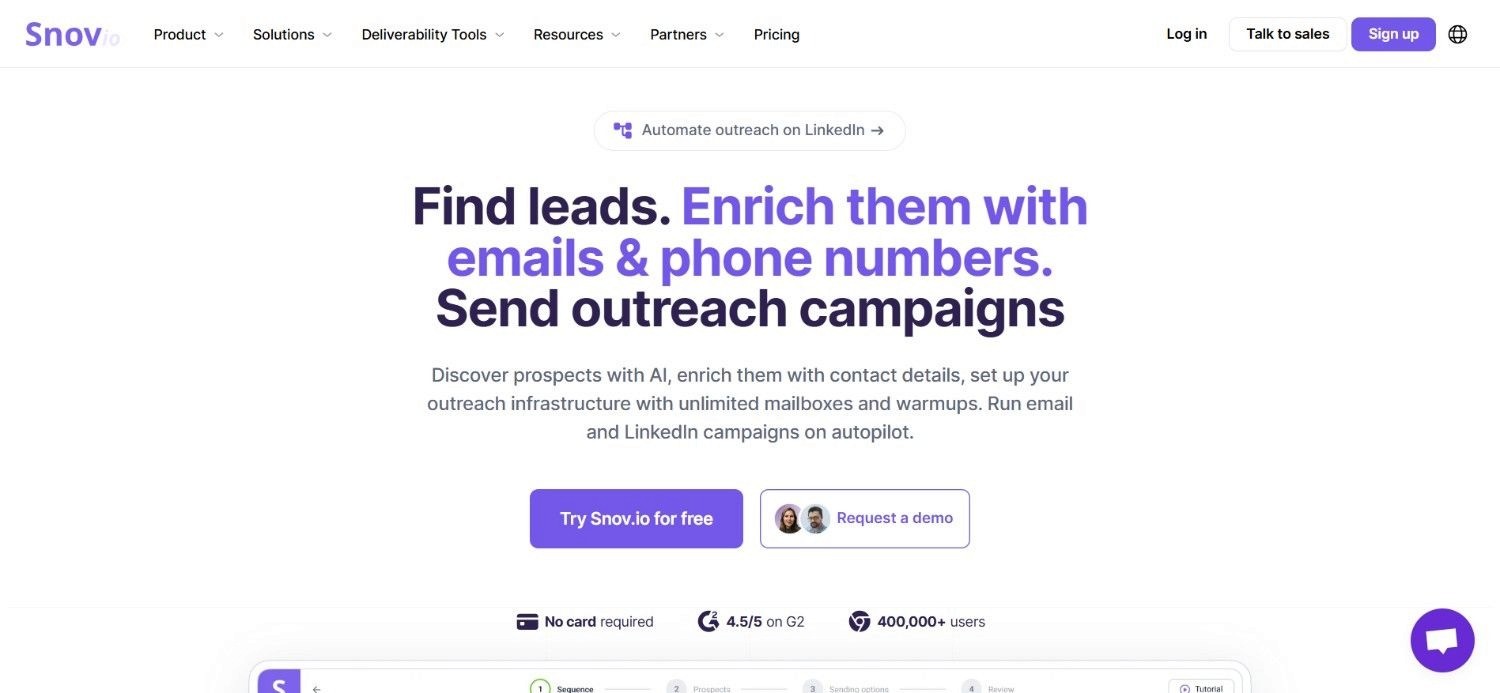
Snov.io combines a free email finder with a lightweight CRM and sequencing layer built in. The extension reads individual profiles, company pages, search result pages and even event attendee lists, giving it wider reach than most single-purpose finders in this category.
Because Snov.io sits inside a broader platform, a found contact lands somewhere with basic sequencing already available, rather than needing a separate tool for that first outreach step.
That combination suits a small team wanting prospecting and outreach in one tool.
Features
Email discovery across profiles, company pages and event listings
Built-in email verification on every result
Lightweight CRM and sequencing layer included
Best For
Solo founders and small teams needing prospecting plus light sequencing
B2B marketers running outreach from company and event pages
Teams wanting a built-in CRM without a full sales platform
Each of these tools does the first job, finding a contact, reasonably well.
Where they differ most is in how much of the second job, helping a rep judge timing, they actually do.
Ideal Sales Chrome Extension Prospecting Workflow: Step-by-Step Breakdown
Here is what the full workflow looks like end to end, once a capable sales Chrome extension is doing most of the heavy lifting:
Step 1: Open the Profile or Page
A rep opens a social profile, a company website or a Sales Navigator page as part of normal research.
The extension activates automatically once permissions are granted.
Step 2: Review the Data the Extension Surfaces
A panel appears showing contact details.
In the stronger tools, it also shows company context: firmographics, recent news, or a fit score against the team's ideal customer profile.
Step 3: Check for a Reason to Engage
A good prospecting extension flags something beyond the bare contact card.
That might be a job change, a hiring signal, a funding round, or a note that someone on the team has already spoken to this contact.
Step 4: Save and Enrich the Contact
One click saves the contact and triggers enrichment.
That pulls a verified email and phone number rather than relying on a static, possibly outdated record.
Step 5: Route the Contact Into a Workflow
The stronger tools push the saved contact directly into a CRM or a multichannel outreach sequence.
Weaker ones leave this step to a manual export.
Step 6: Track What Happens Next
Once a contact is inside a workflow, the extension's job is largely done, though the better platforms keep a record of what was known at the point of first contact, which helps later when reviewing reply rates or deciding on follow-up timing.
This full sequence is really the clearest answer to what a sales Chrome extension is worth, especially in day-to-day use.
How Enginy's Chrome Extension Automates Prospecting
Enginy's extension is built around the two jobs a sales Chrome extension should do, not just the first one:
Finding a contact
Judging whether to reach out
Opening a social profile, a Sales Navigator page or a HubSpot record surfaces a fit score and company context. Saving a contact then triggers contact data enrichment automatically.
What sets our platform apart is Reasons to Engage, which reads hiring news, job changes and recent activity, then drafts a tailored opening line.
Because enrichment, scoring and outreach all sit behind the same extension - a rep never leaves the page, carrying them through the full prospecting extension workflow.
Everything You Need to Know About Sales Chrome Extensions
Category | Key Considerations |
What is a sales Chrome extension | A browser add-on that surfaces contact or company data on the page a rep is already viewing |
Two core jobs | Finding a verified contact, and judging whether that contact is worth approaching now |
Main benefit | Removes the manual export step between finding a prospect and reaching out |
Main limitation | Coverage, permissions and data handling vary considerably between vendors |
Privacy check | Read what data is collected and whether it is shared with third parties before installing |
Selection factors | Regional coverage, post-save workflow, pricing model, and how transparent the vendor is |
Enginy's approach | Fit score, Reasons to Engage and direct handoff into outreach, all from one panel |
Turn Scattered Prospecting Tasks Into One Workflow with Enginy
Enginy pairs contact discovery, real-time enrichment and multichannel outreach inside one Chrome panel, opening right on the social profile you are already viewing.
If you are still wondering what a sales Chrome extension is actually meant to do for a busy rep, this is it: no other tool in this category drafts an opening line and scores a prospect at the exact moment it enriches the contact.
Teams using our platform have already seen what this looks like in practice: reply rates for Factorial's SDR team rose from 10% to 45% once enrichment and outreach moved into one connected workflow.
The extension itself works the same way for users: open a profile, save a contact, and it syncs straight into HubSpot, Salesforce or any other supported CRM - with no manual export in between.
To know more about our platform and Chrome extension, and how both can work for your pipeline, book a demo today.
FAQs About Sales Chrome Extensions
What is a sales Chrome extension?
A sales Chrome extension is a browser add-on that reads the page a rep is viewing, usually a social profile or company website, and surfaces contact or company data on top of it. It removes the need to switch tabs or search a separate database. Most tools focus on finding a verified email or phone number, though stronger ones add context on timing.
What are the two jobs a sales Chrome extension actually does?
The two jobs are finding a verified contact and helping a rep judge whether that contact is worth approaching now. Most tools handle the first job well, returning an email or phone number tied to a profile. Fewer handle the second, surfacing a job change or hiring signal that explains why now is the moment to reach out.
Are Chrome extensions safe for social prospecting?
Most reputable prospecting tools are safe when permissions are reviewed and data handling is disclosed clearly, though not every extension behaves the same way. A 2026 Incogni report found 52% of AI-branded Chrome extensions collect some user data, and LayerX Security identified 82 extensions that reserve the right to sell it. Checking a vendor's privacy policy first is a sensible habit.
What is a browser extension for sales, and how is it different from a CRM?
A browser extension for sales surfaces contact and company data on the page a rep is viewing, while a CRM stores that data once captured. The two are complementary: a good extension is often the fastest way to get a contact into a CRM. Some, including ours, sync directly into a CRM once a contact is saved, cutting out manual entry.
What should I check before installing a prospecting extension?
Start by reviewing the permissions it requests in Chrome, since a tool reading only the current page asks for far less than one wanting full browsing history. Read how it discloses data collection and third-party sharing before granting access. Test it against real profiles before trusting a vendor's stated accuracy, and confirm it meets requirements such as GDPR.
How do I select the best sales Chrome extension for my team?
Match the extension's strongest data coverage against the regions your team actually prospects in, since accuracy varies by geography. Check what happens after a contact is saved, since a direct handoff into a CRM or sequence removes a manual step. Favour pricing tied to verified results over pay-per-attempt models, and prioritise a vendor transparent about where its data comes from.
Does Chrome extension data privacy matter for sales teams specifically?
Yes, since sales teams grant a prospecting extension access to social profiles, company websites and search results containing real prospect data, not just personal browsing. Chrome extension data privacy for sales teams matters, since a meaningful share of AI-branded extensions collect user data, and some reserve the right to sell it. Reviewing a vendor's data policy protects both reps and prospects.
Is it worth paying for a sales Chrome extension instead of using a free option?
It is often worth it once a team accounts for the coverage gaps and missing context a free, basic tool tends to leave behind. A paid sales Chrome extension that adds verified enrichment, intent signals and a direct route into outreach pays for itself through fewer wasted contacts and faster first-touch decisions. Free tiers still work for occasional, low-volume use.