Lusha Chrome Extension Alternative: What Sales Teams Use Instead in 2026

Andrea López
Share
Key Takeaways (TL;DR)
Who Lusha Is For?: Individual reps and small sales teams who want fast, on-page contact lookups from a professional profile or company website without a lengthy setup process.
Why Seek a Lusha Chrome Extension Alternative?: Common gaps include patchy data coverage outside North America and Western Europe, credit costs that climb once a team scales its search volume, and no built-in way to launch outreach once a contact is found.
Best Overall Alternative: Enginy edges ahead because it pairs prospect discovery with waterfall enrichment across 30+ data sources, then routes verified contacts straight into multichannel outreach, closing the gap between finding an email and actually using it.
What Sets Enginy Apart?: No other tool on this list combines list building, verified enrichment, and automated multichannel campaigns inside one workflow the way Enginy does.
How to Choose?: The right pick usually comes down to team size, how much of the workflow needs to happen inside the browser versus a dedicated platform, and whether outreach automation matters as much as the contact lookup itself.
Top Lusha Chrome Extension Alternatives in 2026: at a Glance
Tool | Best For | Key Features | Pros | Cons | Pricing Starts |
Enginy | Teams that want prospecting, enrichment, and outreach in one workflow | Waterfall enrichment, AI Finder, multichannel campaigns | Complete workflow, no context-switching | No public pricing tiers | Custom, credit-based |
Apollo.io | Budget-conscious teams wanting data plus outreach | 275M+ contact database, sequences, Chrome extension | Large database, low entry price | Data accuracy dips outside core markets | Free plan; Basic $49/seat/month |
Snov.io | Cold outreach teams on a tight budget | Email finder extension, verifier, drip campaigns | Flexible token pricing, built-in sender | Credits expire after 90 days | $200 for 10,000 tokens |
Wiza | Bulk list exports from search results | List-to-email export, verification included | High email validity rates | Per-email overage costs add up | $49/user/month |
Reply.io | Multichannel sequence-first teams | AI SDR ("Jason"), email/social sequences | Strong automation depth | Pricing climbs fast per seat | $99/user/month |
Seamless.AI | Real-time contact search | Live search engine, Chrome extension pop-up | Generous free credit allowance | Accuracy varies on real-time pulls | Free plan; custom paid tiers |
Hunter.io | Domain-based email discovery | Domain search, email finder, verifier | Simple, well-known workflow | Limited beyond email discovery | Free plan; Starter $49/month |
Tomba | Budget email finding with free extension | Free extension install, credit-based finder | Extension itself costs nothing | Verification credits used up quickly | $89/month for 10,000 credits |
SMARTe | Global data coverage at scale | Wide international database, pay-per-credit | Costs fall as usage grows | Entry Pro plan is data-light | Free plan; Pro $25/month |
ContactOut | Recruiters and sales finding personal emails | Web-wide search beyond the profile itself | High hit rate on hard-to-reach contacts | Team pricing is fully custom | Free plan; Email $49/month |
Why Consider Lusha Chrome Extension Alternatives?
What Does the Lusha Chrome Extension Do Well?
The Lusha Chrome extension earned its popularity for good reason. It sits in the browser toolbar and reveals a verified email or phone number in one click while a rep browses a profile or company page. That speed explains why the extension remains one of the most installed prospecting tools in B2B sales.
Lusha also covers the basics most reps need. That includes a job title and company details plus a reasonable hit rate for people at mid-size and larger companies.
For a solo rep or a small team needing only a handful of verified contacts each week the free plan and low-cost paid tiers make it easy to justify.
Where Does the Lusha Chrome Extension Fall Short?
The cracks show once a team scales past a handful of lookups a week. Data coverage thins out noticeably outside North America and Western Europe. Credit costs climb quickly on the mid-tier plans and a team searching for an alternative to Lusha extension is often doing so because the monthly allowance no longer matches its outbound volume.
There is also a structural limit worth naming. The Lusha Chrome extension finds a contact but does not send anything, so a rep still copies the result into a separate tool.
Some users report the Lusha extension not working correctly on certain profiles, and a Lusha social media extension carries similar exposure to tightening scraping policies.
Best Lusha Chrome Extension Alternatives: In-Depth Review & Comparison
1. Enginy

Overview
Enginy is an AI-native, end-to-end GTM platform built for B2B sales teams that have outgrown single-purpose browser tools.
Instead of pulling one email at a time through a browser icon, our platform builds full prospect lists against a defined ideal customer profile, then runs contact data enrichment across 30+ sources at once.
That waterfall approach fills a missing email from one provider with the next, pushing match rates higher than a single-source lookup. Every email and phone number is verified before reaching a CRM, so reps are not chasing bounced messages.
Once a list is enriched, contacts move straight into outreach with no manual export step. It is a genuine step up for teams wanting prospecting and messaging in one workflow.
Ideal For
Sales teams that have outgrown manual, one-profile-at-a-time prospecting and need a repeatable process
RevOps and GTM Engineers managing list building, enrichment, and CRM hygiene across a growing pipeline
Founders and small teams that need a complete workflow without hiring a dedicated operations specialist
Agencies and consultancies running prospecting on behalf of multiple clients at once
Top Features
Waterfall enrichment across 30+ providers, so a missing email or phone number on one source gets filled automatically by the next
AI Finder, which turns a plain-language ICP description into a filtered, ready-to-use prospect list
Multichannel outreach sequences that combine email, social outreach, and calling tasks from a single inbox
Job change, hiring, and technology-stack signals layered onto firmographic filters, so lists reflect buying intent, not just company size
Native CRM integrations with HubSpot, Salesforce, Pipedrive, Zoho, and Microsoft Dynamics 365, keeping enriched data in sync automatically
Why We're the Best Lusha Chrome Extension Alternative
We built Enginy around a problem the Lusha Chrome extension does not solve: finding a contact is only step one. Our platform pairs that lookup with enrichment depth across 30+ sources.
Once verified, we route each contact straight into a multichannel sequence, so a rep never copies a result into a second tool.
That is the structural gap between an extension and a full platform.
Pros
Combines prospecting, enrichment, and outreach in a single connected workflow
Waterfall enrichment across 30+ sources pushes match rates higher than single-provider tools
Multichannel sequences remove the manual step of exporting contacts to a separate outreach tool
Structured onboarding with five guided sessions, rather than a self-serve setup with no support
Cons
Pricing is not published upfront, so a qualification call is required to get a quote
The full feature set has a learning curve for teams used to a single-purpose extension
Smaller teams that only need occasional, one-off lookups may find the complete platform more than they need
Pricing
Enginy does not publish pricing publicly. Plans are custom-quoted after a short qualification call, so cost reflects a team's actual usage rather than a generic tier.
Pricing is credit-based. Credits cover actions like data extraction, enrichment, verification, and AI-generated fields, so cost scales with actual usage.
Final Verdict
Enginy is the strongest overall pick on this list for any team that wants to stop treating prospecting and outreach as two entirely separate jobs.
It replaces the extension-plus-outreach-tool combo most Lusha users assemble, with one workflow covering list building, enrichment, and messaging from day one.
2. Apollo.io
Overview
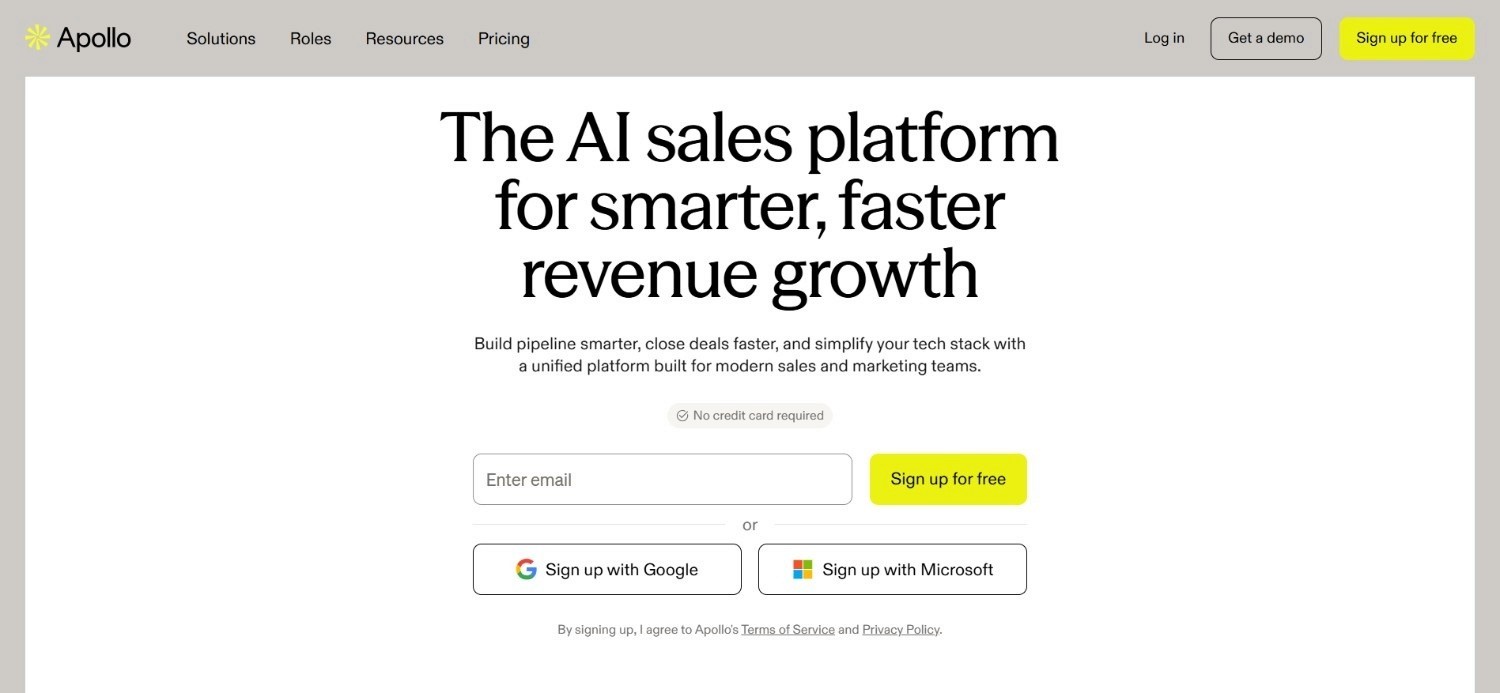
Apollo.io is one of the most widely used Lusha Chrome extension alternative options, largely thanks to its scale.
The database covers more than 275 million contacts, and its Chrome extension works much like Lusha's: land on a profile or company page, click the icon, and reveal a verified email or phone number without leaving the browser.
Where Apollo really pulls ahead of a pure lookup tool is what happens after the reveal.
Contacts found through the extension can be added directly to email sequences inside the same platform, so a rep does not need a second tool to start outreach.
Ideal For
Budget-conscious teams that want data and outreach in one low-cost tool
Individual reps who prefer a self-serve sign-up over a demo-led sales process
Teams that prioritise a large contact database over pinpoint enrichment accuracy
Top Features
A 275M+ contact database searchable by firmographic and job-title filters
Chrome extension for one-click contact reveal directly from a profile or company page
Built-in email sequencing and a dialer alongside the core search functionality
AI-written email copy and job-change alerts to flag timely outreach moments
Why It's a Strong Lusha Chrome Extension Alternative
Apollo's biggest advantage is accessibility. A large database, a genuine free plan, and low-cost tiers make Apollo approachable for teams moving from a simple lookup extension into a platform with outreach built in.
Its scale also means most searches return at least some usable results, which matters for teams working across a broad range of industries and company sizes.
Pros
Large, self-serve contact database with a genuinely usable free plan
Sequencing and a dialer built into the same platform as the contact search
Low barrier to entry with no lengthy sales cycle required to get started
Cons
Data accuracy can dip for smaller companies or less common industries
The sheer volume of features can feel overwhelming for a team that only wants a simple lookup tool
Advanced filtering and higher credit allowances sit behind the pricier tiers
Pricing
Apollo offers a free plan alongside three paid tiers billed annually: Basic at $49 per seat per month, Professional at $79 per seat per month (its most popular tier), and Organization at $119 per seat per month.
Extra credits, advanced email domains, and additional integrations are priced separately, so the final monthly cost depends on plan configuration.
Final Verdict
Apollo.io suits teams that want a Chrome extension for contact reveal plus a built-in way to start outreach immediately, all at a genuinely affordable price.
It is not the deepest enrichment tool on this list, but for teams where budget is the main deciding factor, it remains one of the smartest choices available today.
3. Snov.io
Overview
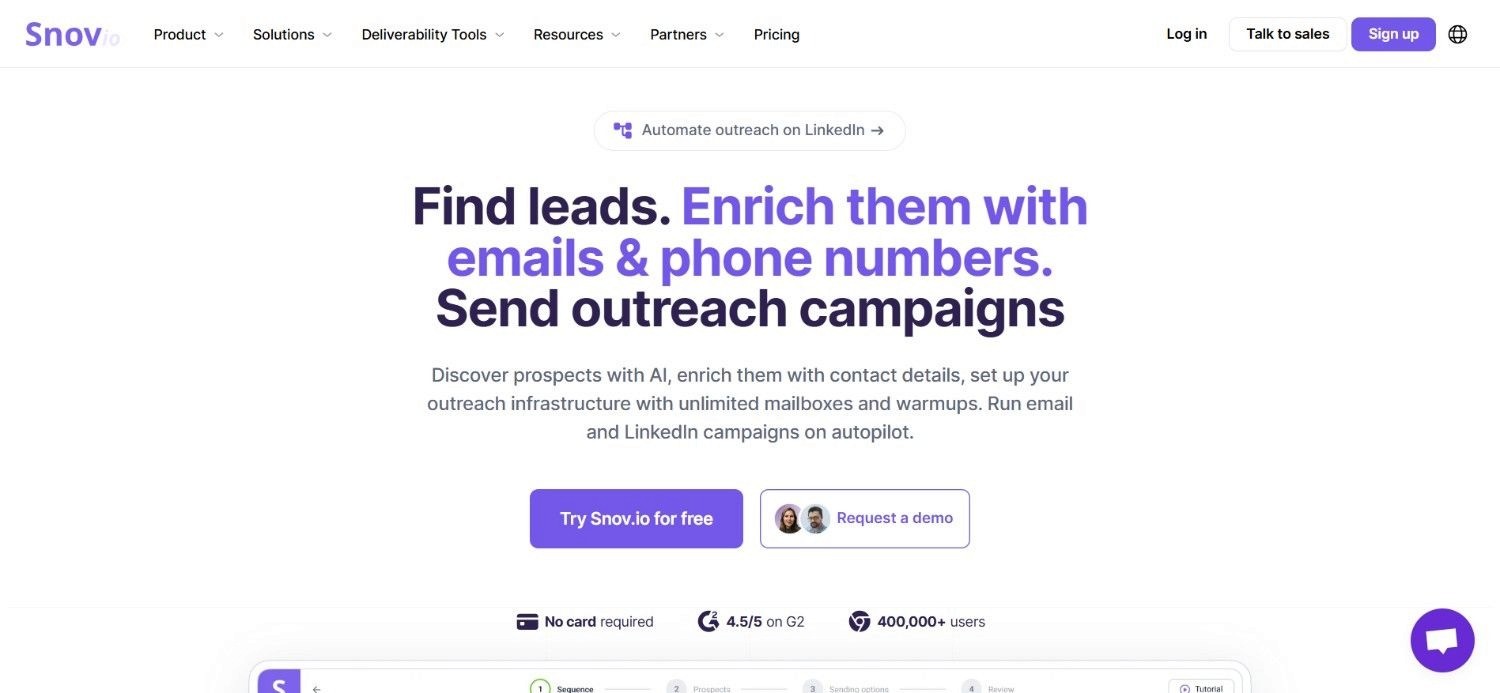
Snov.io's email finder extension works like Lusha's, scanning a website or profile to surface verified email addresses in one step.
It also supports bulk domain search, so a rep can pull every publicly associated email for a given company in one pass rather than working through people one at a time.
Built-in verification runs before an email ever reaches a CRM, cutting down on bounces.
Snov.io then extends past the extension itself with drip email campaigns, meaning a found contact can move into outreach inside the same account.
Ideal For
Cold email teams that want a finder, verifier, and sender bundled into one account
Small teams running high-volume domain searches rather than one-profile-at-a-time lookups
Budget-conscious users comfortable with a token-based pricing structure
Top Features
Email finder extension for company websites and professional profiles
Bulk domain search to pull multiple contacts from one company at once
Built-in email verifier to reduce bounce rates before sending
Drip campaign functionality, so outreach can start without exporting to another tool
Why It's a Strong Lusha Chrome Extension Alternative
Snov.io is one of the smarter choices for cost-conscious teams that want the finder-plus-outreach combination without committing to a higher-priced platform.
The token-based model gives teams more control over spend than a flat seat fee, since tokens can be bought as needed instead of locking into a recurring tier that may not match actual usage.
Pros
Flexible, pay-as-you-go token pricing rather than a fixed monthly seat fee
Bulk domain search saves time versus one-profile-at-a-time extensions
Verification and outreach sit inside the same account as the finder
Cons
Tokens expire after 90 days, which can waste unused credit for slower-moving teams
Data coverage is less extensive than larger databases like Apollo or Enginy
Advanced automation features require a higher-tier plan
Pricing
Snov.io uses a credit-based, token-package pricing model rather than a flat monthly seat fee. As an example, 10,000 tokens cost $200 as a one-off purchase, valid for 90 days.
Larger token packages are available for teams running higher search volumes, which keeps the total cost tied directly to how much prospecting a team actually does each month.
Final Verdict
Snov.io works best for lean, cost-conscious teams that want a finder, verifier, and basic sender bundled into one place, without a large monthly commitment attached to it.
It is not built for complex multichannel sequencing.
For straightforward email-first outreach on a tight budget it still covers the core essentials reliably well and keeps setup simple for most small teams.
4. Wiza
Overview
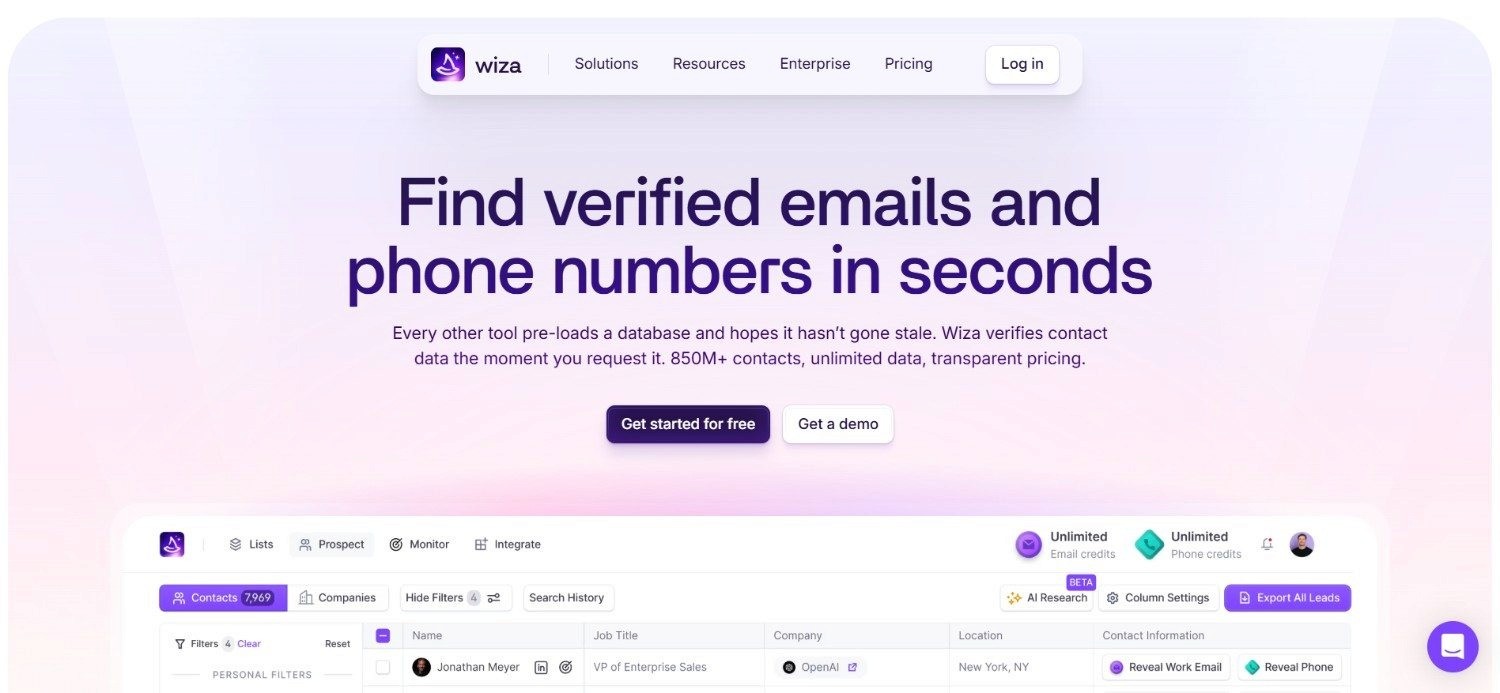
Wiza takes a slightly different approach to prospecting than a standard Lusha Chrome extension. Instead of revealing one contact at a time on a profile page, it is built around exporting entire search results into a clean, verified list in one pass.
That suits reps who already know their target list and just need the verified contact details behind it.
Every email from a Wiza export is verified before delivery, and the platform reports high validity rates on those exports.
Ideal For
Teams running account-based outreach against a pre-defined list of target companies
Reps who want to export an entire search result rather than click through profiles one by one
Recruiters and sales teams that prioritise verified email accuracy over broader firmographic data
Top Features
Bulk export of search results into a verified contact list in one action
Built-in email verification before export, reducing bounce rates
Simple, list-focused workflow with minimal setup required
Why It's a Strong Lusha Chrome Extension Alternative
Wiza is one of the strongest choices for teams that already know exactly who they want to reach and just need the verified contact details behind that list.
Its export-first workflow skips the profile-by-profile clicking a standard extension requires, saving real time once a target list reaches hundreds or thousands of contacts.
Pros
Fast, bulk export of entire search results rather than one profile at a time
High reported email validity rates thanks to built-in verification
Straightforward pricing structure with a usable free plan for smaller volumes
Cons
Narrower feature set than a full prospecting or outreach platform
Per-email and per-phone-number overage costs can add up for high-volume users
No built-in outreach functionality, so a separate sending tool is still required
Pricing
Wiza's free plan includes 20 valid emails and 5 phone numbers. Paid plans start at $49 per user per month for Starter, rising to $99 for Email and $199 for Email plus Phone.
Extra emails are priced at $0.15 each, and extra phone numbers cost $0.35 each, so overage adds up for high-volume users.
Final Verdict
Wiza suits teams with a clear, already-defined target list who want fast, verified bulk exports rather than a full prospecting platform built around list discovery.
It is not the right fit for teams that also want built-in outreach baked into the same tool, but as a pure list-conversion tool, it remains genuinely dependable.
5. Reply.io

Overview
Reply.io positions itself less as a contact-lookup extension and more as a full sales engagement platform, with prospecting built in around a sequencing-first workflow.
Where a standard Lusha Chrome extension stops at the contact reveal, Reply.io is designed to take that contact straight into a multichannel sequence spanning email and social outreach.
The platform's AI SDR feature, internally named Jason, adds a layer of automated conversation handling on top of the sequencing, which is a meaningful step beyond what a simple extension offers.
For teams that see outreach automation as the priority and contact discovery as a secondary need, that ordering makes sense.
Ideal For
Sales teams that prioritise sequence-building and automation over simple contact lookup
Teams already running structured, repeatable outbound processes across multiple channels
Organisations interested in AI-assisted reply handling on top of standard sequencing
Top Features
Multichannel sequences spanning email and social outreach in one workflow
Jason, an AI SDR feature that automates parts of reply handling and follow-up
Built-in contact search feeding directly into sequence creation
Analytics tracking conversion rates and engagement across campaigns
Why It's a Strong Lusha Chrome Extension Alternative
Reply.io is one of the smartest choices for teams where sequencing depth matters more than contact lookup, since prospecting is just one stage of a longer conversation.
Its AI SDR functionality goes further than most tools here, automating the outreach conversation itself rather than just the initial send.
Pros
Strong automation depth across multichannel sequences
AI SDR feature handles parts of reply management automatically
Analytics give clear visibility into what is converting and what is not
Cons
Pricing climbs quickly once a team needs the Multichannel or Jason tiers
Less focused on raw contact-database size compared to Apollo or Enginy
The feature set has a learning curve for teams new to sequence automation
Pricing
Reply.io's pricing starts at $179 per month for Email Volume, which includes unlimited users, and rises to $99 per user per month for the Multichannel plan.
Its Jason AI SDR feature costs $500 per month on top of that, though annual billing across all plans can save customers up to 17% overall.
Final Verdict
Reply.io fits teams that have already decided sequencing and automation are the priority, well ahead of the contact-lookup step itself in the buying decision.
It works best for teams comfortable treating contact discovery as one part of a bigger, automated workflow, rather than the main event the whole tool is built around.
6. Seamless.AI
Overview
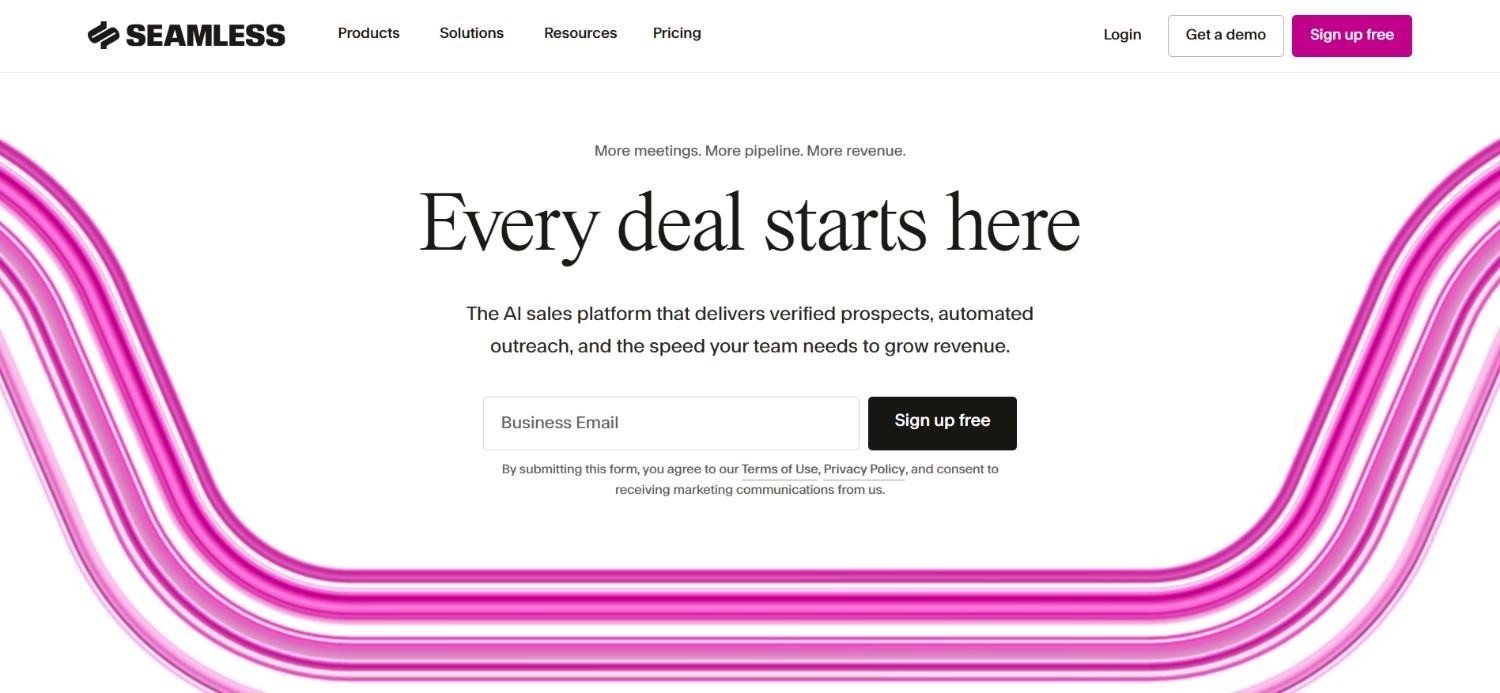
Seamless.AI markets itself as a real-time search engine for contact data. Its Chrome extension works like Lusha's, revealing an email or phone number straight from a profile in the browser.
The difference is in how the data is sourced, with Seamless.AI pulling from live searches rather than a static, pre-built database alone.
Their real-time approach can turn up contacts that a static database misses, particularly for smaller or newer companies.
The generous free credit allowance also makes it accessible for individual reps testing the tool before committing to a paid plan.
Ideal For
Individual reps and small teams wanting a generous free tier to test before paying
Teams prospecting smaller or newer companies that static databases often miss
Users who prioritise search volume and speed over guaranteed verification accuracy
Top Features
Real-time search engine pulling contact data live rather than from a static database alone
Chrome extension for on-page contact reveal, similar in style to Lusha's
Unlimited export options on paid plans
Enterprise features including dedicated customer success support
Why It's a Strong Lusha Chrome Extension Alternative
Seamless.AI is one of the more accessible options on this list, thanks to a free plan that includes a genuinely usable 50 credits for individual users to test before paying.
Its real-time search approach also gives Seamless.AI a genuine edge finding contacts at newer companies that have not yet been indexed by more static, pre-built databases.
Pros
Generous free plan with 50 credits for individual use
Real-time search can surface contacts that static databases miss
Unlimited exports available on paid tiers
Cons
Accuracy on real-time pulls can be inconsistent compared to verified databases
Pro and Enterprise pricing is custom, so exact costs are not published
Fewer built-in outreach features than a full sales engagement platform
Pricing
Seamless.AI offers a free plan with 50 credits for individual users, while Pro and Enterprise tiers move to fully custom pricing agreed directly with the sales team after a short call.
Paid plans include annual credit packages, unlimited exports, and enterprise features such as dedicated customer success support for larger accounts and teams.
Final Verdict
Seamless.AI is a solid pick for reps who want a genuinely free entry point into contact search, without a lengthy setup process standing in the way.
It suits teams comfortable with some variability in data accuracy, in exchange for the broader, real-time search coverage that a static database alone cannot offer.
7. Hunter.io
Overview
Hunter.io is one of the longest-standing names in email discovery, and its approach centres on domain-based search rather than one-profile-at-a-time lookups.
Type in a company's domain, and Hunter surfaces the email address pattern and known contacts associated with it, which is a different starting point than the Lusha Chrome extension's profile-first workflow.
The platform also includes a widely used email verifier, which checks deliverability before a message is sent.
For teams whose research process starts with a company website rather than a professional profile, that domain-first approach fits naturally into the workflow.
Ideal For
Teams whose prospecting process starts with a company domain rather than a profile
Cold email senders who want a dedicated, well-regarded verification tool
Smaller teams that want a clean, no-frills email discovery workflow
Top Features
Domain search returning email patterns and known contacts for a given company
Chrome extension for quick email discovery while browsing
Built-in email verifier checking deliverability before sending
Campaign tracking with open rates and recipient limits on connected sequences
Why It's a Strong Lusha Chrome Extension Alternative
Hunter.io is one of the cleanest options for teams whose workflow starts with domain-based research rather than a single profile page.
The platform's long track record and trusted verification engine make it dependable for cold email senders who care about deliverability above almost everything else.
Pros
Well-established verification engine trusted across the cold email space
Domain-first search suits teams researching companies before individuals
Straightforward, focused feature set with a low learning curve
Cons
Less suited to profile-first prospecting than a browser extension like Lusha's
Limited built-in outreach automation compared to full sales platforms
Higher credit allowances are locked behind the pricier tiers
Pricing
Hunter.io offers a free plan alongside Starter at $49 per month, Growth at $149 per month, and Scale at $299 per month, with a custom Enterprise tier above that.
Plans scale by monthly credits, connected email accounts, and enrichment features, and annual billing saves 30% compared with paying month to month.
Final Verdict
Hunter.io suits teams that think in terms of companies and domains first, individuals second, rather than starting every single search from an individual profile page.
It is a dependable, focused tool rather than a full sales platform, which is exactly what some teams are looking for when deliverability matters most of all.
8. Tomba

Overview
Tomba's email finder Chrome extension is free to install, with a set number of free monthly searches included, which lowers the barrier to entry compared to most tools on this list.
It scans company websites and professional profiles in a similar way to the Lusha Chrome extension, surfacing a verified email address on click.
Beyond the free tier, Tomba runs on a credit-based model split between finder and verification credits.
Pay-as-you-go purchasing is also available for teams that prefer not to subscribe.
Ideal For
Budget-conscious teams that want to trial an extension before any paid commitment
Users who prefer credit-based, pay-as-you-go pricing over a fixed monthly seat fee
Smaller teams running occasional, lower-volume email searches
Top Features
Free Chrome extension install with free monthly searches included
Credit-based finder and verification split, giving visibility into how credits are used
Pay-as-you-go purchasing alongside recurring plans
Why It's a Strong Lusha Chrome Extension Alternative
Tomba is one of the more accessible tools on this list because the extension itself costs nothing to install and try before spending anything at all.
That makes it a sensible, low-risk starting point for teams still deciding whether a paid, higher-volume tool is genuinely worth the investment for their current search volume.
Pros
Free to install, with free monthly searches before any payment is required
Split finder and verification credits offer clearer visibility into usage
Pay-as-you-go option avoids locking a team into a recurring subscription
Cons
Verification credits can be used up faster than expected on larger searches
Data coverage is narrower than larger, more established databases
No built-in outreach or sequencing functionality
Pricing
Tomba's Chrome extension is free to install, with free monthly searches included before any credits are needed.
Paid plans are credit-based, with 10,000 total credits, split evenly between finder and verification credits, costing around $89 per month.
Annual billing includes three months free, and pay-as-you-go credits are also available for teams that prefer not to commit to a recurring plan.
Final Verdict
Tomba is a sensible, low-commitment starting point for teams still evaluating whether they need a paid prospecting tool at all this early on.
That makes it worth trying first, thanks to a genuinely free extension install with no payment details required upfront before testing it properly against real searches.
9. SMARTe
Overview
SMARTe's core differentiator is global data coverage, which matters for teams prospecting well beyond North America and Western Europe, where the Lusha Chrome extension and several competitors run thin.
Its extension works on professional profiles much like Lusha's, but the underlying database is built with international reach as a priority.
Pricing is structured around pay-per-credit rates that fall as usage grows, which rewards teams running higher search volumes rather than penalising them.
That structure also means SMARTe can work for both a small team testing the waters and a larger enterprise account running heavy volume.
Ideal For
Teams expanding prospecting into international markets beyond North America and Europe
Larger organisations running high enough volume to benefit from falling per-credit costs
Users who want a browser extension experience similar to Lusha's, with broader geographic reach
Top Features
Global contact database with stronger international coverage than most competitors
Chrome extension for on-page lookup from professional profiles
Volume-based, pay-per-credit pricing that falls as usage increases
Enterprise tier with no license fees, structured around actual credit consumption
Why It's a Strong Lusha Chrome Extension Alternative
SMARTe is one of the smartest choices for teams growing into markets beyond North America and Western Europe, where most competitors are not built to compete.
The falling per-credit cost structure also makes it one of the more scalable pricing models on this list, rewarding teams that search at higher and higher volumes over time.
Pros
Stronger international data coverage than most comparable tools
Per-credit costs fall as usage grows, rewarding higher-volume teams
Enterprise tier avoids flat license fees in favour of usage-based pricing
Cons
The entry-level Pro plan is comparatively data-light for the price
Free plan's 10 monthly credits are limited for anything beyond light testing
Enterprise pricing starting at $15,000 puts it out of reach for smaller teams
Pricing
SMARTe's free plan includes 10 monthly credits, and the Pro plan starts at $25 per month for teams that want more room to test beyond that free allowance.
Enterprise pricing begins at $15,000, with volume-based, pay-per-credit rates, no license fees, and per-credit costs that fall further and further as overall usage grows.
Final Verdict
SMARTe is worth serious consideration for any team whose expansion plans reach beyond the markets most Lusha alternatives are actually built around today.
Its genuinely global data depth is the deciding factor for teams that need reliable coverage well outside North America and Western Europe, not just within them.
10. ContactOut
Overview
ContactOut takes a broader approach to contact discovery than a standard Lusha Chrome extension, crawling the wider web to find personal and work email addresses even when they are not listed directly on a profile.
That gives it a noticeably higher hit rate on hard-to-reach prospects, which is a common frustration with tools that only pull data already visible on the page itself.
The extension works across professional profiles and developer platforms, making it a popular choice among recruiters as well as sales teams.
Triple verification is applied before a contact is surfaced, which helps keep deliverability rates high despite the wider search net.
Ideal For
Recruiters and sales teams who need personal, not just work, email addresses
Teams targeting hard-to-reach prospects that standard on-page lookups often miss
Users who want triple-verified contact accuracy alongside broader search reach
Top Features
Web-wide search that finds contact details even when absent from the profile itself
Bulk reveal and save functionality for multiple profiles at once
Triple verification process for data accuracy and compliance
CRM and ATS integrations, including Salesforce and HubSpot
Why It's a Strong Lusha Chrome Extension Alternative
ContactOut's AI-powered search sets it apart by looking past the profile page itself, which gives it a genuine edge on hard-to-reach contacts that a page-only lookup tool would simply miss.
Combined with triple verification, that makes ContactOut one of the more accurate options here for hard-to-reach cases other tools tend to miss.
Pros
Higher hit rate on hard-to-reach prospects thanks to web-wide search
Triple verification process supports strong data accuracy
Popular and well-tested among both recruiters and sales teams
Cons
Team and API pricing is fully custom, making upfront budgeting harder
Less focused on outreach automation than a full sales engagement platform
Free plan reveals are limited compared to paid tiers
Pricing
ContactOut offers a free plan alongside Email at $49 per month, which includes unlimited email reveals, and Email plus Phone at $99 per month for unlimited phone reveals too.
Team and API pricing is fully custom, adding broader data coverage, bulk licensing, and dedicated support for larger accounts.
Final Verdict
ContactOut is a strong pick for hard-to-find contacts, whether recruiters chasing passive candidates or reps chasing decision-makers directly.
It is a smart addition when an email is not published anywhere obvious and other tools have already come up empty.
Why Enginy Works Across Multiple Use Cases
1. Enginy for Growing SDR Teams
A growing SDR team usually hits the same wall: manual prospecting eats hours that should go toward calls and demos.
Our platform removes that bottleneck by building enriched, verified lists automatically against a defined ICP, so reps spend their day in conversations rather than copying data between browser tabs and a CRM.
2. Enginy for RevOps and GTM Engineering
RevOps teams juggling CRM hygiene, list building, and outreach automation across multiple point solutions get a single connected workflow instead.
Our contact data enrichment runs the same cleaning logic before and after every enrichment pass, which keeps CRM data usable rather than duplicated and stale.
3. Enginy for Founders and Lean Teams
A founder running sales alongside everything else does not have time to learn a complex operations stack.
Enginy is built so any team member can operate it directly, without needing a dedicated GTM engineer to configure filters, sequences, or CRM syncs before the first list goes out.
4. Enginy for Agencies Running Multi-Client Prospecting
Agencies managing outbound for several clients at once need repeatable process more than raw contact volume.
Enginy's naming conventions and folder-based list organisation keep each client's prospecting separate and auditable, even when multiple campaigns run in parallel.
5. Enginy for Teams Expanding into New Markets
Entering a new region usually means building a target list from scratch with no existing relationships to lean on.
Waterfall enrichment across 30+ sources means a new-market list gets the same data depth as an established one, so multichannel outreach can start immediately rather than waiting on manual research.
What Makes a Good Lusha Chrome Extension Alternative?
A genuine Lusha Chrome extension alternative needs to clear a few bars before it earns a switch:
1. Verified Data, Not Just Reach
A large database is only useful if the emails inside it actually land. The strongest alternatives run verification before a contact reaches a CRM, not after a bounce report comes back.
2. A Path From Contact to Conversation
Finding an email is half the job. A genuine step up from a simple extension gives a rep a way to move that contact into outreach without exporting to a second tool.
3. Coverage That Matches Where a Team Actually Sells
Data coverage that thins out past North America and Western Europe is a real limitation for any team expanding internationally.
Global reach should match a team's actual target markets, not just its home market.
4. Pricing That Scales With Actual Usage
A tool that charges the same flat fee whether a team runs ten searches or ten thousand rarely fits well for long.
Credit-based or volume-based pricing tends to age better as a team's outbound motion grows.
5. A Setup That Does Not Require a Dedicated Specialist
Some platforms need a GTM engineer just to configure filters and sequences.
The best alternatives are built so a sales rep or founder can run the whole workflow without that extra hire.
How to Choose the Right Lusha Chrome Extension Alternative for Your Needs
Switching away from Lusha is the easy part. Picking the right replacement is harder, since most product pages promise the same things.
These 7 factors cut through that and help match a tool to how a team actually prospects:
1. Work Out What "Alternative" Actually Means for the Team
Some teams searching for a Lusha Chrome extension alternative just want a cheaper or more accurate lookup tool.
Others are really looking for a way to stop the manual handoff between finding a contact and sending a message.
Getting clear on which problem is being solved narrows the list quickly.
2. Check Data Coverage Against Actual Target Markets
Pull a sample list from the regions and industries a team actually sells into, and test each shortlisted tool against it before committing.
Coverage gaps only show up once a real search is run, not from a features page.
3. Factor in Verification, Not Just Discovery
A tool that finds an email but does not verify it can quietly damage sender reputation through bounces.
Confirm whether verification happens automatically or requires a separate step and a separate cost.
4. Decide How Much Outreach Automation Actually Matters
A standalone extension like Lusha's stops at the contact reveal.
If a team wants contacts to move straight into a sequence, that needs to be a deciding factor from the start.
That decision should not be treated as an afterthought once the tool is already in place.
5. Model the Real Cost at Actual Search Volume
Credit-based pricing can look cheap at low volume and expensive at scale, or the other way round.
Estimate a realistic monthly search volume before comparing prices, rather than comparing entry-tier costs alone.
6. Test the Chrome Extension Against Real Profile Layouts
Extensions can behave inconsistently across different profile and company page layouts, and a Lusha extension not working correctly on certain pages is a known frustration among current users.
Run a short trial against a representative sample of the profiles a team actually prospects before rolling a new tool out fully.
7. Confirm Onboarding and Support Match Team Size
A five-person team and a fifty-person team need very different onboarding.
Check whether structured onboarding sessions are included, or whether the expectation is a self-serve setup with limited support.
Everything You Need to Know About Lusha Chrome Extension Alternatives
Category | Key Considerations |
Top 3 Alternatives | Enginy, Apollo.io, Hunter.io |
Best Overall Option | Enginy, for combining prospecting, enrichment, and outreach in one workflow |
Why Look for a Lusha Chrome Extension Alternative? | Thin data coverage outside core markets, rising credit costs at scale, and no built-in outreach after the contact reveal |
How to Choose? | Match data coverage to real target markets, confirm verification is automatic, and decide how much outreach automation matters |
Price Range | From free plans and sub-$50 monthly tiers up to custom enterprise pricing above $15,000 per year |
Ease of Switching | Most tools offer a free plan or trial, making a side-by-side test against real prospect lists straightforward |
Must-Have Features | Verified email discovery, transparent credit usage, and a clear path from contact to outreach |
Mistakes You Shouldn't Make | Comparing entry-tier prices without modelling real search volume, or picking a tool before testing it against actual target-market data |
Ready to Move On from Lusha? Try Enginy
Enginy pairs verified, waterfall-enriched contact data with multichannel outreach in one workflow, something no other tool on this list fully replicates in a single platform.
We built it for teams that are done copying an email address out of a browser extension and into a separate outreach tool by hand. If a growing SDR team, a lean founder-led sales motion, or an agency running multi-client outbound sounds familiar, we're built for exactly that kind of workflow.
Book a demo and see what a connected prospecting and outreach process actually looks like once the manual handoffs are gone.
FAQs About Lusha Chrome Extension Alternatives
What is Lusha used for?
Lusha is used to find verified email addresses and phone numbers for B2B contacts directly from a browser, usually while viewing a professional profile or company website. Reps install the Chrome extension, click it on a relevant page, and get verified details in seconds. It also offers a searchable database and intent signals on higher plans, best suited to reps needing fast, occasional lookups.
What are the best Lusha Chrome extension alternatives in 2026?
The best Lusha Chrome extension alternative in 2026 is Enginy, which pairs prospecting, verified enrichment, and multichannel outreach in one connected workflow. Rather than a single-purpose lookup extension, it builds full prospect lists against a defined ICP and routes verified contacts straight into outreach. That combination makes it the strongest replacement for teams outgrowing a browser-only tool.
What features should I look for in a Lusha Chrome extension alternative?
The features worth prioritising in a Lusha Chrome extension alternative are automatic email verification, data coverage matching actual target markets, and a clear path from contact discovery into outreach. Credit-based pricing scales better than a flat seat fee as volume grows. CRM integration matters too, since manual exporting defeats the purpose of switching tools.
How do I choose the best Lusha Chrome extension alternative for my needs?
Choosing the best Lusha Chrome extension alternative starts with testing a shortlist against real target-market prospects, not just comparing feature lists. Confirm whether verification happens automatically and estimate realistic monthly search volume before comparing pricing. Decide early whether outreach automation matters, since that separates a simple extension from a full platform like Enginy.
Is it easy to switch from Lusha to an alternative?
Switching from Lusha to an alternative is generally straightforward, since most competitors offer a free plan or trial for direct comparison before committing. Existing CRM data can typically be exported and re-enriched through a new tool's verification process. The main adjustment is workflow, especially moving from a simple extension to a full platform with sequencing built in.
Is Apollo.io better than Lusha?
Apollo.io is better than Lusha for teams that want built-in outreach alongside contact discovery, since it combines a 275M+ contact database with email sequencing and a dialer in one platform. Lusha remains the stronger pick for reps who just want the fastest single-contact lookup with minimal setup. The better fit depends on whether automation or simplicity matters more.
What is the main difference between Apollo.io and Lusha?
The main difference between Apollo.io and Lusha is scope: Apollo combines a large contact database with built-in email sequencing and a dialer, while Lusha focuses on fast, verified contact reveal through its Chrome extension. Apollo's database also covers more than 275 million contacts, giving broader reach across industries. Teams usually decide based on whether they need outreach built in or just a lookup tool.
Why is my Lusha extension not working?
A Lusha extension not working correctly is usually caused by a profile or page layout the extension has not been updated to read, often after a platform redesign. Browser permission settings, an outdated version, or a data provider outage can also cause a reveal to fail. Clearing the cache and reinstalling the extension resolves most cases; persistent failures suggest a broader compatibility issue.
Does Lusha have a Chrome extension for social media prospecting?
Chrome offers a Lusha extension for social media prospecting that works like its standard Chrome extension, revealing verified contact details while browsing a profile. Like most Lusha social media extension tools, it depends on the page rendering consistently, a common source of lookup failures. Platforms have also tightened policies around third-party data extraction, adding uncertainty to how reliably these extensions keep working.