Best Email Finder Chrome Extensions in 2026 (Top Tools Compared)

Andrea López
Share
Key Takeaways (TL;DR)
The Best Overall Email Finder Chrome Extension: Enginy pairs prospect discovery with real-time, multi-source email data enrichment, so you are not just finding an address, you are building a verified, ready-to-contact list from inside the browser.
Why Do You Need It?: Manually hunting for a prospect's email on social media or a company website wastes hours that should go toward actual selling, and guessed addresses damage domain reputation.
Who It's For?: Sales development reps, recruiters, founders and marketers who need accurate contact details for people they have already identified, without leaving their workflow.
How to Choose the Right One?: Weigh data accuracy and coverage, how the tool fits your existing CRM and outreach stack, and whether pricing scales sensibly as your prospecting volume grows.
Expected Price: Our own plans at Enginy are credit-based and quoted after a short qualification call, since usage varies so much by team size and data needs. Across the wider market, an email finder Chrome extension can cost anywhere from free (for limited monthly searches) to several hundred dollars a month for high-volume, phone-inclusive plans, with enterprise data providers charging into the tens of thousands per year.
Table of Contents
What Is an Email Finder Chrome Extension?
Why Do You Need an Email Finder Chrome Extension?
Who Needs an Email Finder Chrome Extension?
Best Email Finder Chrome Extensions: In-Depth Review & Comparison
How to Choose the Best Email Finder Chrome Extension
Everything You Need to Know About Email Finder Chrome Extensions
Find Prospects Faster with Enginy
FAQs About Email Finder Chrome Extensions
Top Email Finder Chrome Extensions in 2026: at a Glance
Tool | Best For | Key Features | Pricing |
Enginy | Teams that want prospecting, enrichment and outreach in one place | Chrome extension enrichment, waterfall data sourcing, multi-channel sequencing | Credit-based, custom-quoted |
Apollo.io | Self-serve teams wanting a large contact database | Chrome extension, sequences, built-in dialer | Free plan; paid from $49/seat/month |
Snov.io | Budget-conscious teams needing a simple email extractor Chrome extension | Bulk domain search, email verifier, drip campaigns | Token-based, from $200 per 10,000 credits |
Wiza | Social media-heavy prospecting workflows | List building from search results, CSV export, email and phone lookup | Free plan; paid from $49/user/month |
Lusha | Fast lookups on individual profiles | One-click contact reveal, buying intent data, CRM sync | Free plan; paid from $32.45/month |
ZoomInfo | Large enterprises needing deep firmographic data | Extensive contact database, intent signals, org charts | Custom, from around $15,000/year |
Hunter.io | Domain-wide email pattern searches | Domain search, email verifier, campaigns | Free plan; paid from $49/month |
Tomba | Teams wanting a free email finder Chrome extension with paid scale-up | Finder and verifier credits, bulk search, API access | Free tier; paid from $89/month |
SMARTe | Global, multi-region contact coverage | Verified emails and mobile numbers, CRM integrations, bulk enrichment | Free plan; paid from $25/month |
ContactOut | Recruiters and sales teams sourcing passive candidates | Personal and work email reveal, phone lookup, resume search | Free plan; paid from $49/month |
What Is an Email Finder Chrome Extension?
An email finder Chrome extension is a browser add-on that sits on top of social media platforms, X, or a company's own website; it pulls out verified contact details, most often a professional email address, while you browse.
Instead of switching tabs to a separate database, you click the extension icon on a profile or page and it returns a matched, and usually verified, email address in seconds.
Most tools in this category also double as a broader email extractor Chrome extension: scanning an entire page or domain for every address it can find.
Several extend into phone number lookups too, effectively working as a phone number extractor Chrome extension for teams that call as well as email.
The category sits inside the wider sales intelligence market, alongside standalone databases and outbound platforms. What sets it apart: it works inline, right where you are already prospecting.
Why Do You Need an Email Finder Chrome Extension?
Finding a decision-maker's email manually usually means relying on one of a few unreliable methods:
Guessing a common email format and hoping it lands
Checking a company's "About" page for a generic contact address
Asking a colleague or connection for an introduction
None of those methods scale. An email finder Chrome extension solves this by matching a name and company to a verified address in the moment you find the right person, cutting research time from minutes to seconds per contact.
The bigger cost of manual lookups is not just time. Unverified or guessed addresses bounce, and a high bounce rate damages sender reputation across your whole domain, which then hurts every other campaign you run.
Sales teams that rely on outdated spreadsheets or one-off web searches also end up duplicating outreach or missing the right contact entirely, because the underlying data goes stale within months.
A properly sourced, current email address is the difference between a message that lands and one that never gets seen.
Who Needs an Email Finder Chrome Extension?
Different roles rely on this category for different reasons, but they all come back to the same underlying need for fast, verified contact data:
1. Sales Development Reps and SDRs
SDRs building daily prospecting lists need to move from a target account to a verified contact without breaking their flow.
A browser-based email finder Chrome extension lets them qualify and capture contacts directly from a company's site or a social profile, rather than exporting to a separate tool first.
2. RevOps and GTM Engineers
This persona owns data quality across the CRM and typically manages several point tools at once.
They need an email extractor Chrome extension that plugs cleanly into existing enrichment workflows and exports data in a format the CRM can ingest without manual clean-up.
3. Founders and Small Sales Teams
Early-stage founders and small teams are often doing their own prospecting alongside everything else, so a free email finder Chrome extension with a workable monthly limit matters more here than a large enterprise contract.
4. Recruiters and Talent Sourcers
Recruiters use the same underlying technology to reach passive candidates rather than buyers, so tools that reveal both personal and work emails, and ideally a phone number too, serve this audience particularly well.
5. Marketing and Growth Teams
Marketers building lists for account-based campaigns or event follow-up need bulk extraction across a domain or event attendee page, which is where a full email extractor Chrome extension with domain search earns its place.
Best Email Finder Chrome Extensions: In-Depth Review & Comparison
1. Enginy

Overview
Enginy is an AI-native, end-to-end GTM platform, and its browser extension is built to work the same way: find a prospect anywhere online, then enrich and route that contact straight into an active campaign.
As you browse a company site or a profile, the extension pulls verified professional emails and direct phone numbers through a waterfall process that checks multiple data sources in real time, rather than relying on a single database.
What sets it apart as an email finder Chrome extension is what happens after the lookup. Enginy applies pre- and post-enrichment data cleaning automatically, so invalid emails are filtered out before they ever reach a campaign or a CRM.
For teams already managing social prospecting alongside cold email, that means one extension covers both channels instead of two separate tools.
Ideal For
SaaS and agency sales teams running outbound across email and social channels together
RevOps teams that want enrichment and CRM sync handled in one workflow
Founders who need a working prospecting tool without hiring a dedicated GTM engineer
Recruitment and staffing teams building lists for high-volume outreach
Top Features
Real-time enrichment from 30+ data sources through waterfall logic, improving match rates over a single-provider lookup
Automatic pre- and post-enrichment data cleaning, so bounced or invalid contacts do not reach your sequences
Direct routing from the extension into multi-channel campaigns, rather than a separate export step
Native CRM sync with HubSpot, Salesforce, Pipedrive, Zoho, Microsoft Dynamics 365 and Attio
Why We Stand Out
Most email finder Chrome extension tools stop at the lookup.
We built Enginy as an end-to-end GTM platform, so the same extension that finds a verified email also feeds it into an active outreach sequence, complete with email data enrichment for phone numbers and firmographic detail.
For teams already coordinating outbound and social prospecting side by side, that removes a step most competitors still require: manually exporting a CSV between tools.
Pros
One extension covers email finding, verification and enrichment together
Automated data cleaning reduces bounce rates before contacts reach a campaign
Direct CRM sync removes manual import steps
Multi-channel routing means a single lookup can launch email, social and call tasks
Cons
Pricing is not published, so buyers need a call before seeing exact costs
The full platform has more depth than teams that only want a basic lookup tool
Best suited to teams already running structured outbound, rather than occasional one-off searches
Pricing
Enginy does not publish pricing, since usage varies significantly by team size, seat count and whether phone data is included.
Instead, plans are quoted after a short qualification call, based on the credits, contacts and identities a team actually needs.
This credit-based approach means a business only pays for the enrichment actions it uses, rather than a flat licence fee regardless of volume.
Final Verdict
For sales, agency and recruitment teams who want a single tool that finds a verified email, cleans the data automatically and pushes it straight into outreach, Enginy is built for exactly that workflow.
It suits teams who have outgrown a basic lookup extension and want their prospecting and campaign tools working from the same data.
2. Apollo.io
Overview
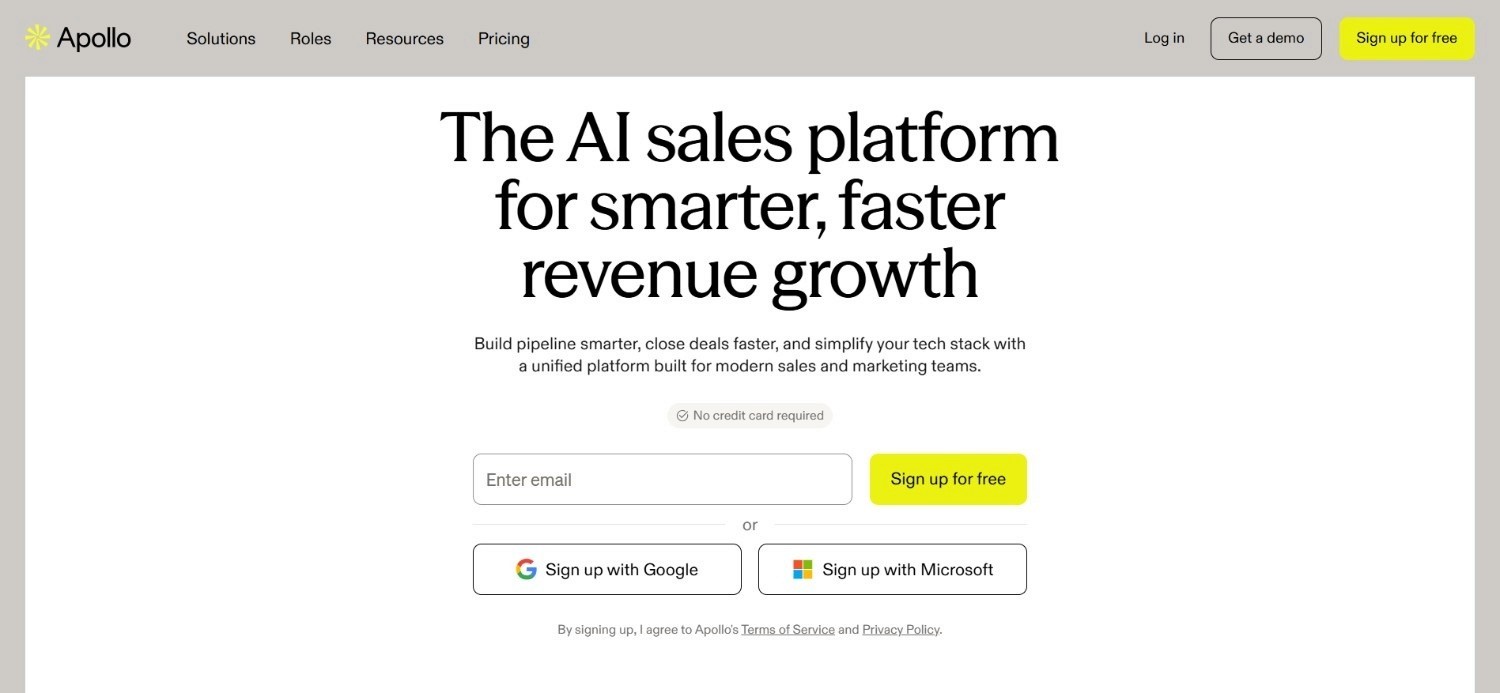
Apollo.io's Chrome extension pulls contact details, including work emails and phone numbers, from social media profiles and company pages, matching them against its own database of hundreds of millions of contacts.
As an email finder Chrome extension, it is one of the more widely used options among self-serve sales teams, largely because it pairs the extension with a full outreach and dialer suite inside the same account.
Beyond single-profile lookups, the extension supports bulk actions on search result pages, letting a rep pull a full list of prospects in one pass rather than clicking through each profile individually.
This makes it a practical email extractor Chrome extension for reps building lists directly from a saved social media search, without needing a separate scraping tool.
Ideal For
Self-serve SDR teams wanting a large, searchable contact database
Reps who already use Apollo's sequences and dialer for outreach
Teams comfortable managing their own data hygiene after enrichment
Small businesses wanting one platform for both finding and contacting prospects
Top Features
Bulk email and phone extraction from social media search result pages
Built-in email verification before export
Direct sync into Apollo sequences for immediate outreach
Chrome extension works across social media, Salesforce and company websites
Why They Stand Out
Apollo.io's scale is its biggest advantage: a very large contact database combined with a genuinely free entry tier.
That makes it one of the more accessible starting points for teams testing whether a browser-based lookup tool fits their workflow, without an upfront contract.
Pros
Free plan makes it easy to trial before committing
Large contact database improves match rates on common industries
Extension and outreach platform live in one account
Bulk extraction from search pages saves time on list building
Cons
Data accuracy can vary more than smaller, verification-focused competitors
Advanced filtering and higher credit volumes require paid tiers
Some users report the extension slowing down heavier social media browsing sessions
Pricing
Apollo.io offers a free plan alongside paid tiers billed annually: Basic at $49 per seat per month, Professional at $79 (the most popular tier), and Organization at $119.
Add-ons such as extra credits, advanced email domains and additional integrations are priced separately from the core plan.
Final Verdict
Apollo.io works well for teams that want a large database and outreach tools bundled together at a reasonably accessible price point.
It is a strong option for growing SDR teams, though buyers focused purely on data precision may want to weigh it against smaller, verification-led alternatives.
3. Snov.io
Overview
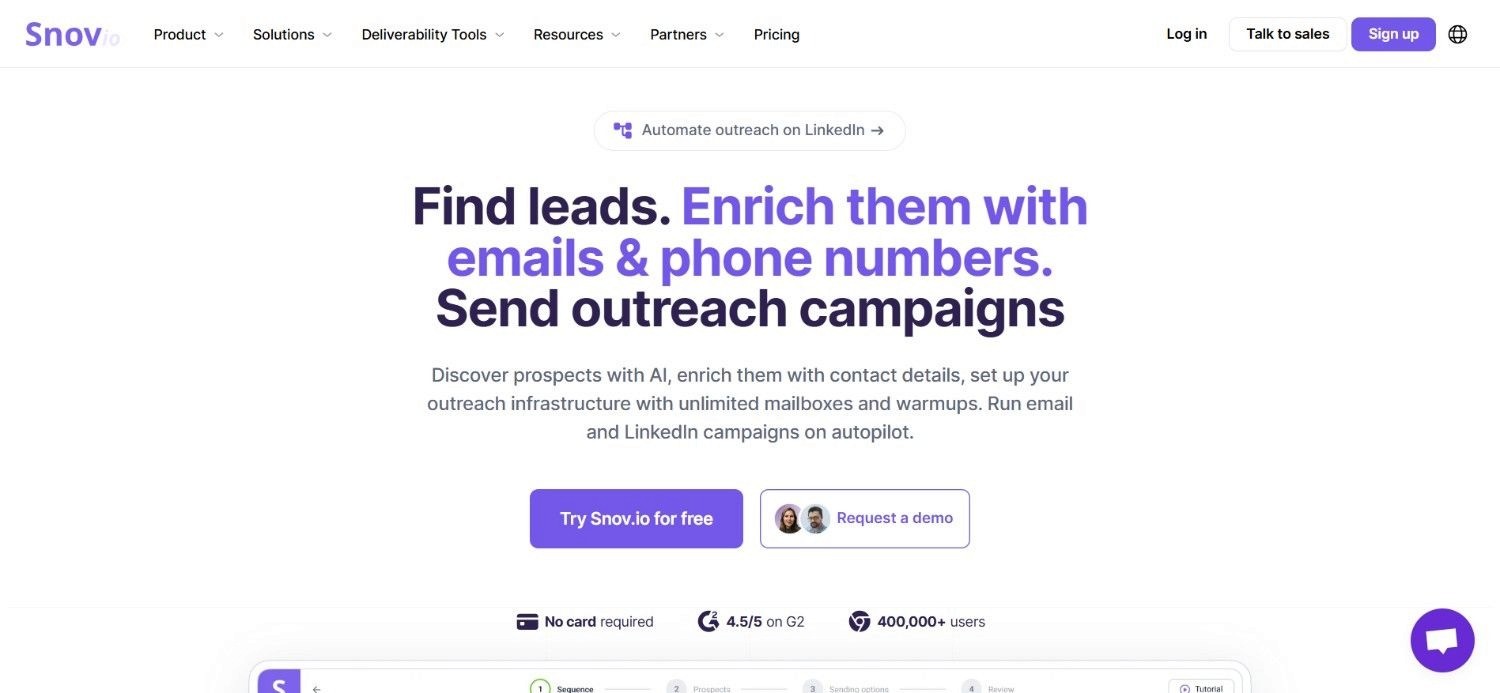
Snov.io's browser extension focuses on finding and verifying emails directly from social media, company websites and Google search results, making it a practical email finder Chrome extension for reps who prospect across several sources rather than one platform.
It can pull single contacts from a profile page or run a bulk domain search to surface every email pattern associated with a company.
The extension also acts as a straightforward email extractor Chrome extension for anyone building outreach lists from public web pages, since it does not require a social media profile to find a match.
Verification runs alongside extraction, flagging invalid or risky addresses before they are added to a list.
Ideal For
Growing sales teams on a tighter software budget
Marketers building lists from company websites rather than social profiles
Agencies needing bulk domain search across multiple client accounts
Teams that want extraction and verification bundled in one credit pool
Top Features
Bulk domain search returning every matched email pattern for a company
Built-in email verifier included in the same credit allowance
Drip campaign tool for follow-up sequences after extraction
Chrome extension works on social media, company sites and search results pages
Why They Stand Out
Snov.io's token-based pricing gives smaller teams a way to pay only for what they use, without a recurring seat-based subscription forcing costs up as headcount grows.
That flexibility appeals particularly to agencies managing prospecting for multiple clients under one account.
Pros
One-time token purchases avoid mandatory monthly commitments
Verification is included rather than sold as a separate add-on
Bulk domain search speeds up list building for company-wide outreach
Works across a wider set of sources than social media alone
Cons
Interface feels less polished than some higher-priced competitors
Token packages can work out costly at very high monthly volumes
Fewer advanced intent or firmographic filters than larger data providers
Pricing
Snov.io uses a credit-based model where businesses purchase token packages rather than paying a flat subscription.
As an example, 10,000 tokens cost around $200 as a one-time purchase valid for 90 days, with larger packages available for higher-volume teams.
Final Verdict
Snov.io suits budget-conscious teams and agencies that want extraction and verification together without a rigid monthly seat cost.
It is a reasonable fit for steady, moderate-volume prospecting, though very high-volume teams may find token costs add up faster than a flat-rate plan.
4. Wiza
Overview
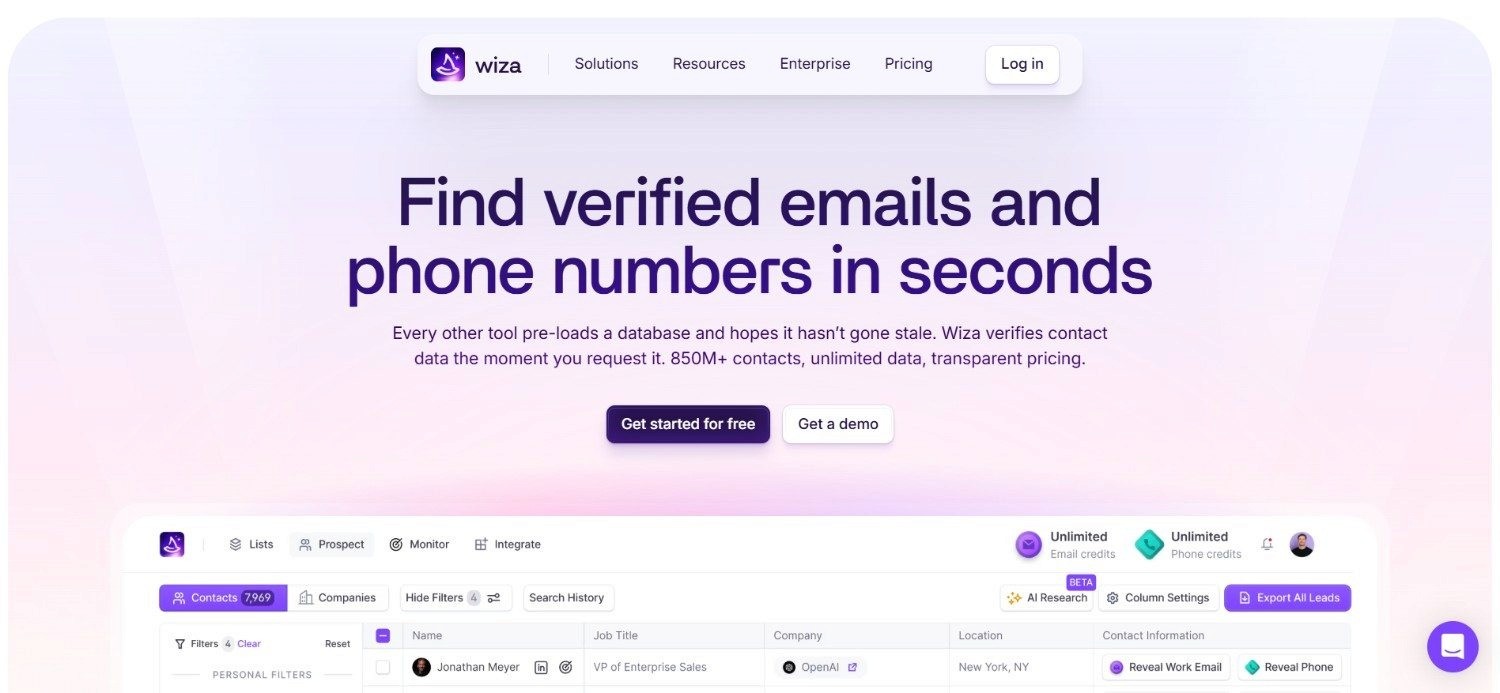
Wiza built its Chrome extension specifically around social media, letting users export a full list of emails and phone numbers directly from a social media search results page or saved prospect list.
As an email finder Chrome extension, it is particularly suited to reps whose entire prospecting workflow already runs through social media search filters.
Rather than looking up one profile at a time, Wiza's extension processes an entire search page in a single export, returning a CSV of verified contacts ready for a CRM or outreach tool.
This bulk-first approach makes it function like a dedicated email extractor Chrome extension for anyone building lists at volume from saved searches.
Ideal For
SDRs who build lists primarily from social media prospecting tools
Recruiters exporting large candidate lists from search results
Teams wanting CSV exports ready for CRM import without extra formatting
Reps needing occasional phone numbers alongside email addresses
Top Features
Bulk export of verified emails and phone numbers from social media search pages
CSV download formatted for direct CRM import
List cleaning to remove duplicate or invalid contacts before export
Free plan for testing accuracy before upgrading
Why They Stand Out
Wiza's single-purpose focus on social media search exports means the extension does one job with minimal friction: turning a saved search into a usable contact list.
For teams whose prospecting already lives inside social media search tools, that focus removes several manual steps other tools still require.
Pros
Free plan includes a workable number of email and phone lookups
Bulk export from search pages saves significant manual clicking
CSV output is clean and ready for CRM import
Simple, low-learning-curve interface
Cons
Built almost entirely around social media, with limited use outside it
Extra phone number lookups are billed per contact on top of plans
Lacks the outreach or CRM automation features of fuller platforms
Pricing
Wiza offers a free plan with 20 valid emails and five phone numbers included.
Paid plans start at $49 per user per month for Starter, rising to $99 for Email and $199 for Email + Phone, with additional emails priced at $0.15 each and phone numbers at $0.35 each.
Final Verdict
Wiza is a strong, focused choice for teams whose prospecting is built entirely around social media search tools.
It is less useful for teams needing broader web-wide extraction or built-in outreach, where a more complete platform makes more sense.
5. Lusha
Overview
Lusha's Chrome extension is designed for speed: a single click on a social media or company profile reveals a verified email and phone number without leaving the page.
As an email finder Chrome extension, it prioritises quick, individual lookups over bulk list building, which suits reps who qualify prospects one at a time before reaching out.
Lusha also layers in buying intent signals alongside contact data, flagging when a company is actively researching relevant solutions.
That combination of a fast email extractor Chrome extension and lightweight intent data gives reps extra context before they even send a first message.
Ideal For
Reps who qualify and contact prospects one profile at a time
Teams wanting buying intent signals alongside contact details
Small to mid-sized sales teams on a moderate software budget
Anyone needing a quick, low-friction extension without heavy setup
Top Features
One-click email and phone reveal on social media and company pages
Buying intent data layered on top of contact information
Direct CRM sync to log contacts without manual export
Free plan for testing before committing to a paid tier
Why They Stand Out
Lusha's strength is how little friction sits between finding a prospect and getting their details.
The one-click reveal, paired with intent signals, means reps spend less time deciding who to prioritise and more time actually reaching out.
Pros
Fast, one-click lookups with minimal setup
Intent data adds useful context beyond a plain email address
Free plan covers light, occasional prospecting needs
Clean, straightforward interface
Cons
Less suited to bulk list building than search-page-based competitors
Higher-tier features like advanced intent data sit behind pricier plans
Custom Scale plan pricing is not published upfront
Pricing
Lusha offers a free plan, with paid tiers starting at $32.45 per month for Starter, $45.45 for Pro, and $259.95 for Premium.
The Scale plan uses custom pricing, and plans vary by credit volume, seat count, API access and access to buying intent data.
Final Verdict
Lusha fits sales teams who prospect profile by profile and want fast, accurate lookups without a steep learning curve.
Teams needing large-scale bulk extraction from search pages may find a list-first tool a better match.
6. ZoomInfo
Overview
ZoomInfo's Chrome extension connects to one of the largest B2B contact databases on the market, surfacing verified emails, direct phone numbers and detailed firmographic data directly from a company website or social media profile.
As an email finder Chrome extension, it is built with enterprise-scale accounts in mind, where data depth and org-chart mapping matter as much as the initial lookup.
The extension also supports intent signals and technographic data, so a rep can see not just an email address but whether that company shows buying signals worth acting on.
For teams already using ZoomInfo's core platform, the extension extends that same database into everyday browsing.
Ideal For
Enterprise sales teams needing deep firmographic and org-chart data
Account-based sales teams mapping multiple stakeholders per company
Teams already invested in ZoomInfo's core data platform
RevOps functions needing intent and technographic signals alongside contacts
Top Features
Access to an extensive, regularly refreshed B2B contact database
Org-chart mapping to identify multiple stakeholders at one account
Intent and technographic data layered onto contact records
Direct integration with major CRM platforms
Why They Stand Out
ZoomInfo's depth of data, particularly around firmographics and org structure, sets it apart for enterprise accounts.
Knowing the full buying committee matters as much as finding one email address.
Pros
Very large, frequently updated contact database
Strong firmographic and intent data beyond a basic email lookup
Org-chart features help map complex buying committees
Established integrations across major CRM platforms
Cons
Pricing sits well above most other tools in this category
Contracts typically require annual commitment
Can be more platform than smaller teams actually need
Pricing
ZoomInfo uses custom, seat- and credit-based pricing, with entry-level plans starting at roughly $15,000 per year.
That positions it firmly at the enterprise end of the market compared with most other tools on this list.
Final Verdict
ZoomInfo makes most sense for larger sales organisations that need deep account intelligence, not just a contact email.
Smaller teams or those testing a first prospecting tool are likely better served by a lower-cost option first.
7. Hunter.io

Overview
Hunter.io's extension is built around domain search: point it at a company website and it returns every email pattern and publicly associated address it can confirm, ranked by confidence score.
As an email finder Chrome extension, this domain-first approach makes it especially useful when you know the company you want to reach but not yet the specific person.
It also functions as a genuinely capable email extractor Chrome extension for scanning an entire page rather than a single profile, and its verifier checks deliverability before an address goes into a campaign.
Hunter pairs this with lightweight campaign tools, so a found list can move into outreach without switching software.
Ideal For
Reps who know the target company before they know the right contact
Marketers building lists from company domains rather than social profiles
Teams needing confidence-scored results to prioritise outreach
Small businesses wanting a lightweight, all-in-one email tool
Top Features
Domain search returning confidence-scored email patterns for a company
Built-in verifier checking deliverability before export
Lightweight campaign tool for sending directly from found lists
Free plan for occasional or low-volume searches
Why They Stand Out
Hunter's domain-first search flips the usual workflow: instead of finding a person then guessing their email, you start from the company and let confidence scoring guide which addresses are worth using.
That is particularly useful for account-based outreach where the company matters more than any one individual at first contact.
Pros
Confidence scores help prioritise which addresses to trust
Domain search works well for account-based prospecting
Free plan is genuinely usable for light, occasional needs
Annual billing offers a meaningful discount
Cons
Less suited to profile-by-profile social media prospecting
Campaign tools are lighter than dedicated outreach platforms
Higher plans needed for large monthly credit volumes
Pricing
Hunter.io offers a free plan alongside Starter at $49 per month, Growth at $149, Scale at $299, and a custom Enterprise tier.
Plans scale by monthly credits, connected email accounts and enrichment features, with roughly 30% savings available on annual billing.
Final Verdict
Hunter.io is a solid pick for teams that prospect by company domain first and want confidence-scored results before committing outreach effort.
It is less suited to reps who work almost entirely from social media profiles.
8. Tomba

Overview
Tomba's Chrome extension is free to install and comes with a set number of free monthly searches, making it one of the more accessible entry points into this category.
As an email finder Chrome extension, it covers both single-profile lookups and bulk domain search, with separate credit pools for finding and verifying addresses. For teams that want a genuinely usable free email finder Chrome extension before committing a budget, Tomba's free tier is a practical starting point.
API access is also available for teams that want to build lookups into their own tools once they outgrow manual use.
Ideal For
Teams wanting to trial an email finder before paying for one
Developers needing API access to build extraction into internal tools
Small businesses with modest, steady monthly search volume
Agencies wanting pay-as-you-go flexibility between client projects
Top Features
Free monthly search allowance on top of the free extension
Separate finder and verification credit pools for clearer usage tracking
API access for building lookups into custom workflows
Pay-as-you-go purchasing alongside standard monthly plans
Why They Stand Out
Tomba's genuinely free tier, combined with pay-as-you-go options, gives it more pricing flexibility than most competitors.
Most competitors tend to push users toward a fixed monthly plan much sooner.
Pros
Free extension with a real, usable monthly search allowance
API access suits teams wanting custom integrations
Pay-as-you-go option avoids a mandatory subscription
Annual billing includes three months free
Cons
Interface and support feel less mature than larger, established providers
Separate credit pools for finding and verifying can be confusing at first
Fewer CRM-native integrations than bigger competitors
Pricing
Tomba's extension is free to install, with free monthly searches included.
Paid usage is credit-based, currently priced at around $89 per month for 10,000 total credits, split between 5,000 finder credits and 5,000 verification credits.
Yearly billing includes three free months, and pay-as-you-go purchasing is also available.
Final Verdict
Tomba is a sensible starting point for smaller teams or developers who want to test an email finder Chrome extension without upfront cost.
There's room to scale through API access as needs grow.
9. SMARTe
Overview
SMARTe's extension focuses on global contact coverage, returning verified emails and mobile numbers across a wide range of regions where some competitors have thinner data.
As an email finder Chrome extension, it works well for teams selling into international markets rather than a single home region.
It also serves as a reliable phone number extractor Chrome extension, given its emphasis on verified mobile numbers alongside email, which matters for teams running call-heavy outbound alongside email sequences.
Bulk enrichment from lists is supported too, not just single-profile lookups.
Ideal For
Sales teams prospecting across multiple international regions
Teams running call-heavy outbound needing verified mobile numbers
RevOps functions bulk-enriching existing CRM lists
Businesses wanting a lower-cost entry into global contact data
Top Features
Verified emails and mobile numbers with strong global region coverage
Bulk enrichment of existing lists, not just single lookups
CRM integrations for direct import of enriched contacts
Free plan with a monthly credit allowance for light use
Why They Stand Out
SMARTe's international data coverage is its clearest advantage, particularly for teams expanding into markets where competitor databases tend to be weaker.
Combined with verified mobile numbers, it suits teams that call as much as they email.
Pros
Strong data coverage across international regions
Verified mobile numbers alongside email addresses
Enterprise plan drops licence fees in favour of pay-per-credit pricing
Free plan available for light, occasional use
Cons
Brand recognition is lower than some longer-established competitors
Free plan's 10 monthly credits suit only very light use
Interface has less polish than some higher-priced tools
Pricing
SMARTe offers a free plan with 10 monthly credits, a Pro plan starting at $25 per month, and an Enterprise plan from $15,000 with volume-based, pay-per-credit pricing.
Enterprise customers pay no licence fees, and per-credit costs fall as usage increases.
Final Verdict
SMARTe is worth a look for teams prospecting internationally or needing verified mobile numbers alongside email.
This especially applies where competitor coverage thins out beyond a home market.
10. ContactOut
Overview
ContactOut's Chrome extension was built with recruiters in mind as much as sales teams, revealing both personal and work email addresses from social media and other professional profiles.
As an email finder Chrome extension, that personal-email coverage is useful for reaching passive candidates or prospects who rarely check a generic work inbox.
It also functions as a capable phone number extractor Chrome extension, surfacing mobile numbers alongside email where available, and includes resume search for recruiters sourcing candidates rather than buyers.
Ideal For
Recruiters sourcing passive candidates who rarely check work email
Sales teams wanting both personal and work email options
Agencies running high-volume, unlimited-style outreach within a tier
Teams needing resume search alongside contact lookup
Top Features
Reveals both personal and work email addresses, not just one
Mobile number lookup alongside email where data is available
Resume search built for recruitment sourcing workflows
Unlimited email or phone reveals within the relevant paid tier
Why They Stand Out
ContactOut's dual focus on personal and work emails, combined with resume search, makes it a genuinely dual-purpose tool.
Sales and recruitment teams can both work from the same underlying browser extension.
Pros
Personal email coverage helps reach otherwise unresponsive prospects
Unlimited reveals within a tier suit high-volume sourcing
Resume search adds real value for recruitment use cases
Free plan available for lighter, occasional use
Cons
Team and API pricing is not published upfront
Recruitment-specific features add limited value for pure sales use
Bulk data coverage skews toward social media rather than the wider web
Pricing
ContactOut offers a free plan, while paid plans currently list Email at $49 per month and Email + Phone at $99 per month, including unlimited emails and phone numbers respectively.
Team and API pricing is custom, adding broader data coverage, bulk licensing, integrations, team management and dedicated account support.
Final Verdict
ContactOut suits recruiters and sales teams alike who need both personal and work contact details from the same lookup.
That's particularly useful where reaching passive candidates or hard-to-reach buyers is the priority.
How to Choose the Best Email Finder Chrome Extension (What To Consider)
Picking the right option comes down to a handful of factors worth weighing before you install anything:
1. Data Accuracy and Verification
An email address is only useful if it actually reaches an inbox.
Check whether a tool verifies addresses before returning them, or whether verification is a separate paid step, since this directly affects your bounce rate and domain reputation.
2. Coverage Beyond Social Media
Some tools work almost exclusively on social media, while others extend to company websites, event pages and search results.
If your prospecting sources vary, an email extractor Chrome extension that works across multiple page types will save switching tools mid-workflow.
3. What Happens After the Lookup
Consider whether the extension simply hands you an address or routes it into a CRM and outreach sequence automatically.
Tools built as part of a wider end-to-end GTM platform remove a manual export step that standalone lookup tools still require.
4. Phone Number Coverage
If your team calls as well as emails, check whether the tool doubles as a phone number extractor Chrome extension with verified mobile numbers, rather than requiring a second subscription for phone data alone.
5. Pricing Model Fit
Credit-based, seat-based and flat-fee models all suit different usage patterns.
A free email finder Chrome extension tier is worth testing first, but map your expected monthly volume against paid tiers before committing, since costs can scale unevenly between providers.
Everything You Need to Know About Email Finder Chrome Extensions
Tool | Pros | Cons | Ease of Use | Integrations | Support | Affordability | Data Accuracy |
Enginy | Enrichment + outreach in one, automated data cleaning, strong CRM sync | Custom pricing only, more depth than a basic lookup needs | ⭐⭐⭐⭐ | ⭐⭐⭐⭐⭐ | ⭐⭐⭐⭐ | ⭐⭐⭐⭐ | ⭐⭐⭐⭐⭐ |
Apollo.io | Large database, free plan, sequences included | Data quality varies, best filters need paid tiers | ⭐⭐⭐⭐ | ⭐⭐⭐⭐ | ⭐⭐⭐ | ⭐⭐⭐⭐ | ⭐⭐⭐ |
Snov.io | Verification included, token flexibility, bulk domain search | Less polished interface, costly at high volume | ⭐⭐⭐ | ⭐⭐⭐ | ⭐⭐⭐ | ⭐⭐⭐⭐ | ⭐⭐⭐ |
Wiza | Bulk social media export, clean CSVs, free plan | Social media-only focus, extra phone lookups add cost | ⭐⭐⭐⭐ | ⭐⭐⭐ | ⭐⭐⭐ | ⭐⭐⭐⭐ | ⭐⭐⭐⭐ |
Lusha | Fast one-click reveal, intent data, free plan | Less suited to bulk lists, custom Scale pricing | ⭐⭐⭐⭐⭐ | ⭐⭐⭐⭐ | ⭐⭐⭐ | ⭐⭐⭐⭐ | ⭐⭐⭐⭐ |
ZoomInfo | Deep database, org-chart mapping, strong intent data | High cost, annual commitment | ⭐⭐⭐ | ⭐⭐⭐⭐⭐ | ⭐⭐⭐⭐ | ⭐⭐ | ⭐⭐⭐⭐⭐ |
Hunter.io | Confidence-scored results, verifier included, free plan | Weaker for social media-first workflows | ⭐⭐⭐⭐ | ⭐⭐⭐⭐ | ⭐⭐⭐ | ⭐⭐⭐⭐ | ⭐⭐⭐⭐ |
Tomba | Genuinely free tier, API access, pay-as-you-go | Less mature support, split credit pools | ⭐⭐⭐ | ⭐⭐⭐ | ⭐⭐⭐ | ⭐⭐⭐⭐⭐ | ⭐⭐⭐ |
SMARTe | Global coverage, verified mobiles, low entry cost | Lower brand recognition, tiny free tier | ⭐⭐⭐ | ⭐⭐⭐ | ⭐⭐⭐ | ⭐⭐⭐⭐ | ⭐⭐⭐⭐ |
ContactOut | Personal + work emails, unlimited tier reveals, resume search | Custom team pricing, social media-skewed coverage | ⭐⭐⭐⭐ | ⭐⭐⭐ | ⭐⭐⭐ | ⭐⭐⭐⭐ | ⭐⭐⭐⭐ |
Find Prospects Faster with Enginy
Most email finder Chrome extension tools stop the moment they hand you an address.
Enginy keeps going: the same lookup that finds a verified email also cleans the data and routes it into a live campaign across email and social prospecting, backed by real-time email data enrichment from over 30 sources.
If your team is spending more time chasing contact details than actually selling, that gap is worth closing.
Book a demo to see how Enginy fits into your existing prospecting workflow.
FAQs About Email Finder Chrome Extensions
What is the best email finder Chrome extension in 2026?
The best email finder Chrome extension depends on your workflow, but Enginy stands out for teams wanting enrichment and outreach in one place, rather than a standalone lookup tool. For simpler, single-purpose needs, Apollo.io and Hunter.io remain widely used options. The right choice comes down to whether you need just a contact detail or a full prospecting workflow.
What should I consider when choosing the right email finder Chrome extension for me?
Consider data accuracy, coverage beyond social media, and what happens to a contact after it is found. A tool that verifies addresses and routes them into your CRM or outreach sequence saves more time than one that only returns a raw email. Match the pricing model to your actual monthly search volume, too.
How does Enginy differ from similar alternatives?
Enginy differs by combining the lookup with automated enrichment and multi-channel outreach in one workflow, rather than treating each step as a separate tool. Most competitors return an email and stop there. Enginy's extension feeds directly into active campaigns across email and social channels, with data cleaning built in.
How do I get started with Enginy?
Getting started with Enginy begins with a short qualification call to understand your team size, data needs and existing CRM setup. From there, onboarding runs across three structured guides covering configuration, list building and campaign setup. Most teams are running their first campaigns within the first sessions.
How easy is it to switch to Enginy?
Switching to Enginy is designed to be straightforward, with five structured onboarding sessions covering CRM integration, AI playbook setup and outreach best practices. Existing CRM data can be imported and matched during setup rather than rebuilt from scratch. A dedicated onboarding process means teams are not left to configure everything alone.
Is a free email finder Chrome extension accurate enough for real prospecting?
A free email finder Chrome extension can work well for light, occasional use, but accuracy and monthly limits vary widely between providers. Free tiers from tools like Tomba, Apollo.io and Hunter.io are genuinely usable for testing, though verification quality tends to improve on paid tiers. For consistent, high-volume prospecting, budgeting for a paid plan is usually worth it.
Can an email finder Chrome extension also find phone numbers?
Yes, many tools in this category double as a phone number extractor Chrome extension alongside email lookup. Providers like SMARTe, ContactOut and Wiza all surface verified mobile numbers as part of their extension, though often at an additional credit cost. If calling is a core part of your outreach, check phone coverage before choosing a tool based on email accuracy alone.