Best AI Sales Assistant Software in 2026 (Top-Rated Tools Reviewed & Compared)

Andrea López
Share
Key Takeaways (TL;DR)
The Best Overall AI Sales Assistant Software: Enginy handles list building, contact enrichment and outreach as one connected workflow, rather than asking a rep to bounce between three separate tabs to do a single job. It suits teams that want a working system on day one, not a project.
Why Do You Need It?: A rep who has to research a prospect, guess an email format, then write a message from scratch loses most of the working day to admin instead of conversations.
Who It's For?: Recruitment agencies, SaaS sales teams, IT consultancies and lean founder-led teams that need pipeline moving without hiring a specialist just to run their tools.
How to Choose the Right One?: Check whether an assistant handles the full journey from prospecting through to outreach, whether it needs technical setup, and whether the price actually reflects how much you use it.
Expected Price: Enginy runs on a credit-based structure priced to your actual usage, confirmed on a short call before a demo. Elsewhere in this category, pricing spans from around $27 a month for a lightweight email coach up to several thousand dollars a month for enterprise-grade platforms.
Top AI Sales Assistant Software in 2026: at a Glance
Tool | Best For | Key Features | Pricing |
Enginy | Teams wanting prospecting, enrichment and outreach handled together | ICP-based list building, multi-source enrichment, multichannel sequencing | Custom, credit-based |
11x.ai | Enterprises wanting a fully managed digital worker for outbound | End-to-end outbound execution, dedicated support | Custom, from ~$5,000/month |
Gong | Teams wanting AI insight into what happens on calls | Call recording, deal risk flags, forecasting signals | Custom, per-user licensing |
Sales Cloud Einstein | Existing Salesforce users wanting AI layered on top of the CRM | Lead scoring, forecasting, opportunity insights | Bundled in Performance/Unlimited; extra in Enterprise |
Salesloft | Established teams running structured cadences at scale | Sequencing, coaching analytics, CRM depth | Custom, annual pricing |
Lavender | Reps wanting real-time coaching on the emails they write | AI email scoring, tone feedback, personalisation prompts | Free plan; paid from $27/month |
Outreach | Enterprise teams standardising a sales engagement motion | Sequencing, pipeline visibility, workflow automation | Custom pricing |
Regie AI | Teams wanting AI-drafted sequences layered onto existing tools | AI content generation, sequence automation | From $180/user/month |
Clay | Technical operators building custom enrichment pipelines | Waterfall enrichment, automation, CRM sync | Free plan; paid from $167/month |
Avoma | Teams wanting call recording tied to coaching and revenue insight | Meeting recording, conversation intelligence, revenue intelligence add-ons | From $29/recorder/month |
What is AI Sales Assistant Software?
Strip away the marketing language, and AI sales assistant software boils down to one job. It takes a task a rep would otherwise do by hand and automates enough of it that the rep gets their time back.
That task might be finding a contact, writing a first-touch email, scoring a lead, or flagging that a deal has gone quiet.
The category is broader than most people assume, though. Some tools focus narrowly on one moment, like coaching the wording of a single email before it gets sent.
Others sit across the whole motion, discovering who to contact, enriching their details, and running the outreach sequence itself. Neither approach is wrong, but they solve genuinely different problems, so it pays to know which one you actually need before comparing feature lists.
Working out which category the best rated AI sales assistant tools actually fall into is the first real step in any shortlist.
Why Do You Need AI Sales Assistant Software?
The math on manual outbound rarely holds up once a pipeline needs to grow past a handful of reps. A rep spending an hour building a list, another guessing at contact formats, and a third drafting five near-identical emails is not a productivity problem you can coach your way out of.
Contact data compounds the issue. A list that was accurate in January is quietly wrong by March, since people change jobs and companies restructure faster than anyone updates a spreadsheet by hand.
The best rated AI sales assistant tools solve this by automating the parts of the job that do not require judgement, so reps spend their attention on the parts that do.
That shift alone tends to move the needle more than adding headcount ever does, because it fixes the actual bottleneck instead of throwing more people at it.
Who Needs the Best Rated AI Sales Assistant Tools?
Not every team is chasing the same problem, so the right AI sales assistant software depends heavily on where the pain actually sits.
Here’s who gets the most value out of these AI sales assistant software tools:
1. Founders Running Their Own Outbound
A founder wearing the sales hat has no time to configure a complicated platform. What they need is something that starts working the same day it is set up, without a technical hire standing between them and their first sequence.
2. RevOps Leads Cleaning Up a Fragmented Stack
This group usually inherits a mess: a data tool here, a sequencing tool there, and a spreadsheet stitching the two together. AI sales assistant software that covers more of the journey in one place directly reduces the number of logins they have to babysit.
3. Sales Managers Coaching a Small Team
A manager with five or six reps cares less about enterprise scale and more about consistency. If every rep writes outreach their own way, there is nothing solid to coach against, which is exactly the gap tools like Lavender or Gong are built to close.
4. Heads of Sales Under Pressure to Scale Pipeline
Leadership rarely cares how the pipeline got built, only that it did. The right assistant lets a head of sales grow output without adding headcount at the same rate, which matters most when budget for new hires is tight.
5. Agencies Running Outbound for Multiple Clients
An agency juggling several accounts needs to reconfigure targeting quickly for each new client. Tools that demand weeks of setup per account simply do not fit that pace of work.
Best AI Sales Assistant Software: In-Depth Review & Comparison
1. Enginy
Overview
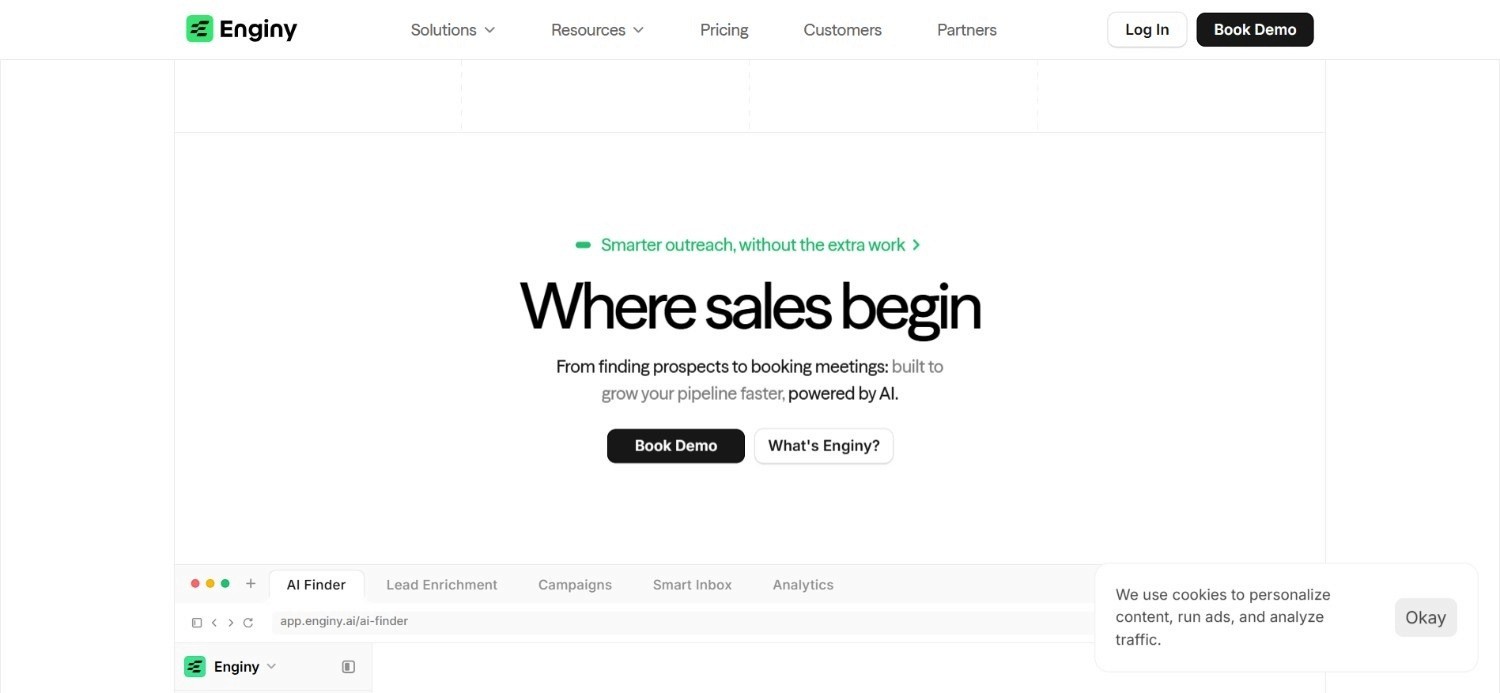
Enginy pulls prospecting, enrichment and outreach into one workspace instead of leaving a rep to manage three separate tools for what is really one job. A team starts by defining who they are targeting, layering on signals like a recent funding round or a newly hired VP, and Enginy builds a list around exactly that profile.
From there, contact details fill in automatically from more than 30 sources, with cleaning applied both before and after enrichment so nobody wastes a call on a disconnected number. We enable sales teams to run outreach across email and social prospecting, all from the same workspace, reaching several relevant people at a single account.
This is in contrast to the usual approach, where you are often gambling on a single contact who might never open your email.
Unlike most AI sales assistant software in this category, our platform has been designed to remove the friction associated with setting up an outbound campaign from scratch, with no GTM engineering or technical skills involved.
A rep can start prospecting within days of getting access, leveraging real signals rather than a static list nobody has touched in months.
Ideal For
Recruitment agencies and IT consultancies wanting prospecting, enrichment and outreach without three separate contracts
RevOps leads consolidating a fragmented stack into a single connected workflow
Founders running their own outbound who cannot wait on a technical setup process
Growing SDR teams that need consistent output as headcount scales
Top Features
ICP-based list building layered with signals like hiring activity, funding events and tool-stack changes
Continuous enrichment across 30+ data sources with cleaning applied on both sides of the pull
Sequences that reach a founder, a department head and a relevant buyer at one account in parallel
Reply handling that keeps a thread moving without a rep manually triaging every message
Direct sync with HubSpot, Salesforce, Pipedrive and other common CRMs
Why We Stand Out?
Most tools in this category force a trade-off: buy the data, buy the sending tool, then find someone to connect the two. Enginy was built to skip that entirely, so the depth of a full platform does not arrive bundled with the usual technical overhead. That same design lets AI agents keep sequences and replies moving around the clock, so pipeline keeps growing without a proportional increase in headcount.
Client outcomes reflect that design choice directly. Factorial scaled its SDR team from 20 to 180 people while lifting reply rates from 10% to 45%, and Talent Match now credits Enginy with roughly 30% of all new leads coming through the business.
Pros
Removes the need to stitch together a separate data tool and outreach tool
Built for a rep to run day to day, not a dedicated technical hire
Signal-based targeting goes well beyond static firmographic filters
Reaching multiple stakeholders per account tends to lift meeting-booking rates noticeably
Cons
No public pricing page, so a number only appears after a short qualification call
Value scales with outbound volume, so it suits a founder actively running outbound more than someone sending the occasional one-off email
Full value depends on connecting a CRM, which adds one extra setup step
Pricing
Enginy prices around actual usage through a credit-based model, so a short qualification call replaces a generic rate card with a plan that reflects what you'll actually run not a number picked to make a data-only tool look cheaper by comparison. Credits get consumed by actions like pulling contact data, enriching a record, verifying an email or phone number, and generating AI-written message fields.
Four base tiers exist, starting with an entry-level plan built around a modest monthly credit allowance and one sending identity.
Two mid-tier plans add more credits, contacts and identities from there, with a fully custom option for larger teams.
Final Verdict
For a team that wants one piece of AI sales assistant software covering the whole motion, not just a slice of it, Enginy solves the actual problem.
It gets you from an empty list to a booked meeting without hiring anyone to run the tool for you.
2. 11x.ai
Overview
11x.ai positions itself less as software you configure and more as a digital worker you hire. Its outbound function, marketed under the Alice name, runs prospecting and outreach end to end on behalf of a client, backed by a dedicated team on the vendor side rather than a self-serve dashboard.
That managed approach appeals to larger organisations that want outbound results without building the internal capability to run a platform themselves. Everything from targeting to message drafting sits with 11x.ai's team, which removes internal workload but also removes a layer of direct control most self-serve tools would leave with the client.
Pricing sits well above most tools on this list, reflecting the level of hands-on service involved. That makes 11x.ai a reasonable fit for a company with real budget for a managed outcome, and a poor fit for a team that wants to configure and run things themselves.
Ideal For
Enterprises wanting a fully managed outbound function rather than a self-serve tool
Organisations with budget for a white-glove service over a do-it-yourself platform
Teams happy to hand off configuration entirely to an external provider
Top Features
End-to-end outbound execution managed by 11x.ai's own team
Dedicated account support built for enterprise-scale rollouts
Custom configuration tailored to each client's specific process
Positioned as a digital worker rather than a piece of self-serve software
Why They Stand Out?
The fully managed model is 11x.ai's clearest differentiator. Very few competitors on this list hand over execution to this degree, which suits a buyer who wants results without touching the mechanics.
Pros
Removes almost all internal operational burden from the buying team
Built specifically for enterprise-scale outbound requirements
Configuration is tailored rather than templated
Strong fit for organisations with dedicated budget for managed services
Cons
Premium pricing puts it out of reach for most smaller teams
No published pricing tiers, so comparison shopping takes longer
Less suited to teams wanting to configure and run the platform themselves
Pricing
11x.ai prices on a custom basis tied to requirements and use case, with estimated costs landing at enterprise levels of $5,000 a month and upward depending on scope.
Final Verdict
11x.ai fits an enterprise buyer who wants outbound handled as a managed outcome. Teams wanting hands-on control over their own sequences will find more flexibility in a self-serve platform.
3. Gong
Overview
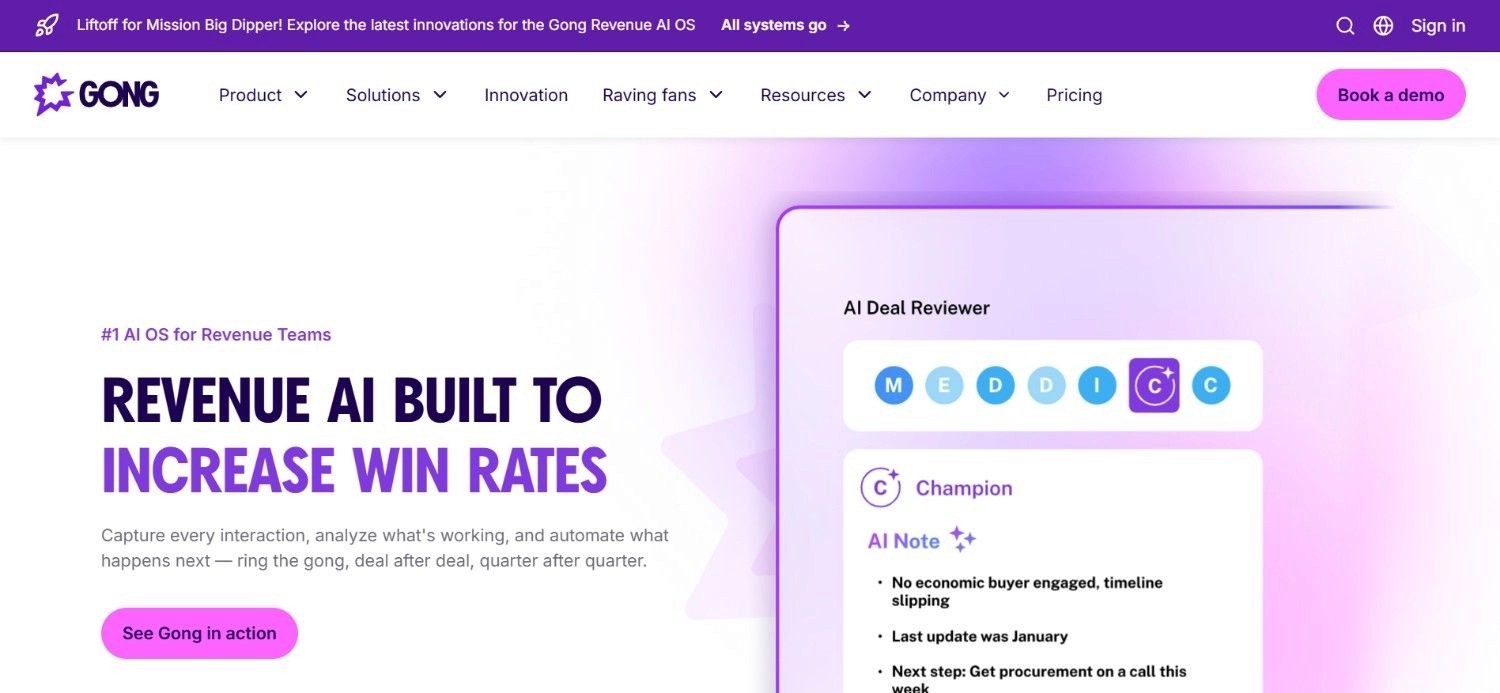
Gong operates downstream of prospecting entirely, focused on what happens once a conversation has already started. It records and transcribes calls, meetings and email threads, then applies AI to surface patterns a manager would otherwise have to catch by listening to every recording personally.
That includes flagging when a competitor gets named mid-call and noticing language that signals a deal losing momentum. Activity data then turns into forecasting numbers, rather than relying on whatever a rep types into a CRM field afterwards. As AI sales assistant software goes, Gong is unusually specific about which part of the funnel it is built for.
Because its value depends on having a real volume of recorded conversations to analyse, Gong suits teams that already generate deal flow and want sharper visibility into how well those conversations go.
Ideal For
Sales leaders wanting to understand why specific deals stall, not just that they did
Managers coaching based on what was actually said on a call rather than a rep's summary
Revenue teams wanting forecasting grounded in genuine conversation data
Top Features
Automatic recording and transcription across calls, meetings and email threads
AI-flagged deal risk signals and competitor mentions
Forecasting built on real activity rather than self-reported updates
Coaching insights tied to specific, replayable moments in a call
Why They Stand Out?
Very few tools go this deep into the actual content of a sales conversation. Gong turns what was said, not just that a call happened, into something a manager can actually coach against.
Pros
Genuinely useful deal-risk detection pulled from real conversation content
Coaching tied to specific moments rather than vague feedback
Forecasting grounded in activity data instead of optimism
Integrations included as part of the core product
Cons
Pricing requires a sales conversation with no published rate card
Offers little help with the prospecting side of the funnel
Value scales with call volume, so low-volume teams see less return
Pricing
Gong charges per user with a platform fee on top, customised through its sales process based on team size. Integrations come included, and every quote is tailored rather than pulled from a published list.
Final Verdict
Gong earns its place once a team has a deal volume worth analysing and wants sharper coaching and forecasting. It does little for a team whose real gap sits earlier, in prospecting.
4. Sales Cloud Einstein
Overview
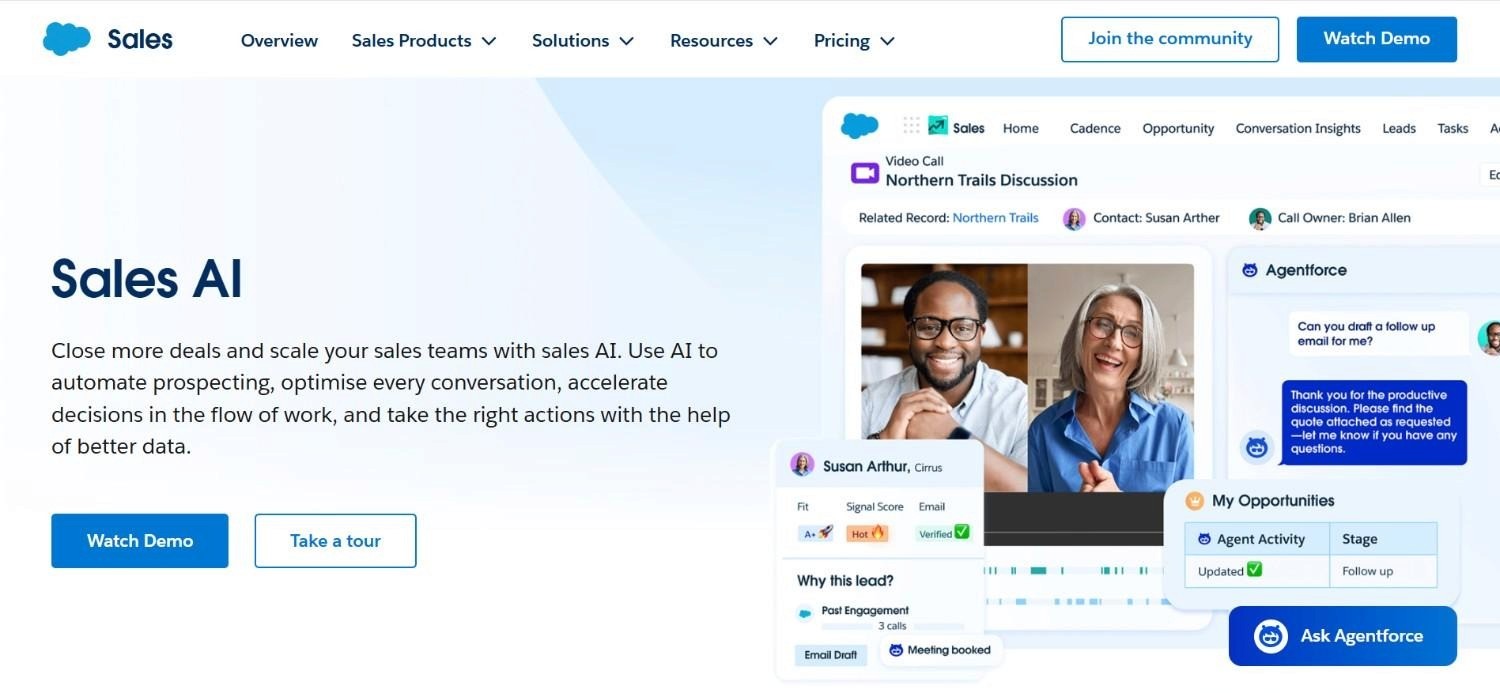
Sales Cloud Einstein is Salesforce's own AI layer bolted directly onto the CRM most enterprise sales teams already run. Rather than being a standalone assistant, it works inside records a team is already updating, scoring leads, predicting deal outcomes, and surfacing insight without asking anyone to leave Salesforce to get it.
That built-in nature is both its strength and its limit. Teams already deep in the Salesforce ecosystem get AI assistance without adopting an entirely new tool. Organisations on a different CRM get no benefit from Einstein at all, since it is tied specifically to the platform it comes from.
Access depends on which Salesforce edition a company runs, which makes evaluating it less about the feature set itself and more about which licence tier already covers it.
Ideal For
Existing Salesforce customers wanting AI insight without adopting a separate tool
Sales operations teams that want lead scoring built into records already in use
Organisations on Performance or Unlimited Edition where Einstein is already included
Top Features
AI lead scoring built directly into existing Salesforce records
Predictive forecasting tied to CRM pipeline data
Opportunity insights surfaced without leaving the platform
Native integration with every other Salesforce module already in use
Why They Stand Out?
Being native to Salesforce is the clear advantage here. No separate login, no separate data sync, just AI layered onto records a team already maintains daily.
Pros
Zero additional platform to learn for existing Salesforce users
Lead scoring and forecasting tied directly to live CRM data
Included at no extra cost in Performance and Unlimited Editions
Deep native integration across the wider Salesforce ecosystem
Cons
Irrelevant for any team not already running Salesforce
Costs extra on Enterprise Edition, adding a line item some teams skip
Offers nothing for prospecting or list building outside the CRM itself
Pricing
Sales Cloud Einstein comes bundled with Performance and Unlimited Editions of Sales Cloud, and is available at extra cost on Enterprise Edition. Exact pricing runs through a Salesforce account executive rather than a public rate card.
Final Verdict
Sales Cloud Einstein is the sensible default for any team already deep in Salesforce. It is simply not an option for anyone running a different CRM.
5. Salesloft

Overview
Salesloft has been part of the sales engagement category long enough to build genuine depth in coaching and analytics, layered on top of a mature sequencing engine. Sequencing gets a team started, but the real differentiator sits in the manager-facing side: detailed CRM integrations and analytics that go well beyond simple activity counts.
That depth suits an enterprise that already runs a defined sales process and wants sharper execution visibility, rather than help figuring out what that process should be in the first place. It is a tool for refining a motion that already exists, not building one from nothing.
Getting an actual price means talking to Salesloft directly, which is consistent with how the rest of the platform is positioned: built for a considered enterprise purchase, not a quick self-serve signup.
Ideal For
Enterprises with an established sales process wanting sharper execution visibility
Sales leaders wanting manager-facing coaching analytics, not just send counts
Organisations needing deep, dependable CRM integrations
Top Features
Sequencing and cadence management built for enterprise scale
Detailed, bidirectional CRM integrations
Manager-facing coaching analytics tied to individual rep performance
A long-established enterprise install base
Why They Stand Out?
The coaching and analytics depth is where Salesloft separates from lighter sequencing tools. It is designed for teams refining an existing motion, not starting one from scratch.
Pros
Mature product backed by years of enterprise use
Genuinely useful coaching analytics for sales managers
Deep, reliable integrations with existing CRM systems
Large install base, which eases onboarding new hires
Cons
No published pricing, so every deal starts with a sales conversation
Less focused on list building and enrichment than full-stack alternatives
Heavier implementation than most self-serve options on this list
Pricing
Salesloft does not list public pricing and is custom-quoted annually based on team size and requirements, with no self-serve tier available.
Final Verdict
Salesloft fits an enterprise refining a sales process it already has. Teams still building that process will get more immediate value from a lighter, self-serve tool.
6. Lavender
Overview
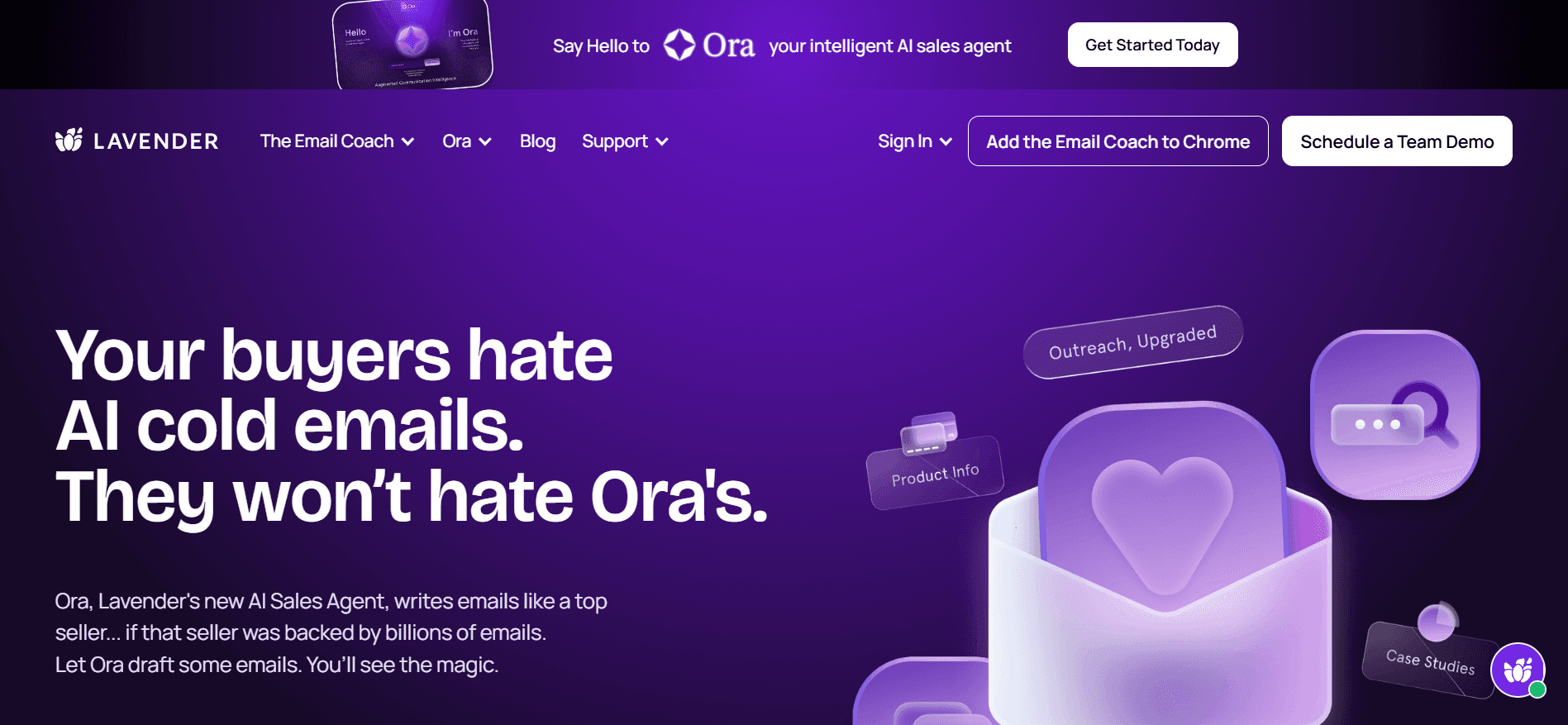
Lavender narrows in on a single moment: the email a rep is about to send. Rather than automating the whole outreach process, it scores a draft in real time and coaches the writer on tone, length and personalisation before the message ever leaves the outbox.
That narrow focus makes Lavender fast to adopt, since there is nothing to configure beyond connecting an email account. It sits well as an add-on for a team that already has a sequencing tool but wants the actual writing quality to improve, rather than replacing the sending mechanism itself.
Because Lavender does not touch prospecting or list building at all, it works best paired with something else that handles finding the right contact in the first place. On its own, it solves exactly one problem, and solves it well.
Ideal For
Individual reps wanting real-time coaching on email quality
Sales managers wanting a consistent writing standard across a team
Teams that already have a sequencing tool but want sharper messaging
Top Features
Real-time AI scoring of email drafts before sending
Tone and personalisation feedback built into the writing process
Free plan available for individual testing
Team management features on higher tiers
Why They Stand Out?
Lavender's narrow focus on the email itself, rather than the surrounding workflow, makes it one of the more specific tools in this list. It solves a single problem thoroughly rather than trying to cover everything.
Pros
Fast to adopt with minimal setup required
Genuinely useful, real-time feedback on message quality
Free plan available before any commitment
Pairs well with an existing sequencing or CRM setup
Cons
Does nothing for prospecting, enrichment or list building
Requires annual billing on every paid tier
Best used alongside another tool rather than as a standalone platform
Pricing
Lavender offers a free plan, with paid tiers starting at $27 a month for Starter, $45 for Individual Pro, and $89 a seat monthly for Team. Higher tiers add integrations, deeper coaching features and team management, with annual billing required on all paid plans.
Final Verdict
Lavender is a strong, focused pick for improving message quality specifically. Teams needing prospecting or enrichment alongside it will need to pair it with a broader tool.
7. Outreach
Overview
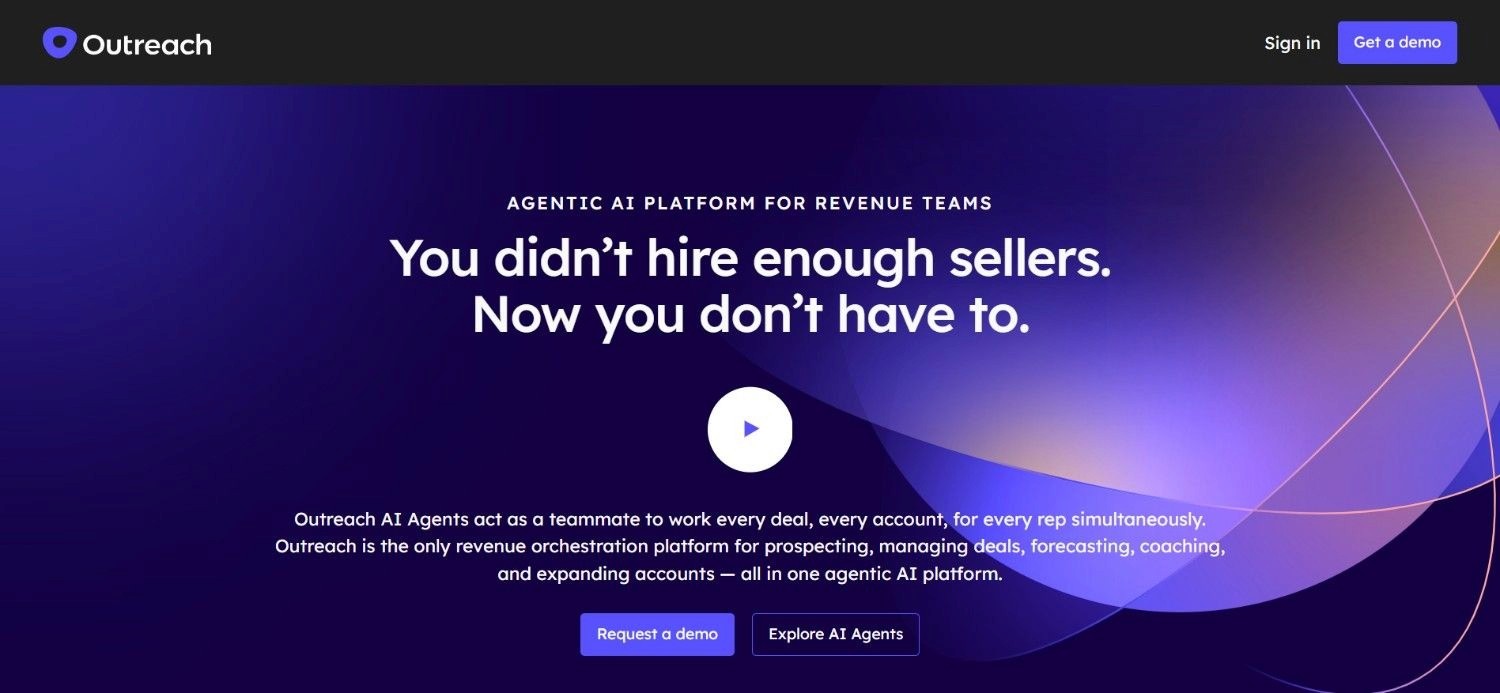
Outreach is a long-standing sales engagement platform built for enterprise teams running a structured, repeatable cadence across a large sales organisation. Sequencing sits at its core, with workflow automation and pipeline visibility layered on top for managers who need to see execution at scale.
Its positioning leans firmly toward organisations that already have a defined sales motion and want a platform robust enough to run it across hundreds of reps. That scale comes with a corresponding sales process on Outreach's side, meaning pricing and rollout both take longer than most self-serve tools on this list.
For a smaller or younger team, Outreach's depth can end up being more platform than is actually needed at that stage, which is worth weighing against the cost of adopting it too early.
Ideal For
Enterprise teams running a structured cadence across a large sales organisation
Sales operations leaders wanting workflow automation at scale
Organisations needing pipeline visibility across hundreds of reps
Top Features
Sequencing built for enterprise-scale cadences
Workflow automation layered on top of core outreach
Pipeline visibility designed for large sales organisations
Established enterprise customer base
Why They Stand Out?
Outreach's scale and maturity set it apart from lighter sequencing tools. It is built for organisations running outbound across a genuinely large team, not a lean pod of five or six reps.
Pros
Handles sequencing reliably at genuine enterprise scale
Strong workflow automation for larger sales organisations
Established, well-tested platform with a long track record
Pipeline visibility built for managing many reps at once
Cons
No published pricing, requiring a full sales conversation
Overkill for smaller teams or leaner outbound motions
Rollout and implementation take longer than most self-serve tools
Pricing
Outreach pricing is tailored to team size, use case and setup, so the fastest way to get an actual number is to connect directly with its sales team.
Final Verdict
Outreach is a strong choice for a large, established sales organisation running structured cadences. Smaller teams will likely find it more platform than they currently need.
8. Regie AI
Overview
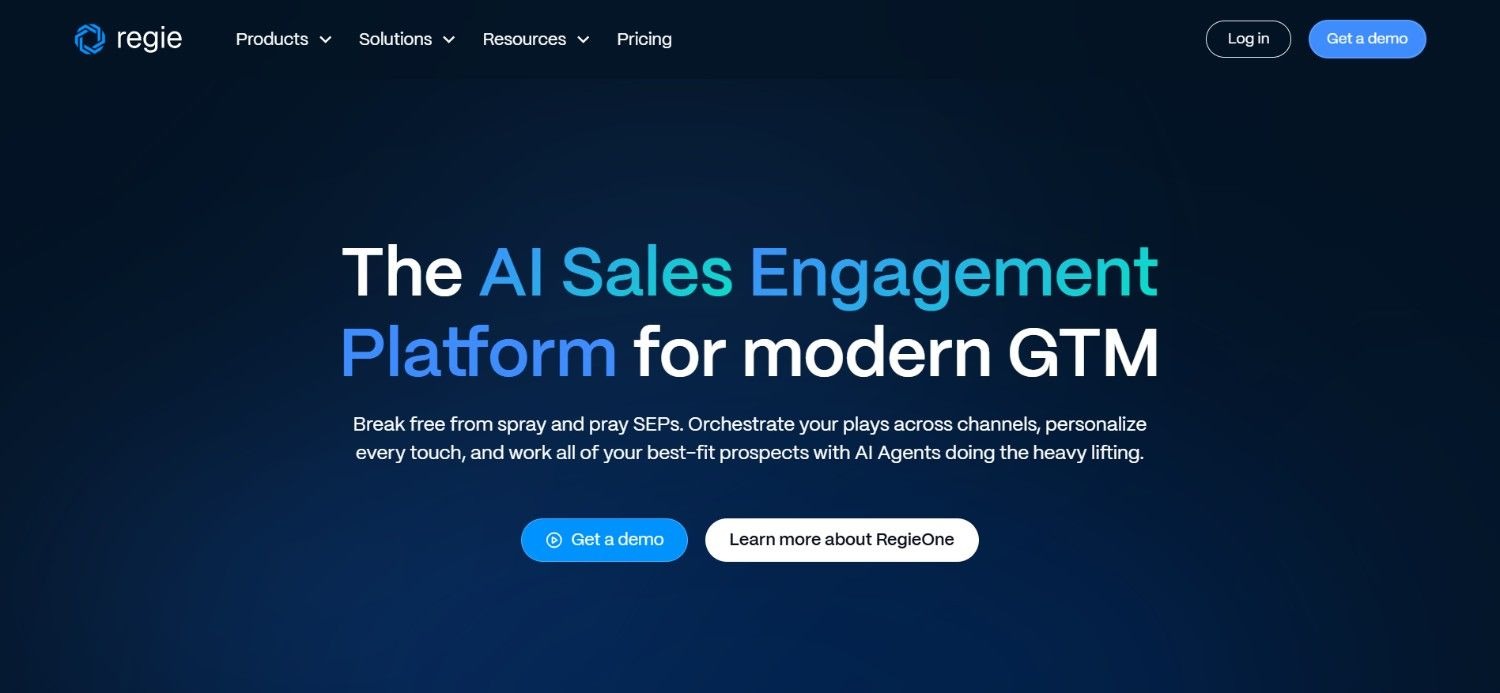
Regie AI focuses on generating outbound content, drafting sequences, individual messages and talk tracks using AI, then layering automation on top so those sequences actually run. It positions itself between a pure writing assistant and a full outreach platform, aiming to speed up the content side of outbound specifically.
Two tiers reflect two different use cases: an AI-assisted sequencing product for teams that want drafted content inside their existing motion, and a higher-tier option aimed at replacing more of a rep's day-to-day sending work. Both require a meaningful seat minimum, which points this tool more toward an established team than a solo seller just getting started.
Enterprise customers get further customisation, including tailored data packages and dedicated support, which suggests Regie AI scales its offering meaningfully once a deal moves beyond the standard tiers.
Ideal For
Sales teams wanting AI-drafted sequences and messaging at scale
Organisations wanting to automate more of a rep's day-to-day sending work
Established teams meeting the seat minimums on either core plan
Top Features
AI-generated sequences, individual messages and talk tracks
Automation layered on top of AI-drafted content
Two distinct tiers for different levels of automation
Custom data packages available at the Enterprise level
Why They Stand Out?
Regie AI's focus on content generation specifically, rather than the full prospecting-to-outreach journey, sets it apart from broader platforms. It is a strong fit for teams that already have targeting sorted and want the writing handled faster.
Pros
Speeds up drafting across sequences and individual messages
Two tiers give some flexibility on how much automation to adopt
Enterprise tier offers genuine customisation for larger deployments
Talk track generation extends beyond just written outreach
Cons
Seat minimums on both core plans rule out very small teams
Pricing sits meaningfully higher than several competitors on this list
Less focused on prospecting and enrichment than full-suite platforms
Pricing
Regie AI offers two primary plans: AI SEP at $180 a user monthly with a 10-seat minimum, and Force Multiplier Rep at $499 a user monthly with a 5-seat minimum, both billed annually. Enterprise customers receive custom pricing with tailored data packages, infrastructure and dedicated support.
Final Verdict
Regie AI suits an established team wanting AI-drafted content and automation layered onto an existing motion. The seat minimums make it a poor fit for anyone just starting out.
9. Clay

Overview
Clay is built for people who want to construct their own enrichment pipeline rather than accept a vendor's fixed logic. Its defining feature is waterfall enrichment. A user defines a sequence of data providers, and Clay tries each one in order until a record gets filled, instead of relying on a single source that might return nothing.
That flexibility has earned Clay a strong reputation specifically among technical GTM operators who enjoy building custom logic from scratch. The trade-off is that this power assumes real technical skill. Clay is upfront that it is not designed for a sales rep to pick up and run directly without support.
Teams weighing Clay should be honest about whether they already have, or plan to hire, someone comfortable maintaining a workflow, rather than expecting to configure it casually alongside other daily work.
Ideal For
Technical GTM operators wanting granular control over enrichment logic
Teams with a dedicated ops hire willing to build and maintain custom workflows
Organisations with unusual data requirements a fixed workflow would not cover
Top Features
Waterfall enrichment pulling from multiple providers in a defined sequence
Deep automation and customisation options for bespoke workflows
CRM sync available on higher-tier plans
An active, technically minded user community sharing workflow templates
Why They Stand Out?
No other tool on this list gives a technical operator this much raw control over how contact data gets sourced and cleaned. That flexibility is Clay's clearest differentiator, for better or worse depending on who is running it.
Pros
Genuinely deep customisation available for teams that want it
Usable free plan for early testing before committing to a paid tier
Strong standing among technical GTM operators specifically
CRM sync and dedicated support unlocked at higher tiers
Cons
Requires real GTM engineering skill to configure and maintain properly
Explicitly not built for a sales rep to operate directly
Enterprise pricing needs a sales conversation to confirm
Pricing
Clay's free plan sits alongside paid tiers starting at $167 a month for Launch and $446 for Growth, with Enterprise priced on request. Costs scale with annual actions and data credits, and higher tiers add CRM sync, deeper automation and dedicated support.
Final Verdict
Clay rewards a team with the technical resourcing to build and maintain their own workflows. Without that resourcing, the flexibility becomes a liability rather than an advantage.
10. Avoma
Overview
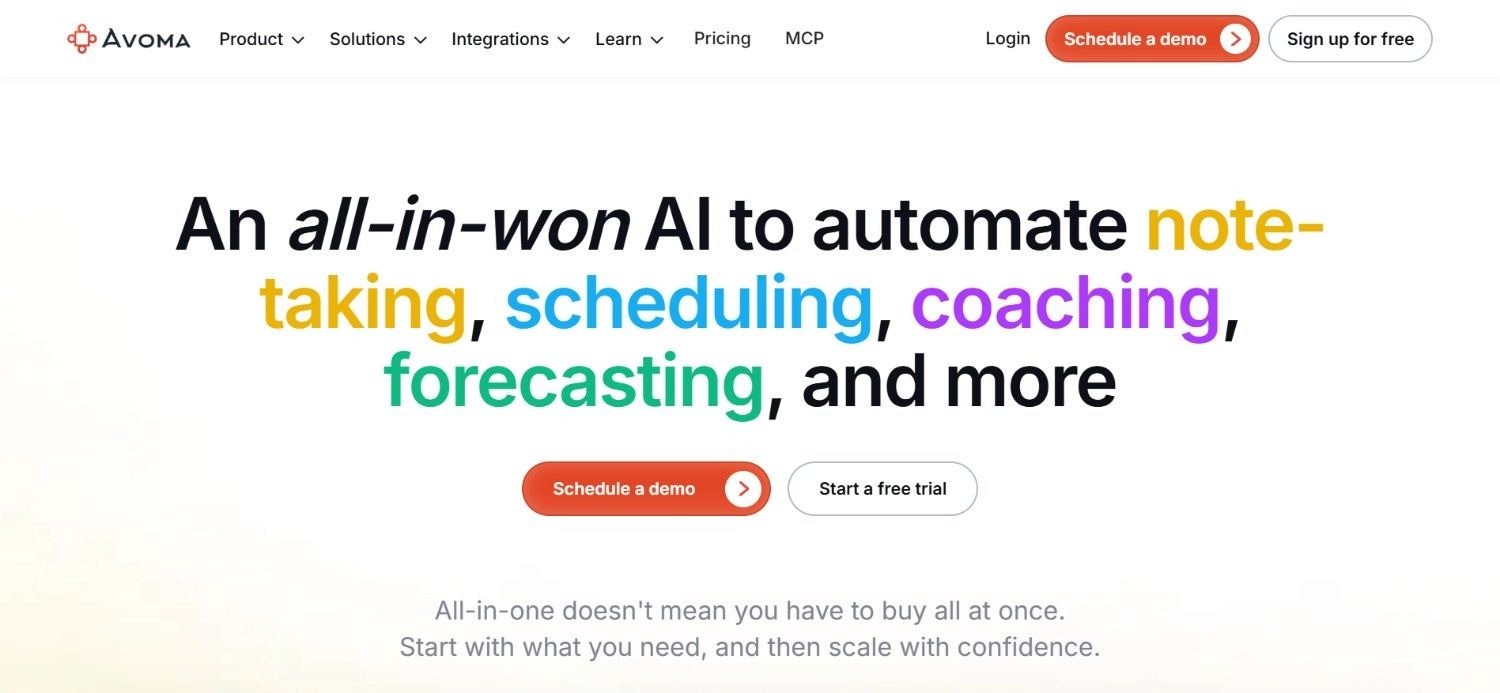
Avoma centres on meeting intelligence, recording calls and turning them into transcripts, summaries and coaching material without a rep needing to take manual notes during the conversation itself. Conversation intelligence and revenue intelligence sit as optional add-ons on top of that core recording function.
Its per-recorder pricing structure is simpler than most competitors in this space, which makes early-stage cost estimation more straightforward for a smaller team evaluating the category for the first time. That said, the deeper insight – (the kind Gong offers as standard), sits behind Avoma's paid add-ons rather than the base plan.
This makes Avoma a sensible starting point for a team wanting meeting recording and basic coaching support without committing to the cost of a full revenue intelligence suite from day one.
Ideal For
Teams wanting straightforward meeting recording and transcription
Sales managers wanting basic coaching support without a large upfront commitment
Organisations wanting to add conversation or revenue intelligence gradually
Top Features
Automatic meeting recording, transcription and summarisation
Optional Conversation Intelligence add-on for deeper call analysis
Optional Revenue Intelligence add-on for pipeline visibility
Simple, per-recorder pricing structure
Why They Stand Out?
Avoma's straightforward, per-recorder pricing sets it apart from competitors that require a full sales conversation before revealing any number. It is one of the more transparent options for a team still comparing this category.
Pros
Transparent, published pricing across its core plans
Meeting recording and transcription work reliably out of the box
Add-ons let a team scale up intelligence features gradually
Simple enough to evaluate without a lengthy sales process
Cons
Deeper conversation and revenue intelligence sit behind paid add-ons
Less depth in prospecting and enrichment than full-suite platforms
Enterprise tier pricing mirrors the Organization tier, which can confuse early comparison
Pricing
Avoma offers Startup at $29 a recorder monthly, Organization at $39, and Enterprise also at $39 a recorder monthly billed annually. Optional Conversation Intelligence and Revenue Intelligence add-ons cost $35 a seat monthly each, letting teams expand AI capabilities as needed.
Final Verdict
Avoma is a sensible, transparently priced entry point for meeting recording and light coaching. Teams wanting deep conversation intelligence as standard will need to budget for the add-ons.
How to Choose the Best-Rated AI Sales Assistant Tools?
Feature comparisons rarely settle this on their own. What actually matters is matching a tool's design to the specific gap in your process, not the longest list of capabilities.
That distinction is often what separates the best rated AI sales assistant tools from the rest for a given team.
1. Identify the Actual Bottleneck First
A team drowning in bad contact data needs a different tool than one that already has good data but cannot get replies.
Be specific about where the process breaks before comparing options.
2. Check Who Has to Configure It
Some AI sales assistant software assumes a technical operator on staff. Others are built for a rep to run solo from day one.
Be honest about who on your team will actually own the setup.
3. Look Past the Feature List to the Depth of Signals
Basic firmographic filters get you a generic list.
Signals like a recent leadership change or a fresh funding round get you a list actually worth calling.
4. Match Pricing Structure to How You Actually Grow
Per-seat pricing gets expensive fast as a team grows. Usage or credit-based pricing tends to track real activity more fairly.
5. Decide How Much of the Journey You Want Covered
Some tools solve one moment well, like Lavender on email quality. Others cover the whole path from prospecting to reply.
Decide which you need before comparing price tags.
Everything You Need to Know About AI Sales Assistant Software
Tool | Pros | Cons | Ease of Use | Integrations | Support | Affordability |
Enginy | Full workflow in one place; no technical operator required | No public pricing; needs a CRM connected for full value | ⭐⭐⭐⭐⭐ | ⭐⭐⭐⭐⭐ | ⭐⭐⭐⭐⭐ | ⭐⭐⭐⭐ |
11x.ai | Fully managed outbound; strong enterprise support | Premium pricing; little direct control | ⭐⭐⭐ | ⭐⭐⭐⭐ | ⭐⭐⭐⭐⭐ | ⭐⭐ |
Gong | Deep conversation intelligence; useful coaching insight | Pricing needs a call; light on prospecting | ⭐⭐⭐⭐ | ⭐⭐⭐⭐ | ⭐⭐⭐⭐ | ⭐⭐⭐ |
Sales Cloud Einstein | Native to Salesforce; no extra platform to learn | Only useful on Salesforce; extra cost on some editions | ⭐⭐⭐⭐ | ⭐⭐⭐⭐⭐ | ⭐⭐⭐⭐ | ⭐⭐⭐ |
Salesloft | Mature coaching and analytics; solid CRM depth | No public pricing; heavier setup | ⭐⭐⭐ | ⭐⭐⭐⭐⭐ | ⭐⭐⭐⭐ | ⭐⭐ |
Lavender | Fast to adopt; genuinely useful email coaching | No prospecting or enrichment; annual billing required | ⭐⭐⭐⭐⭐ | ⭐⭐⭐ | ⭐⭐⭐ | ⭐⭐⭐⭐ |
Outreach | Reliable at enterprise scale; strong pipeline visibility | Custom pricing; overkill for smaller teams | ⭐⭐⭐ | ⭐⭐⭐⭐⭐ | ⭐⭐⭐⭐ | ⭐⭐ |
Regie AI | Speeds up drafting; flexible across two tiers | Seat minimums; pricing sits on the higher side | ⭐⭐⭐⭐ | ⭐⭐⭐ | ⭐⭐⭐ | ⭐⭐ |
Clay | Extremely flexible; strong technical reputation | Needs GTM engineering skill; not rep-friendly | ⭐⭐ | ⭐⭐⭐⭐⭐ | ⭐⭐⭐ | ⭐⭐⭐ |
Avoma | Transparent pricing; reliable recording and transcription | Deeper intelligence sits behind add-ons | ⭐⭐⭐⭐ | ⭐⭐⭐⭐ | ⭐⭐⭐ | ⭐⭐⭐⭐ |
Automate Your Sales Process with Enginy
Most teams do not plan to run four disconnected sales tools. It happens gradually, a data provider added here, a sequencing tool bolted on there, until a spreadsheet is the only thing holding the whole setup together.
Enginy exists to be the one system instead of that pile of four. SeQura's team reports meaningfully better first conversations since consolidating onto it, and Venair's monthly qualified leads have roughly doubled to tripled across most of its sales delegations.
If your current setup looks more like admin than selling, that is the actual problem worth solving, not a reason to add a fifth tool on top of the other four.
Book a demo and see the end-to-end GTM platform working against your own market.
FAQs About AI Sales Assistant Software
What is the best AI sales assistant software in 2026?
Enginy is the best AI sales assistant software for teams that want prospecting, enrichment and outreach handled in one connected workflow. It is built to be rep-first, so a team can start running outbound quickly without a dedicated GTM engineer configuring workflows first. Customers like Factorial have seen reply rates climb from 10% to 45% after switching over.
How do the best rated AI sales assistant tools actually differ from each other?
The best rated AI sales assistant tools split into two groups: those covering the whole prospecting-to-outreach journey, and those solving one specific moment, like email coaching or call intelligence. Enginy sits in the first group, built for a rep to run without a dedicated technical operator. Clay covers similar ground but assumes real GTM engineering skill to configure and maintain, so it fits a different kind of team. Lavender and Gong, meanwhile, focus narrowly on a single step. Matching that scope and who's actually available to run it matters more than any single feature.
Does Enginy handle contact data itself, or do I still need a separate provider?
Enginy handles this itself in most cases. It pulls from more than 30 enrichment sources directly, applying cleaning both before and after each pull, which covers what most teams would otherwise buy a separate data provider for. Very niche data requirements outside standard firmographic and contact fields are the main exception.
How quickly can a small team start seeing results from AI sales assistant software?
Timelines depend heavily on the category. Tools focused on outreach, like Enginy, can produce a first meeting within a couple of weeks of setup, since sequences start running almost immediately. Tools built around call or revenue intelligence, like Gong or Avoma, take longer to become useful, since they need a real stretch of activity data first.
Is it worth paying for enterprise software if my team is still small?
Usually not, unless the tool is specifically designed to be run without a technical operator. Platforms like Outreach or Salesloft assume an established process and dedicated setup resources, which a small team rarely has spare. Tools built for a rep to configure directly, including Enginy, tend to suit a growing team better regardless of company size.
Can AI sales assistant software actually replace a CRM?
No, and none of the tools in this list are trying to. AI sales assistant software typically feeds clean, enriched data into a CRM and automates the outreach around it, rather than serving as the system of record itself. A tool that ignores your CRM entirely tends to create a second, disconnected version of the truth instead of solving anything.