Voltar ao blog
MCP for Sales Teams in 2026 (10 Servers Compared)

Andrea López
Partilhar
MCP for sales teams has gone from a developer curiosity to the way a lot of outbound actually gets run. Instead of clicking through four tools to build a list, enrich it, write a sequence, and launch it, you describe the job to Claude, ChatGPT, and Copilot and the assistant does it against your live sales data.
The gap between servers is bigger than the marketing suggests, because most of them only read.
This comparison covers 10 servers, what each one can genuinely do, and how to pick an MCP server for outbound sales that closes the loop instead of stopping at research.
Key Takeaways (TL;DR)
The best overall MCP for sales teams: Enginy exposes the whole outbound motion through one hosted server, so an assistant can search prospects, enrich them, build a campaign, enrol contacts, and reply in the inbox without leaving the chat. Most rivals cover one layer of that and hand the rest back to you.
Why you need it: Sellers lose most of the week to work that isn't selling, and every extra tool in the stack adds another tab, another login, and another place for data to rot. An MCP server collapses that into one conversation.
Who it's for: Heads of sales, RevOps and sales operations teams, founders running their own outbound, SDR managers, and agencies running prospecting for clients.
How to choose the right one: Check whether the server can write as well as read, whether it supports the AI clients your team already uses, and how precise its permission scopes are. A read-only server makes a good researcher and a poor operator.
Price range: Almost nobody prices MCP access separately, so you pay for the underlying subscription. That runs from free and included-with-paid tiers at the low end up to enterprise agreements at the top, with Enginy quoted per workspace on a credit model.
Top MCP for Sales Teams in 2026 at a Glance
Company | Best For | Key Strengths | Pricing |
Enginy | Running the full outbound loop from one connection | Find, enrich, build campaigns, enrol contacts, reply in inbox; 23 named scopes; 9 documented clients | Custom quote, credit-based |
Amplemarket | Teams wanting search and research in one assistant | Broad prospecting coverage, OAuth sign-in, works across major AI clients | Annual per seat, quoted |
Apollo | Cheapest route to contact search inside an assistant | Native connectors in Claude and ChatGPT, wide contact database, sequence actions | Included with Apollo plans |
Clay | Enrichment research inside Claude | Verified contact lookup, account research, buying committee mapping | Subscription plus credits |
HubSpot | Giving an assistant real CRM context | Documented read and write across core CRM objects, OAuth with PKCE | Included with HubSpot plans |
Salesforce | Enterprise governance and custom objects | Deep object model, admin controls, mature permission tooling | Enterprise tiers |
ZoomInfo | Large-scale contact and company data | One of the largest databases, strong firmographic coverage | Enterprise contract |
Outreach | Acting on an existing engagement stack | Prospect and opportunity creation, sequence enrolment, call transcripts | Per seat, quoted |
Salesloft | Pipeline visibility without write risk | Live deal, account, and call context; broad client support | Per seat, quoted |
Smartlead | Cold email diagnostics at volume | Largest tool count here, deliverability and campaign troubleshooting | Subscription tiers |
What Is MCP for Sales Teams?
MCP for sales teams is the use of Model Context Protocol servers to connect an AI assistant directly to the sales tools where your prospect data, campaigns, and inbox already live. It sits a layer above the sales automation most teams already run, because the assistant decides what to call rather than following a path you drew in advance.
The Model Context Protocol is an open standard for connecting AI applications to external systems, described by its maintainers as "a USB-C port for AI applications". A vendor publishes a server, your assistant connects as a client, and the assistant can then call that vendor's functions as tools.
The practical difference from an API is who does the work. An API expects you or a developer to write the calls. An MCP server hands the assistant a described set of tools and lets it choose which to call, in what order, based on what you asked for in plain English.
That's what makes sales automation MCP different from the automation you already run. A workflow builder executes a fixed path you designed in advance, and it does that reliably. An assistant with MCP access decides the path at the moment you ask, which suits the messy, one-off work that fills an SDR's day.
Three things are worth understanding before you compare servers.
Tools are the unit of capability: Each server publishes a list of tools, and each tool maps to something the vendor's product can do, such as searching contacts or creating a campaign. If a tool isn't published, your assistant can't do that job.
Scopes decide what's allowed: Connecting is not the same as being permitted. OAuth scopes control which tools your assistant may actually call, and a narrow grant will block a tool even when it exists.
Read and write are separate questions: A server that can read your pipeline is useful for briefing. A server that can write is the one that can actually launch outbound.
Why Do Sales Teams Need MCP Servers?
Because the time cost of switching between tools has quietly become the biggest tax on a sales week. The Salesforce State of Sales, 7th Edition, based on 4,050 sales professionals, puts selling at 40% of the average rep workweek, with the other 60% going to prospecting admin, planning, manual data entry, and training.
The same research traces a lot of that to tool sprawl. Only about a third of sales teams work from all-in-one sales tools; the rest run an average of eight standalone tools, 42% of reps say they're overwhelmed by the number of tools, and 84% of teams without a single system plan to consolidate.
An MCP server attacks that from a different angle than consolidation projects do. You don't rip anything out; you give the assistant a door into the tools you already pay for, so the switching happens in the model's context rather than in the rep's browser.
The outcome shift matters more than the mechanics. A rep who can say "find 40 heads of revenue at Series B fintechs in the UK, enrich them, and draft the first touch" is doing in one prompt what used to be a morning of tab work. That's the difference between an assistant that summarises your pipeline and an AI outbound platform that actually moves it.
There's a quieter reason too. When prospecting sits inside a chat, the reasoning is visible, so a manager can see why an account was picked, not only that it was.
Who Needs MCP for Sales Teams?
MCP servers pay off wherever someone is doing sales work that requires touching several systems in sequence. The five groups below get the most out of them, and they want different things from the same connection.
Heads of Sales and VPs of Sales
You own the number, and you're being asked to grow pipeline without growing headcount. An MCP connection lets you interrogate live campaign performance and account coverage in plain English, then act on what you find in the same conversation. The value is in the loop closing, because a finding that needs a ticket to act on usually doesn't get acted on.
What you should test is whether the server writes. Plenty of them will happily tell you which sequences are underperforming and leave you to go and fix it by hand.
Sales Operations and RevOps Teams
You're the person who currently glues the stack together, and you're the one who gets asked whether an assistant with CRM write access is safe. Scope design is your job here, and it's the part most vendors document badly. Look for a server that publishes named scopes, separates read from write, and lets an admin cap what any user can grant.
You also care about behaviour under load, such as rate limit headers, what happens on a 429, and whether the connection survives a token refresh.
Founders and CEOs Running Their Own Outbound
You're selling alongside everything else, so you don't have a GTM engineer, and you don't want to become one. What you want is to describe an ICP once and have the list, the enrichment, and the first sequence appear without a configuration project. This is where a server that covers the whole motion beats a stack of three narrow ones, because chaining three servers means you're the integration layer.
SDR and BDR Managers
You manage 3 to 10 reps, and your problem is consistency, not ambition. Research depth collapses the moment the week gets busy, and AI sales prospecting that runs the same enrichment and the same account brief every time removes that variance. Prospecting agents are where high performers are pulling ahead, and the same Salesforce research found 34% of sales teams with AI agents already use them for prospecting, with 92% of those sales professionals saying AI helps there.
Agencies and Consultancies Running Outbound for Clients
You run several ICPs, several sending domains, and several sets of client data that must not mix. Per-client workspaces and scoped credentials matter far more to you than raw tool count, because a permission mistake is a client incident, not an inconvenience. Check whether the server's identity model lets you separate clients cleanly before you check anything else.
Best MCP for Sales Teams: In-Depth Review and Comparison
The servers below are ranked on how much of the outbound loop they actually close inside the assistant, then on client coverage and permission control. We've noted where each one stops, because that boundary is the thing the comparison pages tend to skip.
1. Enginy
Overview
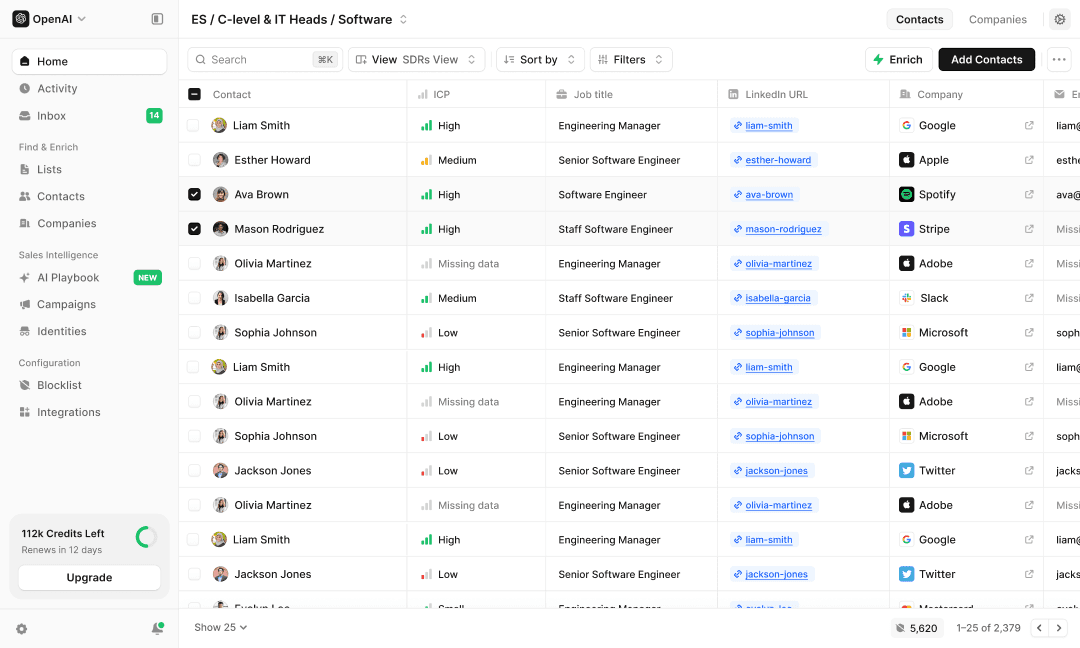
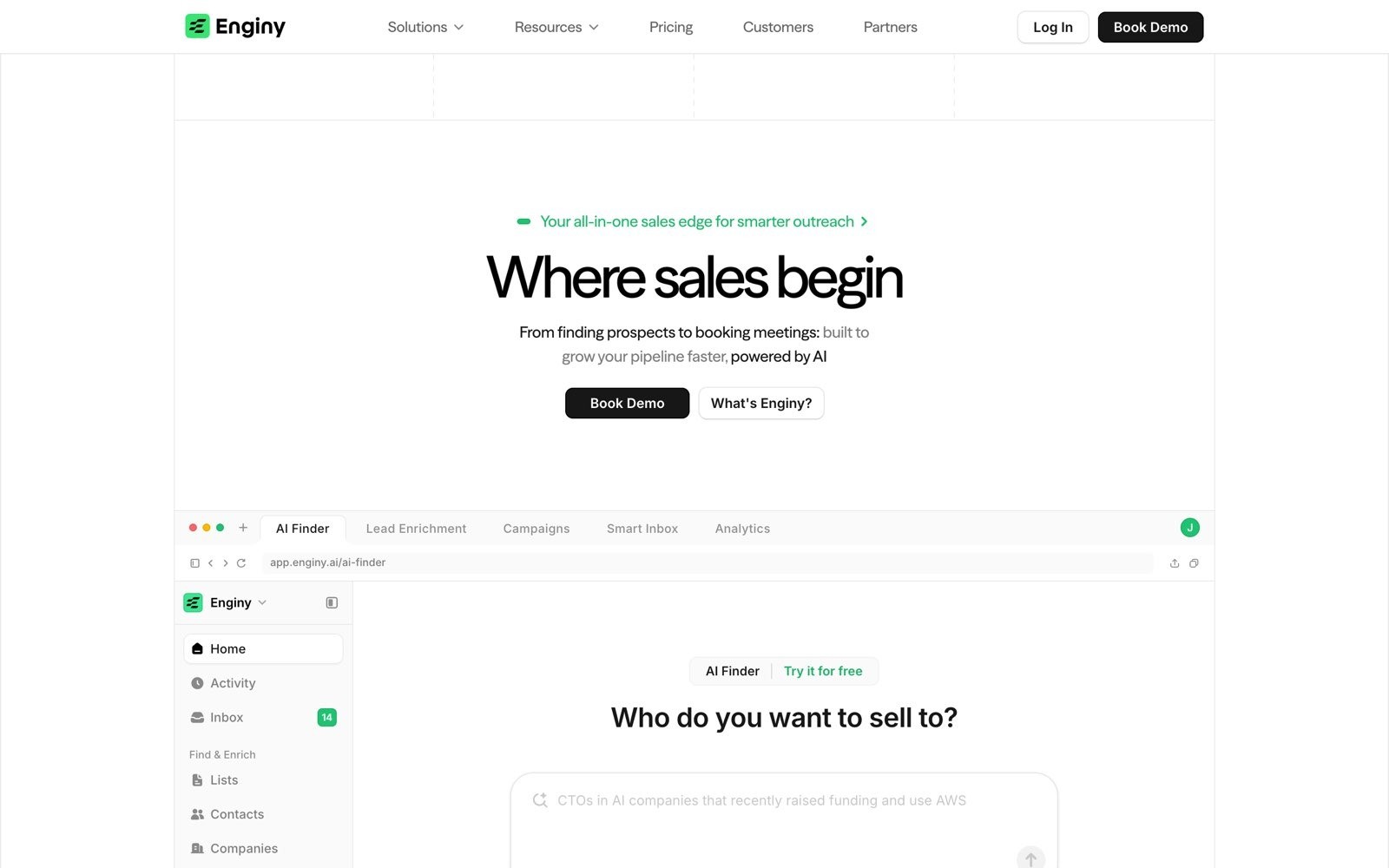
Enginy is an AI-native, end-to-end sales tool that brings prospect discovery, multi-source enrichment, and multi-channel outreach into one place, built so a rep can run it without a GTM engineer sitting behind them. Its hosted MCP server, at https://openapi.enginy.ai/mcp, exposes that same motion to an AI assistant over remote Streamable HTTP with OAuth 2.0 Authorization Code and PKCE.
The problem it targets is the one every MCP comparison eventually runs into. Research is easy to connect, and execution isn't, so teams end up with an assistant that can describe their outbound but not run it.
Ideal For
Sales teams that want prospecting and sending behind one connection rather than three
RevOps leads who need named, auditable permission scopes before granting write access
Founders and small teams without a GTM engineer to maintain integrations
Teams standardised on Claude, Codex, Cursor, Gemini CLI, or Microsoft 365 Copilot
Agencies running separate client workspaces with scoped credentials
Why Do We Stand Out?
Enginy's MCP server generates its tools from the full public API rather than a hand-picked subset, so the assistant reaches 14 capability families covering workspace data, identities, owners, campaigns, contacts, companies, lists, AI variables, analytics, AI Finder, actions, messaging, webhooks, and workflows.
In practice, that means one connection can search an ICP, run data enrichment on the results, drop them into a list, build the campaign, add contacts to it, and then handle the reply in the inbox.
Permission control is the second differentiator, and it's the one RevOps teams ask about first. Enginy publishes 23 named scopes, splits read from write on every family, and gives workspace admins a policy ceiling that caps what any individual can grant, so least privilege is a setting rather than a promise.
Every session can be checked with the native mcp_whoami tool, which returns the authenticated user, the connected client, and the granted scopes, and the full list is published in the Enginy MCP documentation.
Client coverage is the third. Enginy documents setup for nine routes rather than assuming everyone is in one assistant.
Client | How you connect |
Claude | Customize, then Connectors, then Add custom connector |
Claude Code |
|
Codex |
|
Cursor | Add the server URL to |
Gemini CLI |
|
VS Code | Remote HTTP entry in |
ChatGPT | Developer mode custom connector, write access on Business, Enterprise, and Edu |
Microsoft 365 Copilot | Tenant-level setup by an admin |
Server to server | API key in an |
That range is why the same Enginy MCP connection works as a Claude sales prospecting connector for one rep and a Codex MCP sales tools setup for another, without two integrations to maintain.
A cursor mcp for outbound setup is a four-line JSON block, and a gemini cli mcp sales integration is a single command.
One detail worth knowing is the tool-count ceiling. Microsoft 365 Copilot and Copilot Studio cap out at 70 tools, so Enginy also publishes a reduced endpoint at https://openapi.enginy.ai/mcp/reduced for clients that refuse to load a large toolset. Almost no vendor in this category documents that problem, let alone ships an answer to it.
Pros
Closes the loop: Search, enrich, build, enrol, and reply all happen through one server, so nothing hands you back to a browser tab mid-task.
Precise permissions: 23 named scopes with read and write separated, plus an admin policy ceiling that caps what users can grant.
Broad client support: Nine documented connection routes covering Claude, Claude Code, Codex, ChatGPT, Cursor, VS Code, Gemini CLI, Microsoft 365 Copilot, and server-to-server.
Built for reps, not engineers: The underlying product is designed to run without a dedicated operations specialist, which carries over to the MCP layer.
Handles client limits: A reduced endpoint exists for assistants that cap tool counts, and sessions are verifiable with
mcp_whoami.
Cons
Admin enablement first: A workspace admin has to switch MCP on before anyone can connect, so an individual rep can't self-serve.
Generated tool names can change: Tools are derived from the API schema, so names track the underlying routes rather than being frozen.
No published pricing: You need a qualification call before you see numbers, which slows down anyone who wants to compare on cost alone.
Pricing
Enginy doesn't publish pricing, and quotes are built per workspace after a qualification call. The model is credit-based, with credits consumed by actions such as contact extraction, email and phone enrichment, technology and job posting data, verification, and AI-generated fields.
Four tiers exist, i.e., Basic, Smart, Business, and Enterprise, with monthly credits, contacts, and sender identities, and each tier includes five onboarding sessions.
Final Verdict
Enginy is the strongest pick for teams that want an assistant to run outbound rather than report on it, because it's the only server here that carries you from an ICP search through to a reply in the inbox on one connection, with permission scopes precise enough that RevOps will actually sign off on write access.
The client coverage means you're not betting the workflow on a single vendor's assistant.
2. Amplemarket
Overview
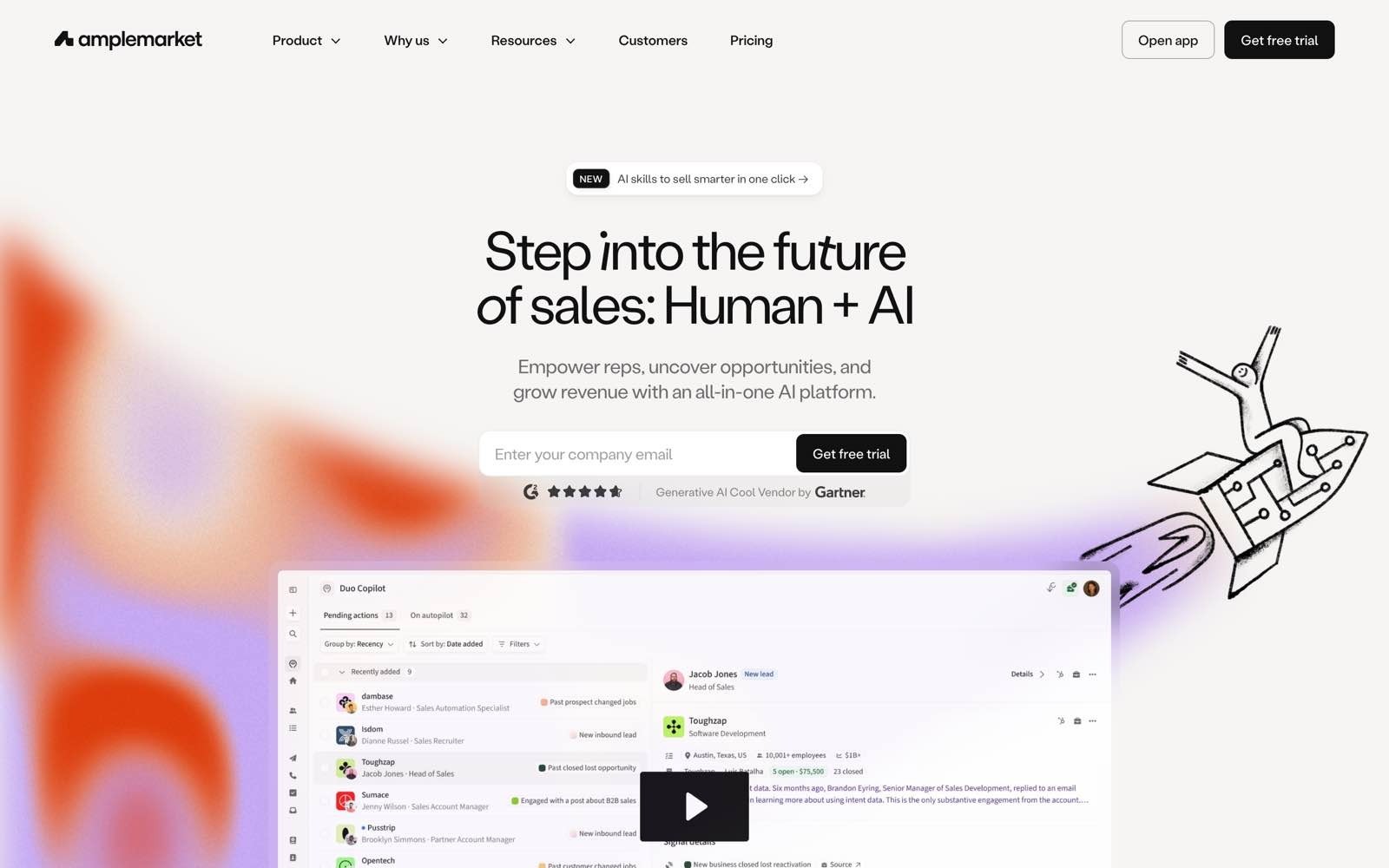
Amplemarket is an all-in-one sales tool covering prospect search, enrichment, and multi-channel outreach, aimed at mid-market and enterprise teams. Its MCP server connects by OAuth sign-in with no API keys, and works across the major assistants.
The company positions the server as the most complete in the category, and it's a serious product, though it's also the author of the comparison making that claim.
Ideal For
Mid-market sales teams already running Amplemarket as their main outbound tool
Teams that want prospect search and account research inside an assistant
Organisations with technical resources available for setup and maintenance
Sales leaders standardising on a single vendor for data and outreach
Why Do They Stand Out?
Amplemarket is one of the strongest options for combined search and research, with a large intent signal library at the individual contact level and a set of pre-built GTM skills that give an assistant ready-made prompts.
Setup is quick, with an OAuth sign-in that takes about a minute, and it works in Claude, ChatGPT, Cursor, and Claude Code. Permissions are scoped to the individual user's access level, which is a reasonable default for larger teams.
Pros
Fast OAuth setup: Sign-in takes roughly a minute with no API keys to manage.
Strong signal coverage: A large library of contact-level buying signals feeds research prompts well.
Pre-built skills: Ready-made GTM prompts reduce the blank-page problem for new users.
Broad client support: Works across Claude, ChatGPT, Cursor, and Claude Code.
Cons
Execution gaps: Sequence enrolment has been a documented gap, so outreach often still starts in the product.
No deliverability visibility: The server gives little insight into sending health.
No social outreach: Social channel steps aren't covered by the server.
Premium pricing: Annual per-seat contracts put it out of reach for smaller teams.
Complexity: The broader product typically requires dedicated technical resources to run effectively.
Pricing
Amplemarket sells annual per-seat contracts quoted on request, positioned at the premium end of the category. MCP access is included with the subscription rather than charged separately.
Final Verdict
Amplemarket is a smart choice for mid-market and enterprise teams already committed to its product, particularly where contact-level intent signals shape the research motion and a technical operator is available to maintain it. The pre-built skills give new users a genuine head start.
It's harder to justify for smaller teams, where the annual per-seat cost and the reliance on technical resource outweigh the coverage, and where the gap between researching a list and actually enrolling it still leaves you finishing the job in the product.
3. Apollo
Overview
Apollo is a large contact database with outreach features layered on top, and it's the default reference point for anyone pricing this category. Its MCP server runs at https://mcp.apollo.io/mcp over Streamable HTTP with OAuth 2.0, with native connectors inside Claude, ChatGPT, and Perplexity so most users never touch a config file. Access is scoped to the Apollo user who authorises the connection.
Ideal For
Teams already paying for Apollo who want its data inside an assistant
Smaller companies testing MCP prospecting without a new contract
Users who want a native connector rather than a JSON config
Teams managing multiple Apollo workspaces from one machine
Why Do They Stand Out?
Apollo is one of the easiest servers to get running, because for most people it appears as a native connector in the assistant rather than something to install.
It covers a genuinely useful spread of actions across search, enrichment, contacts, accounts, lists, sequences, one-off emails, analytics, and tasks, which puts it further into execution than most data vendors.
It also handles multiple workspaces cleanly by registering the endpoint under a different name per account.
Pros
Native connectors: Available directly inside Claude, ChatGPT, and Perplexity with no server configuration.
Broad action coverage: Search through to sequence actions, not read-only.
No API key needed: OAuth handles authentication for the standalone setup.
Multi-workspace friendly: Separate named registrations per Apollo account.
Cons
Variable data quality: Search and enrichment results are inconsistent, a long-standing complaint about the underlying database.
No deliverability visibility: The server gives no view of sending health.
No social outreach: Social channel steps aren't covered.
Shallow filtering: Targeting depth lags behind tools built around intent signals.
Pricing
Apollo's MCP access comes with an Apollo subscription rather than as a separate line item, so cost tracks whichever plan you're on. Apollo remains the cheapest entry point in this comparison, which is exactly why it's the benchmark buyers reach for.
Final Verdict
Apollo is the sensible recommendation for teams that already pay for it and want a low-effort way to put contact search and basic sequence actions inside an assistant, especially given the native connectors remove setup almost entirely.
For a team testing whether MCP prospecting is worth the effort at all, it's a cheap experiment.
It's a poor fit once targeting precision matters, because the filtering depth and the inconsistency of enrichment results mean you'll spend the time you saved cleaning the list.
4. Clay
Overview
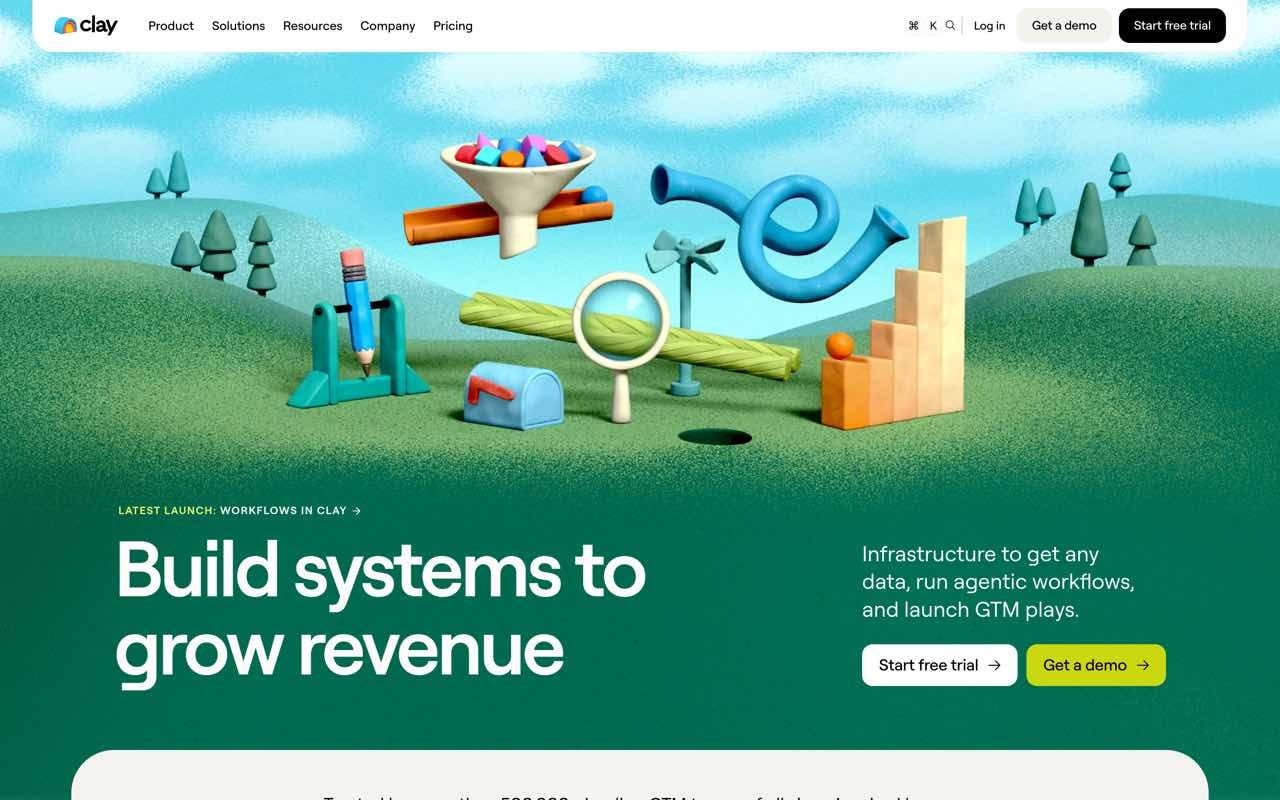
Clay is an enrichment and research tool built around a waterfall of third-party data providers, popular with technical GTM operators who want to compose their own data logic.
Its Claude connector arrived in early 2026 and focuses on finding verified contacts, running account research, and mapping buying committees. It's a research instrument rather than an execution one.
Ideal For
GTM engineers and technical operators already building in Clay
Teams that need deep account research before high-value outreach
Users mapping buying committees across multi-stakeholder deals
Claude-based workflows where enrichment quality outranks send speed
Why Do They Stand Out?
Clay's strength is data breadth, with access to a large set of third-party providers behind one interface, which is why technical operators rate it so highly for enrichment coverage.
The connector handles verified contact lookup and account research well, and buying committee mapping is genuinely useful for complex deals. For research-first teams, it's one of the strongest options in the category.
Pros
Deep provider coverage: Access to a large number of third-party data sources.
Strong account research: Good at assembling context for high-value accounts.
Buying committee mapping: Useful for multi-stakeholder deals.
Trusted by operators: Well regarded among technical GTM teams.
Cons
Claude only: The connector doesn't work in ChatGPT, Cursor, or Claude Code.
Read focused: You can't trigger the enrichment waterfall or agent workflows from the assistant.
Needs prior setup: Without pre-built tables and workflows, there's little to call.
Requires expertise: It's explicitly built for a GTM engineering skill set, not direct rep use.
Separate sending tool needed: No outreach execution at all.
Pricing
Clay sells subscription tiers with credit consumption on top, and enrichment credits are the variable that moves the bill. Phone enrichment sits behind higher-priced plans. Connector access comes with the subscription.
Final Verdict
Clay is worth recommending for technical GTM teams who have already invested in building their tables and want Claude to query that work conversationally, and for research-heavy motions into named accounts where enrichment depth justifies the setup. Its provider coverage is hard to match.
It's the wrong choice for most sales teams, though, because it's Claude-only, it needs a GTM engineer to be worth anything, and it can't send a single message, so you're buying a research layer and still shopping for the rest of the motion.
5. HubSpot
Overview
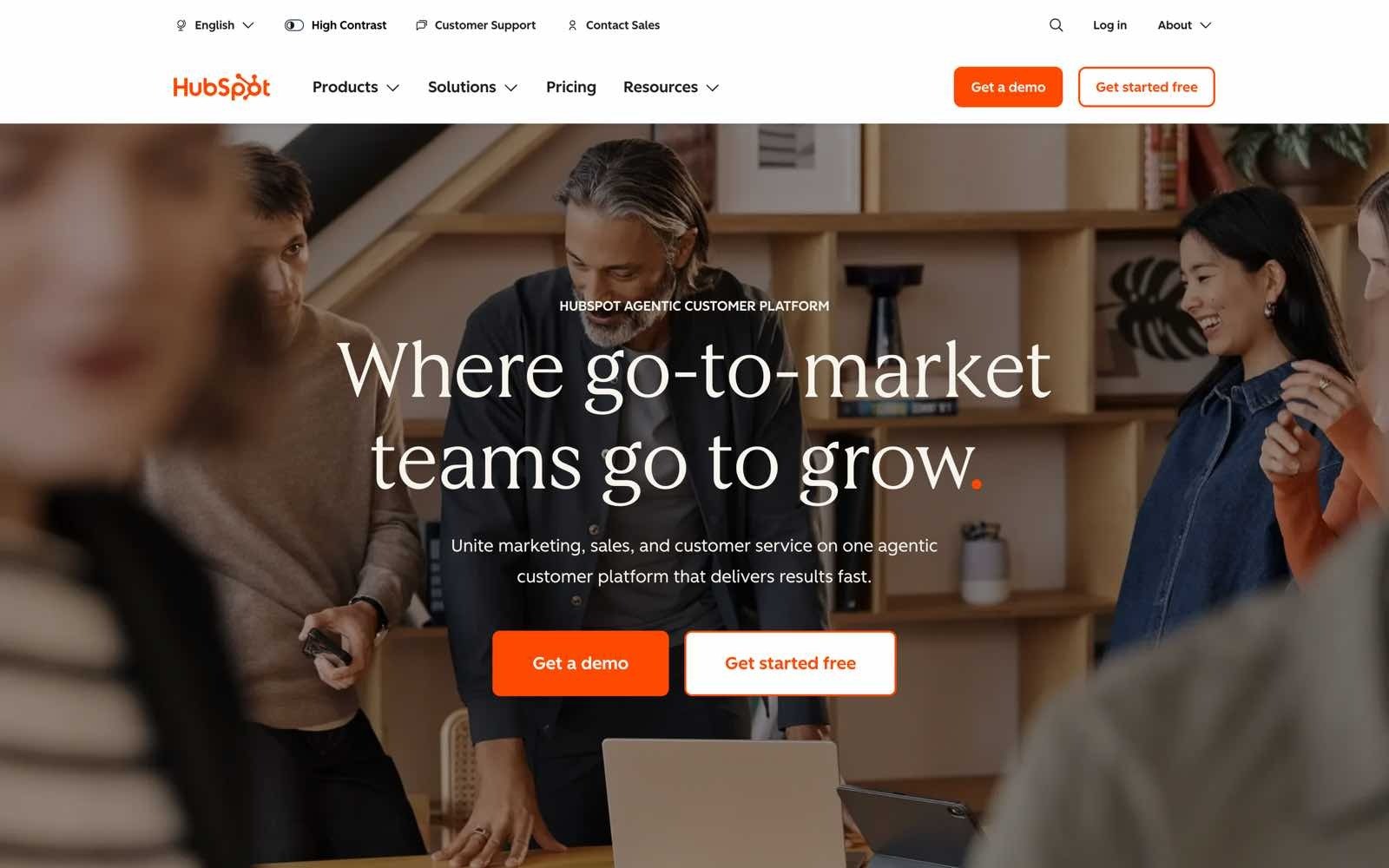
HubSpot's remote MCP server at https://mcp.hubspot.com gives an assistant access to CRM records and activity history, using OAuth 2.0 with PKCE. It reached general availability in 2026 and is the most straightforward way to connect Claude to crm for outbound if HubSpot is your system of record. It's CRM context rather than prospecting.
Ideal For
HubSpot customers wanting an assistant to read and update CRM records
Sales managers who want pipeline questions answered conversationally
Teams needing activity history in the assistant's context
RevOps teams auditing or cleaning CRM data
Why Do They Stand Out?
HubSpot's documentation is among the clearest in this category, with an explicit list of which objects are readable and which are writable. Reads cover contacts, companies, deals, tickets, users, invoices, orders, products, quotes, subscriptions, and segments, plus activities and marketing analytics.
Writes cover contacts, companies, deals, tickets, line items, and products, along with activities and marketing email drafts, which is a genuinely useful write surface for a CRM.
Pros
Clear documented boundaries: Explicit read and write lists per object type.
Real write access: Core CRM objects and activities can be created and updated.
OAuth with PKCE: Modern authentication that works with any compliant client.
Rich activity context: Calls, emails, meetings, notes, and tasks are all reachable.
Cons
No prospecting: It reads your CRM, so it can't find people who aren't in it yet.
Result caps: Searches return a maximum of 200 results and fetch cap at 100 object IDs.
Filter limits: Searches are capped at five filter groups with six filters each.
Sensitive data restrictions: Turning those settings on blocks activity and conversation access.
Cost scales with seats: You're paying for HubSpot tiers, not for MCP.
Pricing
MCP access comes with a HubSpot subscription, so the cost is whatever Sales Hub tier and seat count you're already on rather than a separate charge.
Final Verdict
HubSpot is the right recommendation for teams whose CRM is the source of truth and who want an assistant that can answer pipeline questions and tidy records without an export, and the documented write surface makes it more than a reporting connection. Pair it with a prospecting server, and it earns its place.
On its own, it can't run outbound, because a CRM only knows the people you've already met, and the 200-result search cap makes it awkward for anything resembling list building.
6. Salesforce
Overview
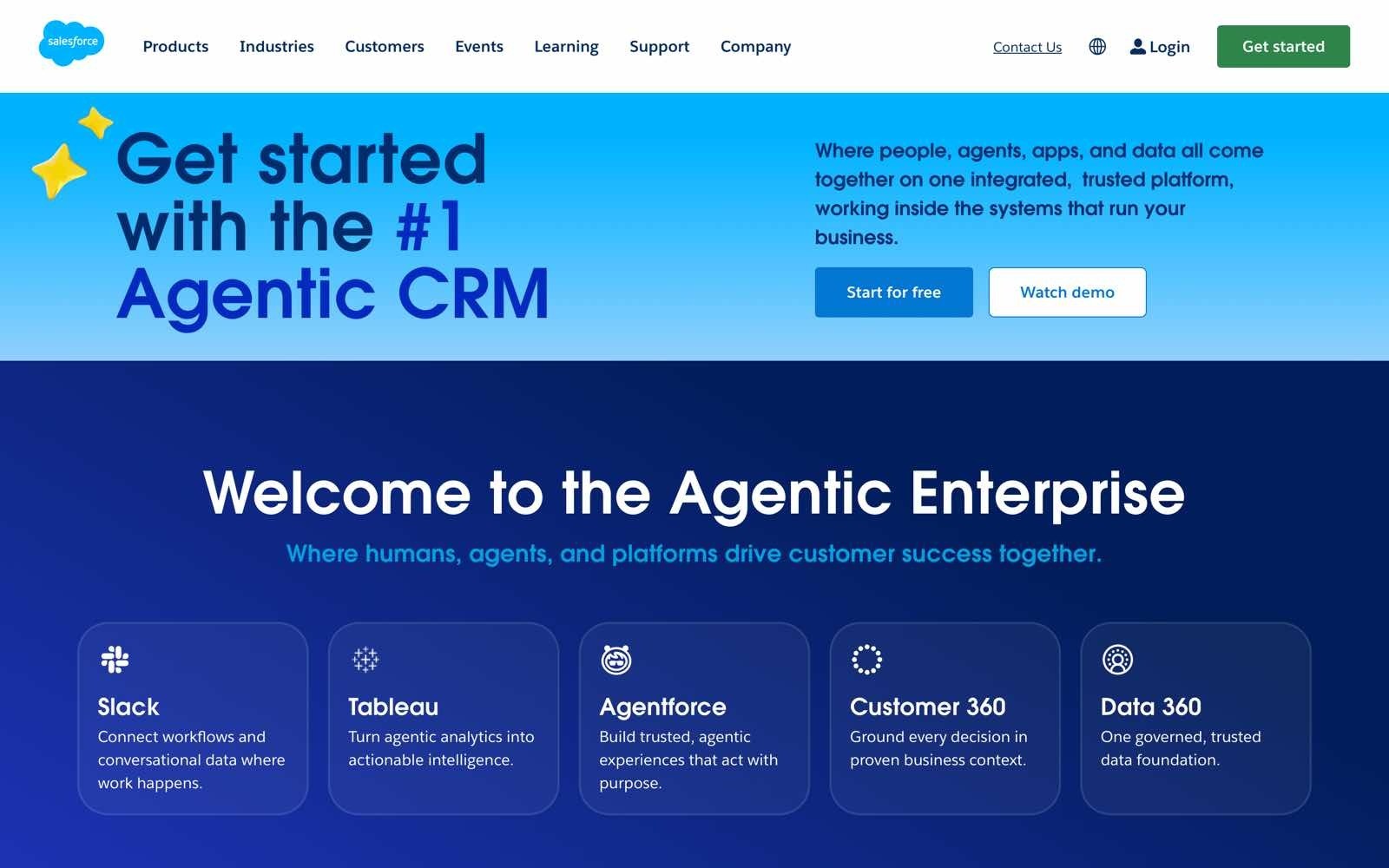
Salesforce's MCP server is built for enterprise teams that need custom objects, complex workflows, and governance that will survive a security review.
It suits organisations where the CRM has been heavily customised, and the permission model is already mature. Setup is the most involved in this comparison.
Ideal For
Enterprise sales organisations running Salesforce as the system of record
RevOps and admin teams working with custom objects
Companies with strict governance and audit requirements
Teams with Salesforce developer resources in-house
Why Do They Stand Out?
Salesforce's advantage is depth of object model and the maturity of its permission tooling, which matters a lot when an assistant is being pointed at regulated data.
Custom objects are handled properly, so the assistant reaches the fields your organisation actually uses rather than a generic CRM schema. For enterprises that have already built governance around Salesforce, the MCP layer inherits it.
Pros
Custom object support: Reaches the schema your organisation actually built.
Mature governance: Permission and audit tooling is already enterprise-grade.
Complex workflow handling: Suits multi-step, heavily customised processes.
Enterprise credibility: Passes security review more easily than most.
Cons
Heavy setup: Requires the Salesforce CLI and developer tooling, typically 15 to 30 minutes minimum.
Needs technical resources: Not something a rep or a sales manager configures alone.
No prospecting: Like any CRM server, it only knows records you already hold.
Enterprise tiers only: Access is tied to higher-priced editions.
Ongoing maintenance: Custom configuration needs upkeep as the org changes.
Pricing
Access is tied to Salesforce's higher editions rather than sold separately, so cost follows your existing agreement and seat count.
Final Verdict
Salesforce is the correct choice for large organisations where the CRM is heavily customised, governance is non-negotiable, and where developer resources exist to configure and maintain the connection properly. Nothing else here handles a bespoke object model as well.
It's unsuitable for the majority of sales teams, though, because the setup cost, the developer dependency, and the enterprise-tier requirement mean you'll spend more effort connecting it than most teams will get back from it.
7. ZoomInfo
Overview
ZoomInfo is one of the largest B2B data providers, and its MCP access brings that database into assistants including Claude and ChatGPT. The pitch is coverage, with a contact and company database among the biggest available and heavy refresh volumes behind it. What it doesn't do is act.
Ideal For
Enterprise teams already under a ZoomInfo contract
Organisations that need wide firmographic coverage
Teams prospecting into large or hard-to-source markets
Researchers building account lists at scale
Why Do They Stand Out?
Database size is the honest answer, and for enterprise teams selling into broad markets that coverage is hard to replicate.
The data layer spans hundreds of millions of contacts and tens of millions of companies with continuous refresh, which makes it one of the strongest choices where reach matters more than workflow. Support across major assistants is solid.
Pros
One of the largest databases: Among the widest contact and company coverage available.
Strong firmographics: Good depth on company attributes for segmentation.
Continuous refresh: Large daily data processing volumes keep records current.
Broad client support: Works with Claude, ChatGPT, and other compliant clients.
Cons
No sequence execution: It finds and enriches, then stops.
Enterprise pricing only: No accessible entry point for smaller teams.
Annual contracts: Commitment is long and negotiation heavy.
No outreach capability: You'll need a separate server or tool to send anything.
Pricing
ZoomInfo sells enterprise contracts on custom annual quotes, and MCP access sits inside that agreement rather than being priced on its own.
Final Verdict
ZoomInfo is a defensible recommendation for enterprise teams that already hold a contract and need the widest possible contact coverage inside an assistant, particularly when prospecting into markets where smaller databases thin out. The refresh rate is a real advantage.
It won't work for most buyers, because the enterprise-only pricing rules out smaller teams and the server finds people without being able to contact them, so it solves the first step of outbound and leaves the rest of the motion with you.
8. Outreach
Overview
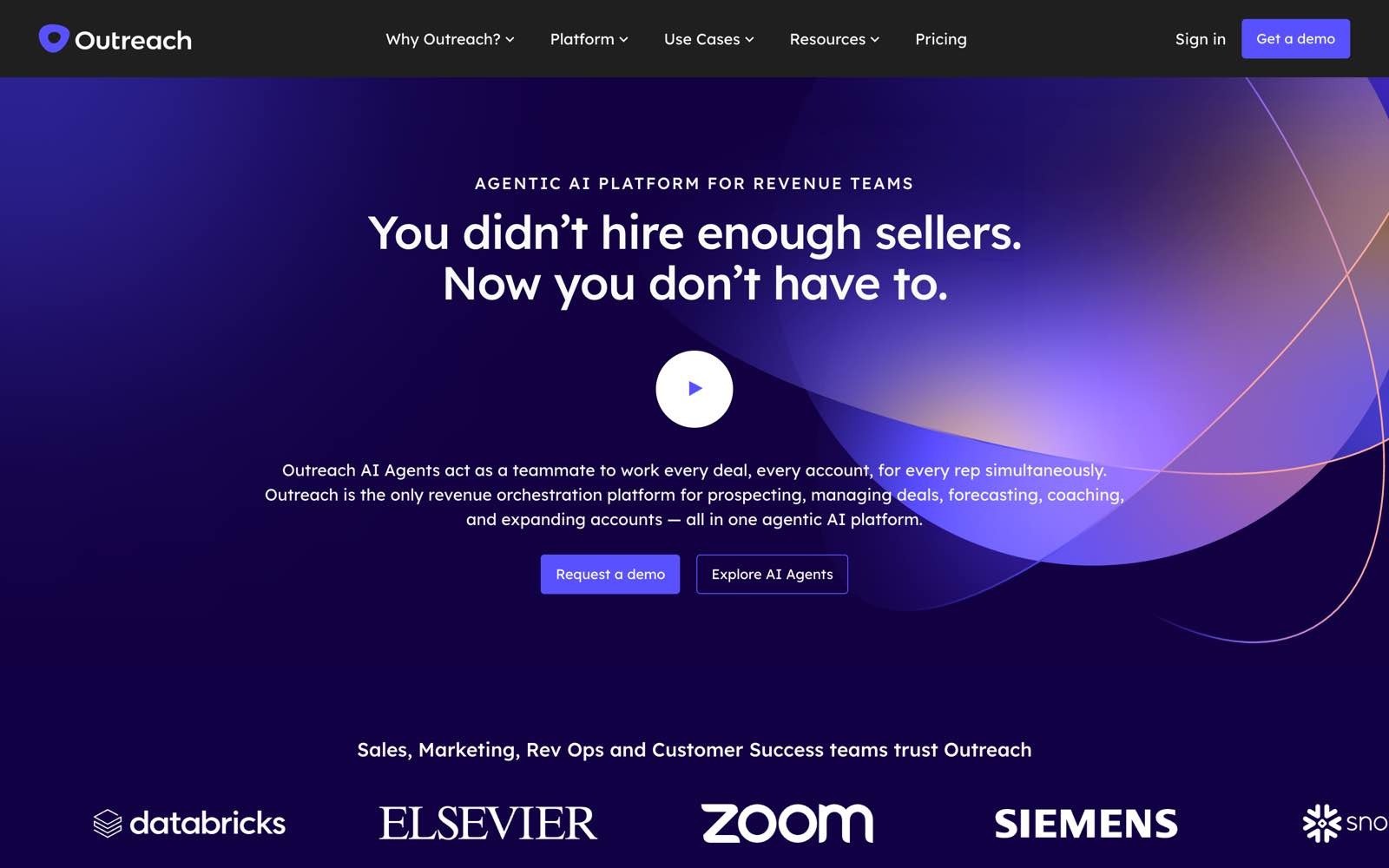
Outreach is a sales engagement tool with a large enterprise install base, and its MCP server moved beyond retrieval to allow direct actions during 2026. An assistant can search and create prospects and opportunities, enrol prospects in sequences, and pull call transcripts and emails inside the conversation. It assumes you already have the data.
Ideal For
Enterprise teams already running Outreach as their engagement layer
Sales managers who want call transcripts summarised in the assistant
Teams enrolling known prospects into existing sequences
Organisations with mature sequence libraries
Why Do They Stand Out?
Outreach is one of the stronger options for acting on an existing engagement stack, because sequence enrolment from inside an assistant is a genuine execution capability that most servers here don't offer.
Access to call transcripts and email history gives the assistant conversation context that pure data servers can't match, which makes for better follow-up drafting. Prospect and opportunity creation rounds it out.
Pros
Real sequence enrolment: Prospects can be added to live sequences from the assistant.
Conversation context: Call transcripts and emails are reachable.
Record creation: Prospects and opportunities can be created, not only read.
Mature sequence tooling: Benefits from a well-developed engagement product.
Cons
No prospect sourcing: It has no database, so it can't find anyone new.
Enterprise footprint: Priced and built for larger organisations.
Per-seat cost: Expensive to extend across a large team.
Dependent on data quality upstream: Bad records in, bad outreach out.
Pricing
Outreach sells per-seat annual contracts quoted on request, with MCP access included in the subscription.
Final Verdict
Outreach is worth recommending for enterprise teams that have already standardised on it and want an assistant to enrol prospects and summarise call context without leaving the chat, which is more execution than most servers in this comparison manage.
The transcript access is a real differentiator for follow-ups. It's limited for anyone without a data source already feeding it, because the server can act on prospects but cannot find them, so it only covers the back half of outbound.
9. Salesloft
Overview
Salesloft opened its live revenue data to MCP-compatible assistants during 2026, covering pipeline, deals, accounts, and call recordings. It works with a wide range of clients, including Claude, ChatGPT, Microsoft Copilot, and Gemini. The design decision that defines it is that it's read-only.
Ideal For
Teams already running Salesloft who want pipeline visibility in an assistant
Sales leaders building custom reporting or forecasting prompts
Organisations that want to trial MCP without granting write access
RevOps teams evaluating agentic workflows on real revenue context
Why Do They Stand Out?
Salesloft's read-only design is a legitimate position rather than a missing feature, because it lets a security-conscious organisation put live revenue context into an assistant with no risk of an unwanted write.
Client coverage is among the widest here, spanning Claude, ChatGPT, Microsoft Copilot, Gemini, and Agentforce. For teams that want visibility first, it's one of the safer starting points.
Pros
No write risk: Read-only by design, which simplifies security approval.
Wide client support: Works across most major assistants.
Rich revenue context: Live pipeline, deal, account, and call data.
Good for forecasting prompts: Strong fit for analysis workflows.
Cons
Cannot act: No writes at all, so nothing can be created or updated.
No prospecting: It only knows records already in Salesloft.
Per-seat enterprise pricing: Costly to roll out broadly.
Limited outbound value: Useful for reporting, not for running campaigns.
Pricing
Salesloft sells per-seat annual contracts quoted on request, with MCP access included in the subscription.
Final Verdict
Salesloft suits teams that want to put live revenue data in front of an assistant for forecasting, deal inspection, and coaching prompts without opening any write path, and the breadth of client support makes it easy to trial across a mixed stack. As a first MCP connection for a cautious organisation, it's sensible.
It won't serve an outbound team, because a server that cannot create, update, or enrol anything is a reporting tool, and running outbound needs something that can act.
10. Smartlead
Overview
Smartlead is a cold email tool focused on deliverability and volume sending, and its MCP server exposes an unusually large number of tools covering campaign management, lead tracking, and diagnostics.
It's the most specialised entry here. If your problem is that email isn't landing, it's aimed squarely at you.
Ideal For
High-volume cold email teams diagnosing deliverability problems
Agencies managing many sending domains and campaigns
Users troubleshooting bounces across large campaign sets
Teams whose outbound is email-only
Why Do They Stand Out?
Smartlead exposes one of the largest tool counts in this comparison, which gives an assistant fine-grained control over campaigns and diagnostics that broader servers don't attempt. Bulk troubleshooting is the standout job, and users report working through thousands of bounced leads across hundreds of campaigns inside a single conversation. For deliverability work specifically, that depth is hard to beat.
Pros
Large tool count: Fine-grained control over campaigns and diagnostics.
Strong deliverability focus: Purpose-built for sending health problems.
Bulk troubleshooting: Handles large campaign sets in one conversation.
Quick setup: Configuration is documented as a short job.
Cons
Email only: No social or calling steps at all.
Transport and client limits: Documented as SSE with a Claude Desktop focus, which narrows where it runs.
No prospecting: It sends to lists; it doesn't build them.
Tool bloat risk: A large toolset can crowd an assistant's context.
Pricing
Smartlead sells subscription tiers, and MCP access is available to customers as part of the subscription rather than as an add-on.
Final Verdict
Smartlead is a strong recommendation for high-volume email teams and agencies whose specific problem is deliverability, where the tool depth turns a day of bounce triage into a single conversation.
Nothing else here goes as deep on sending health. It's too narrow for most teams, though, because it can't source prospects, it covers email only, and its transport and client constraints mean it won't slot into a mixed assistant stack the way a broader server will.
How to Choose the Best MCP for Sales Teams (What to Consider)?
Tool counts and vendor scorecards make poor decision criteria, because a server with 100 read tools still can't send an email. The six questions below sort the category faster than any feature matrix, and they're ordered by how much they'll cost you to get wrong.
1. Does It Cover the Whole Outbound Loop or One Step?
Map the motion first, which for most teams is find, enrich, build, send, and reply. Then check which of those five steps the server actually reaches, because the answer is usually one or two. Chaining three narrow servers is possible, but it makes you the integration layer and multiplies the permission surface, so you're doing GTM engineering whether you wanted to or not.
A single connection that covers the loop is worth more than three narrow specialists, purely because the handoffs are where work gets lost.
2. Can It Write, or Only Read?
This is the sharpest dividing line in the category, and the one buyers discover last. Read-only servers such as Salesloft's are useful for briefing and forecasting, but they cannot start anything. If your goal is running outbound rather than reporting on it, a write path is not optional.
Check the specifics rather than the marketing claim, because "write" sometimes means creating a note and sometimes means enrolling a contact in a live campaign.
3. Which AI Clients Does It Support?
A Claude MCP connector for sales is worth little if half your team works in Cursor or Codex. Look for documented setup across the assistants your people actually use, and treat single-client servers as a lock-in risk, since Clay's Claude-only connector strands anyone working elsewhere.
Confirm the transport too. Remote Streamable HTTP with OAuth is the current standard, and stdio-only servers need a bridge to run in modern clients.
4. How Precise Are the Permission Scopes?
This is the question that decides whether your security team says yes. Ask whether the vendor publishes named scopes, whether read and write are separable per capability, and whether an admin can cap what any individual is allowed to grant.
It's not a theoretical concern. In the same Salesforce research, 51% of sales professionals said security concerns delayed their AI initiatives, and vague permissions are exactly the sort of thing that stalls an approval.
Start read-only, add write scopes per workflow, and avoid blanket grants in production. Enginy's 23 named scopes with an admin policy ceiling is the pattern to benchmark against, and it's worth reading up on protecting sales data before you grant anything.
5. How Many Tools Does It Expose, and Will Your Client Load Them?
More tools is not better past a certain point. Every tool description consumes context, so a server with hundreds of them crowds out the actual work, and some clients refuse to load large toolsets entirely. Microsoft 365 Copilot and Copilot Studio cap at 70 tools.
Ask whether the vendor offers a reduced toolset for constrained clients. Almost none do, which is why teams run into this after they've committed rather than before.
6. Does It Run Without a GTM Engineer?
Several tools in this comparison are excellent and effectively unusable without a technical operator. Clay says so openly: Salesforce needs developer tooling, and Amplemarket typically wants dedicated resources. If you don't have that person, a tool that assumes them will quietly under-deliver.
Be honest about who maintains the connection in six months, because that's the constraint that decides whether any of this survives contact with a busy quarter.
Everything You Need to Know About MCP for Sales Teams
Category | Key Considerations |
Top 3 MCP servers for sales | Enginy for the full outbound loop, Amplemarket for search and research depth, Apollo for the cheapest way in |
Who is it for | Heads of sales, RevOps and sales operations, founders running their own outbound, SDR managers, and agencies running client prospecting |
Common jobs | Building an ICP list, enriching contacts, drafting first touches, creating and launching campaigns, triaging replies, and answering pipeline questions |
How to choose | Loop coverage first, then write access, client support, scope precision, tool count limits, and whether it runs without a GTM engineer |
Mistakes to avoid | Buying on tool count, assuming read access means execution, granting blanket write scopes, ignoring client tool caps, and chaining servers you'll have to maintain |
Pricing starts | Rarely priced separately; access comes with the underlying subscription, from included-with-plan at the low end to enterprise contracts at the top |
Run Sales Outbound From Claude With Enginy
Most MCP servers hand your assistant one slice of the motion. You read a CRM record in one, find a contact in another, and still open a browser tab to launch the sequence, which means three connections, three permission models, and an outbound loop that never closes inside the chat.
Enginy exposes the whole motion through one connection, from AI Finder searches and multi-source enrichment through to campaign creation, contact enrolment, and inbox replies, with 23 named scopes so you decide exactly what your assistant may touch. Factorial used Enginy to lift reply rates from 10% to 45% and give SDRs back several hours a day.
If you want to see what running outbound from Claude looks like against your own ICP, book a Demo and we'll set you up with 100 free B2B leads to test it on.
FAQs About MCP for Sales Teams
What is the best MCP for sales teams in 2026?
The best MCP for sales teams in 2026 is Enginy, because it's the only server reviewed here that carries an assistant through all five steps of outbound, finding prospects, enriching them, building the campaign, enrolling contacts, and handling replies, on one connection. Amplemarket is the strongest alternative for search and research depth, and Apollo is the cheapest way to test the idea. Most other servers cover one layer, with CRM servers such as HubSpot and Salesforce providing context and engagement servers such as Outreach acting on data sourced elsewhere. Rank candidates by how much of your motion they close, not by how many tools they publish.
What should I consider when choosing an MCP for sales teams?
Consider loop coverage first, then write access, client support, and permission precision, in that order. Loop coverage tells you how many other tools you'll still need, and write access separates servers that can run outbound from those that only report on it. Client support matters because a Claude-only server strands anyone working in Cursor or Codex. Permission precision decides whether your security team approves the connection at all, which is not a small risk given 51% of sales professionals told Salesforce that security concerns delayed their AI initiatives.
How does Enginy differ from similar alternatives?
Enginy differs by exposing its full API surface through MCP rather than a curated subset, so an assistant reaches 14 capability families spanning discovery, enrichment, campaigns, messaging, and workflows on a single connection. Most alternatives cover either data or outreach, which leaves you chaining servers and managing several permission models. Enginy also publishes 23 named scopes with an admin policy ceiling, documents nine connection routes across Claude, Codex, Cursor, Gemini CLI, and others, and ships a reduced endpoint for clients that cap tool counts. The underlying product is built to run without a GTM engineer, which carries over to the MCP layer.
How do I connect Enginy to Claude, Codex, or Cursor?
Connect Enginy to Claude by opening Customize, then Connectors, then Add custom connector, and pasting https://openapi.enginy.ai/mcp. Claude Code takes one command: claude mcp add --transport http --callback-port 3118 enginy https://openapi.enginy.ai/mcp, while Codex uses codex mcp add enginy --url https://openapi.enginy.ai/mcp followed by codex mcp login enginy. Cursor needs the same URL added to .cursor/mcp.json. In every case, a workspace admin must switch MCP on first, and you can confirm the connection by asking the assistant to run mcp_whoami.
How easy is it to switch to Enginy?
Switching to Enginy is designed around five structured onboarding sessions that cover configuration, list building, and campaign building with the team rather than leaving setup to you. The MCP connection itself takes a single command or a pasted URL once an admin has switched it on, so the technical part is minutes rather than days. What takes longer is the AI Playbook setup, where your company context, what you sell, and your ICP definition get configured, because that's what makes the assistant's output specific to your market. Existing CRM data comes across through native integrations with HubSpot, Salesforce, Pipedrive, Dynamics 365, Zoho, and Attio.
Is it safe to give an AI assistant write access to your sales data?
Giving an AI assistant write access is safe when the server uses scoped OAuth rather than a shared key, which is why permission design matters more than any feature on a comparison page. Look for named scopes that separate read from write per capability, an admin ceiling that caps what individuals can grant, and short-lived tokens with rotating refresh. Enginy's model does all three, and every session can be audited with mcp_whoami to confirm exactly which scopes are live. The safe pattern is to start read-only, add one write scope per workflow you actually need, and never grant blanket access in production.
Do you need to be a developer to use an MCP server for outbound sales?
You don't need to be a developer to use an MCP server for outbound sales, because the most common route is pasting a URL into your assistant's connector settings and approving an OAuth prompt in the browser. Claude, ChatGPT, and Microsoft 365 Copilot all handle it through settings rather than a terminal. Command-line clients such as Claude Code, Codex, and Gemini CLI take a single command each, which is copy-and-paste work rather than engineering. Where you do need technical help is with tools built for GTM engineers, such as Clay, or with Salesforce, which needs its CLI and developer tooling to configure.