Torna al blog
Enginy vs Clay MCP: Which AI Sales Connector Is Better in 2026?
Andrea López
Condividi
Key Takeaways (TL;DR)
Primary difference: Clay MCP puts a data and workflow layer inside Claude or ChatGPT. Enginy MCP puts an entire GTM platform there, prospecting, enrichment, and outreach included, because its tools are generated from the same API that runs the product end to end.
Best overall choice: If a rep still has to leave the chat to send a sequence or check a multi-stakeholder campaign, the connector hasn't actually removed the tab-switching it promised. That's where Enginy MCP is built differently: one connector across prospecting, enrichment, and outreach. Clay MCP is a strong pick specifically when a team only needs the research half solved and already has outreach handled elsewhere.
Data coverage winner: Clay MCP. It waterfalls across 150+ providers, a wider net than Enginy's built-in enrichment sources, plus Enginy layers in buying-intent signals (job changes, hiring alerts, funding rounds, tech stack) that a plain enrichment waterfall doesn't surface on its own.
Governance winner: Clay MCP, with a catch. Function-level permissioning gives Ops more dials, but those Functions still need someone with GTM-engineering skills to build before a rep gets any value from MCP. Enginy's simpler OAuth-scope model reflects the same "no GTM engineer required" design as the rest of the platform.
Platform depth winner: Enginy MCP. Because the connector is generated straight from Enginy's public API, it can reach outreach and inbox objects that sit outside what Clay MCP exposes, including multi-stakeholder campaigns. This is the same architecture behind results like Factorial's reply rate climbing from 10% to 45% once outreach ran through Enginy.
Pricing winner: Enginy. Clay's Launch plan starts at $185/month before MCP-specific controls unlock, while Enginy's plans are quoted per team and credit MCP usage the same as any other platform action, with no separate connector line item.
Setup winner: Tie. Both connect through a browser sign-in, no config file required, and both work from Claude's Connectors menu in a few clicks.
Enginy vs Clay MCP in 2026: At a Glance
Criteria | Enginy MCP | Clay MCP |
Best For | Teams that want one connector across prospecting, enrichment, and outreach | Teams that want Ops-built research and enrichment inside chat |
Underlying platform | Full GTM platform (list building, enrichment, multi-channel outreach) | Enrichment and workflow builder, sequencing lives elsewhere |
Data sources | Enginy's built-in enrichment stack (30+ providers) | 150+ marketplace providers, waterfalled automatically |
Supported AI clients | Claude, ChatGPT, Cursor, VS Code, Codex, Gemini CLI, Microsoft 365 Copilot | Claude, ChatGPT, Codex, Copilot, Glean |
Tool generation | Auto-generated from Enginy's public OpenAPI spec | Curated Functions built by Ops, plus core research tools |
Governance | OAuth scopes, admin-set policy ceiling | Per-rep credit budgets, Function-level permissioning, MCP-only seats |
Pricing model | Custom-quoted plans, credits shared with the rest of the platform | Free tier plus $185/mo Launch and $495/mo Growth, Enterprise custom |
Maturity | Newer, tool surface still expanding with the API | Established, in production across enterprise sales teams |
What Is MCP, and Why Sales Teams Are Adopting It
Model Context Protocol is an open standard, introduced by Anthropic in late 2024, that lets an AI assistant call tools on an external system instead of just talking about it. A rep can ask Claude to pull a contact, and Claude reaches into the connected platform to actually do it.
For sales specifically, this matters because reps lose time bouncing between tabs. Research a company here, verify an email there, draft a message somewhere else. Sellers already spend roughly 70% of their time on work that isn't selling, and a fragmented connector layer, an assistant that can research but not act, just relocates that problem into the chat window instead of fixing it. MCP only earns its keep when the platform on the other end has built a server that closes the loop, not just narrates it.
That's the real question this comparison answers: what does each MCP server actually let your AI assistant do, and where does it stop?
What Is Enginy MCP?
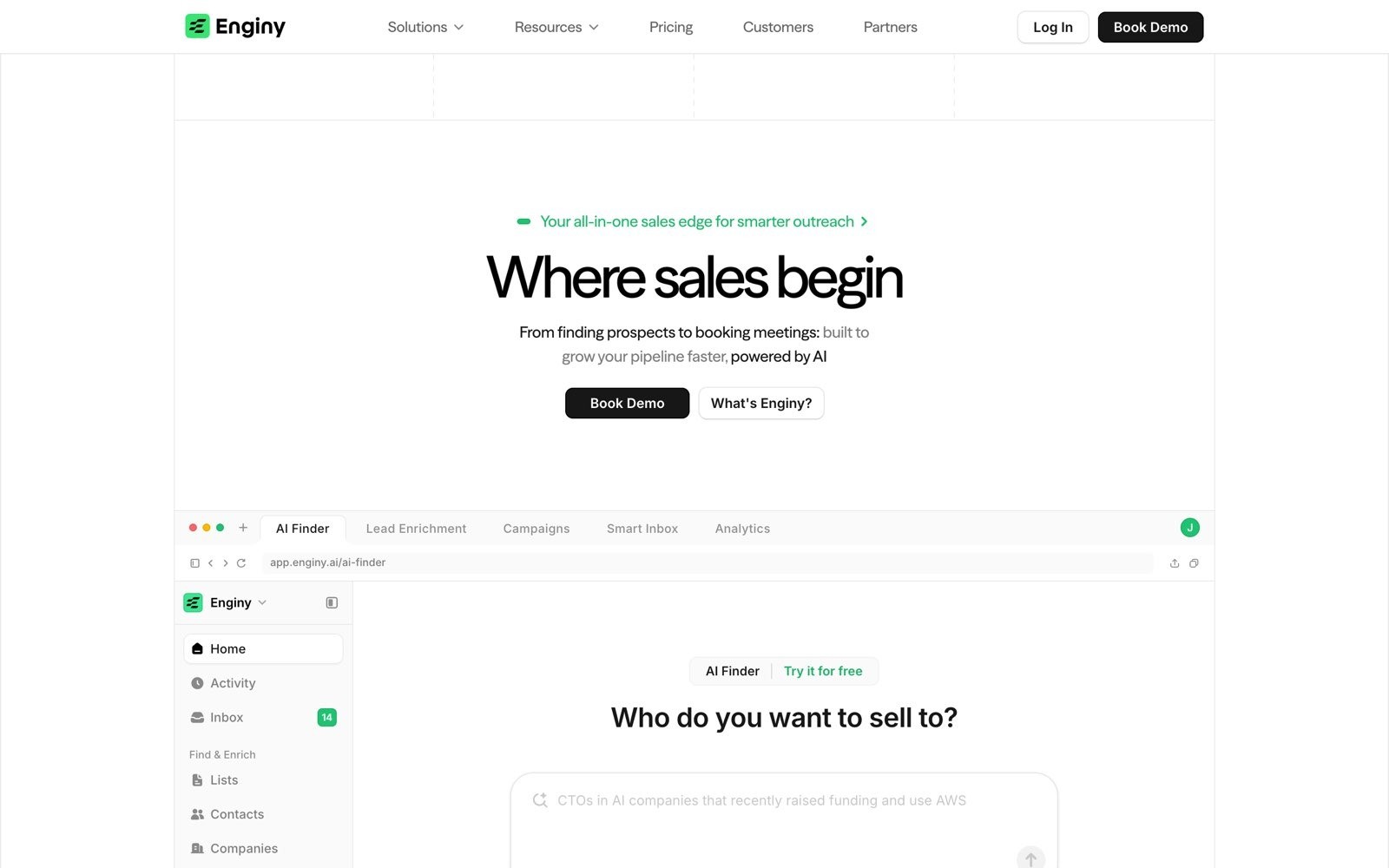
Enginy MCP is the hosted remote server that connects an AI assistant to an Enginy workspace, reachable at openapi.enginy.ai/mcp. Setup runs through Claude's Connectors menu: an admin allows the callback URL, a rep clicks "Add custom connector," signs in through the browser, and approves the requested scopes.
The tool surface isn't hand-curated. Enginy generates it directly from the platform's public API, so GET, POST, PATCH, PUT, and DELETE operations each become a callable tool. That means an assistant connected to Enginy MCP can look up contacts, companies, and campaigns, read inbox threads, and help prepare work inside the platform, not just fetch data, since Enginy's outreach layer, including multi-stakeholder sequences and buying-intent filters like job changes and funding rounds, is part of the same API the MCP server reads from.
This is also why Enginy MCP doesn't require a dedicated Ops builder to be useful on day one. A RevOps lead can set the workspace scopes once; a founder running sales personally, or a rep with no technical background, can connect and start querying without anyone pre-building a workflow first.
What Is Clay MCP?
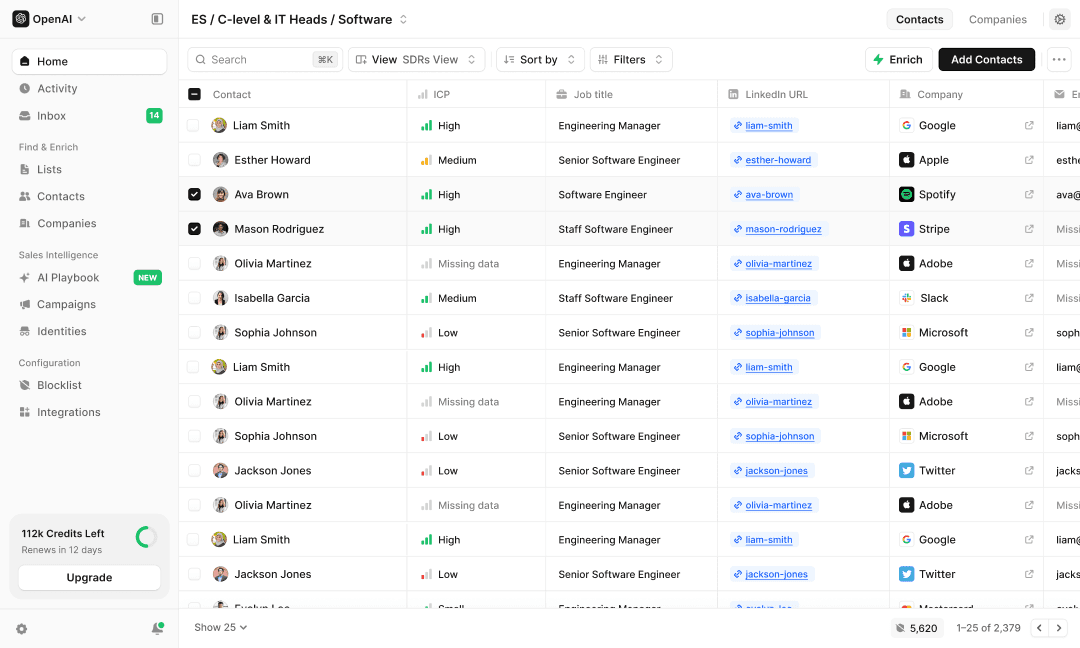
Clay MCP is the connector between a Clay workspace and Claude, ChatGPT, Codex, Copilot, and Glean. It exposes Clay's 150+ data providers, its AI research agents, and any Functions the Ops team has already built, all inside the chat window reps use every day.
Ops keeps the wheel. Admins invite reps under Settings, set a credit budget per person or per team, and choose which Functions are available through MCP versus locked to the Clay UI. A rep can be given a "Sales Rep" permission type that grants MCP-only access; they never see Clay's tables, workflows, or API keys directly. New workspaces get 500 free credits on first connect to try it out.
Enginy vs Clay MCP: A Detailed Comparison
1. What the Connector Can Actually Do
Enginy MCP: Because tools are generated from the full API, an assistant connected to Enginy MCP isn't limited to lookups. It can reach campaign and inbox objects too, which puts prospecting, enrichment, and outreach in one conversational surface. Concretely, that means a rep can ask where a multi-stakeholder sequence stands for a target account (has the CEO track replied, has the SDR-track call task come due) without opening Enginy at all. That's the same underlying campaign layer that took Factorial's conversion rate from 4% to 8% and cut 3–4 hours of manual work per SDR per day, now reachable from inside a chat window. The tradeoff: tool names and shapes follow the API rather than a curated rep-facing design, so some prompts take more precision to land correctly.
Clay MCP: Clay's four core jobs are finding and verifying contacts, researching accounts, drafting outreach copy, and running Ops-built Functions. Sending that outreach and tracking replies still happens outside Clay, in whatever sequencing tool or CRM the team already runs. Clay MCP is a research and enrichment layer, not a full send-and-track engine.
🏆 Winner: Enginy MCP. One connector that touches the whole motion, not just the research half of it.
2. Data Coverage and Enrichment Depth
Enginy MCP: Enginy's enrichment runs on its own built-in stack, aggregating 30+ contact providers with waterfall logic to maximize match rates on emails and phone numbers. Coverage is solid for standard B2B contact and firmographic data, but it draws from Enginy's fixed provider list rather than an open marketplace.
Clay MCP: Clay waterfalls across 150+ data providers, and admins can swap or add sources without waiting on a platform release. For teams with unusual ICPs, obscure industries, niche geographies, or B2B2C plays, that breadth tends to matter more than it sounds on paper.
🏆 Winner: Clay MCP. A wider marketplace beats a fixed stack once your list gets specific.
3. Governance and Rep Permissions
Enginy MCP: Access runs on OAuth scopes and an admin-set policy ceiling: an admin decides the maximum permissions a user is allowed to approve, and the rep grants whatever subset they need at sign-in. It's a clean model, but it doesn't yet break permissions down by individual capability the way Clay does. What it does avoid is a dependency Clay doesn't: nothing about using Enginy MCP requires a technical operator to have pre-built a workflow first.
Clay MCP: Admins get Function-level permissioning (toggle individual workflows on or off for MCP use), per-rep or per-team credit budgets, and a dedicated MCP-only seat type that hides the rest of Clay's UI from reps who shouldn't see it. Enterprise customers also get Audiences, which scopes what accounts a rep can query based on CRM ownership. The catch is upstream of MCP entirely: Clay is built for GTM operators, and the Functions a rep triggers through MCP still have to be assembled by someone with that skill set before they exist to trigger. A rep's "MCP-only" access is only as useful as what Ops has already built for them.
🏆 Winner: Split. Clay MCP gives Ops more granular control once those Functions exist. Enginy MCP gives a rep a usable connector without needing someone to build one first, which matters most for teams that don't have a dedicated GTM engineer on staff.
4. AI Assistant Compatibility
Enginy MCP: Documented support spans Claude, ChatGPT, Cursor, VS Code, Codex, Gemini CLI, and Microsoft 365 Copilot. The server runs on remote Streamable HTTP; stdio-only clients need a bridge like mcp-remote.
Clay MCP: Documented support covers Claude, ChatGPT, Codex, Copilot, and Glean. Clay has signaled more is coming, with an explicit focus on enterprise sales teams.
🏆 Winner: Tie. Both cover the clients most sales teams actually use day to day, and both are still expanding the list.
5. Pricing
Enginy MCP: Enginy prices by quote, on purpose, since a per-seat list price invites exactly the kind of apples-to-oranges comparison that undersells what a full platform replaces. Plans are scoped to the team during a qualification call, and MCP usage draws from the same credit pool as the rest of the platform, no separate connector fee.
Clay MCP: Clay's self-serve tiers start free (100 Data Credits, 500 Actions a month), then Launch at $185/month (2,500 Data Credits, 15,000 Actions) and Growth at $495/month (6,000 Data Credits, 40,000 Actions). MCP's credit controls and Function permissioning require Launch or above; Audiences is Enterprise-only. MCP calls cost the same credits as running the same Function inside Clay's own UI.
🏆 Winner: Enginy. A published Clay tier is easy to compare, but it's also a hard floor: $185/month before you've enabled a single Function for MCP. Enginy folds the cost into a quote scoped to what a team actually needs.
Enginy vs Clay MCP: The Verdict, Feature by Feature
Feature / Criteria | Enginy MCP | Clay MCP | Verdict |
Data coverage | ⭐⭐⭐⭐ | ⭐⭐⭐⭐⭐ | Clay MCP, wider provider marketplace |
Platform reach (prospecting → outreach) | ⭐⭐⭐⭐⭐ | ⭐⭐⭐ | Enginy MCP, outreach is part of the same connector |
Governance depth (once workflows exist) | ⭐⭐⭐⭐ | ⭐⭐⭐⭐⭐ | Clay MCP, Function-level control and MCP-only seats |
Usable without a GTM engineer | ⭐⭐⭐⭐⭐ | ⭐⭐⭐ | Enginy MCP, no Ops build required to get value |
AI client support | ⭐⭐⭐⭐ | ⭐⭐⭐⭐ | Tie |
Setup experience | ⭐⭐⭐⭐ | ⭐⭐⭐⭐ | Tie, both are a browser sign-in away |
Total cost for an all-in-one motion | ⭐⭐⭐⭐⭐ | ⭐⭐⭐ | Enginy, no separate outreach subscription needed |
Maturity | ⭐⭐⭐⭐ | ⭐⭐⭐⭐ | Tie |
Final Verdict: Which Should You Choose?
Choose Clay MCP If:
Your team already has an outreach and sequencing tool in place, and you specifically need deeper, wider enrichment inside chat.
Ops wants granular control over which workflows each rep can trigger, with usage capped per person.
Your ICP is unusual enough that a 150-provider waterfall will outperform a fixed enrichment stack.
Choose Enginy MCP If:
You'd rather have one connector reach across prospecting, enrichment, and outreach instead of stitching an MCP layer on top of a separate sequencing tool.
Your team is consolidating point solutions and wants the AI assistant to reflect that consolidation, not add a new tab back in.
You don't have a dedicated GTM engineer to build and maintain Ops-side Functions before reps see any value from MCP.
You want the connector to reach multi-stakeholder campaigns and buying-intent data, not just static contact records.
You want MCP usage billed as part of one platform relationship instead of a second subscription with its own credit meter.
FAQs About Enginy MCP vs Clay MCP
What is the main difference between Enginy MCP and Clay MCP?
Enginy MCP is generated from Enginy's full platform API, so it can reach prospecting, enrichment, and outreach objects in one connector. Clay MCP is generated from Clay's data and workflow layer, so it's strongest at research and enrichment, with outreach handled by whatever tool sits downstream.
Which is better: Enginy or Clay for MCP-based sales outreach?
It depends on what's still missing from the AI assistant today. Clay MCP is the stronger choice for pure research depth and rep-level governance once Ops has built the Functions to support it. Enginy MCP is the stronger choice for MCP-based sales outreach specifically, since it's the connector that can reach campaigns, multi-stakeholder sequences, and inbox threads directly, not just the research that precedes outreach.
Is Clay MCP more affordable than Enginy MCP?
Clay publishes fixed tiers starting at $185/month for Launch, which is easy to budget against. Enginy quotes pricing per team and folds MCP usage into the same credit pool as the rest of the platform, so the better comparison is total cost once you add the separate outreach tool most Clay MCP users still need.
Which tool has better data coverage: Enginy or Clay?
Clay has the wider net. It waterfalls across 150+ data providers, compared to Enginy's built-in stack of 30+ enrichment sources. For standard B2B contact data the gap rarely shows up; for niche ICPs, Clay's marketplace tends to find more.
Can Enginy MCP send outreach on its own, or does it need another tool?
Because Enginy MCP's tools come from the same API that runs Enginy's campaigns and inbox, an assistant connected to it can work with outreach objects directly, without a separate connector for sending. Clay MCP, by contrast, is built for research and enrichment; the sending layer lives outside Clay.
Does using Clay or Enginy through MCP cost extra credits compared to using the platform directly?
No, for either tool. Clay's documentation confirms MCP calls draw the same credits as the equivalent action inside Clay's UI. Enginy MCP usage draws from the same platform credit pool a team already has, with no separate connector surcharge.
Which tool gives Ops more control over what reps can do through MCP?
Clay MCP, for teams with the Ops resources to use it. Admins can toggle individual Functions on or off for MCP use, set credit budgets per rep or team, and assign a dedicated MCP-only seat that hides the rest of Clay's workspace. The tradeoff is that those Functions need someone with GTM-engineering skills to build first. Enginy MCP governs access through OAuth scopes and an admin-set policy ceiling instead, without that same per-Function granularity, but without requiring a technical builder before reps see value either.