Torna al blog
La migliore lead generation per le agenzie nel 2026 (classifica degli 11 migliori strumenti)

Andrea López
Condividi
La lead generation per le agenzie è un lavoro diverso rispetto alla lead generation per una singola azienda. Non state riempiendo una sola pipeline; ne state riempiendo molte, ognuna con il proprio pubblico, la propria offerta e le proprie scadenze di reporting.
Gli strumenti giusti decidono se questa attività rimanga redditizia o se vada a erodere il vostro margine. Questa guida classifica gli 11 migliori strumenti di lead generation per agenzie nel 2026, confrontati in base a funzionalità, prezzi e alla loro tenuta quando vengono gestiti su più account clienti.
Punti chiave (TL;DR)
Il miglior strumento in assoluto per la lead generation per agenzie: Enginy. Unisce la scoperta dei prospect, l'arricchimento dei dati multi-sorgente e l'outreach multicanale basato su IA in un unico sistema, consentendo a un'agenzia di gestire la lead generation per diversi clienti senza dover coordinare cinque strumenti separati. Il suo onboarding e la facilità d'uso consentono a qualsiasi account manager di utilizzarlo, senza la necessità di uno specialista tecnico.
Perché ne avete bisogno: le agenzie perdono margine quando i commerciali dedicano la settimana alla creazione manuale di elenchi, alla pulizia dei dati e a un outreach basato sul copia-incolla invece di concentrarsi sul lavoro per i clienti. Un unico sistema per trovare, arricchire e contattare i prospect protegge sia la qualità del servizio sia i profitti.
A chi è rivolto: agenzie di marketing, digitali, di design e di selezione del personale che generano lead per i clienti, o per se stesse, e necessitano di risultati replicabili su numerosi account.
Come scegliere quello giusto: valutate la copertura (consente di trovare, arricchire e contattare in un unico posto?), la qualità dei dati su più fonti e un modello di pricing che si adatti ai margini per cliente. La gestione multi-cliente e la deliverability sui domini dei clienti contano di più per le agenzie rispetto ai team interni.
Prezzo previsto: Enginy adotta un pricing personalizzato basato su crediti, calibrato sul vostro account durante una chiamata di qualificazione. Sul mercato, gli strumenti variano dai CRM gratuiti e strumenti di outreach a basso costo a partire da circa $14-$50 per utente al mese, fino a contratti dati enterprise quotati nell'ordine di decine di migliaia all'anno.
Panoramica dei migliori strumenti di lead generation per agenzie
Ecco un rapido confronto degli 11 strumenti prima delle recensioni complete. I prezzi sono indicativi ed è consigliabile confermarli con ciascun fornitore, poiché i piani variano spesso.
Azienda | Ideale per | Funzionalità chiave | Prezzo |
Enginy | Lead gen all-in-one per agenzie | Ricerca, arricchimento (30+ fonti), outreach multicanale IA | Personalizzato, basato su crediti (4 livelli) |
Apollo.io | Dati economici + outreach di base | Database dei contatti, sequenze email, estensione browser | Piano gratuito; a pagamento da poche decine di dollari per utente/mese |
Clay | Arricchimento personalizzato per team tecnici | Arricchimento a cascata, colonne di ricerca IA | Livello gratuito; piani a crediti da ~$149/mese |
HubSpot | Acquisizione inbound + CRM | CRM gratuito, moduli, email marketing, lead scoring | CRM gratuito; livelli Sales/Marketing a pagamento |
Instantly | Cold email ad alto volume | Rotazione inbox, warm-up, analisi delle campagne | A pagamento da circa $35/mese |
Cognism | Dati conformi per UE e Regno Unito | Dati verificati via telefono, intent, funzionalità di compliance | Preventivo personalizzato (annuale) |
ZoomInfo | Dati enterprise + intent | Ampio database, intent, tracciamento dei visitatori | Preventivo personalizzato (annuale) |
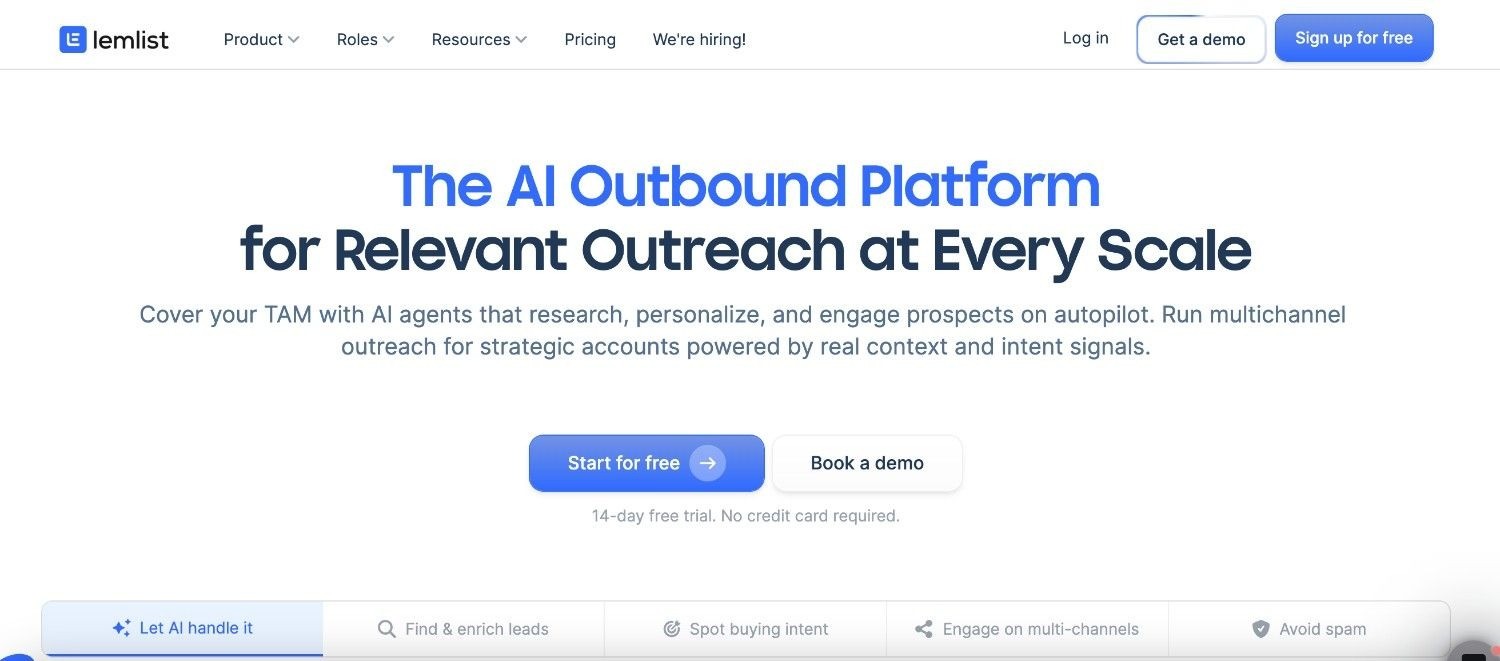
Lemlist | Outreach personalizzato | Sequenze email e social, immagini personalizzate | Per postazione a partire da poche decine di dollari per utente/mese |
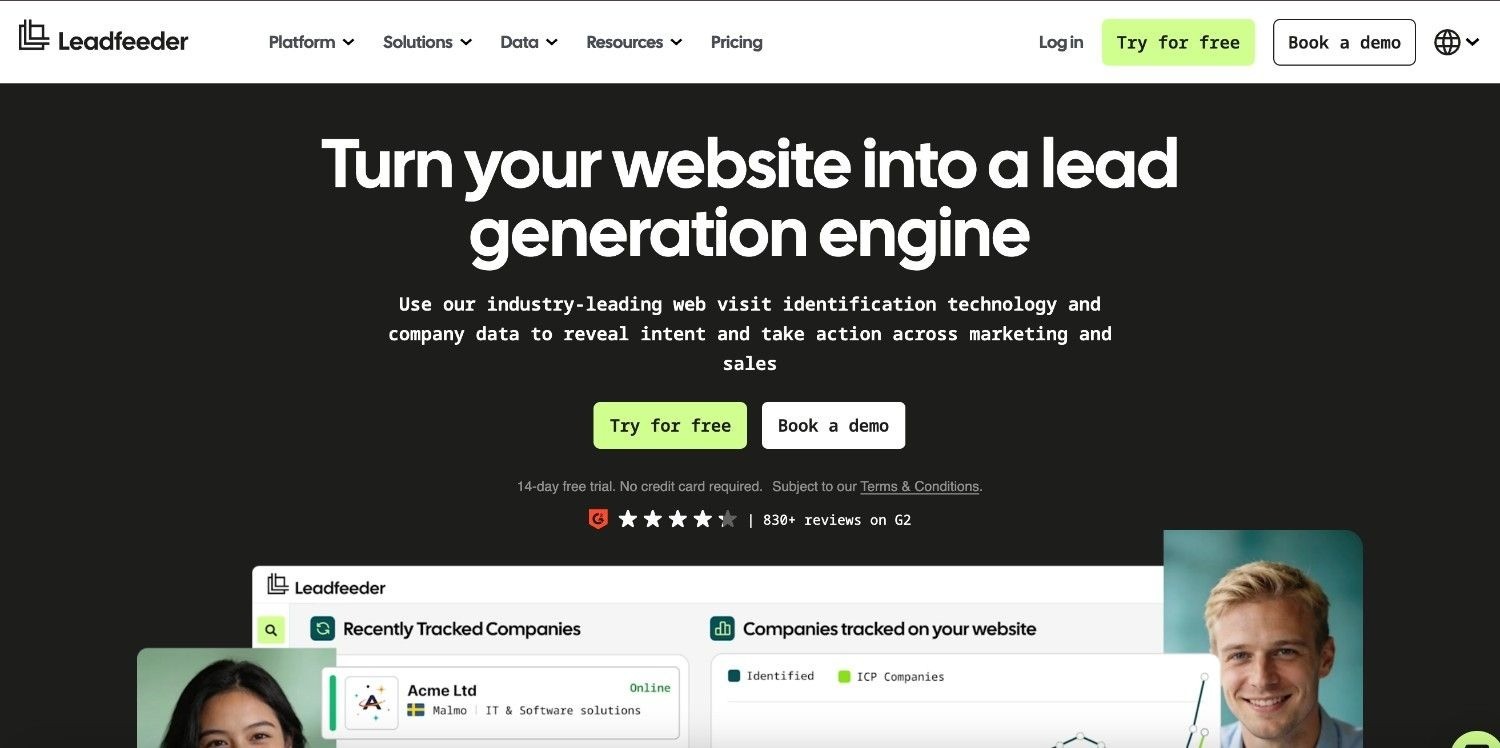
Leadfeeder | Identificazione dei visitatori del sito web | ID visitatori, dati UE, avvisi CRM | Prova gratuita, quotato in base al volume |
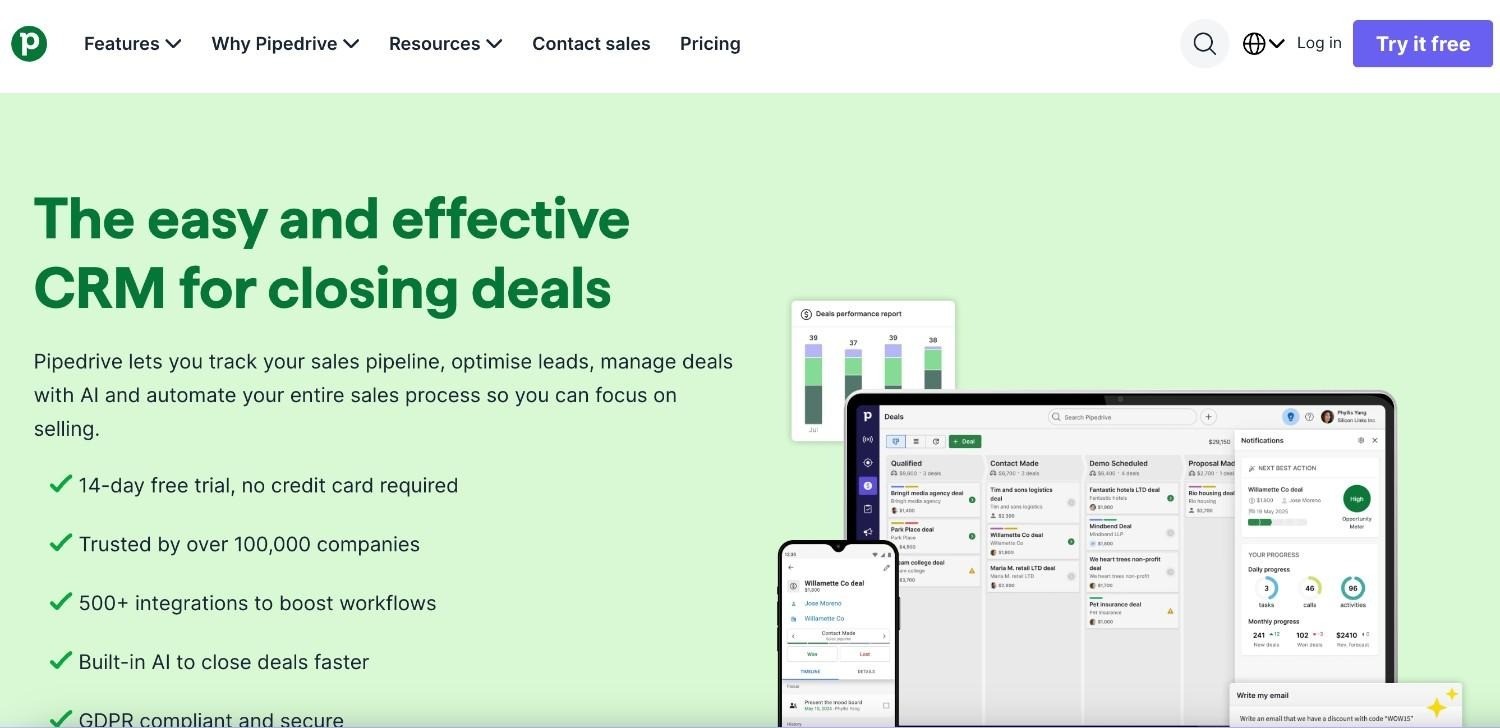
Pipedrive | CRM vendite semplice | Pipeline visive, sincronizzazione email, componenti aggiuntivi di acquisizione | Per postazione a partire da ~$14 per utente/mese |
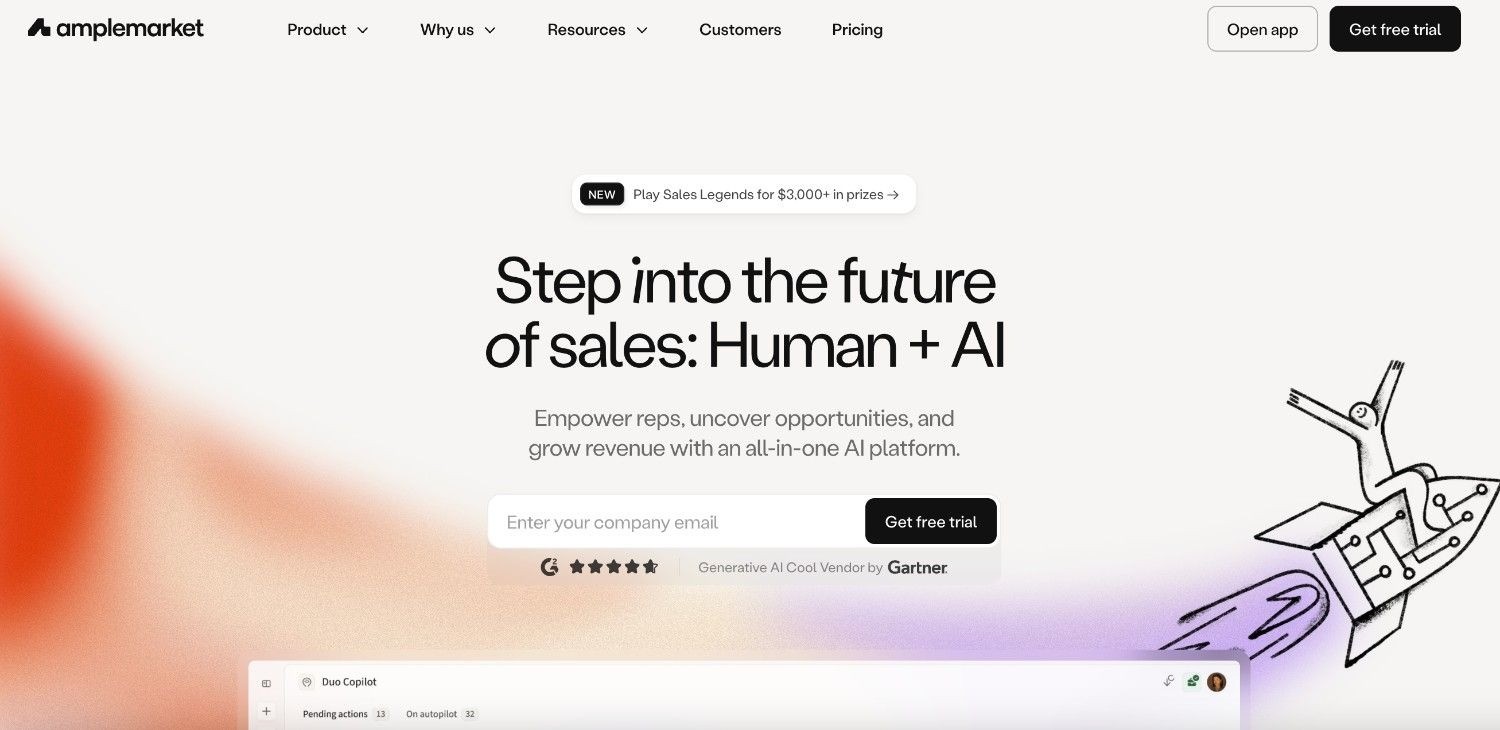
Amplemarket | All-in-one per team strutturati | Dati, outreach multicanale, IA in un unico sistema | Preventivo personalizzato (annuale) |
Cosa sono gli strumenti di lead generation per agenzie?
Gli strumenti di lead generation per agenzie sono software che aiutano le agenzie a trovare, verificare e contattare potenziali clienti, sia per la propria crescita sia per conto dei clienti. Questa categoria copre quattro attività, e la maggior parte degli strumenti ne esegue bene solo una o due.
Trovare: estrarre elenchi mirati di aziende e contatti che corrispondono al buyer persona ideale di un cliente.
Arricchire e verificare: completare e pulire indirizzi email, numeri di telefono diretti e dati firmografici con strumenti di arricchimento in modo che l'outreach vada effettivamente a segno.
Gestire l'outreach: inviare campagne personalizzate tramite email, social media e chiamate, per poi gestire le risposte.
Tracciare nel CRM: mantenere pulita la pipeline risultante in modo che nulla vada perso e la reportistica mensile sia accurata.
Un fornitore di dati come ZoomInfo copre la parte di ricerca. Uno strumento di outreach come Lemlist copre la parte di contatto. Un CRM come Pipedrive copre la parte di tracciamento.
Gestire queste quattro attività separatamente significa pagare più abbonamenti e dover raccordare i dati tra loro, scenario in cui si inseriscono duplicati, silos di dati e ore sprecate. La categoria si è spostata verso l'IA, che ora gestisce la ricerca dei prospect, la personalizzazione e la gestione delle risposte, attività che prima erano manuali.
Per le agenzie, la domanda pratica non è quale singolo strumento sia il migliore in assoluto, ma quale configurazione consenta a un piccolo team di garantire risultati affidabili su molti account clienti senza far lievitare i costi. È qui che i dati multi-sorgente e un workflow unico e connesso distinguono gli strumenti in grado di scalare per le agenzie da quelli che non lo sono.
Perché è necessaria la lead generation per le agenzie?
La lead generation per le agenzie è più complessa rispetto a quella interna perché si è responsabili della crescita di terzi, con scadenze precise e obiettivi di margine da rispettare. La generazione di lead rimane una sfida prioritaria per il 30% dei marketer, e le agenzie sostengono questa pressione contemporaneamente su ogni singolo cliente.
I margini economici sono stretti. Se un cliente paga un retainer mensile contenuto e il lavoro richiede uno strumento di dati, un sistema di pulizia, uno strumento di outreach e un CRM, il solo software può consumare una quota significativa del margine ancora prima di fatturare la prima ora di lavoro.
Al costo degli strumenti si aggiunge il tempo sprecato dai commerciali. Secondo le stime di Enginy, i venditori perdono circa il 70% della settimana in attività non legate alla vendita diretta, come la creazione di elenchi, la pulizia dei dati e il copia-incolla di messaggi. Per un'agenzia, si tratta di ore fatturabili spese in attività amministrative.
La qualità dei dati è l'altro drenaggio silenzioso. I dati di contatto B2B diventano obsoleti al ritmo del 2,1% al mese, quindi un elenco acquistato una volta e riutilizzato si traduce in email respinte e numeri errati nel giro di un trimestre.
Le agenzie affrontano anche problemi che i team interni non vedono mai, come la tutela di numerosi domini dei clienti, la necessità di mantenere pulite pipeline separate e la prova mensile che i lead generati siano reali. Un elenco di scarsa qualità può danneggiare la reputazione del mittente di un cliente per mesi.
Il risultato che conta non è l'adozione di un numero maggiore di strumenti, ma l'aumento dei meeting fissati per ora di lavoro dell'agenzia. Quando la ricerca, l'arricchimento e il contatto con i prospect avvengono in un unico flusso fluido, i commerciali dedicano la giornata ai risultati dei clienti, la deliverability tiene e i risultati crescono di pari passo con il portafoglio clienti, non con l'organico.
Chi ha bisogno di strumenti di lead generation per agenzie?
Gli strumenti di lead generation giustificano il loro costo per qualsiasi agenzia che debba produrre pipeline in modo pianificato. I cinque segmenti indicati di seguito sono quelli che ne avvertono maggiormente la necessità, ciascuno con una priorità leggermente diversa.
Agenzie di marketing
Lead generation per le agenzie di marketing significa alimentare diverse pipeline di clienti contemporaneamente, ciascuna con un pubblico, un'offerta e un tono di voce differenti. Il team deve creare elenchi mirati rapidamente, mantenere i dati puliti in settori molto diversi e mostrare risultati ogni mese.
La loro priorità è ottenere risultati ripetibili senza aumentare l'organico. Uno strumento che trova, arricchisce e contatta i prospect in un unico posto mantiene redditizio ogni cliente man mano che il portafoglio cresce, anziché dover aggiungere un nuovo abbonamento per ciascun account.
Agenzie di digital marketing
La lead generation per le agenzie di digital marketing si affianca solitamente alle attività paid, SEO e di contenuto, quindi l'outreach deve integrarsi senza sottrarre gli specialisti dai progetti fatturabili. L'automazione che gestisce le campagne su più canali consente agli account manager di concentrarsi su strategia e reportistica.
La qualità dei dati e l'outreach multicanale sono gli elementi più importanti in questo contesto. Elenchi generici e a canale singolo producono bassi tassi di risposta che spingono i clienti a mettere in discussione il retainer, motivo per cui il targeting basato sui segnali e la personalizzazione guidano i risultati.
Agenzie digitali
La lead generation per le agenzie digitali spazia tra servizi web, di prodotto e di marketing, il che significa fare prospecting su tipologie di buyer molto diverse da una settimana all'altra. Un targeting flessibile e segnali di intent aiutano a far emergere gli account giusti al momento giusto.
Poiché i progetti si aprono e si chiudono, questi team hanno bisogno di elenchi organizzati per cliente e di passaggi fluidi sul CRM, in modo che un responsabile di progetto possa subentrare su un account senza dover districare i dati gestiti in precedenza da un altro commerciale.
Agenzie di design
La lead generation per le agenzie di design è spesso trascurata perché i team creativi raramente dispongono di una funzione vendite dedicata e si affidano principalmente alle presentazioni e al passaparola. Ciò rende la pipeline imprevedibile al termine di un grande progetto.
Uno strumento che un project lead o un account manager può gestire senza necessità di configurazioni tecniche consente a uno studio di creare una pipeline costante. La creazione semplice di elenchi e un outreach personalizzato, legati a un portfolio solido, si adattano a questo modello molto meglio rispetto a una complessa suite di vendita.
Agenzie di ricerca e selezione del personale
Le agenzie di recruiting e staffing vivono di elenchi ad alto volume e altamente profilati, sia di clienti sia di candidati, e la velocità decide chi effettua il posizionamento per primo. Hanno bisogno di scoprire rapidamente i profili, disporre di telefoni ed email verificati e di un outreach multicanale per raggiungere i decision-maker prima dei concorrenti.
Questo è un ambito d'uso ideale per Enginy. La società di consulenza per la selezione del personale Talent Match riferisce che circa il 30% dei suoi nuovi lead proviene ora dallo strumento, con un ritorno da 4 a 5 volte superiore rispetto all'investimento (dati dichiarati da Enginy).
La migliore lead generation per agenzie: recensioni approfondite
Ogni recensione di seguito segue la stessa struttura, in modo da poter confrontare rapidamente gli strumenti, coprendo panoramica, target ideale, funzionalità principali, elementi distintivi, pro e contro, prezzi e verdetto finale. Enginy guida la lista come la scelta all-in-one più solida per le agenzie, seguita da altri dieci strumenti che vale la pena conoscere.
1. Enginy
Panoramica
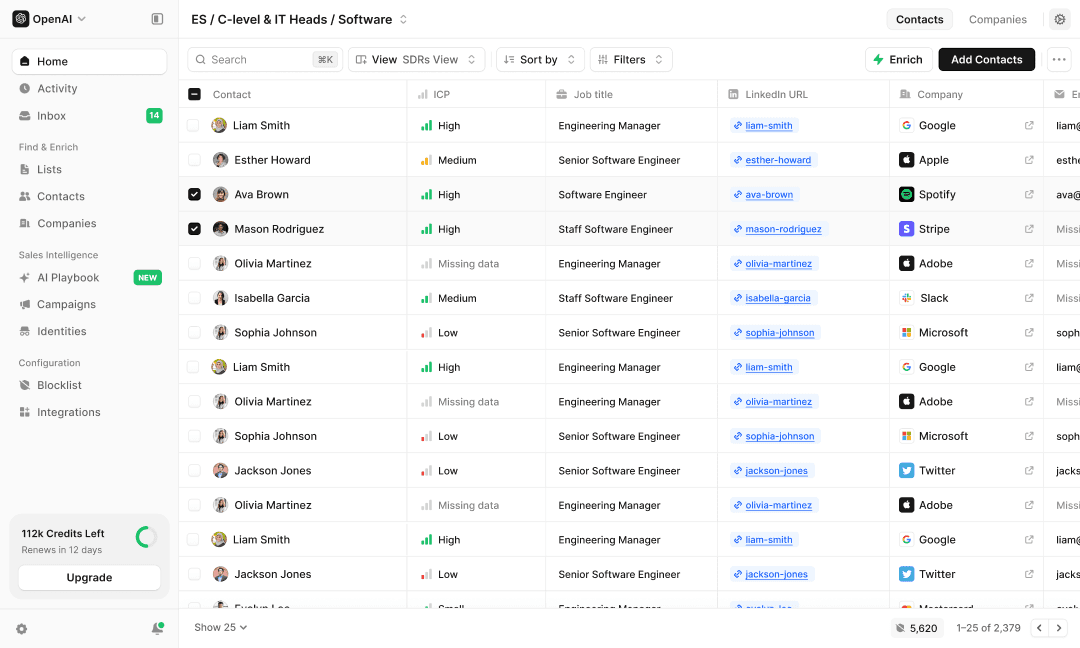
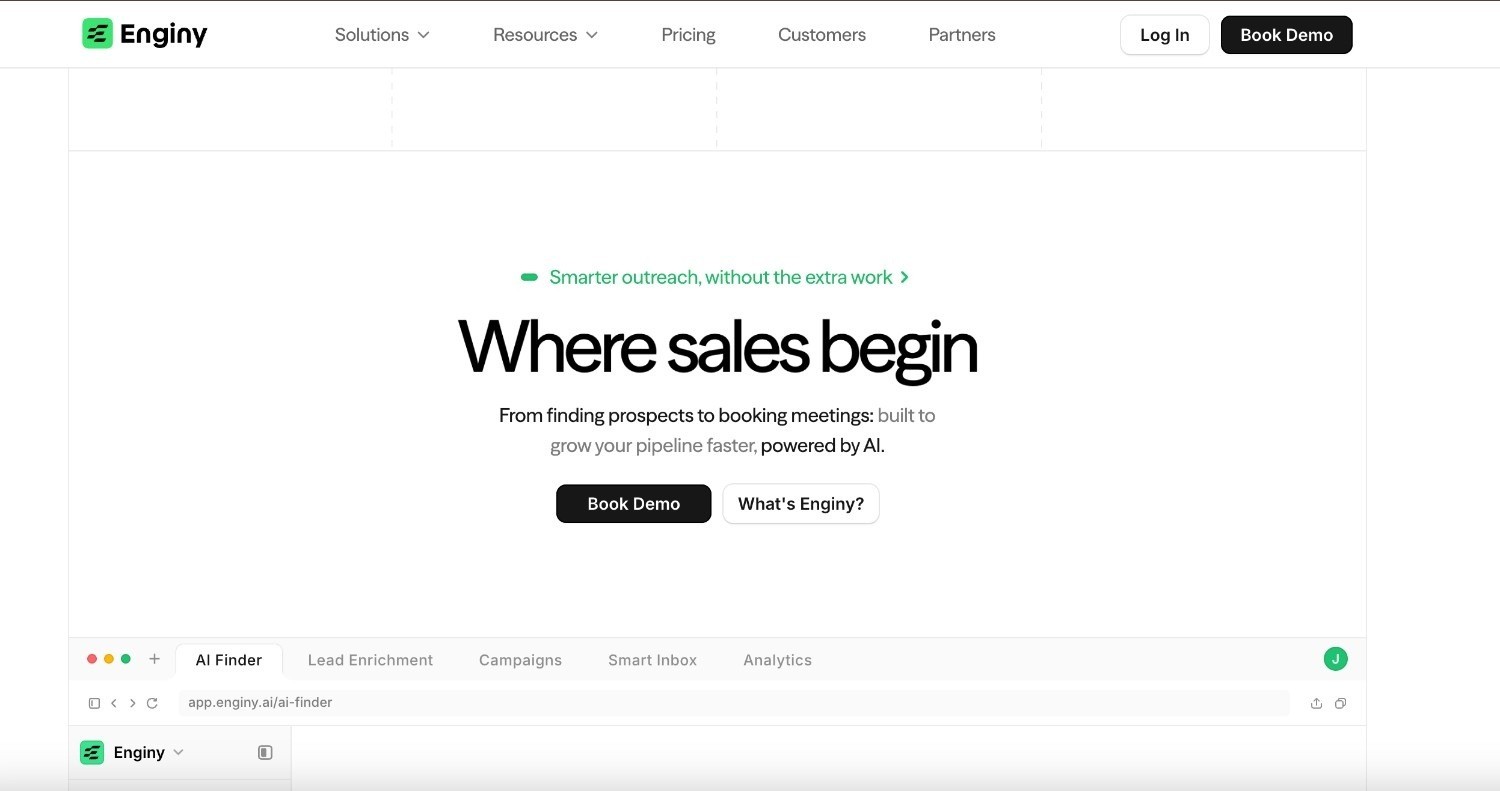
Enginy è un sistema di vendita nativo IA che gestisce l'intero processo di lead generation in un unico posto, dalla ricerca dei prospect al loro arricchimento con dati verificati, fino al contatto tramite email, social media e chiamate. È stato sviluppato per sostituire lo stack frammentato utilizzato dalla maggior parte delle agenzie.
Per un'agenzia, questo significa un unico accesso per creare un elenco di aziende e lavorarlo per ogni cliente, invece di pagare separatamente per uno strumento dati, uno strumento di outreach e un sistema di pulizia. L'intero workflow — estrazione, pulizia, arricchimento, ulteriore verifica, importazione e assegnazione — può essere automatizzato.
Il secondo obiettivo di sviluppo è la semplicità. Gli strumenti di vendita premium di solito richiedono un GTM engineer per essere operativi, ma Enginy è progettato in modo che un normale account manager possa gestirlo, rendendolo una soluzione concreta per il team di una piccola agenzia che segue molti clienti.
Ideale per
Agenzie di marketing e digitali che gestiscono l'outreach per diversi clienti
Agenzie di selezione e ricerca del personale che necessitano di elenchi ad alto volume e profilati
Piccole agenzie senza un GTM engineer dedicato o uno specialista di operations
Team che non desiderano più pagare per strumenti separati di dati, pulizia e outreach
Agenzie che entrano in nuovi mercati o verticali e hanno bisogno di creare liste in tempi rapidi
Funzionalità principali
Arricchimento multi-fonte: aggrega oltre 30 data provider con una logica a cascata (waterfall), in modo che un maggior numero di contatti restituisca un'email verificata o un telefono diretto al primo tentativo, migliorando la deliverability e i tassi di risposta.
AI Finder e segnali di intent: ricerca in linguaggio naturale del tipo "CTO di startup in fase iniziale a Barcellona", oltre a segnali come cambi di lavoro, assunzioni, finanziamenti, stack tecnologico e interazioni social, in modo che i commerciali possano raggiungere il buyer giusto al momento giusto.
Campagne multicanale IA: sequenze condizionali su email, social media e chiamate che si ramificano in base al comportamento e si interrompono automaticamente quando un prospect risponde, evitando che riceva messaggi duplicati.
Outreach multi-stakeholder: consente di raggiungere parallelamente diversi decision-maker su un unico account, o di riscaldare un'azienda partendo da una figura senior prima che un SDR effettui la chiamata, aumentando i tassi di conversione sugli account più grandi.
Sincronizzazione CRM e passaggi fluidi: integrazioni native con HubSpot, Salesforce, Pipedrive, Zoho e Microsoft Dynamics 365 mantengono la pipeline di ogni cliente pulita e tracciabile.
Agenti SDR basati su IA operativi 24/7: attività di prospecting autonomo, outreach e gestione delle risposte mantengono attiva la pipeline di ogni cliente a qualsiasi ora, consentendo all'agenzia di aumentare il numero di account gestiti senza far crescere l'organico allo stesso ritmo.
Perché si distingue?
La maggior parte degli strumenti offre o dati o outreach, raramente entrambi in modo approfondito. Enginy gestisce l'intero processo senza i costi tecnici di gestione che gli strumenti più complessi comportano: l'esatta combinazione di cui un'agenzia ha bisogno per seguire molti clienti con un team ridotto.
I risultati parlano chiaro. La società di consulenza Talent Match riferisce che circa il 30% dei nuovi lead proviene ora da Enginy con un ritorno da 4 a 5 volte superiore, e Factorial ha raddoppiato la conversione dal 4% all'8% incrementando i tassi di risposta dal 10% al 45% sulle campagne Enginy (risultati dichiarati da Enginy).
Pro
Copre ricerca, arricchimento e ingaggio in un unico sistema, riducendo la proliferazione di strumenti
I dati verificati da oltre 30 fonti migliorano la deliverability e i tassi di risposta
Abbastanza semplice da essere gestito da qualsiasi commerciale, con cinque sessioni di onboarding incluse
Modello di pricing personalizzabile e adattabile al volume di ciascun cliente
Contro
Il prezzo si basa su preventivo, quindi non è prevista un'iscrizione immediata in modalità self-service
Eccelle sull'outreach, con funzionalità inbound più leggere (identificazione dei visitatori del sito tramite Leadinfo, workflow per moduli inbound)
Un marchio più recente rispetto a player storici come ZoomInfo
Prezzo
Pricing personalizzato e basato su crediti, calibrato sulle esigenze del vostro account. I crediti coprono azioni come l'arricchimento, la verifica, la ricerca IA e l'estrazione dei dati, in modo che i costi riflettano l'effettivo utilizzo anziché una tariffa fissa per postazione.
Il prezzo viene quotato dopo una breve chiamata conoscitiva, il che significa che può essere adattato al numero di clienti e contatti gestiti ogni mese, evitando di vincolare l'agenzia a un piano rigido.
Verdetto finale
Per le agenzie che desiderano un unico sistema per gestire la lead generation su tutti i clienti, Enginy rappresenta la scelta più solida nel 2026. Elimina lo stack frammentato, mantiene elevata la qualità dei dati grazie all'arricchimento multi-fonte e rimane accessibile per i team non tecnici.
Questa combinazione, completa ma semplice, è esattamente il punto in cui la maggior parte delle configurazioni delle agenzie si blocca, ed è per questo che Enginy guida questa classifica.
2. Apollo.io
Panoramica
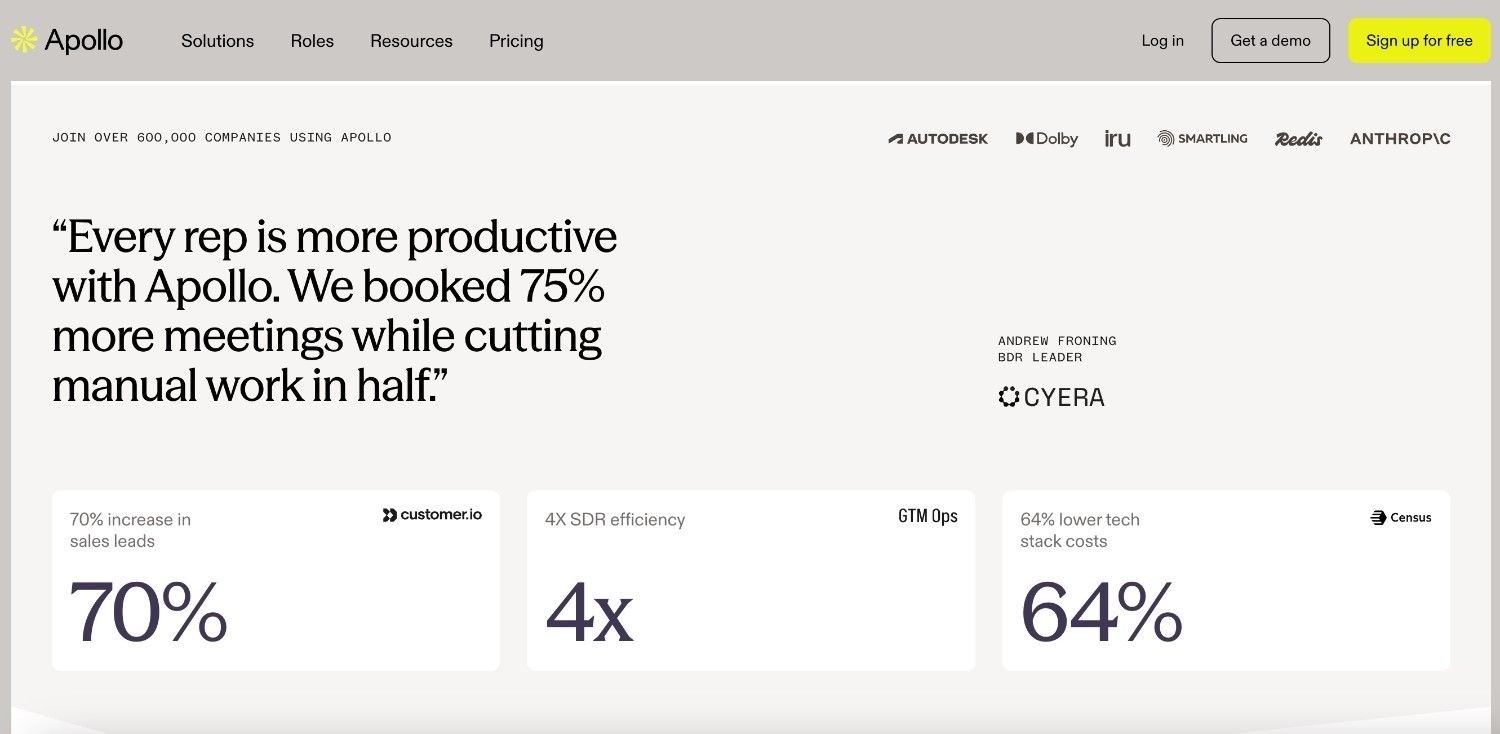
Apollo è uno strumento di sales intelligence e engagement sviluppato attorno a un ampio database di contatti B2B, con l'aggiunta di funzioni di sequenziamento. Le agenzie vi si affidano come soluzione economica per estrarre elenchi di contatti e gestire semplici campagne email da un unico account.
Si adatta ai team che necessitano principalmente di dati e di un outreach di base, piuttosto che di un lavoro multicanale profondo. Il problema principale che risolve è l'accesso ai contatti senza dover sottoscrivere contratti dati enterprise.
Ideale per
Piccole agenzie con budget limitati
Team che hanno bisogno di esportazioni rapide di elenchi in modalità self-service
Agenzie che testano l'outreach prima di impegnarsi con uno strumento più strutturato
Freelance e consulenti indipendenti che creano la propria pipeline
Funzionalità principali
Database di contatti: milioni di record di aziende e contatti con filtri per qualifica, settore, dimensioni e area geografica.
Sequenze email: campagne email multi-step integrate con funzioni di test di base.
Estensione browser: consente di estrarre i dati di contatto durante la navigazione sui siti aziendali o sui profili social.
Arricchimento e scoring: arricchimento dei dati e lead scoring disponibili sui livelli tariffari più alti.
Sincronizzazione CRM: sincronizzazione bidirezionale con i principali CRM per inserire nuovi contatti.
Perché si distingue?
Apollo è una delle scelte economiche più interessanti per le agenzie che desiderano dati e outreach in un unico accesso. Il suo piano gratuito e il basso costo per postazione facilitano l'avvio, e il database è ampio in rapporto al prezzo.
Pro
Prezzo d'ingresso contenuto con un piano gratuito utilizzabile
Ampio database in rapporto al costo
Semplice da apprendere e utilizzare in autonomia
Abbastanza completo per le prime fasi di outreach
Contro
L'accuratezza dei dati varia, in particolare per i telefoni diretti e le regioni esterne agli Stati Uniti
Le funzionalità di outreach sono meno profonde rispetto a strumenti dedicati
La profondità dell'intent e del multicanale è limitata
La gestione di più spazi di lavoro per i clienti risulta macchinosa
Prezzo
Disponibile un piano gratuito. I livelli a pagamento partono da cifre contenute (poche decine di dollari per utente al mese, con fatturazione annuale), con i livelli superiori che sbloccano più crediti, arricchimento e sequenziamento avanzato.
Verdetto finale
Apollo rappresenta un valido punto di partenza per le piccole agenzie che necessitano principalmente di dati accessibili e sequenze di base, dove il budget conta più della profondità delle funzioni.
I team che gestiscono campagne multicanale personalizzate per diversi clienti tendono solitamente a superare i limiti di questo strumento e a scontrarsi con limitazioni sulla qualità dei dati; è in questo scenario che una soluzione integrata e sviluppata per l'intero processo dimostra il suo valore.
3. Clay
Panoramica
Clay è uno strumento di automazione e arricchimento dei dati molto diffuso tra i team go-to-market tecnici. Raccoglie informazioni da numerosi provider in una visualizzazione simile a un foglio di calcolo e consente di creare workflow di ricerca e arricchimento personalizzati.
Le agenzie che dispongono di uno specialista di operations lo utilizzano per comporre elenchi altamente personalizzati che gli strumenti standard non possono offrire. Il problema che risolve è il controllo, poiché ogni colonna e fonte di dati è configurabile dall'utente.
Ideale per
Agenzie con un ingegnere GTM o di operations dedicato
Team che desiderano flussi di arricchimento dati a cascata completamente personalizzati
Progetti di prospecting spot e ad alta densità di dati
Agenzie che creano segnali che nessuno strumento standard offre
Funzionalità principali
Arricchimento a cascata (waterfall): interroga decine di provider in sequenza per completare ciascun campo e aumentare i tassi di corrispondenza.
Colonne di ricerca IA: consente di eseguire prompt di ricerca personalizzati su un intero elenco contemporaneamente.
Integrazioni e automazioni: consente di trasferire i dati arricchiti in qualsiasi strumento tramite connettori o webhook.
Libreria di template: consente di copiare workflow predefiniti per iniziare più rapidamente.
Perché si distinguono?
Clay è uno degli strumenti più flessibili per la creazione di flussi di dati personalizzati, e il suo sistema di arricchimento a cascata è molto apprezzato dagli specialisti che amano controllare ogni fase del processo.
Pro
Elevata personalizzazione e ampia copertura di provider
Ideale per la creazione di elenchi complessi e una tantum
Community attiva e ricca libreria di template
Potente capacità di ricerca su scala di elenco
Contro
Curva di apprendimento ripida; richiede una figura specializzata per la gestione
I costi dei crediti aumentano rapidamente all'aumentare dei volumi
Si concentra su arricchimento e automazione, non sull'outreach, quindi richiede comunque uno strumento di contatto aggiuntivo
Non è progettato per un account manager non tecnico
Prezzo
Livello gratuito disponibile, oltre a piani a pagamento basati su crediti che partono da circa $149 al mese e aumentano in base al volume di arricchimento e alle postazioni. L'uso intensivo delle funzioni di ricerca può far lievitare rapidamente i costi.
Verdetto finale
Clay rappresenta una scelta eccellente per le agenzie che impiegano una figura tecnica e desiderano un controllo granulare su dati e segnali, ambito in cui offre una flessibilità difficilmente eguagliabile.
Per le agenzie che non dispongono di queste competenze specifiche, o che desiderano dati e outreach in un unico posto, introduce una complessità e uno strumento aggiuntivo di cui la maggior parte dei workflow delle agenzie può fare a meno.
4. HubSpot
Panoramica
HubSpot è un CRM che integra strumenti di marketing, vendita e servizio clienti. Per le agenzie, si rivela particolarmente utile sul fronte inbound, grazie a moduli, landing page, email marketing e lead scoring che alimentano un CRM condiviso.
Molte agenzie gestiscono gli account dei clienti anche attraverso il programma partner. Il problema che risolve è il mantenimento di acquisizione, nurturing e pipeline in un unico ambiente connesso.
Ideale per
Agenzie focalizzate sulla lead generation inbound
Team che desiderano CRM e marketing in un unico accesso
Agenzie inserite nel programma partner di HubSpot
Clienti che utilizzano già HubSpot internamente
Funzionalità principali
CRM gratuito: gestione dei contatti, tracciamento delle trattative e reportistica senza costi di partenza.
Acquisizione inbound: moduli, landing page ed email marketing per raccogliere e qualificare i lead.
Workflow e scoring: consente di indirizzare e dare priorità ai lead in modo automatico.
Dashboard di reportistica: report pronti per i clienti sulle prestazioni della pipeline e delle campagne.
App marketplace: centinaia di integrazioni per estendere le funzionalità del CRM.
Perché si distinguono?
HubSpot è una delle soluzioni più solide per le agenzie orientate all'inbound, poiché mantiene l'acquisizione, il nurturing e il CRM in un'unica configurazione connessa con una reportistica matura di cui i clienti si fidano.
Pro
Livello CRM gratuito molto generoso
Funzionalità avanzate di inbound e marketing
Ampio ecosistema di app e supporto per i partner
Reportistica solida e di livello professionale per i clienti
Contro
Le funzioni di prospecting outbound e arricchimento dati sono limitate senza componenti aggiuntivi
I costi aumentano sensibilmente con i livelli Professional ed Enterprise
La gestione di numerosi portali cliente diventa onerosa
Può risultare sovradimensionato se si necessita solo di elenchi di outbound
Prezzo
CRM gratuito disponibile, con livelli Sales e Marketing a pagamento. I costi aumentano rapidamente una volta raggiunti i livelli Professional ed Enterprise, e la presenza di portali cliente separati moltiplica la spesa.
Verdetto finale
HubSpot si adatta al meglio alle agenzie la cui lead generation è prevalentemente inbound e che valorizzano la profondità del CRM e della reportistica, ambiti in cui è difficile trovare di meglio.
Le agenzie che gestiscono attività intense di outbound dovranno integrare strumenti esterni di dati e outreach, aumentando i costi e la complessità rispetto a una soluzione nativa per l'outbound.
5. Instantly
Panoramica
Instantly è uno strumento di cold email progettato per l'invio su larga scala con un forte focus sulla deliverability. Offre rotazione delle caselle di posta, warm-up e gestione delle campagne per i team che fanno grandi volumi di email.
Si rivolge in particolare alle agenzie che gestiscono attività di outbound su numerosi domini di clienti. Risolve il problema di proteggere la reputazione del mittente quando si inviano grandi quantità di email.
Ideale per
Agenzie che gestiscono cold email ad alto volume
Agenzie di lead gen che vendono l'outreach via email come servizio
Team che necessitano di controlli di deliverability su più domini
Fondatori che scalano un'unica attività ad alto volume
Funzionalità principali
Inbox illimitate: consente di collegare numerosi account email con warm-up automatizzato.
Rotazione delle inbox: distribuisce l'invio tra più account per proteggere la reputazione.
Analisi delle campagne: traccia aperture, risposte e bounce con un database di lead di base.
Strumenti di deliverability: controlli antispam e pool di warm-up per mantenere sani i domini.
Perché si distinguono?
Instantly è una delle scelte migliori per le agenzie il cui modello di business si basa sul volume delle email, poiché le sue funzioni di warm-up e rotazione delle inbox proteggono la deliverability quando si invia da molti domini contemporaneamente.
Pro
Sviluppato specificamente per volumi elevati e deliverability
Prezzo d'ingresso accessibile
Configurazione semplice delle campagne
Funzionalità di warm-up efficaci
Contro
Canale esclusivamente email, quindi non include chiamate o social in un unico flusso
Dati e arricchimento sono limitati; gli elenchi devono essere forniti dall'utente
La profondità di personalizzazione è limitata
I grandi volumi possono comunque danneggiare la reputazione se la qualità degli elenchi è scarsa
Prezzo
I piani a pagamento partono da circa $35 al mese e scalano in base al volume di invio, alle postazioni di warm-up e alle funzionalità relative ai lead.
Verdetto finale
Instantly rappresenta un'ottima soluzione per le agenzie che offrono l'outreach via email su larga scala, svolgendo questa specifica attività con efficacia.
Non si tratta tuttavia di un sistema di lead generation completo, poiché non include la ricerca o l'arricchimento profondo dei prospect. I team che desiderano dati, multicanalità e outreach integrati dovranno affiancarlo ad altri strumenti o scegliere una soluzione all-in-one.
6. Cognism
Panoramica
Cognism è un fornitore di dati B2B noto per i suoi dati di contatto conformi e verificati telefonicamente, con una copertura particolarmente forte in Europa. Le agenzie lo utilizzano quando la qualità dei dati e la conformità normativa sono elementi prioritari.
Si adatta bene alle campagne telefoniche e al lavoro con clienti che operano su più regioni geografiche. Il problema che risolve è il raggiungimento dei decision-maker tramite numeri che collegano effettivamente, nel rispetto delle regole del GDPR.
Ideale per
Agenzie con clienti in Europa e nel Regno Unito
Team che si affidano a dati telefonici verificati per le chiamate
Agenzie attente agli aspetti di conformità normativa
Team orientati all'account-based marketing che si rivolgono a buyer raggiungibili via mobile
Funzionalità principali
Dati verificati telefonicamente: numeri di cellulare verificati manualmente per garantire tassi di risposta più elevati.
Copertura europea: dati solidi per l'UE e il Regno Unito con funzionalità di compliance integrate.
Dati di intent: segnali d'acquisto per dare priorità agli account.
Integrazioni: consente di inserire i dati nel CRM e negli strumenti di outreach esistenti.
Perché si distinguono?
Cognism è una delle scelte migliori per i dati B2B conformi in Europa, e i suoi numeri verificati telefonicamente fanno la differenza per i team che gestiscono campagne ad alta intensità di chiamate.
Pro
Dati di contatto conformi e di alta qualità
Ottima copertura per l'Europa e il Regno Unito
Numeri di telefono affidabili per le chiamate dirette
Funzionalità di compliance che riducono i rischi legali
Contro
Disponibile solo con prezzi personalizzati, solitamente tramite contratto annuale
Offre esclusivamente dati, non outreach, quindi richiede comunque uno strumento di sequenziamento
Costo superiore rispetto agli strumenti di dati più economici
Meno adatto a piccole agenzie con volumi ridotti
Prezzo
Prezzi personalizzati su preventivo, tipicamente tramite contratto annuale strutturato in base al pacchetto e alle postazioni. Non è previsto un punto di ingresso economico in modalità self-service.
Verdetto finale
Cognism è consigliato alle agenzie che necessitano di dati conformi e verificati telefonicamente per campagne in Europa o ad alta intensità di chiamate, contesti in cui la qualità del dato giustifica l'investimento.
Le agenzie più piccole, o quelle che cercano dati e outreach in un unico posto, potrebbero trovarlo limitato ed oneroso per ciò che offre singolarmente.
7. ZoomInfo
Panoramica
ZoomInfo è un fornitore di dati e intelligence B2B di livello enterprise con uno dei più grandi database di contatti e segnali di intent integrati. Le agenzie che servono grandi account lo utilizzano per la sua profondità e copertura.
Viene solitamente proposto con contratti annuali. Il problema che risolve è l'ampiezza e la capillarità dei dati per attività account-based su larga scala.
Ideale per
Agenzie strutturate con clienti di livello enterprise
Team che necessitano di dati firmografici e di intent approfonditi
Prospecting account-based su larga scala
Agenzie con budget adeguati per dati di qualità premium
Funzionalità principali
Ampio database: copertura estesa di record di contatti e aziende in diverse aree geografiche.
Intent e visitatori: segnali d'acquisto e tracciamento dei visitatori del sito web.
Arricchimento: mantiene aggiornati i record del CRM in modo automatico.
Integrazioni: connessione con i principali CRM e strumenti di vendita.
Perché si distinguono?
ZoomInfo è uno dei fornitori di dati B2B più completi sul mercato, e la profondità del suo database e la copertura dell'intent sono difficilmente eguagliabili per progetti focalizzati sul segmento enterprise.
Pro
Copertura dei dati estremamente estesa
Funzionalità mature di intent e arricchimento
Integrazioni solide e strutturate
Efficace per territori ampi e complessi
Contro
Oneroso, con contratti annuali e impegni a lungo termine
Complesso da configurare e amministrare
L'accuratezza dei dati varia al di fuori del Nord America
Le funzionalità di outreach sono limitate rispetto a strumenti dedicati
Prezzo
Prezzi personalizzati su preventivo, solitamente tramite un contratto annuale di fascia alta. Si rivolge a budget strutturati e raramente risulta conveniente per team di piccole dimensioni.
Verdetto finale
ZoomInfo si adatta al meglio alle agenzie di grandi dimensioni che gestiscono clienti enterprise e dispongono del budget necessario per accedere a dati e segnali di intent premium.
Le agenzie di piccole e medie dimensioni, o quelle che cercano un sistema all-in-one a una frazione di questo costo, lo troveranno complesso e troppo oneroso rispetto alle tipiche esigenze di lead generation di un'agenzia.
8. Lemlist
Panoramica
Lemlist è uno strumento di outreach multicanale che unisce email e contatti social a funzionalità avanzate di personalizzazione. Le agenzie lo utilizzano per rendere la comunicazione outbound meno generica.
Si adatta ai team che dispongono già di propri elenchi e desiderano aumentare i tassi di risposta. Il problema che risolve è la capacità di distinguersi in caselle di posta sempre più affollate.
Ideale per
Agenzie focalizzate sull'outreach personalizzato
Team che gestiscono sequenze integrate email + social
Team di outbound di piccole e medie dimensioni
Agenzie che valorizzano messaggi creativi e su misura
Funzionalità principali
Sequenze multicanale: passaggi email e social integrati in un unico flusso di lavoro.
Personalizzazione: immagini personalizzate, variabili dinamiche e landing page dedicate.
Deliverability: controlli di warm-up e di invio per proteggere la reputazione del dominio.
Template e community: condivisione di template di campagna per un avvio rapido.
Perché si distinguono?
Lemlist è una delle scelte più interessanti per le agenzie che vogliono integrare la personalizzazione nell'outreach, grazie a funzionalità di immagini e variabili dinamiche che aumentano i tassi di risposta sulle campagne a freddo.
Pro
Opzioni di personalizzazione molto efficaci
Gestione multicanale in un unico flusso
Tariffe per postazione ragionevoli
Funzionalità creative assenti in molti concorrenti
Contro
Dati integrati limitati; richiede di importare i propri elenchi
Le funzioni di arricchimento e intent sono ridotte
La gestione di molti account cliente aumenta le attività di amministrazione
La reportistica è elementare per le esigenze di un'agenzia
Prezzo
Piani per postazione a partire da poche decine di dollari per utente al mese, con prova gratuita disponibile. I livelli superiori aggiungono funzioni di warm-up e caratteristiche avanzate.
Verdetto finale
Lemlist funziona egregiamente per le agenzie che hanno già pronti i propri elenchi e cercano un outreach multicanale e personalizzato in grado di generare risposte.
Poiché non offre funzioni di ricerca o di arricchimento profondo dei prospect, i team che desiderano l'intero processo in un unico posto dovranno affiancarlo a uno strumento dati o optare per una soluzione all-in-one.
9. Leadfeeder
Panoramica
Leadfeeder (nato dall'unione di Leadfeeder ed Echobot) identifica le aziende che visitano il vostro sito web e incrocia questi dati con informazioni B2B europee. Le agenzie lo utilizzano per trasformare il traffico anonimo in account identificati.
Si adatta ai siti di clienti orientati ai contenuti e a progetti che coprono più regioni geografiche. Risolve il problema di catturare l'intent dei visitatori che non compilano mai un modulo.
Ideale per
Agenzie con siti clienti ricchi di contenuti
Team che necessitano dell'identificazione dei visitatori web
Lead generation focalizzata sul mercato europeo
Agenzie che uniscono segnali inbound all'outreach
Funzionalità principali
Identificazione dei visitatori: associa i visitatori del sito web ai record aziendali.
Dati europei: database di dati B2B con funzionalità di compliance integrate.
Avvisi e sincronizzazione: notifiche e integrazioni CRM per follow-up tempestivi.
Filtri avanzati: consente di concentrarsi solo sui visitatori in linea con l'ICP dell'agenzia.
Perché si distinguono?
Leadfeeder è una delle soluzioni più efficaci per trasformare i visitatori del sito in account identificati, e la sua attenzione ai dati europei e alla compliance si adatta bene al lavoro delle agenzie su più mercati.
Pro
Fornisce un segnale utile di identificazione dei visitatori
Buona copertura e conformità in Europa
Collega l'interesse inbound alle attività di follow-up outbound
Consente di dare priorità agli account in target con l'ICP
Contro
L'identificazione dei visitatori funziona meglio a livello aziendale che individuale
La copertura è meno forte al di fuori dell'Europa
Si tratta di uno strumento di dati e segnali, non di un sistema di outreach completo
Le tariffe scalano in base al traffico e al volume dei dati
Prezzo
Prova gratuita disponibile. I piani a pagamento sono quotati in base al volume dei dati, alle funzionalità e alle postazioni, con costi che seguono i volumi di traffico e di dati gestiti.
Verdetto finale
Leadfeeder è consigliato alle agenzie che vogliono intercettare l'intent di chi visita il sito web e lavorare su account europei, scenario in cui i dati sui visitatori offrono un segnale concreto.
Rappresenta una fonte di dati di qualità più che un sistema completo di lead generation, motivo per cui la maggior parte delle agenzie lo affianca a strumenti di dati e outreach.
10. Pipedrive
Panoramica
Pipedrive è un CRM di vendita accessibile e sviluppato attorno alla gestione visiva della pipeline. Le agenzie lo utilizzano per tracciare trattative e follow-up per i clienti, con la possibilità di aggiungere moduli di acquisizione lead ed email.
È prima di tutto un CRM, non un motore di dati o di outreach. Il problema che risolve è l'organizzazione delle trattative senza richiedere configurazioni complesse.
Ideale per
Piccole agenzie che cercano un CRM semplice
Team che tracciano le trattative per singolo cliente
Gestione delle vendite attenta ai costi
Agenzie che abbandonano la gestione su fogli di calcolo
Funzionalità principali
Pipeline visive: fasi della trattativa drag-and-drop chiare e facili da leggere.
Email e promemoria: sincronizzazione delle email e promemoria delle attività per evitare dimenticanze.
Automazione: automazione dei workflow di base disponibile sui livelli più alti.
Add-on di acquisizione: moduli web e strumenti di lead capture come extra a pagamento.
Perché si distinguono?
Pipedrive è uno dei CRM più semplici da adottare, e la sua pipeline visiva mantiene organizzati i piccoli team delle agenzie senza richiedere lunghi tempi di implementazione.
Pro
Costo per postazione contenuto
Semplice da apprendere e utilizzare
Pipeline flessibili
Rapido da configurare
Contro
Nessun database di prospecting nativo o arricchimento dati
Le funzionalità di outreach sono molto basilari
La reportistica è meno profonda rispetto a CRM più grandi
Richiede altri strumenti per generare effettivamente i lead
Prezzo
Piani per postazione a partire da circa $14 per utente al mese, con livelli superiori per sbloccare automazioni, reportistica e componenti aggiuntivi di lead capture.
Verdetto finale
Pipedrive si conferma un CRM solido e conveniente per le agenzie che desiderano mantenere il tracciamento delle trattative semplice e lineare.
Non genera lead autonomamente, pertanto funziona come livello di pipeline a fianco di strumenti dedicati di dati e outreach, piuttosto che come sistema di lead generation a sé stante.
11. Amplemarket
Panoramica
Amplemarket è uno strumento di vendita B2B all-in-one che combina dati di contatto, outreach multicanale e funzionalità IA in un unico ambiente. Si colloca molto vicino a Enginy per ampiezza d'azione, coprendo sia i dati sia l'ingaggio anziché un solo livello.
Si rivolge a team di vendita strutturati che desiderano un sistema integrato con credibilità enterprise. Risolve il problema di gestire dati e outreach insieme senza dover ricorrere a molti strumenti specifici.
Ideale per
Agenzie strutturate con una funzione di sales operations dedicata
Team che cercano un all-in-one con solidità di livello enterprise
Team di outbound consolidati con risorse tecniche interne
Agenzie pronte a impegnarsi con contratti a base annuale
Funzionalità principali
Flusso all-in-one: dati, outreach multicanale e IA in un unico sistema, riducendo gli strumenti separati.
Dati e arricchimento: dati di contatto con arricchimento per creare elenchi mirati.
Sequenze multicanale: outreach via email e social media assistito da intelligenza artificiale.
Strumenti di deliverability: warm-up e controlli di invio per proteggere la reputazione dei domini.
Funzionalità IA: scrittura di testi assistita da IA e gestione automatizzata delle risposte.
Perché si distinguono?
Amplemarket è una delle soluzioni all-in-one più solide per team di vendita strutturati, offrendo un prodotto maturo e una credibilità sul mercato adatta a organizzazioni complesse.
Pro
Prodotto maturo e all-in-one
Copre congiuntamente la parte dati e quella di outreach
Forte posizionamento ed affidabilità enterprise
Funzionalità IA integrate in tutto il workflow
Contro
Più complesso da gestire, richiede spesso risorse tecniche dedicate
Prezzi e onboarding sono meno accessibili per i team più piccoli
Configurazione più impegnativa rispetto a strumenti leggeri
Meno adatto a piccole agenzie prive di uno specialista di operations
Prezzo
Prezzi personalizzati su preventivo, in genere tramite contratto annuale. Il modello è orientato a team strutturati piuttosto che ad acquirenti self-service di piccole dimensioni.
Verdetto finale
Amplemarket è consigliato alle agenzie più grandi e ai team di vendita che dispongono di risorse tecniche e desiderano un all-in-one solido e collaudato.
Le agenzie più piccole, o i team senza uno specialista dedicato, spesso lo trovano complesso e meno accessibile; in questi casi, una soluzione all-in-one progettata per funzionare senza la necessità di un GTM engineer si adatta meglio alle esigenze reali.
Come scegliere la migliore lead generation per le agenzie
Conoscere gli strumenti è solo metà del lavoro. I sei fattori di seguito rappresentano le domande chiave che distinguono uno strumento in grado di scalare su più clienti da uno che riduce silenziosamente i vostri margini: esaminateli con attenzione prima di procedere alla scelta.
1. Copre ricerca, arricchimento e contatto in un unico posto?
Il costo nascosto più alto per le agenzie è la proliferazione degli strumenti. Gestire separatamente uno strumento dati, uno per la pulizia, uno per l'outreach e un CRM comporta contatti duplicati, passaggi di dati interrotti e più fatture mensili da saldare.
Un sistema che gestisce ricerca, arricchimento e contatto in un unico flusso mantiene i dati puliti e riduce le attività di amministrazione. Verificate se lo strumento copre l'intero processo o solo una parte di esso, poiché ogni lacuna si traduce in un'esportazione manuale, in un secondo abbonamento e in potenziali errori nei dati.
2. Qual è la qualità dei dati e quante fonti controlla?
La qualità dei dati determina la deliverability e i tassi di risposta, e gli elenchi provenienti da una sola fonte diventano obsoleti rapidamente, con un decadimento di circa il 2,1% al mese. Gli strumenti che interrogano più provider in sequenza con logiche a cascata restituiscono un numero maggiore di email e telefoni verificati fin dal primo passaggio.
Per le agenzie che lavorano su diversi settori e regioni geografiche, una copertura multi-fonte conta molto più di un singolo grande database, perché nessun fornitore è forte ovunque. Chiedete quante fonti verifica uno strumento e se effettua una validazione dei contatti prima che entrino in campagna.
3. Può essere gestito da figure non specializzate su molti clienti?
Le agenzie raramente dispongono di un GTM engineer dedicato per ogni singolo account. Se uno strumento richiede un operatore tecnico, rallenta l'onboarding e lega i risultati operativi a una sola persona, creando uno scenario di forte vulnerabilità in caso di sua assenza.
Orientatevi su soluzioni con ricerca in linguaggio naturale, onboarding guidato e spazi di lavoro separati, in modo che un solo account manager possa gestire la lead generation per più clienti. Più uno strumento è semplice da utilizzare, più clienti ogni risorsa può seguire, migliorando direttamente la redditività dell'agenzia.
4. Supporta l'outreach multicanale e la personalizzazione?
L'outreach a canale singolo rischia di bruciare rapidamente i contatti degli elenchi. Raggiungere un prospect tramite email, social media e chiamate, con messaggi personalizzati basati su segnali reali, aumenta notevolmente i tassi di risposta; Factorial ha registrato un incremento delle risposte dal 10% al 45% grazie a campagne multicanale personalizzate (dati dichiarati da Enginy).
Verificate se le sequenze possono ramificarsi in base alle azioni dei destinatari e mettersi in pausa quando un prospect risponde, evitando messaggi duplicati. Una personalizzazione che si aggancia a segnali live (un nuovo ruolo, un round di finanziamento, un post recente) è ciò che distingue un messaggio rilevante da un invio massivo e impersonale.
5. La deliverability terrà sui diversi domini dei clienti?
Le agenzie inviano messaggi da molti domini differenti, il che rende la reputazione del mittente un elemento delicato e condiviso tra i clienti. Funzionalità di warm-up, elenchi di email verificate e limiti di invio sensati proteggono la deliverability quando i volumi aumentano.
Chiedete come lo strumento gestisce i domini multipli e se verifica gli indirizzi prima dell'invio, poiché un elenco non pulito può danneggiare il dominio di un cliente per mesi. I problemi di deliverability sono spesso invisibili fino a quando le risposte dei clienti non iniziano a calare drasticamente.
6. Il modello di pricing si adatta ai vostri margini?
La lead generation per le agenzie funziona solo se il costo dello strumento lascia spazio di manovra all'interno del retainer pattuito. I modelli basati sulle postazioni singole aumentano la spesa complessiva man mano che si aggiungono clienti e collaboratori, mentre i modelli basati su crediti o volume si adattano in modo flessibile a ogni progetto.
Allineate la struttura dei costi dello strumento al modo in cui fatturate ai vostri clienti, confermando la possibilità di aumentare o sospendere i volumi dei clienti senza dover rinegoziare l'intero contratto. Un modello che scala con l'effettivo utilizzo protegge i margini molto meglio rispetto a una tariffa fissa che si continua a pagare indipendentemente dall'attività dei clienti.
Tutto quello che c'è da sapere sulla lead generation per le agenzie
Questa tabella riassume l'intero confronto in un colpo d'occhio. I pro e contro indicano i tre elementi principali per ciascun software, mentre le altre colonne sono valutate da una a cinque stelle in base alle prestazioni di ciascun strumento per il lavoro in agenzia.
Azienda | Pro | Contro | Facilità d'uso | Integrazioni | Supporto | Convenienza | Ideale per |
Enginy | All-in-one ricerca/arricchimento/ingaggio; oltre 30 fonti di dati; semplice per commerciali non tecnici | Prezzi su preventivo; focalizzato sull'outbound; brand più recente | ⭐⭐⭐⭐⭐ | ⭐⭐⭐⭐⭐ | ⭐⭐⭐⭐⭐ | ⭐⭐⭐⭐ | Lead gen per agenzie all-in-one |
Apollo.io | Costo contenuto; ampio database; semplice da avviare | Accuratezza dei dati variabile; outreach di base; gestione multi-cliente complessa | ⭐⭐⭐⭐ | ⭐⭐⭐⭐ | ⭐⭐⭐ | ⭐⭐⭐⭐⭐ | Dati economici + outreach |
Clay | Personalizzazione profonda; molti provider; ottimo per elenchi complessi | Curva di apprendimento ripida; costi crescenti; privo di funzioni di outreach | ⭐⭐ | ⭐⭐⭐⭐⭐ | ⭐⭐⭐ | ⭐⭐⭐ | Arricchimento dati personalizzato (tecnico) |
HubSpot | CRM gratuito; ottime funzioni inbound; ampio marketplace | Dati outbound limitati; costoso su larga scala; complesso | ⭐⭐⭐⭐ | ⭐⭐⭐⭐⭐ | ⭐⭐⭐⭐ | ⭐⭐ | Inbound + CRM |
Instantly | Sviluppato per grandi volumi; ottimi strumenti di deliverability; conveniente | Solo email; dati limitati; personalizzazione di base | ⭐⭐⭐⭐ | ⭐⭐⭐ | ⭐⭐⭐ | ⭐⭐⭐⭐ | Cold email ad alto volume |
Cognism | Dati conformi; ottima copertura UE; telefoni verificati | Prezzi personalizzati; solo dati; costo più elevato | ⭐⭐⭐⭐ | ⭐⭐⭐⭐ | ⭐⭐⭐⭐ | ⭐⭐ | Dati UE conformi |
ZoomInfo | Database immenso; intent maturo; integrazioni solide | Molto costoso; complesso; dati variabili fuori dagli USA | ⭐⭐⭐ | ⭐⭐⭐⭐⭐ | ⭐⭐⭐ | ⭐ | Dati enterprise |
Lemlist | Forte personalizzazione; multicanale; pricing corretto | Dati integrati limitati; arricchimento ridotto; reportistica di base | ⭐⭐⭐⭐ | ⭐⭐⭐ | ⭐⭐⭐ | ⭐⭐⭐⭐ | Outreach personalizzato |
Leadfeeder | ID visitatori; copertura UE; connessione inbound-outbound | Dati solo a livello aziendale; meno forte fuori dall'UE; non è un sistema completo di outreach | ⭐⭐⭐ | ⭐⭐⭐⭐ | ⭐⭐⭐ | ⭐⭐⭐ | Identificazione dei visitatori |
Pipedrive | Costo ridotto; semplice da usare; pipeline flessibili | Nessun dato nativo; outreach basilare; reportistica leggera | ⭐⭐⭐⭐⭐ | ⭐⭐⭐⭐ | ⭐⭐⭐⭐ | ⭐⭐⭐⭐⭐ | CRM semplice |
Amplemarket | Prodotto all-in-one maturo; dati + outreach integrati; solidità enterprise | Complesso, richiede risorse tecniche dedicate; meno accessibile per piccoli team; configurazione impegnativa | ⭐⭐⭐ | ⭐⭐⭐⭐ | ⭐⭐⭐⭐ | ⭐⭐ | All-in-one per team strutturati |
Prenota una demo con Enginy
Gestire la lead generation per le agenzie significa alimentare molte pipeline contemporaneamente, e i margini evaporano quando i commerciali trascorrono la settimana a creare elenchi manuali, pulire dati non aggiornati ed effettuare outreach basato sul copia-incolla invece di concentrarsi sui risultati per i clienti. La maggior parte degli stack complica questo lavoro dividendo le attività tra uno strumento dati, uno per la pulizia, uno per l'outreach e un CRM che non sono mai del tutto allineati.
Enginy unisce ricerca, arricchimento e contatto dei prospect in un unico sistema che i vostri account manager possono gestire su tutti i clienti. Agenzie come Talent Match riferiscono che circa il 30% dei nuovi lead proviene ora da Enginy, con un ritorno da 4 a 5 volte superiore rispetto all'investimento (risultati dichiarati da Enginy).
Scoprite come può adattarsi al vostro portafoglio clienti e ai vostri margini operativi. Prenotate una demo.
Domande frequenti sulla lead generation per le agenzie
Qual è il miglior strumento di lead generation per le agenzie nel 2026?
Il miglior strumento di lead generation per le agenzie nel 2026 è Enginy, poiché copre la ricerca, l'arricchimento e il contatto dei prospect in un unico sistema progettato specificamente per la gestione di numerosi account clienti. La maggior parte degli strumenti si concentra solo sui dati o solo sull'outreach, costringendo le agenzie a utilizzare stack frammentati che aumentano i costi e compromettono la qualità dei dati. Enginy aggrega oltre 30 fonti di dati, gestisce campagne multicanale IA e rimane di facile utilizzo per account manager non tecnici e agenzie (come nel caso di Talent Match, che riferisce un ritorno sull'investimento di 4-5 volte). Per le agenzie orientate prevalentemente all'inbound, HubSpot rappresenta una valida alternativa, mentre i team attenti al budget partono spesso con Apollo.
Cosa dovrei considerare nella scelta della lead generation per agenzie?
Nella scelta di una soluzione di lead generation per agenzie, considerate la copertura delle funzionalità, la qualità dei dati, la facilità d'uso e la presenza di un modello di pricing allineato ai vostri margini operativi. Per copertura si intende la capacità dello strumento di trovare, arricchire e contattare i prospect in un unico posto, anziché coprire solo una parte del processo. La qualità dei dati è cruciale perché le informazioni di contatto B2B decadono al ritmo del 2,1% al mese, rendendo l'arricchimento multi-fonte nettamente superiore a un singolo database fisso. La facilità d'uso determina se un singolo account manager può seguire efficacemente più clienti, e la struttura delle tariffe decide se il costo del software preserva la redditività del retainer.
In cosa si differenzia Enginy dalle alternative simili?
Enginy si differenzia dalle alternative sul mercato poiché unisce la scoperta dei prospect, l'arricchimento dei dati multi-fonte e l'outreach multicanale assistito da IA in un unico sistema, laddove la maggior parte degli strumenti copre solo una di queste tre fasi. Apollo e ZoomInfo si concentrano prevalentemente sulla parte dati; Instantly e Lemlist sono focalizzati sull'outreach, mentre Clay si rivolge all'arricchimento dati per team con competenze tecniche. Enginy gestisce l'intero processo ed è sviluppato in modo che un normale commerciale possa operare senza la necessità di un ingegnere GTM dedicato. Utilizza inoltre un sistema di arricchimento a cascata su oltre 30 fonti per massimizzare la qualità dei dati e la deliverability.
Come posso iniziare a utilizzare Enginy?
Per iniziare a utilizzare Enginy, prenotate una sessione di demo in modo che il team possa strutturare la configurazione e i prezzi attorno ai volumi dei vostri clienti. Enginy adotta tariffe personalizzate e basate su crediti suddivise su quattro livelli; una breve chiamata conoscitiva consentirà di calibrare l'account sul numero effettivo di clienti e contatti che gestite mensilmente. L'onboarding include cinque sessioni guidate che coprono la configurazione iniziale, la creazione delle liste e l'avvio delle prime campagne. La maggior parte delle agenzie è operativa con le prime liste clienti già durante queste sessioni iniziali, riducendo i tempi di implementazione da settimane a pochi giorni.
Quanto è semplice passare a Enginy?
Il passaggio a Enginy è lineare grazie alle integrazioni native con i principali CRM del mercato, inclusi HubSpot, Salesforce, Pipedrive, Zoho e Microsoft Dynamics 365, che consentono di trasferire facilmente i dati esistenti. Le cinque sessioni di onboarding guidato vi accompagneranno nel collegamento del vostro CRM, nell'importazione degli elenchi e nella configurazione delle campagne, evitandovi di dover gestire il processo in autonomia. Le agenzie possono recuperare e arricchire nuovamente i contatti già presenti nel proprio CRM invece di dover ricominciare da zero. Poiché Enginy sostituisce diversi applicativi software, il passaggio si traduce spesso in una semplificazione dello stack tecnologico.
Le agenzie possono offrire gli strumenti di lead gen in white-label ai clienti?
La maggior parte degli strumenti di lead generation non consente una completa personalizzazione in white-label, poiché sono sviluppati per uso interno da parte dell'agenzia piuttosto che per la rivendita diretta sotto il marchio del cliente. Le agenzie scelgono invece di gestire lo strumento internamente ed esporre i risultati (i lead generati, i meeting fissati e la reportistica correlata) all'interno dei propri modelli di presentazione rivolti al cliente. Nella scelta di uno strumento, verificate che supporti spazi di lavoro separati per ciascun cliente e un'esportazione pulita dei dati, funzioni molto più rilevanti nell'attività quotidiana rispetto alla presenza di un logo personalizzato. Enginy supporta elenchi dedicati per cliente, sincronizzazione con i CRM e passaggi dati fluidi, integrandosi facilmente in qualsiasi modello di reportistica mostriate ai vostri clienti.
In che modo le agenzie fatturano la lead generation ai clienti?
Le agenzie adottano solitamente tre modelli di fatturazione per la lead generation: un retainer mensile fisso, una tariffa per lead qualificato o meeting fissato, oppure un modello basato sui risultati e sulle performance commerciali. Il retainer fisso si adatta bene ad attività continuative di outbound e a volumi di lavoro prevedibili, mentre la tariffa per lead si applica con efficacia a campagne ben definite. Indipendentemente dal modello scelto, il costo del software deve garantire un corretto margine d'azione, motivo per cui la flessibilità del pricing è un fattore chiave nella scelta degli strumenti. Un modello di costo basato su crediti o consumi si adatta in modo flessibile all'attività di ciascun cliente, mentre gli strumenti basati su postazioni fisse rischiano di ridurre i margini quando si aggiungono nuovi account.
L'autore
Andrea Lopez è B2B go-to-market e content lead presso Enginy, dove scrive di vendite outbound, prospecting e lead generation per agenzie e team commerciali. Ha trascorso diversi anni lavorando a fianco di team di SDR e agenzie su progetti di creazione elenchi, qualità dei dati e outreach multicanale, concentrando i suoi scritti sull'esecuzione pratica delle attività di vendita piuttosto che sulla teoria. Potete leggere i suoi contributi sul blog di Enginy.