Torna al blog
I migliori database di lead nel 2026: cosa devono sapere i team di vendita prima di sceglierne uno

Andrea López
Condividi
Key Takeaways (TL;DR)
The Best Overall Lead Database: Enginy is our top pick for teams that want prospect discovery, enrichment and outreach connected in one workflow. At Enginy, we combine multi-source data, intent signals, verification and campaign execution instead of making reps move a list through separate tools.
Why Do You Need It: A reliable B2B lead database reduces the time spent finding decision-makers, checking contact details and repairing incomplete CRM records. It also gives sales teams a repeatable source of prospects that match their ICP.
Who It’s For: Sales leaders, SDR teams, RevOps teams, founders and agencies can use a lead database, although the right product depends on volume, geography, channels and how much workflow automation the team needs.
How to Choose the Right One: Compare data coverage in your target market, verification methods and integration depth. Then check whether the tool stops at data delivery or helps your team act on the data as well.
Expected Price: Enginy uses custom, credit-based pricing based on the workflow and usage agreed during qualification. Across the rest of this list, entry plans start at $15 per month, while enterprise lead generation data products can reach five figures per year.
Top Lead Databases in 2026: at a Glance
Tool | Best For | Key Features | Pricing |
|---|---|---|---|
Enginy | Teams that want data and outreach together | 30+ provider waterfall, intent filters, multichannel sequences | Custom quote, credit-based |
Icypeas | Low-cost email finding and verification | Email finder, catch-all verification, API, credit rollover | From $19 a month |
Apollo.io | Large searchable database with built-in sales tools | Intent filters, sequences, dialer, CRM sync | Free plan, $49 to $119 per seat a month |
BetterContact | Waterfall enrichment with pay-per-result billing | 20+ providers, layered verification, BetterAI ordering | From $15 a month, 50 free credits |
Prospeo | Budget email and mobile finding | Email finder, domain search, mobile finder, verification | Free plan, $37 to $187 per user a month |
ZoomInfo | Enterprise teams that need intent data | Large database, intent, Scoops, Websights, CRM cleanup | Custom, from around $15K a year |
Datagma | Real-time enrichment and job-change alerts | Live lookups, 75+ data points, job alerts, CRM enrichment | Free plan, $49 to $249 a month |
Snov.io | Email finding plus drip campaigns | Email finder, verifier, drip sequences, warm-up, CRM | Token packs, 10,000 tokens for $200 one-time |
Wiza | Turning social searches into email lists | Search extraction, valid emails, list enrichment, exports | Free plan, $49 to $199 per user a month |
Clay | Technical operators building custom workflows | Waterfall, Claygent research agent, table automations | Free plan, from $167 a month |
What Are Lead Databases?
A lead database is a searchable source of business contacts and company information that sales teams use to find potential buyers. Depending on the provider, that can include:
Names
Job titles
Work emails
Phone numbers
Company size
Industry
Location
Technologies used,
Signals that indicate a company may be entering a buying window.
Over the years, the category has moved well beyond static directories. Newer tools refresh records more frequently, verify contact details before export and add lead generation data such as hiring activity, funding events, company news or technology changes.
That shift has also created clearer differences between products. Some are primarily data providers, others enrich records across several sources, and a smaller group connects B2B lead database access directly with list building, CRM routing and outbound execution.
That being said, having a larger database does not automatically give your team more usable prospects.
What actually matters is whether the tool can consistently find the right people in the markets you sell into, return data you can trust and fit the way your team actually prospects.
Why Do You Need a Lead Database?
Manual prospecting gets expensive long before a team notices it in software spend. A rep may start with company research, move to a professional network, search for an email elsewhere, verify it in another tool and then update the CRM before outreach even begins.
Salesforce's 2026 State of Sales research found that the average seller spends only 40% of their time selling, while 48% of sales reps say they lack enough bandwidth for adequate cold outreach. That makes the prospecting workflow as important as the volume of contacts available.
A good lead database cuts much of that manual work. Reps get a repeatable way to build lists from firmographic or persona-related criteria, and stronger products add buying signals and verification before a record reaches the CRM.
Data quality becomes even more important when AI enters the workflow. Salesforce reports that 79% of high-performing sales professionals prioritise data hygiene, compared with 54% of underperformers.
If a team is feeding AI research, scoring or outreach systems with stale contact records, automation can make the wrong activity happen faster.
So the best B2B lead database isn't necessarily the one with the biggest advertised record count.
It is the one that gives your team enough coverage, accuracy and context to move from prospect selection to a useful sales conversation.
Benefits of Using a Lead Database
The above gains show up in day-to-day prospecting as well. A lead database removes steps between choosing a target account and starting a conversation.
The 6 benefits below are the ones sales teams notice first:
Saves research time: A lead database gives reps a starting point that is already structured around business contacts, rather than forcing them to assemble each record manually.
Better targeting: Once research time comes down, search filters let teams narrow lists by job function, seniority, company size, geography, industry or technology.
Prioritisation through signals: More advanced lead generation data can add recent hires, funding activity, hiring patterns and other signals, which help sales teams prioritise accounts with a reason to engage now.
Email verification and phone validation: Better targeting still depends on usable contact data, and these checks reduce the number of records that fail at the first touch.
Enrichment: Enrichment fills missing fields in an existing CRM, which is useful when the database is being used to repair old records rather than source net-new prospects.
More repeatable list building: Instead of every SDR creating their own interpretation of the ICP, sales operations can define shared filters, naming conventions and qualification rules.
Across all of these, the remaining value depends on how far the product carries the workflow. Some databases end at export, while others connect the list with CRM sync, lead routing or outreach.
The closer those steps are connected, the less manual handling is needed between finding a prospect and contacting them.
Who Needs a B2B Lead Database?
Any team with an outbound motion can use a B2B lead database. Keeping that in mind, the following 5 groups gain the most out of it:
1. Heads of Sales and VPs of Sales
Sales leaders need enough prospect volume to support targets without turning SDRs into full-time researchers.
A B2B lead database gives the team a consistent source of accounts and contacts, while filters help keep list quality aligned with the ICP.
For leaders, that makes coverage, accuracy and what happens after a lead is found the main questions. If reps still spend hours cleaning exports and moving contacts into separate tools, the database has solved only part of the workload.
2. Sales Operations, RevOps and GTM Teams
These teams care about data structure as much as data volume. They need clean fields, deduplication, CRM mapping and a clear way to refresh records when titles or contact details change.
That is why these teams often compare single-source databases with waterfall enrichment.
If one provider is weak in a specific geography or segment, a multi-source approach can improve coverage without forcing the team to manage several separate contracts.
3. Founders and Early-Stage Teams
Founders need enough lead generation data to test a market without building a large sales operations function first. Search filters, verified emails and a manageable pricing model can be more useful than a huge enterprise database with features the team will not use.
As prospecting volume grows, workflow depth becomes the main trade-off.
A cheap contact finder may be enough for a founder doing low-volume outbound. Once prospecting becomes a daily process across several people, integrations and automation matter much more.
4. SDR and BDR Teams
SDRs and BDRs usually feel poor data first. An outdated job title, invalid email or wrong phone number turns into wasted calls and wasted sequence steps.
A usable lead database should help them spend less time searching and more time working accounts.
For teams with high outbound volume, the best tools also make it easier to identify which prospects have verified channels available before they are assigned.
5. Agencies and Recruitment Teams
Agencies often build lists across different client ICPs, so one database may perform well for one campaign and poorly for another.
They need flexible filters, export options, predictable usage rules and enough geographic coverage to support varied client work.
Recruitment teams have a similar need for fresh professional contact information, though the required fields and compliance rules can differ from sales prospecting.
Best Lead Databases: In-Depth Review & Comparison
1. Enginy
Overview
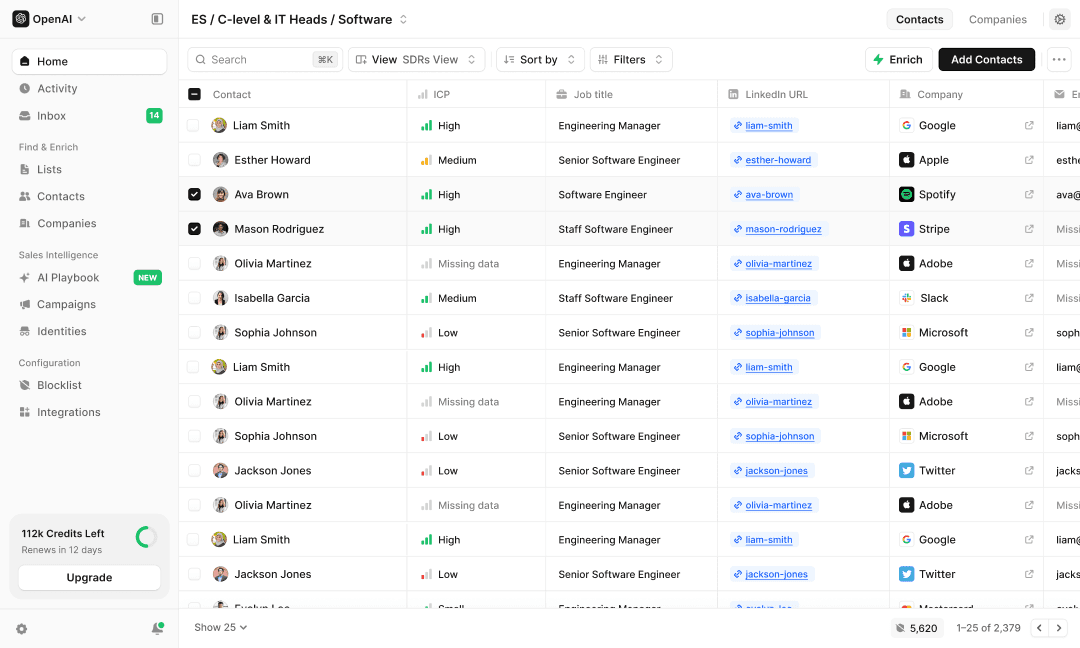
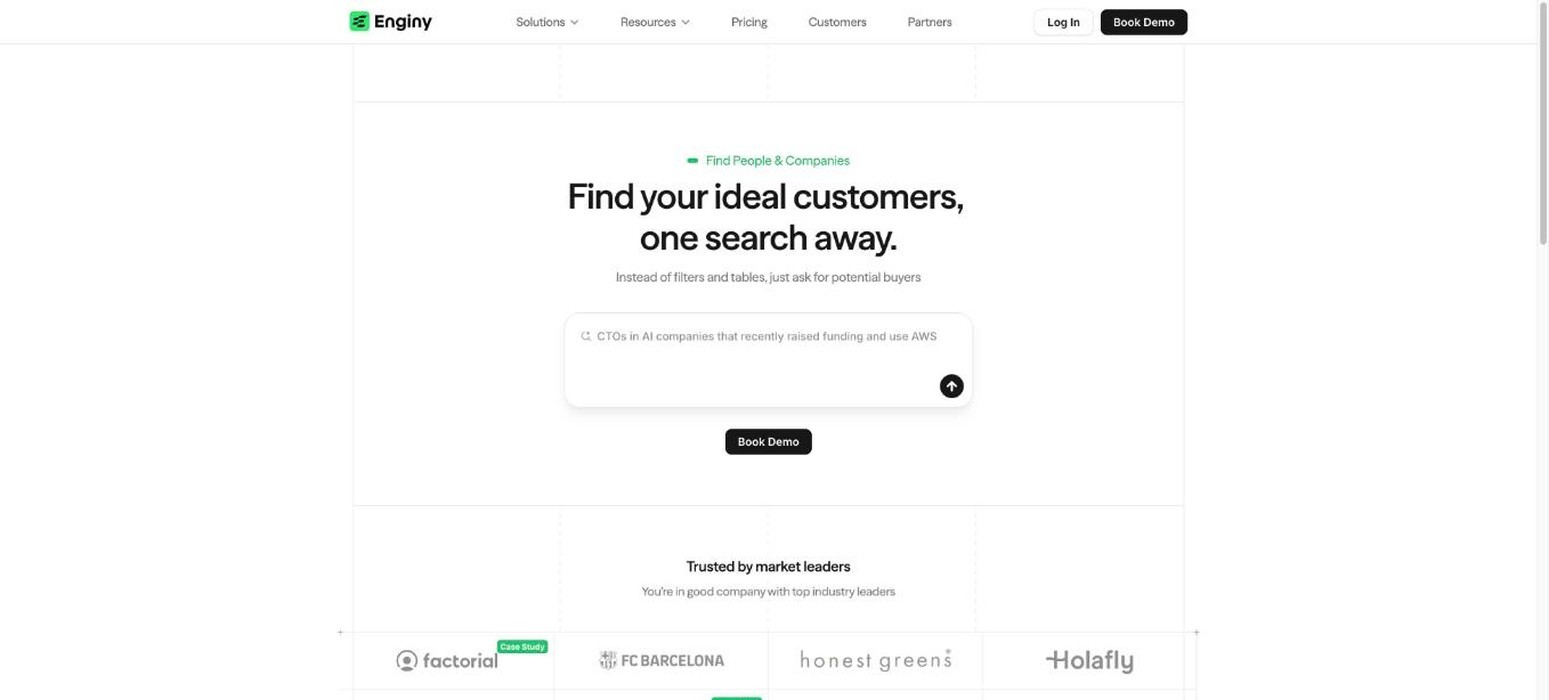
Enginy is our AI-native end-to-end GTM platform for B2B sales teams that want prospect discovery, enrichment and outreach connected in one workflow. At Enginy, we help teams search for people and companies by ICP criteria, then add verified professional emails, phone numbers, firmographic context and buying signals from more than 30 sources.
Our waterfall enrichment checks multiple providers instead of relying on one static lead database, which can improve coverage across different markets. Teams can then route enriched contacts into CRM workflows or personalised outreach without rebuilding the same list elsewhere.
We also support AI research, account signals, reply handling and sales analytics, so lead generation data can move directly into day-to-day prospecting for sales teams.
Ideal For
B2B sales teams that want discovery, enrichment and outreach in one system
Heads of Sales trying to reduce manual prospecting work across SDR teams
RevOps teams that want cleaner CRM data without maintaining several point tools
Startups and mid-market companies testing new segments or geographies
Agencies that need repeatable list building and campaign execution
Top Features
AI Finder for natural-language people and company searches
Multi-source enrichment across 30+ contact and company data sources
Intent signals including job changes, hiring activity, funding and technology data
Native people and company data workflows with list management and CRM sync
Automated multichannel outreach across email, social media and sales tasks
Why We Stand Out?
Most B2B lead database products give a team records and expect another tool to handle activation. At Enginy, we connect prospect discovery with data enrichment, cleaning, routing and outreach.
That matters most for teams already paying for several point products. A contact can be discovered, verified, prioritised and sent into a campaign without rebuilding the same record in multiple systems.
Our social prospecting workflows also give teams a way to add warmer account signals and social touchpoints around outbound.
Pros
Connects prospect discovery with enrichment, CRM sync and outreach
Uses multiple data sources rather than depending on one database
Supports intent-led list building as well as standard firmographic filtering
Designed for direct use by sales teams, with structured onboarding
Covers both cold and warmer prospecting motions
Cons
Pricing is not published as self-serve tiers
Teams that only need a handful of email lookups may not need the wider workflow
Full value comes from connecting data, CRM and outreach rather than using only one module
Pricing
Enginy does not publish fixed prices. At Enginy, we scope pricing after a qualification call so the quote reflects the team's expected usage and workflow.
Pricing is credit-based, with credits used for actions such as data extraction, enrichment, verification and AI-generated fields.
Final Verdict
Enginy is the strongest choice on this list for a sales team that sees the lead database as the start of the workflow rather than the finished product.
Teams that only want a low-cost email finder have simpler options, but Enginy makes more sense when list building, enrichment, CRM hygiene and outreach all need to stay connected.
2. Icypeas
Overview
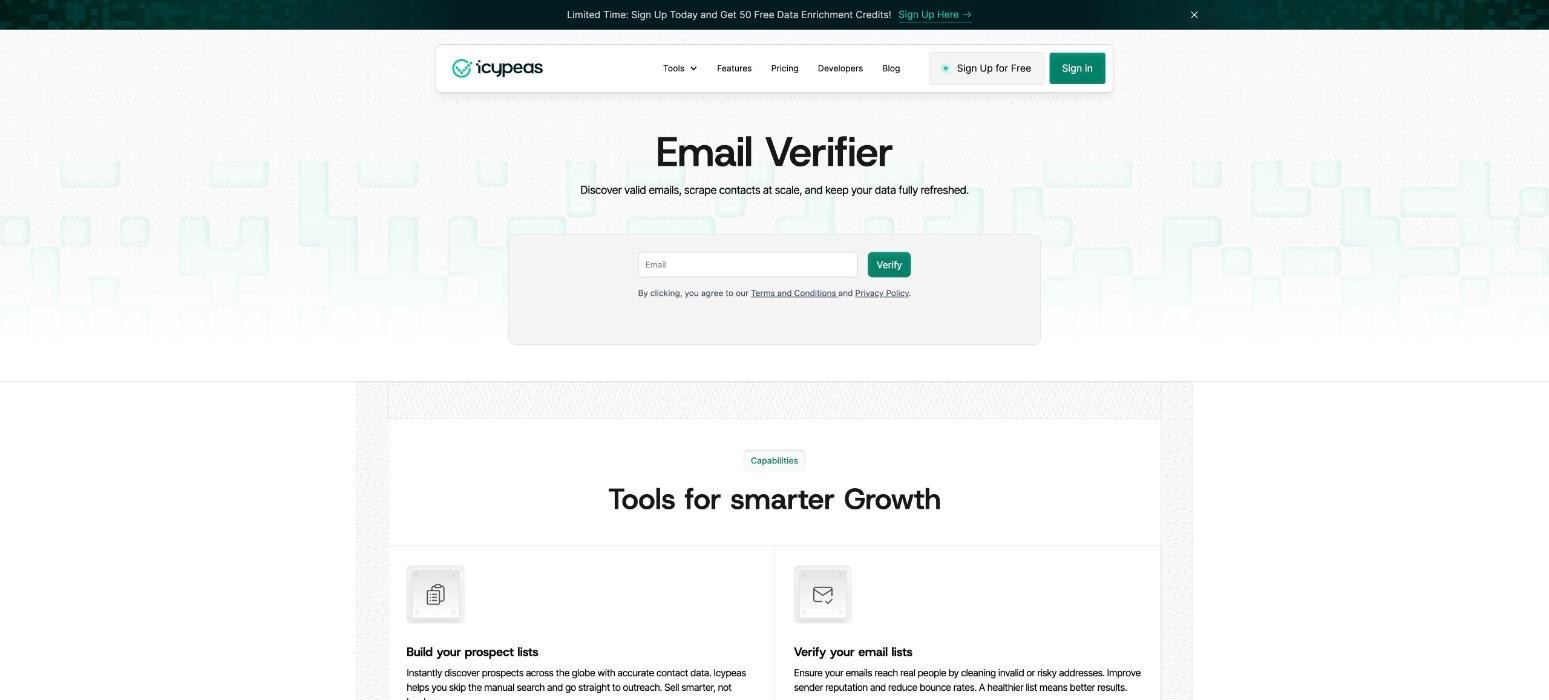
Icypeas is a specialist email discovery and verification tool for teams that mainly need reliable work emails. It supports individual email finding, bulk searches, domain scanning, company and people search, profile enrichment and API access, making it useful for teams that already have a separate outreach system.
The product also includes catch-all verification and credit rollover on paid plans. Compared with a broader B2B lead database, Icypeas has a narrower role: find and verify contact data without adding a large sales workflow around it.
That makes Icypeas a practical choice for agencies, recruiters and smaller outbound teams that already know who they want to contact and need a focused way to fill email gaps before outreach begins.
Ideal For
Teams primarily looking for verified professional emails
Agencies enriching lists from other prospecting sources
Recruiters that already have a separate outreach workflow
Smaller teams that want transparent, low-entry pricing
Top Features
Email finder and bulk email finder
Catch-all email verification
Company and people search
API access plus Make, Zapier and n8n integrations
Credit rollover with no expiry on accumulated paid credits
Why They Stand Out?
Icypeas keeps the product centred on contact discovery. The pricing is easy to understand, and the tool only charges the full finder credit when an email is found. Verification uses a smaller fraction of a credit.
This makes Icypeas appealing when a team already knows who it wants to contact and mainly needs the missing email layer.
Pros
Low starting price
Clear credit model
Verification included across paid plans
API and no-code integrations available
Credits can roll over
Cons
No mature built-in multichannel outbound workflow
Phone finding is still listed as coming soon
Less useful for teams that need deep account intelligence and routing
Pricing
Icypeas starts at $19 per month for Basic with 1,000 credits. Premium costs $39 per month for 4,000 credits, Advanced costs $89 per month for 10,000 credits and Hypergrowth starts at $499 per month for 100,000 credits, with larger volumes available.
Final Verdict
Icypeas is a good fit for teams that need an affordable email-finding layer and already have the rest of their sales stack in place.
It is less suitable when the requirement is a broader lead database with phone data, account intelligence and outbound execution in the same product.
3. Apollo.io
Overview
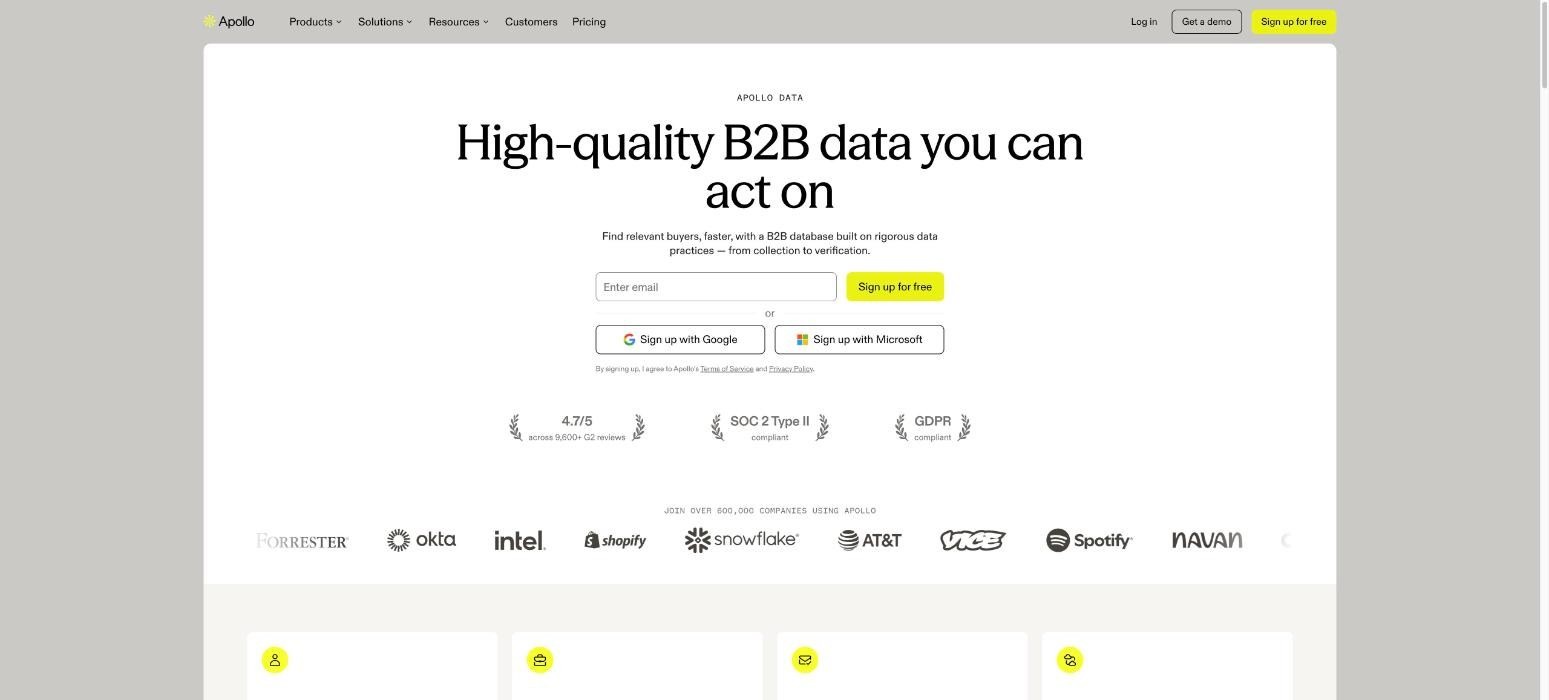
Apollo.io combines a large searchable contact and company dataset with enrichment, sales engagement and workflow features. Teams can filter prospects by job title, seniority, company size, location, technology use and buying signals, then save lists, enrich records and move contacts into sequences from the same account.
That gives Apollo a broader role than a basic B2B lead database, particularly for smaller sales teams that want prospecting data and email execution together. It also supports CRM integrations, APIs, job-change tracking and waterfall enrichment.
Data fit is the main consideration. Coverage varies by geography and segment, so test an ICP sample before treating database size as a sign of usable lead generation data.
Ideal For
SMB sales teams wanting data and email sequences in one account
Founders that need a self-serve prospecting tool
SDR teams working high-volume outbound
RevOps teams that want APIs and CRM enrichment
Top Features
Large people and company search database
Advanced prospect and company filters
Buying intent, signals and job-change tracking
Contact and account enrichment
Built-in sequences, calling and workflow tools
Why They Stand Out?
Apollo has one of the broadest self-serve feature sets in this category. A user can search for prospects, enrich records and start outreach without buying a separate data tool first.
Its free tier also makes testing easier than enterprise products that require a sales process before a buyer can assess data coverage.
Pros
Large searchable contact base
Broad filter set
Built-in sales engagement tools
Free tier available
Strong integration and developer options
Cons
Data accuracy can vary by region and segment, so sampling is important
Credit and add-on rules can become harder to model as usage grows
Teams with complex data workflows may still add other enrichment providers
Pricing
Apollo offers a Free plan. The pricing provided for this comparison is $49 per seat per month for Basic, $79 for Professional and $119 for Organization when billed annually, with add-ons and extra credits priced separately.
Apollo's current public pricing page now presents Free, Basic, Professional and Custom options, so buyers should confirm the live checkout price before purchasing.
Final Verdict
Apollo is one of the most practical lead database options for teams that want a large prospect pool and built-in engagement without an enterprise contract.
It suits small and mid-sized outbound teams best, though buyers should test record quality in their own market before trusting headline database size.
4. BetterContact
Overview
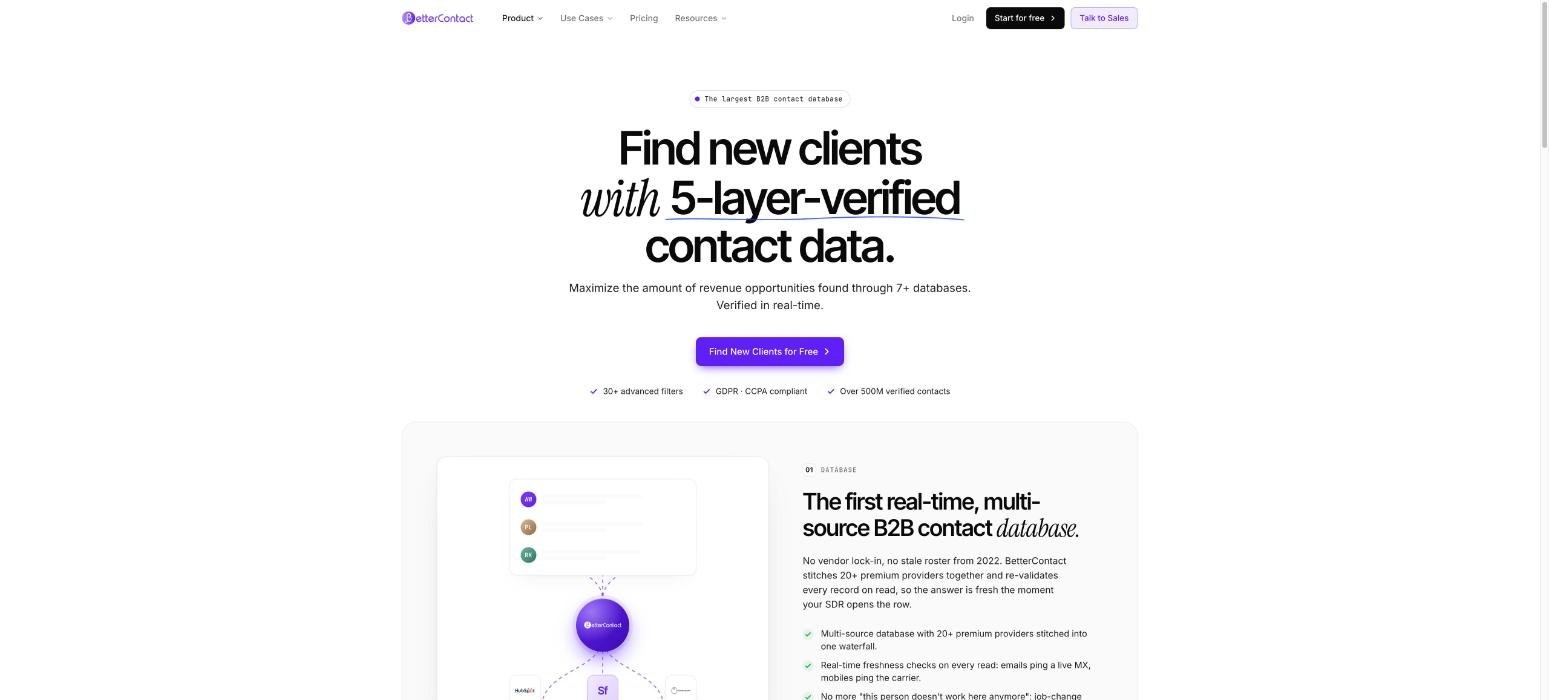
BetterContact uses a waterfall approach to lead generation data. Instead of relying on one proprietary source, it checks more than 20 data providers and applies verification before charging for a valid result. Teams can use it to find professional emails and mobile numbers, score phone data and enrich lists from other prospecting tools.
It connects with HubSpot, Google Sheets, Make, Zapier and Clay, and its Waterfall Lead Finder supports net-new contact discovery. Compared with a conventional B2B lead database, BetterContact is mainly an enrichment layer that completes existing lists.
It works well when teams already have separate prospecting and outreach tools but want broader coverage without managing multiple data-provider contracts themselves.
Ideal For
Teams with incomplete contact data
Outbound agencies that enrich lists from several sources
Phone-heavy SDR teams
RevOps teams that want one contract across several data providers
Top Features
Waterfall enrichment using 20+ data providers
Email and mobile phone verification
Waterfall Lead Finder
Phone connect-likelihood scoring
API and common sales-tool integrations
Why They Stand Out?
BetterContact charges only when it returns valid data, so failed searches cost nothing. Its waterfall model also limits exposure to any single vendor's coverage gaps.
That approach is particularly useful when a team's target accounts span different countries or industries.
Pros
Multi-provider data coverage
Pay-per-valid-result model
Email and phone verification
Credit rollover
50 free credits for new users
Cons
Not a full outbound execution system
Phone data consumes more credits than email data
High-volume teams may still need enterprise pricing
Pricing
Starter costs $15 per month for 200 credits. Pro costs $49 per month for 1,000 credits.
Enterprise starts at $799 per month with custom volumes and discounts, while new users can test the product with 50 free credits.
Final Verdict
BetterContact is a strong enrichment choice for teams that already have a prospecting and outreach stack but want better contact coverage.
It competes less as a traditional static lead database and more as the layer that improves the completeness of the lists a team already has.
5. Prospeo
Overview
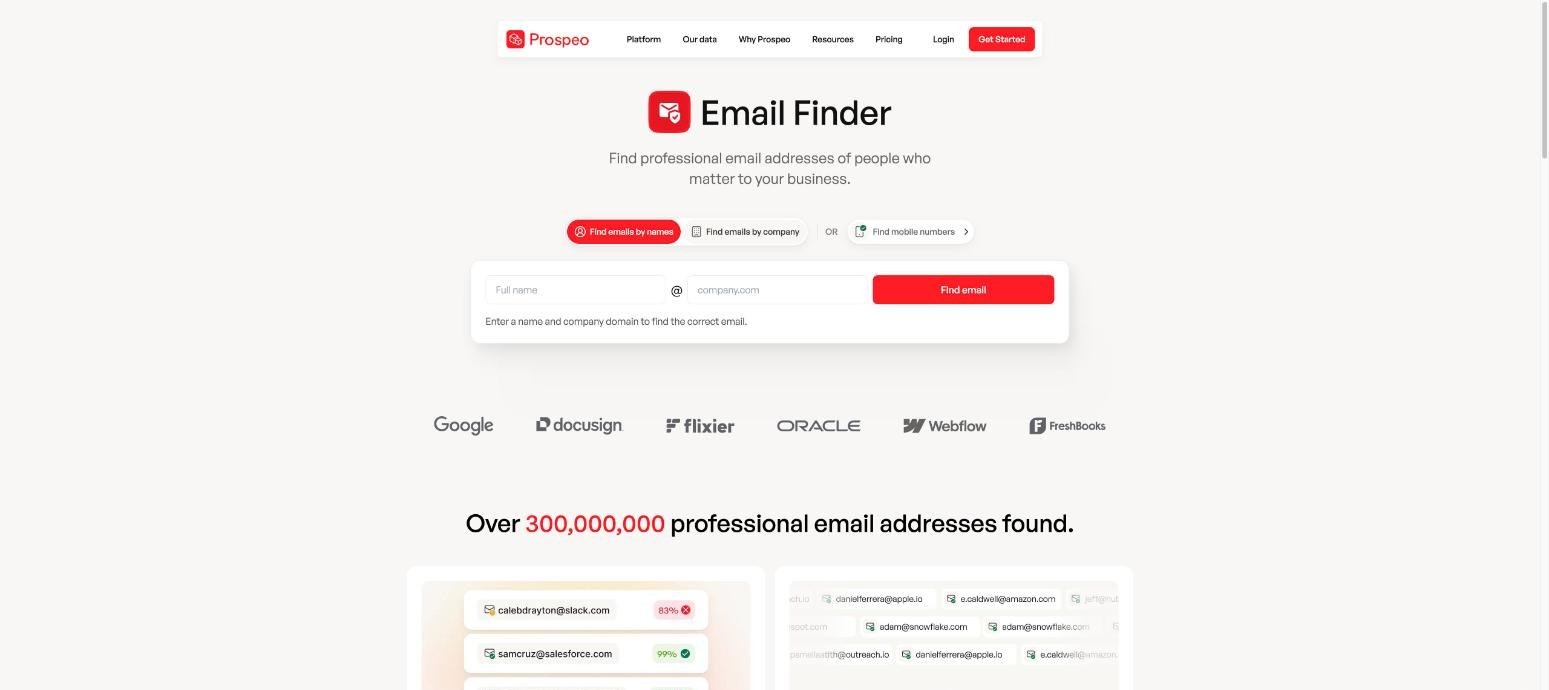
Prospeo focuses on finding and verifying professional contact information. Teams can search for individual emails, discover addresses by domain, verify existing email lists and find mobile numbers, with bulk workflows available for larger prospecting jobs.
That makes Prospeo useful for smaller sales teams, recruiters and agencies that need straightforward lead generation data without a complex sales system around it.
The product sits closer to a specialist finder and verifier than an enterprise B2B lead database with deep account intelligence or intent signals.
That narrower scope suits teams with separate sequencing and CRM tools. Larger RevOps teams may treat Prospeo as one data source in a broader enrichment stack.
Ideal For
Startups that need email and mobile contact data
Recruiters and agencies running bulk contact searches
Teams that already have separate sequencing software
Users who want a simple finder and verifier
Top Features
Email Finder
Domain Search
Email Verifier
Mobile Finder
Bulk search and export workflows
Why They Stand Out?
Prospeo keeps the core workflow centred on finding usable contact details. Teams can search at an individual, domain or bulk level and verify emails before they reach a campaign.
Its relatively low entry price also makes it easy to test against a representative sample of your ICP.
Pros
Straightforward interface
Email finding and verification in one product
Mobile data available
Free tier for testing
Suits smaller sales teams and agencies
Cons
Limited account intelligence compared with enterprise providers
Outreach is not the core of the product
High-volume use still requires careful credit planning
Pricing
Prospeo offers a Free plan. Based on the pricing supplied for this comparison, Starter costs $37 per user per month, Growth costs $74 and Pro costs $187.
Paid plans increase annual credit allowances and add filters, CRM features, analytics and unused-credit rollover.
Final Verdict
Prospeo is a sensible lead database companion for teams that mainly need emails, verification and mobile numbers.
Buyers looking for broader intent data, CRM orchestration or fully connected outreach will likely need additional tools around it.
6. ZoomInfo
Overview
ZoomInfo is an enterprise sales intelligence vendor with a large collection of company and contact records plus tools for prospecting, intent, website visitor identification and data management. SalesOS matters most in a B2B lead database comparison, covering contact search, company intelligence, organisational context and buying signals.
The platform also handles enrichment and CRM data management for sales organisations with many users and territories. Its strength is the commercial context around an account, beyond the contact record itself.
That depth brings a longer buying process and enterprise contracts, so it fits established sales teams better than smaller companies wanting simple, self-serve lead generation data.
Ideal For
Enterprise sales organisations
Teams with large territories and complex account research needs
RevOps functions that need CRM enrichment at scale
Companies that can support annual enterprise contracts
Top Features
SalesOS contact and company intelligence
Intent data
Scoops for company events and changes
WebSights for identifying website visitors
CRM enrichment and data management
Why They Stand Out?
ZoomInfo combines broad contact coverage with company intelligence and intent data in a mature enterprise product.
It is also built around larger sales organisations that need governance, administration and integrations across many users.
Against lower-cost tools, ZoomInfo's differentiator is the depth of commercial intelligence around each account.
Pros
Broad company and contact coverage
Strong account intelligence
Intent and event signals
Enterprise integrations and administration
Useful for large account-based sales teams
Cons
High annual cost
Pricing is not transparent
Feature depth can be excessive for small teams
Pricing
ZoomInfo does not publish standard plan prices. Pricing is custom and typically depends on seats, credits and selected products.
Market references place entry contracts around $15,000 a year, with larger deployments costing significantly more. Treat that figure as a starting estimate, not a quote.
Final Verdict
ZoomInfo is best suited to enterprise teams that need more than contact records and can justify the annual commitment.
Smaller teams that need an affordable lead database or simple email verification will usually find more economical options elsewhere on this list.
7. Datagma
Overview
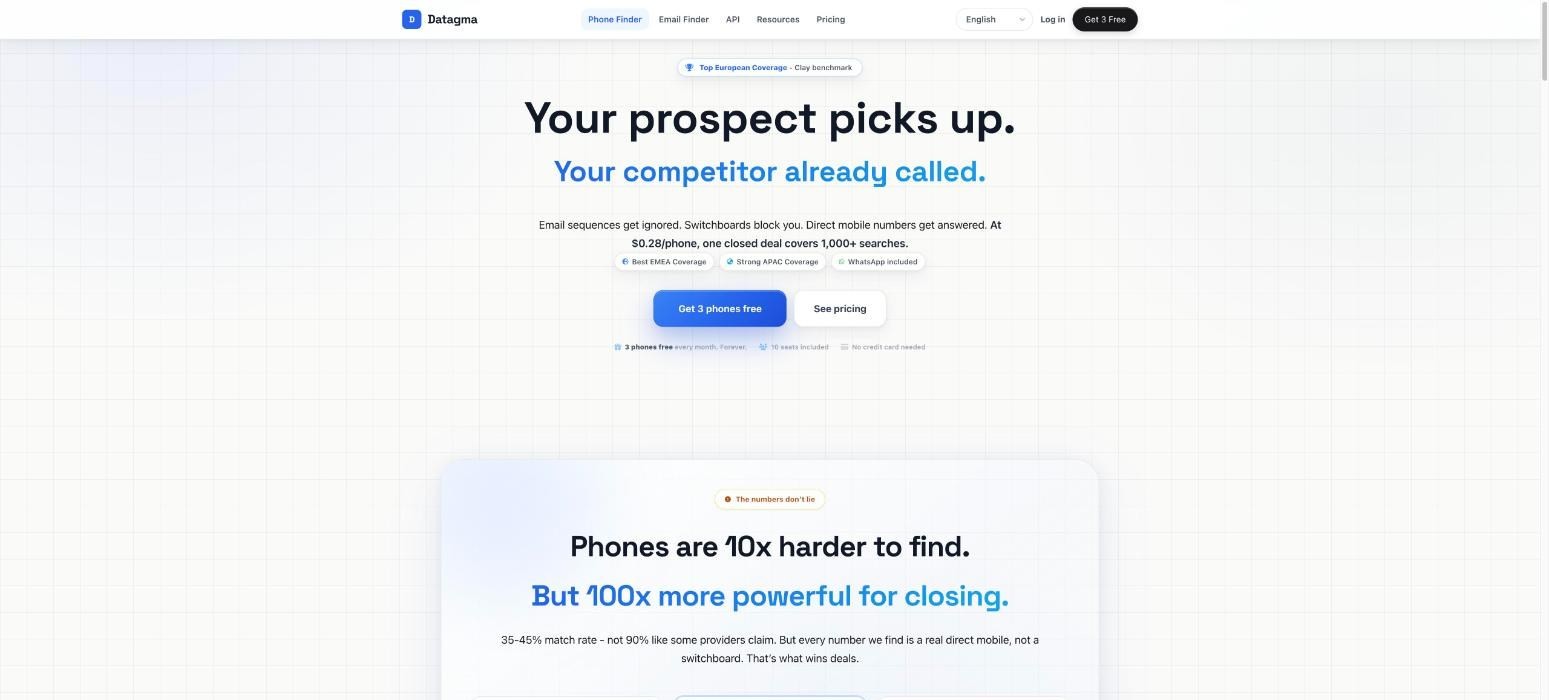
Datagma focuses on verified work emails and direct mobile numbers, with enrichment tools for teams that need to fill missing contact fields in lists or CRM records. It also supports API access, bulk file uploads, job-change tracking and integrations with common sales tools.
Datagma uses one credit balance for both email and phone searches, so teams decide how to split their monthly allowance. As a B2B lead database, it centres on contactability and offers less account intelligence than enterprise suites.
That suits teams that already know who they want to reach and need dependable lead generation data before they call or email, especially when direct mobile coverage matters to their outbound motion.
Ideal For
Sales teams that prioritise direct mobile numbers
EMEA and APAC prospecting teams
RevOps teams enriching existing CRM records
Agencies needing shared credits across email and phone searches
Top Features
Verified email finder
Direct mobile phone finder
Real-time data enrichment
API access and bulk file uploads
Job-change and recently funded company workflows
Why They Stand Out?
Datagma uses one credit pool across email and mobile searches, which makes budget allocation easier for teams that mix calling and email outreach.
Paid plans also roll unused credits for up to 12 months.
It is particularly relevant when direct-dial data matters as much as email coverage.
Pros
Transparent pricing
Email and phone data in one credit pool
API available on all plans
Credit rollover
Low-cost extra seats
Cons
Less account intelligence than enterprise suites
Phone lookups consume substantially more credits than emails
Not designed as a complete campaign system
Pricing
The Free plan includes 100 credits per month. Regular costs $49 per month for 3,000 credits, Popular costs $99 for 7,500 credits and Expert costs $249 for 22,500 credits.
Datagma also offers annual discounts and custom enterprise plans.
Final Verdict
Datagma is a useful lead database choice for teams that need a balanced mix of verified emails and direct mobiles, particularly in markets where phone coverage is important.
It is less suitable for buyers that want deep intent, sequencing and sales execution in the same product.
8. Snov.io
Overview
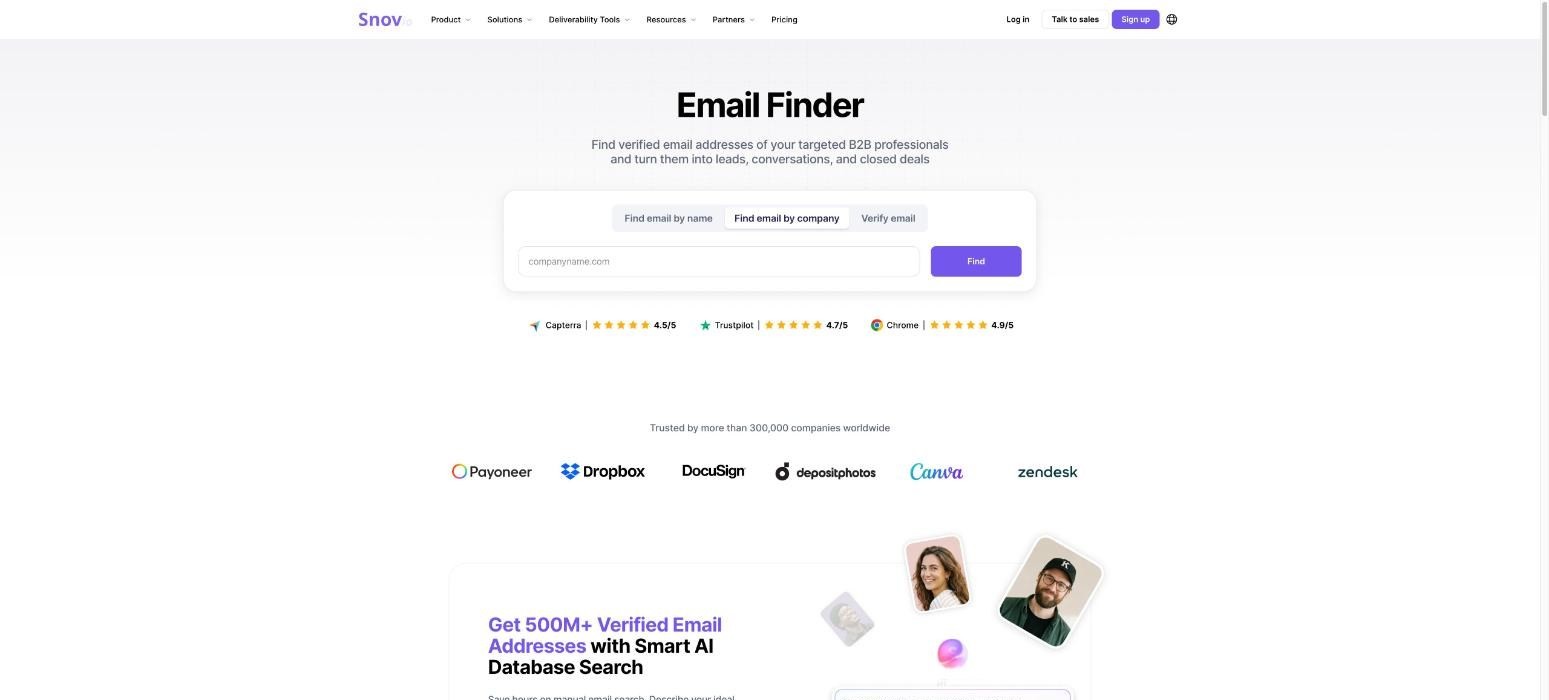
Snov.io combines contact discovery with email verification, enrichment, email warm-up, outbound campaigns and a built-in CRM. Its B2B lead database lets users search for prospects, while separate finder tools can identify emails from names, companies or domains before those contacts move into campaign workflows.
That broader toolset suits smaller sales teams that want prospecting data and email execution in one place without moving to a larger enterprise sales software stack.
Billing needs attention: prospecting uses Sales Suite credits, campaign recipients are counted separately and enrichment runs on tokens.
Buyers should model the full workflow rather than only the headline subscription price when estimating lead generation data costs.
Ideal For
Small sales teams running cold email
Agencies managing prospecting and outreach
Founders that want a combined data and campaign toolkit
Teams that need email verification and warm-up
Top Features
B2B leads database
Email finder and bulk finder
Email verifier
Data enrichment
Multichannel campaigns and built-in CRM
Why They Stand Out?
Snov.io covers more of the email workflow than a pure data provider. Teams can find a prospect, verify the contact and send outreach from the same broader toolset.
Its separate enrichment tokens also let buyers add data operations without needing to treat every activity as the same credit type.
Pros
Broad email prospecting toolkit
Built-in outreach and CRM
Free plan available
Verification and deliverability tools included
API and integrations available
Cons
Pricing has several usage units to understand
Enrichment is billed separately through tokens
Teams needing deep account intelligence may want another source alongside it
Pricing
Snov.io offers a free plan and paid Sales Suite subscriptions. For enrichment, businesses can buy separate token packs; 10,000 tokens cost $200 as a one-time purchase, and larger packages are available.
Snov.io states that purchased enrichment tokens have their own validity rules, so teams should confirm the current expiry period at checkout.
Final Verdict
Snov.io is a practical option for teams that want a lead database, email verification and outbound campaigns in a connected toolkit.
Its main limitation is pricing complexity, since contact search, campaign recipients and enrichment do not all draw from the same usage bucket.
9. Wiza
Overview
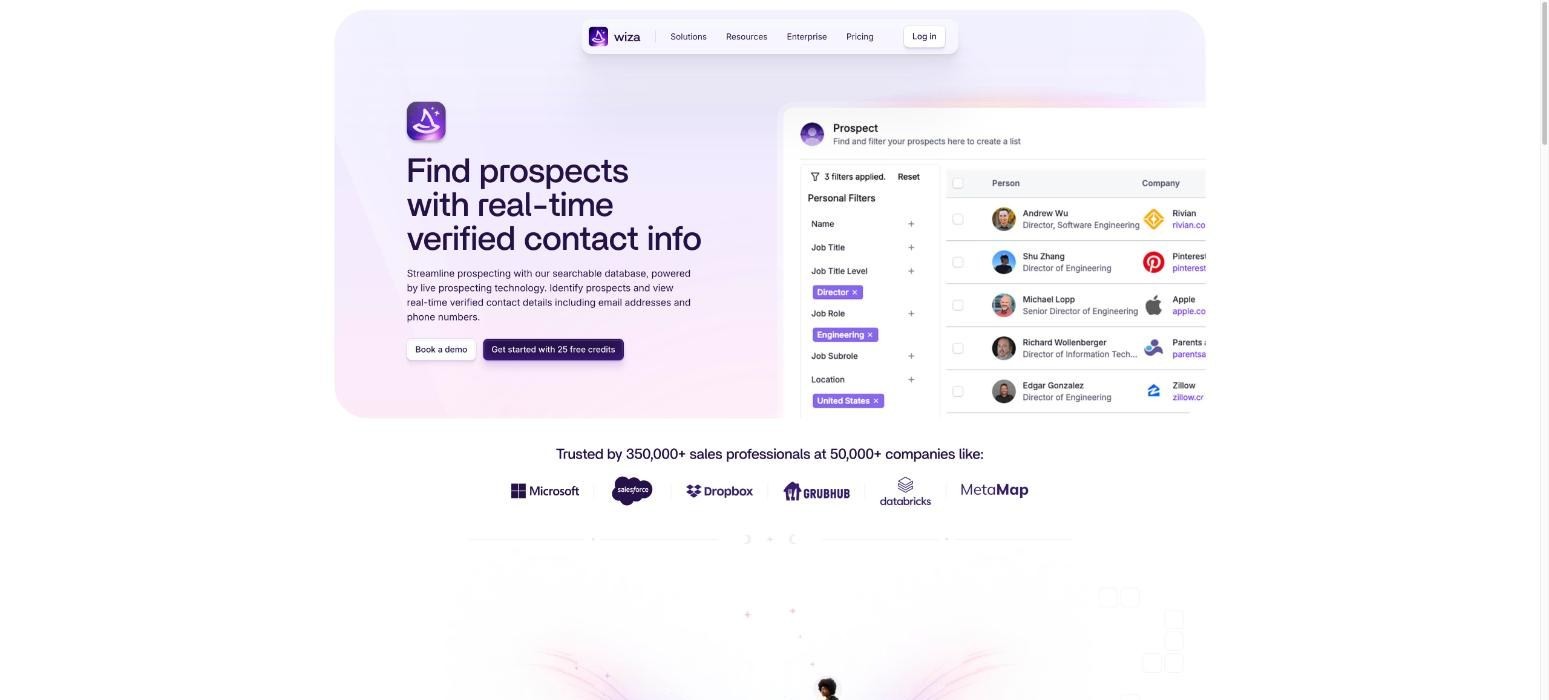
Wiza is a prospecting and enrichment tool that helps sales reps find verified work emails and phone numbers, then move those records into CRM and outbound workflows. Its product set includes Wiza Prospect, contact enrichment, AI research and team analytics, with browser-based tools for researching prospects.
Compared with a broad enterprise B2B lead database, Wiza is narrower and easier to understand for teams that mainly need accurate contact details.
Paid plans split email-only usage from email and phone usage, so buyers can match spend to their outreach channels.
That makes Wiza most useful when lead generation data must reach an existing CRM or sales engagement system quickly, without a complex data workflow around the rep.
Ideal For
Individual reps doing account research
Small outbound teams
Teams that need verified emails and phones
Users who want direct CRM integrations
Top Features
Wiza Prospect
Verified email discovery
Phone number discovery
AI research fields
CRM integrations and CSV import
Why They Stand Out?
Wiza focuses on the point where a rep identifies someone they want to contact and needs usable contact information quickly. The per-user plans are easy to understand, and extra email or phone data has a published unit price.
The Team plan adds unlimited contact data alongside API access and a dedicated success manager for larger groups.
Pros
Clear self-serve pricing
Email and phone data
CRM integrations
Free allowance for testing
Straightforward rep workflow
Cons
Less intent and account intelligence than larger sales intelligence products
Per-user pricing can add up for bigger teams
Best used with an existing outreach system
Pricing
Wiza's free plan includes 20 valid emails and 5 phone numbers. Starter costs $49 per user per month, Email costs $99 and Email + Phone costs $199. Extra emails cost $0.15 each and extra phone numbers cost $0.35 each.
Team pricing is custom.
Final Verdict
Wiza is a sensible lead database tool for reps and small teams that care about finding verified contact details quickly.
Larger organisations looking for richer account signals, orchestration or advanced data operations may need a broader system.
10. Clay
Overview
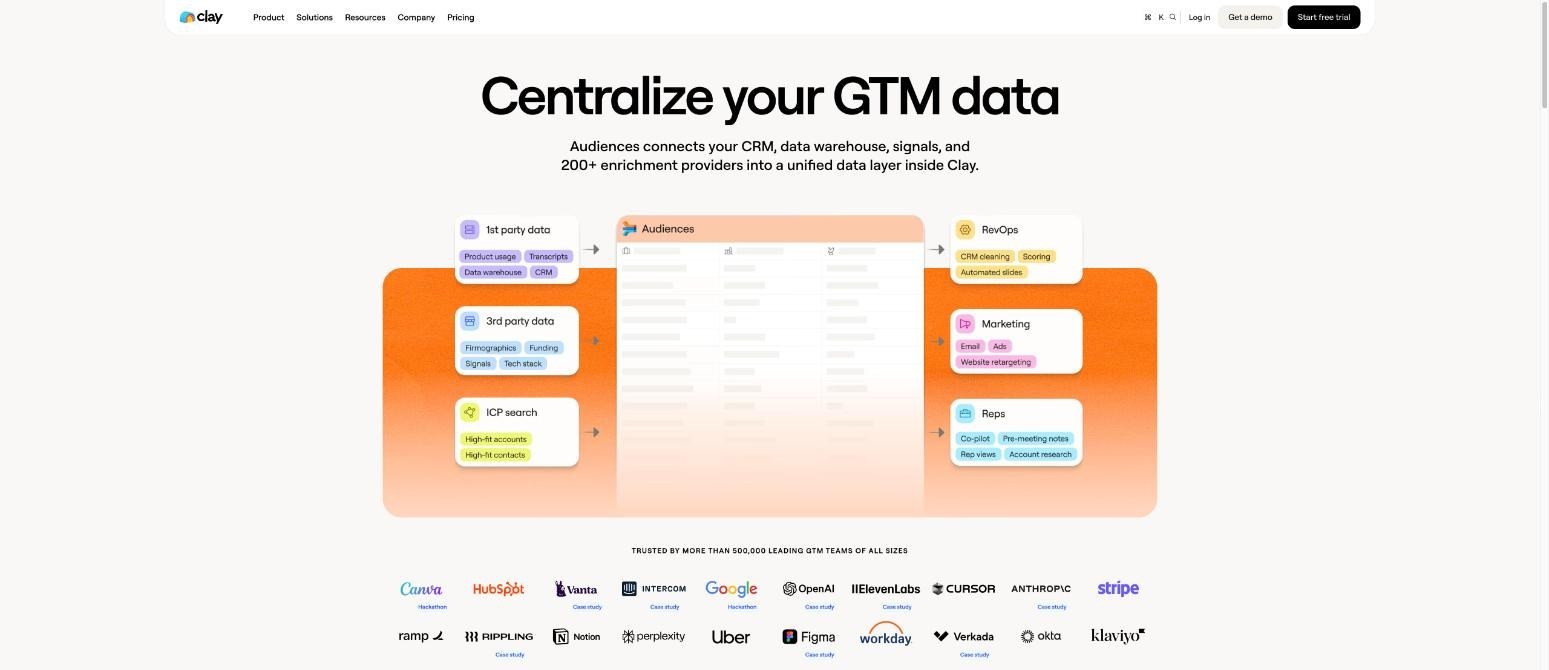
Clay is a data workflow and enrichment system rather than a conventional static lead database. It connects multiple data providers, runs waterfall enrichment, researches companies with AI, monitors signals and routes enriched records into CRM or outreach workflows.
Clay Audiences adds people and company search, so teams can source prospects and enrich imported lists.
Clay's flexibility suits RevOps and GTM engineering teams that want to define their own data logic. The trade-off is complexity: more control over lead generation data, but more setup and ownership than a rep-focused B2B lead database.
Small sales teams without a dedicated operator may therefore find simpler tools easier to run.
Ideal For
GTM engineers and RevOps teams
Companies building custom enrichment waterfalls
Teams that want AI research inside data workflows
Organisations connecting several data providers to one CRM process
Top Features
Waterfall enrichment across multiple providers
Claygent AI research
Audiences for people and company search
Signals for job changes, promotions, hires and company news
CRM sync, HTTP API support and workflow logic
Why They Stand Out?
Clay gives technical teams unusually fine control over where data comes from and what happens after a field is found.
Instead of accepting the logic of one B2B lead database, teams can combine sources, set conditions and build their own routing rules.
That is valuable when the GTM process itself is a competitive advantage and the team has someone who can maintain it.
Pros
Highly flexible data workflows
Strong multi-provider enrichment
AI research capabilities
Broad integration options
Useful for complex RevOps automation
Cons
Steeper learning curve for non-technical reps
Costs can become harder to forecast across actions and data credits
Often requires a dedicated owner to get full value
Pricing
Clay has a Free plan. Launch starts at $167 per month when billed annually and Growth starts at $446 per month. Enterprise pricing is custom.
Plans scale through annual actions and data credits, with higher tiers adding deeper CRM sync, workflow capacity and support.
Final Verdict
Clay is one of the best choices for technical teams that want to design their own lead generation data workflow across several sources.
It is less suitable for a sales team that wants a ready-to-use lead database with minimal configuration.
How to Choose the Best Lead Database (What To Consider)?
A larger contact count can look persuasive in a comparison table, but it rarely settles the decision. The right lead database needs to perform well for your ICP, fit the rest of your stack and stay economical at your actual usage level.
Given below, are the key checks you should be looking out for:
1. Data Accuracy and Verification Method
Ask how the provider verifies emails and phone numbers. SMTP checks catch dead mailboxes but miss catch-all domains. Industry research found more than a billion catch-all addresses among the 11 billion addresses verified in 2025.
Run a simple test: export 100 contacts from your ICP, pass them through an email verifier and count the bounces. A result under 3% is workable.
2. Coverage in Your Target Markets
Check coverage by country and role. A tool with strong US data can be thin in the Nordics or Southern Europe. Pull 20 contacts you already know in your top market and see how many the tool finds.
That test takes ten minutes and saves a month of wasted credits.
3. Data Freshness and Refresh Cycle
Ask how often records refresh and whether existing contacts are re-verified or only new ones are added. ZoomInfo's own decay guide puts job-title decay at 25% to 35% a year.
A database that looked accurate six months ago may already be one in ten records stale.
4. Filters and Intent Signals
Firmographic filters find companies that fit. Intent filters find the ones that may buy now. Look for job changes, hiring alerts, funding rounds and technology stack.
Boolean search and past-employer filters help a team build narrow lists for a specific ICP.
5. Integrations and Workflow Fit
List the tools a contact must pass through: CRM, sequencer and inbox. Check for two-way CRM sync and duplicate handling.
A tool that exports to a file forces manual work at every step, and that work costs more than a higher plan would.
6. Cost per Usable Contact
Divide monthly spend by the number of contacts that are found, verified and sent. Take a $99 plan with 5,000 credits. If 30% of lookups return nothing and 5% of found emails bounce, you get about 3,325 usable contacts.
The cost per usable contact rises by about 50% over the headline credit price.
Best Practices for Using a B2B Lead Database
Choosing the tool is only the first step. Getting a useful pipeline from a B2B lead database depends on how the team defines lists, cleans data and measures what happens after a record enters the CRM.
Given below, is a list of best practices you need to follow, in order to maximise the value of a B2B lead database:
1. Start With a Narrow ICP
Start too broad and you get a large list with weak signals. Start with one market, company-size band and buyer group that already resembles your strongest customers.
This gives you a better benchmark for coverage and makes it easier to see whether poor campaign results came from bad targeting or bad contact data.
2. Add Buying Context Before Outreach
Once the ICP is narrow, add context that explains why the timing might be better now. Use hiring activity, role changes, technology use or recent company developments where they genuinely change the outreach angle.
This makes lead generation data useful for prioritisation, rather than turning enrichment into an exercise in filling every possible field.
3. Verify Before You Send
Before outreach, make sure every email still passes the provider's verification rules. The same principle applies to phone numbers when the product offers mobile validation or activity scoring.
Verification reduces wasted sends and gives the team a cleaner view of which channels are available for a prospect.
4. Keep the CRM as the Source of Record
After verification, keep the CRM as the source of record rather than letting the lead database become a second unmanaged customer system. Define which tool owns each field, how duplicates are handled and how existing customers or do-not-contact accounts are excluded.
This matters even more when several reps are prospecting into the same account.
Ownership rules should prevent two people from contacting the same buyer through different lists.
5. Refresh Existing Records, Not Only Net-New Leads
That same process should also cover old CRM records, which can be as valuable as a new list.
Former prospects may have changed companies, moved into more senior roles or entered a better buying window.
Use enrichment to update existing records and recycle accounts that still fit the ICP. This can be cheaper than continuously buying net-new lead generation data while ignoring a large database you already own.
6. Measure Data Quality Through Sales Outcomes
Once the workflow is running, match rate and verification rate are useful operating metrics, but downstream sales outcomes matter more.
Track valid-contact rate, reply rate, meeting rate and opportunity creation by source.
If one B2B lead database looks cheap on a per-credit basis but sends reps towards more dead records, the real cost is higher.
Everything You Need to Know About Lead Databases
Tool | Pros | Cons | Ease of Use | Integrations | Support | Affordability | Data Depth |
|---|---|---|---|---|---|---|---|
Enginy | One workspace, 30+ providers, onboarding support | No public pricing, more than a data-only buyer needs, needs an outbound motion | ⭐⭐⭐⭐⭐ | ⭐⭐⭐⭐ | ⭐⭐⭐⭐⭐ | ⭐⭐⭐⭐ | ⭐⭐⭐⭐⭐ |
Icypeas | Low price, verification included, API access | Email-focused, no outreach, fewer account signals | ⭐⭐⭐⭐ | ⭐⭐⭐ | ⭐⭐⭐ | ⭐⭐⭐⭐⭐ | ⭐⭐⭐ |
Apollo.io | Large database, free plan, search plus outreach | Accuracy varies by region, shallow personalisation, add-on costs | ⭐⭐⭐⭐ | ⭐⭐⭐⭐ | ⭐⭐⭐ | ⭐⭐⭐⭐ | ⭐⭐⭐⭐ |
BetterContact | 20+ providers, pay per result, free credits | No outreach, limited intent signals, credits scale with volume | ⭐⭐⭐⭐ | ⭐⭐⭐⭐ | ⭐⭐⭐⭐ | ⭐⭐⭐⭐ | ⭐⭐⭐⭐⭐ |
Prospeo | Free plan, mobile finder, credit rollover | Mobile credits cost more, no outreach, limited intent data | ⭐⭐⭐⭐ | ⭐⭐⭐ | ⭐⭐⭐ | ⭐⭐⭐⭐ | ⭐⭐⭐ |
ZoomInfo | Deep records, intent data, CRM integrations | High cost, sales-led pricing, steep learning curve | ⭐⭐⭐ | ⭐⭐⭐⭐⭐ | ⭐⭐⭐⭐ | ⭐ | ⭐⭐⭐⭐⭐ |
Datagma | Fresh data, job alerts, pay for found data | No stored database, fewer list filters, no outreach | ⭐⭐⭐ | ⭐⭐⭐ | ⭐⭐⭐ | ⭐⭐⭐⭐ | ⭐⭐⭐ |
Snov.io | Find and send together, warm-up, built-in CRM | Smaller database, dated interface, token tracking | ⭐⭐⭐ | ⭐⭐⭐⭐ | ⭐⭐⭐ | ⭐⭐⭐⭐ | ⭐⭐⭐ |
Wiza | Fast list extraction, valid-email pricing, free plan | Social-search sourcing, limited routing, per-record add-ons | ⭐⭐⭐⭐ | ⭐⭐⭐ | ⭐⭐⭐ | ⭐⭐⭐⭐ | ⭐⭐ |
Clay | Flexible workflows, many providers, AI research | Needs technical skill, costs rise with actions, no native outreach | ⭐⭐ | ⭐⭐⭐⭐⭐ | ⭐⭐⭐⭐ | ⭐⭐⭐ | ⭐⭐⭐⭐⭐ |
Build Better Lists and Automate Your Outreach with Enginy
A lead database is useful when it gives reps reliable contacts, but its value grows when those contacts can move into the sales process without another round of exports, cleaning and tool switching.
At Enginy, we connect prospect discovery, multi-source enrichment, CRM sync and outreach inside the same workflow. Our AI Finder turns an ICP into a working list. We then verify and enrich the contact data, add buying context and route each prospect to the right next action.
That connected approach matters because sales teams are already short on time, with sales reps spending 60-70% of their working time on non-selling tasks.
Removing repetitive prospect research and data handling gives reps more room for calls, conversations and follow-up.
For teams that want their B2B lead database to do more than fill a spreadsheet, book a demo with our sales team to see how Enginy can connect prospecting, enrichment and outbound from one place.
FAQs About Lead Databases
What is the best lead database in 2026?
The best lead database in 2026 is Enginy for teams that want data and outreach in one workflow. We pull lead generation data from 30+ providers through waterfall enrichment, then verify it and add intent signals. Contacts move into CRM sync and multichannel sequences without another export. Five structured onboarding sessions set it up with you.
What should I consider when choosing the right lead database for me?
Choosing the right lead database starts with testing coverage and verification quality against your real ICP. Compare the cost per usable email or phone number, not only the plan price. You should also check CRM integration depth, buying-signal coverage and whether the product stops at export or supports the next sales action.
How does Enginy differ from similar alternatives?
Enginy differs from similar alternatives because at Enginy, we connect prospect discovery, multi-source enrichment and multichannel outreach in the same workflow. We use data from more than 30 sources and add intent signals before prospects move into CRM or campaign actions. This makes Enginy broader than a data-only B2B lead database.
How do I get started with Enginy?
Getting started with Enginy begins with a qualification call that maps the team's target markets, usage and existing sales stack. We then recommend a credit-based configuration and guide the account through structured onboarding. The process covers list building, CRM connections, enrichment and campaign setup.
How easy is it to switch to Enginy?
Switching to Enginy is designed around keeping the CRM your team already uses rather than forcing a full data migration. Enginy supports CRM connections including HubSpot, Salesforce, Pipedrive, Microsoft Dynamics 365, Zoho and other configurations. Existing CRM records can also be re-enriched so teams do not need to discard their current contact base.
Is a B2B lead database the same as a CRM?
A B2B lead database is not the same as a CRM because the database primarily helps you find or enrich prospects, while the CRM stores and manages the relationships your team is already working on. Some modern sales tools connect both workflows, but the underlying jobs remain different. Most teams still use the CRM as the system of record.
How accurate are lead databases?
The accuracy of a lead database varies by provider, geography, record type and how recently the data was verified. Email addresses can often be checked automatically, while job titles and phone numbers may require different validation methods. The safest approach is to run a sample of your actual ICP through several providers and compare valid-contact rates before signing a larger contract.
Is it legal to use a B2B lead database in the UK?
It is legal to use a B2B lead database in the UK when you follow UK GDPR and PECR. Corporate email addresses can receive marketing if you identify yourself and offer an opt-out. Sole traders count as individuals and need more care. Keep a record of your legitimate interests assessment. This is general information and not legal advice.
How often does lead generation data go out of date?
Lead generation data goes out of date at about 2.1% a month, or roughly 22.5% a year, according to HubSpot's decay research. ZeroBounce reports that 23% of email addresses in a typical list go bad each year. Re-verify lists before every send and refresh them at least once a month.