Zurück zum Blog
Enginy vs Apollo MCP: Which AI Sales Connector Is Better in 2026?
Andrea López
Teilen
Both tools now ship a hosted MCP server, so the Enginy vs Apollo MCP question is no longer about whether your assistant can reach your sales data. It can, in both cases, over the same transport, with the same OAuth handshake. The difference shows up two prompts later, when you stop asking the assistant to find people and start asking it to do something with them.
This comparison covers what each connector exposes, how permissions are controlled, which AI clients can reach it, and what a heavy month actually costs. Every capability claim below comes from the two products' own developer documentation.
Key Takeaways (TL;DR)
Primary difference: Apollo MCP puts a 240M-contact database inside your assistant. Enginy MCP puts the whole prospect-to-reply motion inside it, including campaign creation and branching workflows that run after the chat window closes.
Best overall choice: Enginy, for sales teams who want the assistant to act rather than just retrieve. The connector reaches campaigns, inbox threads, AI Finder imports and advanced workflows, so a single conversation can end with outreach live instead of a CSV in your downloads folder.
Data reach winner: Apollo. Apollo connects a database it puts at 240M+ contacts, and people search costs no credits. Enginy runs waterfall enrichment across 30+ providers instead of one index, which usually wins on fill rate per contact but does not publish a comparable headline number.
Execution depth winner: Enginy. Apollo MCP can create sequences and enrol contacts. Enginy MCP can also create, publish and run graph workflows with conditional branching, then send replies from the unified inbox.
Governance winner: Enginy. An admin sets a workspace permission ceiling, allow-lists OAuth callback URLs and can pin client IDs. Apollo scopes access to whatever the authorising user can already do in Apollo, with no separate MCP policy layer documented.
Client support winner: Apollo. Apollo ships built-in connectors on ChatGPT, Claude, Perplexity, Replit and Cursor, so most people connect without touching a config file.
Pricing winner: depends on team size. Apollo publishes a lower entry price – $0, $49, $79 and $119 per user per month on annual billing. Enginy prices per workspace after a qualification call, against the workflow you actually run rather than a fixed seat tax. A single rep on a card leans Apollo; a team replacing Apollo plus a separate outreach tool plus SDR hours usually lands lower on total cost with Enginy.
Ease of use winner: Enginy. Apollo is faster to plug in. Enginy is faster to operate once connected, because natural-language search and campaign building do not need a GTM engineer sitting next to the rep.
Enginy vs Apollo MCP in 2026: At a Glance
Criteria | Enginy MCP | Apollo MCP |
Best For | B2B sales teams running multi-channel outbound who want the assistant to execute, not just research | Individual reps and teams who want database search and enrichment inside their AI client |
Key Features | AI Finder imports, campaign create/clone/status, advanced graph workflows, inbox replies, AI Playbook writes | People and company search, waterfall enrichment, sequence authoring and enrolment, one-off emails, task management |
Pricing | Custom quote, credit-based, scoped per workspace | From $49/user/mo on annual billing; free tier available |
Free Trial | Free Prospect Search Tool (blurred contact previews); full access after a demo | Permanent free plan; 14-day trial on the Professional tier |
Ease of Use | ⭐⭐⭐⭐⭐ | ⭐⭐⭐⭐ |
CRM Integrations | ⭐⭐⭐⭐⭐ | ⭐⭐⭐⭐ |
AI Client Support | ⭐⭐⭐⭐ | ⭐⭐⭐⭐⭐ |
Overall Rating | ⭐⭐⭐⭐⭐ | ⭐⭐⭐⭐ |
Enginy and Apollo MCP: The Basics If You're New Around Here
What Are Sales MCP Connectors?
The Model Context Protocol is a standard way for an AI assistant to call tools that live inside someone else's product. A sales MCP connector publishes a list of actions – search contacts, enrich a company, add someone to a sequence – along with the shape of the inputs each one takes. Your assistant reads that list and calls the actions directly, so nobody writes glue code between the model and the sales database.
Sales teams use these connectors for three jobs: research before a call, list building and enrichment, and running or reviewing outreach. The category grew fast through 2026 because remote MCP over HTTP removed the local-install step that kept earlier versions in the hands of developers. Sales intelligence servers now split roughly into database servers, CRM servers and engagement servers, and the interesting products are the ones that cover more than one of those layers.
What Is Enginy MCP?
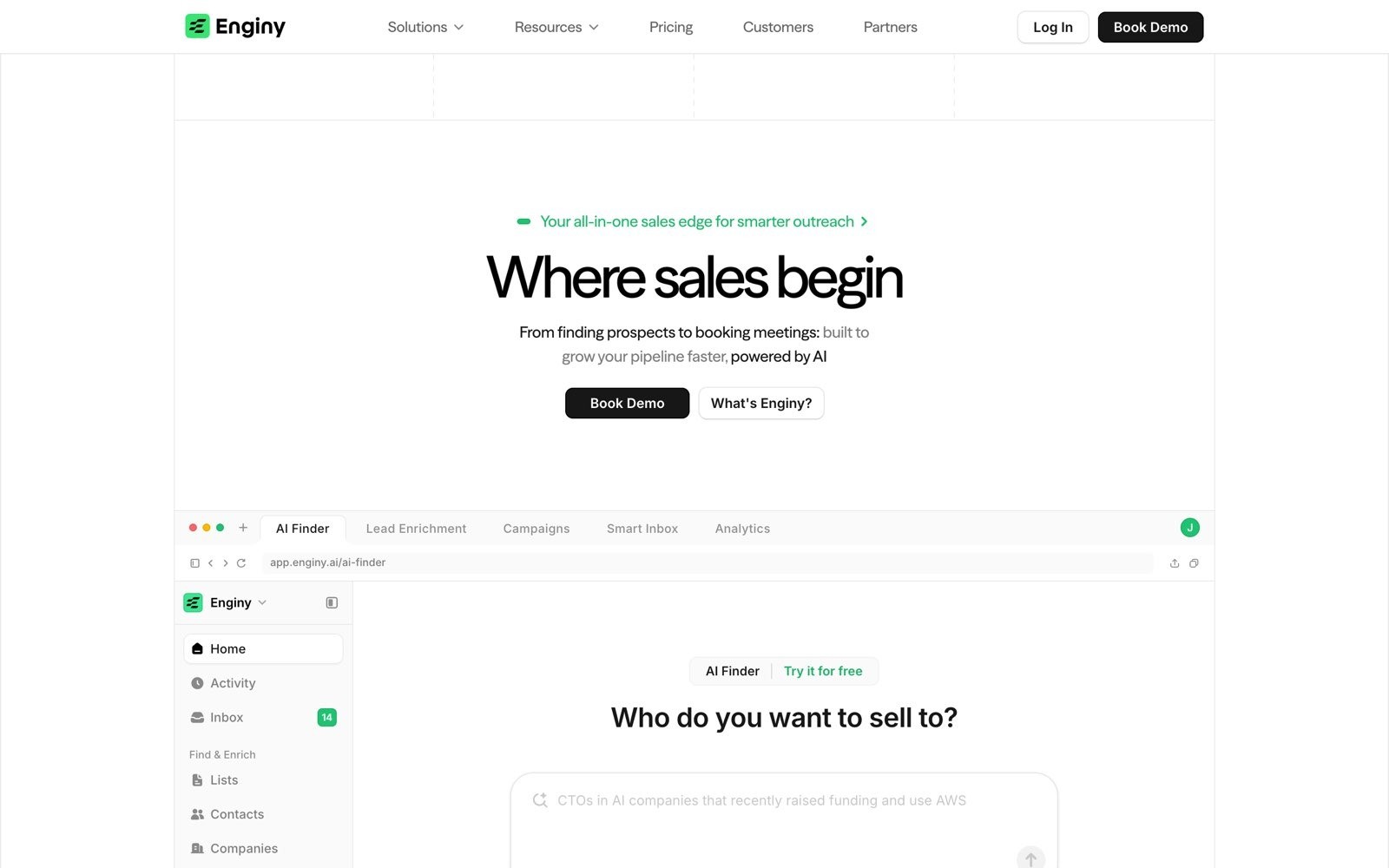
Enginy is an AI-native, end-to-end GTM platform built in Barcelona, used by teams including Factorial, SeQura and Venair. Its connector is a hosted remote server at openapi.enginy.ai/mcp.
The build approach matters here. Enginy does not maintain a hand-written tool catalogue: the MCP server reads the public API document and turns supported operations into tools, which keeps the assistant's reach aligned with the API rather than trailing behind it. Capability families cover contacts, companies, lists, campaigns, AI variables, analytics, actions, messaging and webhooks, plus advanced workflows.
What Is Apollo MCP?
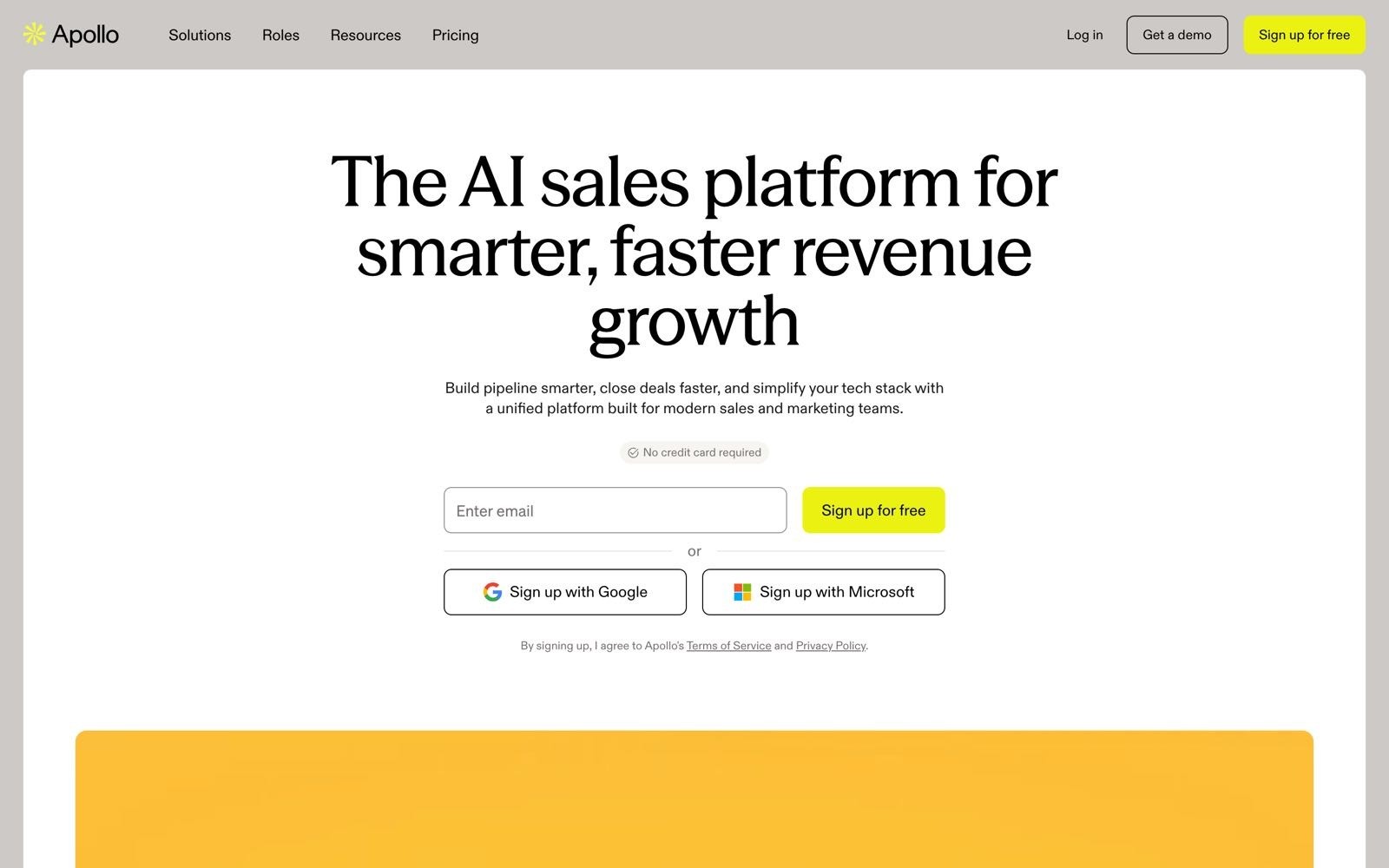
Apollo is the reference point most buyers compare against, with a large self-serve base and a well-known contact database. Its MCP server connects that database, its enrichment engine and its sales engagement features to an AI client.
Apollo publishes a curated list of roughly 50 available actions with a credit cost flag on each one. Search for people costs no credits; company search, company enrichment, people enrichment and job posting lookups all do. Apollo also sets a condition most vendors do not: model training must be turned off in your AI client before you connect.
Enginy vs Apollo MCP: A Detailed Review & Comparison
Buying Signals and Timing
Enginy
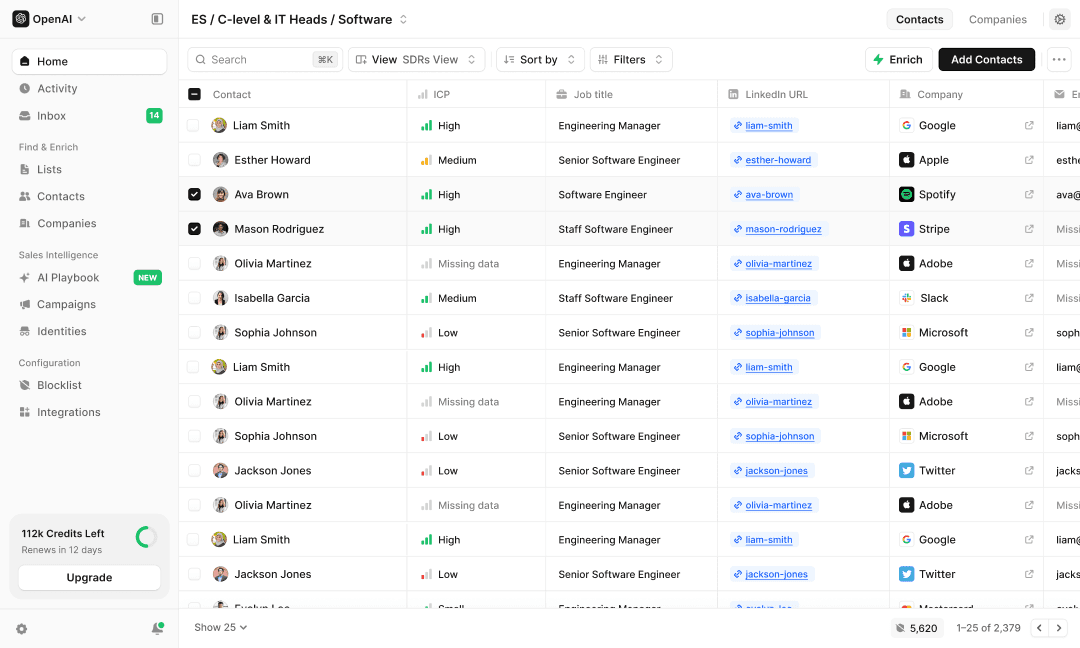
Through MCP, the assistant can run AI Finder searches from plain language – "VP of Finance at Series B SaaS companies in California" – refine them, preview the matches, then import the result straight into a destination list. The filtering underneath goes past firmographics into buying signals: job changes, hiring alerts, funding rounds, technology stack and event attendance.
That distinction matters more than list size once a team has enough volume to work. A good seller doesn't talk to more people – they talk to the right ones, at the moment a signal says the account is actually in motion.
Apollo
Apollo's filters cover the standard firmographic set – title, seniority, location, industry, company size, technologies – plus website visitor intent and job posting data as a hiring signal. What it does not expose over MCP is the layered signal stack Enginy filters on natively: no funding-round tracking, no event-attendance import, no social engagement scraping. The filtering depth shows up downstream too – messages generated from firmographic filters alone read more generic than ones written against a specific trigger, which is where reply rates are actually won or lost.
🏆 Winner
Enginy. Apollo tells the assistant who exists. Enginy tells it who is worth calling this week and why, which is the harder problem once a list is no longer the bottleneck.
Turning Research Into Outreach
Enginy
This is where the two products stop resembling each other. Enginy's connector exposes campaign creation, cloning and status changes, so an assistant can build a multi-channel sequence and launch it. The WORKFLOWS_WRITE scope adds create, edit, publish, delete and run access to advanced graph workflows – the conditional "if the prospect does X, then do Y" logic that Factorial credits for reaching accounts it had never converted.
Messaging tools read inbox threads and conversation messages, send replies and change thread state, which means reply handling stays in the same conversation as the research. Multi-stakeholder sequences that hit the CEO, the department head and the end user in parallel are built the same way, from the same prompt.
The workflows an MCP client builds are also what Enginy's AI SDR agents run afterward. Once a branching workflow is published, it operates on its own schedule and handles reply management autonomously, so the agent your assistant configured in one chat keeps prospecting and following up at 2am without anyone reopening the client. That is the practical difference between an assistant that helps you build outreach and a platform that keeps running it.
Apollo
Apollo covers sequences properly. You can create or update sequences, generate variants for a persona and preview changes before applying them, then enrol contacts, remove them, list connected mailboxes and send one-off emails with custom To, Cc and Bcc. Task management and analytics queries round it out.
What is missing is a layer above the sequence. Apollo has no branching workflow engine exposed over MCP, so conditional logic across a whole account has to be expressed as separate sequences and managed by hand.
🏆 Winner
Enginy. Sequence authoring is close to parity, and Apollo's one-off email tooling is genuinely useful. The gap opens on branching workflows and inbox reply handling, which is what turns a good list into booked meetings without a human babysitting each step.
Permission Control and Admin Governance
Enginy
Enginy separates what a workspace allows from what a user approves. An admin enables MCP, decides which callback URLs are allowed and chooses the maximum permissions users can approve, and every tool call is re-checked against the current policy rather than only the original approval.
Scopes come in read/write groups per object family, write implies read, and a client that asks for nothing gets the current workspace ceiling. Refresh-token reuse is treated as a security event and revokes the connection. Tool annotations flag read-only versus destructive operations so clients can require approval on writes.
Apollo
Apollo's model is simpler and easier to explain to a non-technical team. Access is scoped to the Apollo user who authorises the connection, and the assistant can only do what that user can already do. Authentication is OAuth 2.0, no API key is needed for the standalone server, and access can be revoked from account settings. Bulk deletes are blocked outright.
The trade-off: Apollo's documentation describes no separate workspace-level MCP ceiling, no admin allow-list for callback URLs and no client-ID pinning. If a rep has broad Apollo permissions, their assistant inherits all of them.
🏆 Winner
Enginy. Apollo's approach is fine for a single rep and awkward for a 40-person team with an infosec review. Two independent controls – workspace ceiling plus user approval – is the model an admin can actually defend.
Client Support and Setup
Enginy
Enginy serves remote Streamable HTTP with OAuth 2.0 Authorization Code and PKCE, with documented setup for Claude, Claude Code, ChatGPT developer mode, Codex, Cursor, VS Code, Gemini CLI and Microsoft 365 Copilot. Server-side clients that cannot run a browser flow can authenticate with a static workspace API key instead.
There is one detail worth knowing if you run Microsoft tooling. Copilot Studio and Microsoft 365 Copilot connectors cap out at 70 tools and refuse to load a server that exposes more, so Enginy publishes a reduced endpoint carrying the 70 most-used tools, chosen from real MCP traffic. Enginy is also candid that tool names can change, since they are generated from the OpenAPI summaries.
Apollo
Apollo's advantage is distribution. Built-in connectors exist on ChatGPT, Claude, Perplexity, Replit and Cursor, with no coding or server configuration required, plus first-party plug-ins for Codex and Claude Desktop. The standalone server at mcp.apollo.io/mcp covers anything else, over Streamable HTTP with OAuth.
Apollo is honest about the variability: tool availability changes by plan, workspace permissions, client support and rollout status.
🏆 Winner
Apollo. Appearing as a one-click connector in five major AI clients removes the step where most teams stall. Enginy documents more paths, including server-to-server auth, but Apollo gets a rep connected faster.
Credit Control and Spend Guardrails
Enginy
Credits are exposed to the assistant itself. Enginy's credit balance endpoint returns both the ledger balance and spendableCredits, which subtracts credits already reserved by in-flight workflows – the number to check before starting billable work. A separate endpoint returns the credit cost of every available action, and workflows accept a maxCreditsPerRun ceiling.
The practical effect: you can ask the assistant to price a job before running it, and cap what a scheduled workflow is allowed to burn overnight.
Apollo
There is no additional cost to connect Apollo MCP; your plan, permissions and credits still apply, and each action is labelled with whether it consumes credits. Apollo recommends setting credit-consuming actions to require approval in your client.
The pressure comes from the credit economics rather than the connector. A verified email costs 1 credit and a verified phone number costs 8, and unused credits expire at the end of the billing cycle with no rollover. An assistant that enriches enthusiastically can clear a monthly allowance in an afternoon.
🏆 Winner
Enginy. Both products bill by credit. Only one lets the assistant read the price list and enforces a per-run ceiling, which is the difference between a spend policy and a spend hope.
Ease of Use
Enginy
Setup is a browser sign-in after an admin turns MCP on. Day to day, the assistant handles the parts that normally need a specialist: AI Finder takes "VP of Finance at Series B SaaS companies in California" and builds the filters, and the AI Playbook holds company context so generated messages arrive with the right positioning already loaded.
Enginy's own guidance is to inspect first, then summarise, then ask, and to require a confirmation checkpoint before any write. Reps get five structured onboarding sessions, with a named success contact on larger accounts.
None of the scopes and policy detail above is something a Head of Sales needs to configure personally. That's the point: a rep can search, build a list and launch a sequence from plain language, and an admin sets the guardrails once. The platform is built so a full sales team can run it without a dedicated GTM engineer on staff, which is a different promise than "the connector has a lot of settings."
Apollo
Connecting is the easiest part of Apollo, especially through a built-in connector. Once you are in, the two-step search-then-enrich pattern takes some learning, and Apollo's best-practice list is longer than you would expect: be specific with filters, use domains rather than company names when enriching, search before enriching, and list email accounts before adding contacts to a sequence.
None of that is hard. It is the kind of operating knowledge that lives in one person's head, which is exactly the dependency most teams are trying to remove.
Winner: Enginy, on operating simplicity. Apollo wins the first ten minutes; Enginy wins the next six months.
Database Reach
Enginy
Enginy aggregates data from more than 30 contact enrichment providers in real time and applies waterfall logic, so a contact that fails at one source gets tried at the next. What Enginy does not do is publish a headline database size, because there is no single index behind it – reach is a function of how many providers get tried, not one number.
Apollo
Apollo searches one very large proprietary index. Apollo puts it at 240M+ contacts, and people search returns profile and availability data without consuming credits, with contact details unlocked separately through enrichment. That two-step design is deliberate and it keeps prospecting cheap.
The limitation is documented plainly: people search results do not include emails or phone numbers, and results may be paginated, so a broad list needs several rounds of assistant prompting before it is usable.
🏆 Winner
Apollo. One searchable index of that size, queryable for free, is hard to argue with as a starting point for cold research. Enginy's waterfall approach generally returns more complete records once you enrich, but Apollo wins the raw reach comparison on published numbers.
Pricing
Enginy
Enginy does not publish rate cards. Pricing is quoted per workspace after a qualification call, built on a credit model and adjusted for seats, credit volume, phone data and the workflows you actually run.
That is a deliberate choice rather than a missing page. Outbound teams consume wildly different volumes – 500 contacts a month and 5,000 a month are not the same product – and a published per-seat number would price both identically. It also sidesteps a comparison that flatters neither side: a data-only tool's seat price looks cheap right up until you add the separate outreach platform and the SDR hours spent stitching the two together. There is no MCP surcharge: the connector reads the same credit balance as the rest of the workspace.
Apollo
Apollo publishes four tiers: Free at $0, Basic at $49, Professional at $79 and Organization at $119 per user per month on annual billing, with monthly billing at roughly $59, $99 and $149. Organization carries a three-seat minimum, so the real entry price there is $357 per month. Credit allowances run 30,000 per year on Basic, 48,000 on Professional and 72,000 on Organization.
Add-ons, overages and expiring credits move the real number. Several 2026 pricing reviews reach the same conclusion: the base subscription is only part of the equation.
🏆 Winner
Apollo, on transparency. You can budget Apollo from a web page, which matters when you are one rep with a card. For a team of ten running real volume, compare cost per booked meeting instead: Factorial's reply rate moved from 10% to 45% and each SDR got back 3–4 hours a day, and Talent Match reports 4–5x ROI on the platform with 25–30% of all new leads now sourced through it. Neither number shows up on a seat-price comparison.
Enginy vs Apollo MCP: The Verdict, Feature by Feature
Feature / Criteria | Enginy MCP | Apollo MCP | Verdict |
Database reach | ⭐⭐⭐⭐ | ⭐⭐⭐⭐⭐ | Apollo – one 240M+ index, searchable at no credit cost |
Buying signals and timing | ⭐⭐⭐⭐⭐ | ⭐⭐⭐ | Enginy – job changes, funding rounds, hiring alerts and event attendance filter natively |
Execution depth | ⭐⭐⭐⭐⭐ | ⭐⭐⭐ | Enginy – branching workflows, AI SDR agents and inbox replies, not just sequences |
Governance and permissions | ⭐⭐⭐⭐⭐ | ⭐⭐⭐ | Enginy – workspace ceiling plus per-user approval |
Client support and setup | ⭐⭐⭐⭐ | ⭐⭐⭐⭐⭐ | Apollo – one-click connectors in five major AI clients |
Credit control | ⭐⭐⭐⭐⭐ | ⭐⭐⭐ | Enginy – readable price list and per-run credit ceiling |
Pricing | ⭐⭐⭐⭐ | ⭐⭐⭐⭐ | Split – Apollo cheaper for one rep, Enginy lower total cost at team scale |
Ease of use | ⭐⭐⭐⭐⭐ | ⭐⭐⭐⭐ | Enginy – no specialist needed to operate it |
AI client support | ⭐⭐⭐⭐ | ⭐⭐⭐⭐⭐ | Apollo – wider distribution across AI clients today |
CRM integrations | ⭐⭐⭐⭐⭐ | ⭐⭐⭐⭐ | Enginy – six native CRMs plus a documented custom-CRM spec |
Multi-stakeholder outreach | ⭐⭐⭐⭐⭐ | ⭐⭐⭐ | Enginy – parallel account-wide sequences are a native pattern |
Final Verdict: Which Should You Choose?
Choose Enginy If:
You want the assistant to finish the job. A prompt that ends with a published workflow and live outreach beats one that ends with an enriched list you still have to move somewhere.
An admin has to sign off on AI access. Workspace permission ceilings, callback allow-lists and per-call policy checks survive a security review; inherited user permissions usually do not.
Your motion is multi-stakeholder. Reaching the CEO, the department head and the end user in parallel is how Enginy campaigns are built, and the connector exposes that directly – it's how Venair grew monthly leads 2–3x across 20+ global delegations.
You are running Microsoft 365 Copilot across a tenant and need a connector that fits inside the 70-tool cap.
Credit spend needs a ceiling rather than a warning.
Choose Apollo If:
You mostly need research. Free people search across a 240M-contact index, straight into your assistant, is a strong offer on its own.
You are a single rep or a small team who wants a published price and a self-serve signup today.
Your AI client is ChatGPT, Perplexity or Replit and you would rather pick a connector from a directory than read setup docs.
Sequences are your ceiling. If nobody on the team is asking for conditional branching, Apollo's sequence tooling covers the ground.
You already pay for Apollo. The MCP server adds no subscription cost, so trying it costs you a login.
FAQs About Enginy vs Apollo MCP
What is the main difference between Enginy and Apollo MCP?
The main difference between Enginy and Apollo MCP is scope of action: Apollo MCP exposes a contact database and sequence tooling, while Enginy MCP exposes the full prospect-to-reply motion including branching workflows and inbox replies. Apollo's connector is built around roughly 50 curated actions covering search, enrichment, sequences and tasks. Enginy generates its tools from its public API, which currently spans contacts, companies, lists, campaigns, AI variables, analytics, actions, messaging, webhooks and advanced workflows. Apollo is the better research surface; Enginy is the better execution surface.
Which is better: Enginy or Apollo MCP?
Enginy is better for sales teams running multi-channel outbound, and Apollo is better for individuals doing research and enrichment. Enginy wins on execution depth, governance and credit control, with campaign creation, graph workflows and a maxCreditsPerRun ceiling exposed to the assistant. Apollo wins on raw data reach and setup speed, with a 240M+ contact index and one-click connectors across five AI clients. Team size is the fastest way to decide: one rep leans Apollo, ten reps with an admin lean Enginy.
Is Enginy a good Apollo MCP alternative?
Enginy is a strong Apollo MCP alternative for teams that have outgrown search-and-enrich and want outreach to actually run. The functional gap is branching workflows, inbox reply handling and multi-stakeholder campaigns, none of which Apollo exposes over MCP today. Enginy also adds admin-level permission ceilings that Apollo's user-scoped model does not document. Teams switching usually do it because the assistant kept producing lists nobody had time to action.
What is Apollo MCP better for?
Apollo MCP is better for cold research, database search and per-contact enrichment inside an AI client. People search costs no credits and returns profile and availability data, so you can qualify a long list before spending anything. Apollo also publishes its pricing openly, starting at $49 per user per month on annual billing, which makes it easy to budget without a sales call. For a rep who wants prospect data in ChatGPT today, it is the shorter path.
Is Apollo cheaper than Enginy?
Apollo has a lower published entry price, starting at $0 for the free tier and $49 per user per month on annual billing. Enginy quotes per workspace after a qualification call, so there is no sticker price to compare against directly. The comparison that matters is total cost: Apollo's credits expire monthly with no rollover, a verified phone number costs 8 credits against 1 for an email, and teams running Apollo usually pay for a separate outreach tool alongside it. Compare the whole stack against a single quote rather than seat against seat.
Which tool is easier to use: Enginy or Apollo MCP?
Apollo MCP is easier to connect and Enginy MCP is easier to operate day to day. Apollo appears as a built-in connector in ChatGPT, Claude, Perplexity, Replit and Cursor, so setup takes a browser sign-in with no configuration. Enginy needs an admin to enable MCP and set a policy first, then removes ongoing work through natural-language search and an AI Playbook that carries your positioning into every generated message, so reps don't need a specialist sitting next to them once it's running.
Which integrates better with HubSpot and Salesforce?
Enginy integrates more broadly across CRMs, with native connections to HubSpot, Salesforce, Pipedrive, Microsoft Dynamics 365 and Zoho, plus a documented specification for connecting a custom or in-house CRM. Apollo covers the major CRMs too, and adds a data source connector for importing external records over MCP. The practical difference is the custom CRM path: Enginy publishes the endpoints your engineering team implements to sync contacts, companies, tasks and activity. For teams on a homegrown system, that specification is the deciding factor.
Do I need a developer to set up Enginy MCP?
You do not need a developer to set up Enginy MCP if you connect through Claude or another client with a browser OAuth flow. A workspace admin enables MCP, chooses the permission ceiling and allow-lists callback URLs once; after that, each user signs in through their AI client. Developers are only involved for server-to-server setups, which authenticate with a static workspace API key instead of a browser flow, or for custom MCP clients. Most teams connect the same day.
Can an AI assistant send outreach without my approval?
An AI assistant cannot send outreach without approval unless you grant write scopes and your client is set to run write tools automatically. Enginy separates read and write scopes per object family, and tools carry annotations flagging which ones modify data so clients can require confirmation. Apollo recommends setting credit-consuming actions to "approval required" and blocks destructive bulk deletes outright. The safest operating pattern in both products is the same: inspect, show the diff, then confirm.